How we make this list: we compare pricing pages, product documentation and public user reviews. Rankite is independent; if a vendor ever pays for a featured spot, that listing is clearly labeled Partner.
Key takeaways
- TeamViewer and AnyDesk remain the default picks for one-to-one remote sessions, but both charge per licensed technician, which gets expensive fast for teams.
- Splashtop Remote Support and Zoho Assist win on price: Splashtop bills per concurrent seat, and Zoho Assist starts at $8 per technician per month when billed annually.
- If support is only half the job, GoTo Resolve and NinjaOne bundle remote access with ticketing and endpoint management in one subscription.
- ConnectWise ScreenConnect and BeyondTrust Remote Support fit regulated environments and MSPs that need self-hosted deployment or strict access controls.
Quick comparison
| Tool | Best for | Starting price | Free plan |
|---|
 TeamViewer TeamViewer | Solo technicians and cross-platform support | From $24.90/month (billed annually) | Yes (personal use only) |
 AnyDesk AnyDesk | Fast ad-hoc connections on low bandwidth | From $22.90/month (billed annually) | Yes (personal use) |
 Splashtop Splashtop | Support teams billed per concurrent seat | From $22/month per concurrent technician (billed annually) | Free trial |
 ConnectWise ScreenConnect ConnectWise ScreenConnect | MSPs needing self-hosted control | From $30/month per technician (billed annually) | Yes (free for one technician) |
 Zoho Assist Zoho Assist | Budget-conscious IT teams | From $8/technician/month (billed annually) | Yes |
 RemotePC RemotePC | Multi-device access on flat pricing | From $29.50/year | Free trial (7 days) |
 GoTo Resolve GoTo Resolve | SMBs wanting support plus ticketing | $40/month (Remote Support) | Yes (up to 3 agents) |
 NinjaOne NinjaOne | IT teams pairing remote access with management | See website (quote-based) | Free trial |
 BeyondTrust Remote Support BeyondTrust Remote Support | Enterprises with strict access controls | See website (quote-based) | Free trial |
Is your product missing or out of date?
We review this list regularly. Vendors can request a listing, send updated pricing or ask about featured placement.
The best remote software for tech support
Starting priceFrom $24.90/month (billed annually)
Free planYes (personal use only)
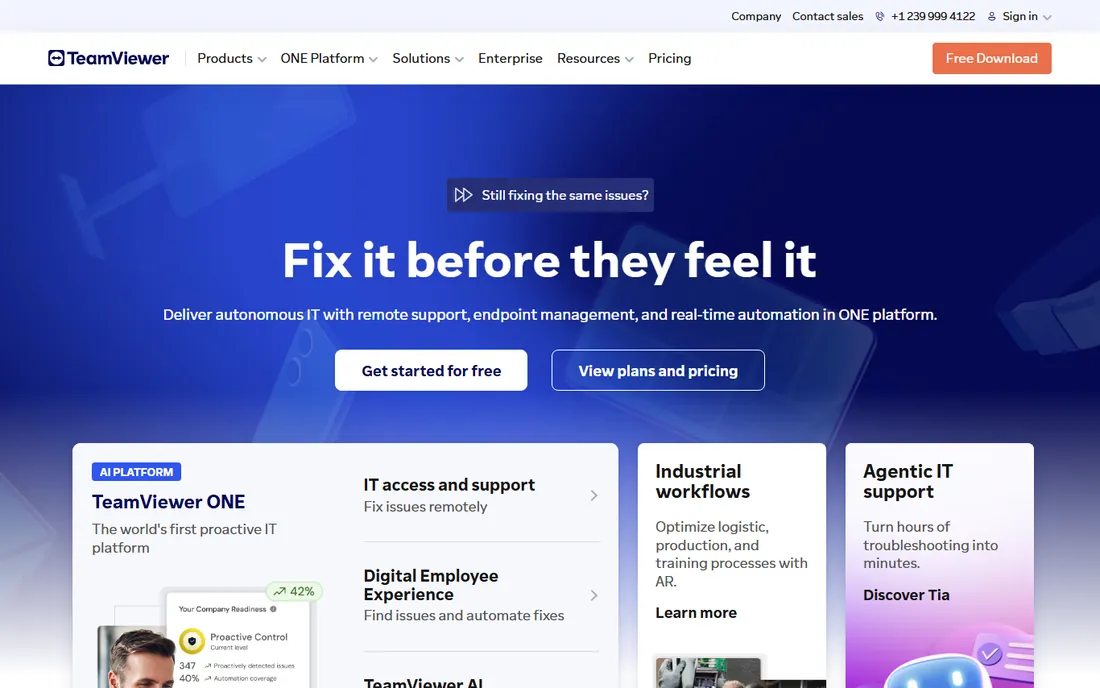
TeamViewer is still the name most end users already recognize, which is a genuine operational advantage. When someone calls in with a problem, you can usually get them connected in under a minute because they have heard of it and trust the download prompt.
The catch is the licensing model. You pay per licensed technician and per concurrent session channel, and the two stack. The Remote Access plan starts around $24.90 a month billed annually, but the Business plan that most solo support techs actually need runs about $50.90 a month. For a team of five technicians who all need to be connected at once, the bill moves into four figures quickly. Personal use is free, but TeamViewer actively detects commercial patterns and will cut sessions off, so do not plan a business workflow around the free tier.
What we like- Works on every major OS
- Large library of integrations
- Familiar to end users, so sessions start quickly
Watch out for- Per-license cost climbs quickly for teams
- Commercial use triggers license enforcement that can block sessions
Starting priceFrom $22.90/month (billed annually)
Free planYes (personal use)
AnyDesk built its reputation on speed. Its DeskRT codec keeps sessions usable on connections that would make heavier tools stutter, which matters when you support customers in areas with poor broadband. The client is small and can run without a full install, so ad-hoc support sessions start with almost no friction.
Pricing is straightforward: a Standard license starts around $22.90 a month billed annually for a commercial user, with Advanced and Ultimate tiers for larger teams and on-premises deployments. The honest trade-off is ecosystem depth. If you want deep integrations with ticketing platforms and PSA tools, TeamViewer and the RMM vendors have more of them. AnyDesk is a connection tool first, and it is priced like one.
What we like- Lightweight client with very low latency
- On-premises option for data-sensitive teams
- Address book and session management are simple
Watch out for- Fewer built-in integrations than TeamViewer
- The admin console feels dated next to newer RMM tools
Starting priceFrom $22/month per concurrent technician (billed annually)
Free planFree trial
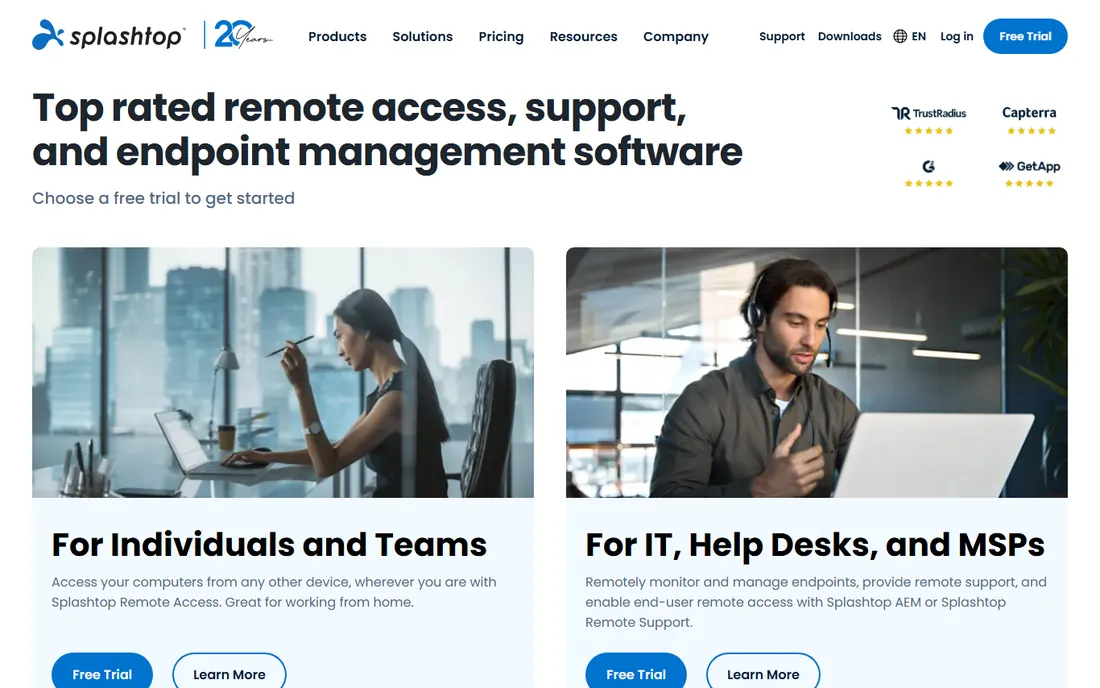
Splashtop's pricing model is its biggest selling point for support teams. Instead of paying per named technician, you pay per concurrent session seat. If you have eight technicians but only three are ever connected at once, you buy three seats. Splashtop Remote Support starts around $22 a month per concurrent technician when billed annually.
The SOS product deserves a mention on its own. It gives you a simple session code workflow for attended support, which is ideal for help desks that deal with a rotating cast of end users. The downside is that Splashtop's catalog of products is genuinely hard to navigate: Remote Access, Remote Support, SOS, Enterprise, on-prem options. Confirm exactly which product a quote covers before you sign.
What we like- Concurrent-seat billing means not every tech needs a license
- Strong performance on Mac and mobile
- SOS tool for quick attended sessions
Watch out for- Product lineup is confusing, with overlapping tiers
- Premium add-ons push the real cost above the headline price
Starting priceFrom $30/month per technician (billed annually)
Free planYes (free for one technician)
ScreenConnect, formerly ConnectWise Control, is the technician's remote tool. It offers a self-hosted option, which is increasingly rare and matters to MSPs and regulated clients who want data to stay inside their own infrastructure. It also offers a free license for a single technician, which makes it one of the cheapest ways for a solo MSP to get started properly.
Plans start around $30 a month per technician billed annually, with Standard and Premium tiers adding concurrent sessions, video auditing, and more access agents. The trade-off is setup time. ScreenConnect is powerful but not plug-and-play: expect to spend real hours on deployment, permissions, and branding before it feels finished. If you already run ConnectWise Automate or Manage, the integrations make that effort worthwhile.
What we like- Self-hosted deployment option
- Deep customization and scripting
- Strong fit with ConnectWise PSA and RMM
Watch out for- Interface shows its age
- Onboarding takes longer than cloud-only competitors
Starting priceFrom $8/technician/month (billed annually)
Free planYes
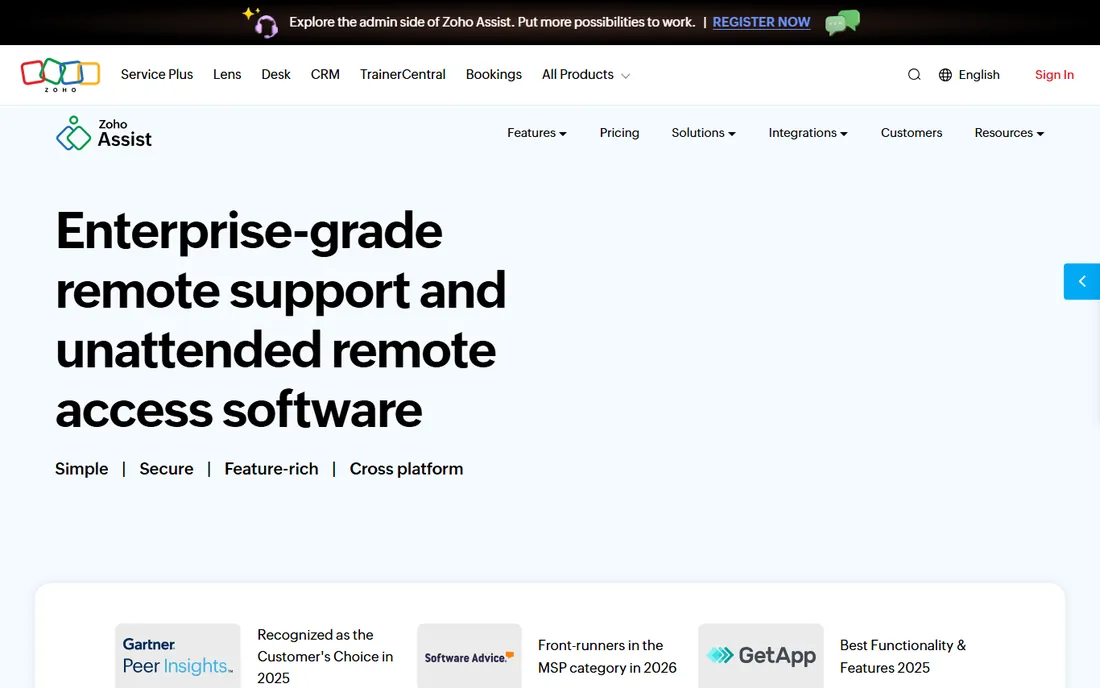
Zoho Assist is the value pick that does not feel like a compromise. The Standard plan starts at $8 per technician per month billed annually, which undercuts every other paid option here by a wide margin. You still get file transfer, multi-monitor navigation, session recording, and unattended access on higher tiers. Attended sessions run entirely in the browser, so the end user installs nothing.
The free plan is genuinely usable for very light workloads: one technician and a small number of unattended computers. Where Zoho Assist falls behind is at the enterprise edge. If you need SAML SSO, deep audit tooling, or a wide marketplace of integrations, you will find more of that in TeamViewer or BeyondTrust. For small and mid-size IT teams, especially ones already inside the Zoho ecosystem, it is hard to beat.
What we like- Cheapest paid starting price in this roundup
- Clean web-based console with no agent install for attended sessions
- Integrates with Zoho Desk and other Zoho apps
Watch out for- Advanced reporting and enterprise controls sit on higher tiers
- Smaller third-party integration ecosystem than TeamViewer
Starting priceFrom $29.50/year
Free planFree trial (7 days)
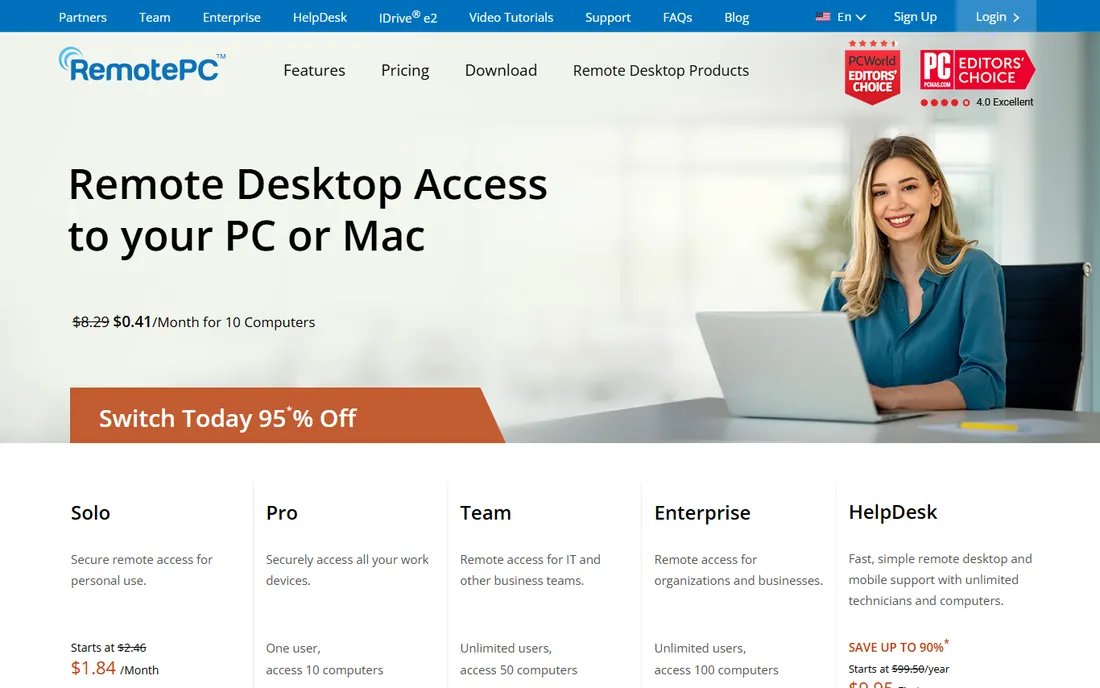
RemotePC prices by computer, not by technician, which flips the math for teams. The Consumer plan starts at $29.50 a year for one computer, and the Team plan covers 50 computers for $299.50 a year with unlimited user licenses. For a small business with a handful of machines to maintain, that can be less than a single month of TeamViewer.
It is worth being clear about what RemotePC is. It is a remote access tool with collaboration features, whiteboarding, chat, and session recording, not a full remote monitoring and management platform. There is no built-in patch management or script automation at the level NinjaOne offers. If your workflow is "connect, fix, disconnect," RemotePC is one of the cheapest ways to do it well.
What we like- Flat annual pricing per computer, not per user
- Unlimited user accounts on team plans
- 24/7 phone and chat support on every tier
Watch out for- Interface is functional rather than modern
- Advanced automation is thinner than RMM-class tools
#7
GoTo Resolve
Best for: SMBs wanting support plus ticketing
Visit goto.com
Starting price$40/month (Remote Support)
Free planYes (up to 3 agents)
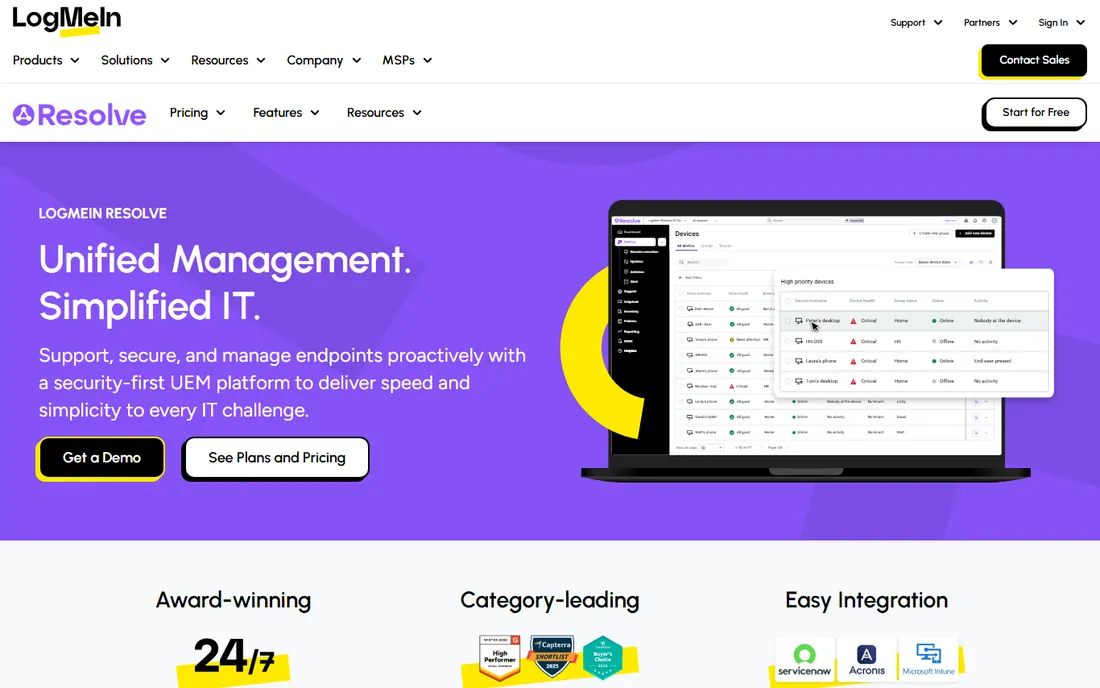
GoTo Resolve is the former GoToAssist, now positioned as an all-in-one IT management suite. What sets it apart is that remote support is not sold alone: the Remote Support plan at $40 a month includes a help desk, incident management, an end-user portal, and Microsoft Teams integration. For an SMB that would otherwise buy a remote tool and a ticketing tool separately, that bundling is the pitch.
The free tier is worth noting too. It supports up to three agents with unattended access, file transfer, and session recording, which is enough for a very small team to run real support on. The downside is bundle sprawl: Standard at $57 a month and a quote-based Premium tier add antivirus management, patching, and automation, and you may end up paying for endpoint management you did not ask for.
What we like- Built-in help desk and ticketing included
- Free tier covers up to 3 agents
- Zero-trust security model
Watch out for- Pricing tiers bundle features you may not need
- The product has been rebranded several times, which confuses documentation
Starting priceSee website (quote-based)
Free planFree trial
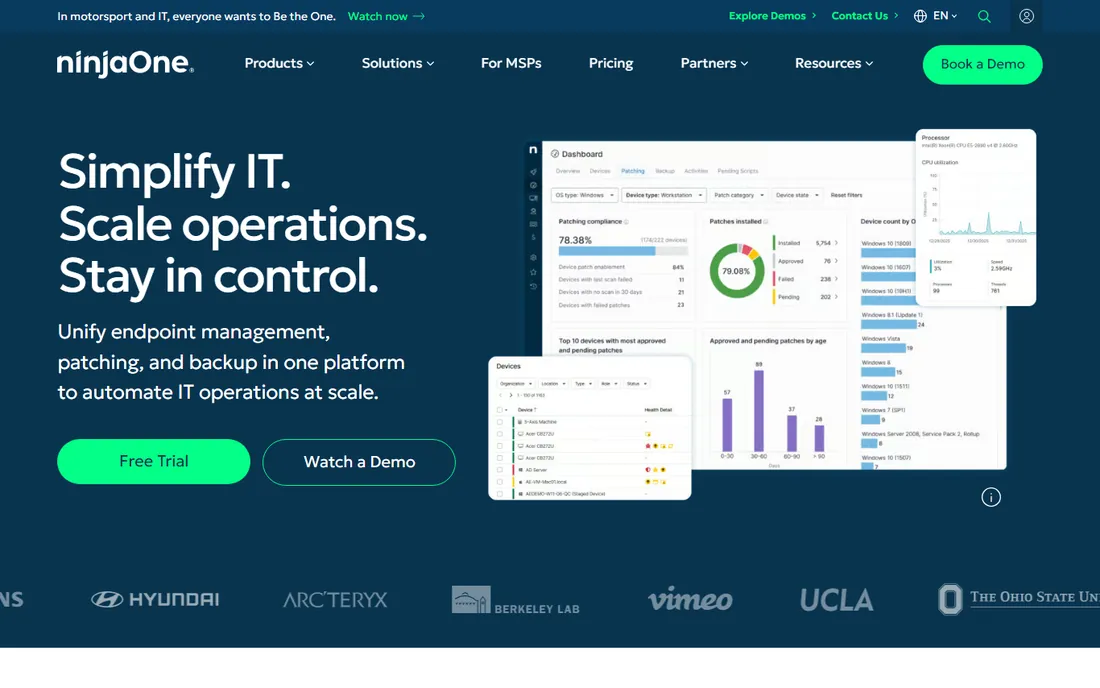
NinjaOne is a remote monitoring and management platform that includes remote access as part of the package, rather than a pure remote desktop tool. That distinction matters for how you evaluate it. You get automated patch management, endpoint monitoring, scripting, and backup alongside the remote sessions, which means one vendor instead of three.
Pricing is quote-based and typically per device, which makes it hard to compare against the per-technician tools on this list without a sales call. In practice it sits at the higher end of the market. NinjaOne makes sense when remote access is one part of a broader device management strategy. If you just need to take over a user's screen a few times a week, the simpler tools above will cost less and deploy faster.
What we like- Combines remote access with patching, monitoring, and backup
- Modern dashboard that technicians rate highly
- Fast onboarding for an RMM
Watch out for- Quote-based pricing makes budgeting opaque
- Overkill if you only need screen sharing
Starting priceSee website (quote-based)
Free planFree trial
BeyondTrust, formerly Bomgar, is the enterprise answer to remote support. Its standout capability is privileged access: technicians can connect to systems without ever seeing the credentials, which is a requirement in banking, healthcare, and government environments. Session auditing, granular permissions, and approval workflows are built in rather than bolted on.
This is not a tool you buy with a credit card. Pricing is quote-based and sits firmly in enterprise territory, and deployment involves real planning. But if your security team has veto power over your tooling, BeyondTrust is the product most likely to survive their review. For everyone else, it is more control and more cost than the job requires.
What we like- Privileged access workflows built for regulated industries
- Strong session auditing and credential injection
- On-prem and cloud deployment
Watch out for- Enterprise pricing and sales process
- Heavier to deploy than cloud-only tools
How we chose
We built this list from vendor pricing pages, public documentation, and user reviews on G2, Capterra, and Reddit. We checked that every product is actively sold in 2026, fits remote tech support rather than general video conferencing, and publishes enough pricing detail to compare honestly. We did not run hands-on tests; our picks reflect documented features, pricing transparency, and fit for teams of different sizes.
What to check before you buy
Start with the licensing math, because it is where most buyers get surprised. TeamViewer and AnyDesk charge per named technician. Splashtop and ScreenConnect charge per concurrent session or technician seat. RemotePC charges per computer. Model your actual usage: count how many technicians connect at the same time on a busy day, not how many work at your company.
Next, check unattended access. Attended sessions are easy; almost every tool does them. Unattended access to servers and always-on workstations is where plans diverge, and it is usually the feature that forces an upgrade. Confirm which tier includes it before you commit.
Finally, look at the end-user experience. For ad-hoc support, the best tool is the one the customer can join fastest. Browser-based sessions with no install, like Zoho Assist and Splashtop SOS offer, cut minutes off every ticket. Multiply those minutes by your ticket volume and you have a real number to weigh against the license cost.
The concurrent-license trap most teams hit
The most common pricing complaint in this category is the same everywhere: a team buys licenses for every technician, then discovers only half of them are ever connected at once. Per-named-user tools like TeamViewer and AnyDesk charge for all of them anyway. Concurrent-seat tools like Splashtop only charge for the sessions running at the same time.
The flip side is also a trap. Concurrent seats are cheaper until a fourth technician tries to start a session on a three-seat plan during an outage. If your support load spikes, named-user licenses are the safer model. Ask each vendor what happens when you exceed the limit: some queue you, some block you, and some quietly upgrade your bill.
Contract terms deserve the same scrutiny. Annual billing saves 15 to 20 percent almost everywhere, but auto-renewal clauses are standard. Set a calendar reminder 60 days before renewal. That is when you have the most room to renegotiate or switch.
Frequently asked questions
What is the cheapest remote support software for a small team?
RemotePC and Zoho Assist are the cheapest paid options with published pricing. RemotePC starts at $29.50 a year per computer, and Zoho Assist starts at $8 per technician per month billed annually. ConnectWise ScreenConnect also offers a free single-technician license.
Is TeamViewer really free for personal use?
Yes. TeamViewer is free for non-commercial personal use, and AnyDesk has a similar free tier. Both actively detect commercial patterns, such as frequent connections to business devices, and will block sessions they classify as commercial. Do not build a business workflow on the free tier.
What is the difference between remote access and remote support software?
Remote access tools let you connect to your own machines, often unattended. Remote support tools add the attended-session workflow: a customer joins with a code or link, you take over their screen, and you both leave when the session ends. Most products on this list do both, but pricing tiers often split them.
Do I need an RMM like NinjaOne, or is a remote desktop tool enough?
If your work is break-fix support, connecting and fixing, a remote desktop tool is enough and costs less. If you manage fleets of devices proactively, with patching, monitoring, and scripting, an RMM like NinjaOne replaces several tools and justifies the higher quote-based price.
Can these tools work through firewalls and NAT?
Yes. All the cloud-based tools on this list use outbound connections to broker sessions, so they work without firewall changes in most cases. Self-hosted options like ScreenConnect and BeyondTrust need proper network configuration, which is part of why their setup takes longer.
Which tool is best for supporting customers on Mac and mobile devices?
TeamViewer, Splashtop, and GoTo Resolve all support Windows, Mac, iOS, and Android with remote control on mobile. If mobile support is a core requirement, check that the specific plan you buy includes it, since some vendors sell mobile access as an add-on.
Sources we checked (8)
- https://www.zoho.com/assist/articles/top-remote-support-software-for-it-teams.html
- https://www.g2.com/products/splashtop-inc-splashtop-remote-support/reviews
- https://www.g2.com/products/remotepc/pricing
- https://www.g2.com/products/zoho-assist/pricing
- https://www.trustradius.com/compare-products/beyondtrust-remote-support-vs-splashtop-enterprise
- https://comparisons.financesonline.com/goto-resolve-vs-3clogic
- https://www.itqlick.com/connectwise-control/pricing
- https://solutions.trustradius.com/buyer-blog/remote-desktop-software-pricing-guide/
Is your product missing or out of date?
We review this list regularly. Vendors can request a listing, send updated pricing or ask about featured placement.

Shihab Mia · Founder, Rankite
Shihab has spent more than a decade helping SaaS and e-commerce brands grow through search. He writes Rankite's software buying guides from pricing pages, documentation and public user reviews. More about Shihab.