How we make this list: we compare pricing pages, product documentation and public user reviews. Ratings come from G2, Capterra or Trustpilot, with the date we checked them.
Key takeaways
- Most RPM platforms now bundle devices, cellular connectivity, alerts, and billing support, so the choice is about service model as much as software.
- Small practices tend to do better with a managed service that handles enrollment, device shipping, and monthly calls, while larger systems need deeper EHR integration.
- Cellular devices matter for patients without home Wi-Fi or a smartphone, and they remove one common reason for missed readings.
- Pricing is usually quoted per patient per month and varies with volume, devices, and staffing, so ask for a written quote before comparing totals.
- A platform is only useful if patients keep taking readings, so onboarding, reminders, and simple devices deserve as much attention as dashboards.
Quick comparison
Is your product missing or out of date?
We review this list regularly. Vendors can request a listing, send updated pricing or ask about featured placement.
The best remote patient monitoring software
Starting priceSee website
Free planNo
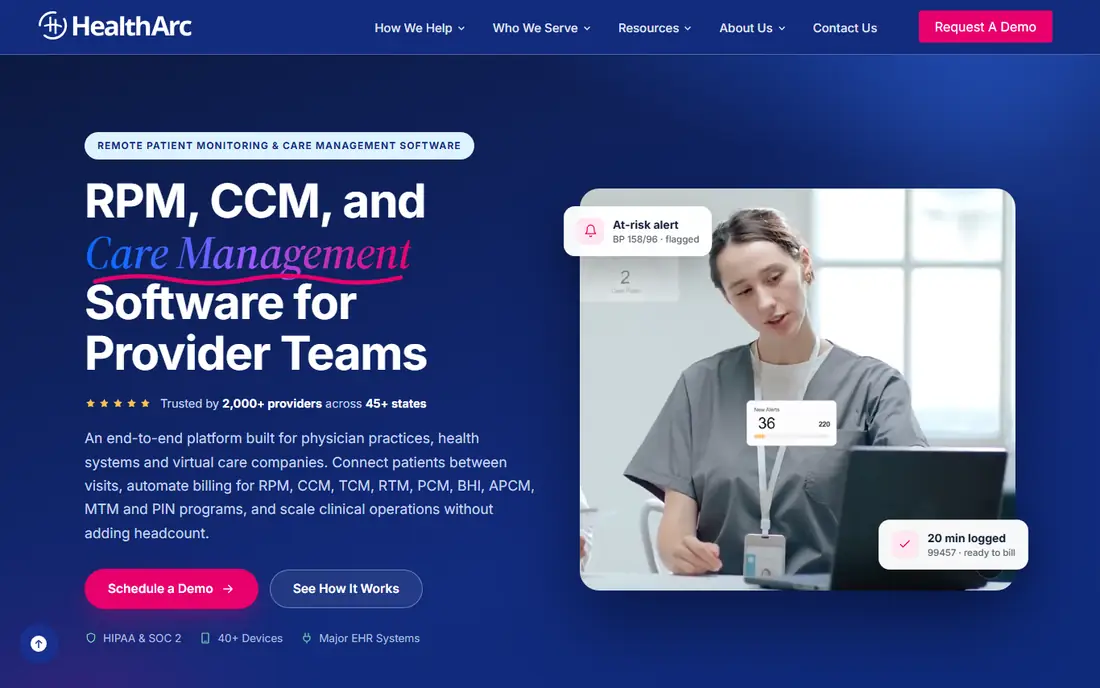
HealthArc suits a clinic that wants to start RPM without hiring a separate care team. The platform covers blood pressure, weight, glucose, oxygen, and temperature readings, and it pairs those readings with chronic care management workflows. That combination matters because many patients qualify for both types of between-visit care, and handling them in separate systems creates duplicate work.
Device logistics are part of the appeal. HealthArc ships cellular devices, trains patients, and follows up on adherence, which removes tasks that often stall a new program. Clinicians see readings in one dashboard, set thresholds per patient, and get alerts when a trend needs attention. The trade-off is scope. A practice that only wants a simple dashboard may find the full program wider than needed, and the final price depends on patient volume and service level.
What we like- RPM plus chronic care management in one platform
- Cellular devices shipped to patients
- Billing documentation support
Watch out for- Pricing is quote-based, so comparison takes a sales conversation
- Smaller teams may not need every care program offered
Starting priceSee website
Free planNo
Optimize Health is built for practices that know RPM could help but lack staff hours to run it. The company handles patient outreach, monitoring, and billing support, so clinic staff can focus on visits and clinical decisions. Automation carries much of the routine work, from enrollment steps to reminders and monthly documentation checks.
That managed model is also the main limit. A team that wants direct control over every call and workflow may prefer a software-only platform. Optimize Health fits better when the goal is a working program with limited new hiring. Buyers should confirm which tasks the vendor team owns, how escalations reach the clinic, and how data flows back into the clinic record.
What we like- Full managed service model
- Automation for enrollment and outreach
- Billing support included
Watch out for- Less control for teams that want to run monitoring in-house
- Pricing depends on program size
Starting priceSee website
Free planNo
HealthSnap puts patient experience near the center of its design. The app, reminders, and messaging tools are meant to keep patients taking readings week after week, which is where many RPM programs succeed or fail. Clinicians get a dashboard for trends and alerts, and care teams can coordinate follow-up in the same place.
For a practice with many chronic conditions to manage, the combined RPM and chronic care approach reduces switching between tools. The catch is that engagement features only help if someone acts on missed readings and messages promptly. HealthSnap works best for teams willing to assign that follow-up clearly, rather than assuming the app alone will hold adherence steady.
What we like- Patient-friendly app and engagement tools
- RPM plus chronic care management
- Care coordination features
Watch out for- Quote-based pricing
- Engagement tools need staff follow-through to pay off
Starting priceSee website
Free planNo
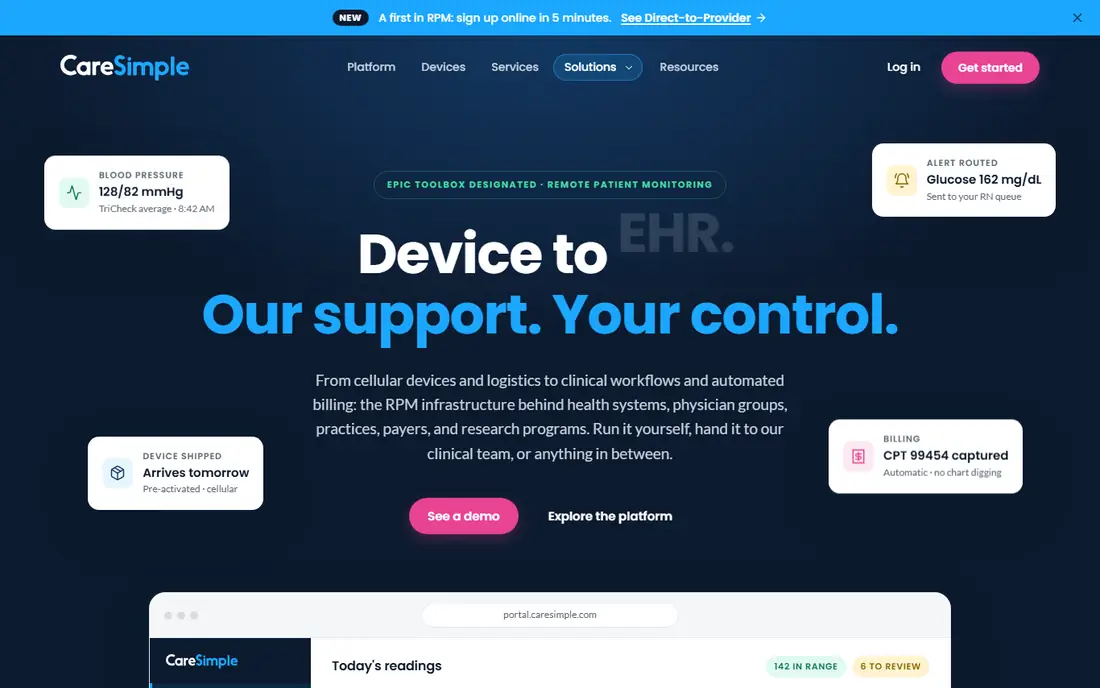
CareSimple is a practical pick when patients are older, less comfortable with technology, or unlikely to pair Bluetooth devices on their own. Devices arrive ready to use, and cellular connectivity avoids home Wi-Fi setup. That simplicity can raise the share of patients who actually submit readings in the first month, which is often the hardest part of a launch.
The platform connects ordering and data to common EHR workflows, so clinicians do not need a separate inbox for every reading. Large systems with complex custom rules may want a more configurable platform, but for clinics serving seniors or rural patients, CareSimple removes friction in the right places. Ask how device replacement, lost devices, and patient support calls are handled before signing.
What we like- Simple device setup and direct shipping
- EHR-connected ordering
- Focus on low-tech patient groups
Watch out for- Less suited to highly custom enterprise workflows
- Advanced configuration options are narrower
Starting priceSee website
Free planNo
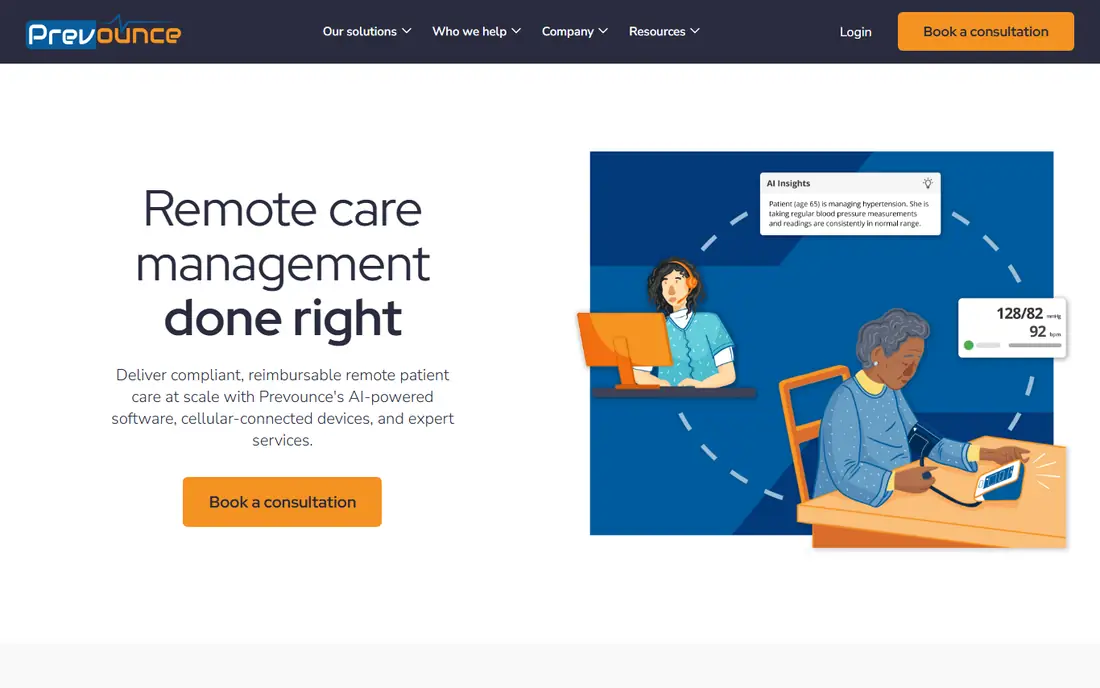
Prevounce appeals to practices that want RPM to be financially workable from the start. The platform checks eligibility, supports billing code generation, and handles device shipment, so the administrative side of RPM does not fall entirely on front-desk staff. Managed service options add call handling and follow-up for teams short on time.
Buyers should still test the clinical side carefully. Alerts, thresholds, trend views, and escalation rules matter as much as billing, and a demo should show how a concerning reading reaches a clinician the same day. Prevounce is strongest when a practice wants both sides handled, billing discipline and a clear clinical workflow, without building either from scratch.
What we like- Billing code support and eligibility checks
- Cellular devices and shipment handling
- Managed service options
Watch out for- Revenue focus may overshadow clinical workflow questions
- Pricing varies by program
Starting priceSee website
Free planNo

CoachCare combines remote monitoring with coaching, messaging, and virtual care tools. That mix fits programs where behavior change matters as much as a number on a dashboard, such as weight management, hypertension follow-up, or post-visit recovery plans. Coaches and clinicians can message patients, share plans, and track progress in one place.
A clinic that only needs device readings and alerts may not use the coaching layer, and paying for unused features is wasteful. CoachCare makes more sense when a practice already uses coaching or wants to add it. Check device compatibility, EHR integration depth, and whether coaching staff come from the vendor or from the clinic team.
What we like- Coaching and messaging alongside monitoring
- Broad device support
- Telehealth-friendly workflows
Watch out for- Coaching features may be extra for practices that only need monitoring
- Pricing is quote-based
Starting priceSee website
Free planNo
Accuhealth positions itself as a turnkey option, meaning the vendor carries much of the operational load. That includes devices, monitoring support, and workflow help tied to the clinic EHR. For a small practice, that can be the difference between a program that launches and one that stays on a wish list.
Turnkey does not mean hands-off for clinicians. Escalation rules, alert thresholds, and responsibility for urgent readings must be written down before go-live. Accuhealth fits teams that want operational help and are willing to define those clinical handoffs clearly. Ask for a sample escalation policy and a sample monthly report during evaluation.
What we like- Managed-service orientation
- EHR workflow emphasis
- Device and staffing support
Watch out for- Buyers must confirm device options and escalation rules
- Service model varies by plan
Starting priceSee website
Free planNo
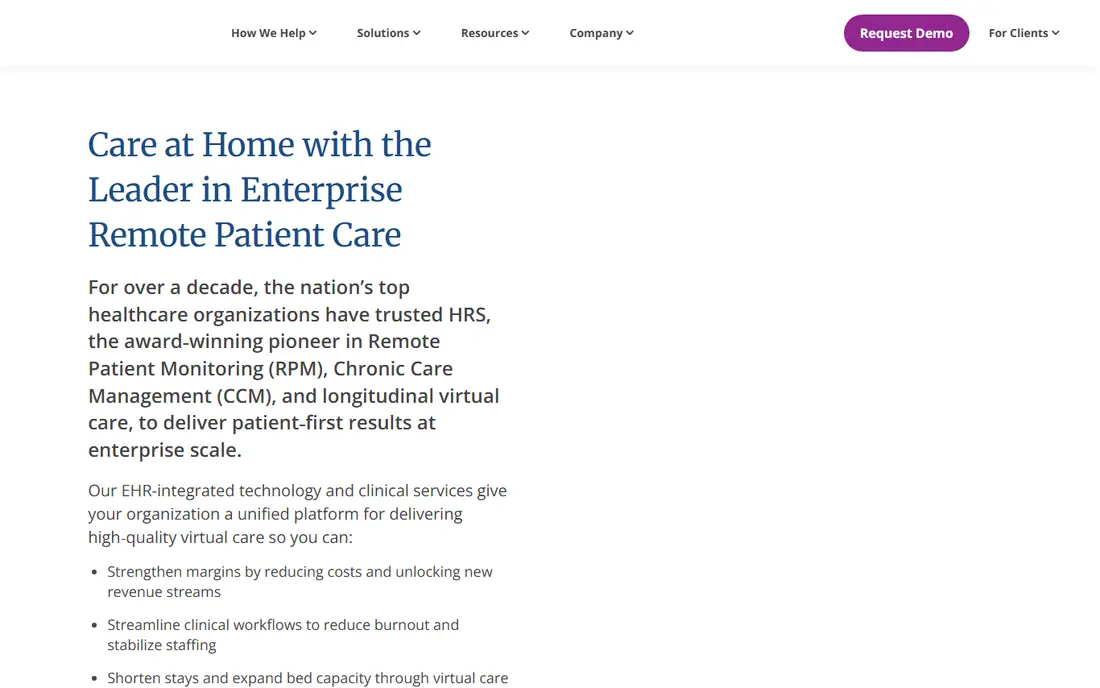
Health Recovery Solutions, often called HRS, serves enterprise health systems and large virtual care programs. The platform covers RPM alongside wider virtual care workflows, which helps a system standardize monitoring across hospitals, clinics, and home care teams. Its scale suits organizations with dedicated implementation staff and governance processes.
Smaller practices may find the platform broad and the onboarding longer than a focused RPM vendor would offer. HRS makes sense when the buyer needs consistency across many sites, strong reporting, and integration with enterprise systems. Smaller teams should weigh that depth against the time needed to configure and train staff.
What we like- Mature virtual care platform
- Large provider footprint
- Broad program support
Watch out for- May be more platform than a small practice needs
- Implementation can be heavier
Starting priceSee website
Free planNo
Datos Health focuses on configurable remote care pathways rather than a single fixed RPM workflow. Care teams can build steps for different conditions, combine device readings with patient-reported answers, and automate reminders and follow-up tasks. That flexibility helps programs that cover several conditions or change protocols often.
Flexibility has a cost in setup time. A team without someone to design and maintain pathways may need vendor support at launch and when protocols change. Datos fits organizations that value adaptability and have clinical staff able to shape workflows. During a demo, ask to see a pathway built for a specific condition, not just a generic dashboard.
What we like- Configurable care pathways
- Remote monitoring plus patient-reported data
- Automation for follow-up
Watch out for- Flexibility requires setup time
- Smaller teams may need vendor help to configure pathways
How we chose
Note: this guide is general information only, not medical advice. Clinical decisions about monitoring should be made by a qualified clinician for each patient. We compared vendor pricing pages, product documentation, and public reviews on G2, Capterra, and Reddit, along with feature lists, device options, EHR integrations, and fit for different organization sizes. We favored platforms with current RPM programs, clear device logistics, alert and escalation workflows, and billing support, and we set aside tools that only collect forms or only sell hardware without a monitoring platform. Pricing for most RPM vendors is quoted per patient per month, so where a public price was not confirmed on the vendor site, we listed See website rather than repeating a third-party estimate.
What to check before you sign
A good RPM purchase starts with the patient journey, not the dashboard. Walk through enrollment, device delivery, first reading, missed reading, and an urgent alert, and note who owns each step. If any step depends on staff time your team does not have, a managed service may be worth the higher quote.
Devices and connectivity
Cellular devices suit patients without Wi-Fi or a smartphone. Bluetooth devices can cost less but need pairing and an app, which adds support calls. Confirm which vitals each device covers, how replacements work, and what happens when a device stops transmitting.
Alerts, EHR links, and billing
Ask how thresholds are set, who receives alerts after hours, and how readings land in the EHR. Check whether the vendor documents time and transmission days for billing, and whether reports match what your billing team needs. A platform that cannot produce clean monthly documentation will create work later, even if the dashboard looks polished.
Patient adherence
Simple setup, reminders, and human follow-up drive adherence more than extra charts. Ask vendors for adherence support details, average time to first reading, and how they handle patients who stop transmitting. A short pilot with a small patient group will reveal more than a slide deck.
Frequently asked questions
What is remote patient monitoring software?
Remote patient monitoring software collects readings from devices patients use at home, such as blood pressure cuffs, scales, and glucose meters, and shows trends and alerts to care teams. It helps clinicians spot changes between visits and follow up sooner. It does not replace in-person care, and urgent symptoms still need prompt clinical attention.
How much does RPM software cost?
Most vendors quote per patient per month, and the total depends on devices, connectivity, staffing, and patient volume. Managed services that include nurses or care coordinators usually cost more than software-only platforms. Ask for a written quote that separates software, devices, and services.
Do patients need Wi-Fi or a smartphone?
Not always. Many RPM devices use cellular connections and send readings without home Wi-Fi or a phone app. Bluetooth devices usually need a phone and an app, which can be a barrier for some patients. Choose the connection type that matches your patient population.
Does RPM software work with an EHR?
Many platforms integrate with major EHR systems, but depth varies from simple data sync to full ordering and documentation workflows. Confirm the exact integration for your EHR, including which data fields sync and how often. A demo using your EHR version is more useful than a general claim.
Is RPM software HIPAA compliant?
Reputable vendors design for HIPAA compliance, with encryption, access controls, and a business associate agreement. Compliance still depends on how your organization configures access and handles data. Ask for security documentation and confirm the agreement before sharing patient data.
Who is a good fit for RPM?
RPM often fits patients with chronic conditions that benefit from regular readings, such as hypertension, heart failure, diabetes, and COPD, when a clinician decides monitoring will help care. It is less useful when readings would not change treatment or when a patient cannot use the device safely. Clinical judgment should guide enrollment.
Sources we checked (9)
- https://www.healtharc.io
- https://www.optimizehealth.com
- https://www.healthsnap.com
- https://www.caresimple.com
- https://www.prevounce.com
- https://www.coachcare.com
- https://www.accuhealth.tech
- https://www.healthrecoverysolutions.com
- https://www.datos.com
Is your product missing or out of date?
We review this list regularly. Vendors can request a listing, send updated pricing or ask about featured placement.

Shihab Mia · Founder, Rankite
Shihab has 5+ years in B2B and SaaS SEO. He writes Rankite's software buying guides from pricing pages, documentation and public user reviews. More about Shihab.
 HealthArc
 Optimize Health
 HealthSnap
 CareSimple
 Prevounce
 CoachCare
 Accuhealth
 Health Recovery Solutions
 Datos Health