How we make this list: we compare pricing pages, product documentation and public user reviews. Ratings come from G2, Capterra or Trustpilot, with the date we checked them.
Key takeaways
- The pricing model matters more than the feature list: per-technician pricing (Atera, Syncro) favors MSPs with many endpoints, while per-endpoint pricing (SuperOps, NinjaOne) favors lean teams.
- Atera Pro ($129 per technician per month, annual billing) and Syncro Core ($129 per user per month, annual) are the two fully published per-tech prices; most others quote per deal.
- NinjaOne leads on usability reviews and patching depth, but publishes no prices. Datto RMM and ConnectWise RMM are also quote-only.
- If you need ticketing and billing in the same console, shortlist Syncro, SuperOps and Atera. NinjaOne, N-able N-central and Kaseya VSA expect a separate PSA.
Quick comparison
| Tool | Best for | Starting price | Free plan |
|---|
 NinjaOne NinjaOne | IT teams and MSPs that want a modern, easy-to-learn RMM | See website (per-endpoint, quoted per deal) | No (no free tier confirmed) |
 Atera Atera | MSPs and IT departments that want one price per technician | $129/tech/month (Pro, annual billing); Growth $159, Power $209 | Free trial (30 days, no credit card) |
 Syncro Syncro | Small and mid-size MSPs that want RMM and PSA on one bill | $129/user/month (Core, annual); Team $179; monthly $159 and $209 | Free trial (14 days, no credit card) |
 Datto RMM Datto RMM | MSPs already invested in Datto backup or the Kaseya stack | See website (custom quote per partner) | Free trial (terms vary by partner agreement) |
 ConnectWise RMM ConnectWise RMM | MSPs running ConnectWise PSA or the Asio platform | See website (custom quote, package-based) | Free trial (terms vary) |
 N-able N-central N-able N-central | Larger MSPs that need deep, policy-driven endpoint control | See website (custom quote) | Free trial (terms vary) |
 SuperOps SuperOps | Cloud-native MSPs that want transparent per-endpoint pricing | $1.50/endpoint/month (Prime, 100-endpoint minimum, billed monthly) | Free trial (terms vary) |
 Pulseway Pulseway | Admins and small MSPs who manage infrastructure from mobile | See website (custom quote) | No (no free tier confirmed) |
 Kaseya VSA Kaseya VSA | MSPs buying the Kaseya 365 bundle for endpoint management | See website (custom quote) | No (no free tier confirmed) |
Is your product missing or out of date?
We review this list regularly. Vendors can request a listing, send updated pricing or ask about featured placement.
Every RMM vendor quotes a different math problem. One charges per technician and lets you add endpoints free. Another charges per endpoint with volume tiers. A third bundles the PSA, the backup and the security stack into one number that only appears after three sales calls. Before you compare features, compare pricing models, because the model decides whether growth makes your bill cheaper or more expensive. These nine platforms cover the real 2026 RMM market, from per-tech all-in-ones to endpoint-depth specialists.
#1
NinjaOne
Best for: IT teams and MSPs that want a modern, easy-to-learn RMM
Visit ninjaone.com
Starting priceSee website (per-endpoint, quoted per deal)
Free planNo (no free tier confirmed)
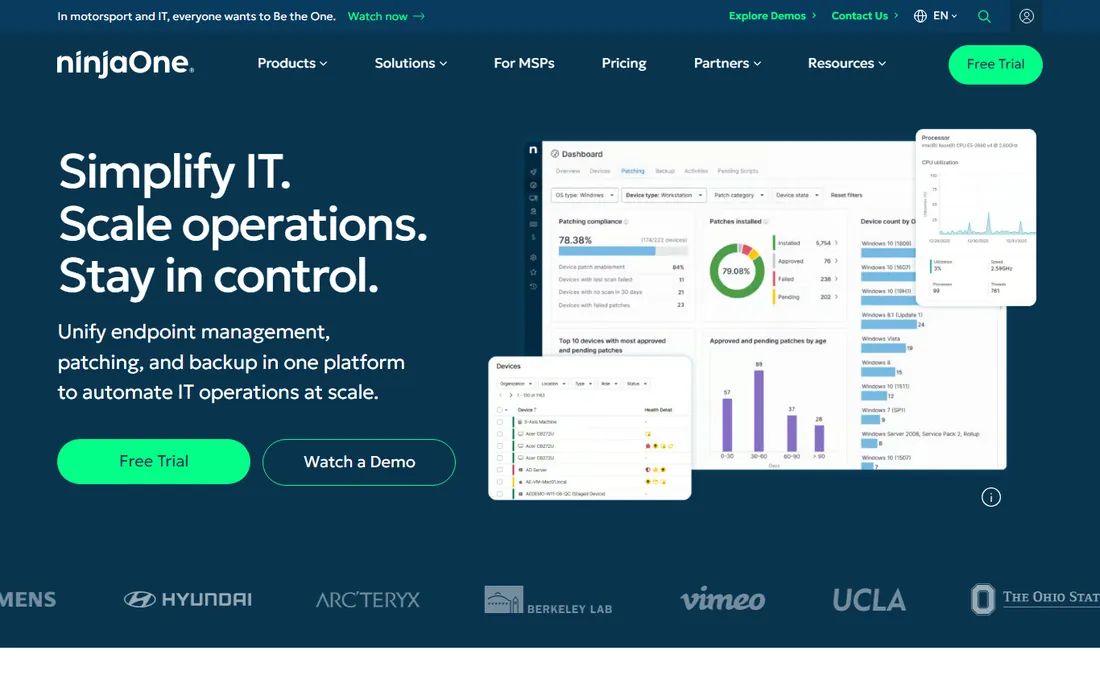
NinjaOne is the tool MSPs switch to when their old RMM feels like a second job. The console is fast and modern, policies inherit cleanly across client groups, and scripting covers PowerShell, batch, JavaScript and shell. Patch management is the standout: OS plus third-party application patching with approval workflows, aimed at teams that want patching to stop being a weekly project.
The honest catch is the sales process. NinjaOne publishes no prices, and quotes vary by endpoint count and term, so budget planning takes a call. There is no full PSA in the box: ticketing exists, but MSPs that live on contracts, SLAs and project billing usually pair NinjaOne with a dedicated PSA. If ease of use is your top criterion and you can handle the quote process, this is the benchmark.
What we like- Consistently top-rated for usability on G2
- Automated patching for the OS plus 140-plus common business apps
- Backup, MDM and remote control available in the same console
Watch out for- No published pricing, so every deal starts with a sales conversation
- The PSA side is lighter than dedicated PSA products, so many buyers keep a separate ticketing tool
#2
Atera
Best for: MSPs and IT departments that want one price per technician
Visit atera.com
Starting price$129/tech/month (Pro, annual billing); Growth $159, Power $209
Free planFree trial (30 days, no credit card)
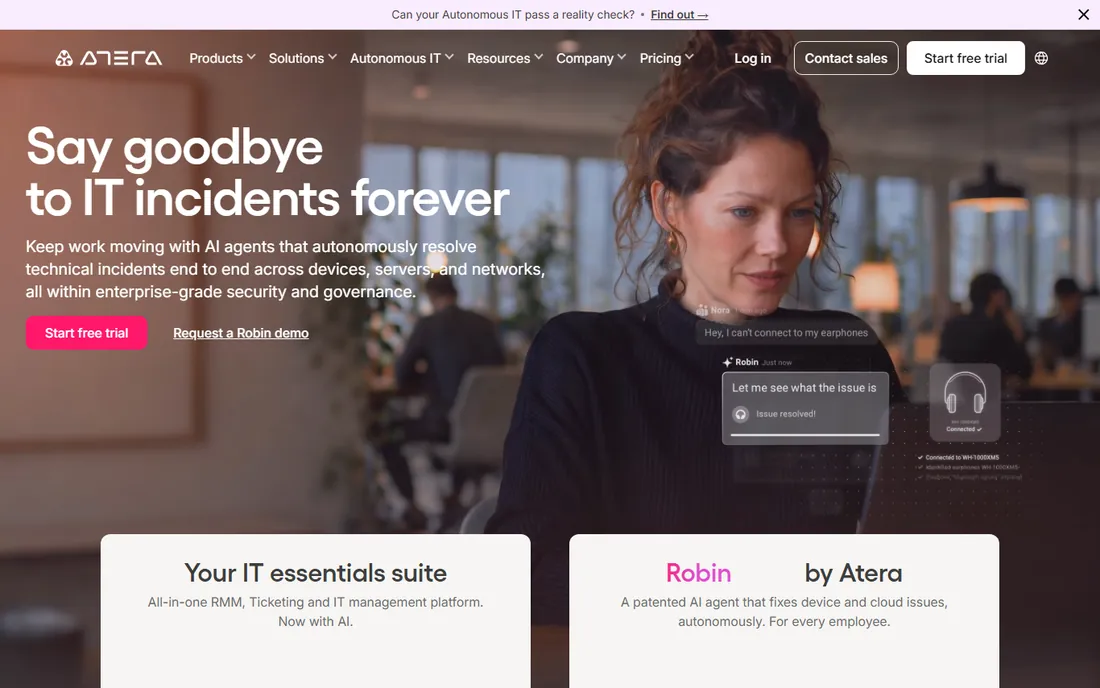
Atera flips the pricing question on its head: one price per technician, unlimited devices. For an MSP with 3 technicians managing 800 endpoints, Growth costs $477 per month no matter how the endpoint count grows. That predictability is the whole pitch, and it is why lean MSPs love it. Remote access runs through Splashtop and AnyDesk with no separate license, patching is automated, and the built-in PSA covers tickets, time tracking, contracts and billing.
The tradeoffs sit at the edges. Power users say reporting cannot match dedicated BI tools, and shops doing complex multi-rate project billing may outgrow the PSA. Add-ons like network discovery carry their own price. Atera suits teams of roughly two to twenty technicians that want one console and a bill that tracks headcount, not endpoints.
What we like- Per-technician pricing with unlimited devices on every plan, so adding endpoints never changes the bill
- RMM, PSA, ticketing and billing genuinely share one console
- AI Copilot for scripting and ticket summaries included on all plans
Watch out for- Reporting customization is thinner than specialist tools
- Network discovery and some integrations are paid add-ons outside the base plans
#3
Syncro
Best for: Small and mid-size MSPs that want RMM and PSA on one bill
Visit syncromsp.com
Starting price$129/user/month (Core, annual); Team $179; monthly $159 and $209
Free planFree trial (14 days, no credit card)
Small MSPs pick Syncro for the same reason they pick a pickup truck: one vehicle for every job. Core at $129 per user per month (annual) bundles endpoint management, patching, ticketing, invoicing, recurring billing and remote access through Splashtop. Unlimited endpoints mean the per-endpoint cost falls as you grow, which protects margins for shops adding clients faster than technicians.
The Team plan at $179 adds Microsoft 365 multi-tenant management, CIS-aligned security baselines and AI ticket triage, which suits MSPs selling security services. The honest limits: after-hours support is not 24/7, and teams that need deep project management will still want a dedicated PSA. For MSPs under about 25 technicians that want one platform and one invoice, Syncro is the simplest buy on this list.
What we like- Every plan includes full RMM plus PSA with billing automation, so there is no module shopping
- Unlimited endpoints per technician
- Transparent published pricing with no contracts or minimums
Watch out for- Support is 24/5 rather than 24/7
- Microsoft 365 security features require the Team plan
- AI features move to usage-based credits after the included period
#4
Datto RMM
Best for: MSPs already invested in Datto backup or the Kaseya stack
Visit datto.com
Starting priceSee website (custom quote per partner)
Free planFree trial (terms vary by partner agreement)
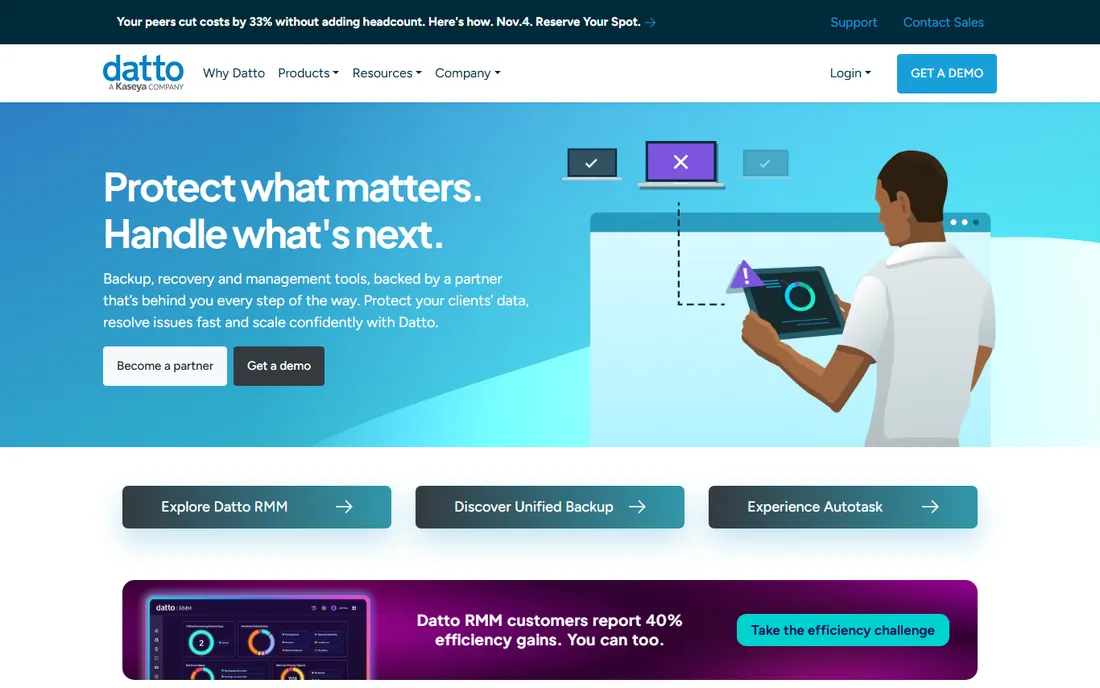
Datto RMM comes from the backup world, and it shows in the security posture. Ransomware detection, patch management and remote takeover ship as core features rather than add-ons, and the native Microsoft 365 management is genuinely useful: user, license and device actions from the same pane of glass as endpoints. For MSPs already selling Datto backup or running Autotask PSA, the integration story is the reason to choose it.
Outside that ecosystem the case weakens. Pricing is entirely quote-based through Kaseya's partner model, so comparison shopping is slow. Shops that prefer best-of-breed vendors will find the platform pulls them toward more Kaseya products. If you are standardizing on one vendor for backup, RMM and PSA, Datto RMM is the coherent choice. If you are not, get the quote early and compare it against the per-tech options above.
What we like- Built-in ransomware detection and automated patching with a security-first posture
- Native Microsoft 365 user and device management from the same console
- Tight integration with Autotask PSA and Datto backup products
Watch out for- Quote-only pricing with no public numbers
- Works best inside the Kaseya ecosystem, which limits mixing vendors
- Onboarding partner agreements add sales overhead
Starting priceSee website (custom quote, package-based)
Free planFree trial (terms vary)
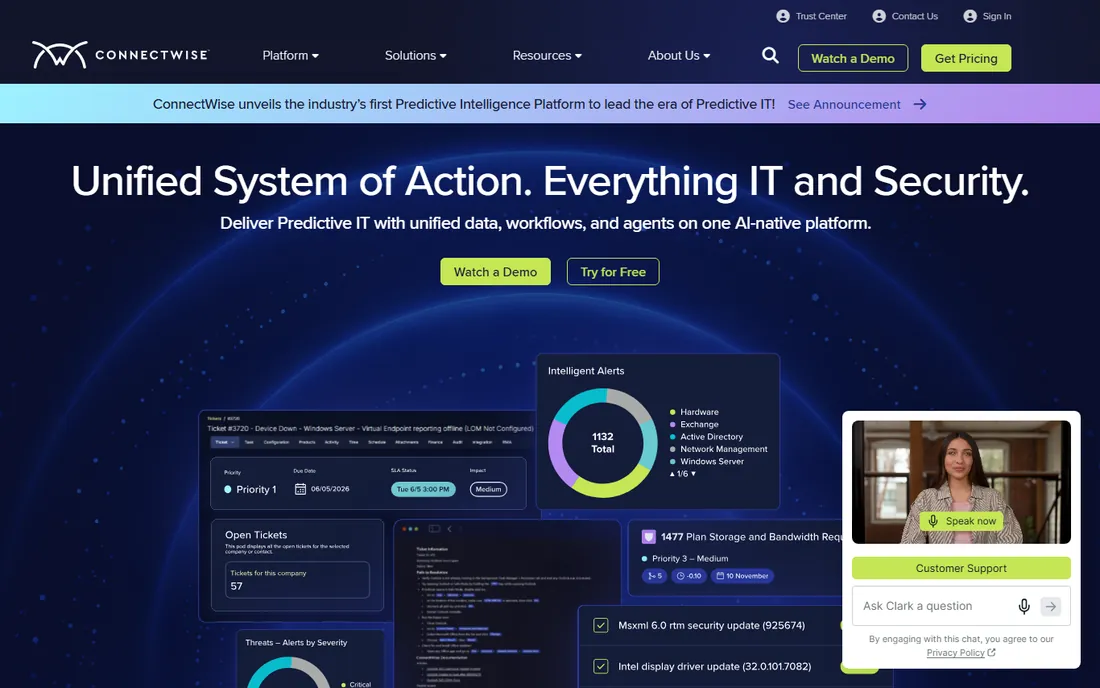
If your PSA is ConnectWise Manage, the path of least resistance runs through ConnectWise RMM. Alerts flow into tickets, tickets into billing, all inside one vendor relationship, and the Asio platform ties it together with automation that smaller tools cannot match. The scripting engine and patch automation suit MSPs with dedicated automation staff who can exploit the depth.
That depth is also the warning. Small shops routinely report that ConnectWise takes longer to implement and longer to learn than Atera or Syncro, and pricing opacity means the deal depends on negotiation. This is the pick for established MSPs with ten or more technicians that already live in the ConnectWise world. Everyone else should trial a simpler platform first.
What we like- Deep integration with ConnectWise PSA, BrightGauge and the Asio platform
- Strong automation and scripting with intelligent monitoring
- A huge third-party integration ecosystem built over decades
Watch out for- No published pricing at all
- The platform breadth creates real learning curve for small teams
- Contract terms and minimums vary by deal
#6
N-able N-central
Best for: Larger MSPs that need deep, policy-driven endpoint control
Visit n-able.com
Starting priceSee website (custom quote)
Free planFree trial (terms vary)
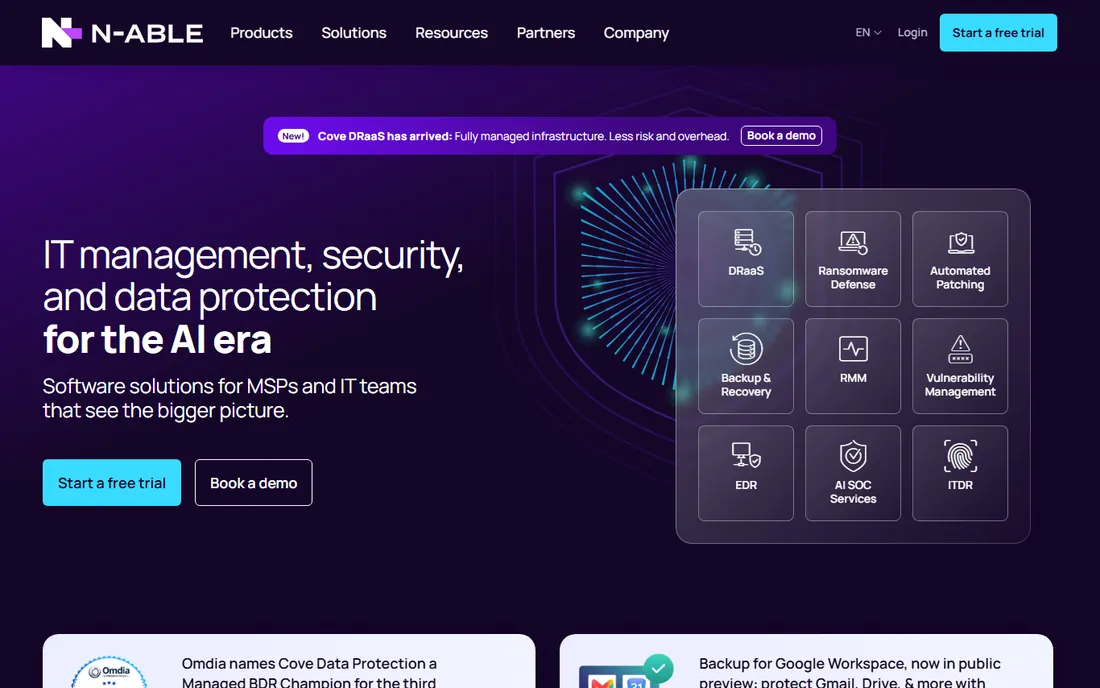
N-able is the veteran of this list, and its two-product split is the first thing to understand. N-central is the flagship for larger MSPs with hundreds or thousands of endpoints, with policy inheritance, automation and monitoring depth that few rivals match. N-sight is the lighter, simpler RMM aimed at smaller MSPs. Pick the wrong one and you will either overpay or outgrow it.
Pricing is quote-based, and the add-on catalog (backup, mail security, EDR, password management) is where the bill grows. Reviewers consistently praise the automation power and criticize the learning curve. N-able fits MSPs with established processes and staff to run them. Small teams that want to be productive in week one should look at Atera or Syncro instead.
What we like- N-central is one of the deepest RMMs for automation, patching and remote control at scale
- N-sight offers a lighter option for smaller MSPs
- Mature partner programs with training and certification
Watch out for- No published pricing
- The two-product split (N-central vs N-sight) confuses first-time buyers
- The interface feels dated next to NinjaOne or SuperOps
#7
SuperOps
Best for: Cloud-native MSPs that want transparent per-endpoint pricing
Visit superops.com
Starting price$1.50/endpoint/month (Prime, 100-endpoint minimum, billed monthly)
Free planFree trial (terms vary)
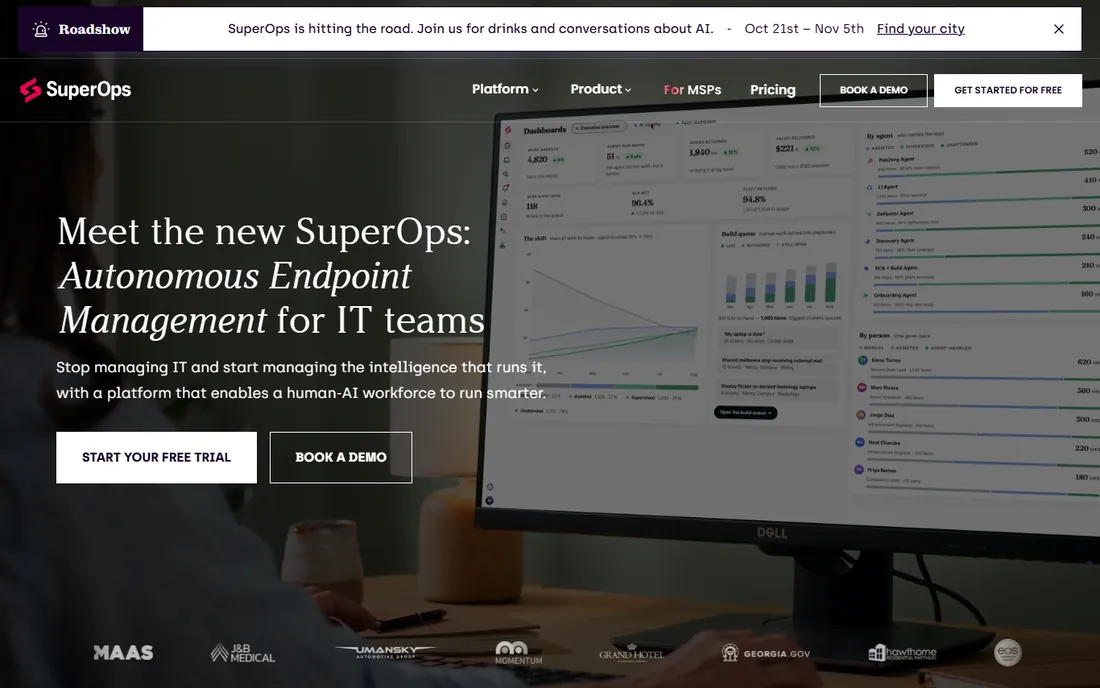
SuperOps is the youngest platform here, built for MSPs that never want an on-prem server. Prime starts at $1.50 per endpoint per month with a 100-endpoint minimum, dropping to $1.20 past 1,000 endpoints; Prime Plus adds Apple and Android MDM from $2.50. Annual billing saves 15 percent. That transparency is the differentiator: you can model the bill in a spreadsheet before ever talking to sales.
The math cuts both ways. At 500 endpoints Prime costs $700 per month, while Atera Growth for 3 technicians costs $477 with unlimited endpoints. Per-endpoint pricing favors shops with few endpoints per technician; per-tech favors the reverse. SuperOps suits modern MSPs that value a clean UI, unified PSA and predictable per-device economics over raw automation depth.
What we like- Published per-endpoint pricing with volume tiers, rare in this category
- Unified PSA and RMM with AI-assisted ticketing
- Modern interface with no on-prem infrastructure
Watch out for- 100-endpoint minimum locks out very small shops
- A newer platform with a smaller integration catalog than ConnectWise or Kaseya
- Per-endpoint costs compound fast past a few thousand devices
#8
Pulseway
Best for: Admins and small MSPs who manage infrastructure from mobile
Visit pulseway.com
Starting priceSee website (custom quote)
Free planNo (no free tier confirmed)
Pulseway started as a phone app for sysadmins, and the mobile-first DNA is still its calling card. Few tools let you acknowledge alerts, run scripts, push patches and remote into servers from a phone as smoothly. The automation engine supports multi-level workflows, and patch policies are more customizable than most rivals at this price tier.
The commercial reality is less smooth. Pricing is quote-only, and the modules that make it a full platform (ticketing, antivirus, backup, NOC services) are add-ons. It suits IT departments and small MSPs where the admin lives on mobile and the endpoint count is modest. Larger MSPs needing PSA depth or published pricing should shortlist elsewhere.
What we like- The best mobile RMM experience in the category, with full monitoring and remediation from iOS and Android
- Multi-level automation workflows and customizable patch policies
- Ransomware detection and network monitoring included
Watch out for- No published pricing
- PSA, antivirus and backup are separate add-ons that push the real cost up
- A smaller vendor with less partner ecosystem than the big four
#9
Kaseya VSA
Best for: MSPs buying the Kaseya 365 bundle for endpoint management
Visit kaseya.com
Starting priceSee website (custom quote)
Free planNo (no free tier confirmed)
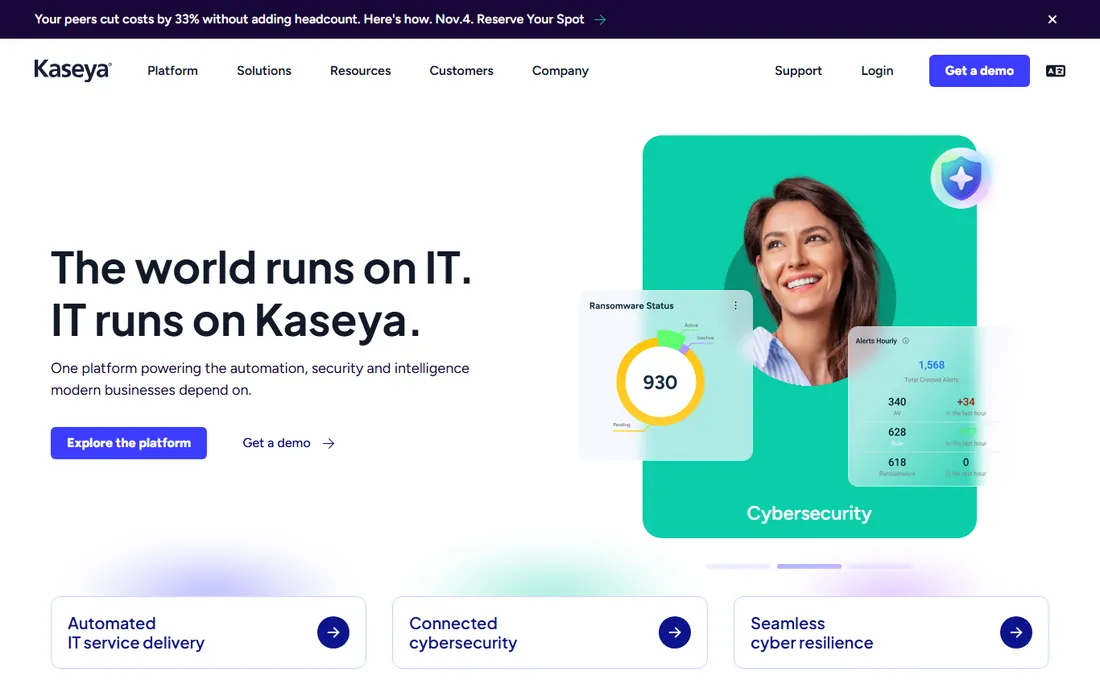
Kaseya VSA makes the most sense as part of the wider Kaseya 365 bundle. Bought that way, one contract covers endpoint management, backup, EDR, PSA and documentation, with automation tying them together. For MSPs that want a single vendor and a single throat to choke, the bundle economics can beat assembling best-of-breed tools.
Bought alone, VSA is harder to recommend: the quote process, the contract terms and the ecosystem gravity all push toward the bundle. Reviewers praise the automation depth and warn about long commitments and price increases at renewal. If you are already a Kaseya shop, VSA is the natural RMM. If you are not, compare the total bundle cost against NinjaOne plus a separate PSA before signing.
What we like- Deep automation and scripting with policy-driven endpoint management
- Strongest when bundled with Kaseya 365 backup, security and PSA modules
- Long track record with large MSPs
Watch out for- Quote-only pricing with contract terms that reviewers call aggressive
- Meaningful value requires buying into the wider Kaseya stack
- Migration away is painful by design
Per-technician or per-endpoint: run your own numbers
The pricing model decides your bill more than the per-unit price. Take a 3-technician MSP managing 600 endpoints. On Atera Growth ($159 per tech, annual) the bill is $477 per month, and it stays $477 at 900 endpoints. On Syncro Core ($129 per user, annual) it is $387. On SuperOps Prime ($1.40 per endpoint at that volume) it is $840, and it rises with every new device. The per-tech tools get cheaper per endpoint as you grow; the per-endpoint tools get more expensive in absolute terms.
Now flip it: one technician managing 150 endpoints. Atera Growth costs $159, Syncro Core $129, SuperOps Prime $210 (at $1.40). The per-endpoint model is competitive at small scale and the per-tech model wins at scale. NinjaOne, Datto, ConnectWise, N-able, Pulseway and Kaseya all quote, so model three scenarios (today, plus 50 percent endpoints, plus two technicians) and ask each vendor to price all three. The quote that looks cheapest today is rarely cheapest in year two.
Do you actually need a PSA too
RMM manages endpoints. PSA runs the business: tickets, contracts, time tracking, invoicing. Every MSP needs both, and the choice is whether they share a database. Syncro, SuperOps and Atera ship both in one product, which means an alert becomes a ticket becomes an invoice line without integrations breaking. The tradeoff is depth: their PSAs are good, not best-in-class.
NinjaOne, Datto RMM, N-able N-central and Kaseya VSA are RMM-first, so the PSA is a separate purchase: Autotask, ConnectWise Manage, HaloPSA or the vendor's own PSA module. That costs more and needs integration work, but each side is deeper. Rule of thumb: under about 15 technicians, the unified platforms win on simplicity and cost. Above that, or if you sell projects and managed security with complex contracts, the separate-PSA route earns its keep.
How we chose
We started with the searches MSPs actually run: remote monitoring software, RMM software, RMM for MSPs. For each candidate we opened the vendor's own site and pricing page, checked prices and plan structures against public reviews on G2 and Capterra and practitioner discussion on Reddit, and compared monitoring depth, automation, patch management, remote access, PSA bundling and company-size fit. Where the vendor publishes no price we wrote "See website" instead of repeating third-party estimates.
Frequently asked questions
What is the difference between RMM and remote desktop software?
Remote desktop gives you screen access to one machine at a time. RMM adds monitoring, alerting, patch management, scripting and automation across hundreds or thousands of machines, plus reporting. TeamViewer-style tools solve access; RMM tools solve management at scale.
How much does RMM software cost?
Published prices run from $1.20 to $1.50 per endpoint per month (SuperOps) or $129 to $209 per technician per month (Atera, Syncro). Most enterprise-grade vendors (NinjaOne, Datto, ConnectWise, N-able, Kaseya) quote per deal, and real prices depend on endpoint count, term length and bundled modules.
Per-technician or per-endpoint: which is cheaper?
It depends on your endpoints-per-technician ratio. Per-tech pricing wins when each technician manages many endpoints; per-endpoint wins for small fleets. Model your headcount and endpoint growth over two years before choosing, because the ranking flips as you scale.
Do I need a PSA if I buy an RMM?
Yes, in some form. Syncro, Atera and SuperOps include PSA functionality, so one purchase covers both. NinjaOne, Datto RMM, N-able and Kaseya VSA expect a separate PSA like Autotask, ConnectWise Manage or HaloPSA, which adds cost and integration work.
Can I switch RMM vendors easily?
Agent deployment is the easy part; policies, scripts, monitors and integrations are the hard part. Migrations typically take four to twelve weeks depending on endpoint count. Time the switch for a quiet period, run both agents in parallel on a pilot group, and export your documentation first.
Which RMM is best for a small MSP?
Atera and Syncro dominate the small-MSP segment because per-technician pricing with unlimited endpoints keeps costs predictable, both include PSA functionality, and both offer real free trials. NinjaOne is the usability pick if you already have a PSA and can handle a quote-based purchase.
Sources we checked (14)
- https://www.ninjaone.com
- https://www.atera.com/
- https://www.atera.com/pricing
- https://www.atera.com/blog/all-in-one-msp-software/
- https://www.datto.com/
- https://connectwise.com/
- https://www.n-able.com/
- https://syncromsp.com/
- https://syncromsp.com/pricing
- https://superops.com/
- https://superops.com/pricing
- https://pulseway.com/
- https://www.kaseya.com/
- https://www.g2.com/categories/rmm
Is your product missing or out of date?
We review this list regularly. Vendors can request a listing, send updated pricing or ask about featured placement.

Shihab Mia · Founder, Rankite
Shihab has 5+ years in B2B and SaaS SEO. He writes Rankite's software buying guides from pricing pages, documentation and public user reviews. More about Shihab.