How we make this list: we compare pricing pages, product documentation and public user reviews. Ratings come from G2, Capterra or Trustpilot, with the date we checked them.
Key takeaways
- Decide first whether you need personal access to your own machines, on-demand support for others, or unattended fleet management, because pricing follows the use case.
- TeamViewer is the enterprise standard but the priciest, while AnyDesk wins on speed and Splashtop SOS is the value pick for support technicians.
- RemotePC is the cheapest always-on access for your own computers, and Chrome Remote Desktop does personal access free.
- Zoho Assist has the most usable free plan for small support teams, with one technician and five unattended computers at no cost.
- Prices conflict across guides for TeamViewer, AnyDesk, and Splashtop, so confirm the current plan and renewal price before buying.
Quick comparison
Is your product missing or out of date?
We review this list regularly. Vendors can request a listing, send updated pricing or ask about featured placement.
The best remote computer access software

#1TeamViewer
Best for: Enterprise remote support4.5/5 on
G2 (4,203 reviews, checked Oct 2026)
Visit teamviewer.com
Starting priceSee website
Free planYes
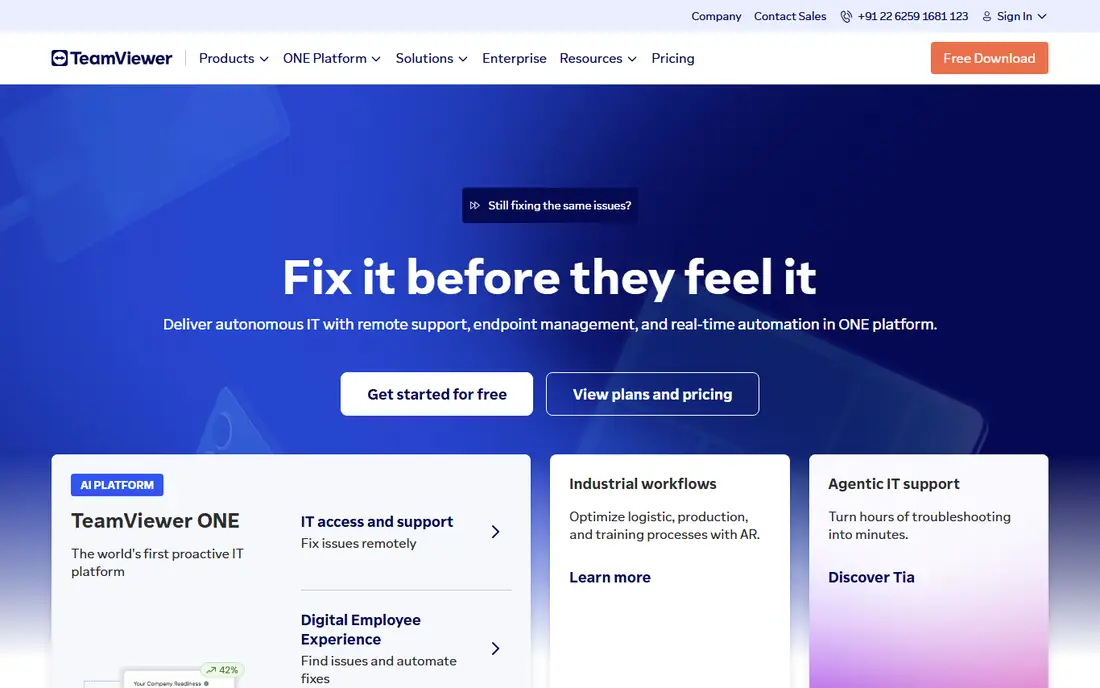
TeamViewer remains the best-known remote access tool and the enterprise standard, with compliance documentation that justifies the higher cost for healthcare and finance teams. Its free personal tier is genuine, and device coverage spans Windows, Mac, Linux, mobile, and more.
The price is the problem: guides report from $24.90 per user per month on a Remote Access plan to $50.90 per month on Business, so the plan you pick changes the bill sharply. The free tier also flags accounts that show any pattern of commercial use. For compliance-heavy teams, TeamViewer is worth the price. For personal use, the free tier suffices.
What we like- Enterprise standard with compliance documentation
- Genuinely free personal tier
- Wide device and platform coverage
Watch out for- Priciest option here
- Free tier aggressively flags suspected commercial use
- Pricing conflicts across guides ($24.90 to $50.90 per month reported)

#2AnyDesk
Best for: Low-latency connections4.5/5 on
G2 (1,104 reviews, checked Oct 2026)
Visit anydesk.com
Starting priceSee website
Free planYes
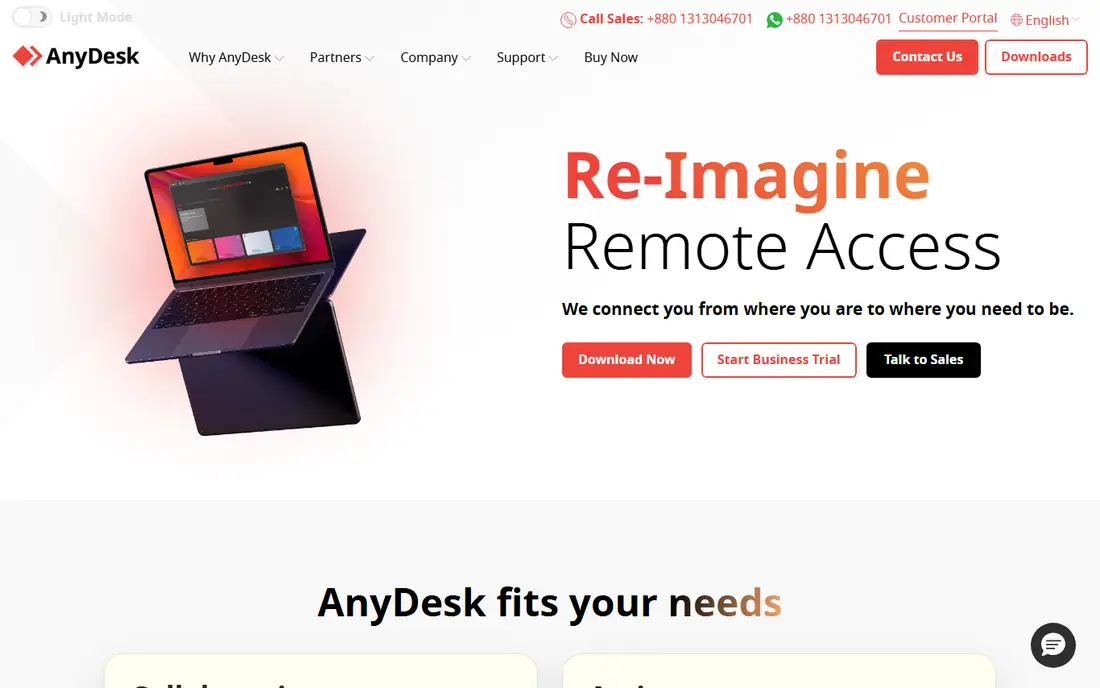
AnyDesk wins on speed, with its DeskRT codec delivering low-latency sessions even over weak connections, which matters for demanding remote work and creative sessions. Its interface is light and fast to start, and the free personal tier covers casual use.
Pricing conflicts across guides, from $22.90 to $28.90 per month, and first-year discounts jump noticeably at renewal, so get the year-two number in writing. For speed-first remote sessions, AnyDesk is the best pick here.
What we like- Fastest connections here thanks to its DeskRT codec
- Works well over weak connections
- Free personal tier
Watch out for- Pricing conflicts across guides ($22.90 to $28.90 per month reported)
- First-year discounts jump at renewal
- Commercial-use flags on free tier
Starting priceSee website
Free planNo
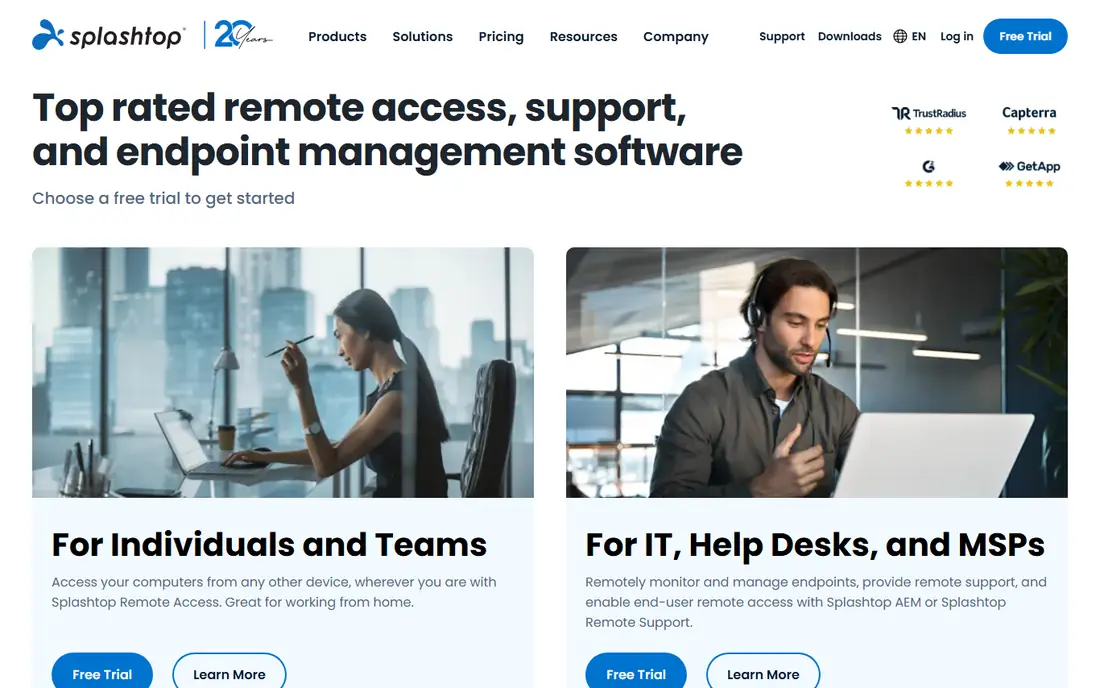
Splashtop is the strongest overall pick for small IT teams in 2026, with high streaming quality and a unified platform launched in April 2026. Its SOS plan suits support technicians, while Business Access covers personal remote work, and guides cite value pricing from $5 per user per month on Business Access to $22 per month on SOS.
Plan names and prices change often, so confirm the current offer before buying. For a team of two to three people, Splashtop Business Access Pro at around $8.25 per user per month is the best value in this category.
What we like- Best value for support teams
- High streaming quality
- SOS plan built for technicians
- April 2026 unified platform launch
Watch out for- Pricing conflicts across guides ($5 to $22 per month reported by plan)
- No free plan, only trials
- Plan names change often

#4RemotePC
Best for: Cheap always-on access4.7/5 on
G2 (695 reviews, checked Oct 2026)
Visit remotepc.com
Starting price$22.12 per year
Free planNo
RemotePC is the cheapest way to reach your own computers unattended, with a Solo plan from $22.12 per year for one computer and a SOHO plan at $79.50 per year for 10 computers. For a business owner who just needs to reach office machines from home, that pricing beats every per-technician tool here.
It is structured for accessing your own machines, not supporting clients, and first-year promos jump at renewal, so confirm the year-two price. For personal and small-office unattended access, RemotePC is the budget winner.
What we like- Cheapest always-on access for your own computers
- Solo plan from $22.12 per year
- SOHO plan covers 10 computers at $79.50 per year
Watch out for- No free plan, only a 7-day trial
- First-year promos jump at renewal
- Structured for own machines, not client support
Starting price$12 per technician per month
Free planYes
Zoho Assist has the most usable free plan in this category: one technician and five unattended computers with multi-monitor support, two-factor authentication, and text chat at no cost. For a one-person support business or a tiny IT team, that free tier covers real work, not just a trial.
The Standard plan at $12 per technician per month adds capacity, and Zoho integrations help teams already using Zoho products. For a small support team on a tight budget, Zoho Assist is the best free-first pick here.
What we like- Most usable free plan for small teams
- One technician and five unattended computers free
- Multi-monitor support and 2FA included free
Watch out for- Standard plan at $12 per technician per month
- Smaller ecosystem than TeamViewer
- Advanced features need paid plans

#6ConnectWise ScreenConnect
Best for: MSPs and IT departments4.7/5 on
G2 (513 reviews, checked Oct 2026)
Visit screenconnect.com
Starting price$30 per month
Free planYes
ConnectWise ScreenConnect is the MSP favorite, offering a free single-technician license with three access agents, which makes it the only enterprise-grade tool here with a genuinely useful free tier for solo technicians. Self-hosting appeals to IT departments that want control over data and infrastructure.
Pricing conflicts across guides, from $27 to $33 per month, and the learning curve is steeper than Splashtop. For MSPs and IT departments managing many machines, ScreenConnect scales best.
What we like- MSP favorite with a free single-technician license
- Self-hosting option
- Strong for multi-technician teams
Watch out for- Pricing conflicts across guides ($27 to $33 per month reported)
- Steeper learning curve than Splashtop
- Best value needs scale
Starting priceFree
Free planYes
Chrome Remote Desktop is completely free and enough for personal access to your own computers. Setup takes minutes through the Chrome browser, and it works on any platform with Chrome, which suits family tech support and personal remote work.
Features are basic: no advanced multi-monitor handling, no support-team workflows, and no unattended fleet management. For free personal access, it is unbeatable. For business support, pick a paid tool.
What we like- Completely free
- Simplest setup of any tool here
- Works through the Chrome browser on any platform
Watch out for- Basic features only
- No multi-monitor or file transfer depth
- Google account required
- No support-team features
#8RealVNC Connect
Best for: Cross-platform VNC standard4.7/5 on
G2 (440 reviews, checked Oct 2026)
Visit realvnc.com
Starting price$8.25 per month
Free planYes
RealVNC Connect is the cross-platform classic, built on the VNC standard, with strong support for mixed operating systems and Raspberry Pi fleets. Essentials starts at $8.25 per month billed annually, and the Lite free tier covers 5 devices and 3 users for personal use.
It feels less polished than TeamViewer or Splashtop, and VNC networking needs care on some setups. For mixed-OS environments and Pi fleets, RealVNC Connect is the most flexible pick here.
What we like- Cross-platform classic with Raspberry Pi support
- Essentials from $8.25 per month
- Lite free tier covers 5 devices and 3 users for personal use
Watch out for- Less polished than TeamViewer or Splashtop
- VNC protocol needs port care on some networks
- Paid features for teams cost more
How we chose
We compared tools on connection speed, unattended access, support-team features, pricing transparency, free tier usefulness, and security options, using 2026 guides and vendor pages. We included only tools with a credible current product and left out discontinued or resold tools. Prices conflict across guides for TeamViewer, AnyDesk, Splashtop, and ScreenConnect, so we used "See website" for the most conflicted and flagged the ranges rather than presenting one figure as certain. We also checked renewal behavior, since first-year promos that jump at renewal change the real cost more than any feature difference.
How to pick remote computer access software
Start with your use case. Personal access to your own machines points to Chrome Remote Desktop free or RemotePC at $22.12 per year. Supporting others as a solo technician points to Zoho Assist free or ScreenConnect free. A small IT team points to Splashtop. Compliance-heavy enterprise work points to TeamViewer. Mixed-OS and Pi fleets point to RealVNC Connect.
Secure every remote session
Enable two-factor authentication on every account, use strong unique passwords, and limit unattended access to machines that need it. Review connected devices regularly, revoke access for former staff at once, and never leave a support session open after the job ends. Remote access is powerful, which makes its security settings the most important feature of any tool here.
Test before you commit
Run a trial on the exact network you will use, including any VPN or firewall rules, since corporate networks block some tools. Test file transfer, multi-monitor handling, and unattended reboot behavior, because those three features cause the most support tickets after purchase. A tool that feels fast on your home network may behave differently behind a company firewall, so a short real-world trial beats any feature list.
Frequently asked questions
What is the best remote computer access software?
TeamViewer is the enterprise standard, AnyDesk wins on speed, Splashtop is the best value for support teams, and Chrome Remote Desktop is best free for personal use. The right tool depends on whether you access your own machines, support clients, or manage a fleet.
Is there free remote computer access software?
Yes. Chrome Remote Desktop is completely free for personal use, Zoho Assist offers a free tier for one technician and five unattended computers, and TeamViewer and AnyDesk offer free personal tiers. Free tiers flag commercial use, so business work needs a paid plan.
What is the cheapest remote access software?
RemotePC at $22.12 per year for one computer is the cheapest paid option for your own machines, and its SOHO plan covers 10 computers at $79.50 per year. For support teams, Splashtop Business Access Pro at around $8.25 per user per month is the cheapest strong option.
Can I access a computer when nobody is there?
Yes, this is unattended access. AnyDesk, Splashtop, TeamViewer, Zoho Assist, and RemotePC all support it. You install a small agent on the target machine in advance and can access it any time without someone on the other end.
Is TeamViewer free for commercial use?
No. TeamViewer free is for personal use only, and accounts showing commercial patterns get flagged and restricted. For any business use, buy a paid plan rather than risking a mid-session cutoff.
How do I keep remote access secure?
Enable two-factor authentication, use strong unique passwords, limit unattended access to machines that need it, and revoke access for former staff at once. Review connected devices regularly and never leave a support session open after the job ends. Treat any unexpected remote session as a security incident and investigate it.
Sources we checked (8)
- https://www.teamviewer.com
- https://www.anydesk.com
- https://www.splashtop.com
- https://www.remotepc.com
- https://www.zohoassist.com
- https://www.screenconnect.com
- https://remotedesktop.google.com
- https://www.realvnc.com
Is your product missing or out of date?
We review this list regularly. Vendors can request a listing, send updated pricing or ask about featured placement.

Shihab Mia · Founder, Rankite
Shihab has 5+ years in B2B and SaaS SEO. He writes Rankite's software buying guides from pricing pages, documentation and public user reviews. More about Shihab.
 Splashtop
 Zoho Assist
 Chrome Remote Desktop