How we make this list: we compare pricing pages, product documentation and public user reviews. Rankite is independent; if a vendor ever pays for a featured spot, that listing is clearly labeled Partner.
Key takeaways
- NinjaOne and Atera lead on usability, but they price opposite ways: NinjaOne charges per device, Atera charges per technician with unlimited endpoints.
- If your fleet is large and your team is small, per-technician pricing (Atera, Syncro) usually wins; per-device pricing (NinjaOne) favors dense fleets with few endpoints per tech.
- Action1 and ManageEngine Endpoint Central both offer genuinely free tiers that cover small environments without a credit card.
- Legacy platforms like ConnectWise Automate, Datto RMM and Kaseya VSA are powerful but expect a quote process and a longer onboarding.
- Trial length matters here: 14 to 30 days is standard, and you should test patching and remote access on real endpoints before signing.
Quick comparison
| Tool | Best for | Starting price | Free plan |
|---|
 NinjaOne NinjaOne | Ease of use at scale | $3.75 per device/month (50 or fewer endpoints) | Free trial (14 days) |
 Atera Atera | Per-tech pricing for growing MSPs | $129 per technician/month (Pro, billed annually) | Free trial (30 days) |
 ConnectWise Automate ConnectWise Automate | Deep automation for large MSPs | See website | Free trial |
 Datto RMM Datto RMM | Kaseya-ecosystem MSPs | See website | No |
 N-able N-central N-able N-central | Hybrid and on-prem environments | See website | Free trial |
 ManageEngine Endpoint Central ManageEngine Endpoint Central | Budget-conscious IT departments | See website | Yes (free for up to 25 devices) |
 Action1 Action1 | Free patching for up to 100 endpoints | Free (up to 100 endpoints) | Yes |
 Syncro Syncro | Small MSPs wanting RMM plus PSA | See website | Free trial |
 SuperOps SuperOps | Modern UI with AI-assisted ticketing | See website | Free trial |
 Kaseya VSA Kaseya VSA | Enterprises already on Kaseya | See website | No |
Is your product missing or out of date?
We review this list regularly. Vendors can request a listing, send updated pricing or ask about featured placement.
Every product below monitors devices, pushes patches, runs scripts and opens remote sessions. The features overlap heavily. What actually separates them is how they charge, how fast your team learns the console, and how much of your stack they absorb. An MSP with 2,000 endpoints and three technicians will land on a different winner than an internal IT team with 80 laptops, even though both are buying "remote admin software".
Starting price$3.75 per device/month (50 or fewer endpoints)
Free planFree trial (14 days)
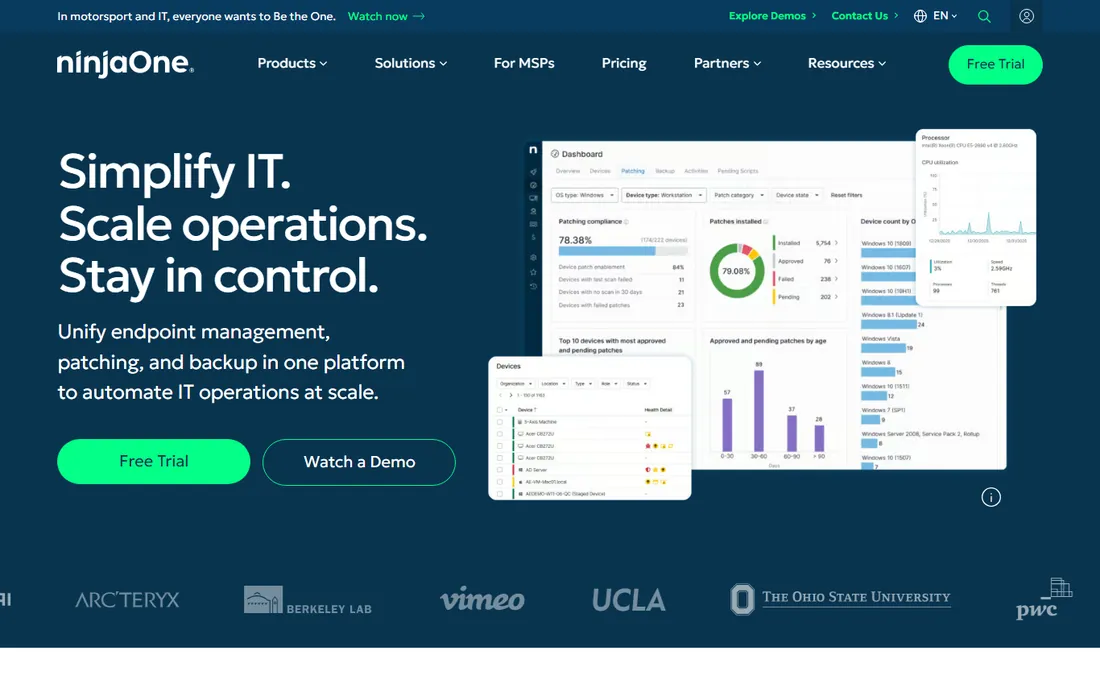
NinjaOne built its reputation on being the RMM that technicians actually enjoy opening. The console is quick, patching for OS and third-party apps is automated out of the box, and auto-remediation handles common issues before they become tickets. Onboarding and support are free and unlimited, which is rare in this space. Published pricing runs $3.75 per device per month at 50 or fewer endpoints, dropping to $1.50 at 10,000, with volume discounts between.
The honest catch is the per-device math. A fleet of a few thousand endpoints gets expensive fast, and backup, MDM and vulnerability scanning are separate paid modules rather than included features. If your endpoint count is modest and you value speed and simplicity over raw depth, NinjaOne is the easiest recommendation on this list.
What we like- Fast, modern console
- Strong automation and patching
- Free unlimited support and onboarding
Watch out for- Per-device costs climb on large fleets
- Backup and MDM are paid add-ons
Starting price$129 per technician/month (Pro, billed annually)
Free planFree trial (30 days)
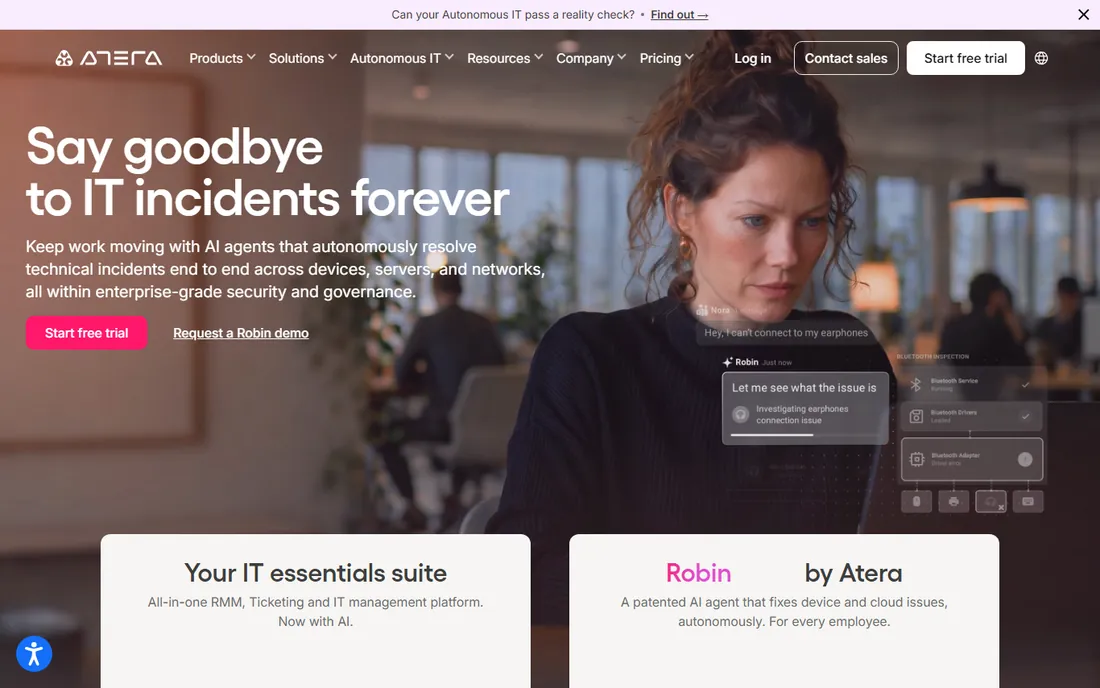
Atera flips the pricing model: you pay per technician, starting at $129 a month on the annual Pro plan, and manage unlimited endpoints. For an MSP with a small team and a growing device count, that math is unbeatable. The platform bundles RMM with ticketing, billing, contracts and network discovery, plus AI assistants that draft ticket responses and diagnose devices.
The compromise is remote access, which runs through integrated partners like Splashtop, AnyDesk and TeamViewer rather than a fully native tool, and the technician count is the cost driver, so shops with many techs and few devices overpay. If your growth story is "more endpoints, same team," Atera is purpose-built for you.
What we like- Unlimited endpoints per technician
- Transparent pricing
- Built-in ticketing and billing
Watch out for- Remote access depends on third-party integrations
- Gets pricey with many technicians
Starting priceSee website
Free planFree trial
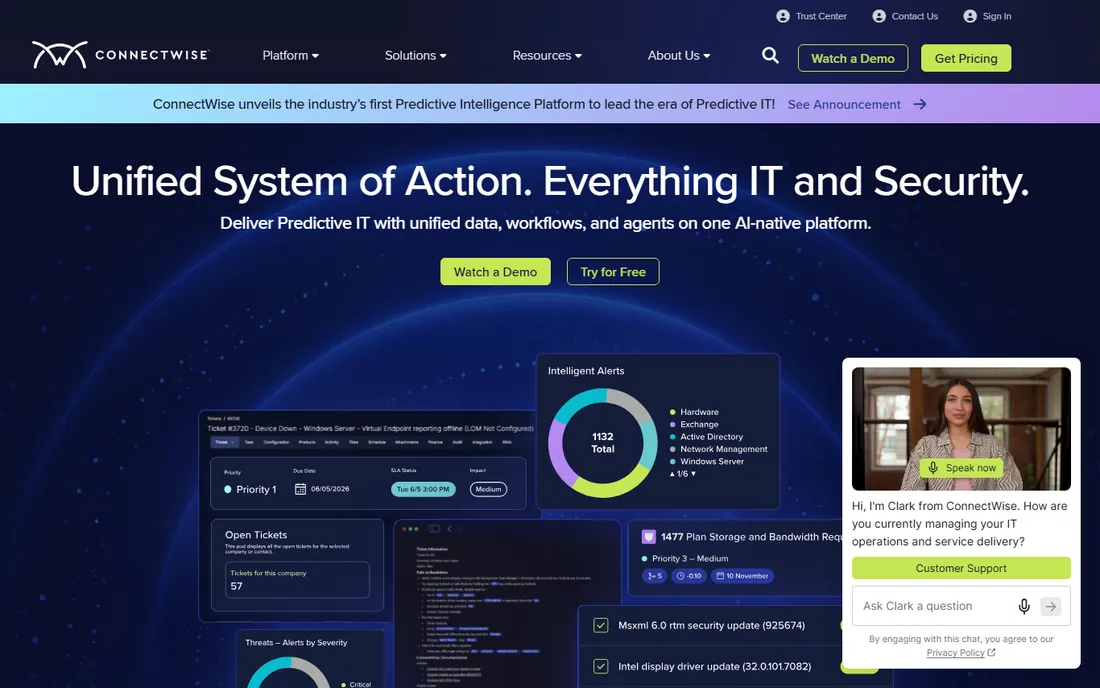
ConnectWise Automate is the veteran of this category, and it shows in the depth of its automation engine. Scripting, patch policies, and monitoring can be tuned to an almost absurd degree, and the ConnectWise ecosystem (PSA, backup, security) means one vendor for the whole stack. Large MSPs running thousands of endpoints have used it for years.
The price of that depth is complexity. The console carries legacy UI, onboarding takes real effort, and pricing is quote-based, so expect a sales process. This is the pick for established MSPs with dedicated admins, not for a two-person shop that wants to be running by Friday.
What we like- Extremely deep scripting and automation
- Huge integration ecosystem
- Proven at very large scale
Watch out for- Dated interface in places
- Onboarding is a project, not an afternoon
Starting priceSee website
Free planNo
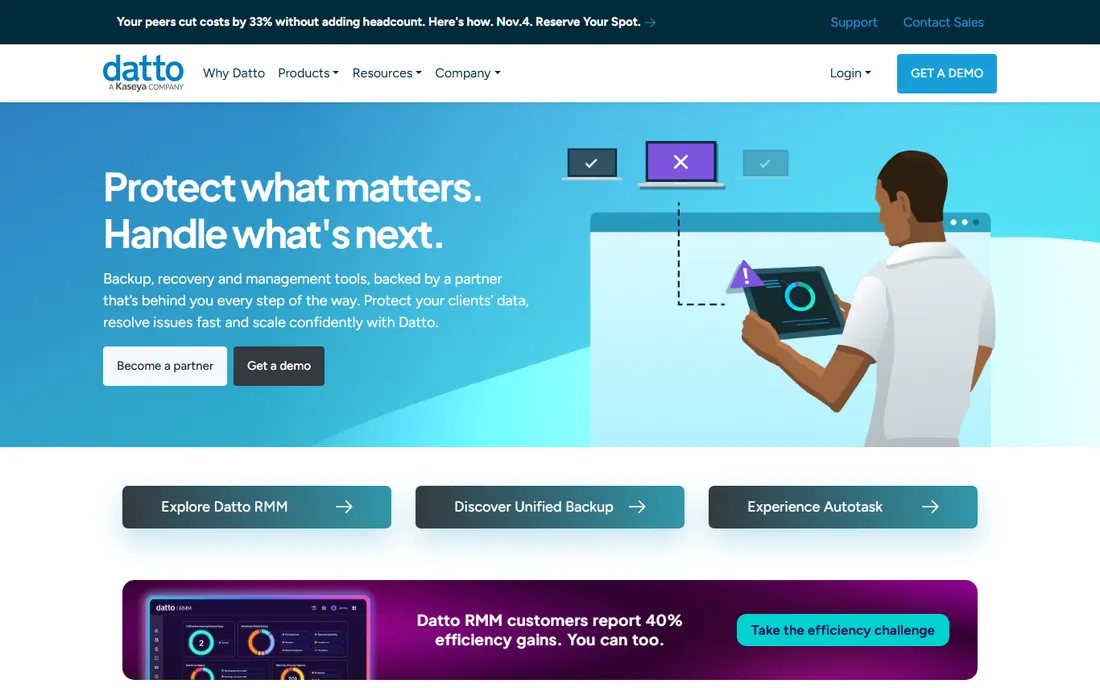
Datto RMM is a cloud-native platform with strong policy-based automation and monitoring, and it shines brightest for MSPs already using Datto continuity, networking or the broader Kaseya portfolio. The integrations between backup status and RMM alerting save real time when a client's backup fails at 2 a.m.
Standalone, it is harder to justify. Pricing is quote-only, there is no free trial to speak of, just demos, and shops outside the Kaseya orbit get less of the integration payoff. Choose it when you are standardizing on the ecosystem; otherwise the standalone value is thinner than NinjaOne or Atera.
What we like- Tight integration with Datto backup and networking
- Solid policy-based automation
- Cloud-native
Watch out for- Quote-only pricing
- Best value only inside the wider Datto/Kaseya stack
Starting priceSee website
Free planFree trial
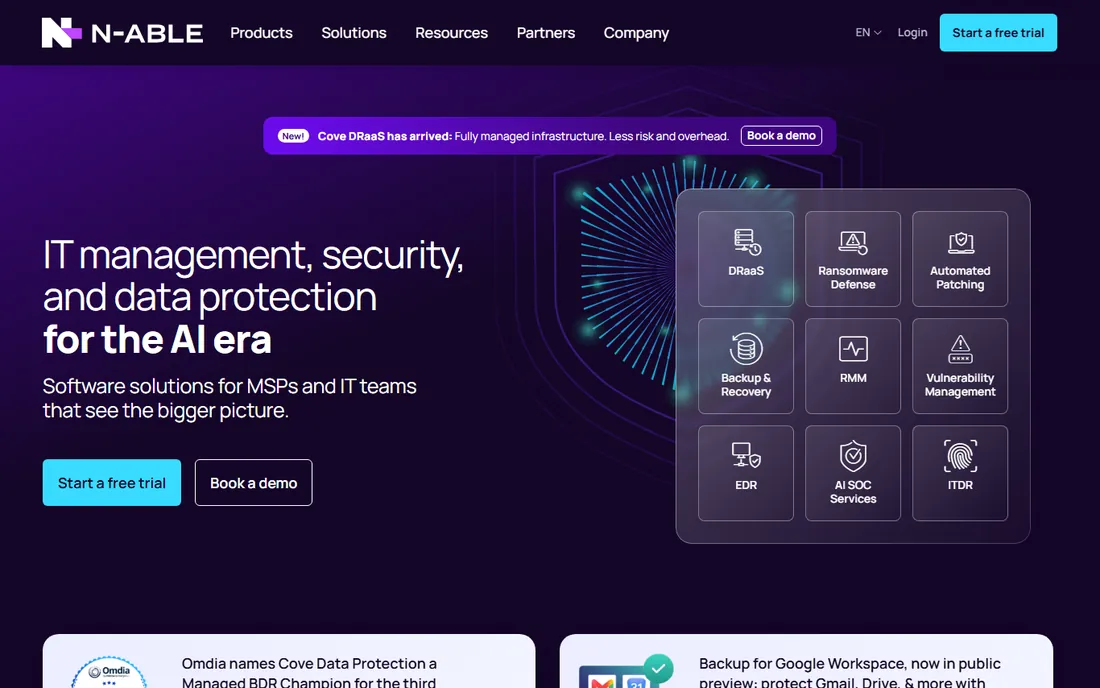
N-able N-central has served MSPs for years with a full automation manager, drag-and-drop policy building, and patch management that covers Windows, macOS and third-party apps. It supports both cloud and on-premises deployment, which matters to shops with data-residency requirements or existing infrastructure.
Expect a traditional enterprise sales motion: quote-based pricing and a console that rewards training. It competes directly with ConnectWise Automate for the same buyer, the established MSP that wants depth and does not mind the onboarding investment. Smaller shops will find faster wins elsewhere.
What we like- Strong automation and patching
- Flexible deployment options
- Mature MSP feature set
Watch out for- Pricing requires a quote
- The console has a learning curve
Starting priceSee website
Free planYes (free for up to 25 devices)
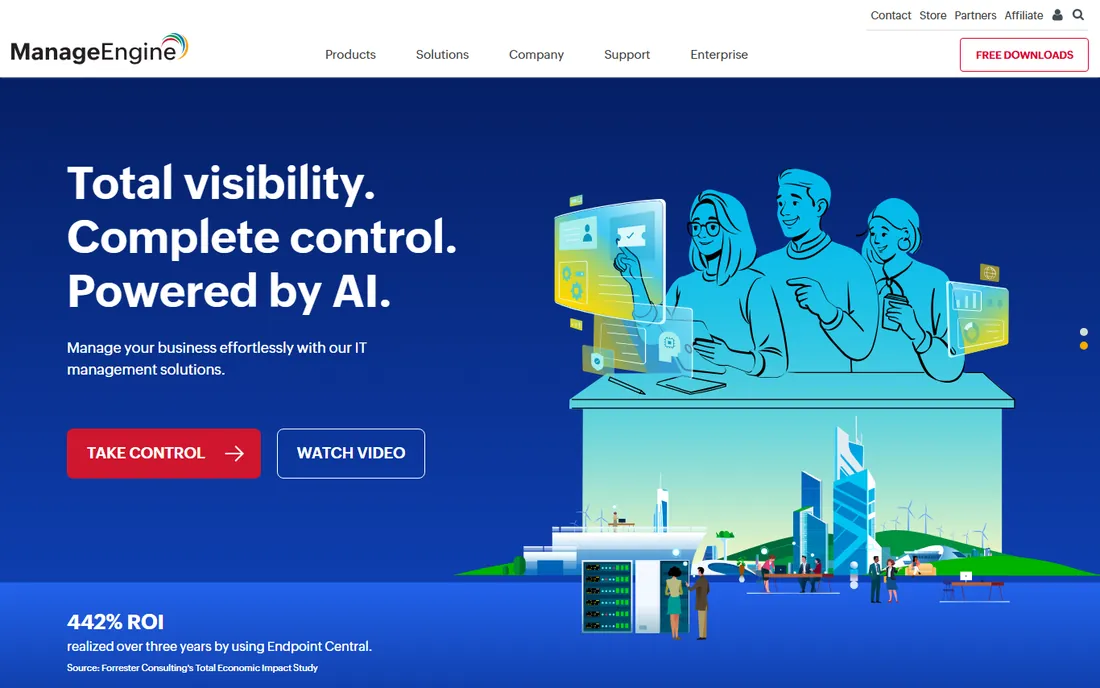
ManageEngine Endpoint Central packs an enormous feature list, patch management, software deployment, asset management, remote troubleshooting, into pricing that undercuts most Western rivals. The free edition manages up to 25 devices, which covers a small office outright, and paid editions stay affordable as you grow.
The interface tries to show everything at once, and the edition lineup takes study to decode. Support quality gets mixed reviews. But for an internal IT department watching every dollar, especially outside North America, the value per feature is hard to beat.
What we like- Free edition covers small fleets
- Huge feature list for the money
- Strong patching
Watch out for- Interface feels crowded
- Pricing tiers and editions confuse first-time buyers
Starting priceFree (up to 100 endpoints)
Free planYes
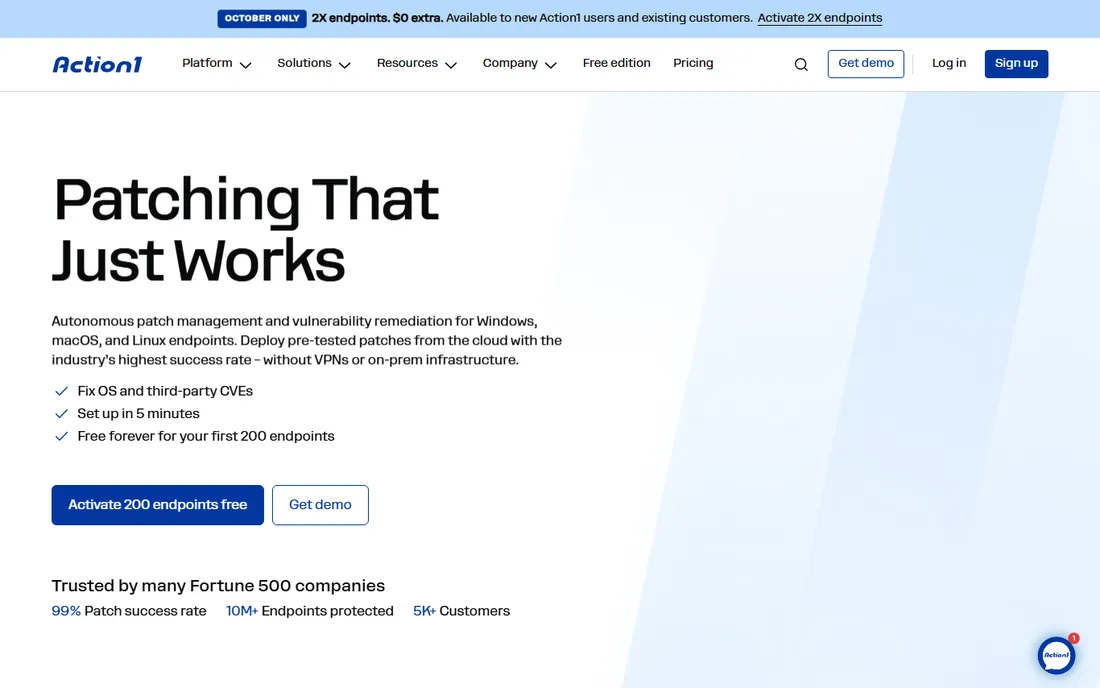
Action1's pitch is simple: the first 100 endpoints are free, with no feature limits and no credit card. You get cloud-based patch management, software deployment, remote desktop and reporting that deploy in minutes. For a small business or a departmental IT team, that free tier may be all you ever need.
Past 100 endpoints, pricing goes quote-based, which removes the transparency advantage. The automation library is also thinner than what ConnectWise or NinjaOne offer. Use Action1 when your fleet fits the free tier or when patching is the main job; look elsewhere for heavy scripting at scale.
What we like- Free for the first 100 endpoints with full features
- Cloud-native and fast to deploy
- Strong patching
Watch out for- Beyond 100 endpoints you move to quote-based pricing
- Smaller script library than legacy RMMs
Starting priceSee website
Free planFree trial
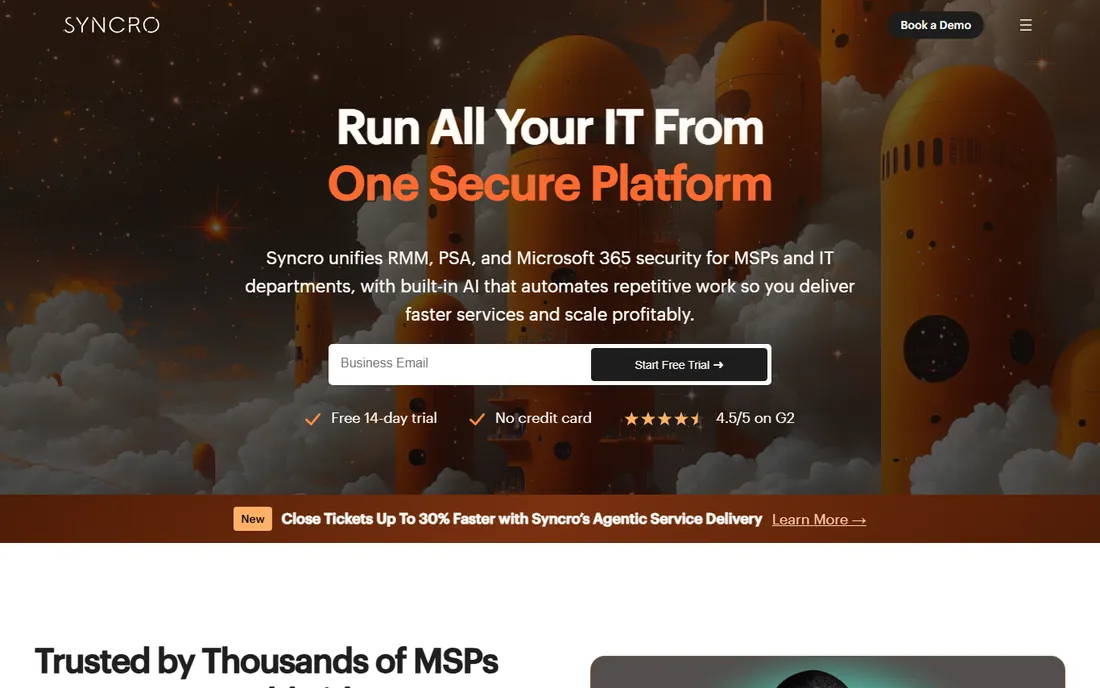
Syncro combines remote monitoring with a built-in professional services automation layer, ticketing, billing and CRM, at a per-user price aimed at small MSPs. There are no contracts, the interface is friendly, and you can run the business side and the technical side from one login.
It does not match the automation depth of ConnectWise or N-able, and per-user pricing hurts if you have many technicians. But for a shop of a handful of techs that wants one bill and one console, Syncro removes a lot of tool sprawl.
What we like- RMM and PSA in one per-user price
- Approachable for small teams
- No contracts
Watch out for- Less depth than enterprise RMMs
- Per-user pricing penalizes large tech teams
Starting priceSee website
Free planFree trial
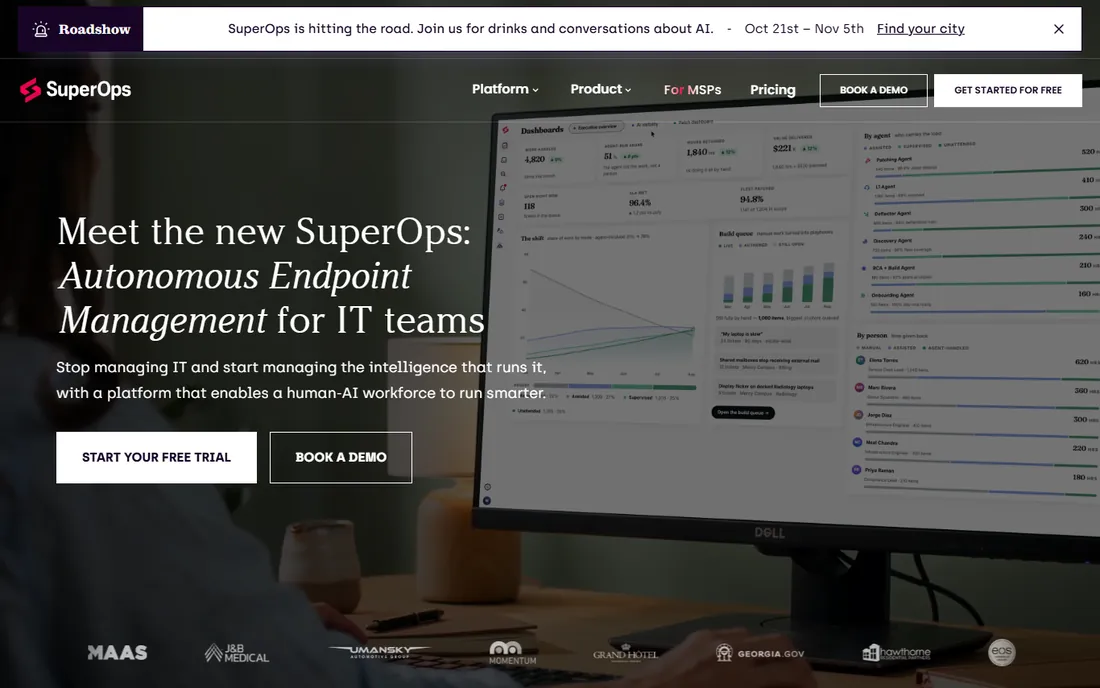
SuperOps is the modern challenger, with a polished interface, per-technician pricing, and AI features that summarize tickets and assist documentation. It targets MSPs that bounced off the legacy platforms' learning curves and want something their newest hire can learn in a week.
Being newer cuts both ways. The integration catalog is smaller than ConnectWise's, and some advanced RMM scenarios are still maturing. If your needs are mainstream monitoring, patching, remote access and ticketing, it is a credible, pleasant alternative to the old guard.
What we like- Clean modern interface
- AI-assisted ticketing and documentation
- Per-technician pricing
Watch out for- Younger platform with a smaller integration catalog
- Advanced RMM depth still catching up
Starting priceSee website
Free planNo
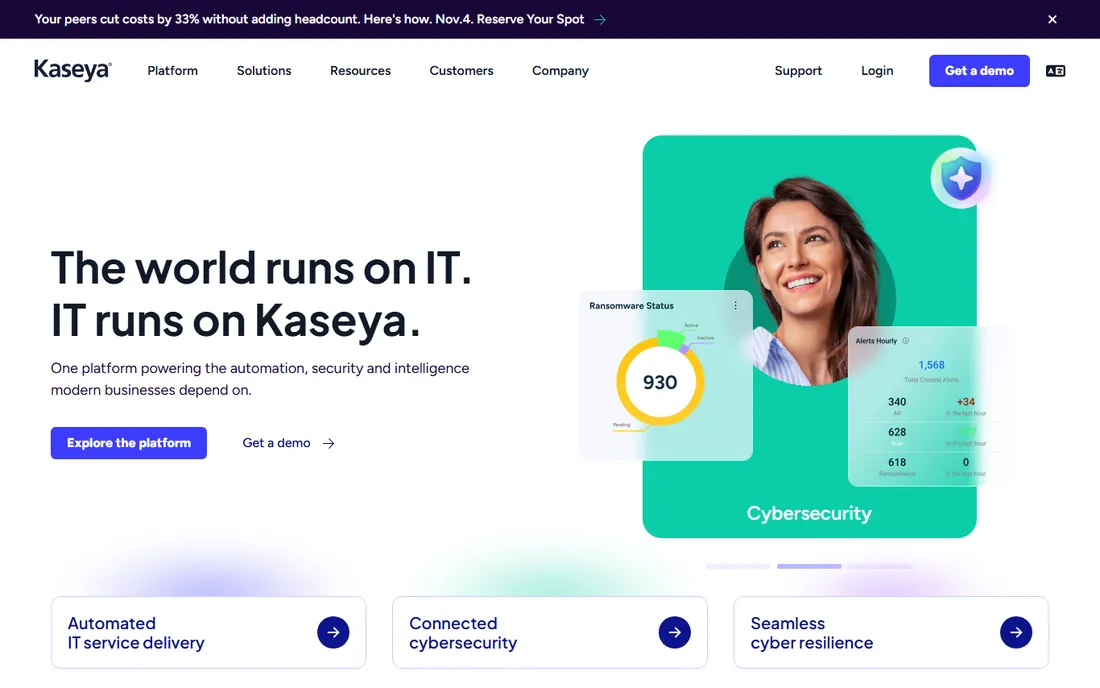
Kaseya VSA is the enterprise-grade endpoint management platform inside Kaseya's IT Complete suite, with deep scripting, automation and policy control across large fleets. Organizations already running Kaseya BMS, Datto backup or other stack pieces get the most from it.
For anyone else, it is a heavy lift: quote-based pricing, a sales-led process, and a platform designed for scale rather than simplicity. It belongs on this list because at the enterprise end it is a genuine contender; it does not belong on a shortlist for a 50-device shop.
What we like- Deep automation at enterprise scale
- Broad IT Complete ecosystem
- Strong scripting
Watch out for- Quote-only pricing
- Overkill and expensive outside the Kaseya stack
Per-device vs per-technician: do the math
Take your endpoint count and your technician count, then model both. Atera's $129 per technician per month breaks even against NinjaOne's $3.75 per device at roughly 34 devices per technician; past that, per-technician pricing wins, and the gap widens as you add endpoints. Factor in add-ons too: backup, MDM and remote-access licensing are often separate line items that change the answer. Run the numbers on your actual fleet before falling in love with a console.
How we chose
We focused on platforms purpose-built for remote administration and monitoring, MSP and internal IT both, then verified pricing models against vendor pricing pages and current third-party coverage. Quote-only vendors were judged on trial availability, ecosystem strength and reviewer consensus rather than price. We did not deploy agents to a test fleet, so performance notes reflect practitioner reviews, not our own lab.
Frequently asked questions
What is the difference between RMM and remote desktop software?
Remote desktop software opens a screen-sharing session to one machine. RMM, remote monitoring and management, adds monitoring, alerting, patching, scripting and automation across a whole fleet without anyone clicking into each device. The tools on this list do both.
How many endpoints do I need before an RMM pays off?
There is no hard line, but the automation starts earning its keep around 25 to 50 endpoints, where manual patching and checkups stop scaling. Below that, a free tier like Action1's or ManageEngine's may be all you need.
Do these tools work on Mac and Linux?
Most do, with varying depth. NinjaOne, Atera, N-able and ManageEngine cover Windows, macOS and Linux for core monitoring and patching, though some advanced features remain Windows-first. Confirm your specific OS mix during the trial.
Can I switch RMM vendors without reinstalling everything?
You will reinstall agents everywhere; there is no way around that. The painful part is usually recreating monitoring policies, scripts and alerting rules in the new platform. Export what you can, document the rest, and plan a phased migration.
Is per-device or per-technician pricing better?
It depends on your ratio. Few technicians managing many endpoints favor per-technician pricing. Many technicians with few endpoints each favor per-device. Model both against your actual numbers, including add-ons, before deciding.
Sources we checked (10)
- https://www.ninjaone.com/
- https://www.atera.com/
- https://www.connectwise.com/
- https://www.datto.com/
- https://www.n-able.com/
- https://www.manageengine.com/
- https://www.action1.com/
- https://www.syncromsp.com/
- https://www.superops.com/
- https://www.kaseya.com/
Is your product missing or out of date?
We review this list regularly. Vendors can request a listing, send updated pricing or ask about featured placement.

Shihab Mia · Founder, Rankite
Shihab has spent more than a decade helping SaaS and e-commerce brands grow through search. He writes Rankite's software buying guides from pricing pages, documentation and public user reviews. More about Shihab.