How we make this list: we compare pricing pages, product documentation and public user reviews. Rankite is independent; if a vendor ever pays for a featured spot, that listing is clearly labeled Partner.
Key takeaways
- Veeam leads for virtualized environments with the broadest backup and replication feature set.
- Acronis suits SMBs and MSPs that want backup, cybersecurity and management in one agent.
- Datto and Axcient are built for MSPs delivering backup as a managed service.
- Druva and Commvault fit enterprises with cloud-first or hybrid data protection strategies.
- Unitrends, Arcserve and Nakivo offer strong value for mid-size companies with simpler needs.
Quick comparison
| Tool | Best for | Starting price | Free plan |
|---|
 Veeam Veeam | Virtualized backup and replication | See website | Yes |
 Acronis Acronis | Backup plus cybersecurity for SMBs | See website | No |
 Datto Datto | MSP-delivered business continuity | See website | No |
 Unitrends Unitrends | All-in-one backup appliances | See website | No |
 Axcient Axcient | MSP backup with chain-free technology | See website | No |
 Arcserve Arcserve | Mid-size backup and DR | See website | No |
 Druva Druva | Cloud-native SaaS data protection | See website | No |
 Commvault Commvault | Enterprise hybrid data protection | See website | No |
 Nakivo Nakivo | Affordable VM backup | See website | Yes |
Is your product missing or out of date?
We review this list regularly. Vendors can request a listing, send updated pricing or ask about featured placement.
The best disaster recovery software
Starting priceSee website
Free planYes
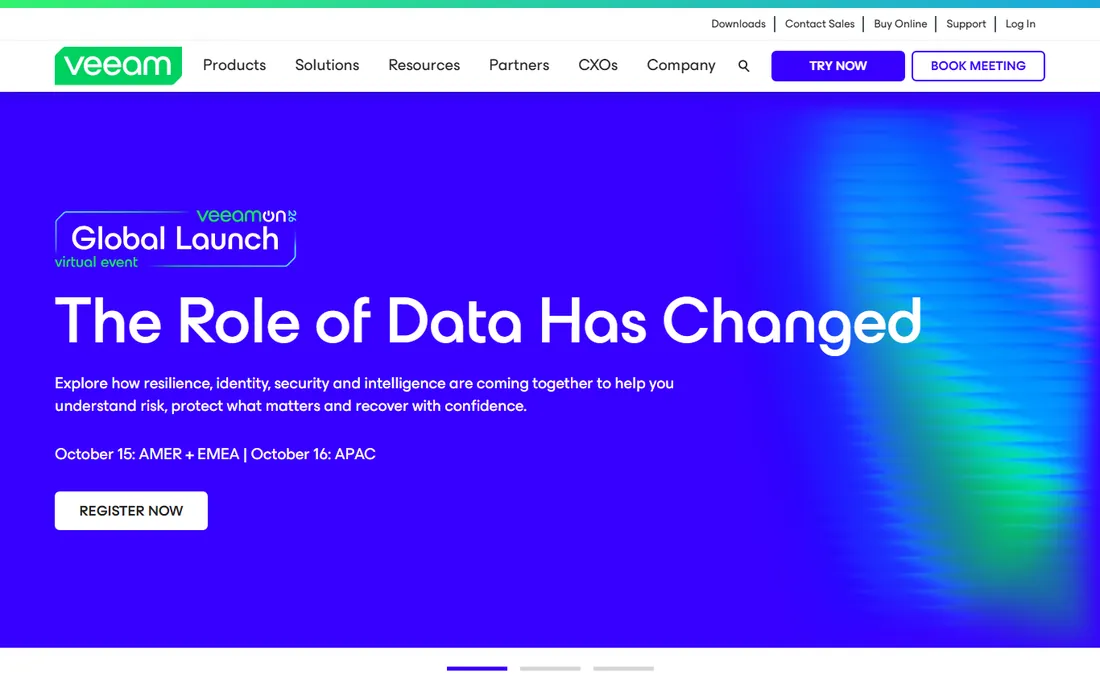
Veeam is the default answer for virtualized backup. The platform covers backup, replication, continuous data protection and cloud tiering across VMware, Hyper-V, physical servers, cloud VMs and SaaS apps like Microsoft 365. Recovery options range from instant VM recovery to granular item restore, which is what actually matters at 3 AM.
Paid editions are quote-priced and the licensing portfolio takes study. But the free Community Edition protects up to 10 workloads at no cost, which lets small shops run real Veeam before buying. For virtualized environments of any size, Veeam is the benchmark.
What we like- Broadest backup and replication features
- Excellent VMware and Hyper-V support
- Free Community Edition
Watch out for- Quote-based pricing for paid editions
- Full platform can be complex to license
Starting priceSee website
Free planNo
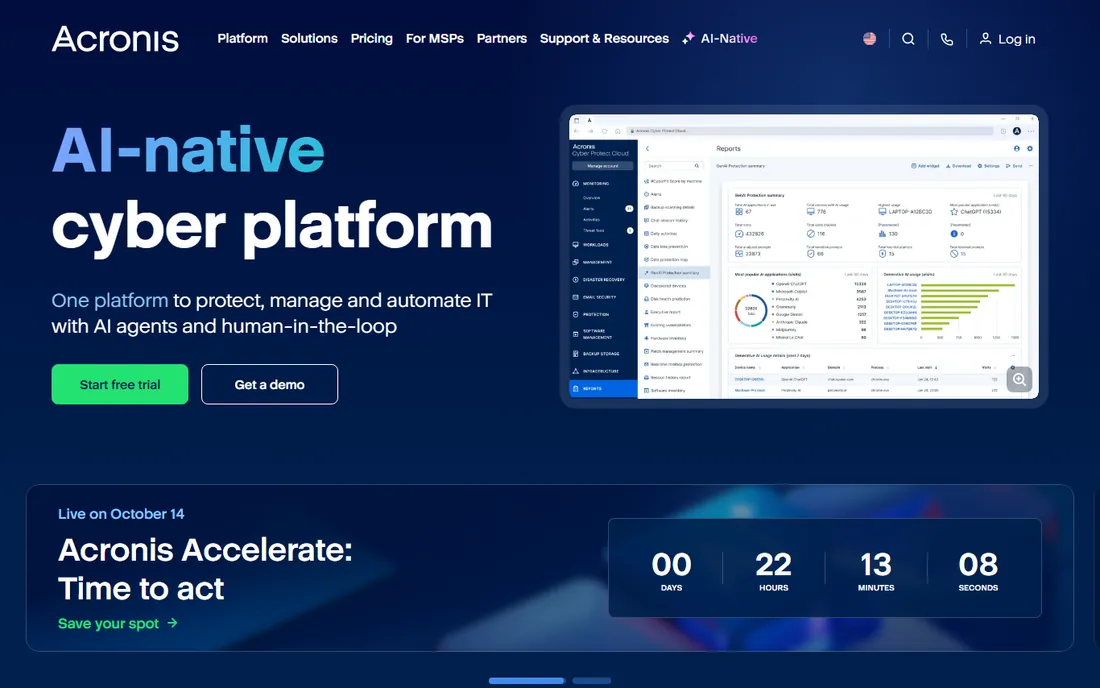
Acronis Cyber Protect merges backup with cybersecurity: anti-malware, URL filtering and vulnerability assessment run in the same agent as the backup. For SMBs without a security team, that consolidation has real value. The MSP program is mature, with multi-tenant management built for service providers.
Enterprise DR specialists will find the pure recovery orchestration thinner than Veeam or Zerto. Pricing is not published. Acronis fits small and mid-size businesses that want one agent covering backup and basic security without enterprise complexity.
What we like- Backup and anti-malware in one agent
- Strong MSP program
- Easy for small teams to run
Watch out for- Pricing not published
- Jack-of-all-trades means less depth in pure enterprise DR
Starting priceSee website
Free planNo
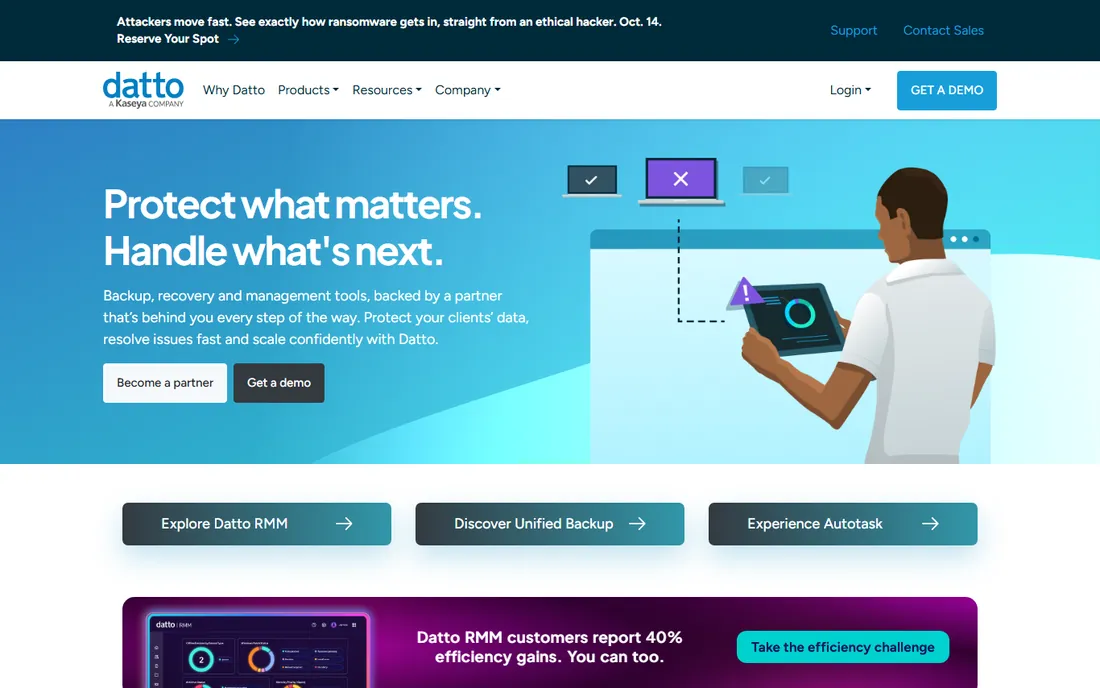
Datto SIRIS is business continuity designed for the MSP channel. Local appliances take image-based backups and can virtualize a failed server instantly, on the box or in the Datto cloud, which keeps clients running during outages. MSPs manage fleets of clients from one portal.
Most businesses buy Datto through their MSP rather than direct, so pricing comes from the partner. The model works well: the MSP handles the DR expertise most SMBs lack. If you work with an MSP, ask whether they standardize on Datto. If you buy direct, look elsewhere on this list.
What we like- Purpose-built for MSPs with the SIRIS continuity platform
- Instant virtualization of failed servers
- Strong partner ecosystem
Watch out for- Sold through MSPs, not direct to most end users
- Pricing via partners
Starting priceSee website
Free planNo
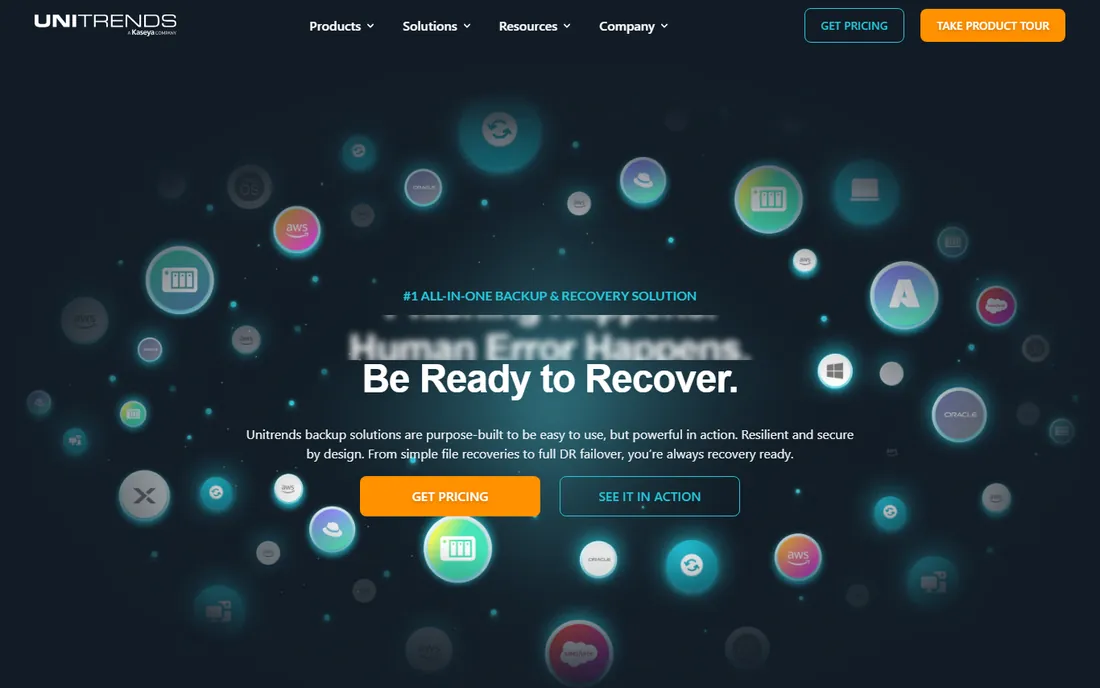
Unitrends sells backup as an integrated appliance, physical or virtual, with the software pre-tuned. For IT teams that want backup working without assembly, the appliance model removes decisions. Ransomware detection watches backups for encryption anomalies, and recovery automation speeds restores.
The appliance approach trades flexibility for simplicity; software-only shops may prefer Veeam or Nakivo. Unitrends is now part of Kaseya, which strengthens the MSP angle. Mid-size companies wanting backup as a box rather than a project should evaluate it.
What we like- Integrated backup appliances simplify deployment
- Good ransomware detection
- Part of Kaseya for MSPs
Watch out for- Appliance model less flexible than software-only
- Pricing not published
Starting priceSee website
Free planNo
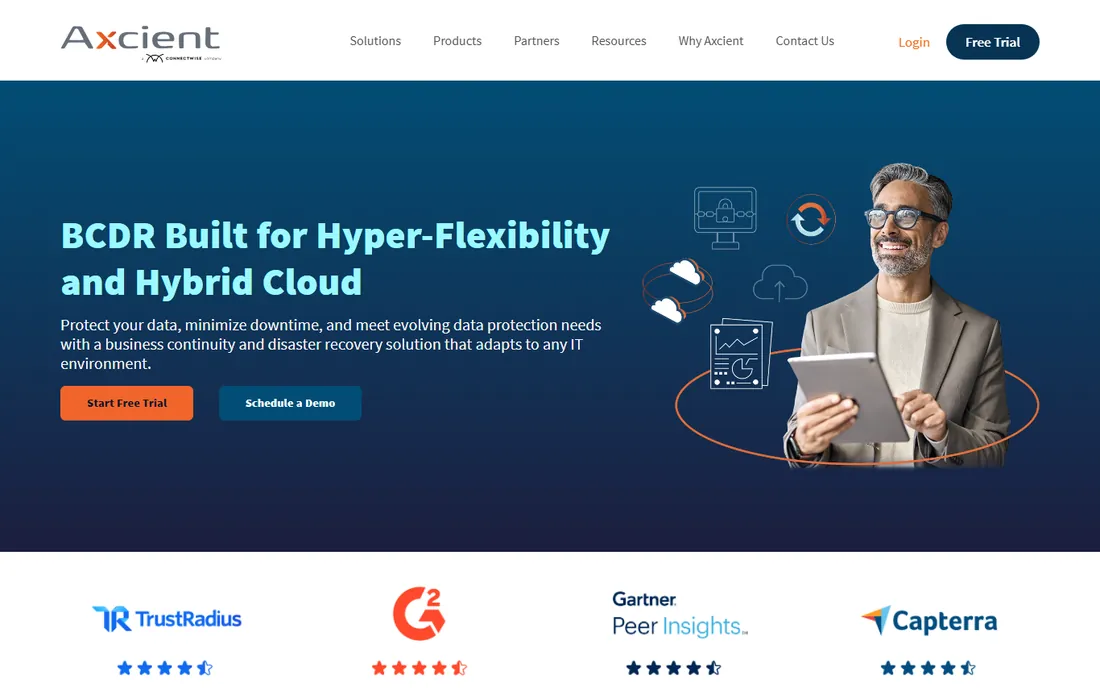
Axcient's x360Recover uses chain-free backup architecture, which means no more broken incremental chains corrupting restores. The platform is built for MSPs managing many clients, with the ConnectWise acquisition deepening the PSA and RMM integration. Direct-to-cloud and appliance options cover different client needs.
Direct enterprise buyers get less attention than the MSP channel. Pricing is quoted. MSPs standardizing their backup stack should compare Axcient against Datto; the chain-free architecture is a genuine technical differentiator.
What we like- Chain-free backup eliminates broken backup chains
- Built for MSP multi-tenancy
- Now part of ConnectWise
Watch out for- MSP-focused, less suited to direct enterprise buyers
- Pricing via quote
Starting priceSee website
Free planNo
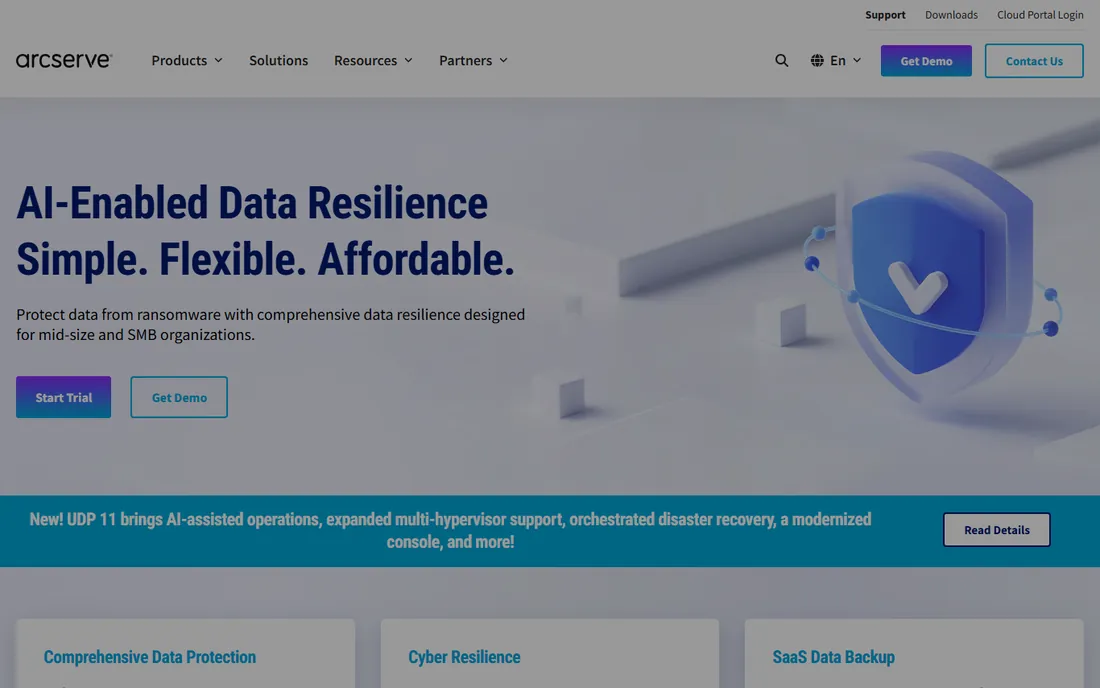
Arcserve combined its own data protection with StorageCraft's well-regarded backup engine into a unified platform. The result covers image-based backup, replication and cloud DR for mid-size companies without enterprise complexity. Licensing is more straightforward than some competitors.
Brand visibility lags Veeam and Acronis, which matters for hiring admins who know the tool. Pricing is not published. Mid-size IT teams wanting solid backup without the enterprise sales process get good value here.
What we like- Unified data protection across on-prem and cloud
- Includes the former StorageCraft technology
- Straightforward licensing
Watch out for- Less brand momentum than Veeam
- Pricing not published
Starting priceSee website
Free planNo
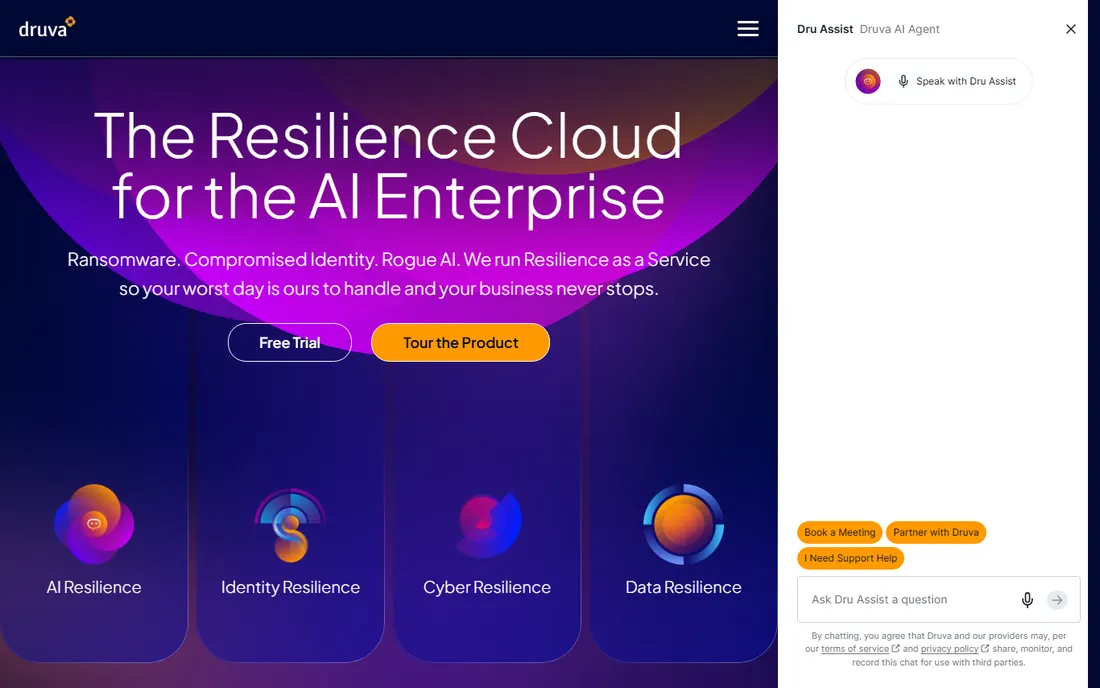
Druva is backup as pure SaaS: no servers, no appliances, no storage to manage. Data flows to the Druva cloud with global deduplication across the whole customer base. Coverage spans endpoints, Microsoft 365, Google Workspace, Salesforce and cloud workloads, which fits distributed companies.
Organizations that want local backup copies or air-gapped appliances will find the cloud-only model limiting. Pricing is not published. Companies going cloud-first, especially with remote workforces, get the simplest operating model here.
What we like- True SaaS with no infrastructure to manage
- Strong Microsoft 365, Salesforce and endpoint coverage
- Global deduplication
Watch out for- Cloud-only model does not suit everyone
- Pricing not published
Starting priceSee website
Free planNo
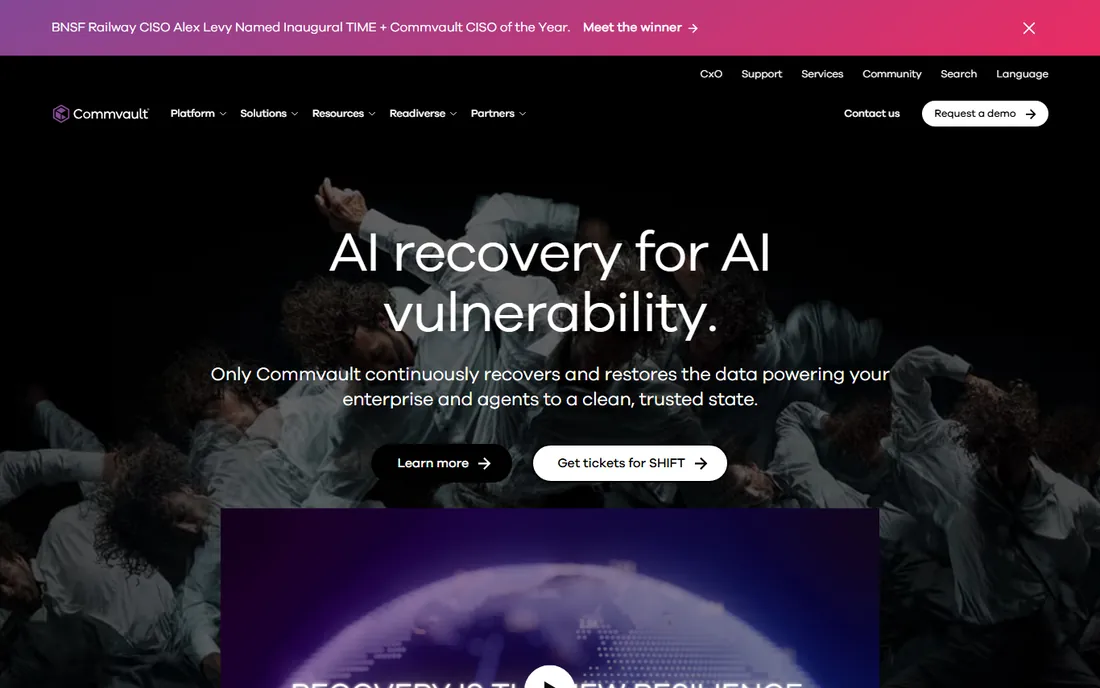
Commvault is the enterprise heavyweight. The platform protects virtually everything: VMs, databases, NAS, cloud, containers, SaaS apps, with granular policy control and strong ransomware recovery workflows. Large organizations with compliance requirements and heterogeneous infrastructure choose it for breadth.
Everything about Commvault is enterprise, including pricing and implementation effort. Smaller companies will drown in it. If your environment spans data centers and multiple clouds with strict recovery objectives, Commvault earns its place. Otherwise, start simpler.
What we like- Deepest enterprise feature set
- Handles the most complex hybrid environments
- Strong ransomware recovery
Watch out for- Enterprise pricing and complexity
- Overkill below mid-market
Starting priceSee website
Free planYes
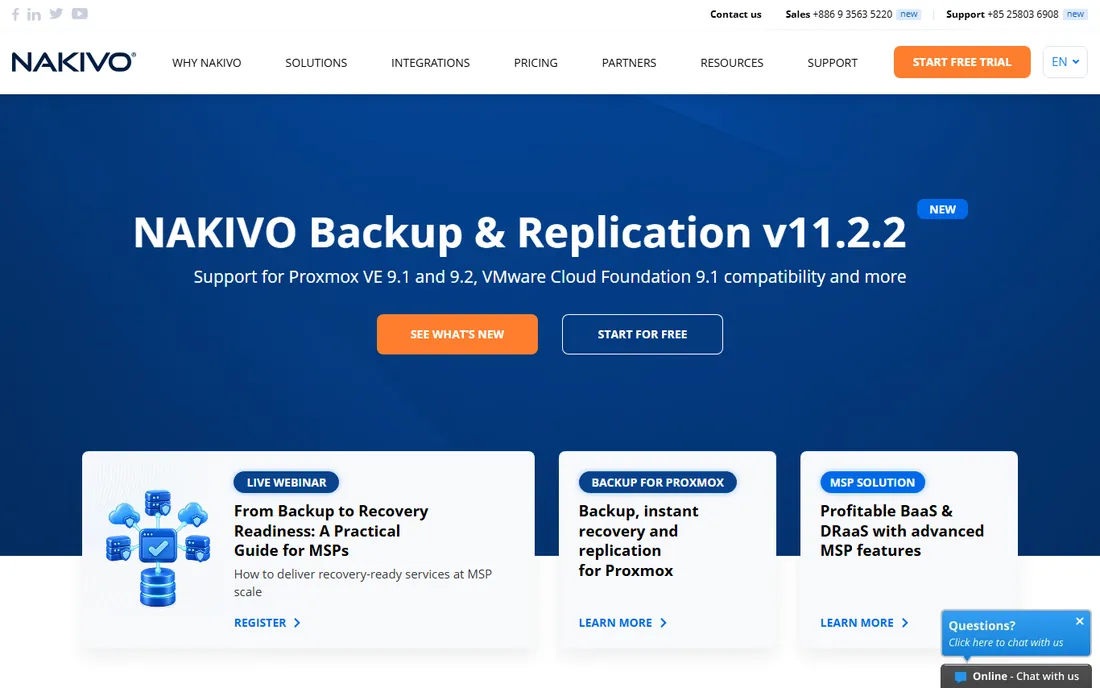
Nakivo gives virtualized shops Veeam-like backup at a lower price. VM backup and replication for VMware, Hyper-V and cloud, with instant recovery and a clean web interface. A free edition covers small environments, which makes evaluation genuinely free.
Physical server and SaaS backup coverage is thinner than the leaders, and the company is smaller. Pricing is not published on the main page but positions affordably. Budget-conscious virtualized environments should compare Nakivo against Veeam Community Edition before spending more.
What we like- Affordable pricing positioning
- Free edition for small environments
- Fast and lightweight
Watch out for- Less depth for physical and SaaS workloads
- Smaller support organization
How we chose
We evaluated disaster recovery and backup software actively sold in 2026, from SMB tools to enterprise platforms. Research covered vendor sites and documentation, IT administrator reviews on G2, Capterra and Spiceworks, and MSP community discussion. We weighted recovery speed and reliability, ransomware protection, platform coverage, pricing transparency and fit for different organization sizes. Prices come from vendor pages where published.
RPO and RTO: the two numbers that decide everything
Every DR conversation comes down to two numbers. Recovery Point Objective (RPO) is how much data you can afford to lose, measured in time. Recovery Time Objective (RTO) is how long you can afford to be down. A file server might tolerate a 24-hour RPO and 4-hour RTO; a transaction database might need 15 minutes and 1 hour.
Define these per system before shopping. They determine whether you need continuous replication (expensive) or nightly backups (cheap). Vendors will happily sell you 15-minute RPO everywhere; your budget should decide where it actually matters. The tools on this list span the full range, so match the technology to the objective. Document the objectives and get business owners to sign off: when an outage happens, nobody should be debating what "acceptable downtime" means.
The 3-2-1 rule still applies
Keep three copies of your data, on two different media, with one offsite. Ransomware made this old rule urgent again: attackers encrypt backups first, so the offsite copy must be immutable or air-gapped. Every tool here supports some form of immutable or isolated backup; confirm the specifics during evaluation.
Test restores regularly, not just backups. A backup that has never been restored is a hope, not a plan. Schedule quarterly restore tests for critical systems and annual full DR drills, and document the results. The software matters less than the discipline, but good software makes the discipline easier.
Frequently asked questions
What is the best disaster recovery software?
Veeam leads for virtualized environments. Acronis suits SMBs wanting backup plus security. MSPs typically choose Datto or Axcient. Enterprises with complex hybrid infrastructure look at Commvault, while cloud-first companies prefer Druva.
What is the difference between backup and disaster recovery?
Backup copies data; disaster recovery restores operations. DR includes the runbooks, replication, failover systems and tested procedures that get the business running again. The tools here span both, but confirm recovery orchestration features, not just backup, when evaluating. A vendor that only talks about storage is selling backup, not recovery.
How much does disaster recovery software cost?
Most vendors do not publish pricing. SMB tools can run a few hundred dollars annually; mid-size deployments typically reach low five figures; enterprise DR runs into six figures. Veeam and Nakivo offer free editions for small environments. Always get the full quote including storage and support.
Can I use cloud backup instead of disaster recovery software?
Cloud backup protects data, but DR requires recovery orchestration: spinning up servers, failing over networks and meeting RTO targets. Tools like Veeam, Datto and Druva provide both. Pure cloud backup without a recovery plan leaves you with data and no way to use it quickly.
How do I protect backups from ransomware?
Use immutable backups that cannot be altered for a retention period, keep an offline or air-gapped copy, and monitor backup jobs for anomalies. Most tools here offer immutability and ransomware detection; verify these features specifically rather than assuming them. Also protect the backup credentials themselves: attackers target backup admin accounts, so use multifactor authentication and separate privileged access for the backup system.
What is RPO and RTO?
RPO (Recovery Point Objective) is the maximum data loss you can tolerate, measured in time between backups. RTO (Recovery Time Objective) is the maximum downtime you can tolerate. Together they determine whether you need continuous replication or simple nightly backups, and they should be defined per system before buying anything.
Sources we checked (9)
- https://www.veeam.com
- https://www.acronis.com
- https://www.datto.com
- https://www.unitrends.com
- https://axcient.com
- https://www.arcserve.com
- https://www.druva.com
- https://www.commvault.com
- https://www.nakivo.com
Is your product missing or out of date?
We review this list regularly. Vendors can request a listing, send updated pricing or ask about featured placement.

Shihab Mia · Founder, Rankite
Shihab has spent more than a decade helping SaaS and e-commerce brands grow through search. He writes Rankite's software buying guides from pricing pages, documentation and public user reviews. More about Shihab.