How we make this list: we compare pricing pages, product documentation and public user reviews. Ratings come from G2, Capterra or Trustpilot, with the date we checked them.
Key takeaways
- CapCut leads for short-form video editing, with templates, auto captions, and effects built for Reels and TikTok.
- InShot suits quick edits with a simple interface, while VN Video Editor suits creators who want pro controls without a watermark.
- KineMaster and Splice suit multi-layer editing on mobile, with chroma key and audio tools.
- Most reel editors are free with watermarks or premium tiers, so check export quality, resolution, and watermark rules before choosing.
- Vertical video, captions, hooks in the first seconds, and trending audio matter more than fancy effects for Reels performance.
Quick comparison
Is your product missing or out of date?
We review this list regularly. Vendors can request a listing, send updated pricing or ask about featured placement.
The best reel editing apps
Starting priceFree
Free planYes
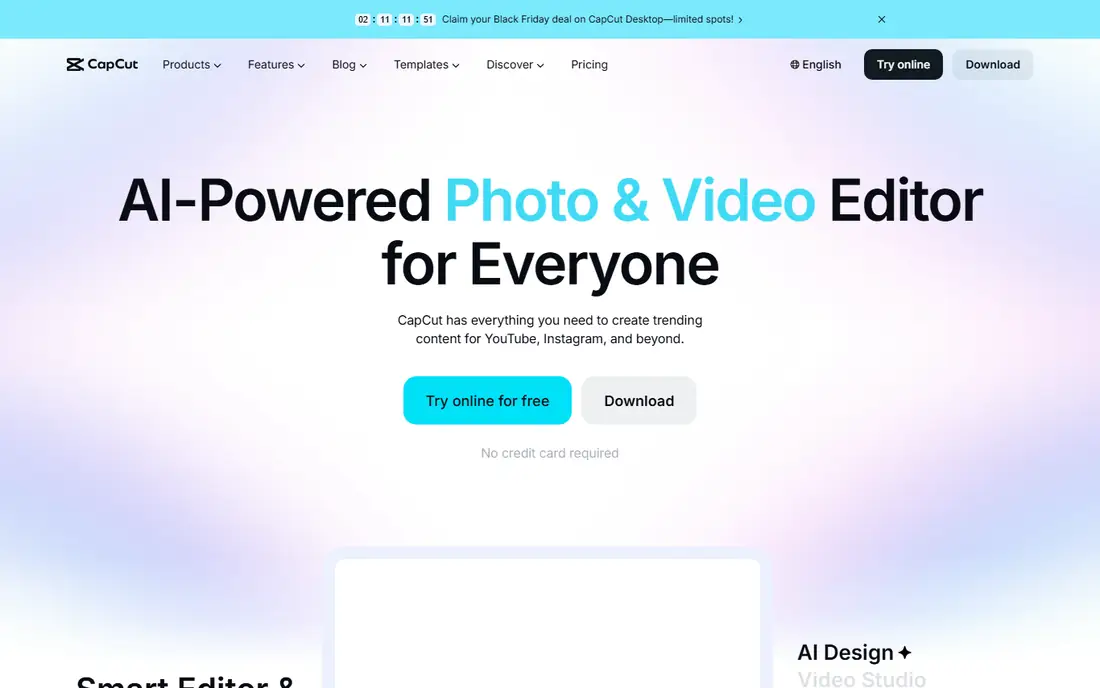
CapCut is the leading short-form video editor, with templates, auto captions, trending effects, music, and text tools built for Reels and TikTok. Its template library lets creators copy popular formats in minutes, while auto captions and beat sync speed up editing. The app is free to start, with a Pro tier for premium effects, cloud storage, and higher export quality.
The trade-offs are privacy and cost. CapCut is owned by ByteDance, TikTok's parent, which raises privacy questions for some users, and full features need a Pro subscription. Some features also need internet access. Even so, CapCut suits creators who want the fastest path to polished Reels with templates and auto captions.
What we like- Huge template library
- Auto captions
- Effects and trending audio built in
Watch out for- Owned by ByteDance, so privacy concerns exist
- Premium needed for full features
- Some features need internet
Starting priceFree
Free planYes
InShot is a simple, popular video editor for quick Reel edits, with trimming, splitting, filters, music, text, and speed controls in an interface beginners learn fast. It suits creators who shoot on a phone and want a finished Reel in minutes without learning a complex editor. The free tier covers basic edits, and a Pro plan removes watermarks and opens premium filters.
The limits are watermark and depth. The free tier adds a watermark, premium features need a subscription, and pro controls trail VN and KineMaster. Even so, InShot suits beginners and casual creators who want fast, simple Reel edits.
What we like- Very easy interface
- Trimming, filters, and music
- Good for beginners
Watch out for- Free tier watermarks
- Premium needed for full features
- Fewer pro controls than VN
Starting priceFree
Free planYes
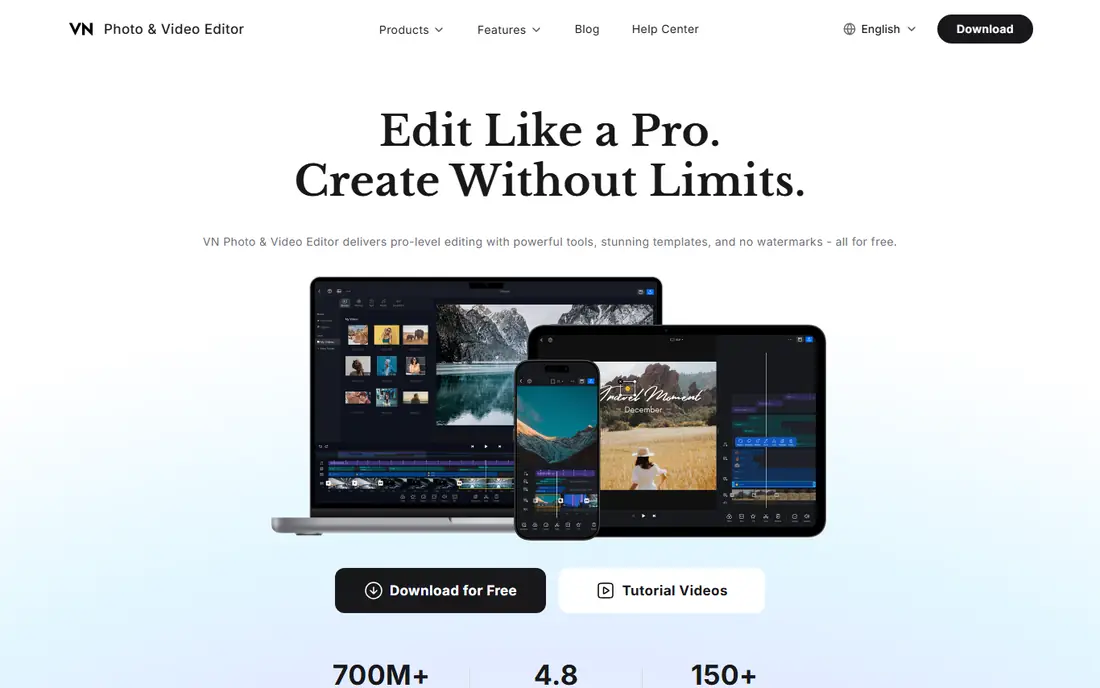
VN Video Editor, also called VlogNow, is a mobile editor with professional controls, including a multi-track timeline, keyframes, curves, masks, and color tools, with no watermark on the free tier. It suits creators who want desktop-style control on a phone without paying, and its export quality is strong. The app works on iOS and Android with a clean, focused interface.
The trade-offs are learning curve and templates. VN takes longer to learn than InShot, template options are fewer than CapCut, and some advanced features need a Pro plan. Even so, VN suits creators who want pro editing controls and watermark-free exports without a subscription.
What we like- Pro timeline and keyframes
- No watermark on free tier
- Multi-layer editing
Watch out for- Learning curve for beginners
- Fewer templates than CapCut
- Some features need Pro
Starting priceFree
Free planYes
KineMaster is a long-running mobile editor with multi-layer video, images, stickers, text, and audio, plus chroma key for green screen work and an asset store for effects, music, and transitions. It suits creators who build layered Reels with overlays, titles, and background music, and its precision controls beat simpler editors for complex projects.
The limits are watermark and busyness. The free tier watermarks exports, full features need a subscription, and the interface packs in many tools that can feel busy. Even so, KineMaster suits creators who want multi-layer mobile editing with chroma key and a large asset store.
What we like- Multi-layer video and audio
- Chroma key
- Asset store with effects
Watch out for- Free tier watermarks
- Subscription for full features
- Interface is busy
Starting priceFree
Free planYes
Splice, from Bending Spoons, is a clean, simple video editor with trimming, transitions, text, and a strong music library, aimed at creators who want polished Reels without complexity. Its interface is calm and fast, and its music and sound effects suit short-form video well. The app is free to start, with a Pro plan for full features.
The trade-offs are depth and platform. Advanced tools trail VN and KineMaster, the full music library needs Pro, and the iOS experience is stronger than Android. Even so, Splice suits creators who want a simple, polished editor with good music for Reels.
What we like- Clean interface
- Good music library
- Easy trimming and transitions
Watch out for- Fewer advanced tools
- Premium needed for full library
- IOS focus is stronger
Starting priceFree
Free planYes
Adobe Premiere Rush is Adobe's mobile and desktop editor for short-form video, with auto reframe for vertical formats, motion graphics templates, and sync across devices through Creative Cloud. It suits creators already in the Adobe ecosystem who want to start on a phone and finish in Premiere Pro. Export quality is strong, and the interface is cleaner than full Premiere.
The limits are exports and cost. The free starter plan limits exports, full use needs a Creative Cloud subscription, and templates trail CapCut. Even so, Premiere Rush suits Adobe users who want quality short-form editing with a path to Premiere Pro.
What we like- Adobe quality and sync
- Auto reframe for vertical video
- Ties to Premiere Pro
Watch out for- Free tier limits exports
- Subscription for full use
- Fewer templates than CapCut

#7Canva
Best for: Templates plus video4.7/5 on
G2 (7,678 reviews, checked Oct 2026)
Visit canva.com
Starting priceFree
Free planYes
Canva is a design platform whose video editor covers Reels with templates, text, graphics, stock footage, and music in one place. It suits businesses and creators who want branded Reels with consistent fonts, colors, and logos, since Canva's brand kit and template library make that easy. The free tier covers basic video edits.
The trade-offs are editing depth and cost. Video editing is basic compared with VN or KineMaster, premium assets need a Pro plan, and timeline precision is limited. Even so, Canva suits brands and creators who want template-driven Reels with strong graphics and text.
What we like- Huge template library
- Easy text and graphics
- Good for branded Reels
Watch out for- Video editing is basic
- Premium needed for full assets
- Less precise than VN
Starting priceFree
Free planYes
Filmora Mobile, from Wondershare, is a mobile video editor with a large effects, filter, and template library plus AI tools for captions, background removal, and beat sync. It suits creators who want fun, fast Reels with trendy effects, and its template library covers many niches. The app is free to start, with premium plans for full effects and watermark-free exports.
The limits are watermark and cost. The free tier watermarks exports, full effects need a subscription, and some AI features need internet access. Even so, Filmora Mobile suits creators who want a large effects library and AI tools for quick, trendy Reels.
What we like- Large effects and template library
- AI tools
- Good for fun, fast Reels
Watch out for- Free tier watermarks
- Premium needed for full effects
- Some features need internet
How we chose
We compared reel editing apps on ease of use, timeline controls, captions, music, templates, export quality, watermark rules, and pricing, favoring apps with proven Reels and TikTok workflows. We excluded desktop-only editors and apps without vertical video support. Prices mix free tiers and subscriptions, so we wrote See website where a vendor does not publish a clear starting price, though most apps here are free to start.
Buying guide
Start by deciding how much control you need. Beginners and quick creators should pick InShot, Splice, or Canva, while creators who want pro control should pick VN or KineMaster, and template lovers should pick CapCut or Filmora. Think about volume too: daily posters benefit most from templates and auto captions, while weekly creators can afford slower, more precise edits. Next, check watermark and export rules before investing time, since a watermark on a finished Reel wastes the edit. Test one full export at the highest quality before committing to an app, and check file size and frame rate as well, since platforms compress uploads and a poor export looks worse after compression.
Then check captions and audio, since captions boost watch time and many viewers watch muted. Apps with auto captions, such as CapCut and Filmora, save significant time, while manual caption apps slow production. Check caption accuracy too, since auto captions make mistakes with names, slang, and accents, and a quick edit pass prevents embarrassing errors. Finally, consider privacy and ownership: check what data an app collects and whether its terms allow the app to reuse your content, especially for business accounts, and keep original footage backed up outside the app. Cloud-only projects can vanish if an account is closed or a subscription lapses, so export finished videos and save project files locally where the app allows it.
Frequently asked questions
What is the best app for editing Instagram Reels?
CapCut leads for templates, auto captions, and effects, while VN suits creators who want pro controls without a watermark. InShot suits beginners who want fast, simple edits, and Canva suits brands that need consistent graphics.
Are reel editing apps free?
Most are free to start, but free tiers usually watermark exports or limit premium effects. Paid plans remove watermarks and open full libraries, so check export rules before choosing.
Do I need captions on Reels?
Yes, in most cases. Many viewers watch muted, and captions boost watch time and accessibility. Apps with auto captions save significant editing time compared with manual captioning.
What size should Reels be?
Reels use vertical 9:16 video, usually 1080 by 1920 pixels. Apps such as Premiere Rush offer auto reframe to convert horizontal footage to vertical without manual cropping, though auto reframe can crop subjects badly and deserves a manual check.
Is CapCut safe for business use?
CapCut is widely used, but it is owned by ByteDance, which raises privacy questions for some businesses. Check its data terms and your company policy, and consider VN, InShot, or Adobe Rush if privacy is a concern.
Sources we checked (0)
Is your product missing or out of date?
We review this list regularly. Vendors can request a listing, send updated pricing or ask about featured placement.

Shihab Mia · Founder, Rankite
Shihab has 5+ years in B2B and SaaS SEO. He writes Rankite's software buying guides from pricing pages, documentation and public user reviews. More about Shihab.
 CapCut
 InShot
 VN Video Editor
 KineMaster
 Splice
 Adobe Premiere Rush
 Filmora Mobile