How we make this list: we compare pricing pages, product documentation and public user reviews. Rankite is independent; if a vendor ever pays for a featured spot, that listing is clearly labeled Partner.
Key takeaways
- Audacity (free, open source) and GarageBand (free on Mac) still cover most solo recording needs at zero cost.
- Remote interview shows should use Riverside ($29/month) or Zencastr (free plan), which record each guest locally so bad internet never ruins the audio.
- Descript (free plan) is the fastest path from recording to finished episode for non-editors, because you edit the transcript like a document.
- Adobe Audition ($22.99/month) and Reaper ($60 one-time) are the serious editing picks; OBS Studio (free) handles screen and live recording.
Quick comparison
| Tool | Best for | Starting price | Free plan |
|---|
 Audacity Audacity | Free multitrack recording and editing on any computer | Free (open source, always) | Yes (fully free, no tiers) |
 Riverside Riverside | Remote podcast and video interviews with studio quality | $29/month (Standard plan) | Yes (limited recording hours) |
 Zencastr Zencastr | Simple browser-based remote recording | See website | Yes |
 Descript Descript | Editing audio and video by editing text | See website | Yes (no credit card required) |
 Reaper Reaper | A full professional DAW at a fraction of the price | $60 (discounted license); $225 commercial | Free trial (60 days, fully functional) |
 OBS Studio OBS Studio | Free screen recording and live streaming | Free (open source) | Yes (fully free) |
 Adobe Audition Adobe Audition | Professional audio cleanup and post-production | $22.99/month (annual plan) | Free trial (7 days) |
 GarageBand GarageBand | Mac owners recording their first tracks or episodes | Free (included with Mac) | Yes (fully free on Mac and iOS) |
 Hindenburg PRO Hindenburg PRO | Journalists and podcasters producing spoken-word stories | $12/month (PRO) | Free trial |
Is your product missing or out of date?
We review this list regularly. Vendors can request a listing, send updated pricing or ask about featured placement.
Recording software worth your time
A client asked me last month what software to buy for recording a weekly podcast with two remote co-hosts. He had already paid for three different tools and hated all of them. The problem was not the budget. He was recording a remote interview show with software built for solo music production, then wondering why every episode sounded like a bad phone call. Recording software is not one category. A podcaster, a course creator, a musician and a marketer recording product demos need different tools, and the right pick depends on where the audio comes from and who edits it.
These nine tools cover the real options for small businesses in 2026: free workhorses for solo recording, browser-based platforms for remote interviews, and serious editors for post-production. Prices are from the vendors' own sites, and free means actually free, not a trial wearing a costume.
Starting priceFree (open source, always)
Free planYes (fully free, no tiers)
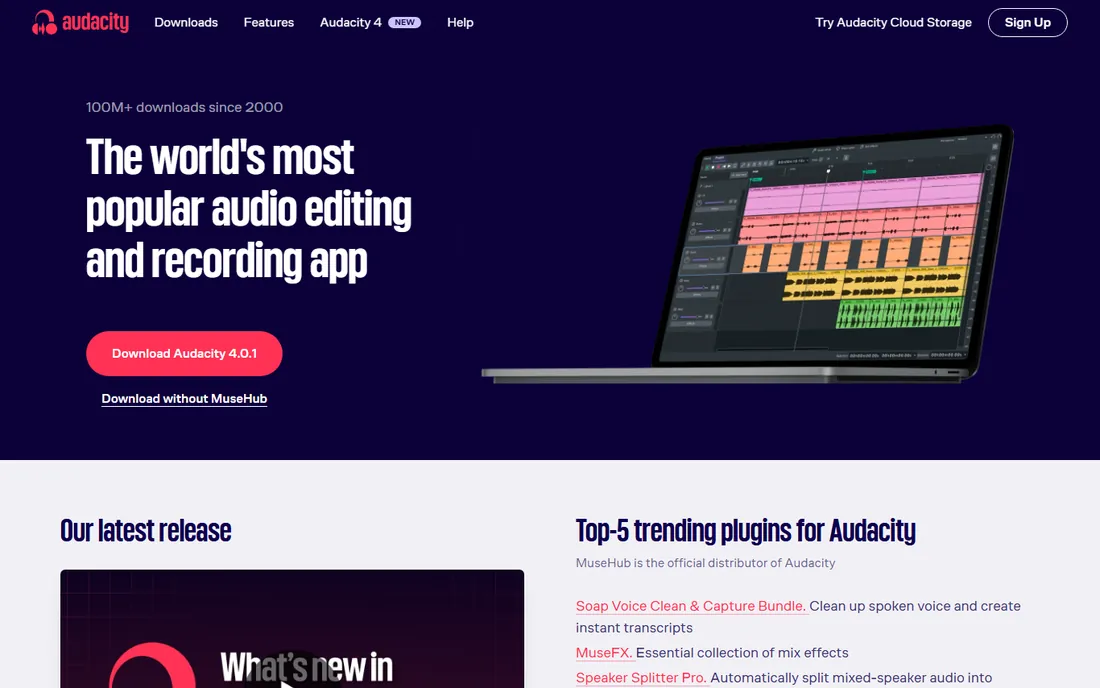
Audacity is the tool that refuses to die, and that is a compliment. It has been free and open source for over two decades, and it still handles the core job better than most paid software: plug in a microphone, hit record, cut the mistakes, export an MP3. The 4.x releases added a modernized interface, workspaces and better plugin support, but the soul is unchanged. For a solo podcaster, a voiceover artist or anyone recording narration, Audacity plus a decent USB microphone is a complete studio for zero dollars.
The honest catch is the learning curve and the ceiling. The interface looks like 2005 because parts of it are, and multitrack projects with dozens of clips get fiddly. There is no remote guest recording, no transcription, no AI cleanup. If your workflow is "record, trim, export," Audacity is perfect. If you need guests, look at Riverside or Zencastr instead.
What we like- Completely free with no feature limits or watermarks
- Multitrack recording and editing on Windows, Mac and Linux
- Huge plugin ecosystem including VST3 support and a massive tutorial library
Watch out for- Dated interface that intimidates first-timers
- No built-in remote recording or cloud collaboration
- Destructive editing workflow trips up beginners
#2
Riverside
Best for: Remote podcast and video interviews with studio quality
Visit riverside.fm
Starting price$29/month (Standard plan)
Free planYes (limited recording hours)
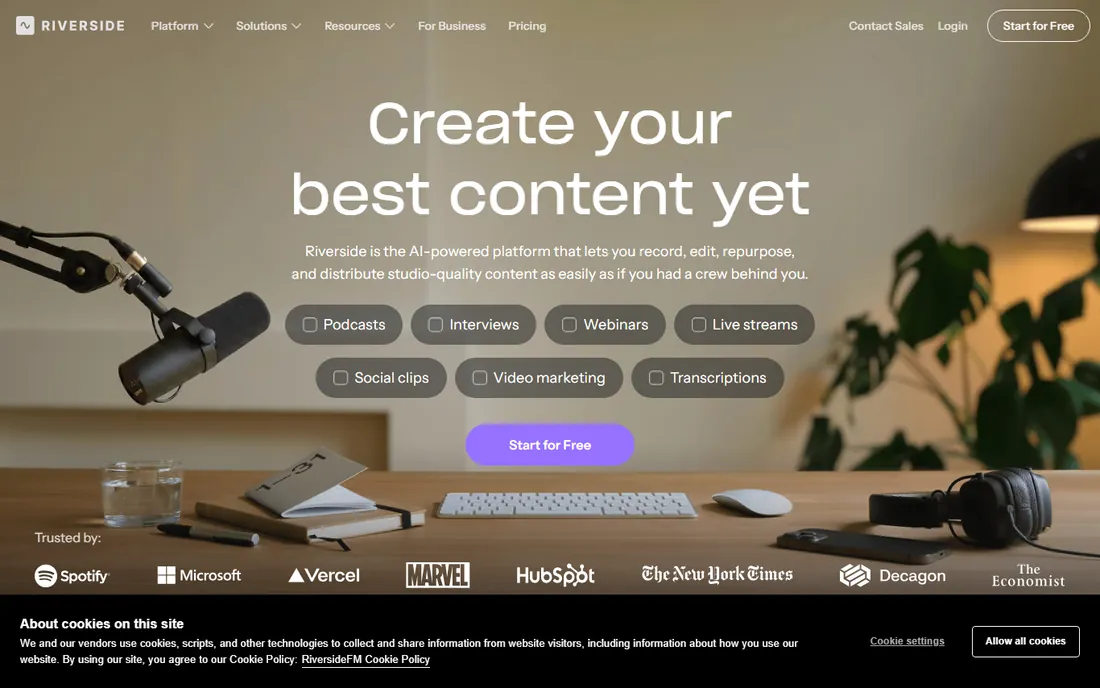
Riverside solved the exact problem my client had. Instead of recording the compressed audio that arrives over the internet, it records each guest locally on their own device in up to 48kHz uncompressed audio, then uploads the files. The result sounds like everyone was in the same room. Video goes up to 4K with separate tracks, so you can reframe shots in post. The built-in editor lets you cut by editing the transcript, remove filler words with one click, and generate clips for social media.
The honest catch is price and complexity. The free plan covers short experiments, but a weekly show needs Standard at $29 per month. If you only ever record solo, Riverside is overkill and Audacity is free. For remote interviews, though, nothing else in this price range matches the local-recording quality.
What we like- Local recording on each participant's device, so internet glitches never degrade quality
- Separate audio and video tracks per guest up to 4K
- Text-based editing and AI tools built into the same platform
Watch out for- Paid plans start higher than simpler rivals
- The full feature set takes a session or two to learn
- Heavy AI features need a solid computer
Starting priceSee website
Free planYes
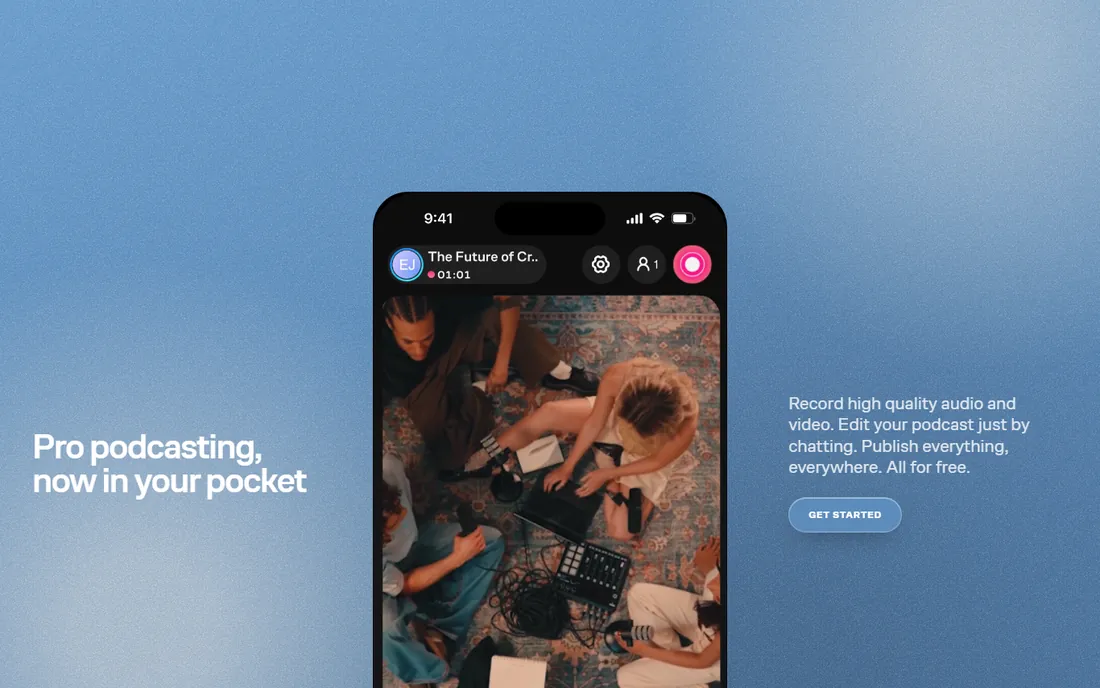
Zencastr is the "just send a link" option. Your guest clicks, allows microphone access, and records. Like Riverside it captures locally, so the audio survives bad connections. The pitch is simplicity: fewer knobs, fewer decisions, faster publishing. For small businesses doing occasional customer interviews, testimonial recordings or a casual internal show, that simplicity is the whole point.
The honest catch is depth. Zencastr records well but edits lightly; serious post-production still happens in Audacity or Descript. Check the current pricing before committing, since plan details change. If you record weekly with video, Riverside's editor justifies its price. If you record monthly and keep it simple, Zencastr is the easier buy.
What we like- Guests join from a browser link with nothing to install
- Local recording per participant like the pricier rivals
- Straightforward workflow that non-technical guests actually complete
Watch out for- Pricing details are sparse on the public site
- Fewer built-in editing tools than Riverside or Descript
- Video features lag behind the leaders
Starting priceSee website
Free planYes (no credit card required)
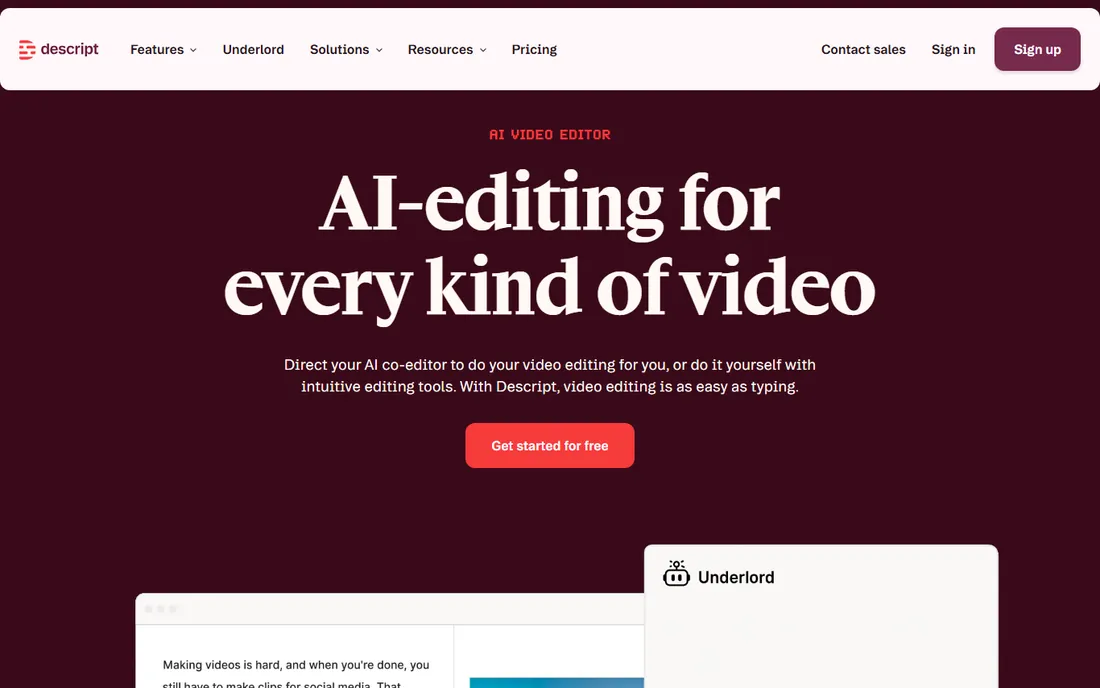
Descript changed how non-editors make content. You record or import audio, Descript transcribes it, and then you edit by deleting words in the transcript. Cut a sentence from the text and it vanishes from the audio. The Underlord AI assistant can assemble a rough cut from a raw recording, and Studio Sound polishes noisy recordings dramatically. For marketers turning webinars into clips, founders recording video updates, or podcasters who hate timelines, it is the fastest path to finished.
The honest catch is that it is not a DAW. Precision work like surgical noise repair or complex mixing still belongs in Audition or Reaper. Pricing is subscription-based, so compare the annual cost against your actual output. But for teams that publish constantly and edit reluctantly, Descript pays for itself in saved hours.
What we like- Transcript-based editing that feels like a word processor
- Studio Sound removes background noise with one click
- Screen recording, transcription and publishing in one app
Watch out for- The subscription model adds up for heavy users
- Advanced audio purists will miss a real DAW's precision
- AI voice features raise disclosure questions for some audiences
#5
Reaper
Best for: A full professional DAW at a fraction of the price
Visit reaper.fm
Starting price$60 (discounted license); $225 commercial
Free planFree trial (60 days, fully functional)
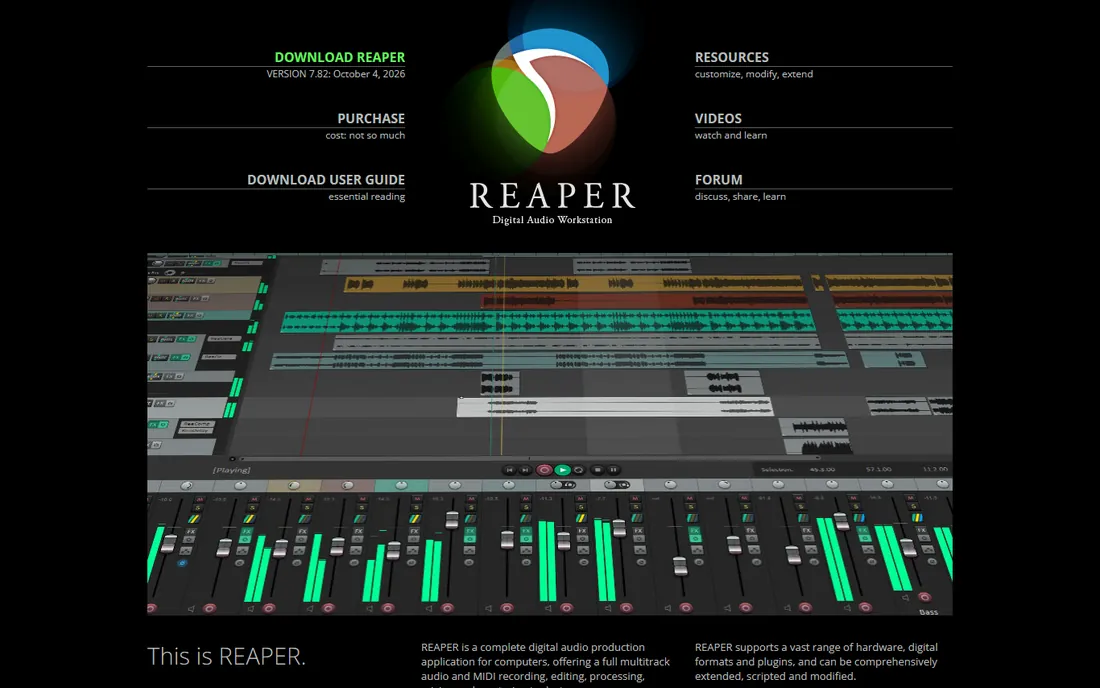
Reaper is the open secret of audio production. It does nearly everything the $600 DAWs do, costs $60 for small businesses, and runs on a potato. Multitrack recording, MIDI, video support, scripting, custom everything. The 60-day evaluation is fully functional, and the license is famously honor-based. Podcasters who outgrow Audacity, musicians on a budget, and video producers who need real audio tools all land here eventually.
The honest catch is the onboarding. Reaper hands you a blank canvas and a manual. Setting up inputs, routing and monitoring takes an evening of tutorials the first time. If you want to record a podcast this afternoon, start with Audacity or GarageBand. If you want a tool you will never outgrow, invest the evening in Reaper.
What we like- Absurdly deep feature set for the price, with no track or plugin limits
- Tiny installer and famously efficient performance on modest computers
- The 60-day trial is the real software with no restrictions
Watch out for- The interface assumes you know what a DAW is
- Setup and routing confuse beginners
- Documentation reads like it was written by engineers, because it was
Starting priceFree (open source)
Free planYes (fully free)
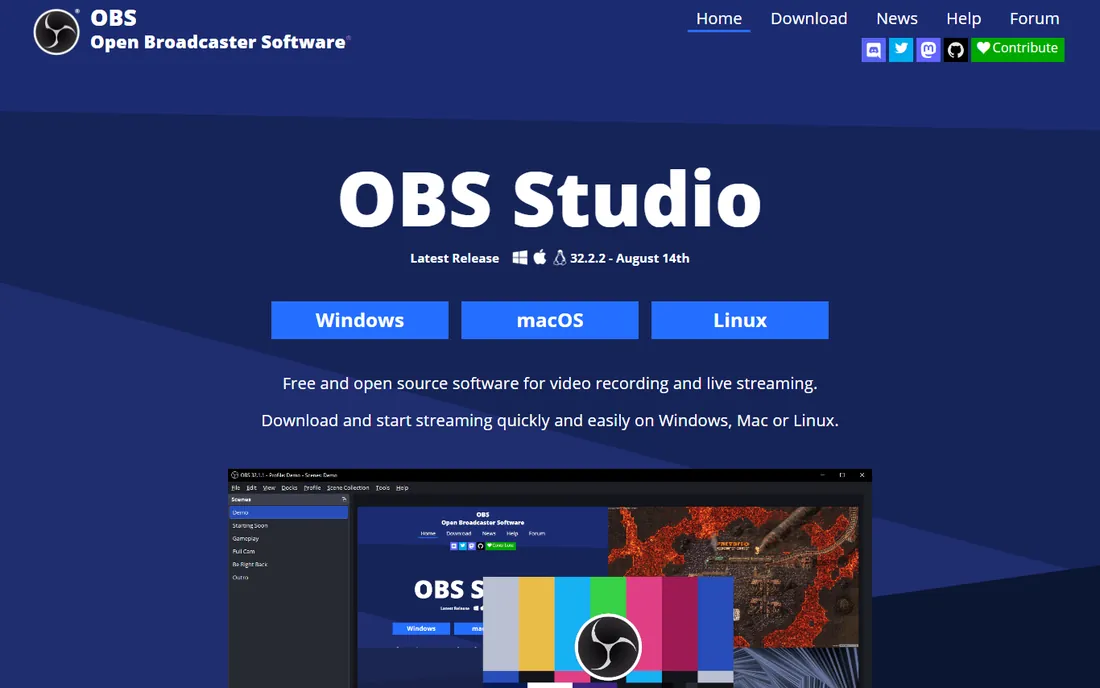
OBS Studio is free software that powers a shocking share of the internet's live video. For recording, it captures your screen, webcam and microphone at the same time, which makes it the default for course creators, software demos, game-adjacent content and webinar recordings. It is open source, cross-platform, watermark-free, and costs nothing forever.
The honest catch is that it is a production switcher, not an editor. You record in OBS and edit somewhere else. The first launch confronts you with scenes, sources and encoders, and you will watch a tutorial. But once configured, it is set-and-forget. If your recording involves a screen, start here before paying for anything.
What we like- Completely free with no watermarks or time limits
- Records screen, webcam, and audio sources simultaneously
- Massive plugin and community ecosystem for streaming
Watch out for- Built for streaming first, so pure audio workflows feel clunky
- Scene setup overwhelms first-time users
- No built-in editing beyond basic capture
#7
Adobe Audition
Best for: Professional audio cleanup and post-production
Visit adobe.com
Starting price$22.99/month (annual plan)
Free planFree trial (7 days)
Audition is the specialist's tool. When a recording has problems, hum, hiss, clipping, room echo, Audition's restoration tools fix what Audacity cannot. The spectral frequency display lets you paint out a cough the way you would retouch a photo. For video teams already in Creative Cloud, the Premiere Pro round-trip is genuinely smooth: send audio out, fix it, send it back.
The honest catch is the price-to-need ratio. At $22.99 per month forever, it is the most expensive way to record a podcast. Most small businesses should exhaust Audacity, Reaper or Descript first and only subscribe when they hit a restoration problem those cannot solve. Rent it for a month, fix the project, cancel.
What we like- Best-in-class noise reduction, restoration and spectral editing
- Tight round-trip workflow with Premiere Pro for video teams
- Multitrack mixing with broadcast-standard loudness tools
Watch out for- Subscription-only with no perpetual license
- Overkill and overpriced for simple podcast recording
- The 7-day trial is short for evaluation
#8
GarageBand
Best for: Mac owners recording their first tracks or episodes
Visit apple.com
Starting priceFree (included with Mac)
Free planYes (fully free on Mac and iOS)
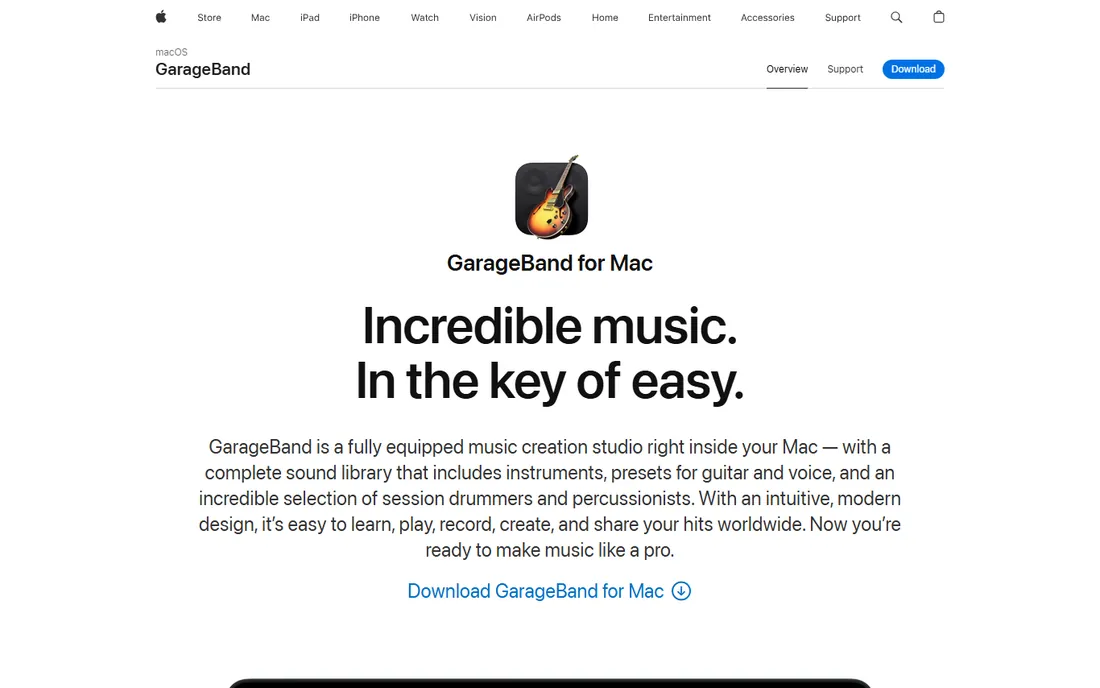
GarageBand is the best free DAW that most Mac owners never open. It records, edits and mixes with an interface a beginner can grasp in an afternoon, and the built-in drummer, loops and amp simulators make music creation fun instead of intimidating. For podcasters on Mac, it is a friendlier Audacity with better presets and iCloud sync to iOS.
The honest catch is the Apple lock-in. Your projects live in Apple's world, and the day you need features GarageBand lacks, the upgrade path is Logic Pro at $199, not a free lateral move. Windows users need not apply. But if you own a Mac and want to start recording today, this is already installed and waiting.
What we like- Free with every Mac and genuinely capable
- Friendly interface that teaches recording basics painlessly
- Solid built-in instruments, loops and vocal presets
Watch out for- Mac and iOS only, useless on Windows
- Projects do not transfer cleanly to non-Apple DAWs
- Limited advanced editing compared to Logic Pro or Reaper
#9
Hindenburg PRO
Best for: Journalists and podcasters producing spoken-word stories
Visit hindenburg.com
Starting price$12/month (PRO)
Free planFree trial
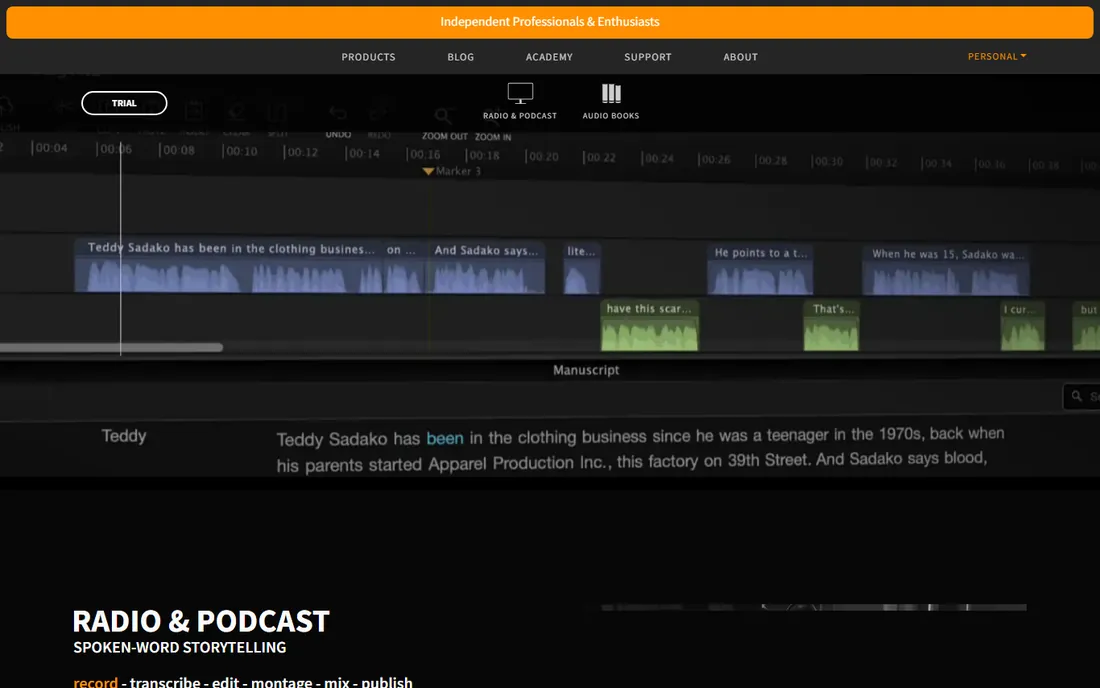
Hindenburg is built by radio journalists for spoken word, and it shows. Instead of a music DAW's instrument racks and MIDI grids, you get voice profiles, automatic level matching between speakers, and publishing to broadcast loudness standards without thinking about it. The PRO version adds transcript editing, so you can cut interviews by editing text. For narrative podcasts, interview shows and audiobooks, it removes an entire layer of technical friction.
The honest catch is specialization. If you also record music, you will still need another DAW. The community is smaller, so obscure problems get fewer forum answers. But for teams whose entire output is voice, Hindenburg's focused workflow beats a general DAW's flexibility.
What we like- Designed for voice rather than music, so the workflow matches podcast production
- Automatic loudness leveling to broadcast standards
- Transcript-based editing in the PRO version
Watch out for- Narrow focus means musicians should look elsewhere
- Smaller community and fewer tutorials than the big DAWs
- Pricing sits between free tools and full DAWs
How we chose
We started from the brief's method: vendor pricing pages, documentation, and public reviews on G2, Capterra and Reddit. We excluded tools that no longer exist as standalone products and tools whose "free" tier turned out to be a trial. Every price above comes from the vendor's own site or is marked "See website" where the vendor does not publish one. We favored tools with a clear small-business use case over enterprise platforms, and we weighted real workflow fit, how the tool handles the actual job, above feature counts.
What to check before you commit
Match the tool to the source of your audio. Solo recording into one microphone is a different job from a four-person remote interview, which is different again from capturing your screen. Free tools cover the first job completely; the second job is where paid remote platforms earn their keep through local recording.
Count the editors, not just the recorders. If one person records and someone else edits, pick tools that hand off cleanly, separate WAV tracks per speaker, standard formats, no proprietary lock-in. Descript and Riverside both export standard files; some browser tools do not.
Test the free tier with a real episode. Record ten minutes, edit it, export it, and listen on earbuds and a car stereo. That twenty-minute test reveals more than any feature list, especially around noise handling and export quality.
The free-versus-paid line in recording
Free recording software in 2026 is genuinely excellent. Audacity, OBS Studio and GarageBand handle capture and basic editing at a level that cost hundreds of dollars a decade ago. The money buys three things: remote guest quality (local recording), editing speed (transcript-based workflows and AI cleanup), and restoration power (surgical noise repair). A weekly interview show justifies Riverside or Descript. A monthly solo episode does not need either. Buy the tier that matches your publishing cadence, not your aspirations.
Frequently asked questions
Do I need paid software to start a podcast?
No. Audacity or GarageBand plus a decent USB microphone produces publishable audio for zero software cost. Pay only when a specific pain appears: bad remote guest audio (Riverside, Zencastr), slow editing (Descript), or damaged recordings (Adobe Audition).
What is local recording and why does it matter?
Local recording captures each participant's audio on their own device instead of recording the compressed stream that arrives over the internet. If someone's connection stutters, the recording stays clean. Riverside, Zencastr and similar platforms use it; Zoom's default recording does not.
Can I record video and audio at the same time?
Yes. Riverside records up to 4K video with separate tracks per guest, OBS Studio captures screen plus webcam free, and Descript handles both with transcript editing. Pick based on whether your show is video-first or audio-first.
Is Audacity really still good in 2026?
Yes for recording and standard editing. The 4.x releases modernized the interface and plugin support. It lacks remote recording, AI features and cloud collaboration, but for solo capture-and-trim work it remains the value king because the price is zero.
What microphone should I use with this software?
Software cannot fix a bad microphone. A $70 to $150 USB condenser microphone in a quiet room beats any software upgrade. Record a test, listen on cheap earbuds, and treat the room (blankets, bookshelves) before buying plugins or subscriptions.
How do I record a phone call or remote guest for free?
Zencastr's free plan and Riverside's free tier both record remote guests locally through a browser link. For a one-off, even Zoom's local recording works, though quality is lower. Always get the guest's permission to record, and check your state's consent laws.
Sources we checked (9)
- https://www.audacityteam.org/
- https://riverside.fm/
- https://zencastr.com/
- https://www.descript.com/
- https://reaper.fm/
- https://obsproject.com/
- https://www.adobe.com/products/audition.html
- https://www.apple.com/mac/garageband/
- https://hindenburg.com/
Is your product missing or out of date?
We review this list regularly. Vendors can request a listing, send updated pricing or ask about featured placement.

Shihab Mia · Founder, Rankite
Shihab has spent more than a decade helping SaaS and e-commerce brands grow through search. He writes Rankite's software buying guides from pricing pages, documentation and public user reviews. More about Shihab.