How we make this list: we compare pricing pages, product documentation and public user reviews. Rankite is independent; if a vendor ever pays for a featured spot, that listing is clearly labeled Partner.
Key takeaways
- Animoto is the most purpose-built option for agents, with real estate templates and a Basic plan at $8 a month billed annually, though serious users will want the $15 Professional tier.
- InVideo and Pictory turn listing descriptions into videos with AI, which suits agents who hate editing timelines but want more than a slideshow.
- CapCut is the only genuinely free professional-grade option here, and its property-tour templates make it the best $0 starting point.
- Canva Video fits agents already living in Canva, since listing videos, flyers and social posts stay in one subscription.
- Watch the watermark: Renderforest, FlexClip and Wave.video all offer free plans, but exports carry branding until you pay.
Quick comparison
| Tool | Best for | Starting price | Free plan |
|---|
 Animoto Animoto | agents who want listing templates fast | $8 per month (billed annually) | Yes |
 InVideo InVideo | AI-built videos from listing copy | $25 per month ($20 billed annually) | Yes |
 CapCut CapCut | free professional editing | $0 | Yes |
 Canva Video Canva Video | agents already using Canva | $15 per month | Yes |
 Pictory Pictory | turning text into listing videos | $29 per month ($25 billed annually) | Free trial |
 FlexClip FlexClip | simple drag-and-drop listing videos | $19.99 per month ($11.99 billed annually) | Yes |
 Renderforest Renderforest | animated intros and branded templates | $9 per month (billed annually) | Yes |
 Biteable Biteable | polished marketing-style videos | $29 per month ($19 billed annually) | Free trial |
 Wave.video Wave.video | editing plus hosting and landing pages | $16 per month (Streamer) | Yes |
Is your product missing or out of date?
We review this list regularly. Vendors can request a listing, send updated pricing or ask about featured placement.
The best real estate video editing software
Starting price$8 per month (billed annually)
Free planYes
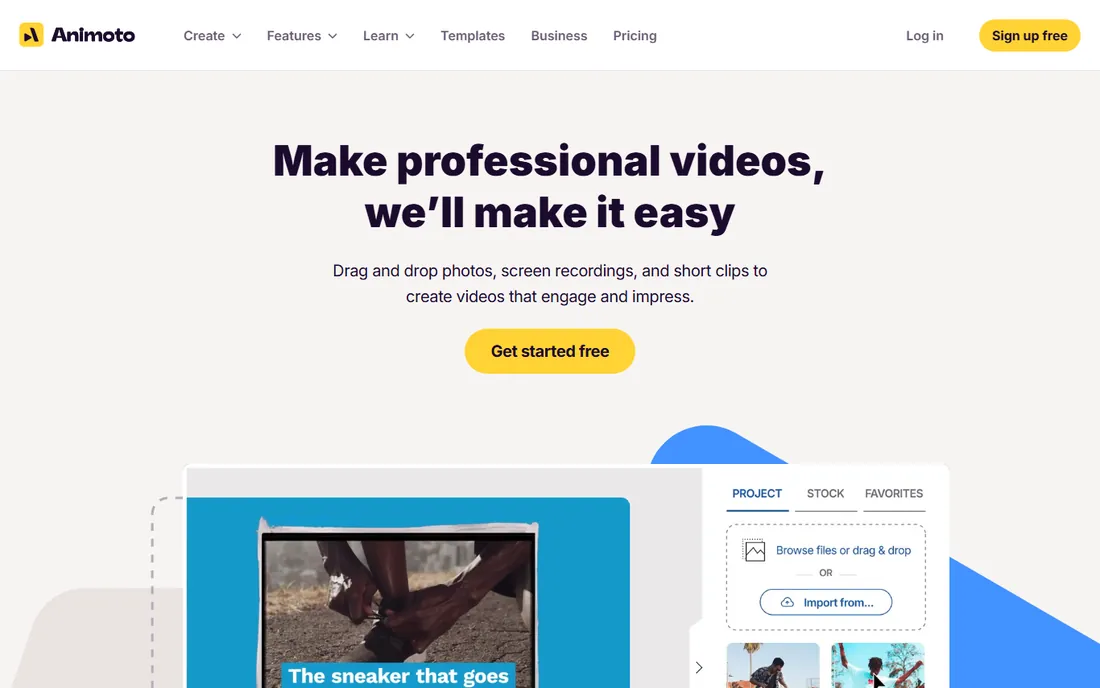
Animoto has been courting real estate agents for years, and it shows in the template library. Property tour, just-listed, open-house and testimonial templates come pre-structured with text placements for price, beds, baths and square footage. You drop in photos or clips, adjust the text, pick music and export. A finished listing video takes under an hour.
Pricing starts with a free plan, then Basic at $8 a month billed annually, Professional at $15 and Professional Plus at $39. The Basic tier works for occasional listings, but Professional is the realistic pick for active agents: it adds more templates, longer videos and branding removal. The honest limitation is creative range. Animoto videos look clean but samey, and agents who want distinctive branding will outgrow the template system.
Choose Animoto if you want the shortest path from listing photos to a finished video. It is the least intimidating tool on this list.
What we like- Templates built specifically for real estate
- Very easy drag-and-drop workflow
- Affordable entry plan for solo agents
Watch out for- Creative ceiling is low for advanced users
- Stock library is smaller than rivals
- Branding removal needs a paid tier
Starting price$25 per month ($20 billed annually)
Free planYes
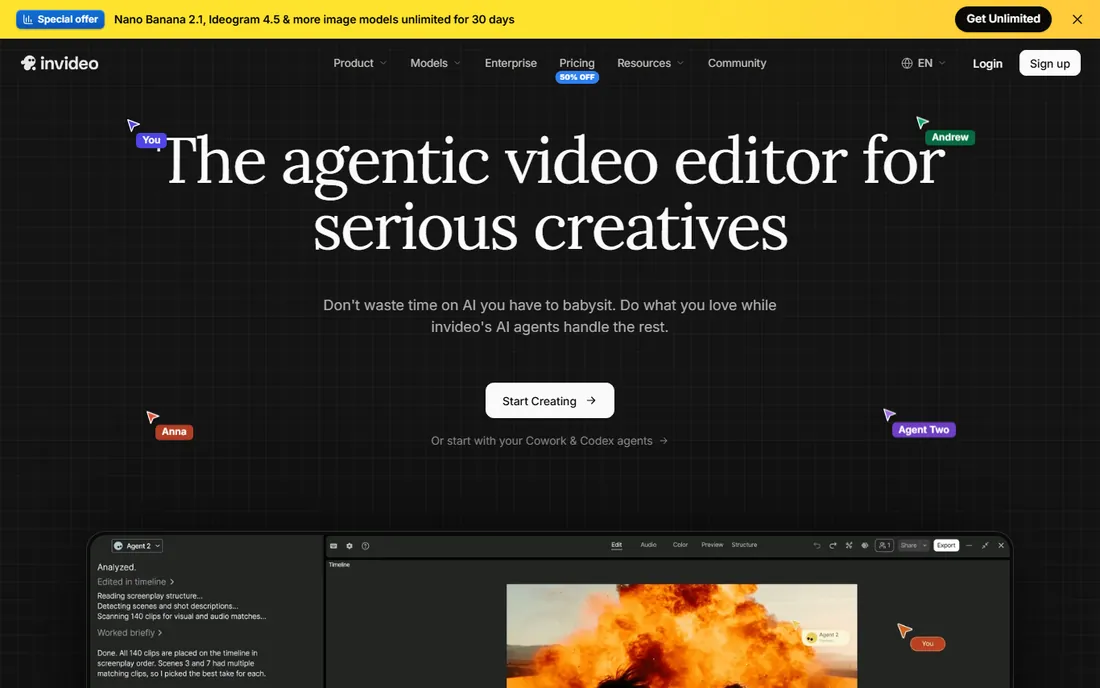
InVideo takes a different approach: paste your listing description, and its AI builds a video with scenes, stock footage, text overlays and voiceover. For agents who would rather write than edit, this compresses the work dramatically. The template library covers property showcases, agent intros and neighborhood guides.
The pricing structure shifted in 2026 to credit-based Starter, Plus and Max tiers, with Plus at $25 a month or about $20 billed annually. Credits gate AI generations and premium stock, so heavy users should model usage against the plan. AI-generated videos have a recognizable look that benefits from a human pass: swapping in real property photos and adjusting pacing makes a visible difference.
Pick InVideo if you like the idea of describing the listing and getting a draft video back. It suits agents who produce volume and want AI to handle the first 80 percent.
What we like- AI turns scripts and listing descriptions into videos
- Large template and stock library
- Free plan for testing
Watch out for- AI output needs human cleanup
- Pricing changed to credit-based tiers in 2026
- Free exports carry watermarks
Starting price$0
Free planYes
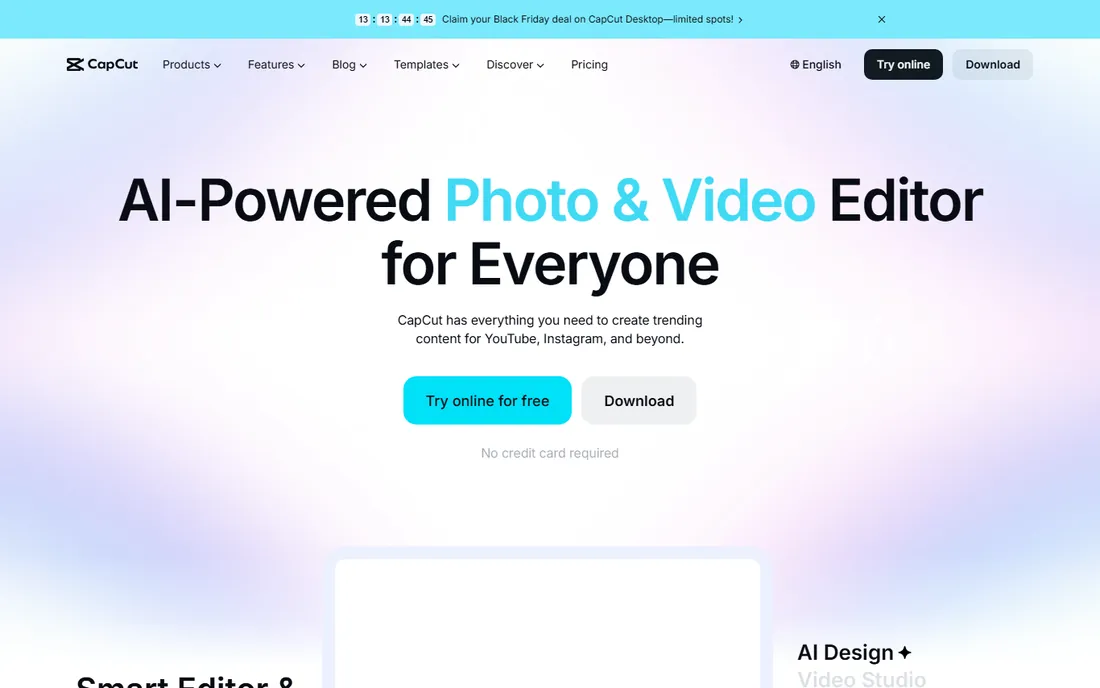
CapCut is the outlier here: a genuinely free editor with no watermark and no real-estate focus, included because it may be the best value for agents on a budget. Property-tour templates exist in the template library, auto-captions handle narration, and the phone app lets you shoot, edit and publish a walkthrough without touching a computer.
What it does not do is hold your hand. There is no listing-data integration and no agent branding kit. You build the structure yourself, which takes longer than Animoto's purpose-built templates but gives more creative control. The Pro tier gates the flashiest AI effects, and cloud sync needs an account.
Choose CapCut if your budget is zero and your standards are high. It demands more skill than the template tools but rewards it with better-looking videos for free.
What we like- Completely free with watermark-free HD export
- Property-tour templates and auto-captions
- Phone and desktop apps in sync
Watch out for- No real-estate-specific workflow
- Best AI features need the Pro tier
- Account required for cloud features
Starting price$15 per month
Free planYes
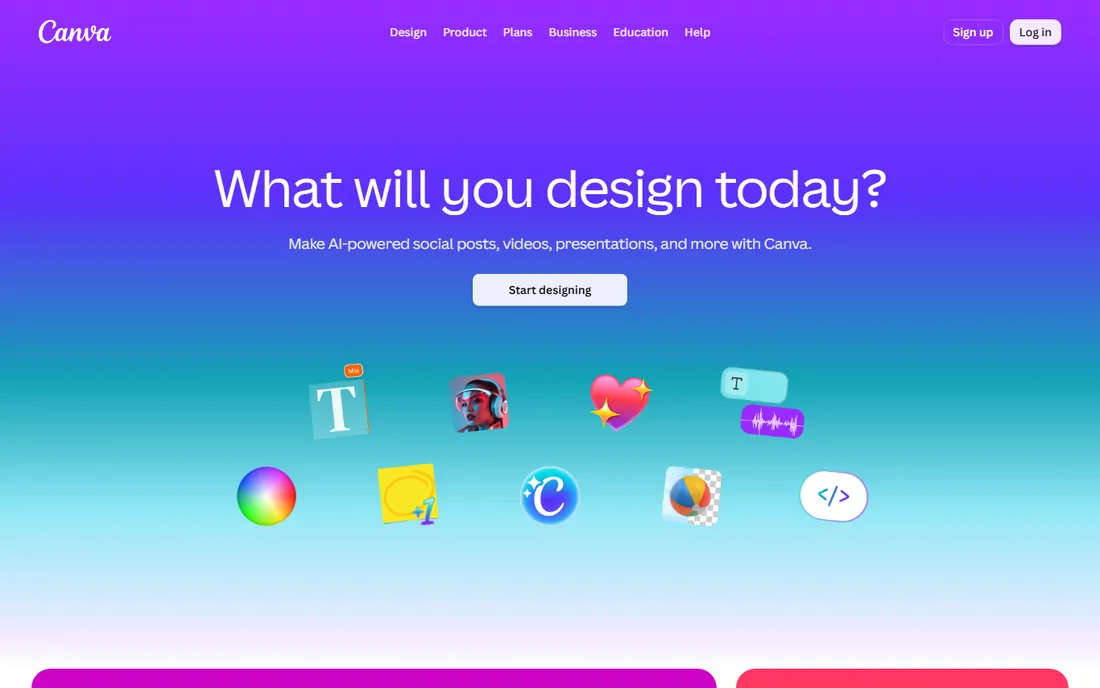
Most agents already have Canva for flyers and social posts, which makes Canva Video the path of least resistance. The same brand kit with your logo, colors and fonts applies to video, and the template library includes property listings, open-house announcements and agent promos.
As a video editor it is deliberately simple. Multi-track timelines, precise audio mixing and advanced transitions are beyond it; this is a design tool that makes videos, not an editor. The free plan covers basic video creation, while Pro at around $15 a month or $120 a year adds the brand kit, background remover and premium stock that make agent videos look professional.
Pick Canva Video if your marketing already lives in Canva. It is the most efficient choice for agents who need consistent branding across every format, not just video.
What we like- Listing videos, flyers and posts in one subscription
- Huge template library with real estate designs
- Easy brand kit for logos and colors
Watch out for- Video editor is simpler than dedicated tools
- Timeline control is limited
- Best features need the Pro subscription
Starting price$29 per month ($25 billed annually)
Free planFree trial
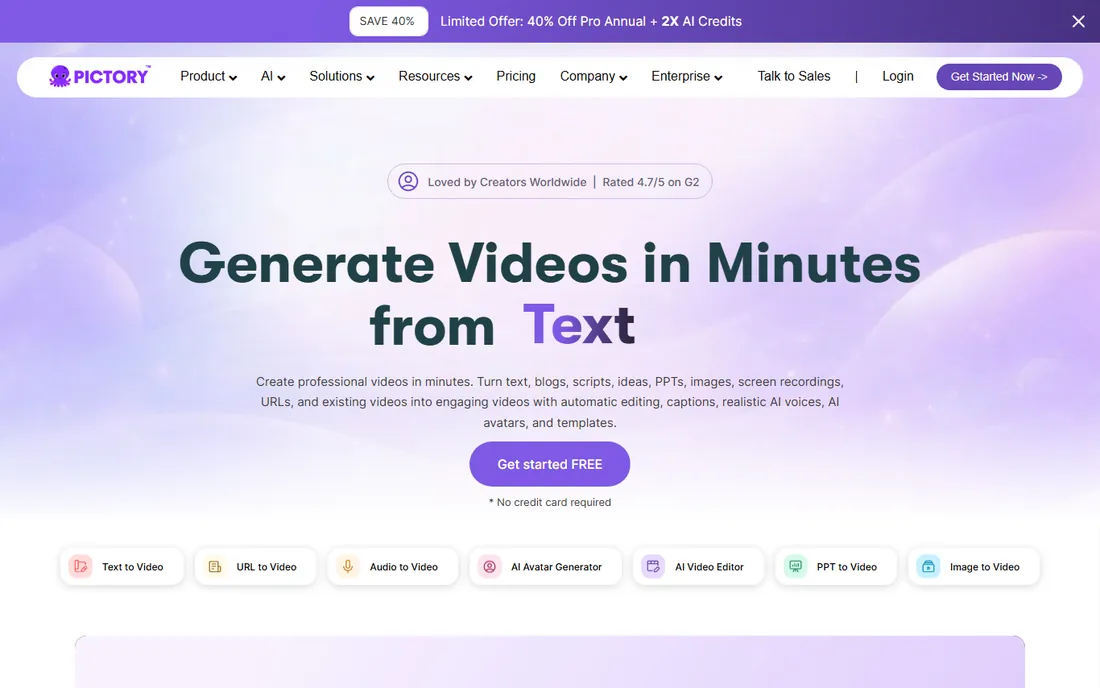
Pictory converts text into video: paste a listing description, a market update or a blog post, and it generates scenes with stock footage, captions and AI voiceover. For agents who publish market commentary, neighborhood guides or tip videos alongside listings, this is a content machine. Starter is $29 a month or $25 billed annually.
The trade-offs are clear. There is no permanent free plan, only a trial, so you commit money to keep using it. The auto-generated videos look competent but generic until you customize them, and visual control is limited compared to timeline editors. Pictory is weakest at the property tour, where real photos and footage matter more than stock.
Choose Pictory if you want to turn written content into video at volume: market updates, buyer tips and listing descriptions.
What we like- Converts scripts and blog posts to video automatically
- AI voiceovers in multiple voices
- Good for market-update and tips content
Watch out for- No ongoing free plan, only a trial
- Script-to-video look can feel generic
- Limited fine control over visuals
Starting price$19.99 per month ($11.99 billed annually)
Free planYes
FlexClip is a straightforward browser-based editor with a template collection that includes real estate categories. The drag-and-drop timeline is easy to learn, text animations handle price and feature callouts, and the screen recorder helps with virtual tour narration.
Paid plans start with Plus at $19.99 a month or $11.99 billed annually, and Business at $29.99 or $19.99 annually. Free exports carry watermarks and resolution limits, so publishing requires a paid tier. The template aesthetics trail Animoto and InVideo slightly, and the AI tools are less developed than the AI-first competitors.
Pick FlexClip if you want a simple browser editor with honest pricing and no learning curve.
What we like- Easy timeline with real estate templates
- Free plan for trying the workflow
- Screen recording for virtual tours
Watch out for- Free exports are limited and watermarked
- Template designs are less polished than rivals
- AI features are basic
Starting price$9 per month (billed annually)
Free planYes

Renderforest's strength is motion graphics: animated logo reveals, kinetic text intros and branded openers that make a listing video look professionally produced. The template library includes real estate intros, property promos and slideshow-style tours. The Lite plan at $9 a month billed annually is the cheapest paid entry on this list.
The free plan is genuinely limited: watermarked exports at low resolution, suitable for testing but not for publishing. Rendering happens in the cloud and can queue during busy periods. For agents, the best use is the intro and outro: build a branded 5-second opener in Renderforest and attach it to tours edited elsewhere.
Choose Renderforest if branded motion graphics are the gap in your videos. It is a complement to an editor like CapCut as much as a standalone tool.
What we like- Strong animated logo intros and openers
- Real estate template categories
- Affordable Lite plan for occasional use
Watch out for- Free exports are watermarked and low resolution
- Render times can be slow
- Customization is template-bound
Starting price$29 per month ($19 billed annually)
Free planFree trial
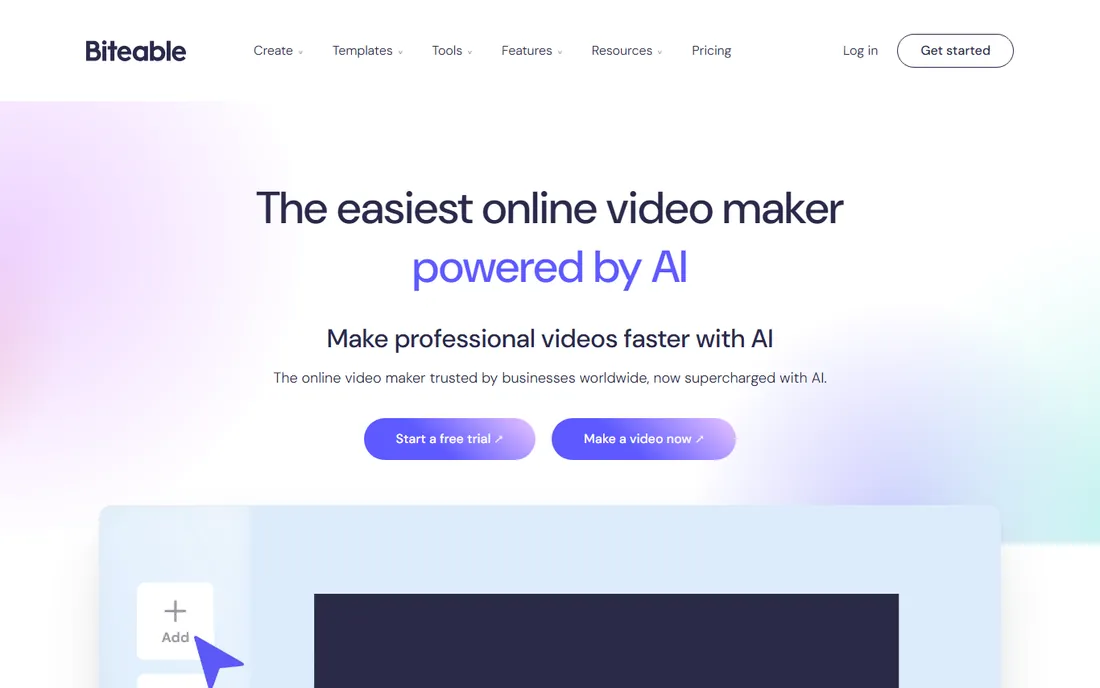
Biteable makes polished, marketing-agency-looking videos from templates, and its newer AI tools generate videos from scripts with avatars and voiceovers. Brand customization applies your fonts, colors and logo across projects, which helps agents keep a consistent look.
For real estate specifically, the fit is decent but not tailored. Templates skew toward general marketing rather than property tours, so you adapt rather than follow a listing workflow. Pricing is the hurdle for solo agents: Plus at $29 a month or $19 billed annually, and Ultimate at $49 or $99 monthly, which is steep against Animoto's $8 entry. There is a free trial but no ongoing free plan.
Pick Biteable if you want the most polished template output and you produce marketing videos beyond listings.
What we like- Professional templates with strong design
- AI video builder from scripts
- Brand customization across videos
Watch out for- No permanent free plan
- Pricing is high for solo agents
- Real estate templates are generic marketing ones
Starting price$16 per month (Streamer)
Free planYes
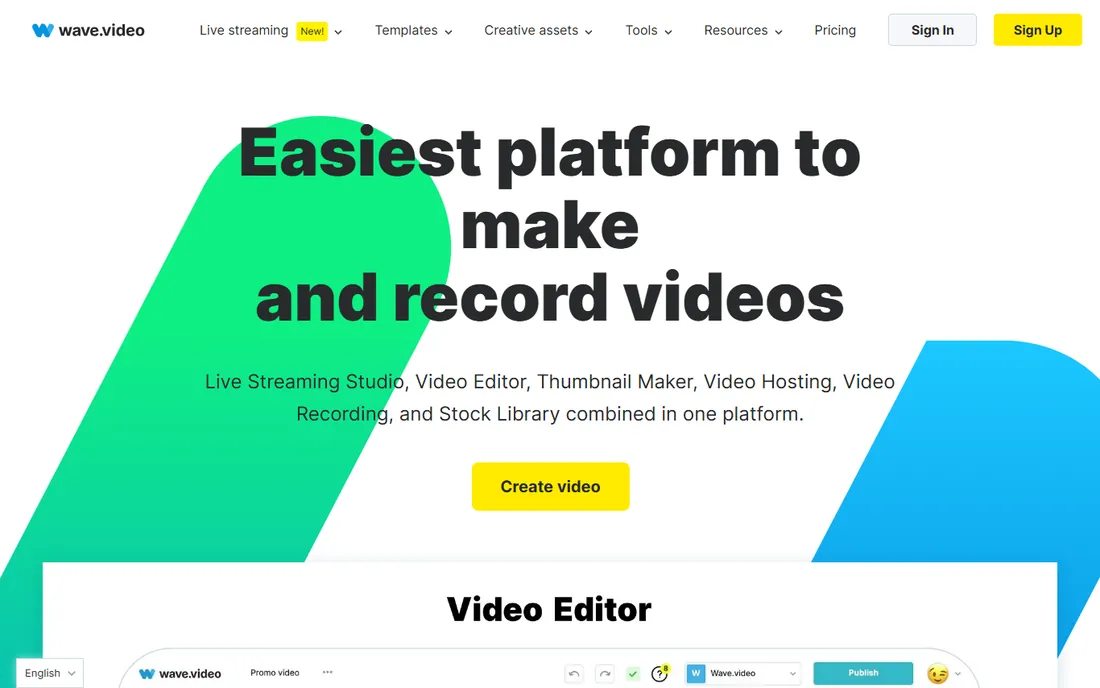
Wave.video bundles more than an editor: video hosting, landing page builder, thumbnail maker and a live streaming studio sit alongside the timeline editor. For agents, the landing page feature is the differentiator: each listing video can live on its own branded page with a contact form, which beats sending prospects a bare YouTube link. Plans include Streamer at $16 a month, Creator at $24 and Business at $48.
The breadth is also the weakness. The editor is competent but not exceptional, and the interface juggles many tools at once. Branding removal and longer videos need paid tiers. Agents who only need editing should choose a specialist; agents who want video, hosting and lead capture in one place get real value here.
Choose Wave.video if you want listing videos that live on branded pages and capture leads, not just views.
What we like- Editor, hosting and video landing pages in one platform
- Live streaming studio included
- Free plan for basic use
Watch out for- Interface tries to do a lot and feels busy
- Paid tiers needed for branding removal
- Smaller template library than specialists
How we chose
We did not edit listing videos in each tool for this roundup. We read each vendor's current pricing page and template libraries, checked export limits and watermark policies in official documentation and FAQs, and scanned agent discussions on Reddit plus reviews on G2 and Capterra for recurring complaints. We favored tools with real estate templates or workflows, transparent pricing and free plans or trials that let agents test before paying.
What actually sells a listing on video
A listing video has one job: make someone book a showing. Everything else is decoration. Here is what matters in the tool you pick.
Templates built for property
Purpose-built templates save the most time. Animoto's listing, just-sold and open-house templates come pre-structured for price, beds, baths and square footage. Generic marketing templates need adaptation. Before committing, browse the template library for actual property tour layouts, not just animated text.
Photos, footage and music
The video is only as good as the assets. Tools with large stock libraries help when your own photos are thin, but real property photos always outperform stock. Check the music licensing: all the tools here include royalty-free tracks, which matters because YouTube and Facebook mute videos with unlicensed music.
Captions and text overlays
Most listing videos are watched on phones with the sound off. Auto-captions in CapCut, InVideo and Pictory handle narration, and text callouts for price and features need to be readable at phone size.
Export quality and formats
Publish at 1080p minimum. Every paid tier here manages that, but free plans vary: Renderforest and FlexClip watermark free exports, so check each vendor's current free terms. Square and vertical exports matter for Instagram and Facebook feeds; confirm the tool supports 1:1 and 9:16 before you need them.
Turnaround time
An agent's realistic budget is an hour per listing, not a day. Template tools and AI builders fit that budget. Timeline editors produce better videos but take longer. Be honest about how much time you will actually spend, and pick the tool that matches.
Pricing and licensing fine print
Listing videos are commercial content, so the licensing terms matter more than they do for personal projects.
Watermarks on free plans
CapCut and Canva's free tiers export without watermarks. Renderforest, FlexClip and Wave.video watermark free exports or limit resolution. Pictory and Biteable offer trials rather than free plans. Never publish a client-facing listing video with another company's watermark on it; the $8 to $25 a month for a paid tier is cheaper than looking amateur.
Music and stock licensing
Templates and stock from these platforms are licensed for commercial use within the videos you create, which covers listing marketing. The license typically does not let you resell the raw stock footage itself. If you hire a videographer, confirm who owns the footage rights separately.
Seats and team use
Most plans here are single-user. If your brokerage shares one account across agents, check the terms: several vendors require per-seat plans for teams. Canva for Teams and Biteable's higher tiers handle multi-user setups properly.
Cancellation and annual billing
Annual billing saves 20 to 40% across these tools, but it locks you in for a year. Start monthly, confirm the tool survives three months of actual listings, then switch to annual. Set a renewal reminder; several of these renew automatically at full price.
Frequently asked questions
What is the easiest video tool for a real estate agent?
Animoto, because its templates are built for listings and the workflow takes under an hour to learn. FlexClip is a close second for simplicity. Both beat general editors for agents who have never edited video.
Can I make listing videos for free?
Yes, with CapCut or Canva's free tier, both of which export without watermarks. The trade-off is time: free tools need more manual work than template or AI builders. Avoid publishing watermarked exports from free plans; they look unprofessional on a listing.
How long should a listing video be?
Sixty to ninety seconds for a standard listing tour. Long enough to show every key room, short enough to hold attention on social feeds. Luxury properties can justify two to three minutes. Whatever the length, put the best three shots in the first ten seconds.
Do I need a drone or professional camera?
No. Modern phones shoot good enough video for most listings in good light. A $30 phone gimbal does more for perceived quality than a better camera. Spend effort on decluttering rooms and shooting in daylight before spending money on gear.
Should listing videos go on YouTube, social media, or both?
Both, with different cuts. YouTube hosts the full tour and helps search visibility for the address. Instagram, Facebook and TikTok get 30 to 60 second vertical cuts that drive traffic to the full video or the listing page. Wave.video's landing pages give each listing a single link to share everywhere.
Can I use stock footage in a listing video?
Sparingly. Stock works for neighborhood b-roll and lifestyle shots, but the property itself must be real photos and footage. Buyers notice the mismatch, and misrepresenting a listing with stock interiors creates legal risk. Use stock to set the scene, never to show the home.
Sources we checked (14)
- https://animoto.com/
- https://invideo.io
- https://www.capcut.com/
- https://canva.com/
- https://pictory.ai
- https://www.flexclip.com/
- https://www.renderforest.com/
- https://biteable.com/
- https://www.wave.video/
- https://www.digitalmarketingcommunity.com/tools/animoto/
- https://cavazosrealty.com/social-media-tools-real-estate-agents/
- https://www.shelby-ai.com/pricing/pictory/
- https://www.g2.com/products/flexclip/pricing
- https://www.g2.com/products/renderforest/reviews
Is your product missing or out of date?
We review this list regularly. Vendors can request a listing, send updated pricing or ask about featured placement.

Shihab Mia · Founder, Rankite
Shihab has spent more than a decade helping SaaS and e-commerce brands grow through search. He writes Rankite's software buying guides from pricing pages, documentation and public user reviews. More about Shihab.