How we make this list: we compare pricing pages, product documentation and public user reviews. Rankite is independent; if a vendor ever pays for a featured spot, that listing is clearly labeled Partner.
Key takeaways
- Mintlify and Fern lead for polished developer docs sites, but Mintlify's AI features start at $450 a month while Fern's free tier includes 250 AI credits monthly.
- DocuWriter.ai and Swimm generate docs from your code instead of hosting pages you write yourself, which suits teams with no existing documentation.
- GitBook and ReadMe charge in two dimensions at once (sites plus users, or admins plus add-ons), so model your real team size before comparing sticker prices.
- Theneo is the value pick for API docs with AI included in flat tiers rather than metered by the credit.
Quick comparison
| Tool | Best for | Starting price | Free plan |
|---|
 Mintlify Mintlify | Polished docs-as-code sites | $450 per month (billed annually) | Yes (Starter, 5 editor seats, no AI features) |
 Swimm Swimm | Code-coupled internal docs | $29 per user per month | Yes |
 Archbee Archbee | Knowledge portals for mixed audiences | $80 per month | No (14-day free trial) |
 Docuwriter.ai Docuwriter.ai | Auto-generating codebase docs | $20 per month (Starter) | No (7-day Professional trial) |
 GitBook GitBook | Team-friendly hosted docs | $65 per site per month plus $12 per user (billed annually) | Yes (1 site, 1 user) |
 Theneo Theneo | AI-generated API portals | $120 per workspace per month (billed annually) | Yes (Starter) |
 ReadMe ReadMe | Interactive API references | $300 per month (Pro) | Yes (Starter) |
 DocsBook DocsBook | Markdown-native AI docs | $20 per month per project (Pro) | No (14-day Pro trial) |
 Fern Fern | Docs plus SDKs from one spec | Free plan available; Enterprise custom pricing | Yes (free forever, 250 AI credits per month) |
Is your product missing or out of date?
We review this list regularly. Vendors can request a listing, send updated pricing or ask about featured placement.
The best rated software documentation AI
Starting price$450 per month (billed annually)
Free planYes (Starter, 5 editor seats, no AI features)
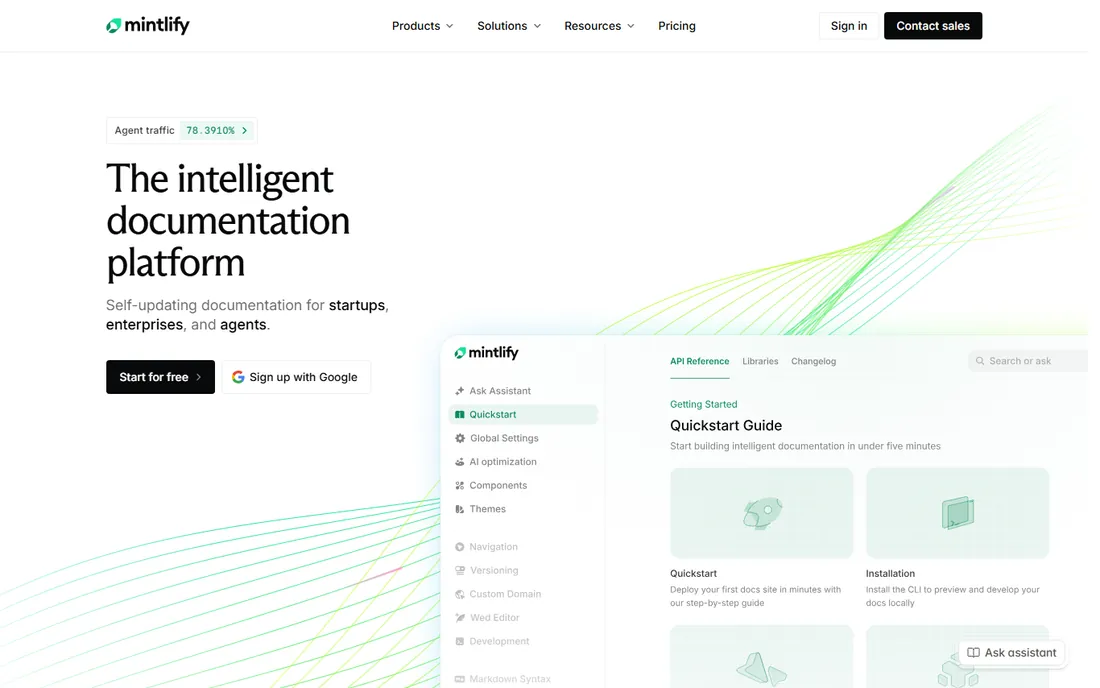
Mintlify is the design leader in developer documentation: API references, guides, and changelogs that look excellent with almost no configuration. The docs-as-code workflow keeps content in MDX in your repository, and the Pro tier adds an AI assistant for readers, a writing agent that drafts content, and automations that update docs when your product changes. Every plan ships llms.txt and an MCP server, so AI agents can read your docs properly.
The pricing jump is the steepest on this list. The free Starter plan covers 5 editor seats with no AI at all, and the next step is Pro at $450 per month on annual billing ($540 month-to-month) with 10,000 AI credits. An assistant answer costs 25 credits and an automation run 250, with overages at a cent per credit. Mintlify fits funded startups and enterprises where docs drive developer adoption; smaller teams should weigh Fern or Theneo first.
What we like- Best-looking default docs output
- AI assistant and writing agent on Pro
- MCP server and llms.txt on every plan
Watch out for- AI features require the $450 Pro tier
- Credits meter every assistant answer and automation run
Starting price$29 per user per month
Free planYes
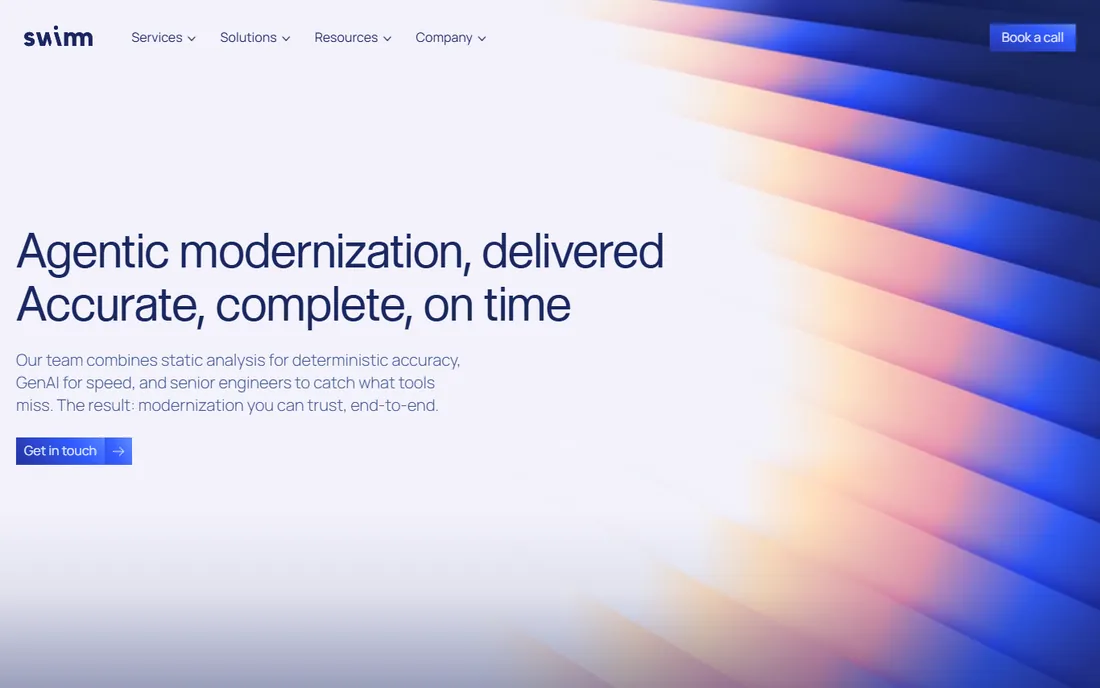
Swimm solves a different problem from the rest of this list: internal documentation that rots. Its editor couples docs to the code they describe, so when a function or file changes, the affected documentation is flagged for review instead of silently going stale. Developers read and edit docs inside their IDE, which removes the context-switching that kills documentation habits.
The free plan covers small teams getting started, and Pro runs $29 per user per month for unlimited private repos and larger teams. Note that Swimm's homepage now leads with agentic modernization services, but the documentation product remains available with the same pricing. Swimm is the pick when your pain is onboarding and tribal knowledge, not when you need a public developer portal.
What we like- Docs stay synced with code automatically
- IDE integration keeps writers in flow
- Free tier for small teams
Watch out for- Focused on internal docs, not public sites
- Per-user pricing adds up for large teams
Starting price$80 per month
Free planNo (14-day free trial)
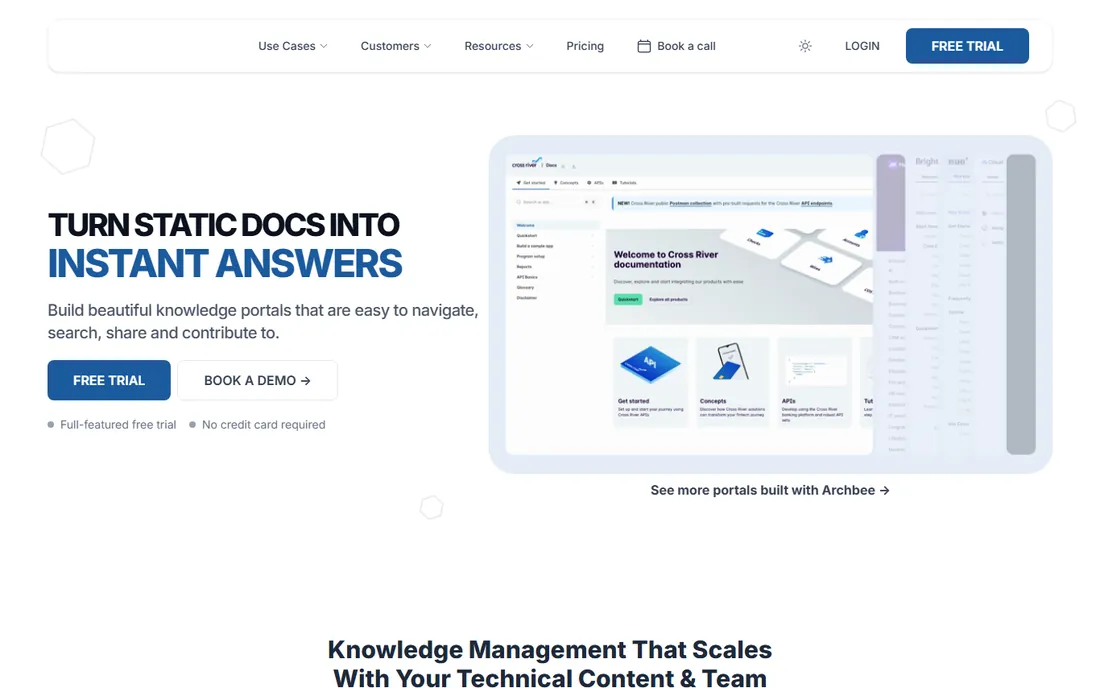
Archbee builds knowledge portals that serve developers, customers, and internal teams from one platform. The editor supports Markdown and MDX with GitHub and GitLab sync, branches let writers review content changes like code, and the AI answers reader questions using your documentation as the source. Customer logos on its homepage include Adobe, Cisco, and Bosch, which signals where it plays.
Pricing is modular, which cuts both ways. Growing starts at $80 per month and Scaling at $350, but AI features, analytics, API access, and PDF output are separate add-ons, so the functional price lands higher than the headline. There is a 14-day free trial with no card required, but no permanent free plan. Archbee suits product companies that need one docs home for every audience and are willing to pay for the portal polish.
What we like- Beautiful knowledge portals for customers and teams
- Git-based branches for docs review
- AI answers powered by your content
Watch out for- No free plan
- AI and analytics are paid add-ons on top of base tiers
Starting price$20 per month (Starter)
Free planNo (7-day Professional trial)
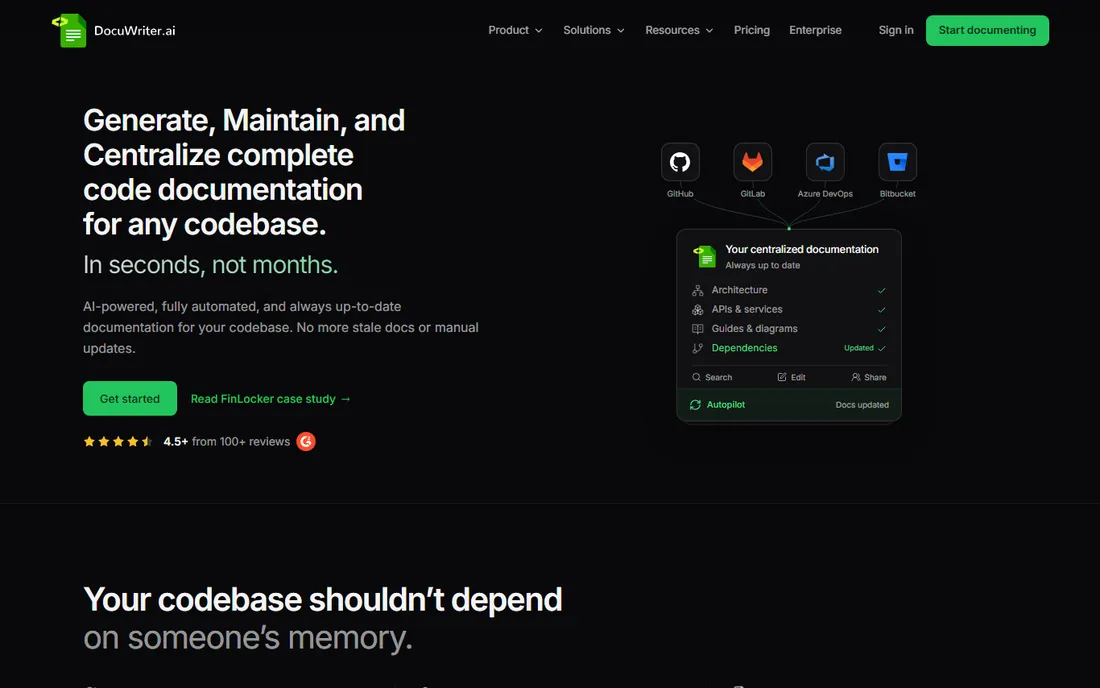
DocuWriter.ai starts where most docs tools stop: it reads your repository and generates the documentation itself, architecture overviews, API references, UML diagrams, and guides, without requiring existing docs or MDX authoring. The Autopilot agent then watches your connected repos and opens reviewable suggestions when code changes make docs wrong. Every space publishes as an MCP server with llms.txt, so coding assistants can use your docs natively.
The Starter plan is $20 per month for 50 credits, Professional is $49 for 200 AI pages a month, and tiers scale to $499 for unlimited pages. There is no free plan, only a 7-day Professional trial. DocuWriter fits teams inheriting an undocumented codebase or maintaining large systems where manual docs never keep up. If your docs already exist and just need hosting, the generators on this list are cheaper.
What we like- Generates full doc sets from raw source code
- Autopilot keeps docs synced with code changes
- Exports to Confluence, Word, PDF, and Markdown
Watch out for- No free plan
- Priced by AI pages, so large codebases need higher tiers
Starting price$65 per site per month plus $12 per user (billed annually)
Free planYes (1 site, 1 user)
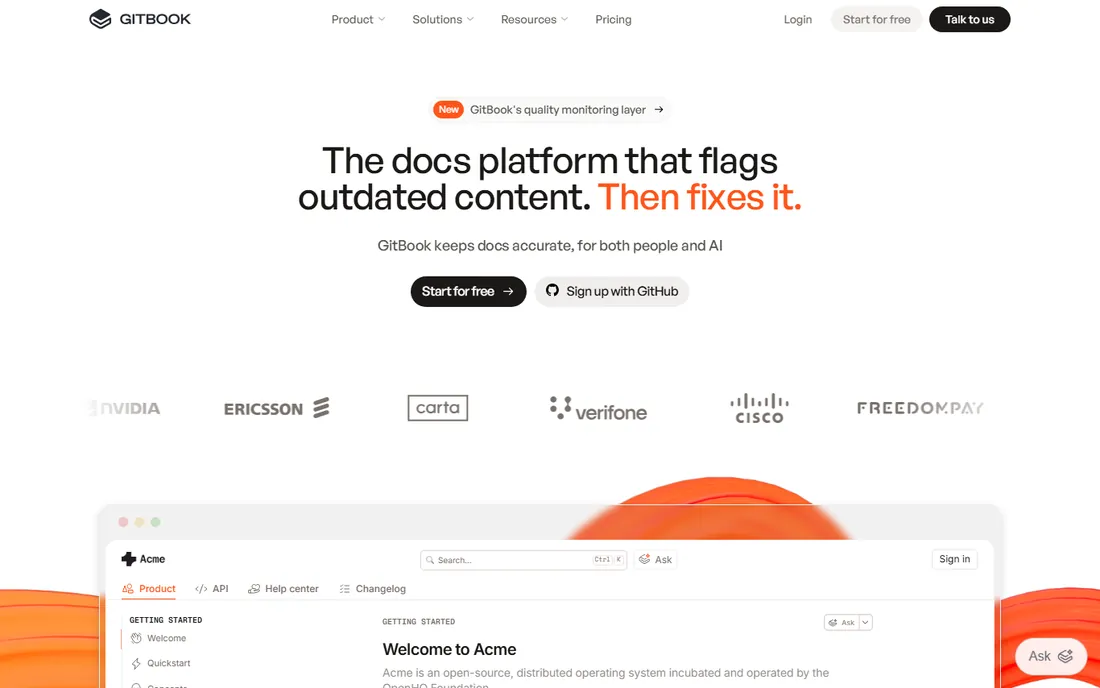
GitBook is the most approachable hosted docs platform here: a Notion-like block editor, real-time collaboration, and Git sync mean engineers and technical writers can work in the same space without format wars. The newer GitBook Agent scans for content that no longer matches your product and queues fixes for review, which addresses docs rot from the maintenance side rather than the generation side.
The pricing model needs a spreadsheet. Premium is $65 per site per month plus $12 per user per month on annual billing, and Ultimate is $249 per site plus the same per-user fee. A five-person team on Premium pays $125 a month, not $65, and a second site doubles the site fee. The free plan covers one site and one user. GitBook fits teams where non-technical contributors must write docs comfortably; API-heavy teams should compare ReadMe and Fern first.
What we like- Friendly block editor non-technical writers learn fast
- Git sync with GitHub and GitLab
- AI agent flags outdated content
Watch out for- Per-site plus per-user pricing scales steeply
- AI assistant depth trails specialists
Starting price$120 per workspace per month (billed annually)
Free planYes (Starter)
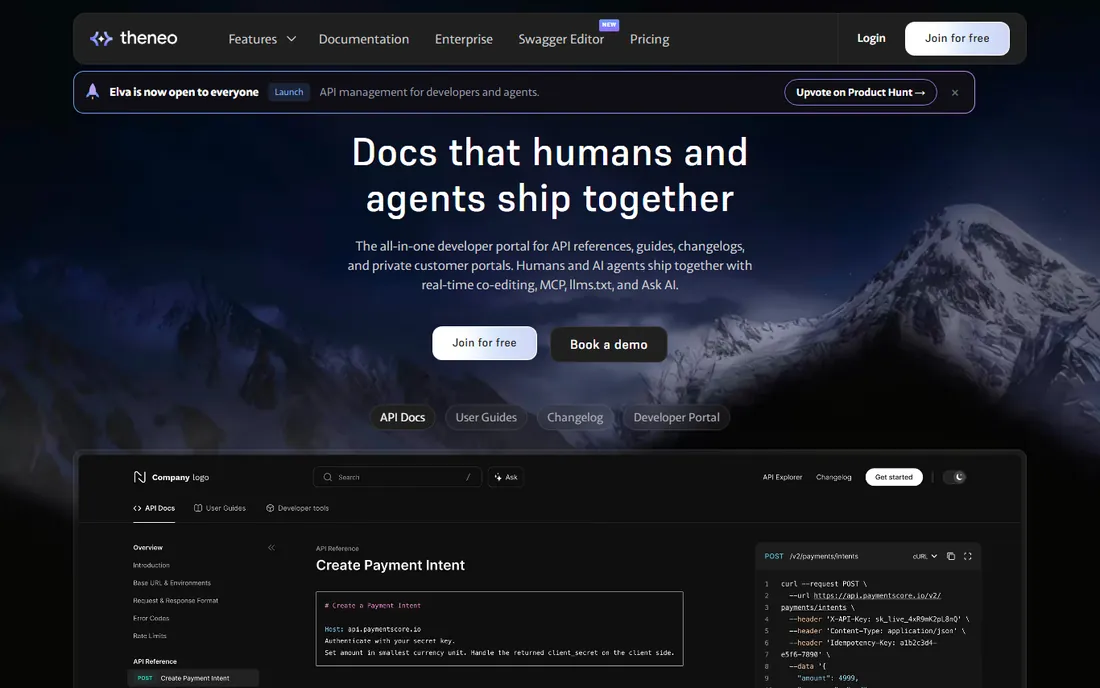
Theneo has been generating API docs with its own AI since 2022, and the pricing reflects a deliberate stance: flat tiers with AI usage included instead of credit meters. Import an OpenAPI spec and get a complete portal with references, guides, smart changelogs that flag breaking changes, Ask AI for readers, and MCP plus llms.txt support. The free Starter tier is a production tier, not a trial: one public project, two private projects, and up to 20 team members.
Business is $120 per workspace per month on annual billing ($150 month-to-month) with unlimited AI search and generation, and Growth is $400 annual. Seats are included rather than billed per head, which rewards the behavior you want: support and product people fixing docs themselves. For API-first startups that want AI docs without watching a credit meter, Theneo is the value leader.
What we like- AI doc generation included in flat tiers, not metered
- Generous free Starter with 20 team members
- Private customer portals
Watch out for- $150 month-to-month if you skip annual
- Design flexibility trails Mintlify
Starting price$300 per month (Pro)
Free planYes (Starter)
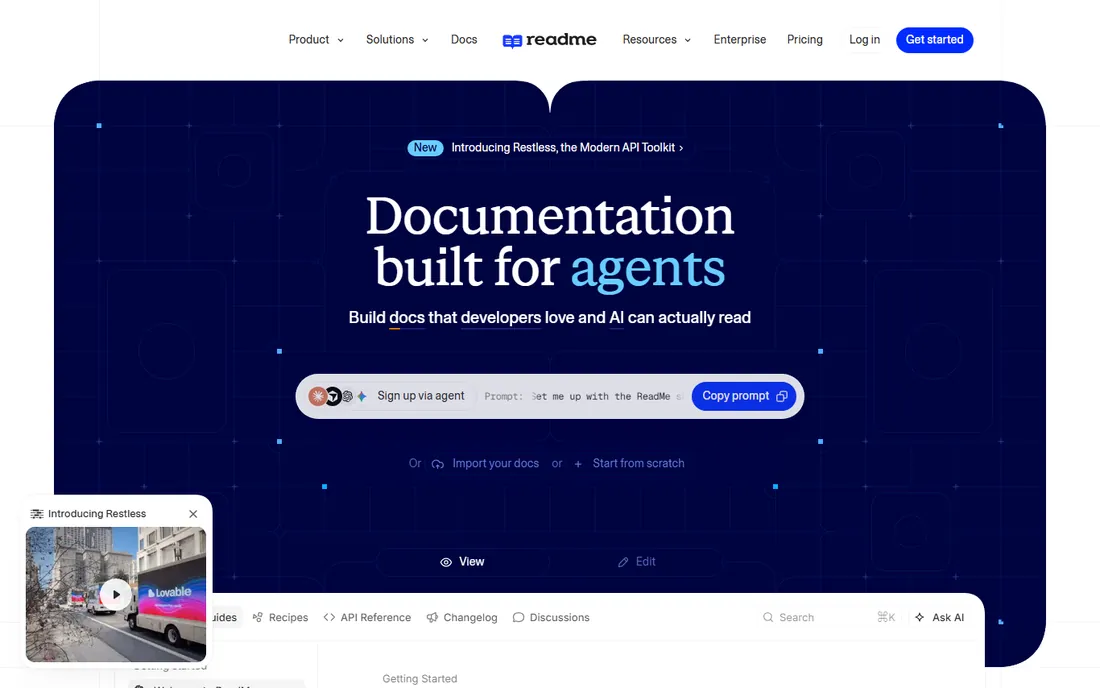
ReadMe practically invented the interactive developer hub: API references with a built-in explorer, personalized code samples, and API key handling sit next to guides and changelogs. The AI writer watches your pull requests and proposes documentation updates on a review branch, and the AI linter enforces your style guide automatically. Enterprise features like SSO, audit logs, and granular permissions are mature.
The current tiers are Starter (free), Pro at $300 per month, and Enterprise around $3,000, with AI search sold as an add-on and extra admins billed per head. That puts serious ReadMe use firmly in mid-market and enterprise budgets. The free Starter tier works for evaluation and tiny projects. Choose ReadMe when the interactive API experience is the product and the budget matches.
What we like- Excellent interactive API explorer
- AI writer proposes doc updates from pull requests
- Strong enterprise controls
Watch out for- $300 Pro entry is steep
- AI search is a paid add-on
- Per-admin pricing on extras
Starting price$20 per month per project (Pro)
Free planNo (14-day Pro trial)

DocsBook takes the simplest possible stance: your Markdown folders become the site navigation, with no config files and no build step. The Pro plan at $20 per month per project includes $20 of AI usage, an AI chat for readers that cites the pages it used, an agent with ready-made automation triggers, and AI translations in 15 languages. A 14-day Pro trial with starter AI credit and no card lets you test the whole thing.
The honest caveats: there is no free-forever tier, and the ecosystem of integrations and templates is smaller than the category leaders. We also could not load the homepage through our research tools, so treat the URL as best-evidence and confirm it before publishing. For small teams that want AI docs with minimal setup and a flat $20 price, DocsBook is the leanest option here.
What we like- Zero-config setup, folders become the sidebar
- AI chat that cites its sources
- $20 of AI usage included in Pro
Watch out for- No permanent free plan
- Smaller ecosystem than Mintlify or GitBook
- Homepage could not be verified by our fetch
Starting priceFree plan available; Enterprise custom pricing
Free planYes (free forever, 250 AI credits per month)
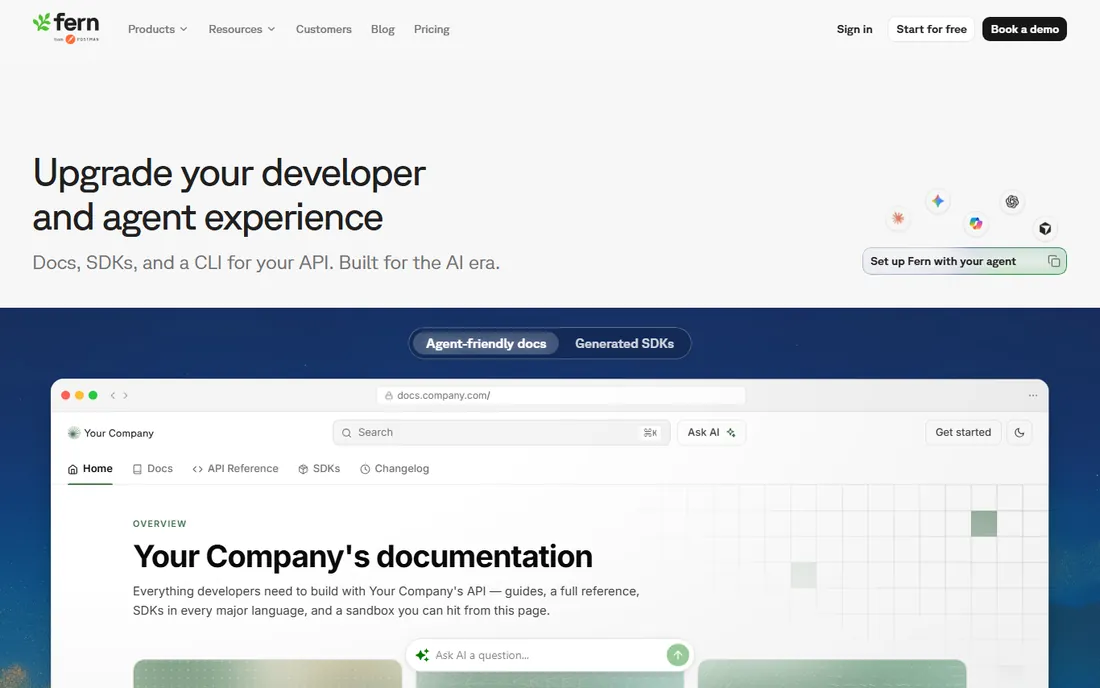
Fern is the only tool here that treats documentation as one output of your API definition, alongside SDKs in nine languages and an agent-ready CLI. Define the API once in OpenAPI and Fern generates the docs site, idiomatic client libraries, and an MCP server, all staying in sync through CI. The free tier is genuinely generous: 10 team members, 1,000 pages, 250 AI credits a month, custom domain, and the Ask Fern assistant.
There is no published middle tier; above free, Enterprise is custom-quoted. That makes Fern easy to start and harder to budget for at scale, though the free tier covers a remarkable amount of real usage. Fern fits API-first companies that want docs and SDKs from a single source of truth. If your documentation is mostly prose guides rather than API references, Mintlify or GitBook will feel more natural.
What we like- Generates docs, SDKs, and CLIs from one API spec
- Generous free tier with AI features
- Self-hosting available
Watch out for- API-spec-driven, less suited to narrative docs
- Enterprise pricing is quote-only
How we chose
We searched for AI documentation tools recommended across developer communities, review sites, and vendor comparisons, then verified each product against its own homepage and pricing page in October 2026. Every tool on this list is AI-first: it either generates documentation from code or specs, keeps docs updated automatically, or puts an AI assistant in front of readers. Traditional static site generators like Sphinx, Docusaurus, and MkDocs were deliberately excluded; they belong to a different category covered elsewhere. Prices come from vendor pricing pages; where a vendor publishes no middle-tier price, we say so. No hands-on testing is claimed. The comparison weighs AI capability, pricing transparency, free-tier usefulness, and fit for software teams.
What to look for before you buy
First, decide which job you are hiring the tool for, because "AI documentation" covers three different products. Generators like DocuWriter.ai and Swimm create docs from your codebase and suit teams with little existing documentation. Hosting platforms like Mintlify, GitBook, and Fern publish docs your team writes, with AI assisting readers and writers. API portal tools like Theneo and ReadMe turn specs into interactive references. Buying a hosting platform when you need generation, or vice versa, is the most common expensive mistake.
Second, model the pricing on your real team, not the headline. GitBook charges per site plus per user, ReadMe charges per admin with add-ons, Mintlify meters AI credits, and Theneo charges per workspace with seats included. A five-person team and a fifty-person team can rank these tools in opposite orders. Ask each vendor for the annual total at your headcount, including the AI features you actually need.
Third, check the AI specifics that matter in production. Does the reader-facing assistant cite its sources, like DocsBook and Theneo do, or does it answer without attribution? Are AI updates applied automatically or queued for human review, like DocuWriter's Autopilot and ReadMe's review branches? Unreviewed AI edits to public docs are a liability. Finally, confirm export: Markdown, OpenAPI round-trip, and llms.txt support determine whether you can leave. The tools that make migration easy are usually the ones worth staying with.
Credits, seats, and sites: how AI docs pricing works
Three pricing axes dominate this category, and each rewards a different team shape. Credit metering, used by Mintlify, ties cost to AI usage: assistant answers, agent runs, and translations each burn credits. It is fair for bursty usage and punishing for popular docs, since every reader question costs you money. Seat and admin pricing, used by Swimm, GitBook, and ReadMe, ties cost to contributors. It is predictable but taxes the exact behavior you want to encourage, which is more people fixing docs.
Flat workspace or project pricing, used by Theneo and DocsBook, charges one number regardless of readers or contributors. It is the simplest to budget and the friendliest to broad participation, with the tradeoff that heavy AI users subsidize light ones. When you compare, convert each quote to annual cost per contributing team member including AI usage. That normalizes the three models into one number you can actually decide on.
Frequently asked questions
What is the best AI tool for generating docs from existing code?
DocuWriter.ai is the most direct: connect a repository and it generates architecture docs, API references, and diagrams, then keeps them updated as code changes. Swimm takes a lighter approach, coupling docs to code and flagging drift rather than generating everything. Both beat starting from a blank page.
Is Mintlify worth $450 a month?
For teams where documentation drives developer adoption and revenue, often yes: the output quality, AI assistant, and writing agent are category-leading. For smaller teams, the free Starter tier has no AI features at all, so Fern's free tier with 250 monthly AI credits or Theneo's flat $120 workspace are more sensible starting points.
How is this different from Docusaurus or MkDocs?
Those are static site generators: free, open-source frameworks for building docs sites that you write and maintain yourself. The tools on this list are AI-first platforms that generate content, answer reader questions, or auto-update docs. Different category, different buyer, different budget.
Which AI docs tool has the best free plan?
Fern's free tier is the strongest: 10 team members, 1,000 pages, custom domain, and 250 AI credits a month at no cost. Theneo's free Starter is a close second with 20 team members and real AI generation. Mintlify's free plan excludes AI entirely, and Archbee and DocuWriter.ai offer trials but no permanent free tier.
Do these tools keep docs updated automatically?
Some do. DocuWriter's Autopilot drafts updates when code changes, ReadMe's AI writer proposes updates from pull requests, and Mintlify's automations refresh docs on Pro. Others, like GitBook's agent, flag outdated content for human review instead. Confirm whether updates are automatic or review-queued before you rely on them.
Can AI assistants answer questions from my docs?
Yes, and it is table stakes now: Mintlify, Theneo, ReadMe, DocsBook, Fern, and GitBook all offer reader-facing AI search or chat. The differences are in sourcing, DocsBook and Theneo cite the pages used, and in pricing, where Mintlify meters answers by credit and Theneo includes them flat.
Sources we checked (9)
- https://mintlify.com/pricing
- https://swimm.io/
- https://www.archbee.com/pricing
- https://www.docuwriter.ai/pricing
- https://www.gitbook.com/pricing
- https://www.theneo.io/pricing
- https://readme.com/pricing/
- https://docsbook.io/pricing
- https://buildwithfern.com/pricing
Is your product missing or out of date?
We review this list regularly. Vendors can request a listing, send updated pricing or ask about featured placement.

Shihab Mia · Founder, Rankite
Shihab has spent more than a decade helping SaaS and e-commerce brands grow through search. He writes Rankite's software buying guides from pricing pages, documentation and public user reviews. More about Shihab.