How we make this list: we compare pricing pages, product documentation and public user reviews. Rankite is independent; if a vendor ever pays for a featured spot, that listing is clearly labeled Partner.
Key takeaways
- The best quote software for most small teams costs $13 to $35 per user per month; you only need CPQ suites like DealHub or Conga when product configuration gets complicated.
- PandaDoc and Proposify are the two safest all-round picks, with PandaDoc stronger on contracts and payments and Proposify cleaner for pure proposal workflows.
- Better Proposals is the cheapest credible option at $13 per user per month, and its 14-day trial is genuinely enough to evaluate it.
- Free quoting software exists (PandaDoc has a limited free plan), but free tiers cap documents and users, so budget for a paid tier once quoting becomes a daily job.
Quick comparison
| Tool | Best for | Starting price | Free plan |
|---|
 PandaDoc PandaDoc | teams that want proposals, quotes, contracts and payments together | $19 per user/month (Starter, billed annually) | Yes (limited free eSign plan) |
 Proposify Proposify | sales teams that send proposals every week | $19 per user/month (Basic, billed annually) | Free trial |
 Qwilr Qwilr | impressive interactive proposals that look like web pages | $35 per user/month (Starter, billed annually) | Free trial |
 Better Proposals Better Proposals | freelancers, agencies and small teams on a tight budget | $13 per user/month (Starter, billed annually) | Free trial |
 QuoteWerks QuoteWerks | IT resellers and distributors quoting from product databases | $15 per user/month (Standard, subscription) | Free trial |
 GetAccept GetAccept | sales teams that sell through digital sales rooms | $25 per user/month (eSign, billed annually) | Free trial |
 DealHub DealHub | companies with complex products that need real CPQ | See website | No |
 Conga Conga | Salesforce shops wanting quote-to-cash in one ecosystem | See website | No |
Is your product missing or out of date?
We review this list regularly. Vendors can request a listing, send updated pricing or ask about featured placement.
The best quote software
#1
PandaDoc
Best for: teams that want proposals, quotes, contracts and payments together
Visit pandadoc.com
Starting price$19 per user/month (Starter, billed annually)
Free planYes (limited free eSign plan)
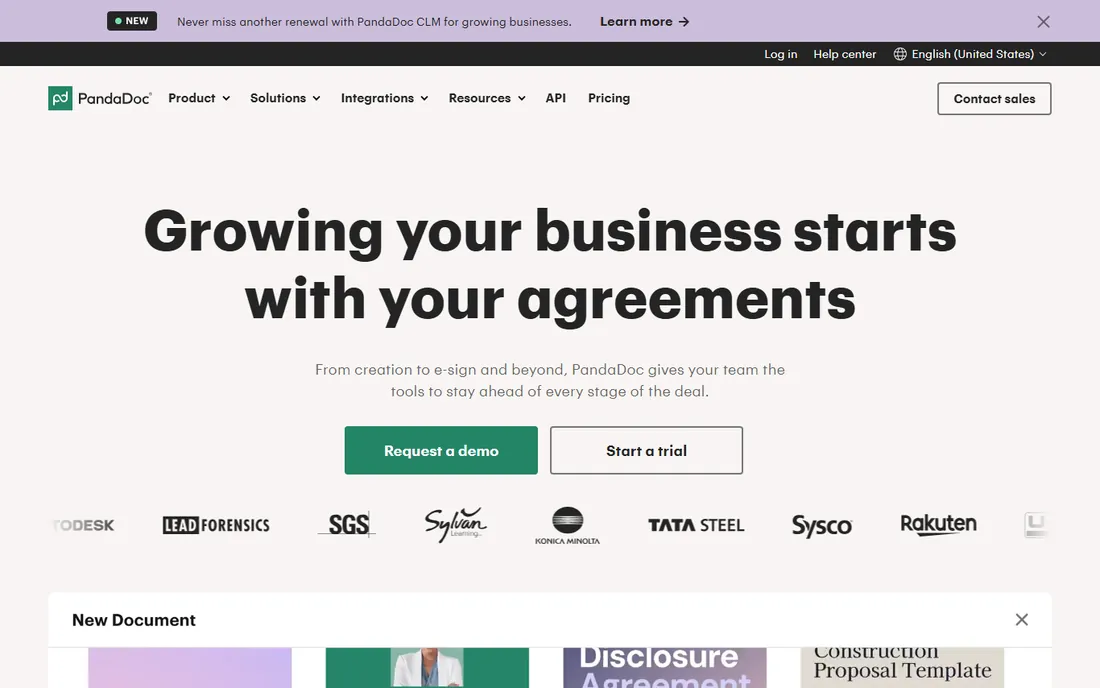
Picture the typical quoting mess: a rep builds a quote in a spreadsheet, emails a PDF, chases the signature in a separate thread and invoices somewhere else entirely. PandaDoc exists to collapse that into one flow. You build the quote in its drag-and-drop editor, the prospect signs inside the same document, and payment collection happens through Stripe or PayPal without leaving the page.
Pricing starts with a limited free eSign plan, then Starter at $19 per user per month billed annually and Business at $49. The step up to Business is where quoting gets serious: full quote builder, CRM integrations, custom branding, content libraries and approval workflows. Watch the add-ons, though. API access, web forms, bulk send and the Salesforce integration cost extra or sit on higher tiers, so the real bill for an integrated sales team often lands above the sticker price.
What we like- Full document workflow from quote to signature to payment
- Strong CRM integrations
- Content library and approval workflows on Business
Watch out for- Key features like API access and bulk send cost extra or need Enterprise
- Salesforce integration is a paid add-on
Starting price$19 per user/month (Basic, billed annually)
Free planFree trial
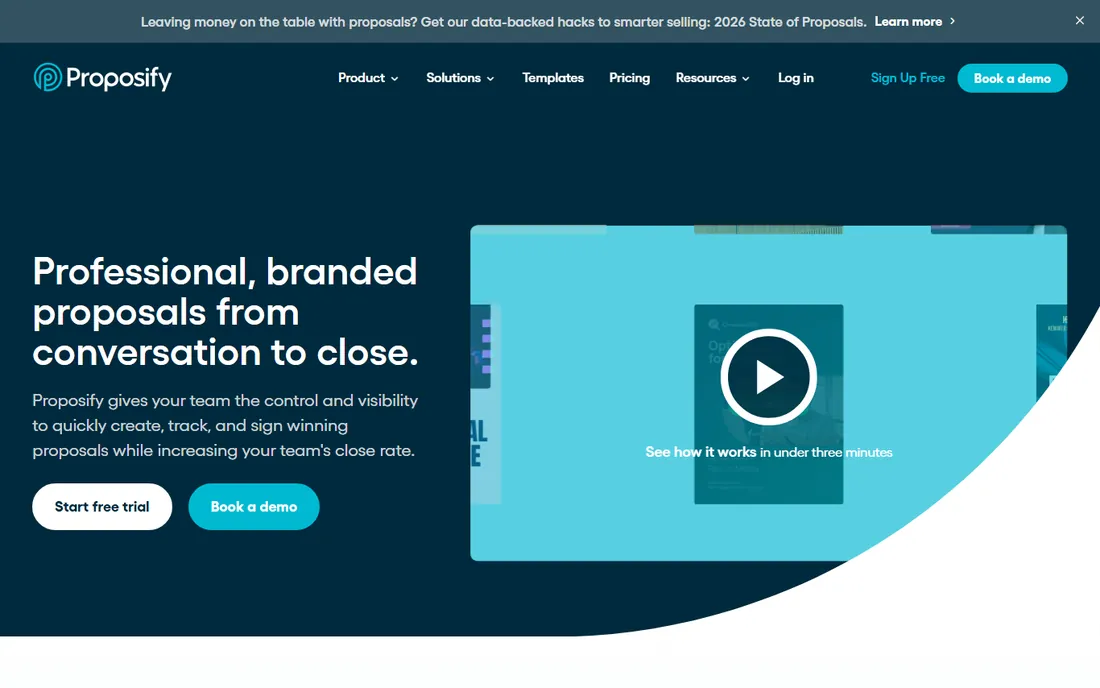
Where PandaDoc is a document platform that does quoting, Proposify is a quoting tool through and through, and the focus shows. The editor, templates, content library and analytics all serve one job: getting a professional proposal out the door fast and knowing exactly when the prospect opens it. Pricing is straightforward: Basic at $19 per user per month billed annually, Team at $41, and Business at $65 with a 10-user minimum.
For a team that lives in proposals, the Team tier is the sweet spot, with unlimited document sends, CRM integrations and client input forms. The limitation to know is scale. The 10-user minimum on Business prices out smaller teams that need approval workflows and user permissions, and there is no free tier for occasional use. A 14-day free trial is the way to evaluate it.
What we like- Clean purpose-built proposal workflow
- Interactive quoting and content libraries from the start
- Transparent pricing
Watch out for- No permanent free plan
- Business tier requires a 10-user minimum
#3
Qwilr
Best for: impressive interactive proposals that look like web pages
Visit qwilr.com
Starting price$35 per user/month (Starter, billed annually)
Free planFree trial
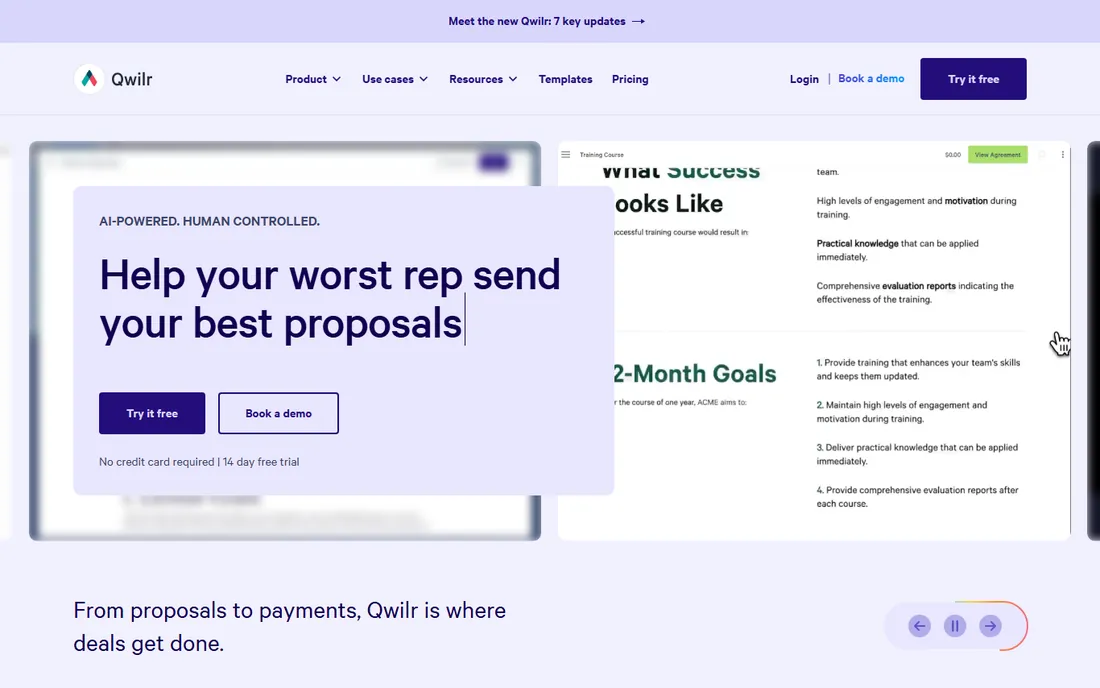
Some buyers still want a PDF they can file. Everyone else increasingly prefers a link. Qwilr turns proposals into interactive web pages with embedded video, ROI calculators, package pickers and e-signatures built in, plus page-by-page analytics that show how long a prospect spent on the pricing section. That buyer experience is the whole pitch, and for high-value deals it genuinely shortens cycles.
It costs more than document-style tools. Starter runs $35 per user per month billed annually, Growth is $55 with a 5-user minimum, and Scale is $75 with a 10-user minimum. Salesforce integration only appears at Scale, which stings for Salesforce shops. If your deals are large enough that presentation quality moves the needle, the price is easy to justify; if you send simple quotes, it is overkill.
What we like- Proposals look like modern web pages, not PDFs
- Embedded video, pricing tables and payments
- Detailed engagement analytics
Watch out for- Premium pricing
- Higher tiers carry 5- and 10-user minimums
Starting price$13 per user/month (Starter, billed annually)
Free planFree trial
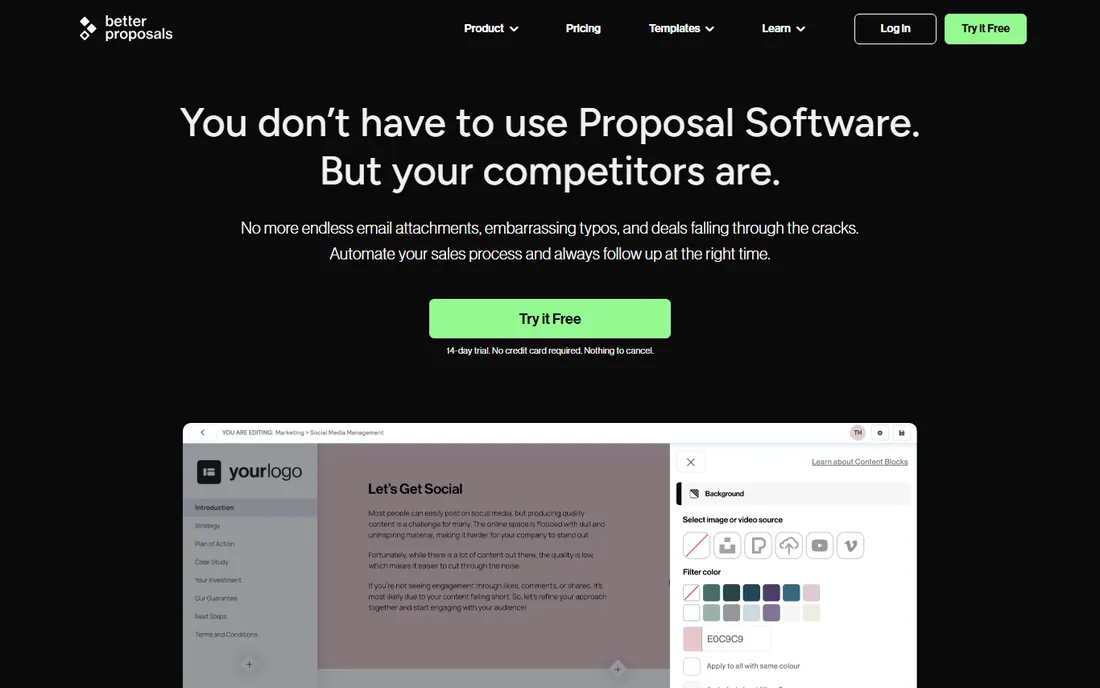
Better Proposals proves that good quoting software does not have to cost $40 a seat. At $13 per user per month billed annually, Starter undercuts every competitor on this list while still including legally binding signatures, interactive pricing tables, payment integrations and a content library. Premium at $21 adds CRM integrations and a custom domain, and Enterprise at $42 adds approvals and permissions.
The limits are real but honest. Starter allows one user and 10 documents a month, and the Nudge follow-up automation costs $10 per user per month extra. For a freelancer or a small agency sending a handful of proposals a week, this is the best value in the category. A 14-day trial with no credit card required makes it easy to confirm the fit.
What we like- Lowest entry price of any serious tool here
- Fast to set up
- Payments and signatures included
Watch out for- Starter limited to one user and 10 documents a month
- Follow-up automation is a paid add-on
#5
QuoteWerks
Best for: IT resellers and distributors quoting from product databases
Visit quotewerks.com
Starting price$15 per user/month (Standard, subscription)
Free planFree trial

QuoteWerks is the old hand of quoting software, and its users are loyal for a reason. It is built for businesses that quote from large product databases, especially IT resellers and distributors who pull live pricing from distributors like Ingram Micro and Tech Data. The CRM integration list is long, covering Salesforce, Zoho, Act and several PSA tools, and licensing is based on concurrent users, so five occasional users might only need two licenses.
The interface shows its age, and this is quoting software, not proposal design software. Your quotes will be accurate and professional, not beautiful. Pricing runs $15 per user per month for Standard, $20 for Professional and $29 for Corporate on subscription, with one-time perpetual licenses also available. If your quoting is database-driven rather than design-driven, nothing on this list fits better.
What we like- Deep distributor and CRM integrations
- Concurrent-user licensing
- Perpetual license option available
Watch out for- Dated interface
- Quoting-centric rather than a full proposal experience
Starting price$25 per user/month (eSign, billed annually)
Free planFree trial
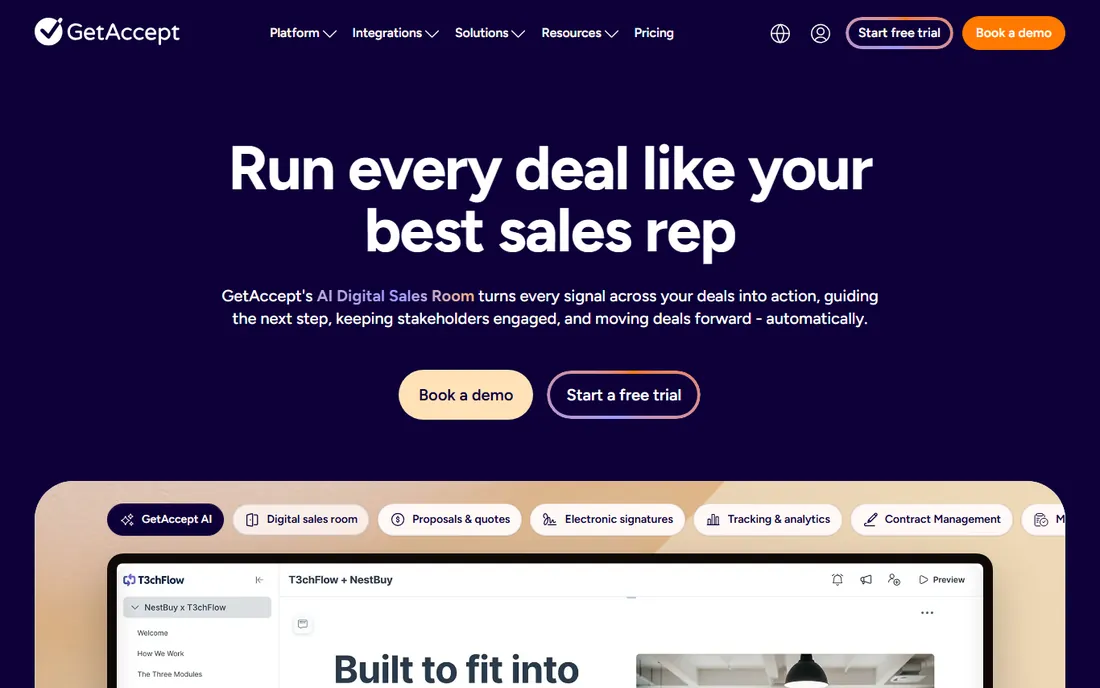
GetAccept's bet is that proposals should feel like a conversation, not a document. Reps can record personal video messages, prospects can chat inside the proposal, and digital sales rooms keep every stakeholder, file and message in one place. Engagement tracking shows who opened what and when, which takes the guesswork out of follow-up timing.
Pricing starts at $25 per user per month for eSign, which covers signatures plus video and chat, while the full digital sales room experience sits at $49 per user per month for Professional. The plan lineup is more confusing than it needs to be, with overlapping names across old and new tiers, and CRM integrations are add-ons on lower plans. For teams that sell consultatively and want every interaction tracked, the engagement features justify the premium.
What we like- Video messaging and chat inside the proposal
- Strong engagement tracking
- Deal rooms keep stakeholders aligned
Watch out for- Plan structure is confusing
- CRM integrations cost extra on lower tiers
#7
DealHub
Best for: companies with complex products that need real CPQ
Visit dealhub.io
Starting priceSee website
Free planNo
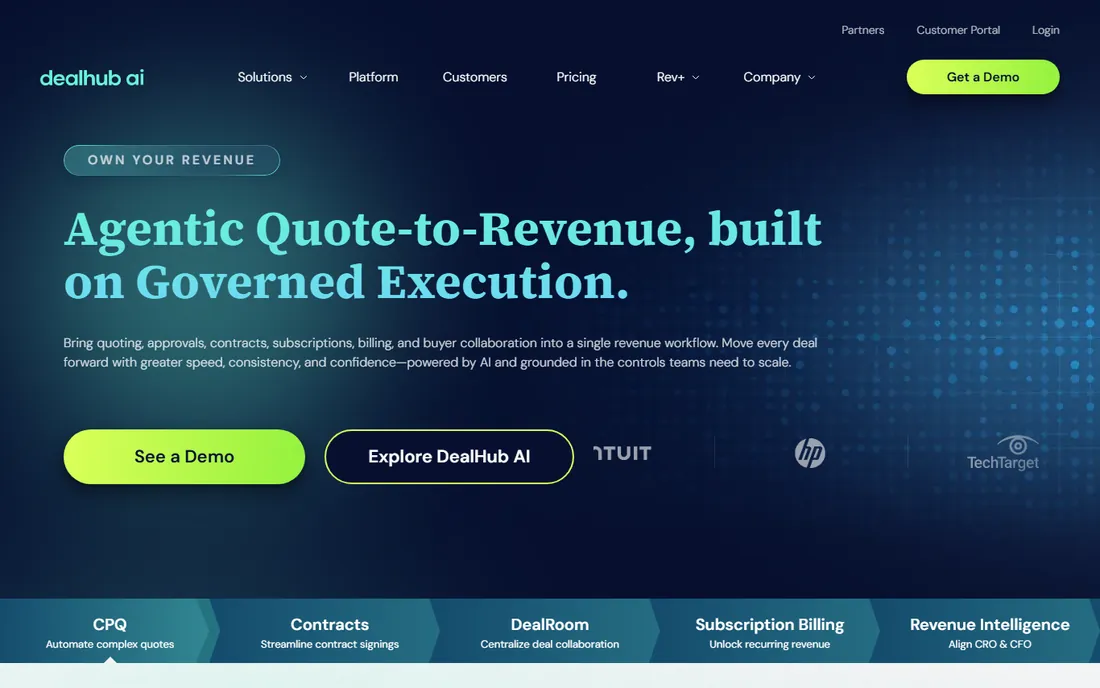
When your products have configurations, bundles, usage tiers and discount rules, proposal tools start breaking and CPQ takes over. DealHub is a no-code CPQ platform that lets sales teams configure complex products, apply pricing rules and generate accurate quotes without engineering help. Notably, every customer gets all features on one plan, so you never hit a feature gate mid-deal.
Pricing is entirely quote-based, which tells you who this is for: companies with real configuration complexity, not teams sending simple quotes. Expect a one-time implementation fee on top of the subscription. If your reps sell fixed-price packages, DealHub is a money pit. If they juggle bundles, renewals, regional pricing and approval chains, the manual alternative costs more.
What we like- Full CPQ with guided selling and subscription management
- No-code configuration
- Every customer gets all features
Watch out for- Quote-based pricing with no public rate card
- One-time implementation fee
- Overkill for simple quoting
#8
Conga
Best for: Salesforce shops wanting quote-to-cash in one ecosystem
Visit conga.com
Starting priceSee website
Free planNo
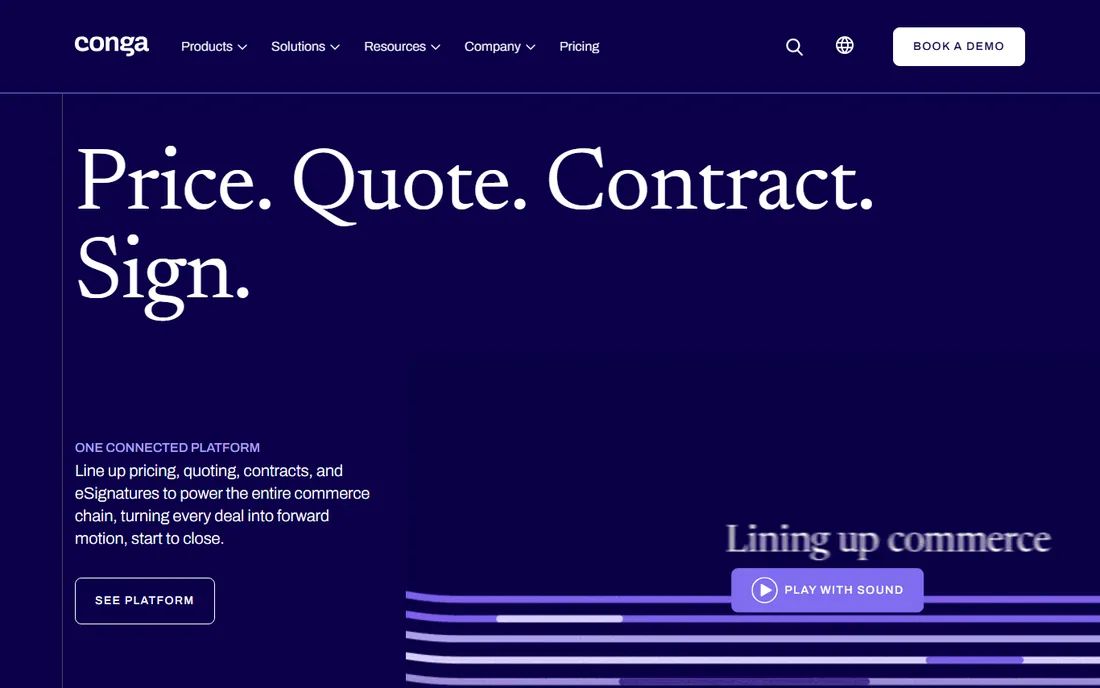
Conga is the quote-to-cash answer for companies already committed to Salesforce. Its CPQ product configures products, prices and quotes inside the CRM your reps already use, while Conga Composer generates the documents and contracts from that same data. For Salesforce-centric organizations, that native fit removes a whole layer of integration work and data sync problems.
The trade-offs are the classic enterprise ones. There is no public pricing, implementations can be heavy, and the value proposition weakens considerably outside the Salesforce ecosystem. This is a considered purchase with a sales cycle of its own, not a self-serve signup. For large Salesforce shops with complex quoting, though, it is one of the most proven options available.
What we like- Deep Salesforce integration
- Covers CPQ, contracts and document generation
- Proven at enterprise scale
Watch out for- No public pricing
- Implementation can be heavy
- Best value only inside Salesforce
How we chose
We started from the quoting and proposal tools buyers actually evaluate in 2026, cross-checked each product's existence and category fit, and pulled starting prices from the vendors' own pricing pages. Where vendors do not publish prices, we said so instead of guessing. Public reviews on G2, Capterra and TrustRadius informed the strengths and weaknesses, with extra weight on comments about pricing surprises and integration limits. We avoided vendor-supplied user counts and awards entirely.
What separates good quote software from bad
Speed is the first test. A good quoting tool turns a request into a sendable quote in minutes, with templates, saved product catalogs and reusable content blocks doing the heavy lifting. If your reps still rebuild quotes from scratch each time, the tool has failed at its main job. Ask for a timed demo with your own products before you buy.
Accuracy is the second test. The tool should pull pricing from one source of truth, apply discount rules automatically and prevent reps from sending below-margin quotes. This is where CPQ tools earn their keep and where spreadsheet quoting quietly loses money. Approval workflows for discounts above a threshold pay for themselves in the first quarter.
The third test is what happens after the send. Engagement tracking, automated reminders, e-signatures and payment collection turn a quote into revenue without extra tools. Finally, check the integration story. Your quoting tool should sync with your CRM in both directions, so closed quotes update the pipeline and CRM data pre-fills new quotes. One-way integrations create data entry work that kills adoption.
Free quoting software: what you actually get
Free quoting software is real but limited, and the limits are designed to convert you. PandaDoc's free plan covers basic e-signatures with a small document allowance, which works for occasional use. GetAccept and several others offer free trials rather than free tiers, typically 14 days, which is enough to run a real evaluation but not to run your business.
The pattern across free tiers: caps on documents per month, caps on users, missing CRM integrations and branding with the vendor's badge on your quotes. Those limits are fine while you are testing. Once quoting becomes a daily workflow, the paid tier pays for itself in the first deal it helps close faster. The cheapest paid plans here start at $13 per user per month, so the jump from free to paid is smaller than in most software categories.
Frequently asked questions
What is the difference between quote software and proposal software?
The terms overlap heavily. Quote software focuses on pricing accuracy: product catalogs, configurations, discount rules and totals. Proposal software focuses on presentation: persuasive documents with case studies, team bios and engagement tracking. Most modern tools do both, but CPQ tools like DealHub lean toward quoting accuracy while tools like Qwilr lean toward proposal presentation.
How much does quote software cost?
For small teams, $13 to $35 per user per month covers the serious options, with Better Proposals at the low end and Qwilr at the high end. Mid-market proposal workflows run $40 to $65 per user per month. Full CPQ platforms like DealHub and Conga are quote-based and typically cost far more, plus implementation fees. Free tiers exist but cap documents and users.
Is there really free quote software?
Yes, with limits. PandaDoc offers a free eSign plan with a small monthly document allowance. Most other vendors offer 14-day free trials instead of permanent free plans. Free tiers work for occasional quoting; once you send quotes weekly, expect to pay $13 to $25 per user per month for a plan without document caps.
Do I need CPQ or just quoting software?
You need CPQ when your products have configurations, bundles, compatibility rules or complex discount structures that reps get wrong in spreadsheets. If you sell straightforward products or services with simple pricing, standard quote software is faster to implement and far cheaper. A good rule: if quoting errors have cost you real money in the last year, look at CPQ.
Can quote software integrate with my CRM?
The established tools integrate with Salesforce, HubSpot, Pipedrive and Zoho, though the depth varies by plan. PandaDoc, Proposify and Qwilr all offer CRM integrations on their mid tiers. Check whether the integration is two-way, whether it is included in your plan or a paid add-on, and whether quote data syncs back to the CRM automatically.
How long does it take to implement quote software?
Simple proposal tools like Better Proposals or Proposify can be running in a day or two with templates imported. Mid-market tools with CRM integrations typically take one to three weeks including template design and team training. CPQ platforms like DealHub and Conga are multi-week to multi-month projects with catalog setup, pricing rules and approval workflows.
Sources we checked (8)
- https://www.pandadoc.com/pricing
- https://www.proposify.com/pricing
- https://qwilr.com/pricing/
- https://betterproposals.io/pricing
- https://www.trustradius.com/products/quotewerks/pricing
- https://www.g2.com/products/getaccept/pricing
- https://cpq-integrations.com/cpq/dealhub-cpq/
- https://www.trustradius.com/products/conga-cpq/pricing
Is your product missing or out of date?
We review this list regularly. Vendors can request a listing, send updated pricing or ask about featured placement.

Shihab Mia · Founder, Rankite
Shihab has spent more than a decade helping SaaS and e-commerce brands grow through search. He writes Rankite's software buying guides from pricing pages, documentation and public user reviews. More about Shihab.