How we make this list: we compare pricing pages, product documentation and public user reviews. Rankite is independent; if a vendor ever pays for a featured spot, that listing is clearly labeled Partner.
Key takeaways
- Adobe InDesign is still the professional standard for print layout, but Affinity Publisher gives you most of the power without the subscription.
- Self-publishing authors should start with Vellum (Mac) or Kindle Create (free): both turn a manuscript into finished ebook and print files in an afternoon.
- For teams producing brochures, magazines, and marketing documents in a browser, Marq and Canva beat desktop apps on collaboration.
- Scribus is the only serious free desktop publishing app, and Pressbooks is the pick for educators and anyone publishing accessible digital books at scale.
Quick comparison
| Tool | Best for | Starting price | Free plan |
|---|
 Adobe InDesign Adobe InDesign | professional print layout | See website | Free trial |
 Affinity Publisher Affinity Publisher | subscription-free page layout | See website | Yes |
 QuarkXPress QuarkXPress | long-document publishing | See website | Free trial |
 Canva Canva | quick marketing documents | Free (Pro $144/year) | Yes |
 Vellum Vellum | self-published ebooks and print | $199.99 one-time | Free trial |
 Kindle Create Kindle Create | free Kindle formatting | Free | Yes |
 Marq Marq | team brand publishing | See website | Yes |
 Scribus Scribus | free desktop publishing | Free | Yes |
 Pressbooks Pressbooks | digital books and OER | See website | Free trial |
Is your product missing or out of date?
We review this list regularly. Vendors can request a listing, send updated pricing or ask about featured placement.
The best publishing software, head to head
Starting priceSee website
Free planFree trial
InDesign is what professional book designers, magazine art directors, and print shops use, and that network effect matters: printers accept its files without conversion, freelancers know it, and templates are everywhere. Paragraph and character styles, master pages, GREP find-and-change, and preflight checks give you control over long documents that simpler tools cannot match. It handles everything from novels to catalogs to interactive PDFs.
The price is a Creative Cloud subscription, and there is no perpetual license. For beginners the interface is intimidating, and you will spend real time learning styles before your documents look professional. If you publish for a living or work with print vendors, InDesign is the cost of doing business. If you are formatting your first novel, start with Vellum or Kindle Create and graduate later.
What we like- Industry standard for print
- Deep typography controls
- Integrates with Photoshop and Illustrator
Watch out for- Subscription only
- Steep learning curve for beginners
Starting priceSee website
Free planYes
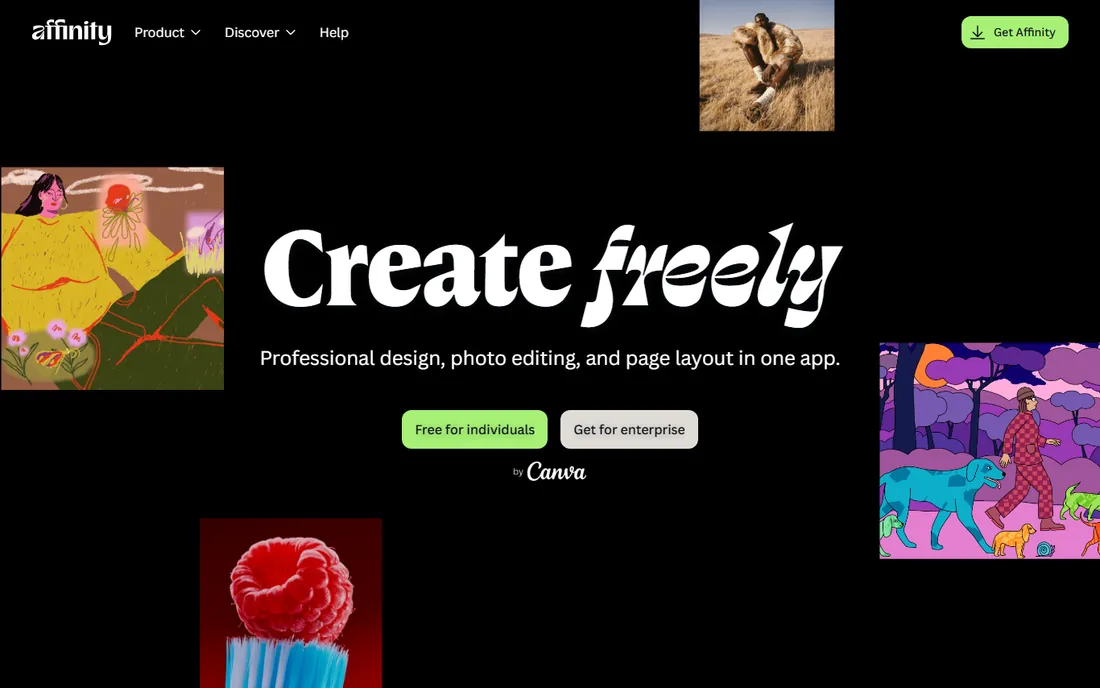
Affinity Publisher is the closest thing to InDesign without Adobe's subscription. Master pages, text styles, tables, photo frames, and PDF export for print are all here, and StudioLink lets you jump between Publisher, Designer, and Photo personas inside one app. Since Canva acquired Serif, the Affinity suite has become free, which makes this the best-value professional layout tool available.
The gaps are ecosystem, not core features: fewer third-party plugins, fewer book templates, and some advanced long-document features that InDesign veterans will miss. For self-publishers, small presses, and designers who want professional output without monthly payments, it is the obvious InDesign alternative. Check the current pricing on the site, as the Canva acquisition changed the licensing picture.
What we like- Professional layout tools without a subscription
- StudioLink switches between apps instantly
- Fast performance
Watch out for- Smaller template and plugin ecosystem
- Some advanced InDesign features missing
Starting priceSee website
Free planFree trial
QuarkXPress was the original desktop publishing standard, and it never went away. It remains strong for books, magazines, and newspapers, with solid typography, color management, and print output. Recent versions added digital publishing features and AI-assisted tools, and Quark has kept perpetual licensing available alongside subscriptions, which Adobe abandoned years ago.
The honest reality is market share. Fewer tutorials, fewer templates, and fewer freelancers know Quark than InDesign, so collaboration can mean file conversion. If you are an independent publisher who wants to own your layout software outright, Quark deserves a look. If you work in an industry where everyone else uses InDesign, swimming upstream costs more than it saves.
What we like- Strong long-document and book features
- One-time purchase options
- Good typography
Watch out for- Smaller community than InDesign
- Subscription push in recent versions
Starting priceFree (Pro $144/year)
Free planYes
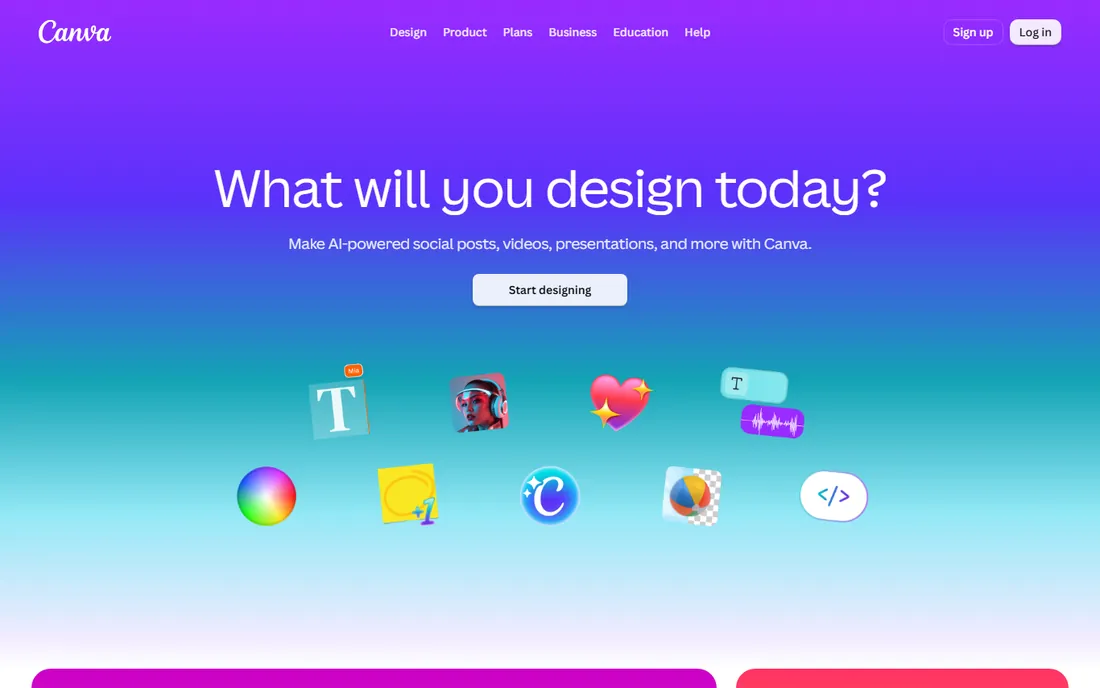
Canva is publishing software for people who do not think of themselves as publishers. Brochures, flyers, newsletters, menus, social posts, and short documents come together fast from templates, and the browser-based editor makes team collaboration painless. Canva Print will even produce physical copies. The free tier is generous; Pro at $144 per year adds premium templates, stock, and brand kits.
Do not try to lay out a book in it. Typography controls are basic, there are no master pages or proper long-document features, and print shops will not accept Canva files for serious work. For marketing collateral and short documents where speed beats precision, it is unbeatable. For books, use a real layout tool.
What we like- Free tier covers most needs
- Thousands of templates
- Browser-based collaboration
Watch out for- Weak typography controls
- Not suitable for real book layout
Starting price$199.99 one-time
Free planFree trial
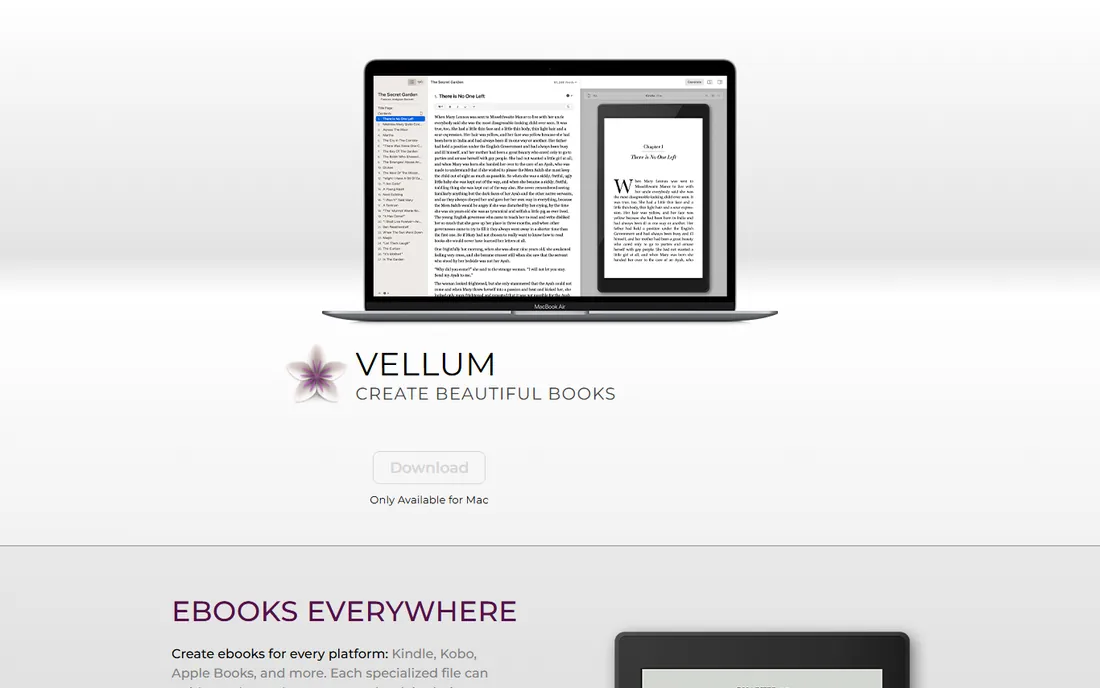
Vellum is the reason so many indie novels look professionally formatted. You import your manuscript, pick a book style, preview it on virtual devices, and generate finished EPUB files for every store plus a print-ready PDF, all at once. Widow control, drop caps, ornamental breaks, and store-specific files are handled automatically. Thousands of successful self-published books were made with it.
Vellum Ebooks costs $199.99 one-time, Vellum Press (adds paperback and hardcover) is $249.99, and you can download it free to build and preview before paying. The catch is platform: it runs on Mac only, with no Windows version. Designers who want pixel-level control will find the styles limiting. For authors who want a beautiful book without learning layout software, nothing else comes close.
What we like- Beautiful output with zero design skill
- Generates ebook and print files together
- One-time price
Watch out for- Mac only
- Limited customization for designers
Starting priceFree
Free planYes
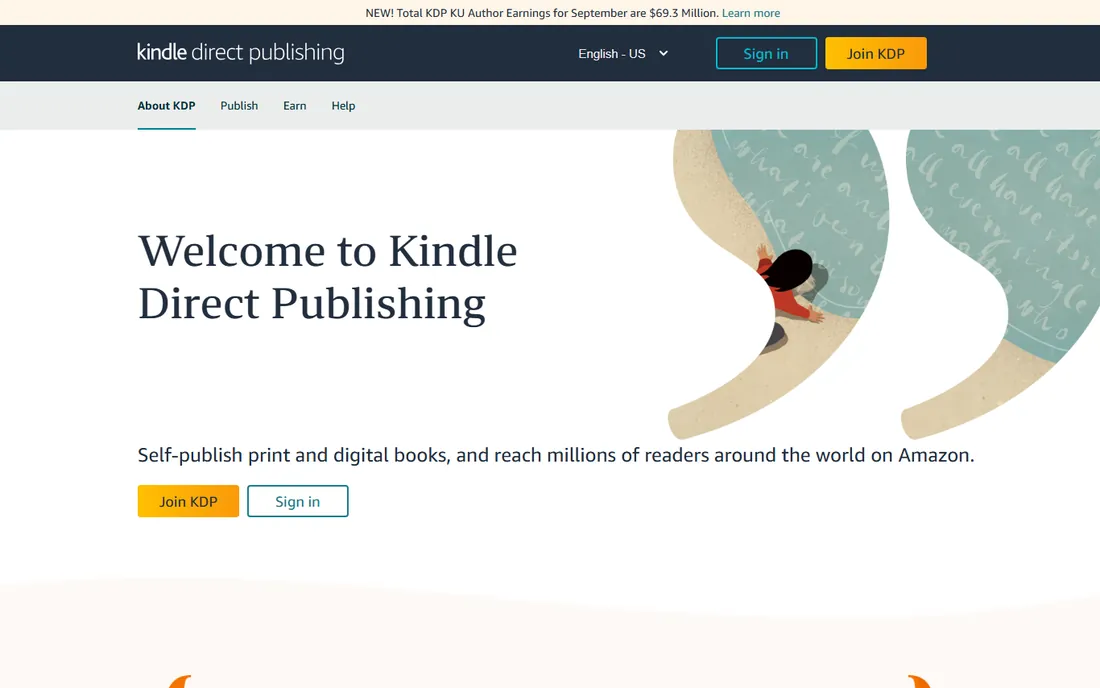
Kindle Create is Amazon's free formatting tool, and for Kindle-only authors it removes every excuse. Import a Word document, apply chapter headings, add a table of contents, preview on virtual Kindle devices, and export a file ready for KDP upload. It handles reflowable ebooks, print replicas, and comics, and it costs nothing.
The limitations are by design. Output is optimized for Kindle, not Kobo or Apple Books, and styling options are basic compared to Vellum. If you publish wide (multiple stores), Vellum or Draft2Digital's formatting is a better fit. If Amazon is your whole strategy, Kindle Create is free, official, and good enough.
What we like- Completely free
- Built for Kindle output
- Simple chapter and TOC tools
Watch out for- Kindle-focused, weak for other stores
- Basic styling options
Starting priceSee website
Free planYes
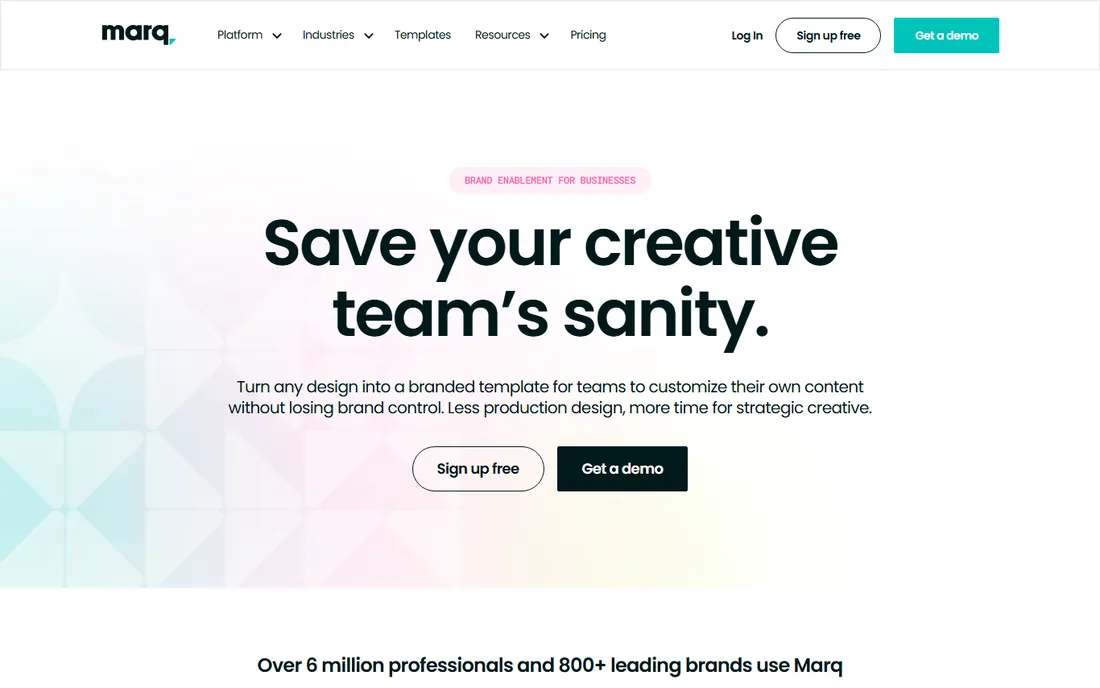
Marq, formerly Lucidpress, is publishing software for organizations: marketing teams, franchises, universities, and real estate brokerages that need on-brand documents produced by non-designers. You build locked templates, and anyone on the team can customize approved elements without breaking the brand. It runs entirely in the browser with real-time collaboration.
You can create for free, with paid plans adding brand management features. It is not a book tool: no long-document features, no serious typography. But for brochures, one-sheets, proposals, and newsletters produced at scale by distributed teams, it fills the gap between Canva's simplicity and InDesign's power.
What we like- Browser-based with lockable brand templates
- 10,000+ templates
- Strong for distributed teams
Watch out for- Not a book layout tool
- Paid plans needed for brand controls
Starting priceFree
Free planYes
Scribus is the only free desktop publishing app that takes the job seriously. It offers frames-based layout, styles, CMYK color management, PDF/X export for print shops, and scripting, the actual feature set of a DTP program rather than a word processor with delusions. It runs on Windows, Mac, and Linux.
The interface shows its open-source roots, and you will find fewer templates and tutorials than the commercial tools. Stability has improved over the years but still trails paid apps on complex documents. For nonprofits, students, and anyone who needs real page layout at zero cost, it is the answer. Professionals billing clients should buy Affinity Publisher instead.
What we like- Completely free and open source
- Real DTP features including CMYK
- Runs on all platforms
Watch out for- Dated interface
- Smaller template library
- Occasional stability quirks
Starting priceSee website
Free planFree trial
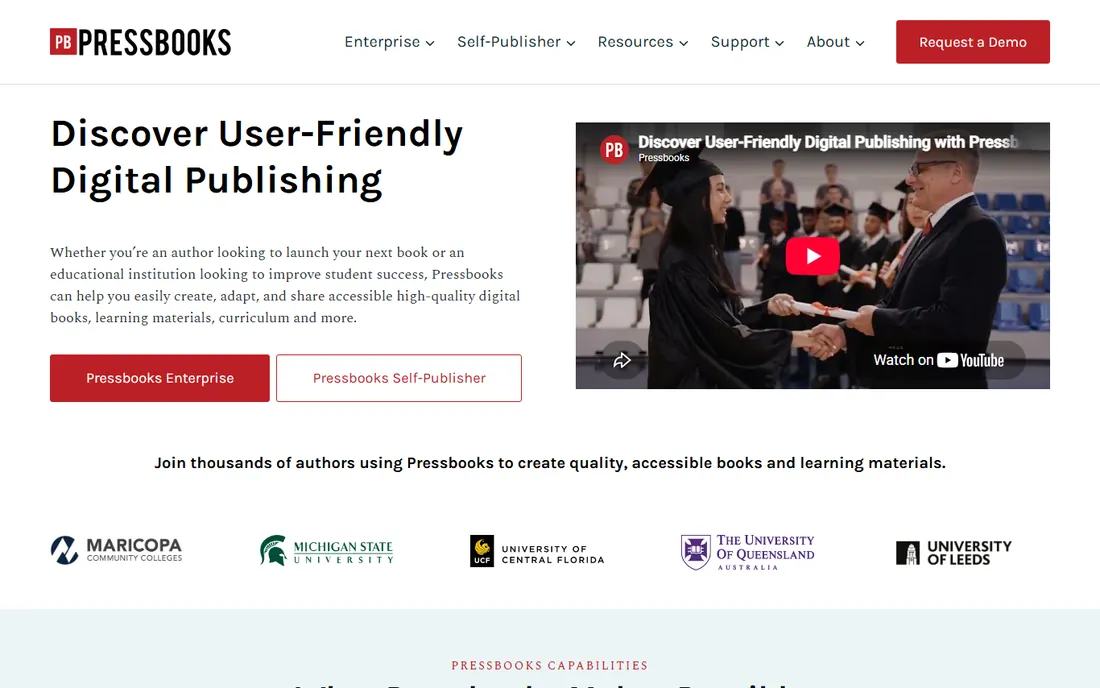
Pressbooks is a web-based book production platform built on WordPress, aimed at authors, educators, and institutions. You write and organize chapters in the browser, and it exports EPUB, PDF, web books, and more with accessibility standards baked in. It powers thousands of open educational resources at universities, and the directory of openly licensed books is a publishing resource in itself.
For individual self-publishers, the book-based subscription plan is affordable but the design control is limited compared to Vellum or InDesign. Where Pressbooks wins is collaborative and institutional publishing: multiple authors, accessible output, and web-first distribution. If you are publishing a textbook or an open-access monograph, start here.
What we like- Built for accessible digital books
- Great for open educational resources
- Exports many formats
Watch out for- Web-based, limited design control
- Per-book pricing for self-publishers
How we chose
We split publishing into its real jobs: professional print layout (InDesign, Affinity Publisher, QuarkXPress), self-published books (Vellum, Kindle Create, Pressbooks), team document production (Canva, Marq), and the free option (Scribus). For each we opened the vendor homepage, checked current pricing and licensing, reviewed the feature set against its intended job, and read author and designer feedback on Reddit, publishing forums, and review sites. We did not lay out real books in each app, so judgments reflect documented capabilities and user consensus rather than hands-on production.
Which publishing software matches your project?
A novel or nonfiction book for print and ebook
Vellum if you are on a Mac and want it done this week. Affinity Publisher or InDesign if you want full design control. Kindle Create if Amazon is your only store and your budget is zero.
A magazine, catalog, or brochure
InDesign for professional production, Affinity Publisher for the same job without the subscription, Canva or Marq for quick team-produced marketing pieces.
A textbook or open educational resource
Pressbooks, for its accessibility features, multi-author collaboration, and web-first output. Scribus if you need print layout for free.
Anything where design does not matter
Kindle Create or Pressbooks. Spend your energy on the manuscript, not the margins.
Print vs digital: what changes the choice
Print publishing demands CMYK color, bleed, trim sizes, and PDF/X export, which means InDesign, Affinity Publisher, QuarkXPress, Vellum (for books), or Scribus. Digital-only publishing is more forgiving: Kindle Create, Pressbooks, and even Canva produce acceptable ebooks. The expensive mistake is laying out a print book in a digital-first tool and discovering at the printer that your colors, margins, and bleeds are wrong. Decide print or digital before you pick software, and if the answer is both, use a tool that generates both from one source, like Vellum or Pressbooks.
Frequently asked questions
What is the best desktop publishing software?
Adobe InDesign remains the professional standard, especially for print work with commercial printers. Affinity Publisher is the best alternative, offering professional layout tools without a subscription. Scribus is the best free option.
What software do self-published authors use to format books?
Vellum is the most popular choice among indie authors on Mac, producing finished ebook and print files for a one-time price. Kindle Create is the free Amazon-focused alternative. Many authors also use Atticus or Draft2Digital's free formatting tools.
Is Affinity Publisher really free now?
Since Canva acquired Serif, the Affinity suite has moved to a free model. Check the current terms on the Affinity website, as licensing details have changed since the acquisition and may continue to evolve.
Can I use Canva to publish a book?
Not a real one. Canva works for covers and marketing materials, but it lacks the typography controls, master pages, and print-export standards that book layout requires. Use Vellum, Affinity Publisher, or InDesign for the interior.
What is the cheapest way to publish an ebook?
Kindle Create is free and produces Kindle-ready files. Pressbooks and Draft2Digital offer affordable ebook production. If you are on a Mac, Vellum's one-time price pays for itself after a book or two compared to hiring a formatter.
Sources we checked (10)
- https://www.adobe.com/products/indesign.html
- https://affinity.serif.com
- https://www.quark.com/
- https://canva.com/
- https://www.canva.com/pricing/
- https://vellum.pub
- https://kdp.amazon.com
- https://marq.com
- https://www.scribus.net
- https://pressbooks.com
Is your product missing or out of date?
We review this list regularly. Vendors can request a listing, send updated pricing or ask about featured placement.

Shihab Mia · Founder, Rankite
Shihab has spent more than a decade helping SaaS and e-commerce brands grow through search. He writes Rankite's software buying guides from pricing pages, documentation and public user reviews. More about Shihab.