How we make this list: we compare pricing pages, product documentation and public user reviews. Rankite is independent; if a vendor ever pays for a featured spot, that listing is clearly labeled Partner.
Key takeaways
- Vellum is the gold standard for beautiful ebooks on Mac.
- Atticus is the cross-platform answer for formatting ebooks and print.
- Adobe InDesign suits publishers needing full layout control.
- Draft2Digital formats and distributes free, making money on optional services.
Quick comparison
| Tool | Best for | Starting price | Free plan |
|---|
 Vellum Vellum | beautiful ebooks on Mac | See website | No |
 Atticus Atticus | cross-platform book formatting | See website | No |
 Adobe InDesign Adobe InDesign | professional publishing layout | See website | No |
 Kotobee Author Kotobee Author | interactive ebooks and courses | See website | Yes |
 Designrr Designrr | ebooks from existing content | See website | No |
 Canva Canva | simple designed ebooks | See website | Yes |
 Scrivener Scrivener | writing long-form books | See website | No |
 Draft2Digital Draft2Digital | free formatting and distribution | Free | Yes |
Is your product missing or out of date?
We review this list regularly. Vendors can request a listing, send updated pricing or ask about featured placement.
What ebook software does
Ebook software covers two jobs: writing the book and formatting it for publication. Writing tools organize long manuscripts; formatting tools turn manuscripts into EPUB, MOBI and print-ready PDFs that look professional on Kindle, Apple Books and Kobo. Some tools do both. Self-published authors live or die on presentation quality, so formatting matters more than most beginners expect.
Starting priceSee website
Free planNo
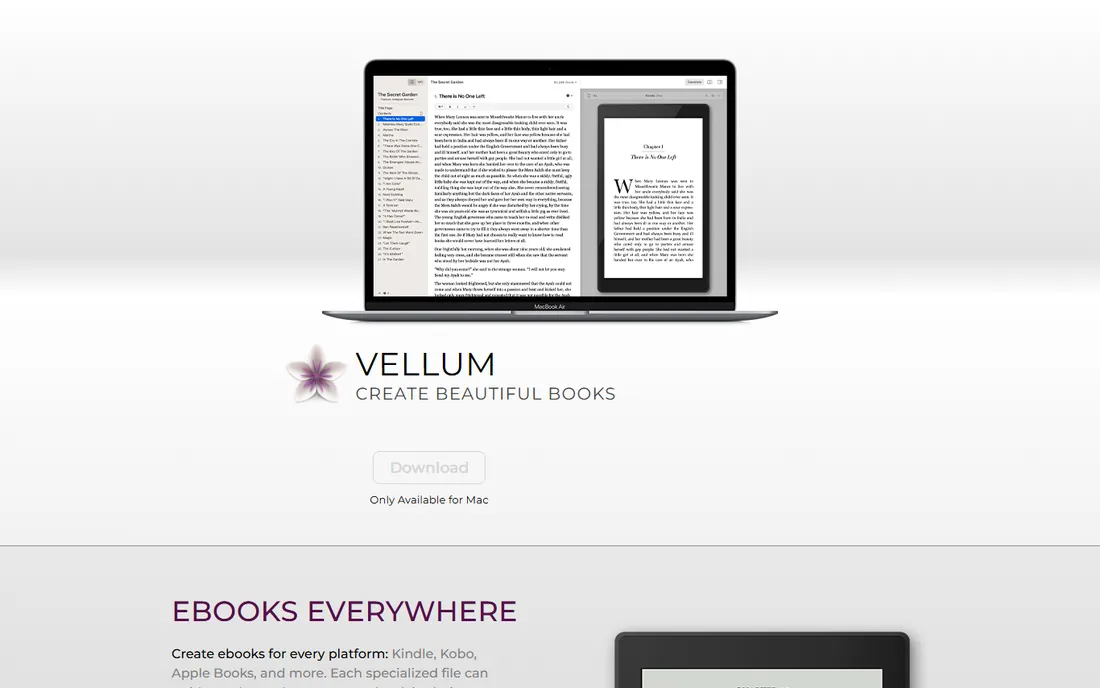
Vellum is the indie author's secret weapon on Mac: import your manuscript and get beautifully typeset ebooks and print interiors in minutes, with styles that rival traditional publishers. No design skill required.
Pricing is per package covering unlimited ebooks, a genuine one-time purchase in a subscription world. The Mac-only limitation is real; Windows authors need Atticus instead. For Mac authors who want professional formatting without learning InDesign, it is the answer.
What we like- Gorgeous output with zero design skill
- Handles ebook and print
- One-time purchase
Watch out for- Mac only
- Price per book package
- Limited customization
Starting priceSee website
Free planNo
Atticus answers the biggest Vellum complaint: it runs on Windows, Mac and Linux via the browser, combining writing and formatting in one tool. Format ebooks and print interiors with professional themes.
The one-time purchase model matches Vellum's appeal. Style variety trails Vellum slightly, and as a newer product the community is smaller. For non-Mac authors wanting Vellum-class output, it is the clear choice.
What we like- Works on any platform
- Writing plus formatting
- One-time purchase
Watch out for- Newer with smaller community
- Fewer style options than Vellum
- Web-based quirks
Starting priceSee website
Free planNo
InDesign is professional publishing's layout standard: precise control over every typographic detail, essential for illustrated books, textbooks and complex nonfiction. Publishers and professional formatters work here.
The learning curve is serious and the Creative Cloud subscription never ends. Novelists do not need it; Vellum or Atticus produce better results faster. For complex layouts where every detail matters, nothing else suffices.
What we like- Ultimate layout control
- Industry standard
- Handles complex books
Watch out for- Steep learning curve
- Subscription
- Overkill for simple novels
Starting priceSee website
Free planYes
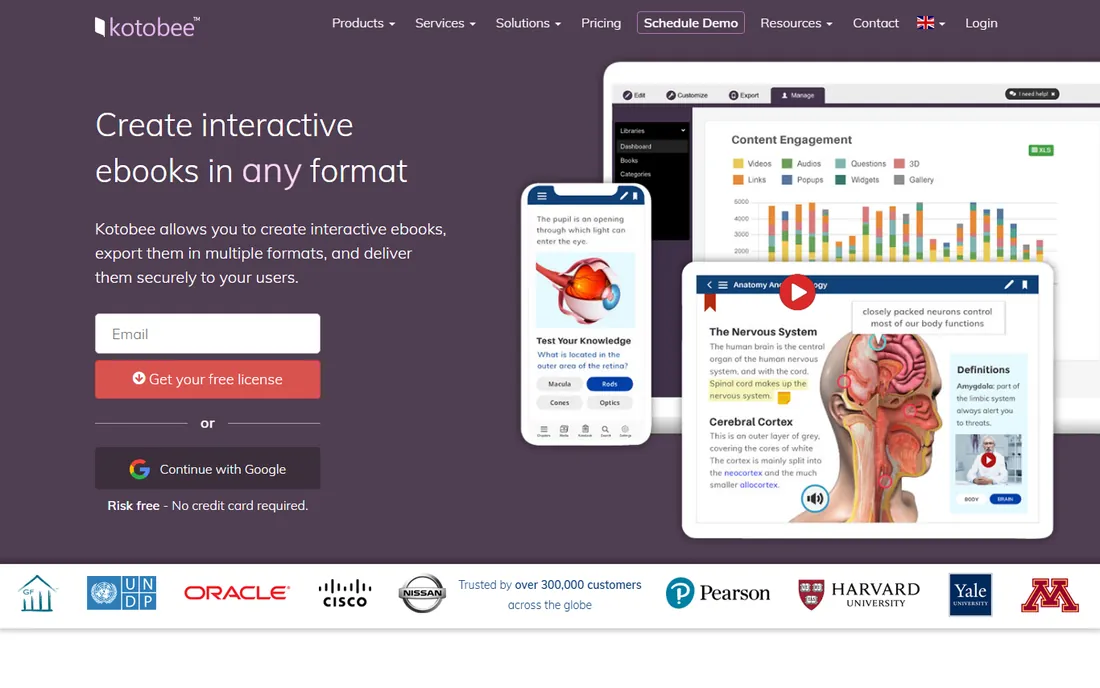
Kotobee Author creates interactive ebooks with embedded video, quizzes and widgets, exporting to EPUB, web apps and mobile apps. Educators and course creators use it for engaging digital content.
Traditional book formatting is less polished than dedicated tools. For interactive educational ebooks rather than novels, its feature set is unmatched at the price, with a free tier to start.
What we like- Rich interactivity
- Exports to many formats
- Good for education
Watch out for- Interface is dated
- Less polish than Vellum
- Niche focus
Starting priceSee website
Free planNo
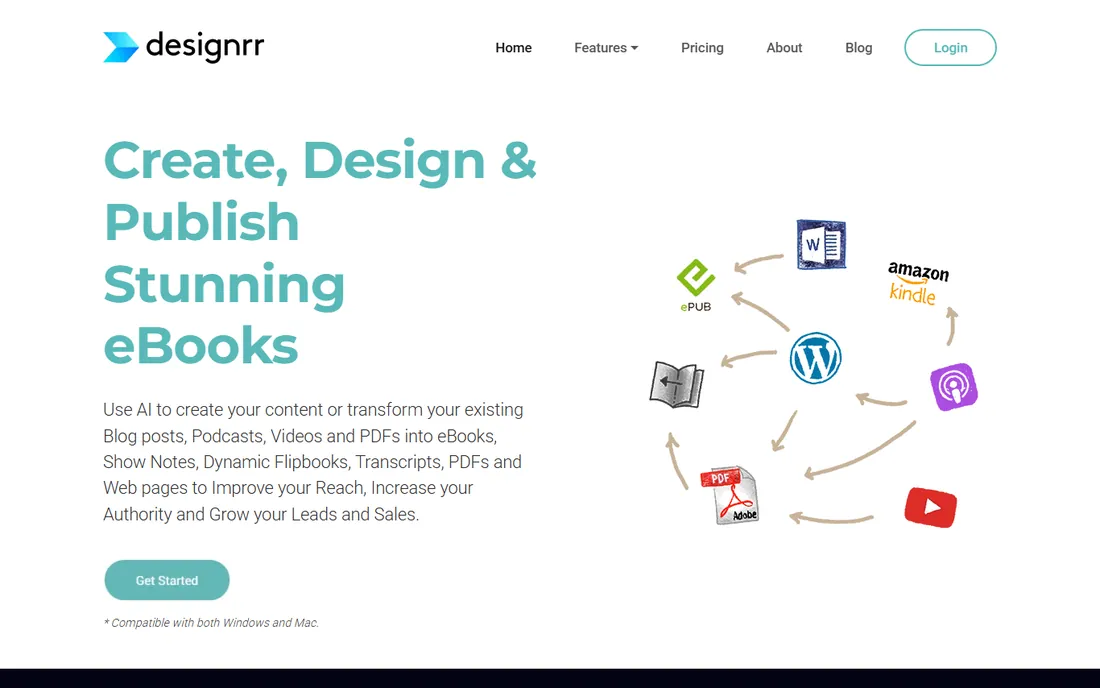
Designrr converts existing content, blog posts, Word docs, even podcasts, into designed ebooks and lead magnets in minutes. Marketers use it for list-building assets rather than published books.
Output quality suits free lead magnets, not retail books. For its job, turning content into attractive PDFs quickly, it is efficient and fairly priced.
What we like- Turns blogs and docs into ebooks fast
- Good for lead magnets
- Templates
Watch out for- Design quality is template-bound
- Not for full books
- Subscription
Starting priceSee website
Free planYes
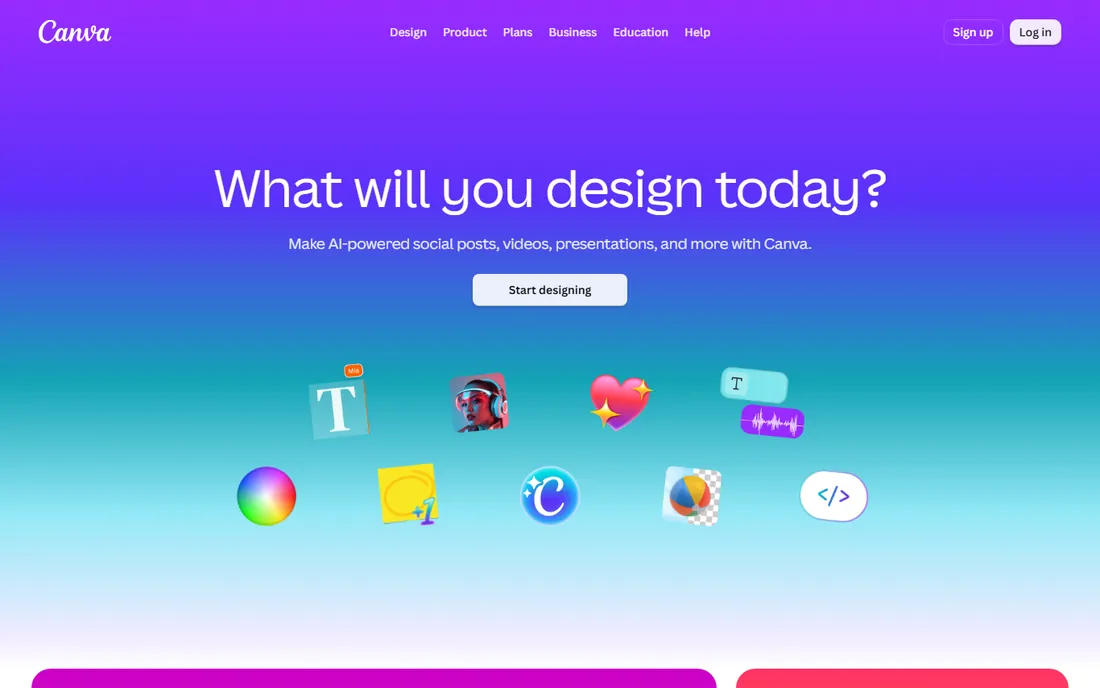
Canva's templates and drag-and-drop design make short visual ebooks, workbooks and guides easy, free for most uses. Non-designers produce attractive PDFs quickly.
It is not real ebook software: no EPUB reflow, no print interior standards, painful for long manuscripts. For short lead magnets and visual guides, it suffices. For retail books, use proper formatting tools.
What we like- Free and easy
- Great templates
- Everyone knows it
Watch out for- Not true ebook formatting
- Manual and tedious for long books
- Export limitations
Starting priceSee website
Free planNo
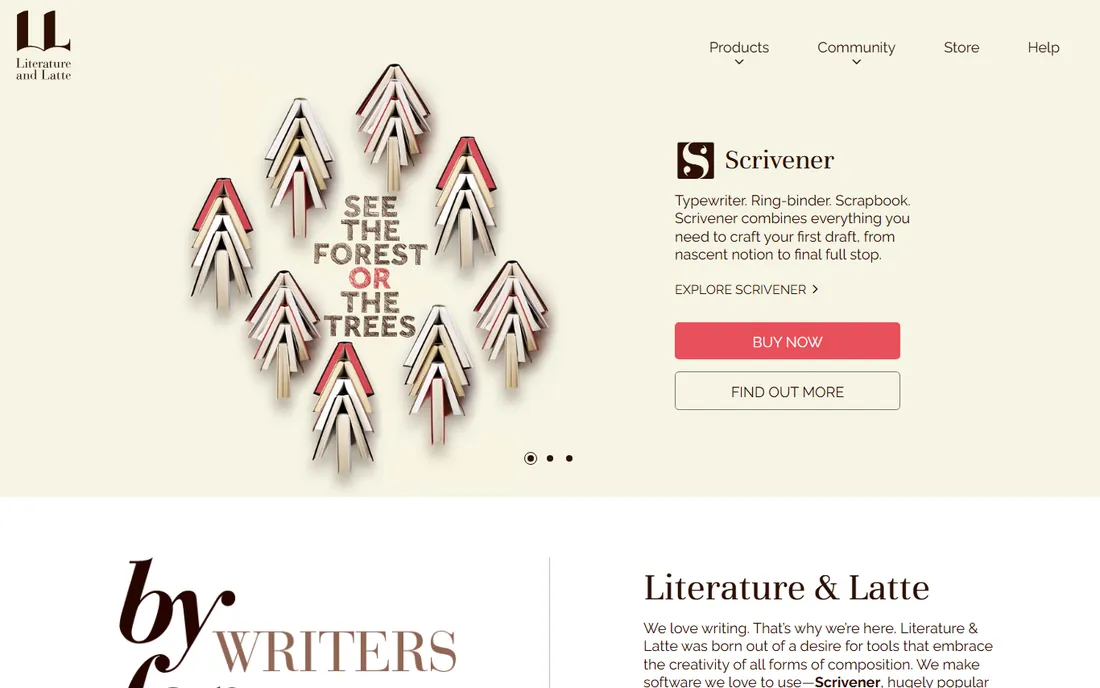
Scrivener is the writer's writing tool: organize chapters, scenes, research and notes in one project, then compile to manuscript formats. Novelists and nonfiction authors swear by its structure.
Formatting for publication is basic; pair it with Vellum or Atticus for the final book. The one-time license is affordable. For the writing phase of long books, it remains unmatched.
What we like- Best writing organization
- Research integration
- Compile to many formats
Watch out for- Learning curve
- Formatting is basic
- Dated interface
Starting priceFree
Free planYes
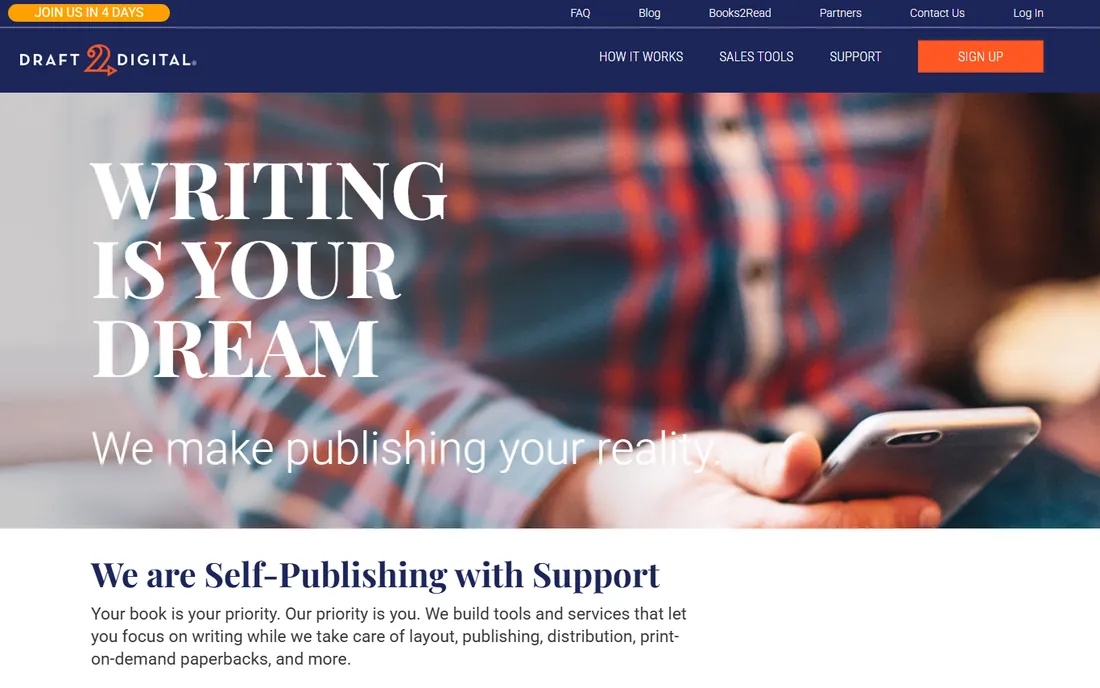
Draft2Digital formats your manuscript free and distributes to Apple Books, Kobo, Barnes and Noble and libraries, taking a small percentage of sales instead of upfront fees. It also offers print books.
Formatting control is less than Vellum, and the revenue share costs more than a one-time tool for successful books. For authors wanting zero upfront cost and maximum distribution ease, it is compelling.
What we like- Free formatting and distribution
- Wide retailer reach
- Print books too
Watch out for- Takes a percentage
- Less formatting control
- US-centric payments
How we chose
We reviewed vendor product pages, documentation and author communities. We compared writing features, formatting quality, output formats, distribution options, ease of use and pricing models. We excluded pure writing apps without publishing features and pure retailers. We did not claim hands-on testing.
Buying guide: choosing ebook software
Separate writing from formatting. Write in Scrivener or your preferred tool; format in Vellum, Atticus or Draft2Digital. Combining both jobs in one tool compromises at least one.
Match formatting to your platform. Mac authors should buy Vellum once and never think about formatting again. Everyone else should buy Atticus. Complex illustrated books need InDesign and probably a professional.
Budget the real costs. A formatting tool is a one-time purchase; covers, editing and marketing cost far more over a book's life. Do not economize on the formatter while overspending on ads.
The self-publishing workflow
Write the manuscript, get professional editing, format with Vellum or Atticus, commission a professional cover, and distribute via Amazon KDP plus Draft2Digital for wide reach. Each step has dedicated tools; the formatting step is where this software earns its place.
Readers judge books by covers and descriptions before ever seeing your interior formatting. Invest in a professional cover designed for thumbnail size, since most shoppers see it tiny. Write a description that hooks in the first two lines, choose categories and keywords strategically on each retailer, and set pricing deliberately: 2.99 to 9.99 hits Kindle's 70 percent royalty band. Formatting gets readers to stay; covers and metadata get them to click. Budget accordingly across the whole package.
Pricing and royalty strategy
Ebook pricing is strategic, not arbitrary. On Amazon, the 2.99 to 9.99 dollar band earns 70 percent royalties while outside it earns 35 percent, making 2.99, 3.99 and 4.99 the common indie price points. New authors often launch at 0.99 or free to gather reviews, then raise prices. Box sets of series reward binge readers and raise average order value. Watch competitors in your genre; pricing far above or below genre norms needs justification. Promotions through services like BookBub can spike sales but work best with several books published. Track sell-through from book one to book two; series economics depend on it.
Books sell better with an audience waiting. Start a mailing list before your first launch; even a few hundred subscribers transform day-one sales. A simple author website with a signup incentive, like a free short story, compounds over time. Choose one or two social platforms where your readers actually gather rather than spreading thin. Engage genuinely in reader communities without constant self-promotion. Publish consistently, because each book markets the others; series with three or more books earn disproportionately more. The unglamorous truth is that marketing consistency beats marketing brilliance, and formatting software is a small line item in the platform budget.
Frequently asked questions
What is the best ebook software?
Vellum for Mac formatting, Atticus for cross-platform formatting, Scrivener for writing, Draft2Digital for free distribution.
How much does Vellum cost?
Vellum is a one-time purchase per package with unlimited ebooks. Check vellum.pub for current pricing.
Vellum vs Atticus: which is better?
Vellum for Mac users wanting the most polished output; Atticus for Windows and Linux users or those wanting writing plus formatting in one tool.
Can I publish an ebook for free?
Yes. Write in free tools, format with Draft2Digital free, and publish to retailers. Costs arise for covers, editing and marketing.
Do I need InDesign for ebooks?
Only for complex illustrated books. Novels and standard nonfiction format better and faster in Vellum or Atticus.
What format do Kindle books use?
Kindle uses its own formats converted from EPUB uploads. Formatting tools export the right files; Amazon handles conversion.
Is Canva good for ebooks?
For short visual lead magnets, yes. For retail ebooks and print books, no; use proper formatting software.
What is the best format for ebooks?
EPUB is the universal standard used by Apple, Kobo and others; Amazon converts from EPUB uploads. Formatting tools generate the right files automatically.
Should I go exclusive with Kindle Unlimited?
Exclusivity through KDP Select gives access to Kindle Unlimited readers but forfeits other retailers. Wide distribution via Draft2Digital reaches more stores. Test both strategies if possible.
How long should my ebook be?
Novels typically run 70,000 to 100,000 words; nonfiction varies widely. Publish the length the content needs; padding hurts reviews more than brevity.
How do I get reviews for my ebook?
Write a good book first, then use your mailing list, ARC teams, and retailer follow-up. Never buy fake reviews; retailers ban accounts for it. A steady trickle of honest reviews beats a launch spike.
Should I hire an editor?
Yes, for anything you sell. Professional editing is the highest-ROI investment in self-publishing; readers punish unedited books in reviews permanently.
How do I format a print book differently from an ebook?
Print needs fixed layouts with proper margins, bleeds and page numbers; ebooks need reflowable text. Vellum and Atticus generate both from one manuscript correctly.
What is Kindle Create?
Amazon's free formatting tool for ebooks and print. It works but offers less design control than Vellum or Atticus; fine for simple books.
Do I need an ISBN for ebooks?
Amazon does not require one; other retailers do. Buy ISBNs from your national agency if publishing wide; never use free retailer ISBNs if you want full control.
Can I update my ebook after publishing?
Yes, retailers let you upload revised files anytime. Fix typos and improve formatting; updates reach existing buyers on most platforms.
Sources we checked (8)
- https://www.vellum.pub
- https://www.atticus.io
- https://www.adobe.com
- https://www.kotobee.com
- https://www.designrr.io
- https://www.canva.com
- https://www.literatureandlatte.com
- https://www.draft2digital.com
Is your product missing or out of date?
We review this list regularly. Vendors can request a listing, send updated pricing or ask about featured placement.

Shihab Mia · Founder, Rankite
Shihab has spent more than a decade helping SaaS and e-commerce brands grow through search. He writes Rankite's software buying guides from pricing pages, documentation and public user reviews. More about Shihab.