How we make this list: we compare pricing pages, product documentation and public user reviews. Rankite is independent; if a vendor ever pays for a featured spot, that listing is clearly labeled Partner.
Key takeaways
- It is 9 p.m., you have eaten three meals, and you have no idea whether you hit your protein target. That nightly guess is the whole problem these apps solve.
- The best free protein tracker app: Cronometer's free tier tracks macros and micronutrients with barcode scanning at $0; MyFitnessPal's free tier is usable but moved its scanner to Premium ($79.99/year).
- Lifters who want their targets adjusted automatically should look at MacroFactor ($71.99/year) or Carbon Diet Coach ($99.99/year), which recalculate macros from your progress.
- Budget pick: Lose It Premium at $39.99/year; one-time-purchase fans get MyMacros+ (reviewers report ~$4.99); Australians get Easy Diet Diary free and ad-free.
Quick comparison
| Tool | Best for | Starting price | Free plan |
|---|
 MyFitnessPal MyFitnessPal | Anyone who wants the largest food database and the most integrations | $79.99/year (Premium); Premium+ $99.99/year | Yes (free tier with ads) |
 Cronometer Cronometer | People who want detailed nutrition data, including micronutrients, without paying | See website (Gold subscription) | Yes (generous free tier) |
 MacroFactor MacroFactor | Lifters and athletes who want macro targets recalculated from their own data | $71.99/year ($11.99/month; $47.99/half year) | No (7-day free trial, per Apple App Store and Google Play listings) |
 Lose It Lose It | Beginners who want simple calorie and protein tracking without complexity | $39.99/year (Premium, per reviewers) | Yes (free tier with ads) |
 MyMacros+ MyMacros+ | People who want to pay once and never see a subscription bill | See website (one-time purchase; reviewers report ~$4.99) | No (paid app) |
 Carbon Diet Coach Carbon Diet Coach | Dieters who want evidence-based macro coaching with weekly check-ins | $11.99/month; $59.99/6 months; $99.99/year (per the vendor's own FAQ) | No (no free tier) |
 Easy Diet Diary Easy Diet Diary | Australians who want a free tracker with a local food database | $0 (free and ad-free, per the vendor's site) | Yes (the entire app is free) |
Is your product missing or out of date?
We review this list regularly. Vendors can request a listing, send updated pricing or ask about featured placement.
The best protein tracker app
It is 9 p.m. You have eaten three meals, trained after work, and you are staring at the fridge wondering whether you hit 150 grams of protein or landed closer to 90. That nightly guess is the entire problem a protein tracker app solves: it turns "I think I ate enough protein" into a number you can see, and shows you exactly how much is missing before bed. The seven apps below all track protein, but they differ sharply in price, database quality and whether they just record your intake or actively coach it.
#1
MyFitnessPal
Best for: Anyone who wants the largest food database and the most integrations
Visit myfitnesspal.com
Starting price$79.99/year (Premium); Premium+ $99.99/year
Free planYes (free tier with ads)
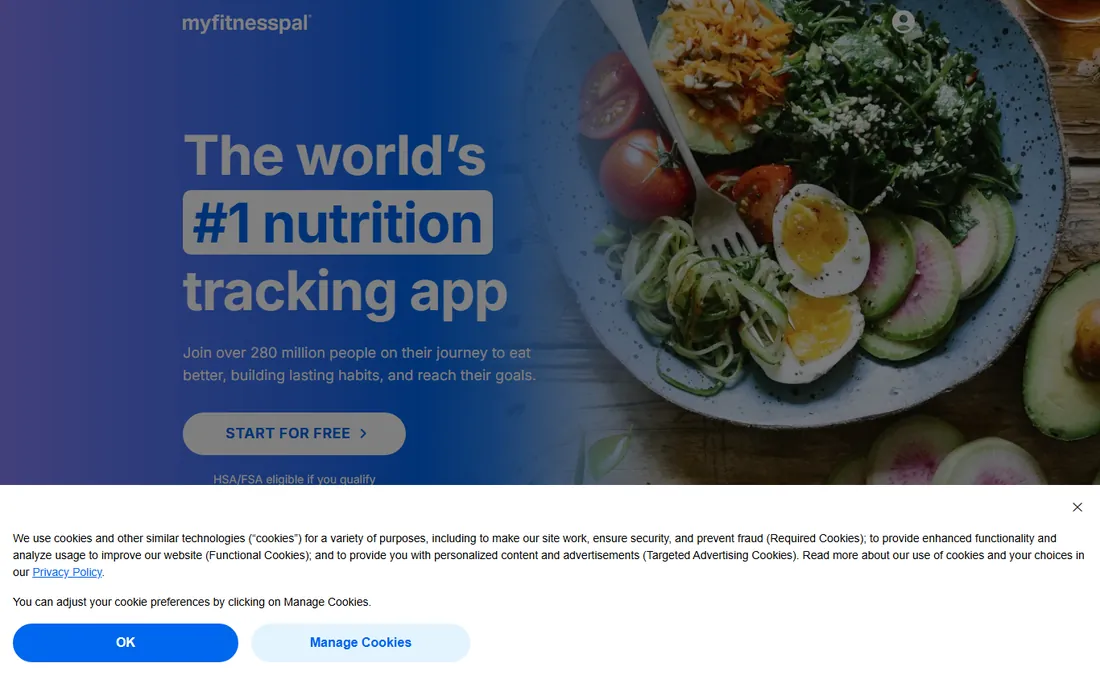
MyFitnessPal is still the default calorie tracker, mostly because of the database: with over 20 million foods logged over two decades, almost anything you eat has an entry. That matters for protein tracking specifically, because the biggest source of error in macro totals is logging the wrong food entry. The Premium tier at $79.99 per year (or $19.99 monthly, per the vendor's own pricing materials) adds barcode scanning, custom macro goals in grams, meal scan photo logging and an ad-free experience; Premium+ at $99.99 per year adds meal planning.
The 2026 reality is the paywall. Barcode scanning, the single most-used feature, now sits behind Premium, and the free tier covers basic logging with ads. The crowdsourced database is both the strength and the weakness: huge, but full of duplicates with conflicting numbers. If you eat a lot of packaged and restaurant food and want the fastest logging, MyFitnessPal earns its price. If you mostly cook whole foods and want accuracy, Cronometer below gives you more for free.
What we like- Enormous food database built over 20 years
- 40+ fitness app and device integrations
- Macro goals by meal on Premium
- Restaurant menu items included
Watch out for- Barcode scanning moved to Premium ($79.99/year)
- Crowdsourced database means duplicate and inaccurate entries
- Free tier now feels like a demo of the paid app
#2
Cronometer
Best for: People who want detailed nutrition data, including micronutrients, without paying
Visit cronometer.com
Starting priceSee website (Gold subscription)
Free planYes (generous free tier)
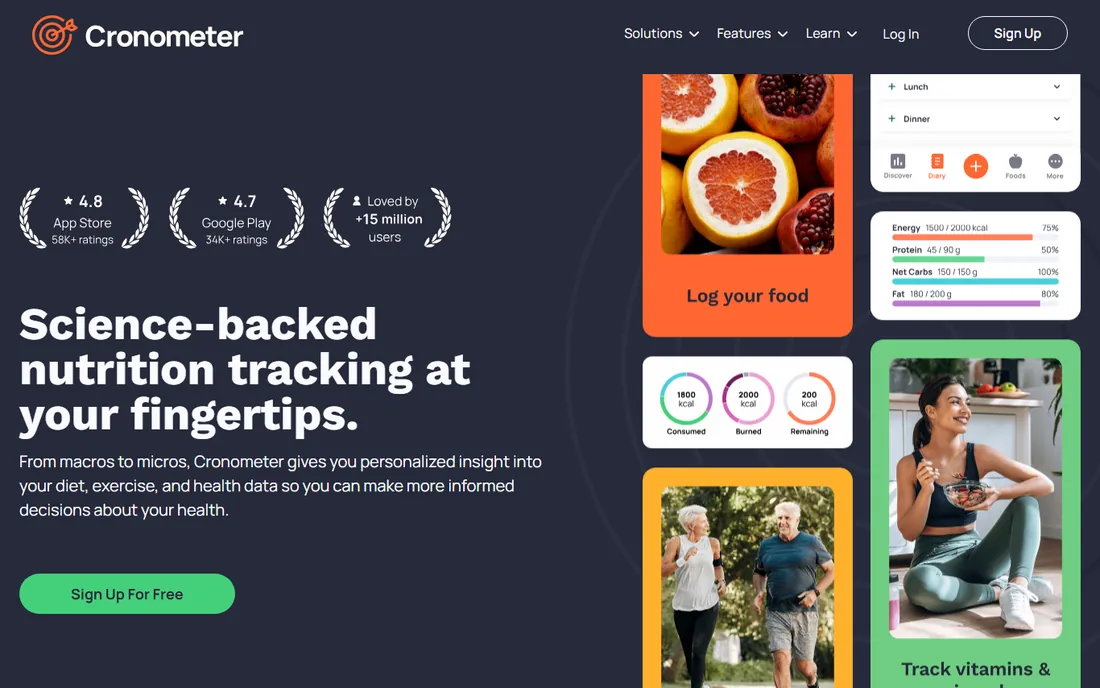
Cronometer is the nutrition nerd's pick and the most generous free tier in this category. Where MyFitnessPal's free version shows five numbers, Cronometer's free version tracks dozens of micronutrients: individual amino acids, vitamins, minerals, omega fatty acids. Every database entry is verified against USDA or NCCDB sources or reviewed by the curation team, so the protein number you log is one you can trust. Barcode scanning is free, custom macro goals are free, and there are no scan limits.
The vendor does not publish Gold pricing on its public pages, so we list "See website"; third-party comparisons put Gold around $59.99 per year for ad-free use, photo and voice logging, and advanced reports. The interface is unapologetically data-dense, which delights detail people and overwhelms everyone else. For protein tracking with a accuracy-first mindset, and especially for anyone managing deficiencies or specific diets, Cronometer's free tier beats most competitors' paid tiers.
What we like- Free tier includes barcode scanning and up to 84+ tracked nutrients
- Lab-verified database from USDA and NCCDB sources
- Custom macro goals free
- No scan limits on the free plan
Watch out for- Gold pricing is not published on the public site
- Interface is data-dense and less friendly
- Photo and voice logging sit behind Gold
#3
MacroFactor
Best for: Lifters and athletes who want macro targets recalculated from their own data
Visit macrofactorapp.com
Starting price$71.99/year ($11.99/month; $47.99/half year)
Free planNo (7-day free trial, per Apple App Store and Google Play listings)
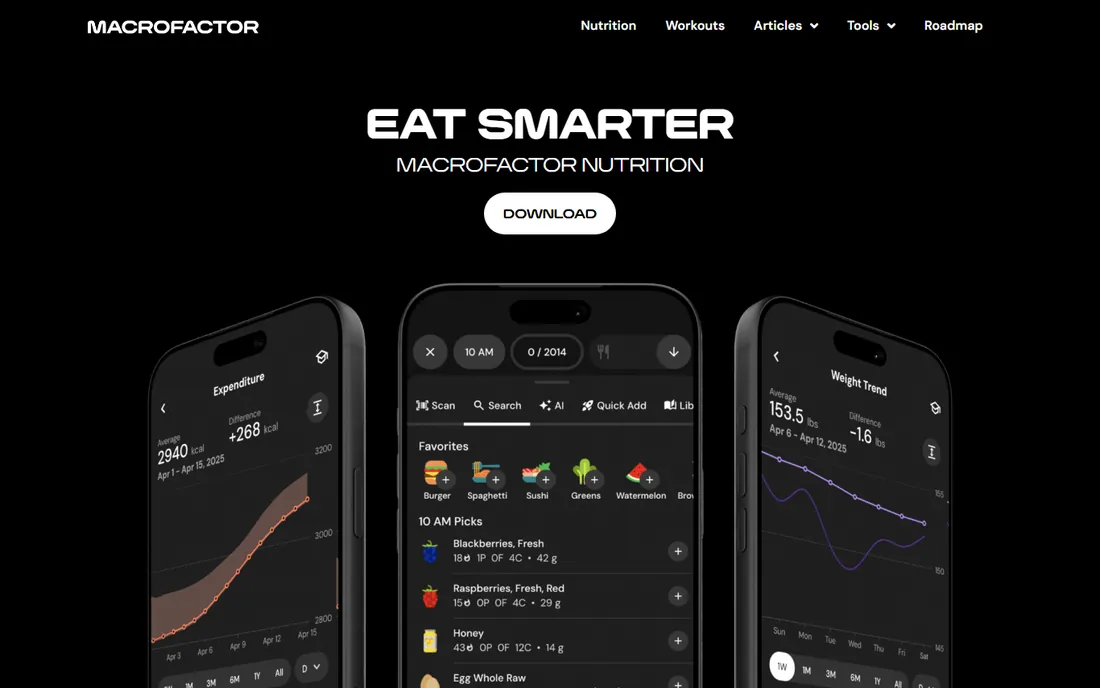
MacroFactor does something the loggers above do not: it coaches. You log your food and your weight, and its algorithm estimates your true energy expenditure, then adjusts your calorie and protein targets every week based on what actually happened, not what a formula predicted. Miss your targets and there are no red warnings or scolding; the plan simply adapts. The subscription is $11.99 per month, $47.99 per half year or $71.99 per year (per the official app store listings), with a 7-day free trial and no free tier.
That adaptive loop is why lifters swear by it: static macro calculators go stale within weeks as your body adapts, while MacroFactor's targets track your reality. The food database is verified, barcode scanning is included, and the interface is clean. The obvious catch is the price of admission: $71.99 a year with no free tier means you are buying on reputation. If you want a tracker that thinks, this is it. If you just want to log protein grams, the free apps above do that for nothing.
What we like- Adaptive algorithm adjusts calorie and macro targets weekly from your intake and weight trend
- Verified food database
- No shaming or red warnings when you miss targets
- Expenditure estimate is best in class
Watch out for- No free tier at all, only a 7-day trial
- $71.99 per year before you know if you like it
- Newer and smaller community than MyFitnessPal
#4
Lose It
Best for: Beginners who want simple calorie and protein tracking without complexity
Visit loseit.com
Starting price$39.99/year (Premium, per reviewers)
Free planYes (free tier with ads)
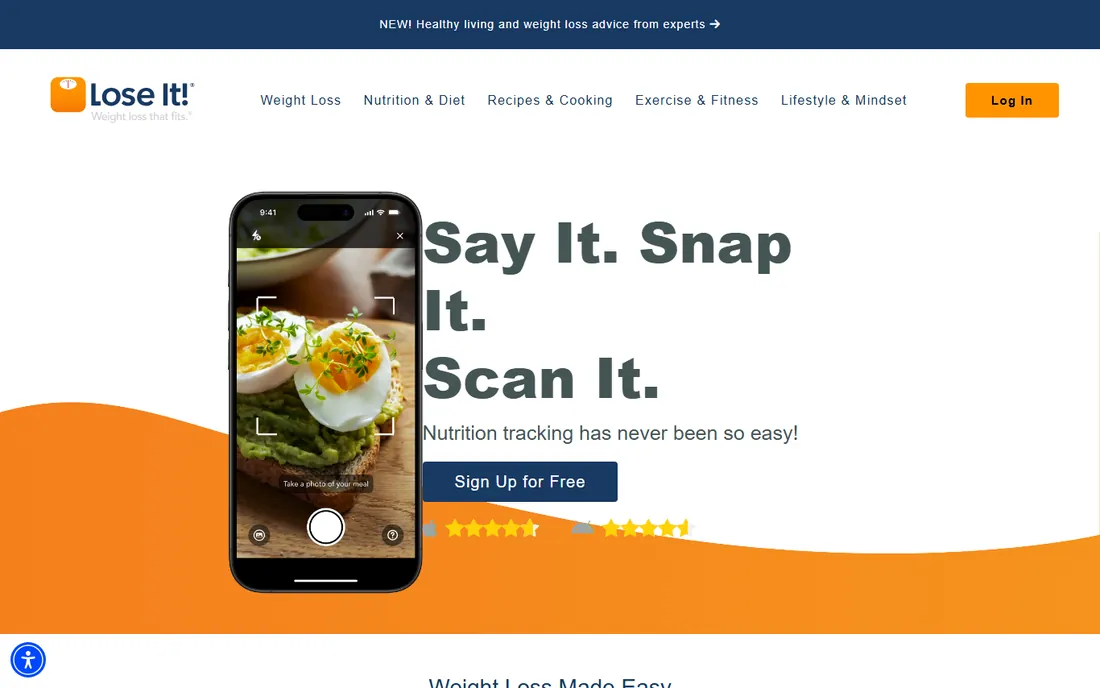
Lose It has been doing one thing since 2008: giving you a daily calorie budget and making it fast to stay inside it. The interface is the simplest on this list, which is a feature, not a gap: set your goal, log by barcode, photo (Snap It) or voice (Say It), and watch the budget. Premium runs about $39.99 per year per reviewers, adding the scanner, smart camera, advanced nutrient tracking and pattern reports, and the app itself is free to download with a usable free tier.
For protein specifically, Lose It covers the essentials: macro tracking with personalized protein goals, without the 84-nutrient firehose of Cronometer. It will not adjust your targets from your weight trend like MacroFactor, and its database is smaller than MyFitnessPal's. But at $39.99 a year it is the cheapest paid upgrade here, and for someone starting their first serious protein goal, simplicity beats depth. Try the free tier for two weeks; if the ads and limits annoy you, Premium is the smallest bill on this list.
What we like- The cheapest Premium here at $39.99 per year
- Clean, simple interface with a personalized calorie budget
- Snap It photo logging and barcode scanner
- 7-day free trial of Premium
Watch out for- Free tier is basic and ad-supported
- Protein and macro depth is thinner than Cronometer
- No adaptive coaching like MacroFactor or Carbon
#5
MyMacros+
Best for: People who want to pay once and never see a subscription bill
Visit getmymacros.com
Starting priceSee website (one-time purchase; reviewers report ~$4.99)
Free planNo (paid app)
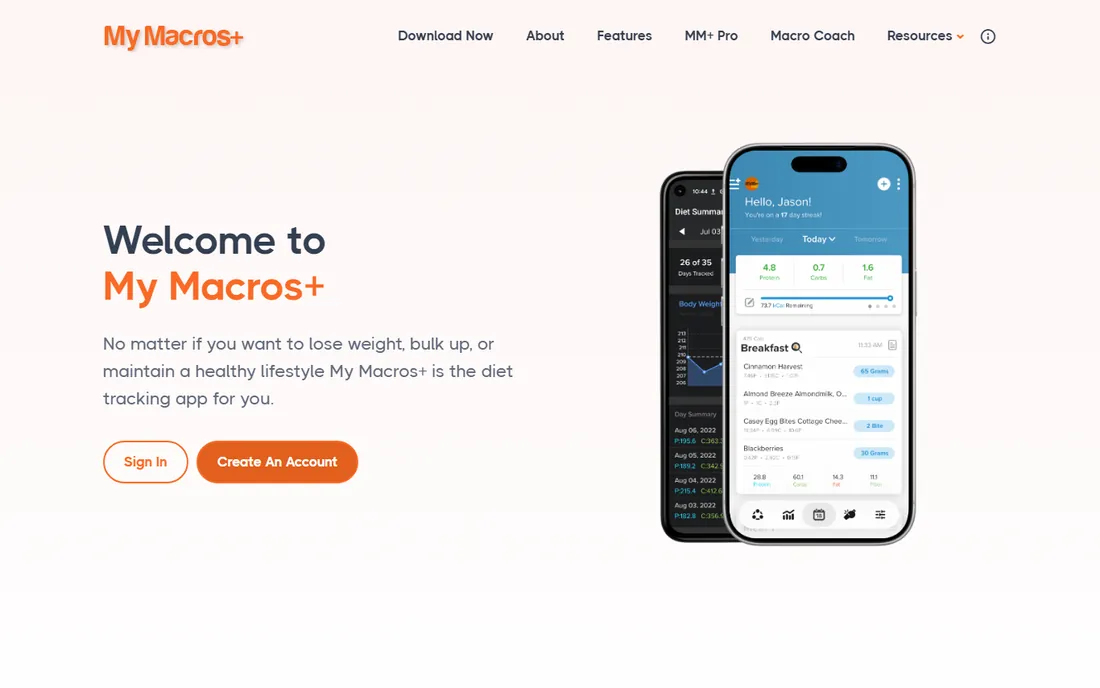
MyMacros+ is the last of a dying breed: a nutrition app you buy once. No subscription, no ads, no premium tier upsells. Reviewers report a one-time price around $4.99, though the vendor's homepage does not publish current pricing, so we list "See website." What you get is a complete macro tracker: a 5-million-food database, barcode and nutrition label scanning, unlimited custom meals (no breakfast-lunch-dinner straitjacket), macro goals in grams, and offline tracking.
There is no coaching layer. It will not adjust your protein target from your weight trend, detect your chords, or sync with forty devices. It logs what you ate and shows your macros, fast, forever, for the price of a coffee. For lifters who know their targets and just need a reliable logger without a monthly bill, that is the whole appeal. The tradeoff is a smaller development team and an interface that looks its age next to the big budgets. If subscriptions offend you on principle, this is your app.
What we like- One-time purchase with no recurring fee and no ads
- 5+ million food database
- Barcode and nutrition label scanner
- Works offline
- Unlimited custom meals and macro goals
Watch out for- Exact current price is not published on the vendor's homepage
- Smaller team and slower updates than the big apps
- No coaching or adaptive targets
- Interface shows its age
#6
Carbon Diet Coach
Best for: Dieters who want evidence-based macro coaching with weekly check-ins
Visit joincarbon.com
Starting price$11.99/month; $59.99/6 months; $99.99/year (per the vendor's own FAQ)
Free planNo (no free tier)
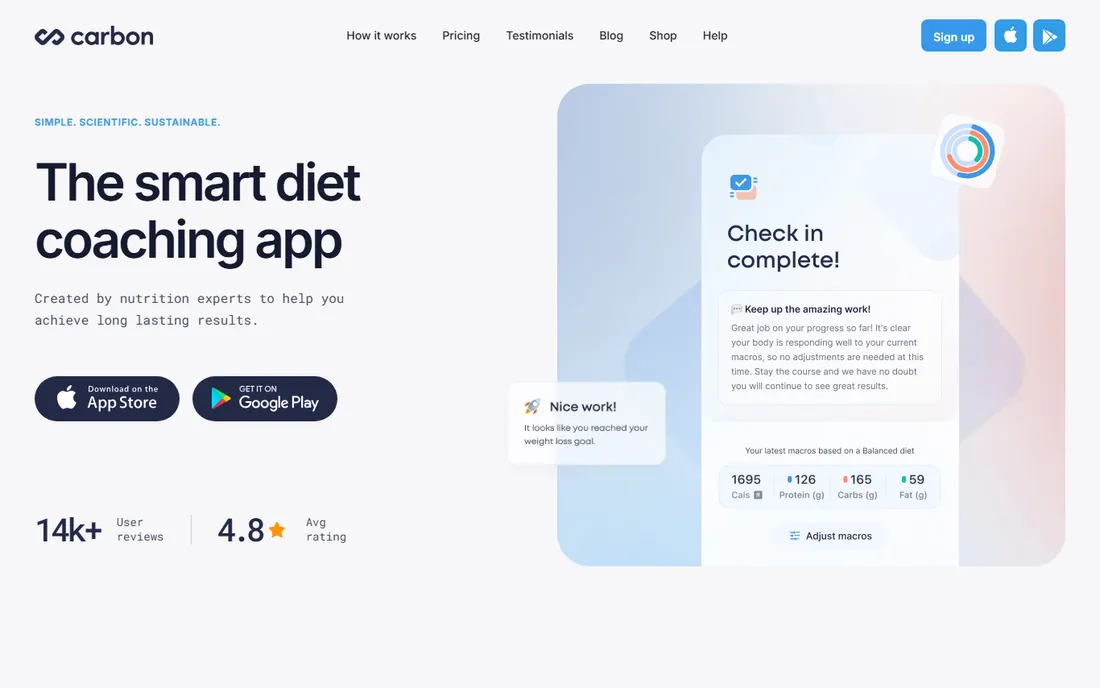
Carbon Diet Coach is the other coaching-first app here, and its pitch is credibility: the system was built by nutrition scientists including Layne Norton, PhD, around flexible dieting and energy balance. You set a goal (fat loss, muscle gain, maintenance, reverse dieting), log your food, and check in weekly; the coach adjusts your macros based on your actual progress. Pricing is published right in the vendor's FAQ: $11.99 per month, $59.99 for six months, or $99.99 per year, with full features on every plan.
The food tracker itself is deliberately simple; the value is the coaching loop, not the database. That loop only works if you check in consistently, so casual loggers will not get their money's worth. There is no free tier. Compared with MacroFactor ($71.99/year), Carbon costs more annually but leans harder on the science-backed coaching brand and human support. Pick Carbon if you want a coach in the evidence-based dieting tradition; pick MacroFactor if you want the slicker algorithm at a lower price.
What we like- Coaching system built by credentialed nutrition scientists (Layne Norton, PhD)
- Weekly check-ins adjust macros based on your results
- Clear published pricing
- Supports fat loss, muscle gain, maintenance and reverse dieting
Watch out for- No free tier
- $99.99 per year is the priciest annual plan here
- The tracker itself is simpler than MyFitnessPal's
- Coaching model demands consistent weekly check-ins to work
Starting price$0 (free and ad-free, per the vendor's site)
Free planYes (the entire app is free)
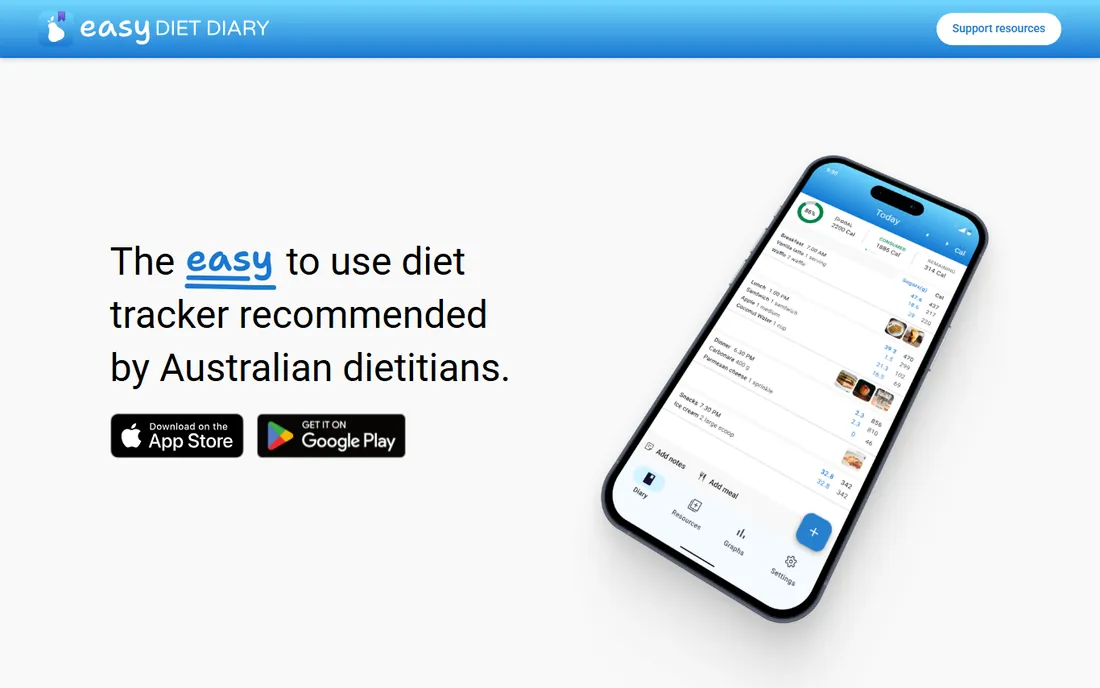
Easy Diet Diary is a free, ad-free diet tracker built by Xyris, the Australian company behind the professional FoodWorks nutrition software. The vendor's site states it plainly: free and ad-free, with all features included. The standout is the Australian food database built from official sources and local brands, which is exactly what global apps get wrong down under. Barcode scanning, macro and micronutrient tracking, exercise logging and kilojoule-or-calorie display are all included, and you can share your diary directly with a dietitian through FoodWorks.
The honest limitation is geography. Outside Australia and New Zealand, the local database advantage disappears, and the big global apps have deeper integrations and larger communities. But for its home audience it is remarkable: a genuinely free tracker with professional-grade data and no upsell. Australian readers chasing a protein target should start here before paying for anything. Everyone else should treat it as proof that free trackers can be excellent, then pick from the global options above.
What we like- Completely free with no ads and no paid tier
- Australian food database from official sources
- Barcode scanner included
- Shares data with dietitians through FoodWorks
- Kilojoule and calorie options
Watch out for- Australian database is a weakness outside Australia and New Zealand
- Smaller user community
- Fewer device integrations than the big apps
- Development pace of a small team
How we chose
We started with the searches buyers actually run: best protein tracker app, best macro tracking app, best app to track protein intake and protein counter app. For each candidate we opened the vendor's own site and pricing page, recorded the current plans and prices, and compared them against public reviews on the app stores, G2 and Capterra, and practitioner discussion on Reddit fitness communities. Where a price could not be confirmed on the vendor's own page, we labeled it as reviewer-reported or wrote "See website" rather than stating a number as fact. Every website URL below was copied from the vendor's site after opening it.
How protein tracking apps estimate your intake (and where they go wrong)
Every app on this list does the same basic math: you log foods, it sums the protein. The accuracy of that sum depends on three things most users never think about. First, the database entry you pick. Crowdsourced databases (MyFitnessPal) contain multiple entries for the same food with different numbers; verified databases (Cronometer, MacroFactor) have fewer entries but more accurate ones. Picking the wrong "chicken breast" entry can shift your daily total by 20 grams.
Second, your portion estimates. Apps can only add up what you tell them, and most people underestimate portions of calorie-dense foods and overestimate protein portions. A food scale for two weeks calibrates your eye better than any app feature. Third, the target itself. Simple apps set your protein goal from a formula based on your weight; coaching apps (MacroFactor, Carbon) adjust it from your actual progress. The formula gets you in the neighborhood; the coaching gets you to the address. None of this means tracking is pointless. It means the app is a measuring tape, not a judge: the value is in consistent measurement, and the fanciest algorithm cannot fix inconsistent logging.
What matters when choosing a protein tracker app
Decide first whether you want a logger or a coach. Loggers (MyFitnessPal, Cronometer, Lose It, MyMacros+, Easy Diet Diary) record what you eat and show your totals; you set the targets. Coaches (MacroFactor, Carbon Diet Coach) set and adjust the targets for you based on your results. Coaches cost $72 to $100 per year with no free tier; loggers range from free to $80. If you already know your protein target, a logger is enough. If your progress has stalled and you do not know why, a coach earns its fee.
Then check the database against your actual diet. Packaged-food eaters need the biggest database (MyFitnessPal); whole-food cooks need accuracy (Cronometer); Australians need local data (Easy Diet Diary). Then check the paywall against your daily habits: if you scan barcodes every day, MyFitnessPal's free tier will frustrate you, while Cronometer scans free. Finally, be honest about consistency. The best app is the one you will open after dinner for six months. A simple app you use beats a clever app you abandon in February.
Frequently asked questions
What is the best app for tracking protein intake?
For most people, Cronometer: its free tier tracks protein plus dozens of micronutrients with barcode scanning and a verified database, at $0. MyFitnessPal has the biggest database but moved its scanner to Premium ($79.99/year). Lifters who want adaptive coaching should look at MacroFactor ($71.99/year) or Carbon Diet Coach ($99.99/year).
Is there a free protein tracker app?
Yes. Cronometer's free tier is the strongest: barcode scanning, custom macro goals and 84+ nutrients free. Easy Diet Diary is completely free and ad-free (best for Australians). MyFitnessPal and Lose It have usable free tiers with ads, though MyFitnessPal reserves barcode scanning for Premium.
How much protein should I eat per day?
It depends on your weight, activity and goals, which is why the coaching apps exist. A common evidence-based starting range for active people is 1.6 to 2.2 grams per kilogram of body weight daily. The apps on this list either let you set your own target or calculate and adjust one for you.
Is MyFitnessPal or Cronometer better for protein tracking?
MyFitnessPal has the larger food database, which makes logging packaged and restaurant foods faster. Cronometer has the more accurate database and tracks far more nutrients on its free tier, including barcode scanning that MyFitnessPal charges $79.99/year for. For protein accuracy on whole foods, Cronometer wins; for logging speed on packaged foods, MyFitnessPal wins.
Do I need a paid protein tracker?
Not necessarily. Cronometer and Easy Diet Diary cover protein tracking completely for free. Pay when you want a specific upgrade: barcode scanning without ads (MyFitnessPal Premium), adaptive coaching (MacroFactor, Carbon), or simplicity at the lowest price (Lose It Premium at $39.99/year).
Can a protein tracker app adjust my macros automatically?
Yes, two of them: MacroFactor ($71.99/year) recalculates your calorie and macro targets weekly from your logged intake and weight trend, and Carbon Diet Coach ($99.99/year) adjusts macros at weekly check-ins based on your results. The other apps track against targets you set yourself.
Sources we checked (8)
- https://www.myfitnesspal.com
- https://blog.myfitnesspal.com/myfitnesspal-vs-mynetdiary/
- https://cronometer.com/
- https://macrofactorapp.com
- https://loseit.com
- https://getmymacros.com/
- https://joincarbon.com/
- https://easydietdiary.com
Is your product missing or out of date?
We review this list regularly. Vendors can request a listing, send updated pricing or ask about featured placement.

Shihab Mia · Founder, Rankite
Shihab has spent more than a decade helping SaaS and e-commerce brands grow through search. He writes Rankite's software buying guides from pricing pages, documentation and public user reviews. More about Shihab.