How we make this list: we compare pricing pages, product documentation and public user reviews. Rankite is independent; if a vendor ever pays for a featured spot, that listing is clearly labeled Partner.
Key takeaways
- Grammarly is the default for most people, with a solid free plan and Pro at $12 per user per month billed annually.
- ProWritingAid suits fiction and long-form writers who want deep style reports; Hemingway suits anyone who overwrites.
- LanguageTool is the strongest free option for multilingual writers, with solid coverage of 30+ languages.
- Trinka is the specialist pick for academic and technical writing, where generic checkers miss domain language.
Quick comparison
| Tool | Best for | Starting price | Free plan |
|---|
 Grammarly Grammarly | everyday writing | $12 per user/month (billed annually) | Yes |
 ProWritingAid ProWritingAid | fiction and long-form writers | See website | Yes |
 Hemingway Editor Hemingway Editor | tightening wordy prose | Free (web editor) | Yes |
 LanguageTool LanguageTool | multilingual writers | See website | Yes |
 WhiteSmoke WhiteSmoke | business writing | See website | See website |
 Ginger Ginger | sentence rephrasing | See website | Yes |
 Trinka Trinka | academic and technical writing | See website | Yes |
 Sapling Sapling | customer-facing teams | See website | Free trial |
 Antidote Antidote | English and French writing | See website | See website |
 Slick Write Slick Write | free style analysis | Free | Yes |
Is your product missing or out of date?
We review this list regularly. Vendors can request a listing, send updated pricing or ask about featured placement.
Most proofreading software is fine, and fine is the problem
Here is the blunt version: every mainstream grammar checker catches your typos. The differences that matter are elsewhere. Some tools understand academic prose, some understand fiction, some check 30 languages, and some just rephrase your sentences until they sound like everyone else's. Buy the one that matches what you write, not the one with the biggest ad budget.
Starting price$12 per user/month (billed annually)
Free planYes
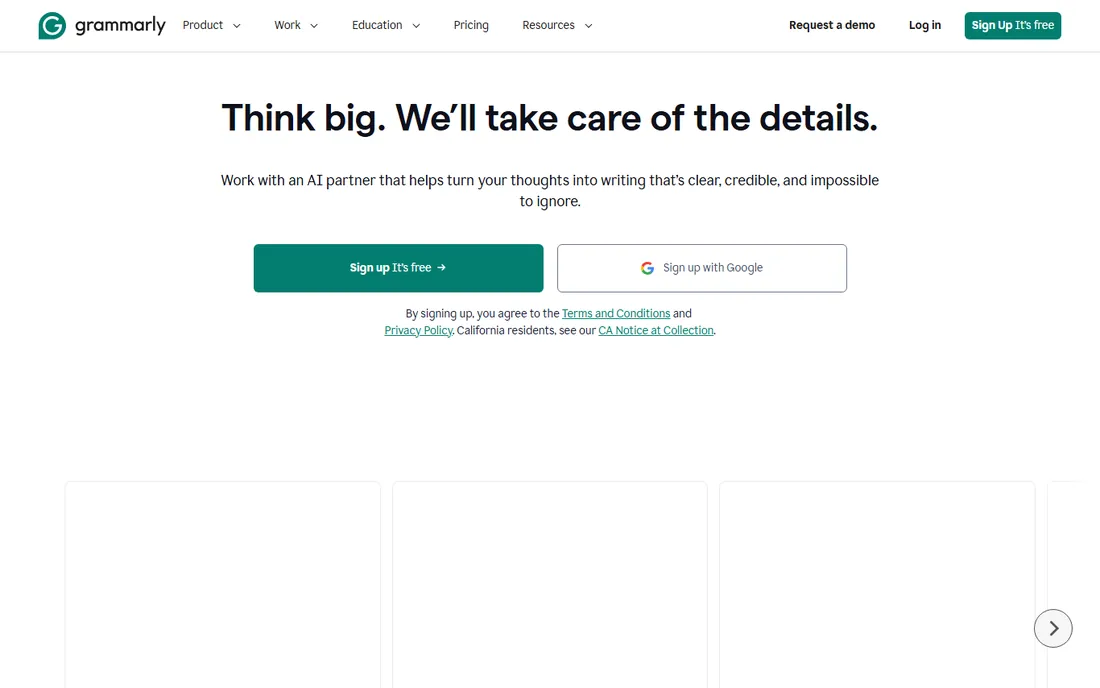
Grammarly is the default because it is everywhere: in your browser, in Word, on your phone. The free plan handles spelling, basic grammar, and tone detection, which covers most people's needs. Pro, at $12 per member per month billed annually, adds full-sentence rewrites, brand tone controls, and 2,000 generative AI prompts.
The honest weakness is that it sometimes wants to rewrite you into blandness. Accepting every suggestion flattens personal style, and the plagiarism checker in premium plans is not a substitute for a real one. Still, for emails, documents, and everyday professional writing, it remains the easiest recommendation.
What we like- Works everywhere via browser, desktop, and mobile apps
- The free plan covers core grammar and spelling
- Tone suggestions are genuinely useful
Watch out for- Premium suggestions can feel aggressive
- $30/month on monthly billing is steep
Starting priceSee website
Free planYes
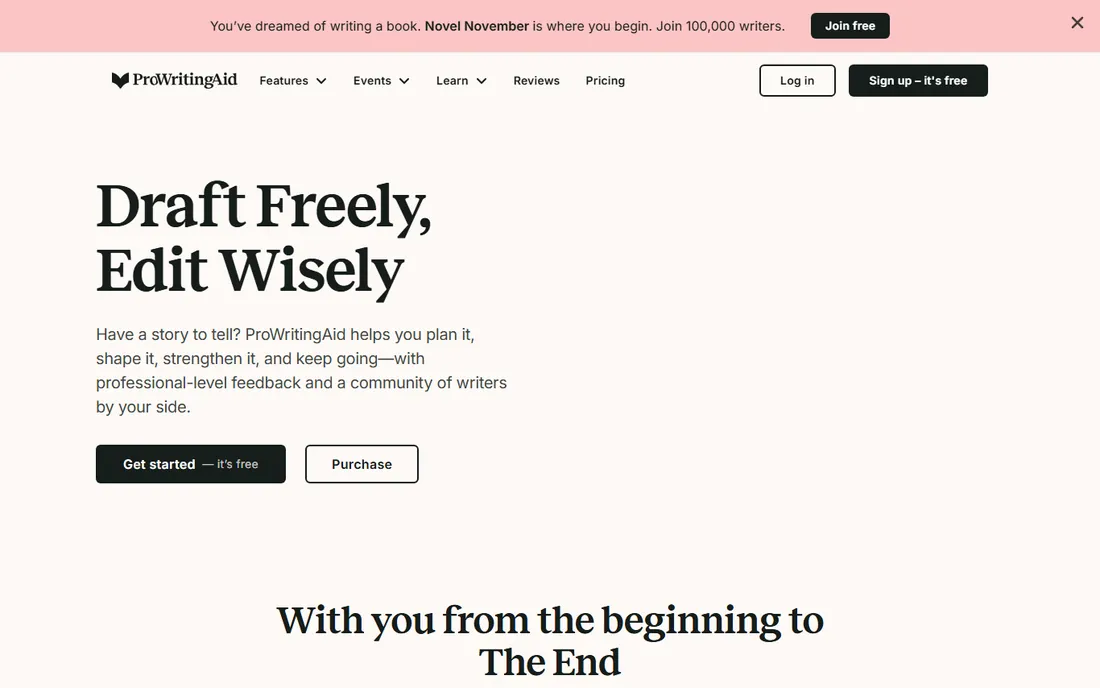
ProWritingAid thinks like an editor, not a spell checker. Where Grammarly fixes sentences, ProWritingAid analyzes chapters: pacing graphs, dialogue tags, repeated phrases, sentence length variety. Fiction writers and nonfiction authors working on book-length manuscripts get feedback no other tool in this list provides. The free account checks 500 words at a time, enough to test the core reports.
The catch is the learning curve. Twenty reports is a lot, and beginners can spend more time reading feedback than writing. It is also English-only, which rules out multilingual writers. If you write books, it is the best specialist tool here. If you write emails, it is overkill.
What we like- 20+ in-depth reports on style, pacing, and structure
- Strong Scrivener and Word integration
- Free account includes 500-word checks
Watch out for- The report volume overwhelms new users
- Pricing details require a visit to the pricing page
Starting priceFree (web editor)
Free planYes
Hemingway does one thing: it shows you where your writing is bloated. Long sentences glow yellow, very long ones red, adverbs blue, passive voice green. There is no grammar engine underneath, just readability signals, and that limitation is the point. Writers who overwrite find it brutally effective at cutting fluff.
The weakness is that it is not a proofreader in the full sense. It will not catch subject-verb disagreement or a misused word. Use it alongside a real grammar checker: draft in Hemingway to tighten the prose, then run Grammarly or LanguageTool for correctness. The free web editor is all most people need.
What we like- Free web version with no account needed
- Color-coded readability feedback is instant and clear
- Forces genuinely tighter writing
Watch out for- No grammar checking to speak of
- The desktop app and Plus tier cost extra for modest additions
Starting priceSee website
Free planYes
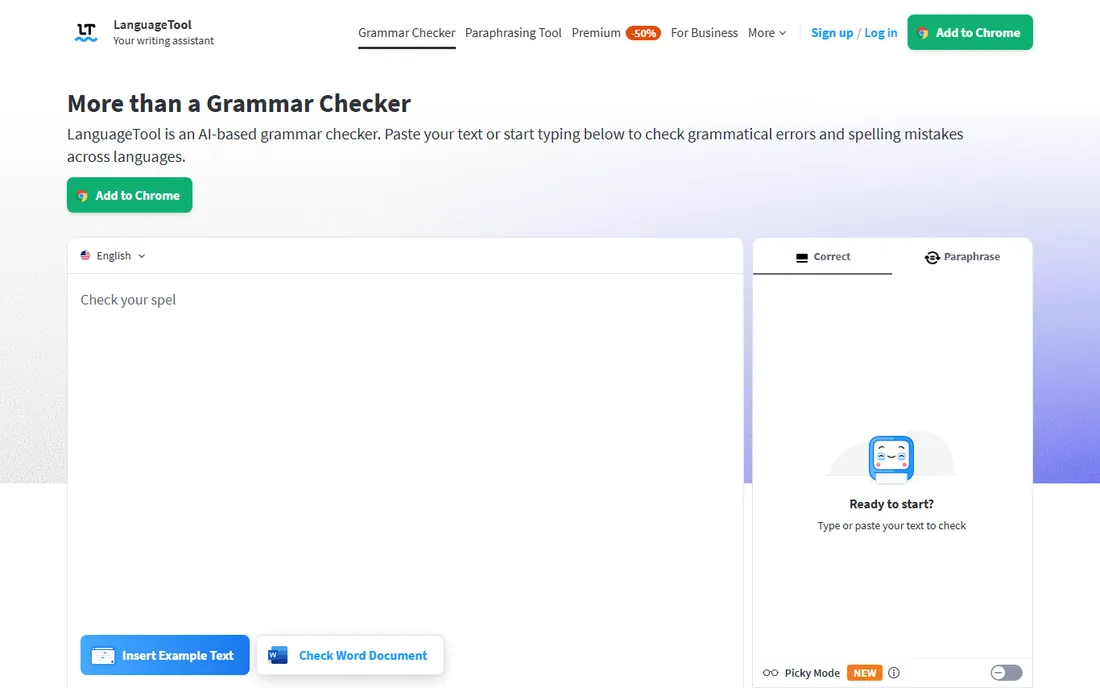
LanguageTool is the polyglot's choice. It handles English, Spanish, German, French, Dutch, Portuguese, and dozens more, with English variants for US, UK, Canada, Australia, New Zealand, and South Africa. The free version corrects spelling and simple punctuation mistakes; Premium adds advanced style and grammar checks. Being partly open-source, it also appeals to privacy-conscious users who dislike black-box cloud tools.
For English-only writers, Grammarly's suggestions are usually sharper. LanguageTool's strength is breadth, not depth in any single language. If you write in two or three languages, or you want an open-source option, it is the clear pick. Students also get a discount on Premium, which the vendor advertises directly.
What we like- Checks 30+ languages and dialects
- The free version handles spelling and basic punctuation
- Open-source core with strong privacy options
Watch out for- English suggestions trail Grammarly in nuance
- Premium features need a paid plan
Starting priceSee website
Free planSee website
WhiteSmoke has been around since the early days of grammar software, and it shows in the product's steadiness. It positions itself as a full writing solution for business users: grammar, style, spelling, and punctuation checked together, with desktop and web versions. Longtime users tend to be loyal, which says something about reliability.
The honest problems are modernization and transparency. There is no free plan to try before buying, and pricing details are not published as openly as competitors'. The interface also looks its age. It remains a reasonable choice for business writers who want a traditional desktop-style checker, but try the trial carefully before paying.
What we like- Long track record in business and academic writing
- Checks grammar, style, and punctuation in one pass
- Works across applications
Watch out for- No free plan
- The interface feels dated next to newer competitors
Starting priceSee website
Free planYes
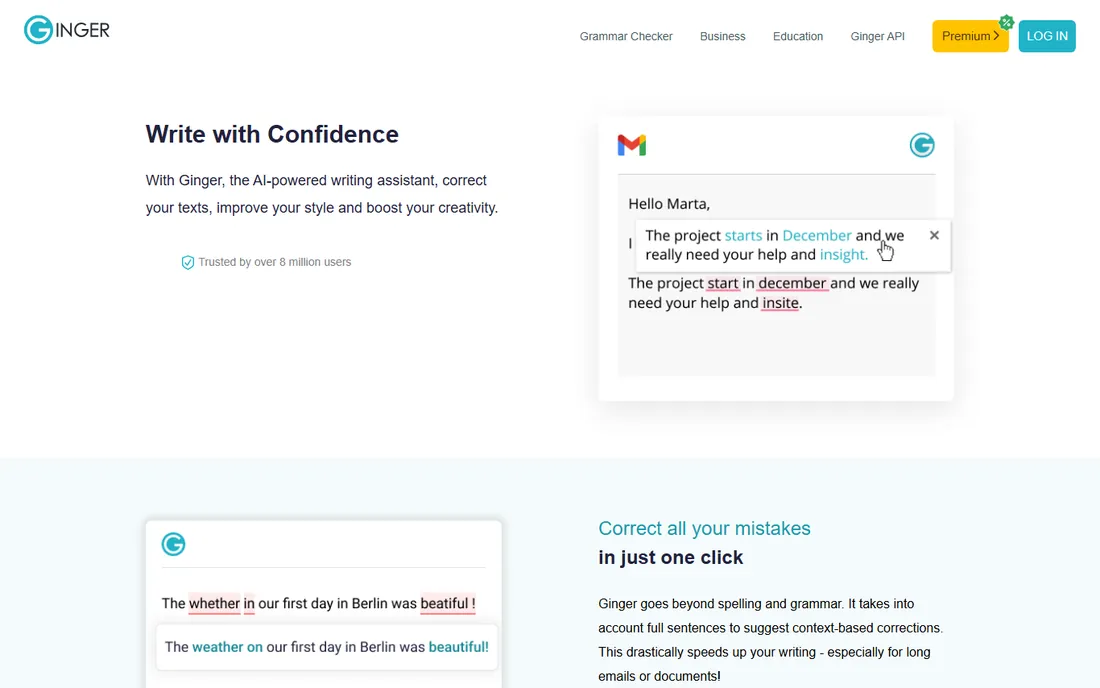
Ginger's standout feature is not grammar checking but rephrasing. Feed it a clumsy sentence and it offers cleaner alternatives that preserve the meaning, which non-native English speakers find especially useful. The 40+ language translation support is a bonus most competitors lack, and the Word add-in claims to catch far more than Word's built-in checker.
The free version caps usage weekly, which frustrates heavy users into upgrading. Pricing has also shifted over the years, so confirm the current plans on the site rather than trusting old reviews. If rephrasing matters more to you than deep style analysis, Ginger earns its spot.
What we like- The sentence rephraser is genuinely good at untangling awkward phrasing
- Supports 40+ languages for translation
- Apps for desktop, mobile, and Word
Watch out for- The free version has weekly usage limits
- Pricing has changed often and needs checking
Starting priceSee website
Free planYes
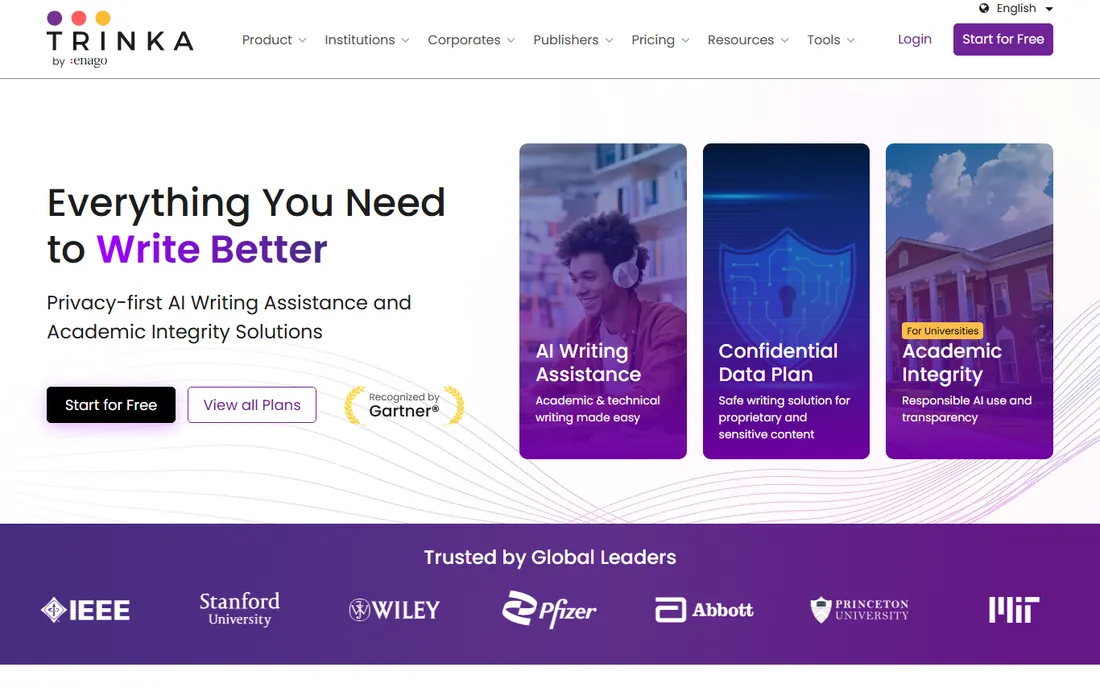
Trinka is the only tool here designed specifically for researchers and technical writers. It understands that "the samples were subjected to" is correct in a paper even if a generic checker flags the passive voice. Style guide preferences for APA and IEEE, a paraphraser tuned for formal tone, and plagiarism checks make it a small academic toolkit, not just a grammar checker. The free plan includes advanced grammar checks, which is generous.
Outside academia, much of that specialization is wasted. Creative writers will find it fussy, and casual users will find it strict. But if you write papers, theses, or technical reports, Trinka catches errors that Grammarly misses because it knows the genre. That focus is exactly why it belongs on this list.
What we like- Built for formal academic and technical English
- Understands domain terminology
- Free plan includes advanced grammar checks
Watch out for- Less useful for casual or creative writing
- Premium tiers add up for individuals
Starting priceSee website
Free planFree trial
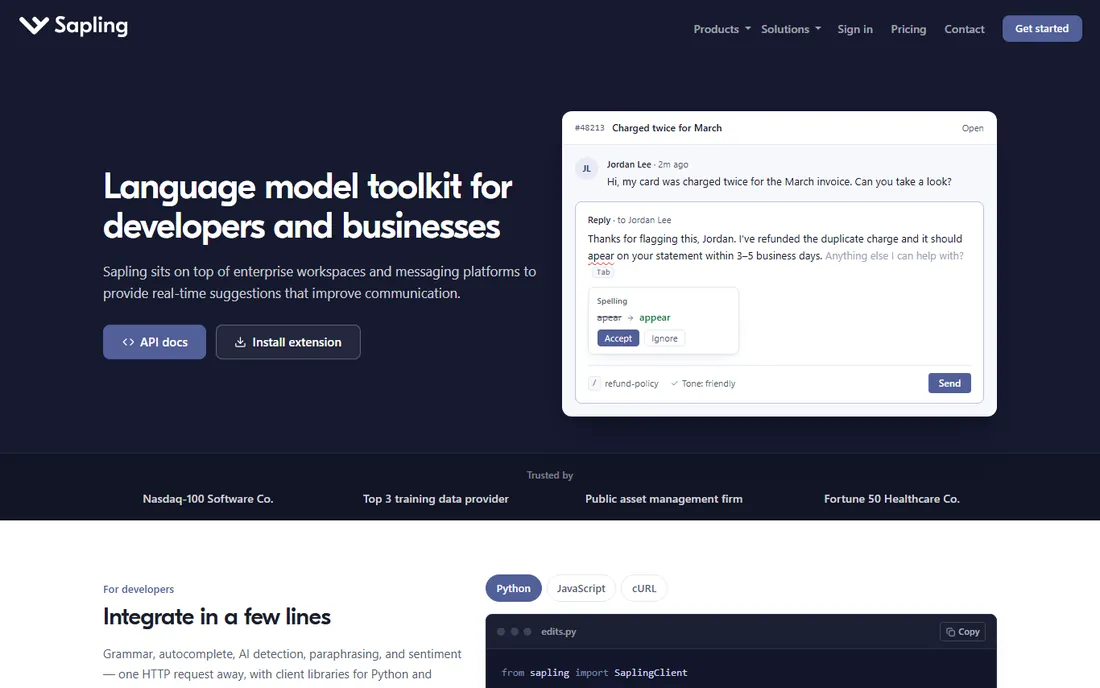
Sapling takes a different angle: instead of checking documents, it sits inside the tools where customer-facing teams write. Integrations with Salesforce, Zendesk, and ServiceNow put grammar suggestions directly in the agent's workflow, and snippets plus autocomplete cut response times. There is also an API for companies that want to embed the suggestions in their own products.
For a solo writer, that positioning is a drawback. Sapling is priced and built for teams, and the feature set assumes you answer customers for a living. The free trial lets teams test it without a card. If you run support or sales and writing quality affects revenue, evaluate it. If you write alone, the tools above fit better.
What we like- Built for support and sales teams with CRM integrations
- API for embedding suggestions in your own product
- Autocomplete and snippets speed up replies
Watch out for- Individual writers get less value
- Pricing is aimed at teams
Starting priceSee website
Free planSee website
Antidote is the connoisseur's pick, especially for French. The current Antidote 12 bundles a corrector with full dictionaries and detailed language guides, and the optional French module handles French as thoroughly as English. It installs locally on Windows or Mac, so it works offline, and Antidote Web covers browsers and Chromebooks.
The tradeoffs are reach and transparency. Pricing lives on the vendor's store rather than a simple pricing page, and the community is smaller than Grammarly's, which means fewer tutorials and integrations. Bilingual English-French writers, translators, and editors should absolutely trial it. English-only writers have simpler options.
What we like- Exceptional French language support
- Deep dictionaries and language guides built in
- Works offline on desktop
Watch out for- Pricing requires a store visit
- Smaller user community than the big names
Starting priceFree
Free planYes
Slick Write is the hidden gem for writers who like data. Paste in up to 200,000 characters and get analysis of sentence flow, word variety, passive voice index, readability scores, and dozens of style checks, all free, no signup. The flow graphs showing sentence length variation are genuinely insightful for revising long pieces.
The interface looks like it time-traveled from 2010, and there is no browser extension checking your email as you type. It is a destination you visit with a finished draft, not a companion. But as a free second opinion on style, it outperforms tools that cost $100 a year. Every writer should bookmark it.
What we like- Completely free with no account required
- Detailed style statistics most paid tools lack
- Checks flow, variety, and readability
Watch out for- Dated interface
- No real-time checking as you type
How we chose
We opened each vendor's homepage to confirm the product is live today, and we opened pricing pages wherever the vendor publishes them. Prices in this article come only from vendor pages; where a vendor does not publish prices, we say "See website" rather than repeating third-party figures. We cross-referenced feature claims with G2, Capterra, and writer communities on Reddit, and we weighted for different writer types, from students to support teams. We did not run hands-on tests.
Free vs paid: where the line actually sits
Free plans in this category are genuinely useful, not just teasers. Grammarly's free tier, LanguageTool's free version, and Slick Write cover spelling and basic grammar for most everyday writing. The paid tiers buy you three things: deeper style suggestions, higher usage limits, and specialized features like plagiarism checks or brand tone controls.
Pay when the free tier costs you time. If you hit usage caps weekly, upgrade. If you write in a specialized genre (academic papers, fiction manuscripts), the specialist tools earn their price. If you just want cleaner emails, the free options are enough, and spending $144 a year will not make your writing meaningfully better.
What to check before you pay for a proofreader
First, check where you write. A browser extension that works in Gmail and Google Docs beats a desktop app you forget to open. Second, check your language: multilingual writers should shortlist LanguageTool, Ginger, or Antidote before defaulting to an English-only tool.
Third, test with your worst writing, not your best. Paste a messy first draft into the trial and see what it catches. Marketing copy about AI means nothing; the catch rate on your actual prose means everything. Finally, read the privacy terms if you write confidential material. Some tools train models on user text, some do not, and the difference matters for lawyers, doctors, and journalists.
Frequently asked questions
Is Grammarly worth paying for?
For most people, the free plan is enough. Pay for Pro if you want full-sentence rewrites, tone adjustments, and higher AI prompt limits. At $12 per user per month billed annually, it is fairly priced; at $30 month-to-month, try the annual plan or reconsider.
Which proofreading software is best for students?
LanguageTool and Slick Write are strong free options, and LanguageTool offers a student discount on Premium. Trinka suits graduate students writing theses. Grammarly's free plan covers everyday coursework.
Can proofreading software replace a human editor?
No. These tools catch errors and flag style issues, but they cannot judge argument, structure, or whether your writing achieves its purpose. For anything important, a human editor still earns their fee. Use software for the first pass, humans for the final one.
Does proofreading software work for non-native English speakers?
Yes, and this is where tools like Ginger and LanguageTool shine. Ginger's rephraser helps untangle awkward constructions, and LanguageTool's multilingual support lets you check writing in your first language too. Just be careful not to accept every suggestion blindly.
Is my writing private with these tools?
It depends on the vendor. Cloud-based checkers process your text on their servers, and terms vary on whether they retain or train on it. If you handle confidential material, check the privacy policy before pasting, or choose a tool with local processing like Antidote's desktop version.
What is the best completely free proofreading software?
Slick Write is the most capable fully free option, with deep style analysis and no account required. LanguageTool's free tier and Grammarly's free plan are also genuinely useful. Hemingway's free web editor is excellent for tightening prose specifically.
Sources we checked (11)
- https://www.grammarly.com/
- https://prowritingaid.com/
- https://prowritingaid.com/pricing
- https://hemingwayapp.com/
- https://languagetool.org/
- https://www.whitesmoke.com/
- https://www.gingersoftware.com/
- https://trinka.ai/
- https://sapling.ai/
- https://www.antidote.info/
- https://www.slickwrite.com/
Is your product missing or out of date?
We review this list regularly. Vendors can request a listing, send updated pricing or ask about featured placement.

Shihab Mia · Founder, Rankite
Shihab has spent more than a decade helping SaaS and e-commerce brands grow through search. He writes Rankite's software buying guides from pricing pages, documentation and public user reviews. More about Shihab.