How we make this list: we compare pricing pages, product documentation and public user reviews. Rankite is independent; if a vendor ever pays for a featured spot, that listing is clearly labeled Partner.
Key takeaways
- ClickUp and Trello offer the most generous free plans; Asana, Monday.com and Wrike all start around $10 to $11 per user per month on annual billing.
- Basecamp's flat $299/month Pro Unlimited plan is the cheapest option once a team passes about 20 people.
- Jira remains the pick for software teams, with a free tier for up to 10 users and Standard at $7.91 per user per month annually.
- Smartsheet is the only tool here with no free plan, just a 30-day trial.
Quick comparison
| Tool | Best for | Starting price | Free plan |
|---|
 Asana Asana | Teams that want polished task and project tracking without a learning curve | $10.99 per user per month (Starter, billed annually) | Yes (Personal plan, up to 2 users) |
 Monday.com Monday.com | Visual teams that like colorful boards, dashboards and no-code automation | $9 per seat per month (Basic, billed annually, 3-seat minimum) | Yes (up to 2 seats) |
 ClickUp ClickUp | Teams that want tasks, docs, goals and chat in a single app | $7 per user per month (Unlimited, billed annually) | Yes (Free Forever plan) |
 Notion Notion | Small teams that live in documents, wikis and lightweight task lists | $10 per seat per month (Plus, billed annually) | Yes |
 Wrike Wrike | Mid-size teams that need structured workflows and approval chains | $10 per user per month (Team, billed annually) | Yes |
 Smartsheet Smartsheet | Spreadsheet-first planners, PMOs and teams migrating off Excel | $9 per user per month (Pro, billed annually, 1-10 members, new customers) | No (30-day free trial) |
 Basecamp Basecamp | Companies that want flat pricing instead of per-seat fees | $15 per user per month (Plus); $299 per month flat (Pro Unlimited) | Yes (1 project, up to 20 users) |
 Trello Trello | Small teams that want simple kanban boards with zero learning curve | $5 per user per month (Standard, billed annually) | Yes |
 Jira Jira | Software teams running agile sprints and structured development workflows | $7.91 per user per month (Standard, billed annually; $8.15 month-to-month) | Yes (up to 10 users) |
 Teamwork Teamwork | Agencies and client-facing teams that bill hours and manage client work | $10.99 per user per month (Deliver, billed annually) | Yes (Free Forever, up to 5 users) |
Is your product missing or out of date?
We review this list regularly. Vendors can request a listing, send updated pricing or ask about featured placement.
Picture a typical Tuesday: a client asks where their project stands, two teammates give different answers, and the spreadsheet that was supposed to track everything has not been updated since March. The tools below fix that by giving every task an owner, a deadline and a single place to check. Ten of them, priced from free to flat-rate, covering simple boards to full work management platforms.
#1
Asana
Best for: Teams that want polished task and project tracking without a learning curve
Visit asana.com
Starting price$10.99 per user per month (Starter, billed annually)
Free planYes (Personal plan, up to 2 users)
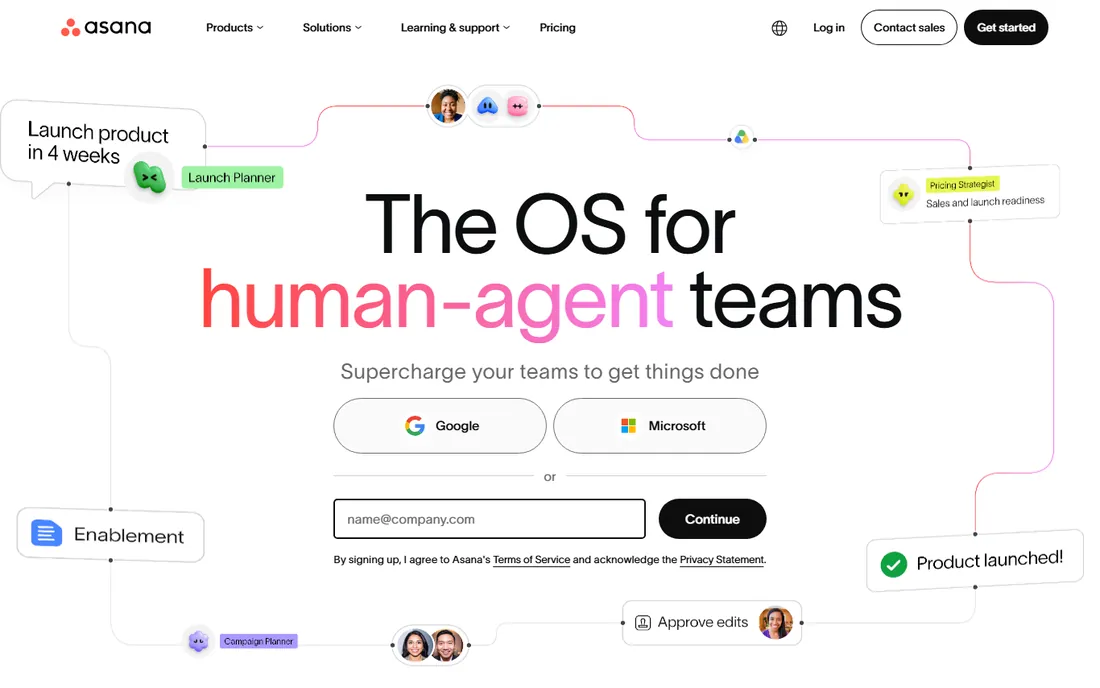
Asana is the safe default for teams that need real project structure without a training program. The Starter plan at $10.99 per user per month on annual billing covers task dependencies, timeline view, custom fields and automation rules, which is enough for most marketing, operations and product teams. The interface stays readable even when a project holds hundreds of tasks, which is where simpler boards start to fall apart.
The honest catch is the ceiling. Meaningful reporting, goals tracking and workload management live on the Advanced tier, so growing teams end up upgrading. And while the Personal plan is free for up to 2 users, it is too limited for real team use. Asana rewards teams that keep their projects tidy and punishes those that do not.
What we like- Clean, fast interface that new users learn in an afternoon
- Strong timeline, calendar and board views on paid plans
- Workflow automation and 270-plus integrations on Starter and above
Watch out for- Guest and collaborator permissions get complicated at scale
- Advanced reporting and portfolios require higher tiers
- Per-seat pricing adds up fast for large teams
#2
Monday.com
Best for: Visual teams that like colorful boards, dashboards and no-code automation
Visit monday.com
Starting price$9 per seat per month (Basic, billed annually, 3-seat minimum)
Free planYes (up to 2 seats)
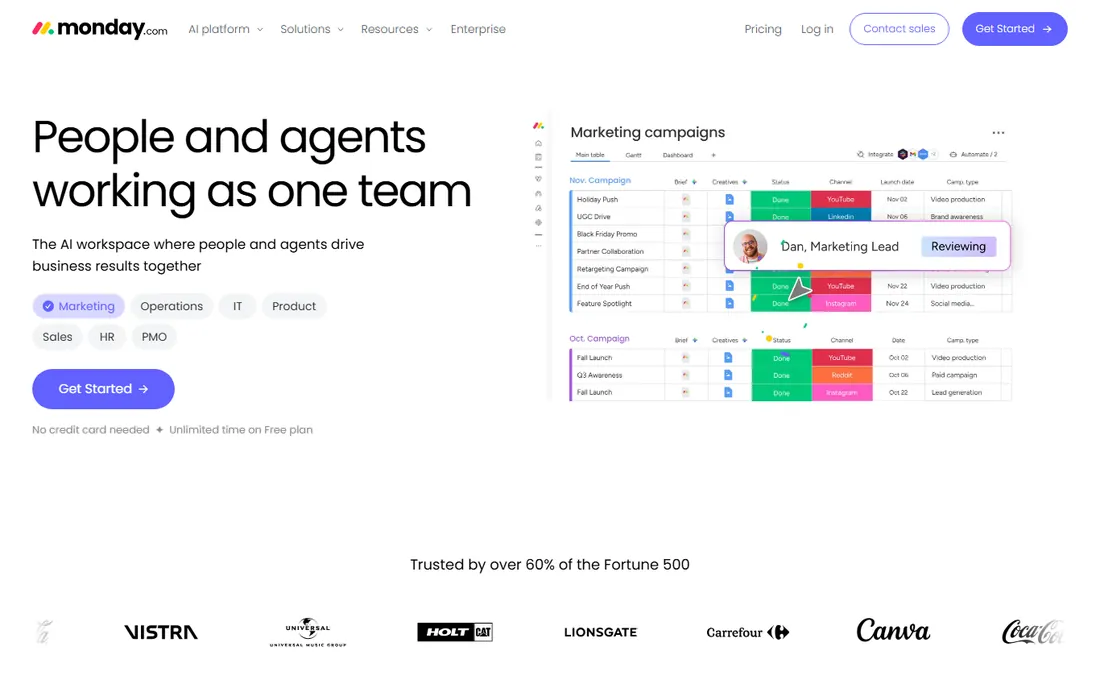
Monday.com sells on looks and flexibility. Boards can track anything from content calendars to hiring pipelines, and the dashboard widgets turn project data into charts without exporting to a spreadsheet. Basic starts at $9 per seat per month on annual billing with a 3-seat minimum, which makes the entry price one of the lowest here for a team of three.
Read the plan details before committing. Basic lacks timeline view, calendar view and most automations, so most teams land on Standard or Pro, where the price per seat rises. Monday.com is a strong pick for operations-minded teams that want custom workflows, but budget for at least the Standard tier when comparing quotes.
What we like- Highly visual boards with strong dashboard and reporting widgets
- No-code automations and integrations that non-technical users can build
- A template library that covers most industries
Watch out for- The Basic plan is bare-bones, with real features starting on Standard
- The per-seat price climbs quickly with add-ons
- The interface can feel busy on complex boards
#3
ClickUp
Best for: Teams that want tasks, docs, goals and chat in a single app
Visit clickup.com
Starting price$7 per user per month (Unlimited, billed annually)
Free planYes (Free Forever plan)
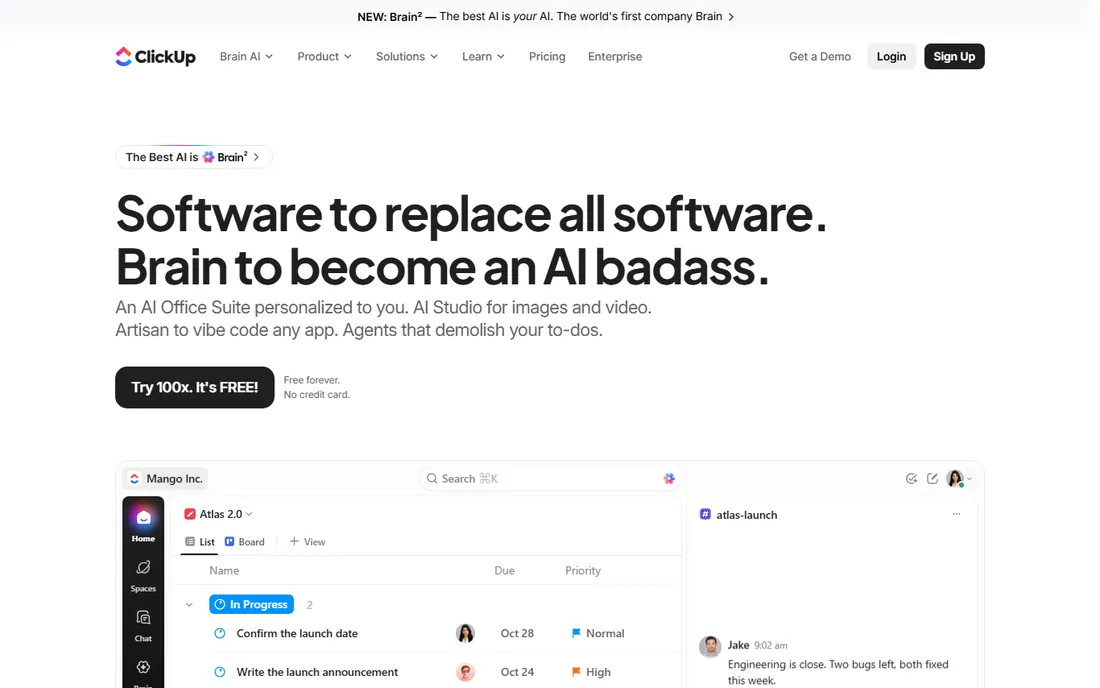
ClickUp's pitch is consolidation: instead of paying for a task tool, a docs tool and a goals tracker, you get all of them in one workspace. The Unlimited plan at $7 per user per month on annual billing undercuts every direct competitor, and the Free Forever plan covers unlimited tasks and members with 100MB of storage. For budget-conscious teams, the value is unmatched.
The price of that breadth is complexity. New users face a wall of views, custom fields and click apps, and admins report spending real time configuring the workspace before it feels right. Teams that invest that setup time get a genuine all-in-one; teams that want simplicity should look at Trello or Basecamp instead.
What we like- One of the most generous free plans in the category
- Tasks, documents, whiteboards, goals and time tracking in one workspace
- The lowest paid entry price on this list at $7 per user
Watch out for- Feature density overwhelms new users
- Performance can lag in very large workspaces
- The settings maze takes real time to tame
#4
Notion
Best for: Small teams that live in documents, wikis and lightweight task lists
Visit notion.so
Starting price$10 per seat per month (Plus, billed annually)
Free planYes
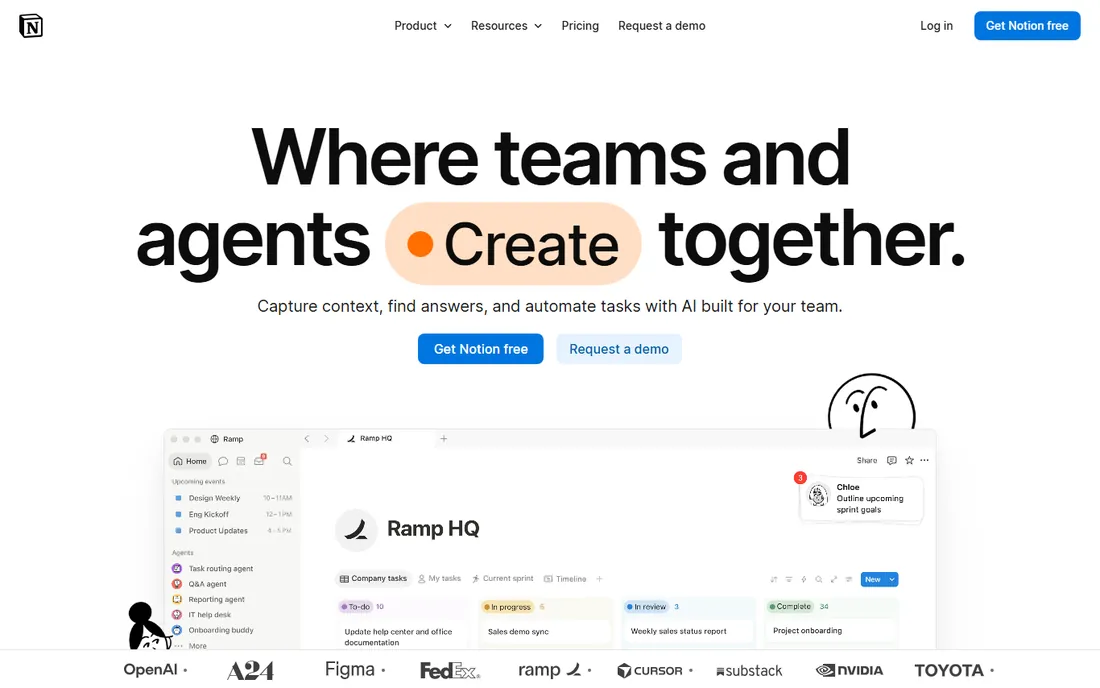
Notion is where many small teams already keep their knowledge, and its databases make a decent lightweight task system. The Plus plan at $10 per seat per month on annual billing adds unlimited file uploads, longer page history and better collaboration controls. For a team of five that mostly needs shared docs with some task tracking attached, it is often enough.
Do not mistake it for a full PM platform. Resource management, advanced dependencies and portfolio reporting are missing or require fragile workarounds. Notion works best as the docs layer of a stack, sometimes paired with a dedicated tracker like Asana or Jira, rather than as the whole stack.
What we like- The best docs-plus-tasks combination on this list
- Databases that turn notes into real project trackers
- A free plan that covers most individual and tiny-team use
Watch out for- Not a true project management tool: no native timelines without workarounds, weak workload views
- Performance suffers in large databases
- Permissions are simpler than dedicated PM tools
#5
Wrike
Best for: Mid-size teams that need structured workflows and approval chains
Visit wrike.com
Starting price$10 per user per month (Team, billed annually)
Free planYes
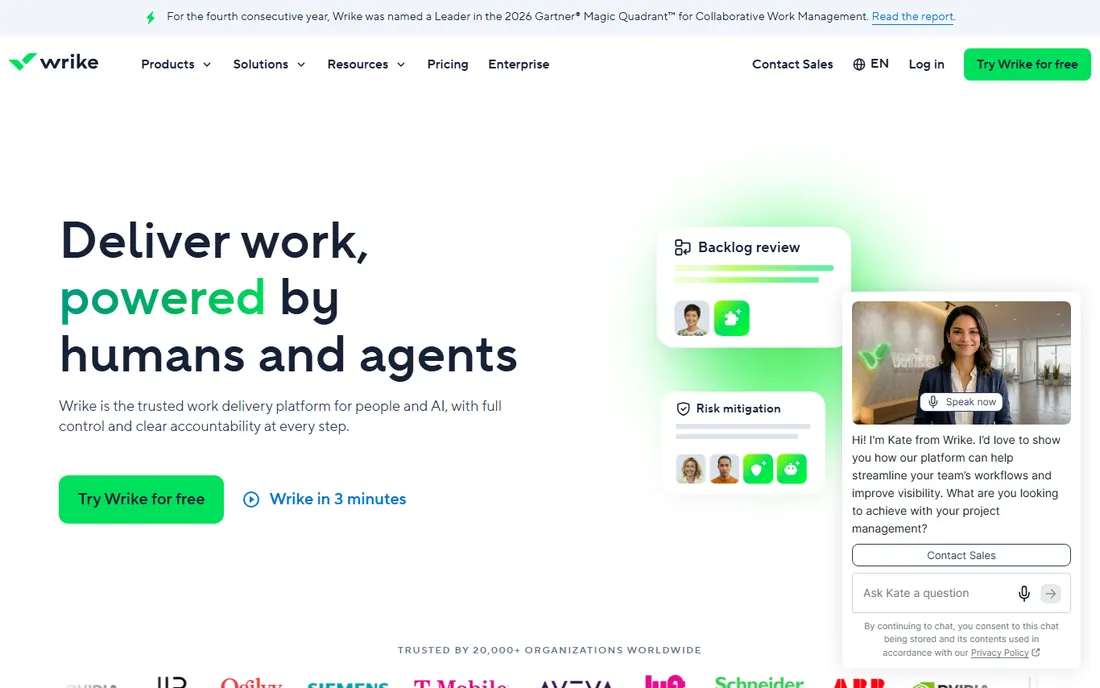
Wrike suits teams where process matters: marketing departments with approval chains, agencies with intake forms, operations teams with dependencies. The Team plan at $10 per user per month on annual billing covers core project views, dashboards and basic automation. Higher tiers add resource scheduling, custom workflows and advanced analytics.
The learning curve is real. Wrike assumes someone on your team will administer it, and casual users sometimes find the interface heavy for simple task lists. If your projects need structure and governance, that weight is a feature. If they do not, a lighter tool will make everyone happier.
What we like- Strong Gantt charts, request forms and approval workflows out of the box
- Good resource management on higher tiers
- Scales from small teams to enterprise programs
Watch out for- The interface feels dense for casual users
- Meaningful customization sits on Business and above
- Onboarding takes longer than Asana or Monday.com
#6
Smartsheet
Best for: Spreadsheet-first planners, PMOs and teams migrating off Excel
Visit smartsheet.com
Starting price$9 per user per month (Pro, billed annually, 1-10 members, new customers)
Free planNo (30-day free trial)
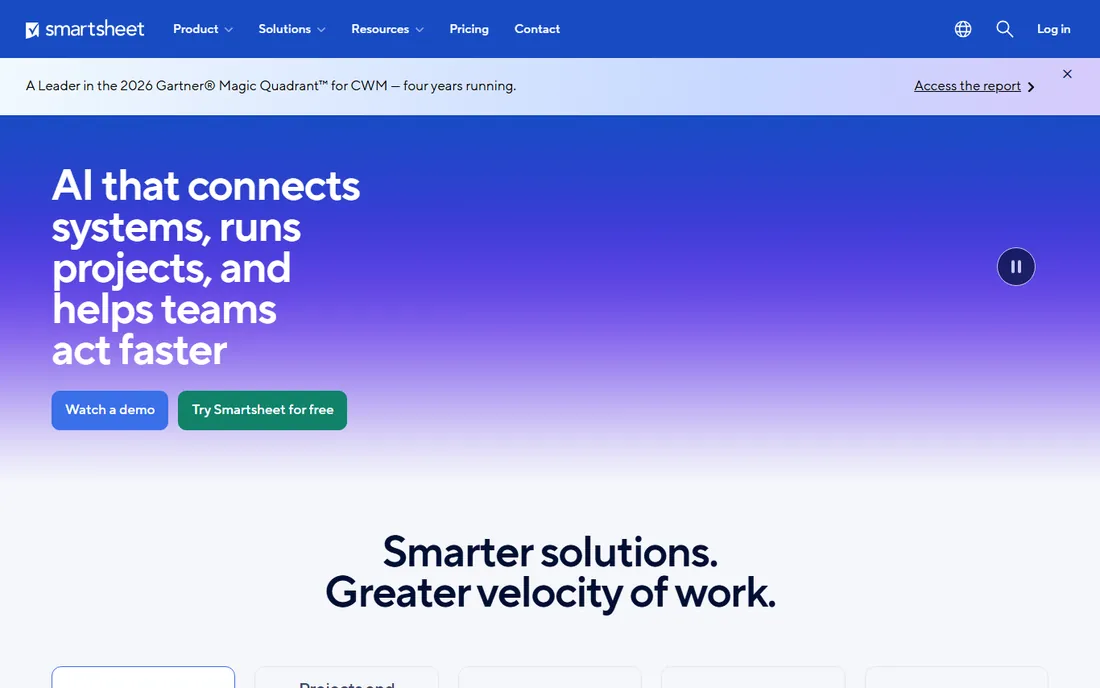
Smartsheet is the bridge for teams that run on spreadsheets but need more. The grid looks like Excel, so adoption is nearly instant, while Gantt charts, dependencies and automated alerts add the project management layer underneath. Pro starts at $9 per user per month on annual billing for small teams, which is competitive for what it delivers.
The gaps are on the collaboration side. Discussions, file proofing and team communication feel bolted on compared with tools built for teamwork first. And it is the only entry here without a free plan, so you get 30 days to decide. For PMO-style planning and reporting, it is excellent; for daily team collaboration, look elsewhere.
What we like- Familiar grid interface that Excel users adopt instantly
- Strong Gantt, card and calendar views built on the same data
- Solid automation and proofing for review workflows
Watch out for- No free plan, only a 30-day trial
- The per-user price rises on Business tier
- Collaboration features lag purpose-built tools like Asana
#7
Basecamp
Best for: Companies that want flat pricing instead of per-seat fees
Visit basecamp.com
Starting price$15 per user per month (Plus); $299 per month flat (Pro Unlimited)
Free planYes (1 project, up to 20 users)
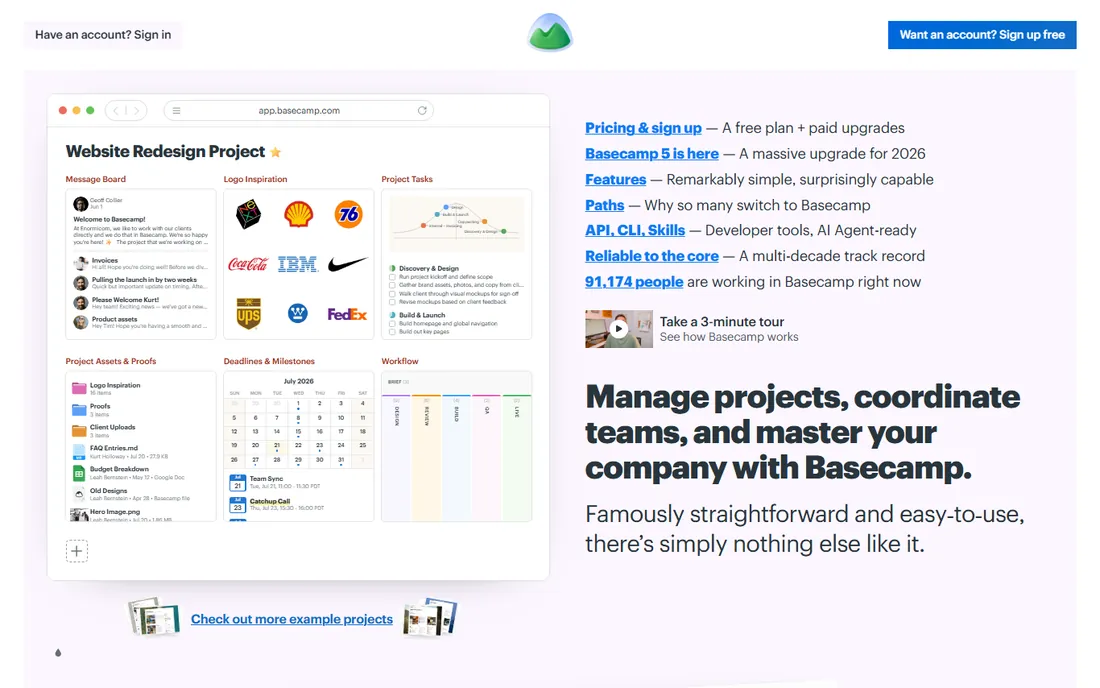
Basecamp's pricing is its strategy. Pro Unlimited at $299 per month flat covers your whole company, which makes it the cheapest option on this list for any team above roughly 20 people. The product is deliberately simple: to-do lists, message boards, schedules, docs and check-ins, with nothing to configure.
That simplicity is also the ceiling. There are no Gantt charts, no custom fields, no automation rules and no workload views. Teams that outgrow the feature set usually know it within months. Basecamp is the right call for companies that want one calm place to run projects and refuse to pay per-seat software taxes.
What we like- Flat-rate Pro Unlimited plan makes large teams dramatically cheaper than per-seat tools
- Deliberately simple: to-dos, message boards, schedules and docs
- No per-user penalty for adding clients or contractors
Watch out for- Feature set is intentionally limited, with no Gantt charts or custom workflows
- The simplicity frustrates teams wanting advanced reporting
- Per-user Plus plan is pricey next to competitors
#8
Trello
Best for: Small teams that want simple kanban boards with zero learning curve
Visit trello.com
Starting price$5 per user per month (Standard, billed annually)
Free planYes
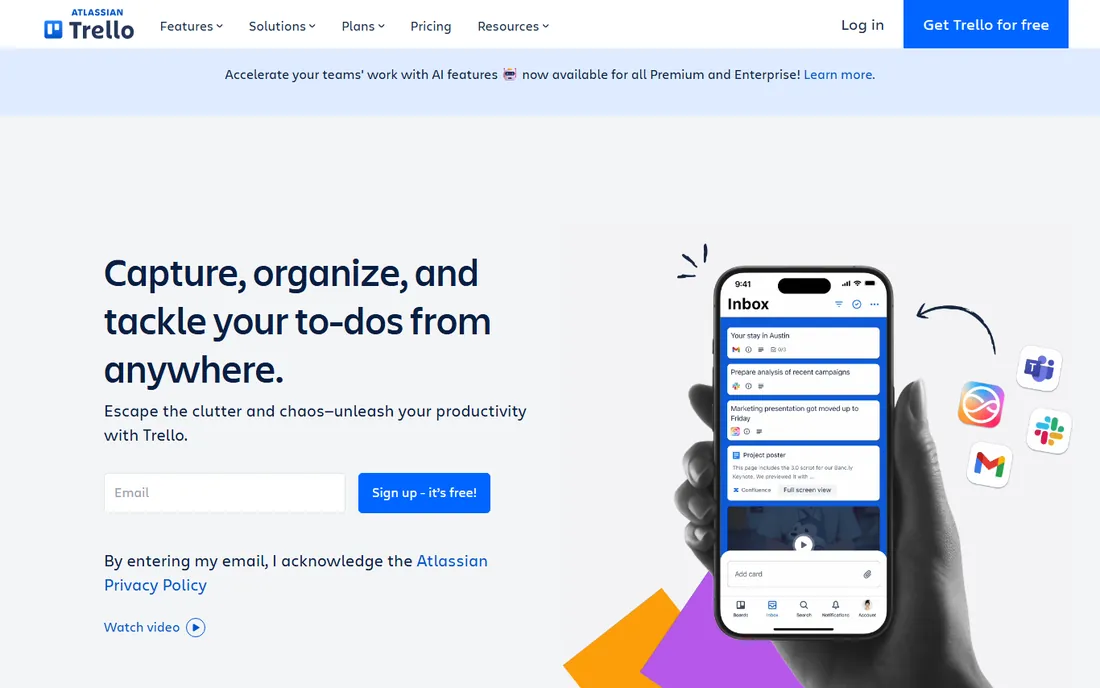
Trello is the kanban original, and it remains the fastest way to get a team visualizing work. Cards move across lists, checklists and due dates cover the basics, and Power-Ups bolt on calendar views, custom fields and integrations. Standard at $5 per user per month on annual billing is the cheapest paid plan on this list, and the free plan handles unlimited cards for small teams.
Complexity is the enemy here. Multi-project portfolios, dependencies and resource planning stretch Trello past its design. It is the perfect first project tool and a fine permanent home for simple workflows, but growing teams usually graduate to Asana, Monday.com or ClickUp within a year or two.
What we like- The simplest board tool here: anyone can use it in minutes
- A genuinely useful free plan with unlimited cards
- Power-Ups add calendar, timeline and integrations as needed
Watch out for- Too simple for complex projects with dependencies and reporting
- The free plan limits boards and automation runs
- Scaling past a dozen boards gets messy
#9
Jira
Best for: Software teams running agile sprints and structured development workflows
Visit atlassian.com
Starting price$7.91 per user per month (Standard, billed annually; $8.15 month-to-month)
Free planYes (up to 10 users)
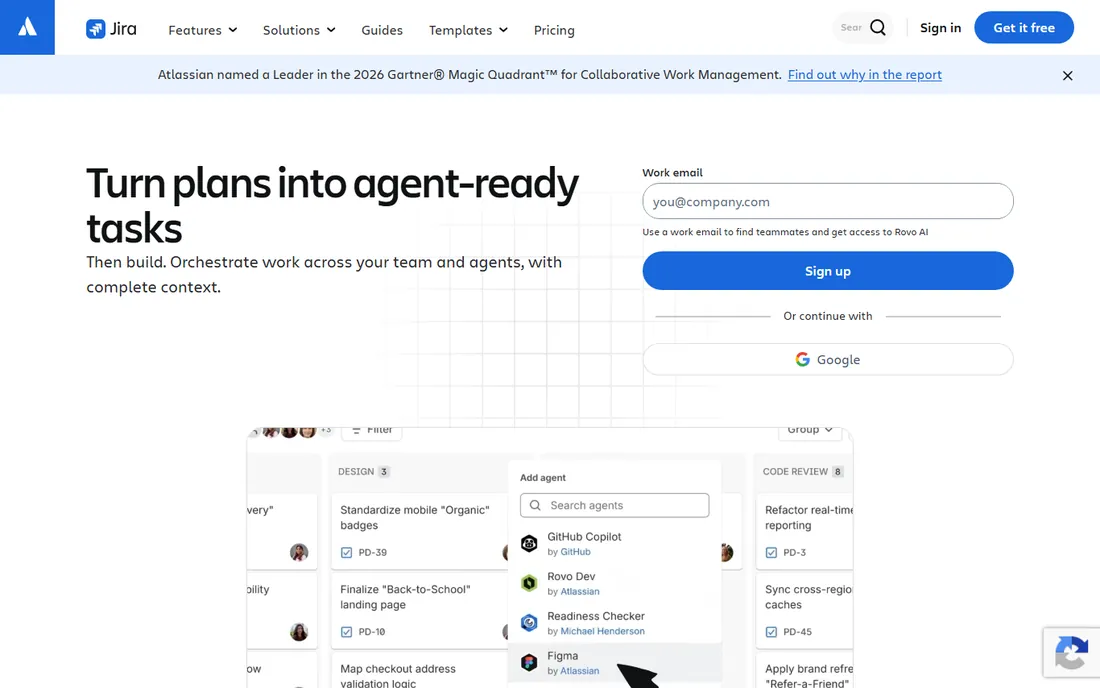
Jira owns software project management the way spreadsheets own finance. Scrum and kanban boards, sprint planning, backlog grooming and release tracking are all native, and the Standard plan at $7.91 per user per month on annual billing is reasonable for what engineering teams get. The free tier for up to 10 users means small dev teams may never pay.
Outside engineering, Jira is a hard sell. Business teams often find it rigid and jargon-heavy, and heavy customization creates an admin burden. If your team ships software, start here. If it does not, every other tool on this list will feel more natural.
What we like- The standard for agile software development, with sprints, backlogs and releases built in
- A free tier for up to 10 users that real startups run on
- Deep integration with Confluence, Bitbucket and the Atlassian ecosystem
Watch out for- Overkill and confusing for non-technical teams
- Configuration complexity grows with customization
- The interface prioritizes power over polish
#10
Teamwork
Best for: Agencies and client-facing teams that bill hours and manage client work
Visit teamwork.com
Starting price$10.99 per user per month (Deliver, billed annually)
Free planYes (Free Forever, up to 5 users)
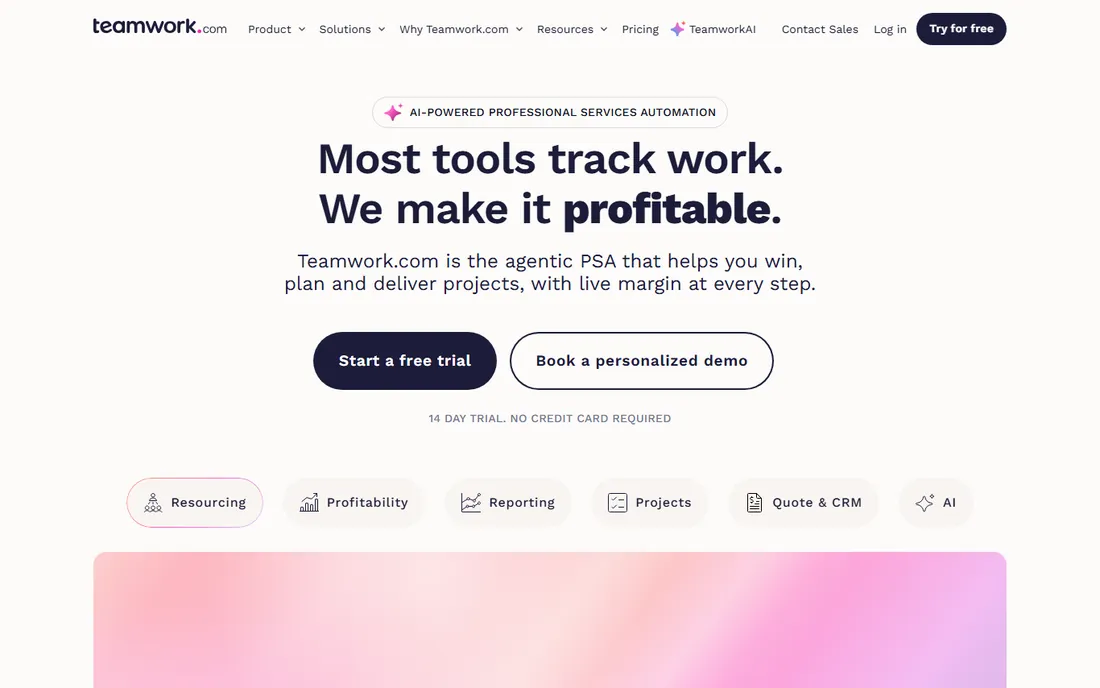
Teamwork is the project tool built by an agency for agencies. Time tracking, billable hours, client user roles and project profitability are first-class features, not add-ons. The Deliver plan at $10.99 per user per month on annual billing covers the core, and the Free Forever plan supports up to 5 users for tiny shops testing the waters.
The trade-off is ecosystem. You will find fewer integrations, fewer templates and a smaller community than the big names. But if your business bills clients for project hours, the native time-to-invoice workflow saves more money than any integration would. Client-services teams should trial Teamwork before defaulting to a generalist tool.
What we like- Built for client work, with time tracking, billing and client permissions native
- Workload and profitability views that agencies actually use
- A free tier for up to 5 users
Watch out for- Less well known, so fewer integrations and community templates
- The interface is less polished than Asana or Monday.com
- General-purpose teams may find it agency-centric
Start with your team's actual workflow, not the feature list. A five-person content team needs shared boards and deadlines; a fifty-person product org needs portfolios, dependencies and resource planning. Buying enterprise depth for a simple workflow wastes money and goodwill, because nobody will use half the features.
Count your real users next, including the occasional collaborators. Per-seat pricing punishes teams with many light users, which is where Basecamp's flat rate or a generous free tier earns its keep. Map every person who will touch the tool against the plan's seat minimums and guest policies.
Then run a real pilot, not a demo. Take one live project, invite the actual team, and run it for two full weeks. Watch where people revert to spreadsheets or chat: those are the gaps that matter. Check the mobile app too, because field and remote team members live there.
Finally, price the second year, not the first. Introductory discounts, per-seat growth and add-on creep change the number. Ask what the renewal rate is, whether seats can be reduced mid-term, and what happens to your data if you leave. The cheapest quote this year is not always the cheapest tool next year.
Simple boards like Trello and Basecamp give you lists, cards and deadlines with almost no setup. They shine when work is straightforward and the team is small: everyone sees the board, moves their cards and gets on with the day. The cost is low, the learning curve is flat, and adoption is rarely the problem.
Full platforms like Asana, Monday.com, ClickUp, Wrike, Smartsheet, Jira and Teamwork add structure: dependencies, timelines, workload views, automation and reporting. That structure pays off when projects have many moving parts, handoffs between teams or compliance requirements. It also demands administration: someone has to design the workflows, maintain the fields and train new joiners.
The practical rule: start simple and upgrade when the pain is specific. If you cannot name the exact report, dependency or automation you are missing, you do not need the bigger tool yet. When the whole team complains about the same missing capability, that is the signal to move up.
Frequently asked questions
Which project management tool is best for small teams?
Trello and ClickUp are the strongest free starting points, with genuinely useful free plans. Asana's Starter plan at $10.99 per user per month is the most polished paid step up. Teams above 20 people should price Basecamp's $299/month flat plan before committing to per-seat billing.
What is the cheapest paid project management software?
Trello Standard at $5 per user per month on annual billing is the cheapest per-seat plan here. ClickUp Unlimited at $7 follows. For larger teams, Basecamp Pro Unlimited at $299 per month flat usually beats every per-seat option once you pass about 20 users.
Do I need a paid plan, or is free enough?
Free plans work for tiny teams with simple needs: ClickUp, Trello, Asana Personal and Teamwork all offer usable free tiers. You will hit walls on automation, reporting, storage and guest access. If more than five people depend on the tool daily, budget for a paid plan.
Which tool is best for agencies?
Teamwork, built for client work with native time tracking and billing. Monday.com and Wrike also serve agencies well with client dashboards and intake forms. Basecamp's flat pricing is attractive for agencies that add many client users.
Can these tools replace spreadsheets and chat?
They replace the spreadsheet as the source of truth for who does what by when. They do not replace chat for quick questions or docs for long-form writing. The healthiest stacks pair a project tool with a chat app and a docs tool, and keep each one doing its own job.
How we chose
We compared tools on published pricing, free plan generosity, core project views (boards, timelines, calendars), collaboration depth and SMB fit. Every starting price comes from the vendor's own pricing page; where a vendor changed pricing recently, we used the current published figure. We excluded enterprise-only platforms and tools that were discontinued or merged into larger suites.
Sources we checked (11)
- https://asana.com/pricing
- https://monday.com/pricing
- https://clickup.com/pricing
- https://www.notion.so/pricing
- https://www.wrike.com/pricing/
- https://www.smartsheet.com/pricing
- https://basecamp.com/pricing
- https://trello.com/pricing
- https://www.atlassian.com/software/jira/pricing
- https://www.teamwork.com/pricing/
- https://www.financesonline.com
Is your product missing or out of date?
We review this list regularly. Vendors can request a listing, send updated pricing or ask about featured placement.

Shihab Mia · Founder, Rankite
Shihab has spent more than a decade helping SaaS and e-commerce brands grow through search. He writes Rankite's software buying guides from pricing pages, documentation and public user reviews. More about Shihab.