How we make this list: we compare pricing pages, product documentation and public user reviews. Ratings come from G2, Capterra or Trustpilot, with the date we checked them.
Key takeaways
- Adobe Photoshop remains the industry standard for retouching, compositing and pixel-level editing.
- Lightroom suits photographers who manage large catalogues and need fast batch editing.
- Capture One is the best choice for tethered studio shooting and colour-critical work.
- Affinity Photo 2 gives professionals a powerful editor for a one-time price, with no subscription.
- DxO PhotoLab suits photographers who want class-leading lens corrections and noise reduction.
Professional photo editing splits into two jobs: pixel-level editing for retouching and compositing, and catalogue editing for processing hundreds of raw files fast. The eight tools below cover both, from the industry standard to one-time-purchase rivals. The right pick depends on whether you retouch, shoot tethered, or process weddings and events in volume.
Pricing splits between subscriptions and one-time purchases. Adobe tools run on subscription, while Affinity Photo and some rivals charge once. Prices below are marked "See website" where plans and bundles change often, so confirm the current figure on the vendor's pricing page before buying.
Quick comparison
Is your product missing or out of date?
We review this list regularly. Vendors can request a listing, send updated pricing or ask about featured placement.
The best professional photo editing software

#1Adobe Photoshop
Best for: Retouching and compositing4.6/5 on
G2 (13,426 reviews, checked Oct 2026)
Visit adobe.com
Starting priceSee website
Free planFree trial
Photoshop is the tool every other editor is measured against. Layers, masks, selections and blending give pixel-level control for retouching, compositing and design work, and AI features such as Generative Fill and Remove Tool speed common tasks. The plugin ecosystem covers nearly every niche, and tutorials exist for every technique.
The subscription model is the main drawback, since there is no one-time purchase, and the depth can overwhelm a photographer who only needs basic edits. For professional retouching, compositing and commercial work, Photoshop remains the standard clients expect.
What we like- Industry standard for retouching and compositing
- Huge plugin and tutorial ecosystem
- AI features like Generative Fill
Watch out for- Subscription only
- Learning curve for beginners

#2Adobe Lightroom
Best for: Catalogue and batch editing4.6/5 on
G2 (3,299 reviews, checked Oct 2026)
Visit adobe.com
Starting priceSee website
Free planFree trial
Lightroom is the photographer's workhorse for volume. Catalogues organise thousands of raw files, presets and batch tools process a wedding or event quickly, and cloud sync carries edits across desktop and mobile. AI masking selects skies, subjects and backgrounds with one click, and the editing tools cover exposure, colour and detail thoroughly.
Pixel-level work such as compositing still needs Photoshop, so most professionals use both through the Photography plan bundle. For a photographer who processes many files and needs organisation plus editing in one place, Lightroom is the default choice.
What we like- Excellent catalogue organisation
- Fast batch editing with presets
- Cloud sync across devices
Watch out for- Subscription only
- Pixel editing is limited compared with Photoshop

#3Capture One
Best for: Tethered shooting and colour4.5/5 on
G2 (78 reviews, checked Oct 2026)
Visit captureone.com
Starting priceSee website
Free planFree trial
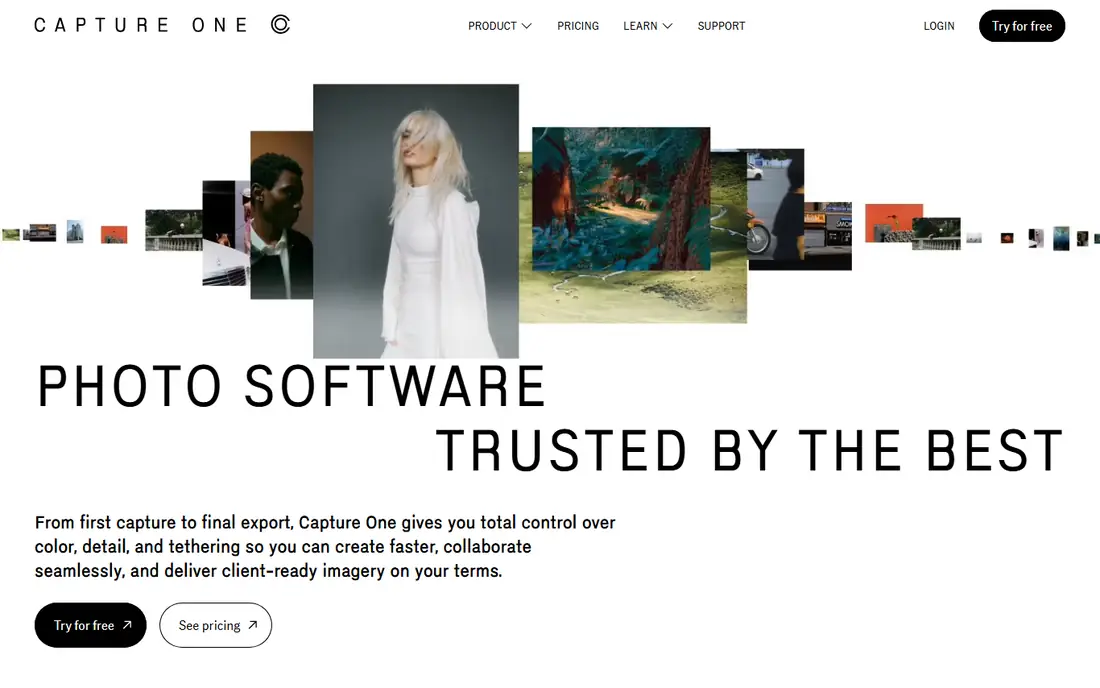
Capture One is the studio photographer's choice. Tethered shooting is fast and reliable, with live view, focus tools and instant review that fashion and product studios depend on. Colour editing is deep, with custom camera profiles and precise skin tone tools, and session workflows suit shoots that deliver same-day selects.
Pricing runs higher than Adobe's Photography plan, and the plugin world is smaller. For a studio or commercial photographer where colour accuracy and tethered speed matter, Capture One is the professional pick.
What we like- Best tethered shooting experience
- Superb colour tools and profiles
- Session-based workflow for studios
Watch out for- Higher price
- Smaller plugin ecosystem than Adobe
Starting priceSee website
Free planFree trial
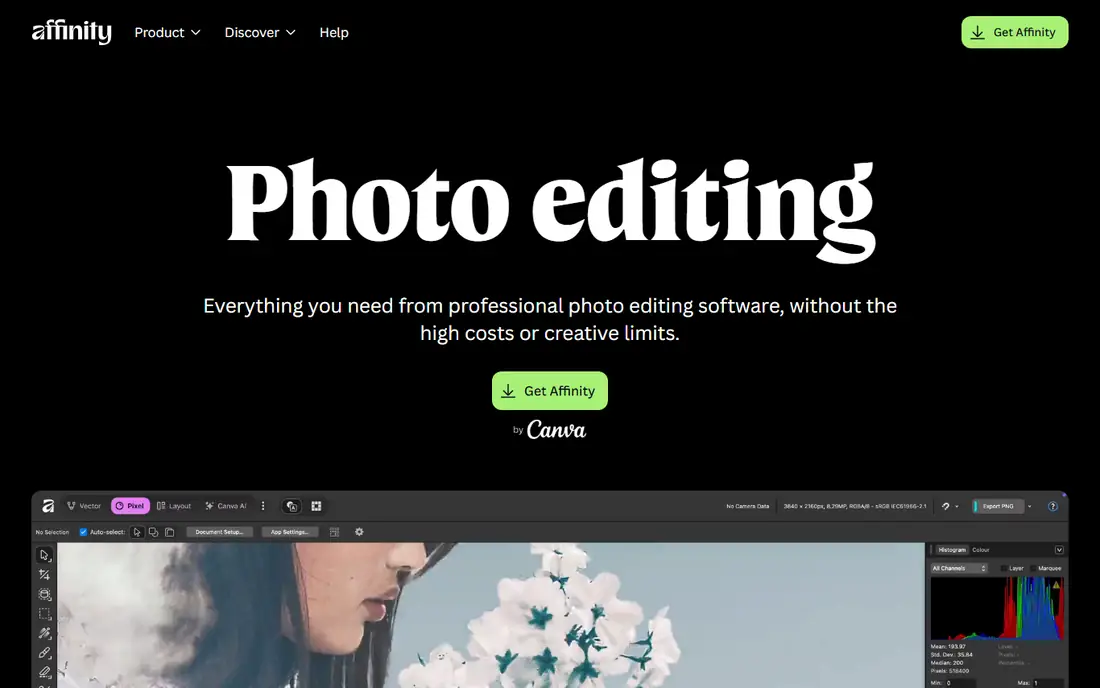
Affinity Photo 2 gives professionals a full raster editor for a one-time price. Layers, masks, live filters, retouching tools and PSD compatibility cover most Photoshop workflows, and performance is fast even on modest hardware. The app runs on desktop and iPad, with a consistent interface across both.
Catalogue management is thinner than Lightroom, so photographers usually pair it with another organiser. For a professional who wants Photoshop-level editing without a subscription, Affinity Photo 2 is the best value in this guide.
What we like- One-time purchase, no subscription
- Professional layers, masks and retouching
- Fast performance
Watch out for- Catalogue and DAM features are thinner
- Smaller tutorial ecosystem than Photoshop

#5DxO PhotoLab
Best for: Lens correction and noise4.4/5 on
Capterra (14 reviews, checked Oct 2026)
Visit dxo.com
Starting priceSee website
Free planFree trial
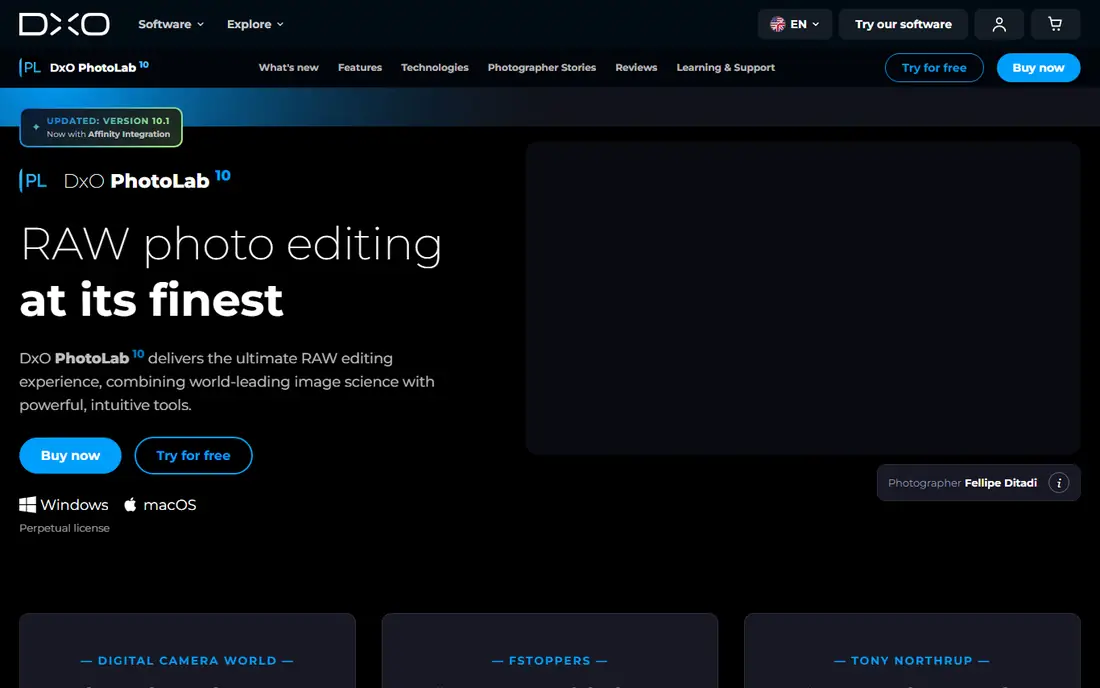
DxO PhotoLab is built on optical science. Its lens modules correct distortion, vignetting and sharpness per camera and lens combination, and DeepPRIME noise reduction recovers detail from high-ISO files better than most rivals. Raw processing is strong, with local adjustments and colour tools that suit outdoor and low-light photographers.
Catalogue features are basic compared with Lightroom, and the interface takes time to learn. For a photographer who prioritises image quality, especially at high ISO or with tricky lenses, DxO PhotoLab is the quality leader.
What we like- Class-leading lens corrections and DeepPRIME noise reduction
- Excellent raw processing
- One-time purchase options
Watch out for- Catalogue features are basic
- Interface takes learning

#6Luminar Neo
Best for: AI-assisted editing4.4/5 on
G2 (115 reviews, checked Oct 2026)
Visit skylum.com
Starting priceSee website
Free planFree trial

Luminar Neo uses AI to speed edits that take manual work elsewhere. Sky replacement, relighting, portrait retouching and dust removal run with sliders rather than masks, which suits photographers who want strong results quickly. Extensions add more tools, and the interface is approachable for newer editors.
AI edits can look overdone if pushed hard, and the catalogue is simpler than Lightroom's. For a photographer who wants fast, creative edits without deep manual masking, Luminar Neo is the most accessible AI editor here.
What we like- AI tools for sky replacement, relighting and portrait retouching
- Fast results for beginners
- Extension support
Watch out for- Catalogue is simpler than Lightroom
- AI results need checking for realism
Starting priceSee website
Free planFree trial
ON1 Photo RAW combines raw processing, catalogue browsing, layers, effects and resizing in a single application, so photographers can stay in one tool from import to export. Masking tools, including AI masking, handle selections well, and a one-time purchase option avoids subscription. The app suits photographers who want an all-in-one workflow.
Performance can lag on older machines with large catalogues, and the community is smaller than Adobe's. For a photographer who wants one app for the whole workflow without a subscription, ON1 Photo RAW is a solid choice.
What we like- Raw processing, catalogue, layers and effects in one app
- One-time purchase option
- Good masking tools
Watch out for- Performance varies on older hardware
- Smaller community than Adobe

#8Corel PaintShop Pro
Best for: Affordable Windows editor4.1/5 on
G2 (207 reviews, checked Oct 2026)
Visit paintshoppro.com
Starting priceSee website
Free planFree trial
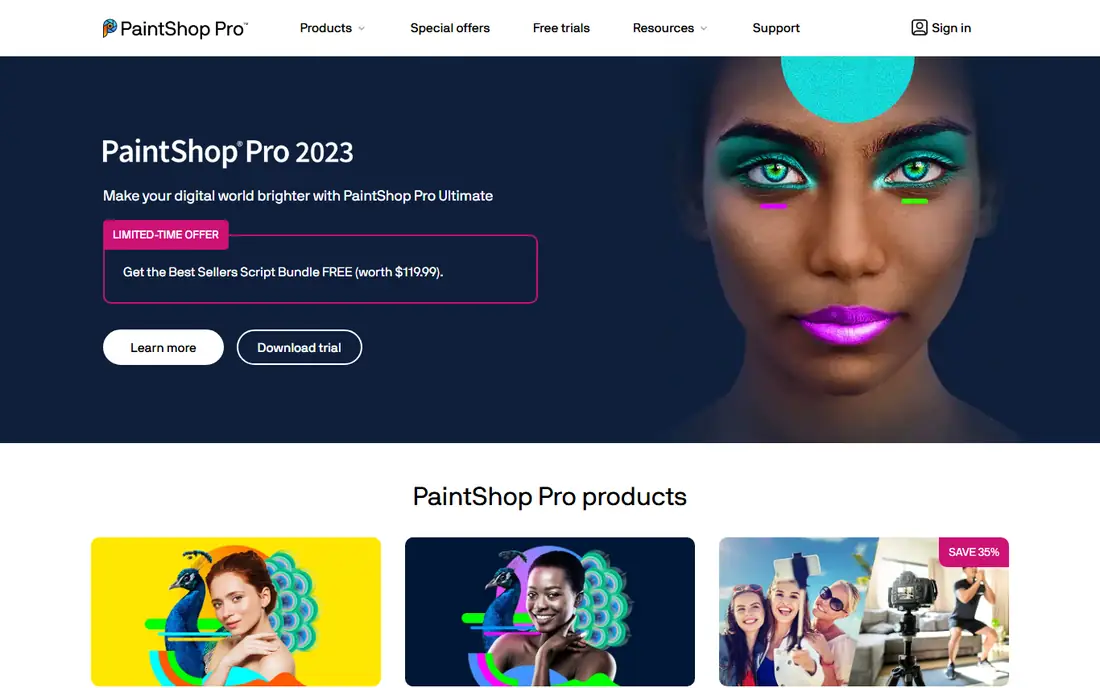
PaintShop Pro is the long-running affordable Windows editor, with layers, retouching, AI-based tools and photo management at a one-time price far below Adobe's subscription. The toolset covers most editing needs for enthusiasts and semi-professionals, and the interface will feel familiar to Photoshop users.
It runs on Windows only, and raw processing plus catalogue features trail Lightroom. For a Windows photographer who wants a capable editor without a subscription, PaintShop Pro is the budget-friendly pick.
What we like- Affordable one-time price
- Layers, retouching and AI tools
- Good for Windows users
Watch out for- Windows only
- Raw and catalogue features trail Lightroom
How we chose
We compared tools on their published features, pricing pages, documentation and public reviews from professional photographers. We favoured tools with strong raw processing, colour tools and a clear workflow for professional work, whether retouching or volume editing. Prices were marked "See website" because subscription and bundle pricing changes often. We did not claim hands-on testing.
Subscription or one-time purchase
The pricing model shapes long-term cost. Adobe's subscription includes continuous updates, cloud storage and both Photoshop and Lightroom in the Photography plan, which suits working professionals who always need the latest version. One-time tools like Affinity Photo, DxO PhotoLab and ON1 cost less over several years but charge for major upgrades.
Consider how you work. If you collaborate with clients who expect PSD files and the latest Adobe features, the subscription pays for itself. If you edit solo and keep tools for years, a one-time purchase saves money. Many photographers mix both: Affinity for pixel work and Lightroom for cataloguing, for example.
A photo editor choice should follow a trial on your own files. Edit ten of your typical photos in each shortlisted program, including a high-ISO night shot, a portrait needing skin retouching, and an outdoor scene with a wide dynamic range, then compare export quality, speed and how the interface feels after an hour of real work. Check raw support for your exact camera model, since a program that lacks your camera's profile produces worse colours and slower previews. Also test the catalogue or library workflow if you manage thousands of images, because editing quality means little when finding a photo takes ten minutes. A program that fits your camera, your volume and your retouching style beats a more powerful tool that fights your habits.
Backup discipline protects edited work better than any editing feature. Keep original raw files, edited catalogues and exported finals in three places: a local drive, an external drive and a cloud backup, and verify the cloud backup restores correctly at least once a year. Edit from a local drive for speed, then sync finished work to backup, since editing directly from cloud storage slows previews and risks corruption on interrupted uploads. Name exported files consistently with date, project and version, so a client request for "that portrait from March" finds the file in seconds. Photographers lose more work to failed drives than to any software limitation, and a simple backup routine prevents it.
Frequently asked questions
What is the best photo editing software for professionals?
Adobe Photoshop is the standard for retouching and compositing, while Lightroom leads for catalogue and batch editing. Capture One suits studio and colour-critical work, and Affinity Photo 2 is the best one-time purchase alternative. The best pick depends on whether you retouch, shoot tethered or process volume.
Is Affinity Photo a good Photoshop replacement?
Yes, for most retouching and compositing work. Affinity Photo 2 offers layers, masks, live filters and PSD compatibility at a one-time price. It lacks some of Photoshop's AI features and plugin depth, but for solo professionals it covers the core workflow well.
Do I need both Lightroom and Photoshop?
Many professionals use both, since Lightroom handles organisation and batch raw editing while Photoshop handles pixel-level retouching and compositing. Adobe's Photography plan bundles them, which is why the pair is so common. If you only retouch a few images, one tool may suffice.
What is tethered shooting?
Tethered shooting connects a camera to a computer so photos appear on screen as you shoot, letting the photographer and client review images instantly. Capture One is the leading tool for this, with fast, reliable tethering and live view. Studio and product photographers rely on it daily.
Is Capture One better than Lightroom for colour?
Capture One is widely praised for colour tools and custom camera profiles, especially for skin tones and studio work. Lightroom's colour tools are strong and improving, but colour-critical studios often prefer Capture One. Try both with your camera's raw files before deciding.
Can I edit photos professionally without a subscription?
Yes. Affinity Photo 2, DxO PhotoLab, ON1 Photo RAW and PaintShop Pro all offer one-time purchases with professional features. You will pay for major upgrades eventually, but the total over several years is usually lower than a subscription.
Sources we checked (8)
- https://www.adobe.com/products/photoshop.html
- https://www.adobe.com/products/photoshop-lightroom.html
- https://www.captureone.com
- https://affinity.serif.com/en-gb/photo/
- https://www.dxo.com/dxo-photolab/
- https://skylum.com/luminar
- https://www.on1.com
- https://www.paintshoppro.com
Is your product missing or out of date?
We review this list regularly. Vendors can request a listing, send updated pricing or ask about featured placement.

Shihab Mia · Founder, Rankite
Shihab has 5+ years in B2B and SaaS SEO. He writes Rankite's software buying guides from pricing pages, documentation and public user reviews. More about Shihab.
 Affinity Photo 2
 ON1 Photo RAW