How we make this list: we compare pricing pages, product documentation and public user reviews. Rankite is independent; if a vendor ever pays for a featured spot, that listing is clearly labeled Partner.
Key takeaways
- Adobe Lightroom and Capture One Pro ($18/month annual) are the two professional standards: Lightroom for ecosystem and presets, Capture One for color science and tethering.
- Photoshop remains essential for retouching and compositing, while Lightroom or Capture One handles the catalog and RAW development.
- DxO PhotoLab, ON1 Photo RAW ($99.99 one-time) and Luminar Neo serve photographers who want to own their software outright instead of subscribing.
- Affinity Photo and PaintShop Pro are the budget pixel editors for photographers who need Photoshop-style editing without the subscription.
Quick comparison
| Tool | Best for | Starting price | Free plan |
|---|
 Adobe Lightroom Adobe Lightroom | Photographers who want the industry-standard catalog and RAW workflow | See website (Photography plan subscription) | Free trial available |
 Adobe Photoshop Adobe Photoshop | Retouching, compositing and anything beyond RAW development | See website (single-app or All Apps subscription) | Free trial (7 days) |
 Capture One Pro Capture One Pro | Studio, portrait and commercial photographers who demand color precision | $18/month (Pro tier, annual billing) | Free trial (30 days) |
 DxO PhotoLab DxO PhotoLab | Photographers who prioritize maximum RAW detail and lens corrections | See website (perpetual license tiers) | Free trial available |
 Luminar Neo Luminar Neo | Photographers who want fast, AI-assisted creative editing | See website (subscription and lifetime options) | Free trial available |
 ON1 Photo RAW ON1 Photo RAW | Photographers who want an all-in-one editor they can own | $99.99 (one-time purchase) | Free trial available |
 Affinity Photo Affinity Photo | Layered photo editing without an Adobe subscription | See website | Free trial available |
 PaintShop Pro PaintShop Pro | Windows photographers wanting affordable pro-level editing | See website (perpetual license) | Free trial available |
Is your product missing or out of date?
We review this list regularly. Vendors can request a listing, send updated pricing or ask about featured placement.
The best photo editing software for professional photographers
Professional photo editing splits into RAW developers with catalogs (Lightroom, Capture One, DxO, ON1), AI-assisted editors (Luminar Neo), and pixel editors for retouching (Photoshop, Affinity, PaintShop Pro). Most working photographers run one of each. These eight cover the professional range, with pricing stated only where verified.
#1
Adobe Lightroom
Best for: Photographers who want the industry-standard catalog and RAW workflow
Visit adobe.com
Starting priceSee website (Photography plan subscription)
Free planFree trial available
Lightroom is the default professional photo editor for a reason: the RAW development engine is excellent, the catalog organizes hundreds of thousands of images, and the ecosystem of presets, plugins and learning resources is unmatched. The Photography plan bundles Lightroom, Lightroom Classic and Photoshop, which is why most professionals end up in Adobe's world.
The subscription model is the long-running debate, and Adobe's pricing has moved over the years, so check the current Photography plan price on adobe.com rather than trusting old figures. For the working photographer who needs the standard workflow that assistants, retouchers and labs all understand, Lightroom remains the safe choice.
What we like- The largest ecosystem: presets, plugins, tutorials and community
- Cloud sync across desktop and mobile
- Lightroom Classic for the traditional desktop catalog
Watch out for- Subscription-only with no perpetual option
- Catalog performance on huge libraries
- Some photographers prefer Capture One's color rendering
#2
Adobe Photoshop
Best for: Retouching, compositing and anything beyond RAW development
Visit adobe.com
Starting priceSee website (single-app or All Apps subscription)
Free planFree trial (7 days)
Photoshop is not a photo organizer; it is the pixel editor where retouching happens. Frequency separation, compositing, advanced selections, content-aware fill and the full plugin ecosystem make it essential for portrait, commercial and fine-art photographers. It pairs with Lightroom: develop in Lightroom, retouch in Photoshop.
Check current pricing on adobe.com, as Adobe adjusts subscription prices periodically. Photographers who only cull and color-correct do not need it. Anyone delivering retouched finals to clients does, and there is still nothing that replaces it at the high end.
What we like- Unmatched for retouching, compositing and manipulation
- Industry standard for high-end retouching workflows
- Deep integration with Lightroom
Watch out for- Subscription-only
- Overkill for photographers who only develop RAW files
- The learning curve is steep
#3
Capture One Pro
Best for: Studio, portrait and commercial photographers who demand color precision
Visit captureone.com
Starting price$18/month (Pro tier, annual billing)
Free planFree trial (30 days)
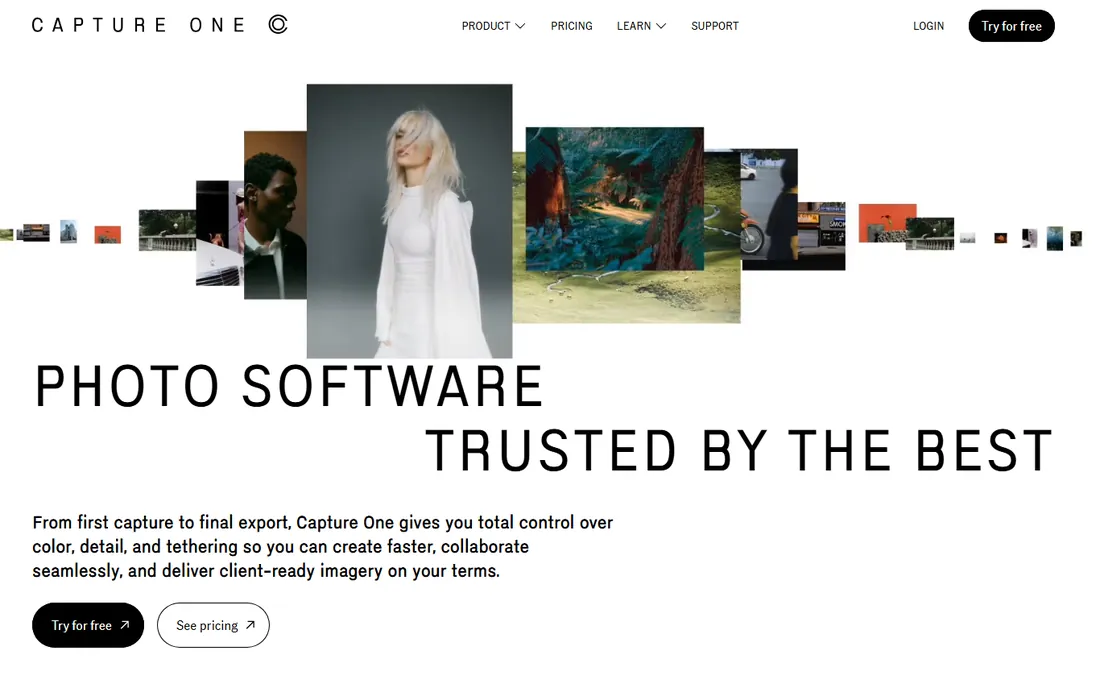
Capture One is the professional's alternative to Lightroom, and for many studio photographers it is the primary tool. The color editor and RAW processing are widely considered superior, particularly for skin tones and commercial work, and tethered shooting is the best in the business: connect the camera and images appear instantly, ready for client review on set.
Pricing after the June 2026 increase runs about $18 per month on annual billing for Pro, with All-in-One (adding mobile apps) and Studio tiers above it, plus a $349 perpetual license for buyers who want to own it. The 30-day trial is generous. For tethered studio work and color-critical photography, this is the tool.
What we like- Superb color science and RAW rendering, especially for skin tones
- Best-in-class tethered shooting
- Still offers a perpetual license ($349) alongside subscriptions
Watch out for- More expensive than Adobe's Photography plan
- Steeper learning curve
- Smaller preset and plugin ecosystem
#4
DxO PhotoLab
Best for: Photographers who prioritize maximum RAW detail and lens corrections
Visit dxo.com
Starting priceSee website (perpetual license tiers)
Free planFree trial available
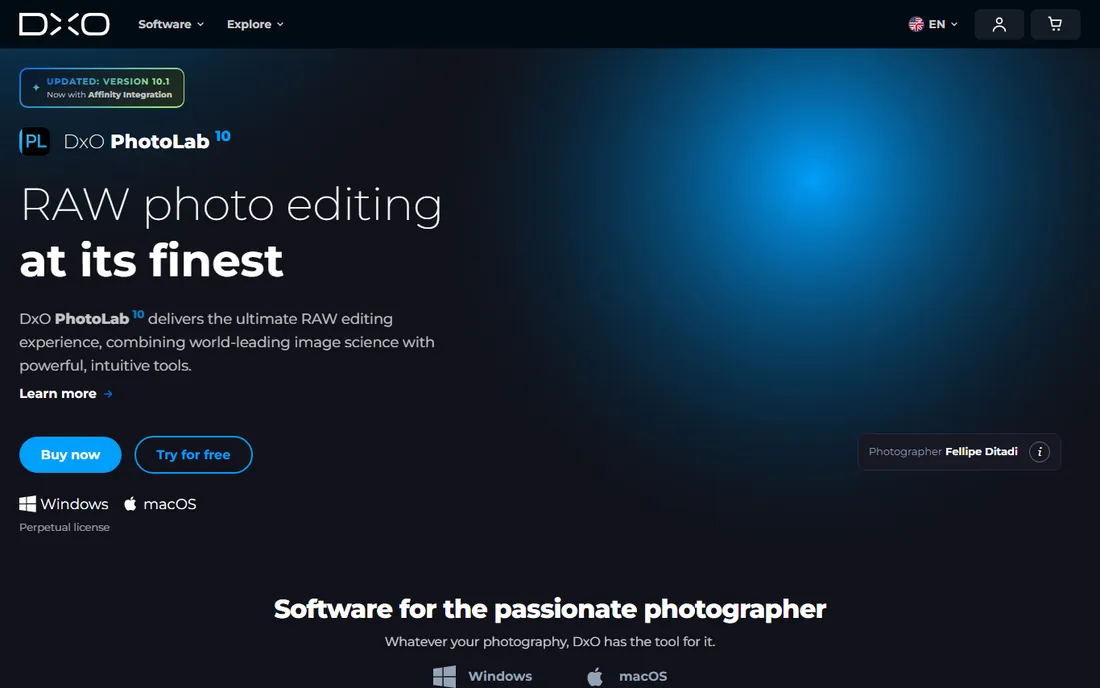
DxO PhotoLab is the image-quality pick. Its DeepPRIME noise reduction recovers high-ISO shots better than anything else in this list, and the automatic lens corrections, built from lab-tested profiles for thousands of camera-lens combinations, fix distortion and sharpness with one click. Many photographers run PhotoLab for RAW conversion and finish elsewhere.
It sells perpetual licenses rather than subscriptions, though the tier structure (Essential vs. Elite) needs a careful read. There is no Lightroom-grade catalog, so pair it with a DAM or accept folder-based organization. For the photographer whose priority is the cleanest possible file, PhotoLab earns its place.
What we like- Class-leading noise reduction (DeepPRIME) and automatic optical corrections
- Perpetual licensing with no subscription
- Excellent default RAW rendering
Watch out for- No digital asset management catalog to rival Lightroom
- The interface is idiosyncratic
- Pricing tiers confuse new buyers
#5
Luminar Neo
Best for: Photographers who want fast, AI-assisted creative editing
Visit skylum.com
Starting priceSee website (subscription and lifetime options)
Free planFree trial available
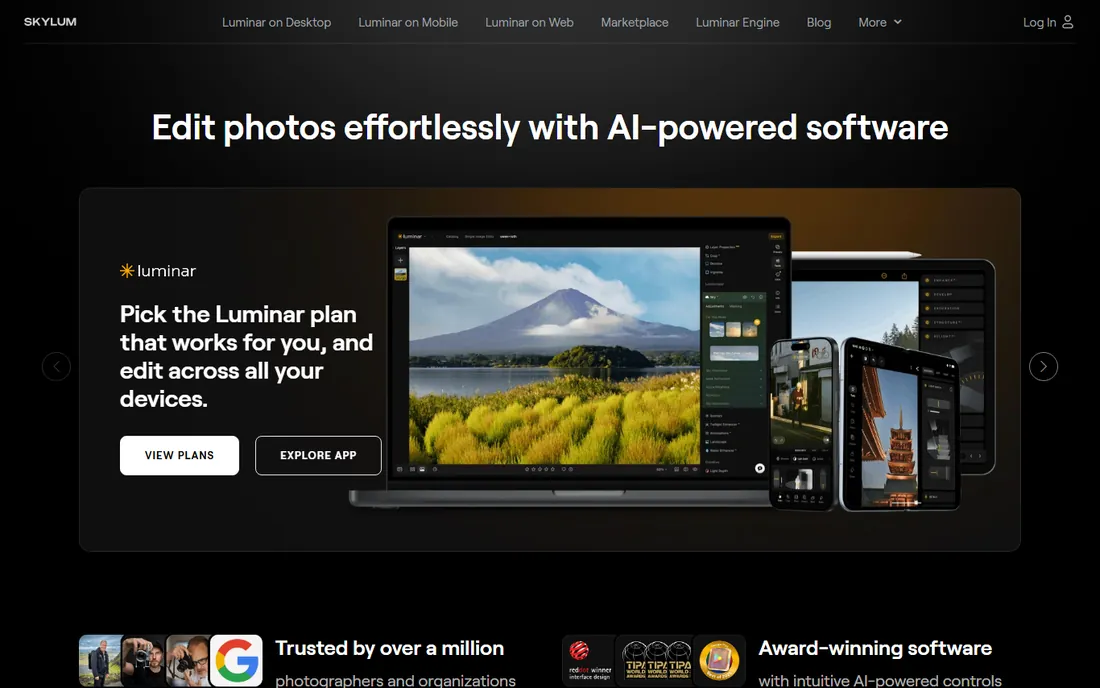
Luminar Neo from Skylum is the speed pick. Its AI-assisted tools, sky replacement, portrait relighting, dust spot removal and atmosphere effects, compress multi-step retouching into sliders. For wedding and portrait photographers delivering high volumes, the time savings are tangible.
Skylum sells both subscriptions and lifetime licenses; check skylum.com for current figures. The catalog and library management are thinner than Lightroom's, so many pros use Luminar as a plugin inside Lightroom or Photoshop rather than a standalone hub. For fast creative results with minimal manual masking, it is the most efficient tool here.
What we like- AI tools (sky replacement, relight, dust removal) that save real retouching time
- Approachable for photographers who dislike complex interfaces
- Works as plugin or standalone
Watch out for- Subscription pricing for the full experience
- Catalog features are thinner than Lightroom
- AI edits can look overprocessed if pushed
#6
ON1 Photo RAW
Best for: Photographers who want an all-in-one editor they can own
Visit on1.com
Starting price$99.99 (one-time purchase)
Free planFree trial available
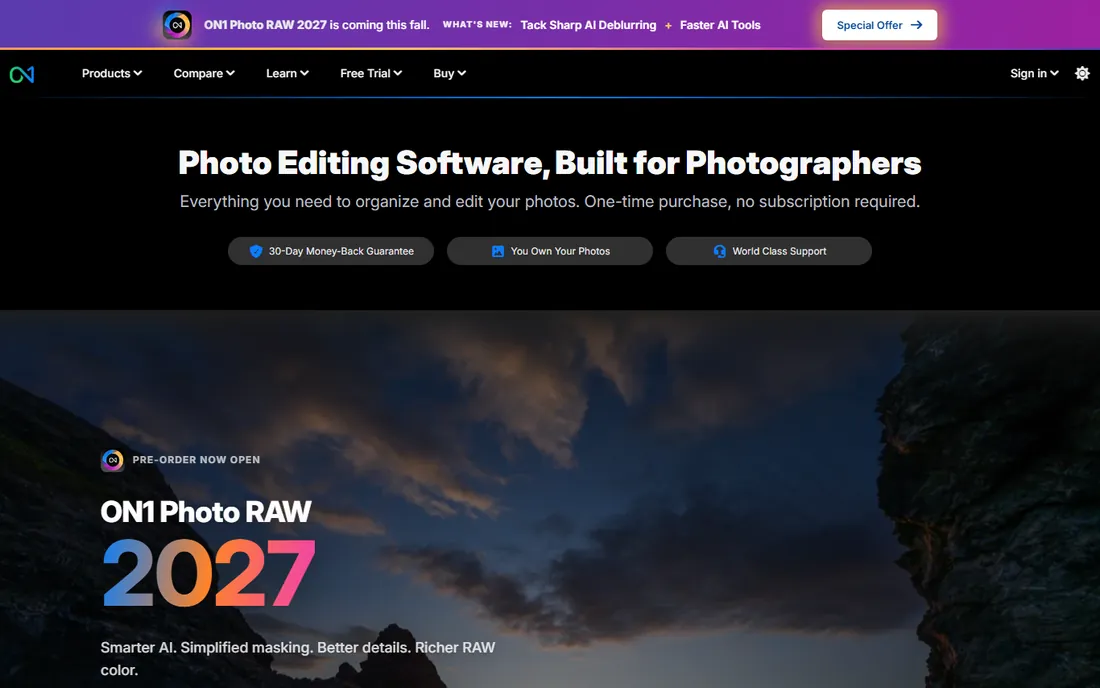
ON1 Photo RAW is the own-it-outright alternative to the subscription editors. One application covers browsing and cataloging, RAW development, layered editing, effects, portrait tools and resizing for print. The 2027 version sells as a $99.99 one-time purchase including free updates for the 2026 and 2027 versions, installable on two computers.
The tradeoff is refinement: catalog performance and interface polish trail Lightroom, and the ecosystem is smaller. But the value proposition is clear: a complete professional editor for a single $99.99 payment. For the photographer done with subscriptions, it is the most complete alternative.
What we like- All-in-one: catalog, RAW development, layers, effects and resizing in one app
- $99.99 one-time purchase with free updates for two versions
- No subscription required
Watch out for- Performance on very large catalogs lags Lightroom
- The interface packs a lot into one app
- Smaller community and preset market
Starting priceSee website
Free planFree trial available
Affinity Photo is the long-standing Photoshop alternative for photographers who need layers, masks, retouching and compositing without Adobe's subscription. Performance is excellent, the toolset covers professional retouching work, and the file compatibility with PSD keeps it practical in mixed workflows.
One flag: Serif's Affinity lineup moved to affinity.studio under Canva's ownership, and pricing and packaging have changed over time, so verify the current offer on the site rather than trusting old "one-time purchase" claims. Pair it with a RAW developer (Capture One, DxO or ON1) for the complete non-Adobe workflow.
What we like- Genuine Photoshop-class layered editing, retouching and compositing
- Fast performance even on modest hardware
- Historically a one-time purchase, now under Canva ownership
Watch out for- Pricing and packaging have shifted under Canva ownership, so verify current terms
- Smaller plugin ecosystem than Photoshop
- RAW development is basic next to the dedicated developers
#8
PaintShop Pro
Best for: Windows photographers wanting affordable pro-level editing
Visit corel.com
Starting priceSee website (perpetual license)
Free planFree trial available
Corel PaintShop Pro is the veteran Windows alternative. It bundles photo management, RAW editing, layered editing, templates and AI-assisted tools in a perpetual license, historically priced well under Adobe's annual cost. For the Windows photographer who wants one affordable application covering the whole workflow, it remains competent.
It is Windows-only, and mindshare among working professionals is smaller than the Adobe, Capture One or DxO camps. Check current pricing on corel.com. For the budget-conscious Windows photographer, it is the value pixel editor.
What we like- Perpetual licensing from Corel with no subscription
- Capable layered editing, RAW tools and photo management
- Long-established Windows product
Watch out for- Windows-only
- The interface and marketing trail the category leaders
- Smaller professional community
The two-app professional workflow
Almost no working photographer uses one application. The standard professional stack is a RAW developer plus a pixel editor: Lightroom plus Photoshop (via the Photography plan), Capture One plus Photoshop or Affinity Photo, DxO PhotoLab plus Affinity Photo, or ON1 Photo RAW covering both jobs alone.
Choose the RAW developer first, because the catalog and color rendering shape your daily work more than the retouching app does. Then add the pixel editor your retouching demands. Photographers delivering high-volume, lightly retouched work can often live in the RAW developer alone; portrait and commercial photographers need the pixel editor.
How we chose
We started with the categories buyers search: photo editing software for professional photographers, best RAW photo editor and Lightroom alternatives. For each candidate we verified professional-grade capability and active development, opened the vendor's own pricing page, and separated RAW developers from pixel editors from AI-assisted tools. Where a price could not be verified on the vendor's page we wrote "See website" rather than guessing.
Frequently asked questions
What do professional photographers use to edit photos?
Most use Adobe Lightroom (or Capture One) for RAW development and cataloging, plus Photoshop for retouching. Studio and commercial photographers often prefer Capture One for its color science and tethering. The exact stack varies by specialty.
Is Lightroom or Capture One better for professionals?
Lightroom wins on ecosystem, presets and Adobe integration; Capture One wins on color science, RAW rendering and tethered shooting. Wedding and high-volume photographers often prefer Lightroom's speed; studio, portrait and commercial photographers often prefer Capture One. Both are professional-grade.
Can I buy photo editing software without a subscription?
Yes. ON1 Photo RAW ($99.99 one-time), DxO PhotoLab (perpetual tiers) and Capture One (perpetual $349 license) all sell without subscriptions. Affinity Photo's current packaging should be verified on affinity.studio under Canva ownership.
What is the best free photo editing software for photographers?
GIMP is the capable free pixel editor, and RawTherapee and darktable are free RAW developers. They demand more learning and lack the polish and ecosystems of the paid tools, but they handle professional work in skilled hands.
Do I need Photoshop if I have Lightroom?
Only if you retouch beyond what RAW development covers: complex object removal, compositing, frequency separation, advanced portrait retouching. Photographers who deliver lightly edited images can work in Lightroom alone; anyone doing serious retouching needs Photoshop or Affinity Photo.
Sources we checked (6)
- https://www.adobe.com/
- https://www.captureone.com/en
- https://www.dxo.com/en
- https://skylum.com/
- https://www.on1.com/
- https://www.captureone.com/en/pricing
Is your product missing or out of date?
We review this list regularly. Vendors can request a listing, send updated pricing or ask about featured placement.

Shihab Mia · Founder, Rankite
Shihab has spent more than a decade helping SaaS and e-commerce brands grow through search. He writes Rankite's software buying guides from pricing pages, documentation and public user reviews. More about Shihab.