How we make this list: we compare pricing pages, product documentation and public user reviews. Rankite is independent; if a vendor ever pays for a featured spot, that listing is clearly labeled Partner.
Quick comparison
| Tool | Best for | Starting price | Free plan |
|---|
 Canva Canva | Small businesses making social posts, ads and marketing designs daily | See website (Pro reported at $15/month or $144/year) | Yes |
 Fotor Fotor | Fast photo fixes with AI tools and no learning curve | $8.99/month (Fotor Pro; $39.99/year billed annually) | Yes (Basic plan) |
 Pixlr Pixlr | Free Photoshop-style editing with layers, entirely in the browser | Plans from $1.99/month (Plus/Premium) | Yes |
 BeFunky BeFunky | One browser tab for photo editing, collages and graphic design | See website (Plus and Pro subscriptions) | Yes (free, no account required) |
 Photopea Photopea | Designers who need real PSD compatibility for free | $5/month (Premium) | Yes (ad-supported, full features) |
 Luminar Luminar | Photographers who want AI to do the heavy lifting on desktop | See website (perpetual license) | No |
 Adobe Express Adobe Express | Quick branded content for businesses already in the Adobe world | $9.99/month (Premium plan) | Yes |
 PicMonkey PicMonkey | Small businesses that want branding-focused design with no free-tier limits | $7.99/month (Basic plan) | No (free trial available) |
Is your product missing or out of date?
We review this list regularly. Vendors can request a listing, send updated pricing or ask about featured placement.
Key takeaways
- The best easy photo editing software for most small businesses is Canva or Adobe Express: templates, brand kits and one-click tools beat manual editing when you post daily.
- The strongest free options are Pixlr (Photoshop-style layers, free), Photopea (full PSD support, free with ads) and Fotor (free Basic plan with AI tools).
- PicMonkey ($7.99/month) is the only tool here with no free tier, but it is the most focused on small business branding.
- Luminar, formerly Luminar Neo, is the odd one out: a desktop AI photo enhancer sold as a one-time purchase rather than a subscription.
The best easy photo editing software
You run a small candle business and post on Instagram three times a week. The product photos from your phone are fine, but the backgrounds are cluttered, the lighting is uneven, and every post takes an hour of fiddling. You do not need Photoshop. You need the best easy photo editing software: something that removes a background in one click, fixes lighting automatically, and hands you a template sized for Instagram. These eight tools do exactly that kind of work, and most of them are free to start.
#1
Canva
Best for: Small businesses making social posts, ads and marketing designs daily
Visit canva.com
Starting priceSee website (Pro reported at $15/month or $144/year)
Free planYes
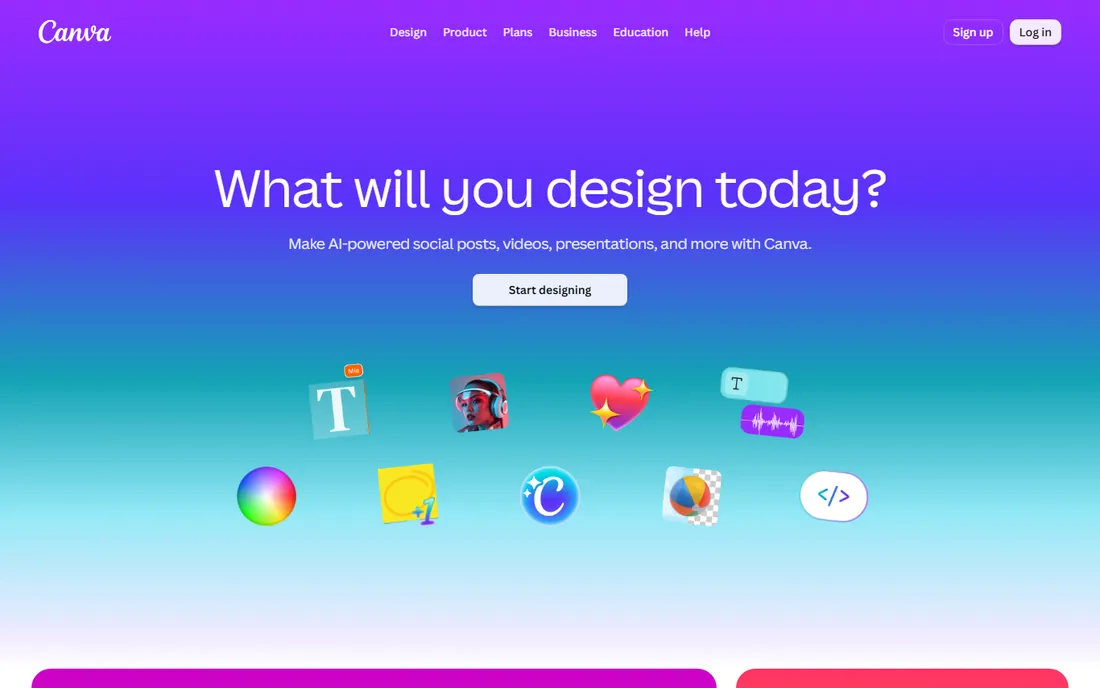
Canva is the default answer for a reason: it removes every excuse. Pick a template sized for Instagram, swap in your photo, apply the brand kit, and export. The photo tools cover the easy-editing checklist: crop, filters, brightness and contrast, background removal, and AI features like Magic Edit and Magic Eraser on the Pro plan. The free plan is genuinely useful, with a large template library and stock assets.
The honest catch is depth. Canva edits photos the way a design tool does, not the way a photo editor does: no layers in the Photoshop sense, no curves, no selective color work worth mentioning. If your needs are marketing graphics with decent photos in them, nothing beats it. If your needs are making the photos themselves great, pair it with one of the editors below. Check the current Pro price on Canva's pricing page before budgeting, since it moves.
What we like- Enormous template library sized for every social platform
- Brand kits keep logos, colors and fonts consistent
- Background remover and Magic Studio AI tools on Pro
- Huge stock photo and element library
Watch out for- Photo editing itself is basic next to dedicated editors
- The best features sit behind Pro, and pricing is not easy to verify on the site
#2
Fotor
Best for: Fast photo fixes with AI tools and no learning curve
Visit fotor.com
Starting price$8.99/month (Fotor Pro; $39.99/year billed annually)
Free planYes (Basic plan)
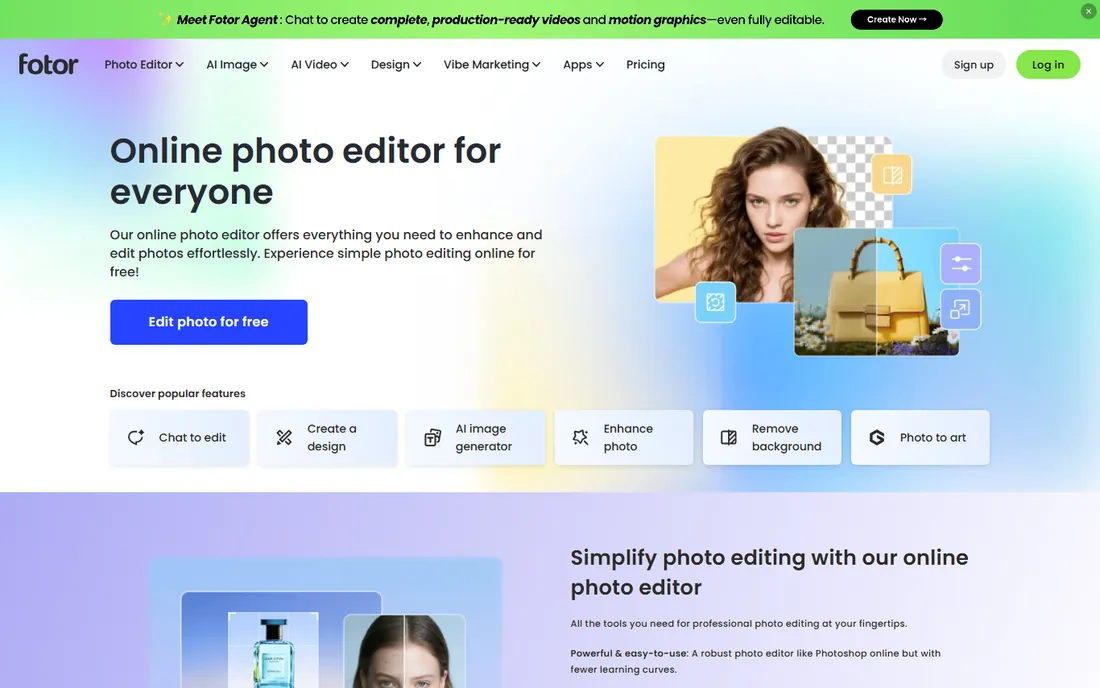
Fotor's pitch is the three-step edit: upload, adjust, download. The online editor covers brightness, contrast, cropping, filters, portrait retouching, background removal and collages, with generative AI tools for text-to-image, object replacement and AI headshots layered on top. The free Basic plan is unusually generous: the vendor's own FAQ says you can edit as many images as you want and export without watermarks, with Pro opening up the advanced features.
Paid plans are Fotor Pro at $8.99 per month or $39.99 per year, and Pro+ at $19.99 per month or $89.99 per year with batch AI editing, 100 GB storage and more AI credits. For a small business owner who wants phone photos cleaned up in minutes, the free plan handles the basics and Pro is cheaper than most competitors. Watch the credit system if you lean on the AI features heavily.
What we like- Free plan lets you edit unlimited images and export without watermarks
- One-click enhance, background remover and object eraser
- AI tools for avatars, headshots and image generation
- Batch editing on paid plans
Watch out for- AI features run on a credit system that can confuse
- Free exports are watermarked on some features per third-party reports
- Pro+ needed for batch AI editing
#3
Pixlr
Best for: Free Photoshop-style editing with layers, entirely in the browser
Visit pixlr.com
Starting pricePlans from $1.99/month (Plus/Premium)
Free planYes
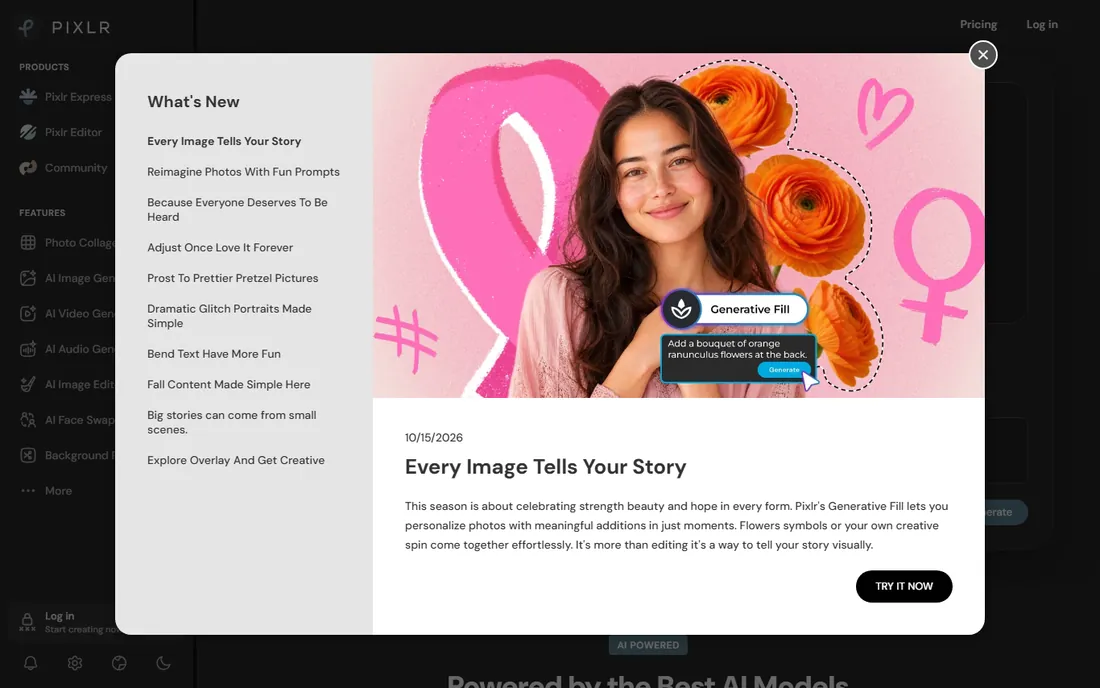
Pixlr is the closest thing to free Photoshop that runs in a browser tab. The Editor offers layers, masks, filters, retouching and collage tools that handle serious edits, while the Express side gives beginners one-click filters and effects. The newer AI suite adds background removal, generative fill, object removal, AI upscaling and even text-to-image and video generation, powered by third-party models.
The vendor's own homepage states paid plans start at $1.99 per month for ad-free editing, AI credits, private mode and the full template and font libraries, with Plus and Premium tiers above that. The free version needs no account for basic use. For a marketer who outgrew Canva's photo tools but is not ready to pay Adobe, Pixlr is the natural next step, and at $1.99 it is the cheapest paid upgrade on this list.
What we like- Real layer-based editing with masks and effects, free
- AI tools for background removal, generative fill, upscaling and face swap
- No download or install
- Free for education
Watch out for- Ad-supported free tier can feel cluttered
- AI credits gate the fancier generative features
- Interface will still intimidate absolute beginners
#4
BeFunky
Best for: One browser tab for photo editing, collages and graphic design
Visit befunky.com
Starting priceSee website (Plus and Pro subscriptions)
Free planYes (free, no account required)
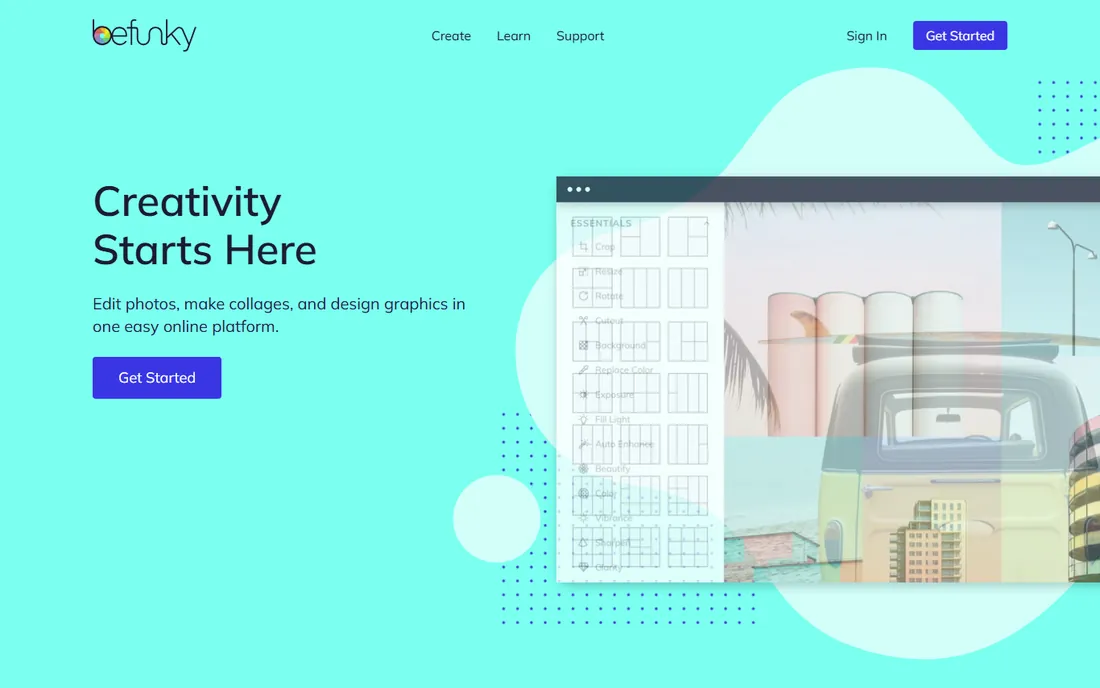
BeFunky has been doing browser photo editing since 2007, and the current platform bundles three tools: a photo editor, a collage maker and a graphic designer, plus AI-assisted editing and batch workflows. The free plan needs no account and covers a wide selection of editing, collage and design tools, which makes it the lowest-friction starting point on this list.
Paid tiers are BeFunky Plus for premium editing and design tools with monthly AI credits, and Pro which adds batch AI editing, batch background removal and more credits. The vendor's pricing page confirms the tiers but does not display prices without an account, so budget conservatively. For social media managers who make collages, invitations and quick graphics alongside photo edits, the all-in-one setup saves real tab-switching time.
What we like- Free to use with no account
- Photo editor, collage maker and graphic designer in one platform
- AI tools for background removal, object eraser and portrait enhancement
- Batch editing workflows on Pro
Watch out for- No published prices on the pricing page, so you must sign up to see costs
- Premium effects and AI features need Plus or Pro
#5
Photopea
Best for: Designers who need real PSD compatibility for free
Visit photopea.com
Starting price$5/month (Premium)
Free planYes (ad-supported, full features)
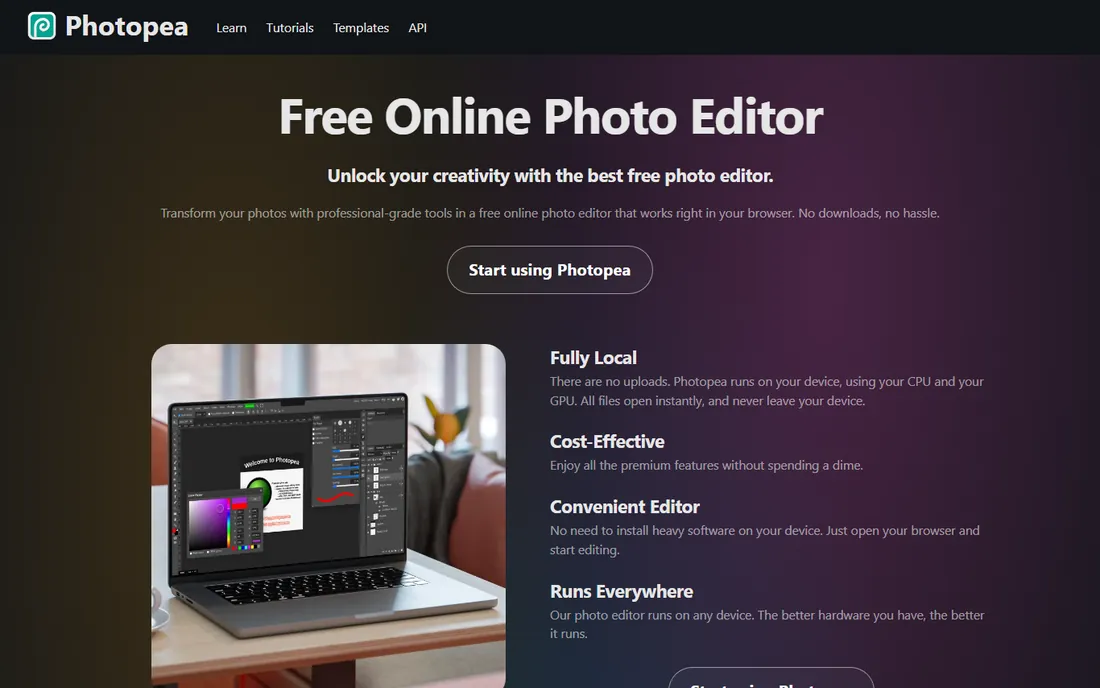
Photopea is the power user's free editor. It opens PSD, AI, SVG, PDF, RAW files from major camera brands and dozens more formats, runs entirely on your device with no uploads, and offers the professional toolkit: layers, masks, layer styles, smart objects, adjustment layers, channels, paths, levels, curves, liquify and vector tools. The interface deliberately mirrors Photoshop, so experienced editors feel at home instantly.
The deal is simple: everything is free with an ad panel on the side, or $5 per month for Premium removes the ads and adds 3,000 monthly AI credits, more cloud storage and double the history steps. For a small business that receives PSD files from a designer and needs to tweak them without a Creative Cloud subscription, Photopea is the only free tool on this list that handles the job properly.
What we like- Opens and saves PSD files with layers intact, plus 40-plus formats including RAW
- Runs locally in the browser with no uploads
- Professional toolset: masks, smart objects, adjustment layers, liquify
- Premium is only $5 per month
Watch out for- Ad panel eats screen space on the free tier
- No native mobile app
- AI features use a credit system on Premium
#6
Luminar
Best for: Photographers who want AI to do the heavy lifting on desktop
Visit skylum.com
Starting priceSee website (perpetual license)
Free planNo
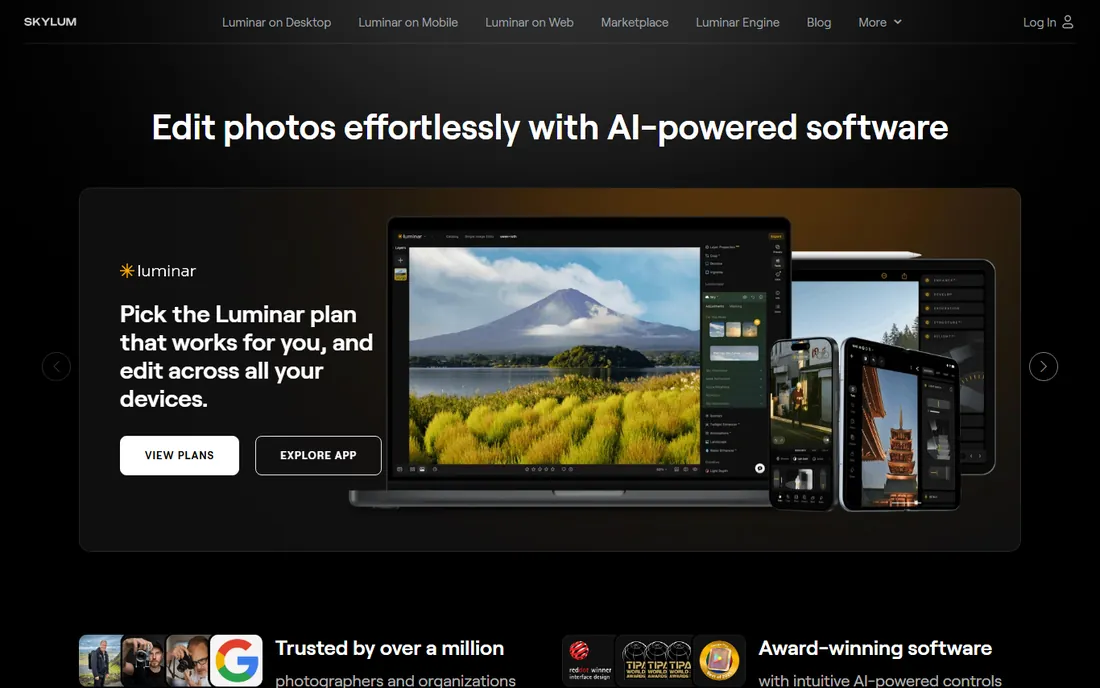
Luminar, formerly sold as Luminar Neo, is Skylum's AI photo editor for desktop, and it takes a different approach from everything else here: instead of manual sliders, AI does the work. Enhance AI balances a photo with one slider, while dedicated tools handle sky replacement, portrait retouching, noise removal, sharpening, upscaling and object removal. It supports RAW files from over 1,000 cameras plus JPEG, PNG and TIFF, with layers, batch processing and non-destructive editing.
The commercial model is the differentiator: a perpetual license you own forever, with one year of AI tool access and asset library perks bundled in, rather than a monthly subscription. Skylum does not publish the price on the product page, so request a quote. For a product photographer or real estate marketer processing dozens of images, the AI batch workflow can replace hours of manual retouching.
What we like- AI tools enhance, denoise, sharpen and relight photos in a few clicks
- Sold as a perpetual license you own, not a subscription
- Works as a plugin for Lightroom Classic and Photoshop
- Batch processing and RAW support for 1,000-plus cameras
Watch out for- No free plan and no published price on the product page
- Desktop-only focus with mobile and web versions still rolling out
- AI features may feel like overkill for simple social posts
#7
Adobe Express
Best for: Quick branded content for businesses already in the Adobe world
Visit adobe.com
Starting price$9.99/month (Premium plan)
Free planYes
Adobe Express is Adobe's answer to Canva: a template-driven design app for social posts, flyers, videos and quick edits, with Firefly generative AI for text-to-image and generative fill. The free plan is strong, including background removal with no watermark on the result, and the vendor's own FAQ prices Premium at $9.99 per month with a 30-day free trial. Premium is also bundled with most Creative Cloud single-app plans, so Photoshop subscribers may already have it.
For easy photo editing specifically, Express covers the quick jobs: remove backgrounds, resize, crop, convert formats, apply filters, generate images from text. It will not replace a real photo editor for detailed retouching. But for a small business that lives in Adobe's ecosystem, $9.99 per month for Express Premium plus the Adobe Stock library is a solid deal, and the free plan is enough to test the workflow.
What we like- Generous free plan with 100,000-plus templates and background removal
- Premium at $9.99 per month adds the full template library, 200M-plus Adobe Stock assets, brand kits and 100 GB storage
- Firefly generative AI built in
- Included with most Creative Cloud plans
Watch out for- Photo editing stays surface-level next to Photoshop or Lightroom
- Template variety is narrower than Canva's
- Some exports carry watermarks on the free tier
#8
PicMonkey
Best for: Small businesses that want branding-focused design with no free-tier limits
Visit picmonkey.com
Starting price$7.99/month (Basic plan)
Free planNo (free trial available)
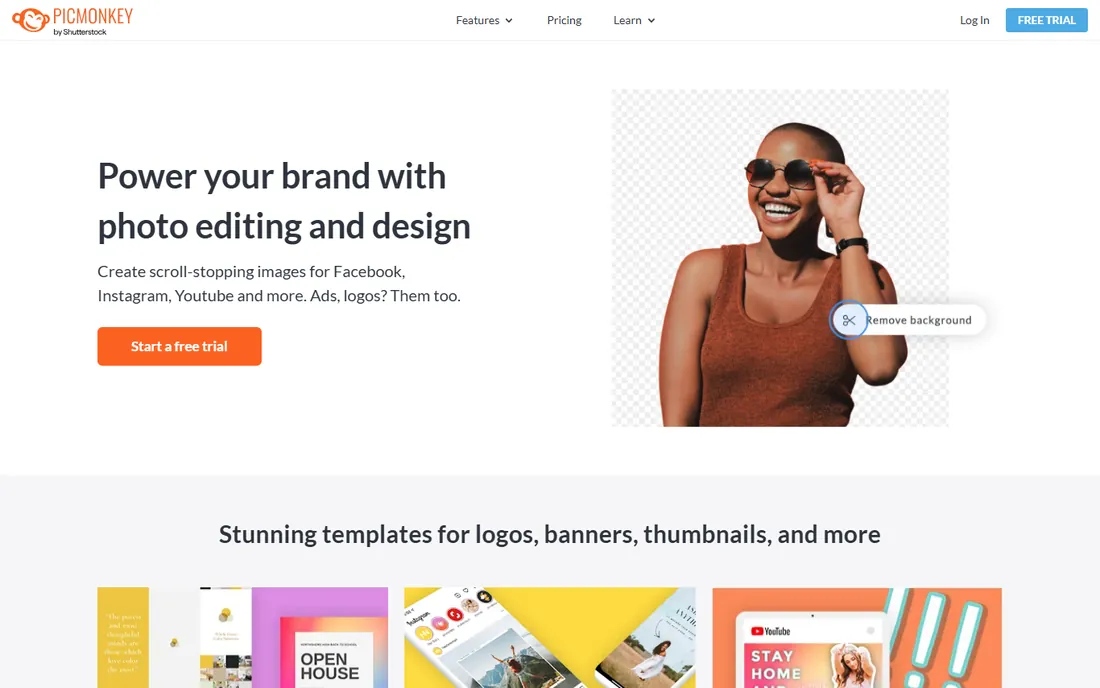
PicMonkey is the only tool here with no free tier, and it owns that positioning: this is a paid product for businesses, starting at $7.99 per month for Basic ($72 per year), $12.99 per month for Pro ($120 per year), and $23 per month for Business, per vendor-provided pricing. What the money buys is focus: logos, business cards, invitations, ads and social posts with brand kits that stash your logo, fonts and colors, plus touch-up tools for portraits and product photography.
The photo editing itself is straightforward rather than deep: filters, exposure, colors, sharpening, blemish removal and background removal, all aimed at making marketing images look good fast. The template library and Shutterstock integration matter more here than raw editing power. For a boutique, salon or restaurant that produces branded content weekly and wants everything in one paid seat, PicMonkey's business-first design justifies the lack of a free plan. Everyone else should start with the free tools above.
What we like- Purpose-built for business branding: logos, business cards, brand kits, watermarks
- Thousands of templates plus Shutterstock stock photos
- Touch-up tools tuned for portraits and product shots
- Real-time co-editing on higher plans
Watch out for- No free plan at all, unusual on this list
- Basic plan caps cloud storage at 1 GB
- Photo editing depth is below Pixlr and Photopea
When to graduate from an easy editor to a pro one
Easy editors hit a ceiling, and recognizing it saves money. The signs: you need layers and masks for compositing, you are editing RAW files from a real camera, you need precise color control with curves and selective adjustments, or you are preparing print files with CMYK and bleed. At that point the free tier of Photopea or the $5 Premium plan covers most of it, and Pixlr's layer editor handles the rest.
The other graduation trigger is volume. Editing five product photos a week in Canva is pleasant; editing fifty is a grind. That is when batch processing matters: Fotor Pro, BeFunky Pro and Luminar all batch-apply edits across image sets, and Luminar's AI presets can process a whole shoot consistently. Do not buy Photoshop on day one. The ladder on this list, free tools to $5 to $10 per month, covers every step until you genuinely need pro software.
Buying guide: picking an easy photo editor
Match the tool to the job, not the hype. If your output is social posts and ads, pick a template-first tool: Canva or Adobe Express. If your output is better photos, pick a photo-first tool: Fotor, Pixlr, BeFunky or Photopea. If you shoot product photography in volume, look at Luminar's AI batch workflow.
Then check three practical things. First, the free plan limits: Canva, Fotor, Pixlr, BeFunky, Photopea and Adobe Express all have real free tiers, so test your actual workflow before paying. Second, export quality and watermarks: free exports should be full resolution without watermarks for your use case. Third, the price jump: the cheapest paid upgrades here are Pixlr at $1.99 per month and Photopea at $5, while Canva Pro and Adobe Express Premium sit near $10 to $15. Start free, upgrade only when a specific locked feature blocks your work.
How we chose
We started with the categories buyers search: easy photo editing software, simple photo editor and photo editor for beginners. For each candidate we opened the vendor's own site, checked prices against the vendor's pricing pages and public reviews on G2, Capterra and practitioner discussion on Reddit, and compared ease of use, free plan generosity, AI features and fit for non-designers. Where a price could not be verified on the vendor's page we wrote "See website" rather than guessing.
Frequently asked questions
What is the easiest photo editing software for beginners?
Canva and Fotor are the easiest starting points: templates, one-click enhance and no learning curve. BeFunky is equally approachable and needs no account. All three have free plans, so try each for one real project and keep the one that feels natural.
Is there a free alternative to Photoshop for photo editing?
Yes: Photopea and Pixlr. Photopea opens and saves real PSD files with layers intact and costs nothing with ads. Pixlr offers layer-based editing plus AI tools in the browser, free. Both handle the core Photoshop-style jobs without a subscription.
Which photo editor is best for small business marketing?
Canva for template-driven social content, Adobe Express if you already pay for Adobe, PicMonkey if you want a branding-focused paid tool with brand kits. For better product photos specifically, Fotor's one-click enhance and background remover are the fastest win.
Do I need to pay for a photo editor?
Probably not at first. Six of the eight tools here have free tiers that cover cropping, filters, background removal and basic retouching. Pay when a specific feature you use weekly sits behind the paywall, which usually means AI credits, batch editing or brand kits.
Can I edit photos on my phone with these tools?
Yes. Canva, Fotor, Pixlr, BeFunky, Adobe Express and PicMonkey all have mobile apps or mobile-friendly web editors. Photopea works in a mobile browser but is best on desktop. Luminar is desktop-first.
What is the cheapest paid photo editor on this list?
Pixlr's paid plans start at $1.99 per month, the lowest here. Photopea Premium at $5 per month is next. Both are far below the $10 to $15 range of Canva Pro and Adobe Express Premium.
Sources we checked (8)
- https://canva.com/
- https://www.fotor.com
- https://pixlr.com
- https://www.befunky.com
- https://photopea.com/
- https://skylum.com/
- https://www.adobe.com/express/
- https://picmonkey.com/
Is your product missing or out of date?
We review this list regularly. Vendors can request a listing, send updated pricing or ask about featured placement.

Shihab Mia · Founder, Rankite
Shihab has spent more than a decade helping SaaS and e-commerce brands grow through search. He writes Rankite's software buying guides from pricing pages, documentation and public user reviews. More about Shihab.