How we make this list: we compare pricing pages, product documentation and public user reviews. Rankite is independent; if a vendor ever pays for a featured spot, that listing is clearly labeled Partner.
Key takeaways
- Adobe Lightroom remains the default for cloud-synced editing, while Capture One leads on tethered shooting and color control.
- DxO PhotoLab, ON1 Photo RAW and Exposure X7 offer perpetual licenses with no subscription required.
- Luminar Neo, CyberLink PhotoDirector and Corel PaintShop Pro pack the most AI-assisted features per dollar.
- Every tool here offers a free trial, so test two or three on your own RAW files before buying.
Free editors have improved, but paid photo editing software still sets the standard for professional work. The nine editors below cover the full spectrum: subscription and perpetual licenses, RAW specialists and all-rounders, tethering workhorses and AI-heavy creatives.
Quick comparison
Is your product missing or out of date?
We review this list regularly. Vendors can request a listing, send updated pricing or ask about featured placement.
The best paid photo editing software
Starting priceSee website
Free planFree trial
Adobe Lightroom is the reference point the rest of the industry is measured against. The cloud-based Lightroom and the desktop-focused Lightroom Classic share Adobe's RAW engine, AI masking, generative remove and AI denoise, while presets and profiles number in the tens of thousands. Edits sync across desktop, mobile, web and Apple TV, which is why so many working photographers build their whole workflow around it.
The trade-off is the subscription. There is no perpetual license, so you rent Lightroom as part of Adobe's photography offerings. A seven-day trial lets you test the desktop apps; the mobile app is free with limited features.
Choose Lightroom if you want the biggest ecosystem and smooth multi-device editing. Budget for the ongoing subscription rather than a one-time purchase.
What we like- Cloud sync across devices
- Huge preset ecosystem
- AI masking and denoise
Watch out for- Subscription only
- Mobile app has feature limits on the free tier
Starting priceSee website
Free planFree trial
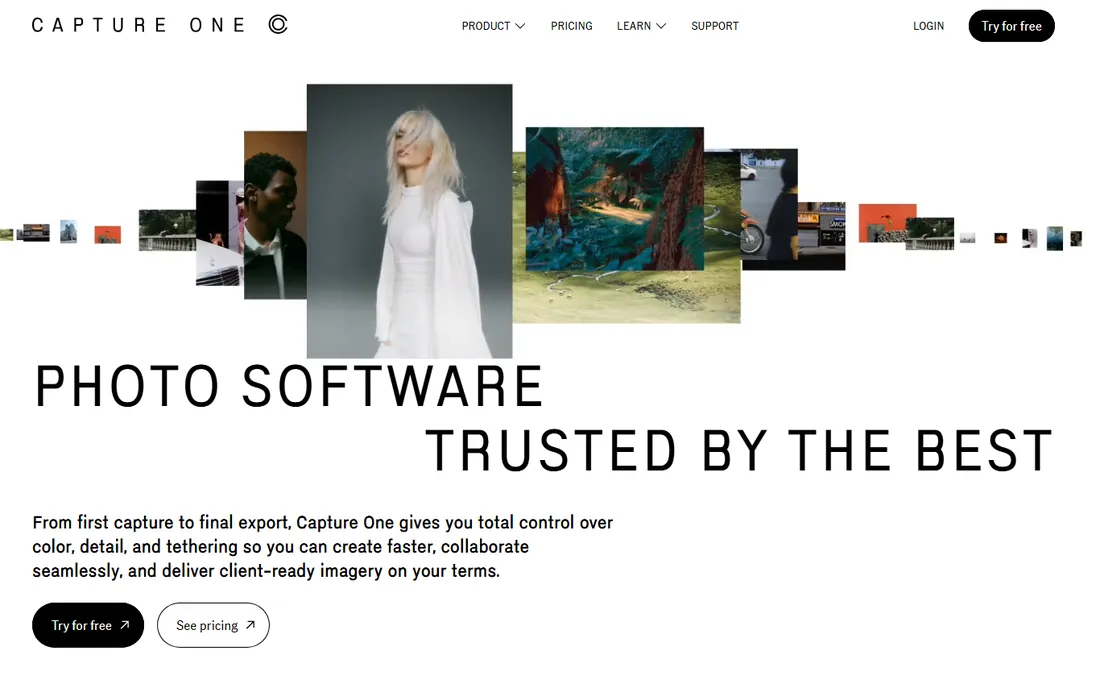
Capture One is the studio standard for tethered shooting, with the most reliable live camera connection in the business and color editing tools that colorists genuinely prefer. It supports RAW files from more than 650 cameras, offers layers, AI-based cropping and machine-learned retouching, and Capture One Live lets clients review shoots in real time from anywhere.
Unlike Adobe, Capture One still sells a perpetual license for its Pro tier, alongside subscription options and Studio and Enterprise variants. Free trials are available, and camera-maker-branded versions are free for eligible Phase One and Fujifilm owners.
Pick Capture One if tethering, color fidelity and session speed define your work. Fashion, portrait and product studios will feel the difference immediately.
What we like- Industry-leading tethering
- Superb color editing
- Perpetual license option
Watch out for- Pricier tiers
- Smaller preset ecosystem than Lightroom

#3
DxO PhotoLab
Best for: Image quality and denoising
Visit dxo.com
Starting priceSee website
Free planFree trial
DxO PhotoLab wins on pure image quality. Its DeepPRIME and DeepPRIME XD denoising recover detail from high-ISO RAW files that other editors simply smear, and its Optics Modules provide lab-measured corrections for specific camera and lens combinations. The current version adds depth-aware masking and AI selections for people and facial features.
PhotoLab is a perpetual license product with a free 30-day trial, sold alongside siblings like PureRAW, FilmPack, ViewPoint and the Nik Collection. There is no catalog import requirement and no subscription.
Buy PhotoLab if maximum RAW quality matters more than workflow bells and whistles. Low-light and wildlife photographers get the biggest payoff.
What we like- DeepPRIME noise reduction
- Lab-tested lens corrections
- Perpetual license
Watch out for- No cloud sync
- Interface less polished than rivals
Starting priceSee website
Free planFree trial
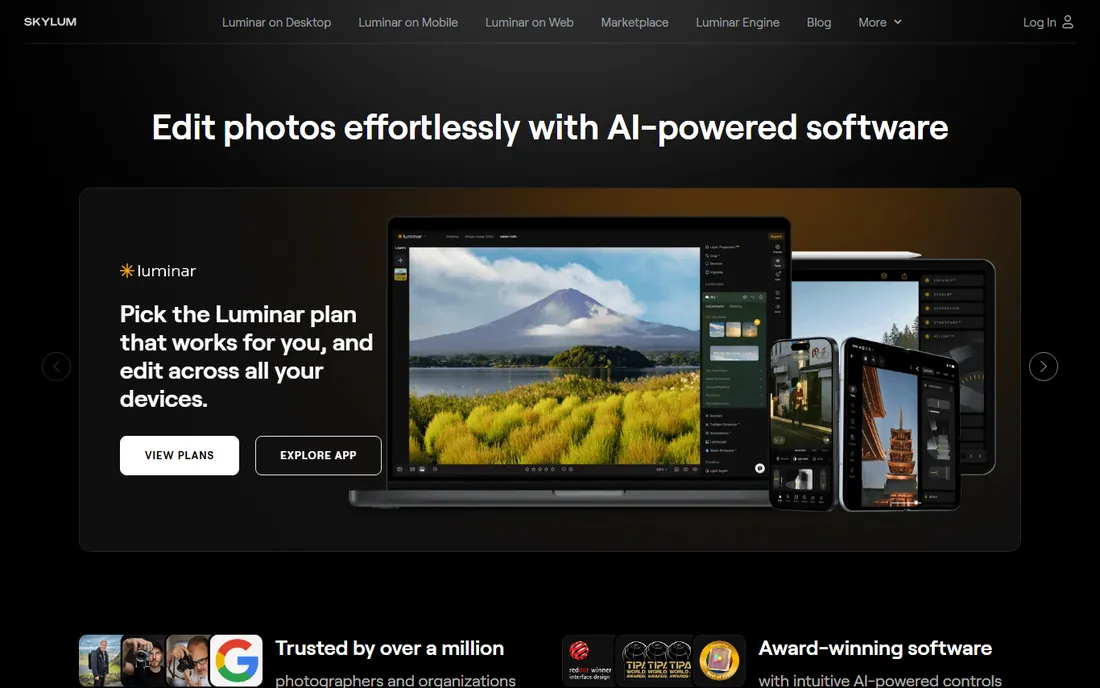
Luminar Neo from Skylum is the most AI-forward editor on this list, with sky replacement, relight AI, portrait bokeh, panorama stitching, HDR merge and focus stacking built around a modular engine. It works standalone or as a plugin for Photoshop, Lightroom Classic and Apple Photos, so it can slot into an existing workflow.
Pricing is flexible: a one-time purchase with a lifetime perpetual option or a Pro subscription that includes future versions and extensions. Skylum reports over a million customers and runs frequent discounts, so watch the site for deals.
Try Luminar Neo if you want dramatic results fast with minimal manual masking. It is especially strong for outdoor, travel and portrait creatives.
What we like- Powerful AI tools
- One-time purchase option
- Works as plugin or standalone
Watch out for- Frequent upsell prompts
- Catalog tools less mature than Lightroom

#5
ON1 Photo RAW
Best for: Subscription-free all-in-one
Visit on1.com
Starting priceSee website
Free planFree trial
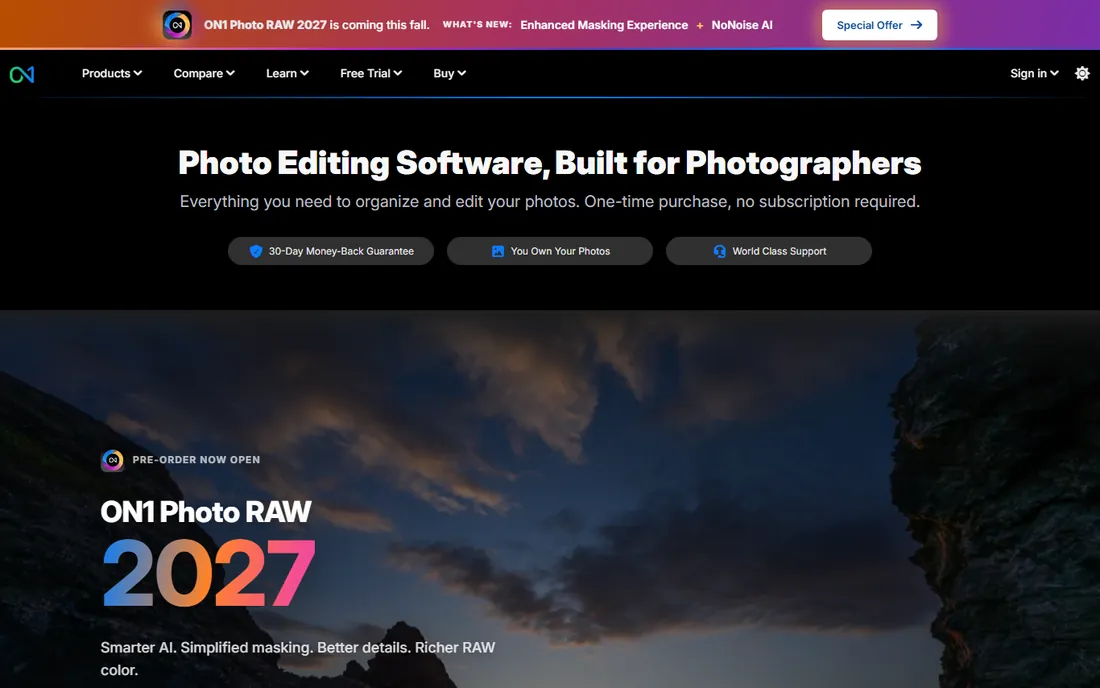
ON1 Photo RAW positions itself as the photographer's all-in-one: organizing, RAW development, layers, AI masking, noise reduction, portrait retouching and effects in a single application with no subscription required. The 2027 version adds smarter AI, simplified masking and richer RAW color, and it runs as a plugin for Photoshop, Lightroom Classic and Capture One too.
The company sells perpetual licenses installable on two computers, with a MAX edition adding Restore AI and more plugin capability. A 30-day trial needs no credit card, and ON1 claims more than 250,000 photographers use its software.
Choose ON1 if you want Lightroom-plus-Photoshop capability for a one-time price. It is one of the strongest no-subscription values in paid editing.
What we like- No subscription required
- AI masking and NoNoise built in
- Fast browser without catalogs
Watch out for- Smaller user community
- Occasional performance hiccups on huge catalogs
Starting priceSee website
Free planFree trial
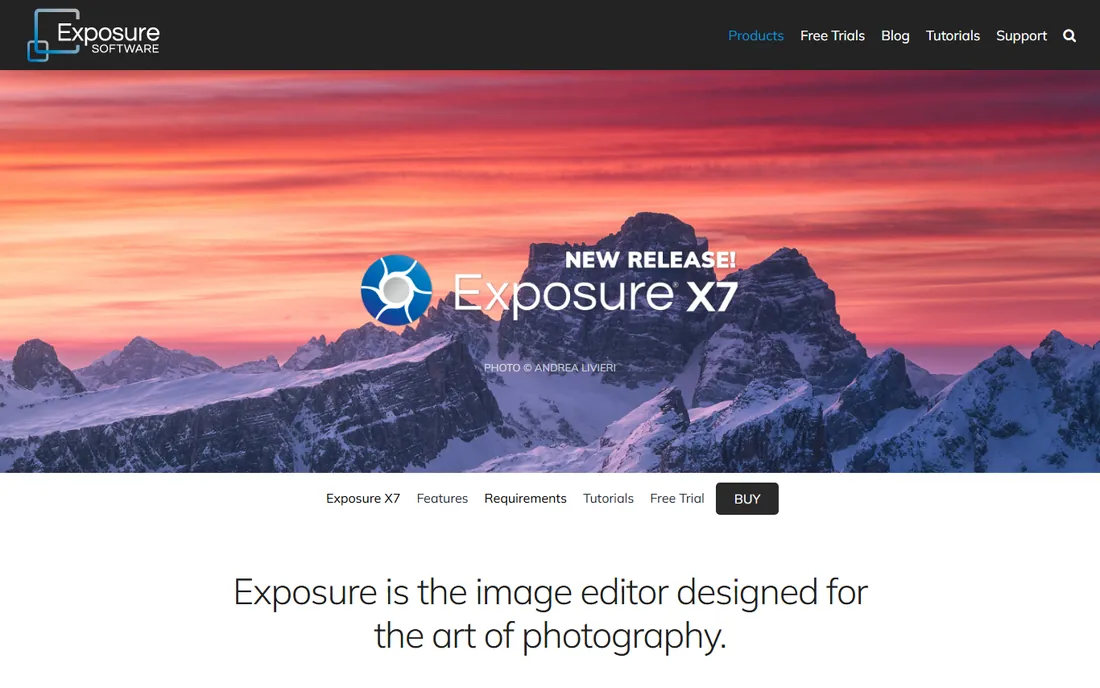
Exposure X7 comes from Exposure Software, the company formerly known as Alien Skin, and it carries that heritage proudly: hundreds of realistic film simulations, from Kodak Portra to Ilford stocks, plus grain, bokeh and light effects. The catalog-free design means you browse folders directly with no import step, and it works standalone or as a Photoshop and Lightroom plugin.
The bundle includes Snap Art and Blow Up for creative effects and enlargements, with a 30-day money-back guarantee and no subscription required. Intelligent masking, selectable workspaces and unified crop tools cover the modern workflow basics.
Pick Exposure X7 if film aesthetics are central to your style. Nobody does analog looks with this much authenticity.
What we like- Catalog-free workflow
- Legendary film simulations
- Perpetual license
Watch out for- Smaller development team
- Fewer AI features than newer rivals
Starting priceSee website
Free planFree trial
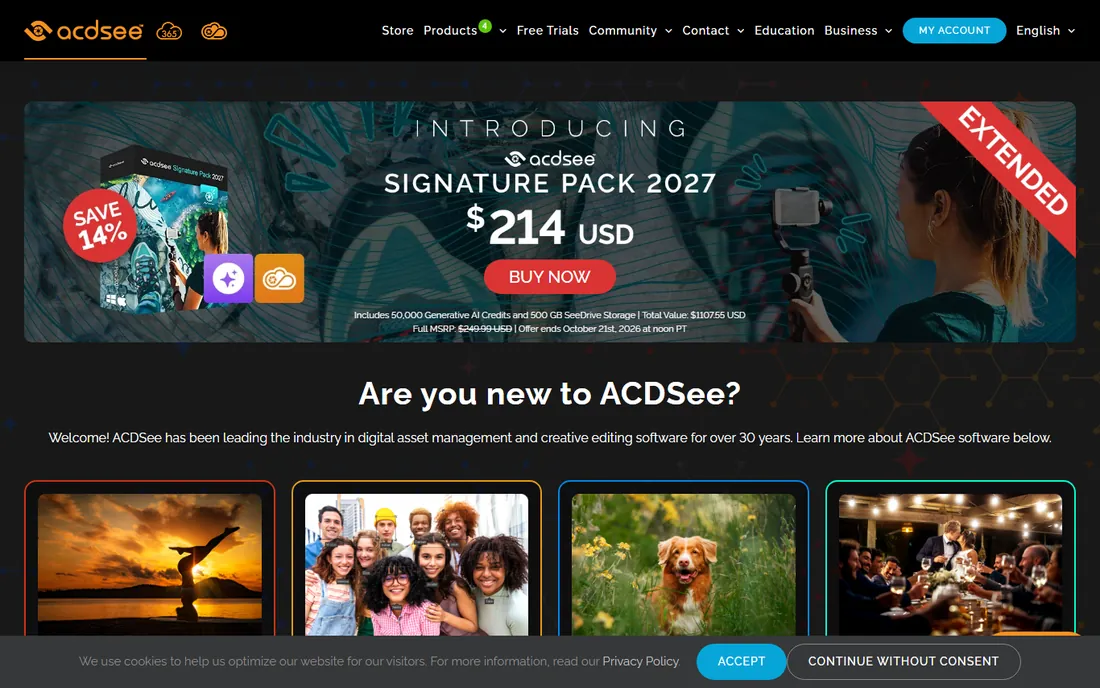
ACDSee Photo Studio has been organizing photographers' libraries for over 30 years, and its digital asset management remains best in class: AI keywords, face recognition, grouping by image similarity and lightning-fast browsing. The Ultimate edition adds layered editing, AI sky replacement and generative AI tools to the RAW development core.
ACD Systems offers both one-time purchases and subscriptions, with a free 15-day trial that includes AI credits. The 2027 releases add privacy-first on-device AI features and updated RAW camera support.
Choose ACDSee if your photo library is the problem as much as your edits. High-volume shooters who live in their archives will appreciate it most.
What we like- Outstanding photo organization
- Layered editing included
- One-time purchase option
Watch out for- Interface can feel dense
- AI credits system adds complexity
Starting priceSee website
Free planFree trial
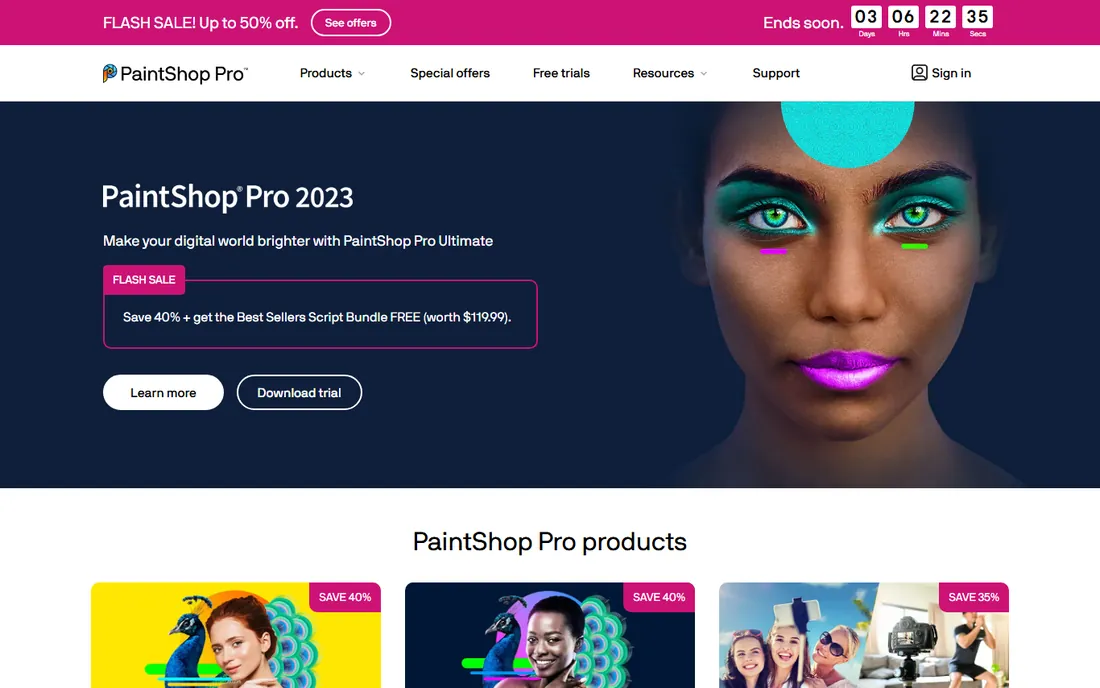
Corel PaintShop Pro is the veteran Photoshop alternative for Windows users: layers and masks, HDR merge, perspective correction, scripting in Python and a full set of graphic design tools for text and composites, all for a one-time price. The Ultimate edition bundles extras like Perfectly Clear and AfterShot.
It is not a dedicated RAW workflow tool in the Lightroom sense, but as a pixel editor it covers far more ground than most editors here, including photo projects like books, collages and calendars. A free trial is available.
Buy PaintShop Pro if you want deep editing and design tools without a subscription. Windows users get the most complete package for the money.
What we like- One-time price
- Layers, masks and graphic design tools
- AI-powered features
Watch out for- Windows only
- RAW workflow less refined than dedicated RAW editors
Starting priceSee website
Free planFree trial
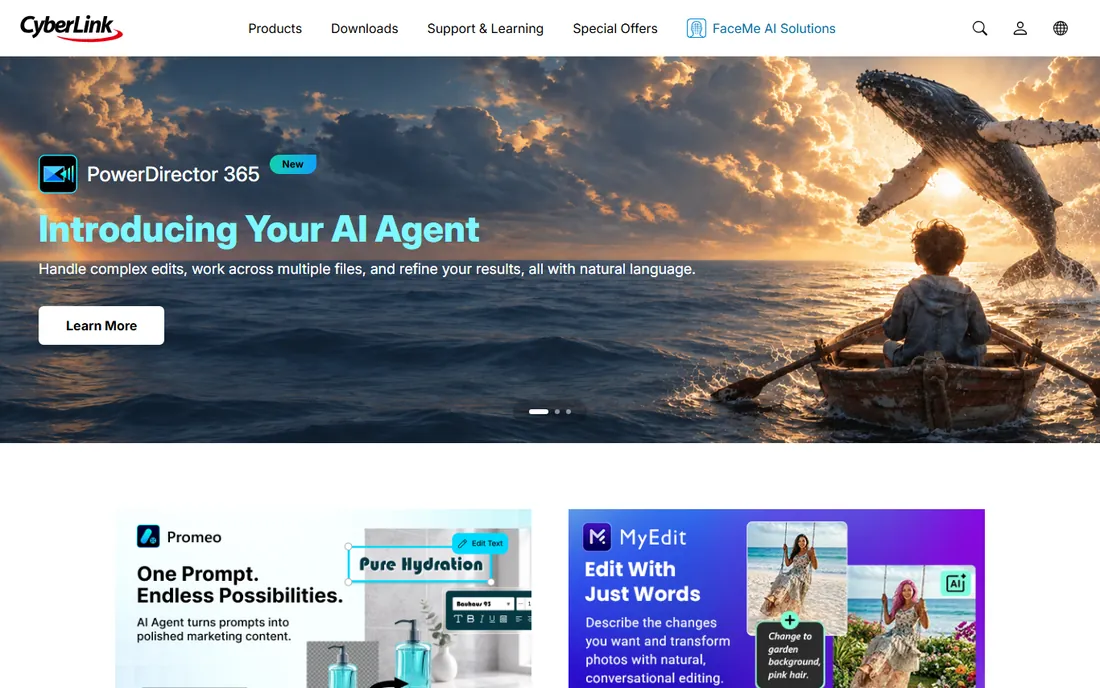
CyberLink PhotoDirector brings the company's AI multimedia expertise to photo editing, with generative AI tools for generating, animating and transforming photos, plus guided edits and layer-based compositing. The 365 subscription version adds cloud storage and always-current updates, while a perpetual Ultra license is also sold.
PhotoDirector supports a wide range of formats including HEIF, WebP, DNG and 360-degree images, and integrates with CyberLink's video and design tools for creators who work across media.
Try PhotoDirector if you already use CyberLink products or want generative AI editing on Windows. The 365 plan suits creators who edit photos alongside video.
What we like- Generative AI tools
- 365 subscription adds cloud
- Perpetual option exists
Watch out for- Windows-focused
- Interface less refined than Adobe or Capture One
How to pick the right editor
Match the editor to your bottleneck. If you shoot tethered in a studio, Capture One pays for itself. If high-ISO RAW quality is the issue, DxO PhotoLab. If you hate subscriptions, shortlist ON1 Photo RAW, Exposure X7, DxO PhotoLab and Corel PaintShop Pro. If you want AI to do the heavy lifting, test Luminar Neo and PhotoDirector. And if your library is chaos, ACDSee's organization tools earn their keep.
Frequently asked questions
Which paid photo editor is best overall?
Adobe Lightroom is the safest all-round choice thanks to its RAW engine, AI tools and cross-device sync, but Capture One suits studio work better and DxO PhotoLab wins on pure image quality.
Which paid photo editors have no subscription?
DxO PhotoLab, ON1 Photo RAW, Exposure X7, ACDSee Photo Studio and Corel PaintShop Pro all offer perpetual licenses. Capture One offers a perpetual license for its Pro tier.
Is Capture One better than Lightroom?
For tethered shooting and color editing, most studio photographers say yes. For cloud sync, mobile editing and the largest preset ecosystem, Lightroom wins.
What happened to Affinity Photo?
Serif discontinued the standalone Affinity Photo, Designer and Publisher apps after Canva acquired Serif in 2024, replacing them with a single freemium Affinity app. Existing V2 owners keep their apps.
Can I try these editors before buying?
Yes, all nine offer free trials, typically 7 to 30 days. Test them on your own RAW files from your own camera before committing.
Which editor is best for film looks?
Exposure X7, from the former Alien Skin Software, has the most authentic film simulations, with hundreds of presets modeled on real film stocks.
How we chose
We selected established paid photo editors with active development and current websites in 2026, covering subscription and perpetual license models, RAW specialists, AI-assisted creatives and digital asset management. We verified each vendor's homepage directly and compared editing engines, licensing, AI features and workflow strengths from product pages and documentation.
Sources we checked (9)
- https://www.adobe.com
- https://www.captureone.com
- https://dxo.com
- https://skylum.com
- https://on1.com
- https://exposure.software
- https://acdsee.com
- https://paintshoppro.com
- https://www.cyberlink.com
Is your product missing or out of date?
We review this list regularly. Vendors can request a listing, send updated pricing or ask about featured placement.

Shihab Mia · Founder, Rankite
Shihab has spent more than a decade helping SaaS and e-commerce brands grow through search. He writes Rankite's software buying guides from pricing pages, documentation and public user reviews. More about Shihab.
 Adobe Lightroom
 Capture One
 Luminar Neo
 Exposure X7
 ACDSee Photo Studio
 Corel PaintShop Pro
 CyberLink PhotoDirector