How we make this list: we compare pricing pages, product documentation and public user reviews. Rankite is independent; if a vendor ever pays for a featured spot, that listing is clearly labeled Partner.
Key takeaways
- Adobe Lightroom and Capture One lead for photographers who process large batches.
- Photoshop remains unmatched for deep retouching and compositing.
- DxO PhotoLab and Luminar Neo offer strong AI-assisted editing at fair prices.
- Affinity is now free and a genuine Photoshop alternative for many users.
- ON1 Photo RAW and GIMP cover the budget and open-source ends of the market.
How to read this photo editing comparison
Photo editing software splits into two jobs that often get confused. Catalog editors like Lightroom and Capture One organize thousands of images and apply consistent adjustments fast. Pixel editors like Photoshop and Affinity rebuild individual images layer by layer.
Most photographers need the first kind daily and the second kind occasionally. The recommendations below cover both, with notes on who each tool suits, what it costs, and whether you can try it free. Prices are subscription or one-time depending on the vendor, so check the pricing page for the current model.
How we chose
We selected editors with active development, a real user base, and support for RAW files from current cameras. We weighed batch workflow speed against editing depth, because the best tool depends on whether you process weddings or polish single images.
We considered pricing models, subscription versus one-time purchase, since that changes the long-term cost significantly. We checked for free trials or free versions, platform support, and credible performance on modern hardware. Vendor claims were checked against documentation and pricing pages.

#1
Adobe Lightroom
Best for: Photographers processing large batches efficiently
Visit adobe.com
Starting priceSee website
Free planNo, free trial available
Lightroom is the working photographer's standard for a reason. Import thousands of RAW files, apply consistent color and exposure across a whole shoot in minutes, and keep everything organized in a searchable catalog. The AI masking tools have made selective adjustments dramatically faster.
The cloud version syncs edits across desktop and mobile, which suits photographers who cull on a tablet and finish on a desktop. The preset ecosystem, both free and paid, is unmatched.
The subscription model remains the main objection, and very large catalogs need occasional maintenance. But for volume work, nothing else matches the speed of the Lightroom workflow.
What we like- Best-in-class catalog and batch workflow
- Excellent RAW processing
- Cloud sync across devices
- Huge preset and tutorial ecosystem
Watch out for- Subscription only
- Catalog can slow with very large libraries
- Some advanced retouching needs Photoshop

#2
Adobe Photoshop
Best for: Deep retouching, compositing, and creative editing
Visit adobe.com
Starting priceSee website
Free planNo, free trial available
Photoshop is where images go when Lightroom is not enough: complex retouching, compositing multiple exposures, removing large distractions, and creative manipulation. The generative fill tools have made previously tedious jobs, like extending backgrounds, take seconds.
File compatibility is a practical advantage. PSD files open everywhere that matters, and the plugin ecosystem covers everything from noise reduction to portrait retouching.
It is the wrong tool for batch processing hundreds of images, and beginners will find the interface intimidating. Pair it with Lightroom for the classic Adobe workflow, or use it standalone when single-image craft is the job.
What we like- Unmatched depth for retouching and compositing
- Industry-standard file compatibility
- Powerful generative AI fill tools
- Vast plugin ecosystem
Watch out for- Subscription only
- Overkill for basic adjustments
- Steep learning curve
Starting priceSee website
Free planNo, free trial available
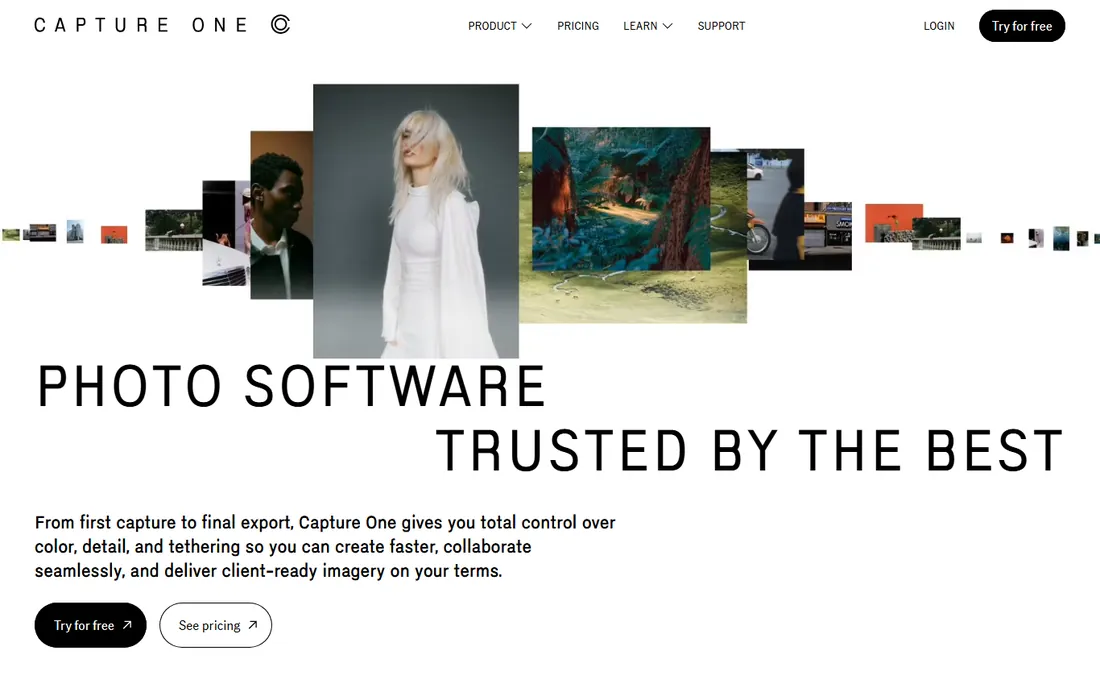
Capture One has a devoted following among studio, fashion, and commercial photographers, and the reasons are concrete: color processing that many pros prefer, and tethered shooting that is more reliable and responsive than anything else.
The session-based workflow suits studio shoots where images go straight to a client folder. Recent versions have closed the gap on masking and AI adjustments, though Lightroom still leads on pure automation.
Pricing is higher, but a perpetual license option exists for those avoiding subscriptions. If color fidelity and tethering define your work, Capture One earns its premium.
What we like- Superb color rendering and RAW quality
- Best-in-class tethered shooting
- Strong session workflow for studio work
- Perpetual license option
Watch out for- Pricier than most rivals
- Smaller preset ecosystem
- Catalog features trail Lightroom

#4
DxO PhotoLab
Best for: Maximum image quality from RAW files
Visit dxo.com
Starting priceSee website
Free planNo, free trial available
DxO PhotoLab's reputation rests on image quality. Its DeepPRIME noise reduction recovers detail from high-ISO files better than most competitors, and its lens correction modules are built from lab measurements of specific camera and lens combinations.
Photographers who prioritize the cleanest possible file, especially in low light, consistently rank it at the top for pure processing quality. The one-time purchase model appeals to subscription skeptics.
Organization tools are rudimentary, so many users pair PhotoLab with another catalog app or accept a folder-based workflow. Buy it for quality, not for asset management.
What we like- Outstanding noise reduction and lens corrections
- Excellent RAW demosaicing
- One-time purchase option
- Strong optical modules for many lenses
Watch out for- Catalog and organization features are basic
- Slower batch workflow
- Interface feels dated
Starting priceSee website
Free planNo, free trial available

Luminar Neo, from Skylum, leans into AI: replace skies, relight scenes, enhance portraits, and remove power lines with a few clicks. For enthusiasts who want impressive results without learning manual techniques, it delivers quickly.
The one-time purchase option keeps long-term costs down, and it works as a plugin inside Lightroom and Photoshop for those who want the AI tools without switching workflows.
It is not a batch-processing workhorse, and heavy AI use can feel gimmicky to purists. As a creative companion or a standalone editor for hobbyists, it is good value.
What we like- Strong AI tools for sky, portrait, and relight edits
- One-time purchase available
- Approachable for enthusiasts
- Regular feature updates
Watch out for- Catalog features are weak
- Performance can lag on large batches
- AI results sometimes need manual correction
Starting priceFree
Free planYes, free
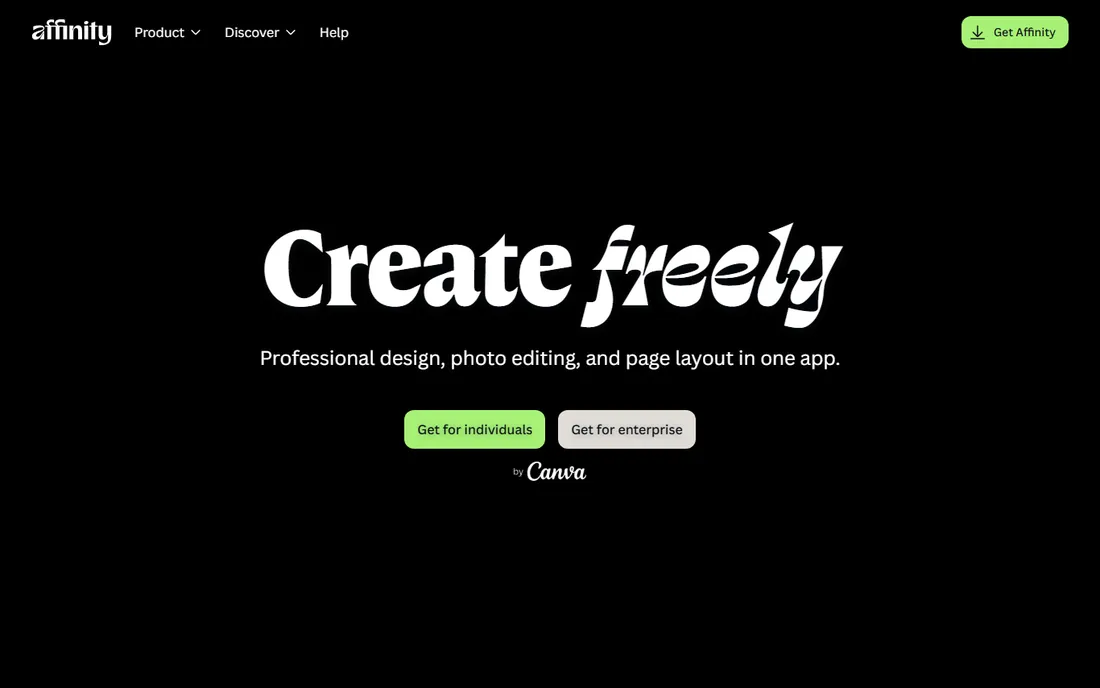
Affinity, formerly Affinity Photo, became free after Canva's acquisition consolidated the suite into a single free app. That makes it the most capable free pixel editor available, with real layer-based editing, masks, and adjustment tools.
Performance is excellent even on modest hardware, and the interface will feel familiar to Photoshop users. For compositing, design work, and serious retouching on a zero budget, it has no equal.
The ecosystem is smaller, and some Photoshop-specific workflows have no direct equivalent. But at free, it is the easiest recommendation on this list.
What we like- Now free under Canva ownership
- Professional layer-based editing
- Fast performance
- No subscription
Watch out for- Smaller plugin ecosystem
- Fewer advanced features than Photoshop
- RAW workflow less refined

#7
ON1 Photo RAW
Best for: An all-in-one editor without subscriptions
Visit on1.com
Starting priceSee website
Free planNo, free trial available
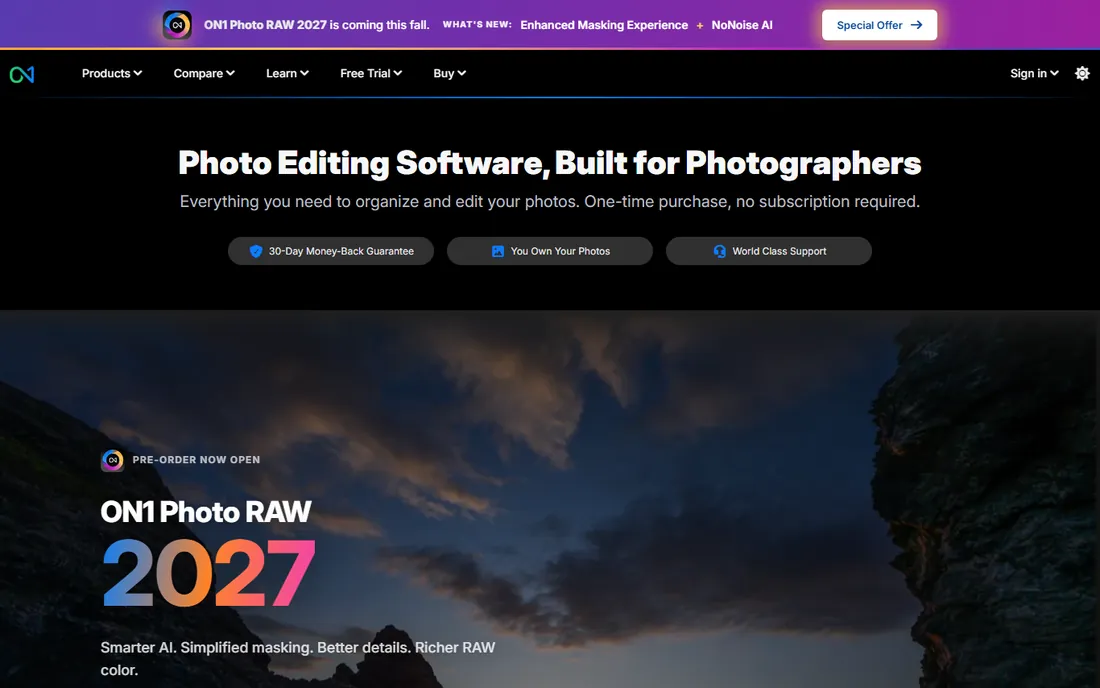
ON1 Photo RAW tries to be the whole workflow: browsing, cataloging, RAW development, layers, and effects in a single application with no subscription. For photographers who want one purchase and one app, that completeness is appealing.
AI masking and portrait tools are genuinely useful, and the effects library covers the stylized looks many enthusiasts want. Updates arrive regularly with meaningful improvements.
It can feel slower than Lightroom on large catalogs, and the interface takes time to learn. But as a subscription-free all-rounder, it deserves consideration.
What we like- Catalog, RAW processing, and effects in one app
- One-time purchase
- Good AI masking tools
- Active development
Watch out for- Performance can be inconsistent
- Interface has a learning curve
- Smaller community for tutorials
Starting priceFree
Free planYes, free and open source
GIMP has been the free Photoshop alternative for decades, and it remains remarkably capable: layers, masks, curves, and a plugin architecture that extends it considerably. For users who cannot or will not pay, it handles real editing work.
The interface is the long-standing complaint. It works differently from commercial editors in ways that frustrate newcomers, though customization helps. RAW support requires plugins rather than being built in.
Set expectations correctly and GIMP is a legitimate tool, especially for occasional editing, web graphics, and learning the fundamentals without spending anything.
What we like- Completely free forever
- Powerful for an open-source tool
- Extensible with plugins
- Runs on all major platforms
Watch out for- Interface is unintuitive
- RAW workflow needs plugins
- No proper CMYK for print pros
Quick comparison
| Tool | Best for | Starting price | Free plan |
|---|
| Adobe Lightroom | Photographers processing large batches efficiently | See website | No, free trial available |
| Adobe Photoshop | Deep retouching, compositing, and creative editing | See website | No, free trial available |
 Capture One Capture One | Professionals who demand top color and tethering | See website | No, free trial available |
| DxO PhotoLab | Maximum image quality from RAW files | See website | No, free trial available |
 Luminar Neo Luminar Neo | AI-assisted editing without a subscription | See website | No, free trial available |
 Affinity Affinity | A free, professional Photoshop alternative | Free | Yes, free |
| ON1 Photo RAW | An all-in-one editor without subscriptions | See website | No, free trial available |
 GIMP GIMP | Free, open-source image editing | Free | Yes, free and open source |
Is your product missing or out of date?
We review this list regularly. Vendors can request a listing, send updated pricing or ask about featured placement.
Choosing photo editing software
Match the tool to your volume first. If you process hundreds of images per shoot, prioritize Lightroom, Capture One, or ON1 Photo RAW for their batch workflows. If you polish a few images deeply, prioritize Photoshop, Affinity, or GIMP.
Then decide on the pricing model you can live with. Subscriptions buy continuous updates; one-time purchases and free tools buy independence. Most photographers end up with two tools, a batch processor and a pixel editor, so budget for the pair rather than hunting for one perfect app.
Mistakes photographers make when choosing an editor
The most expensive mistake is paying for power you never use. Hobbyists subscribe to full Creative Cloud for basic adjustments that free tools handle easily, then feel guilty about the bill every month. Match the tool to your actual editing: if you adjust exposure and crop, you do not need compositing depth. Start free and upgrade when a specific limitation blocks you.
Second, ignoring the catalog question. Pixel editors like Photoshop and Affinity edit single images brilliantly but organize nothing. Photographers who shoot thousands of frames need Lightroom, Capture One, or ON1 for the library first, with the pixel editor as backup. Buying only the pixel editor leaves you drowning in unsorted files.
Third, choosing by YouTube hype instead of your workflow. Every editor looks amazing in a sponsored tutorial. Trial with your own RAW files from your own camera, because color rendering, performance, and noise handling differ by sensor. An hour with your files teaches more than ten reviews.
Fourth, underestimating the learning investment. Switching editors costs weeks of relearning shortcuts, presets, and habits. That cost is worth paying for a genuinely better fit, but not for marginal differences. If your current tool works, the new one's features need to clear a high bar.
Finally, forgetting about the future. Subscription tools update constantly and support new cameras quickly; one-time purchases can lag on new RAW formats. If you buy new camera bodies regularly, factor camera support speed into the decision, not just the price tag.
Frequently asked questions
Do I need both Lightroom and Photoshop?
Many photographers use both: Lightroom for organizing and batch adjustments, Photoshop for detailed retouching. Alternatives like Affinity can replace Photoshop, and Capture One can replace Lightroom, depending on your workflow.
Is free photo editing software good enough?
For many users, yes. Affinity handles professional pixel editing free, and GIMP covers the basics. Paid tools earn their price in batch speed, RAW quality, and time saved, which matters most to working photographers.
What is the best photo editor for beginners?
Luminar Neo and Lightroom are the friendliest starting points, with guided AI tools and abundant tutorials. Affinity is the best free option for learning real editing technique.
Subscription or one-time purchase: which is better?
Subscriptions fund continuous camera support and features, which matters if you buy new gear often. One-time purchases cost less over years if your needs are stable. There is no universally right answer.
Can these editors handle RAW files from new cameras?
The commercial tools generally add support for new cameras within weeks of release. GIMP relies on plugins and can lag. If you shoot with brand-new bodies, check RAW support before choosing.
Sources we checked (0)
Is your product missing or out of date?
We review this list regularly. Vendors can request a listing, send updated pricing or ask about featured placement.

Shihab Mia · Founder, Rankite
Shihab has spent more than a decade helping SaaS and e-commerce brands grow through search. He writes Rankite's software buying guides from pricing pages, documentation and public user reviews. More about Shihab.