How we make this list: we compare pricing pages, product documentation and public user reviews. Ratings come from G2, Capterra or Trustpilot, with the date we checked them.
Key takeaways
- MaintainX and Fiix both offer genuinely free plans, making them the lowest-risk way to digitize maintenance for a small team.
- MaintainX Essential at $20 per user per month and UpKeep Essential at $24 per user per month are the two most transparent entry prices in the category.
- UpKeep bundles the most breadth (CMMS plus safety, fleet, and IoT sensors), while Limble and FMX win on ease of use for non-technical teams.
- eMaint (Fluke) and Eptura Asset suit multi-site operations that need governance, integrations, and audit trails more than speed.
- Fracttal and ToolSense are strong picks outside the US mainstream: Fracttal for Latin American and European teams, ToolSense for facility fleets and robotics.
Quick comparison
| Tool | Best for | Starting price | Free plan |
|---|
 MaintainX MaintainX | Small teams digitizing maintenance fast | $0 Basic; $20 per user/month Essential (billed annually) | Yes (Basic free forever) |
 UpKeep UpKeep | Technicians who work from their phones | $24 per user/month Essential | Free trial (no credit card required) |
 Fiix Fiix | Teams that want a free CMMS without limits anxiety | See website | Yes (free CMMS plan) |
 Limble Limble | Operations teams that need technicians to adopt fast | See website | No |
 eMaint eMaint | Multi-site enterprises standardizing maintenance | See website | No |
 Eptura Asset Eptura Asset | Facilities teams managing buildings and assets together | See website | No |
 Fracttal Fracttal | Latin American and European maintenance teams | See website | No |
 FMX FMX | Schools, churches, and multi-location facilities | See website | No |
 ToolSense ToolSense | Facility fleets, cleaning machines, and service robots | See website | No |
Is your product missing or out of date?
We review this list regularly. Vendors can request a listing, send updated pricing or ask about featured placement.
The best preventive maintenance software
Starting price$0 Basic; $20 per user/month Essential (billed annually)
Free planYes (Basic free forever)
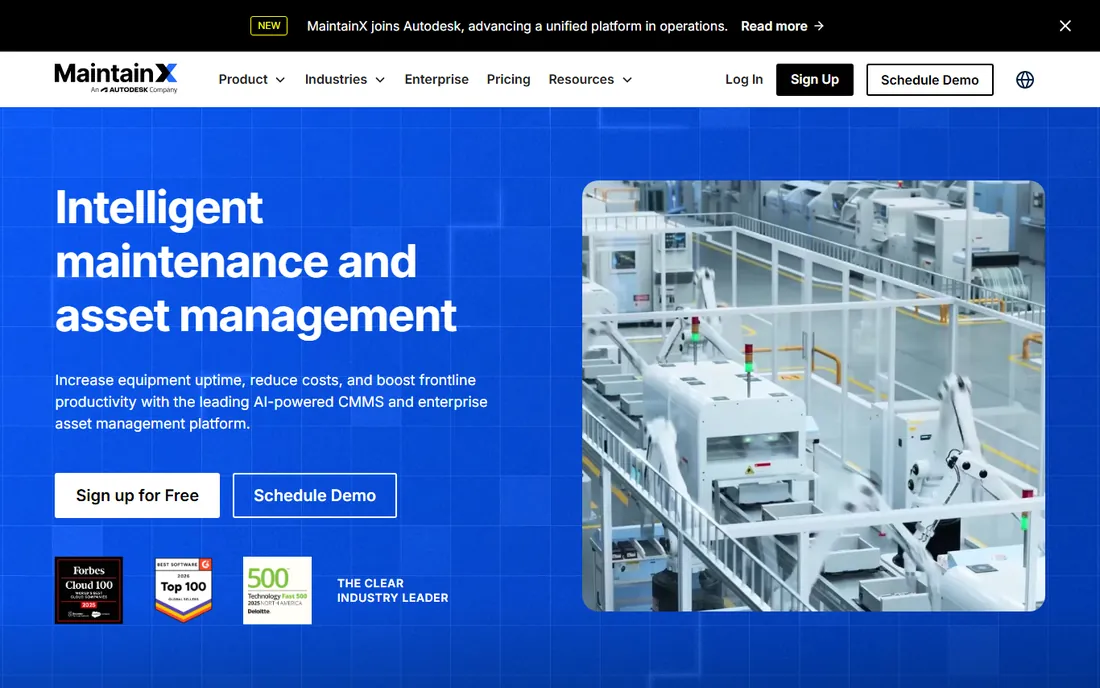
MaintainX is the easiest CMMS to start with, and the pricing page proves it. The Basic plan is free forever with unlimited work orders and unlimited requester users, which is enough for a small facility to leave paper behind. Essential at $20 per user per month (billed annually) adds unlimited repeating work orders, the preventive maintenance core most teams actually need. Premium at $65 per user per month brings parts inventory, purchase orders, meter-based maintenance, and an open API.
Implementation averages three weeks per site according to their own documentation, which is quick for this category. The trade is that meaningful reporting depth, multi-site management, and SSO live on Premium and Enterprise, so growing operations should price the tier they will need in year two, not just the one they start on. For teams that want to be running this month, MaintainX has the shortest path from signup to scheduled PMs.
What we like- Free Basic plan with unlimited work orders
- Transparent per-user pricing
- AI-assisted procedures and reporting
Watch out for- Advanced analytics and inventory sit on higher tiers
- Enterprise features require custom pricing
Starting price$24 per user/month Essential
Free planFree trial (no credit card required)
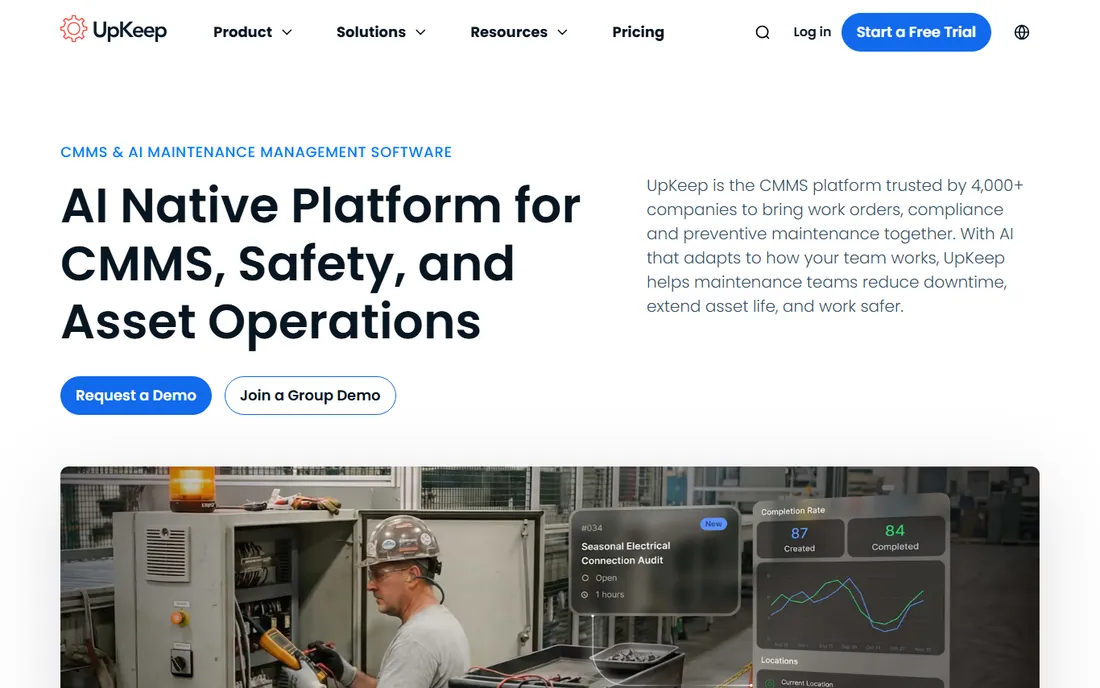
If your technicians live on their phones, UpKeep feels designed for them. The mobile app is consistently the highest-rated part of the product, and work orders with photos, checklists, and real-time updates take seconds to create. Essential at $24 per user per month covers unlimited work orders and locations plus PM basics, while Premium at $55 per user per month (their most popular tier) adds PM scheduling, parts and inventory with costing, and time tracking.
What sets UpKeep apart is breadth: the same platform extends into safety reporting, fleet maintenance, IoT condition-monitoring sensors, and even frontline training. The honest catch is that the upper tiers go quote-only, so larger deployments lose pricing transparency, and some capabilities arrive as separate products rather than one bundle. Still, for multi-site operations that want maintenance, safety, and assets converging, UpKeep's platform story is the most complete here.
What we like- Excellent mobile experience
- PM scheduling, parts, and inventory on mid tiers
- Safety, fleet, and IoT products on one platform
Watch out for- Professional and Enterprise tiers are quote-only
- Best features spread across separate product lines
Starting priceSee website
Free planYes (free CMMS plan)
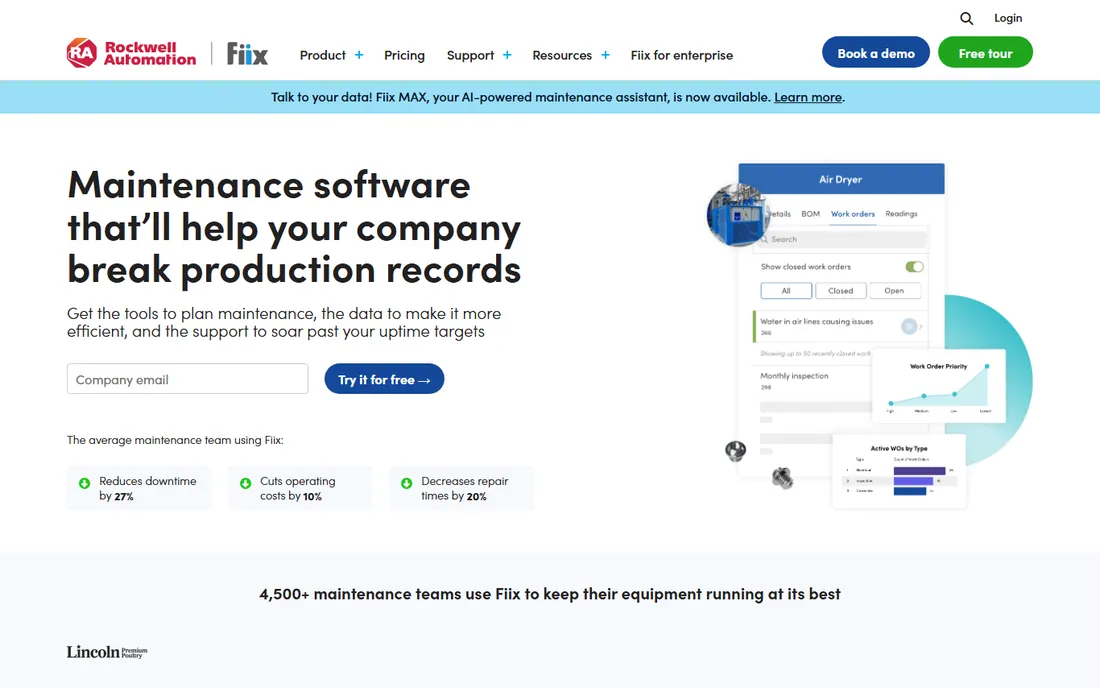
Fiix plays the long game: get teams in free, grow with them. The free CMMS plan is a genuine on-ramp, and the paid tiers add the depth maintenance managers ask for, including asset insights dashboards that flag when you are overspending on an asset before it fails. As part of Rockwell Automation, Fiix also brings industrial credibility and integration paths into manufacturing environments that pure software startups cannot match.
The frustration is pricing opacity. Paid plans are quote-based, so you will talk to sales to learn what the jump from free actually costs. The AI-powered asset risk predictor and deeper integrations are reserved for upper tiers. Even so, the free tier removes the biggest barrier in this category, which is simply getting technicians to log work in a system at all, and Fiix's usability makes that adoption bet pay off.
What we like- Free plan to start
- Strong asset insights and reporting
- Now backed by Rockwell Automation
Watch out for- Paid pricing is not published
- Advanced AI and integrations sit on higher tiers
Starting priceSee website
Free planNo
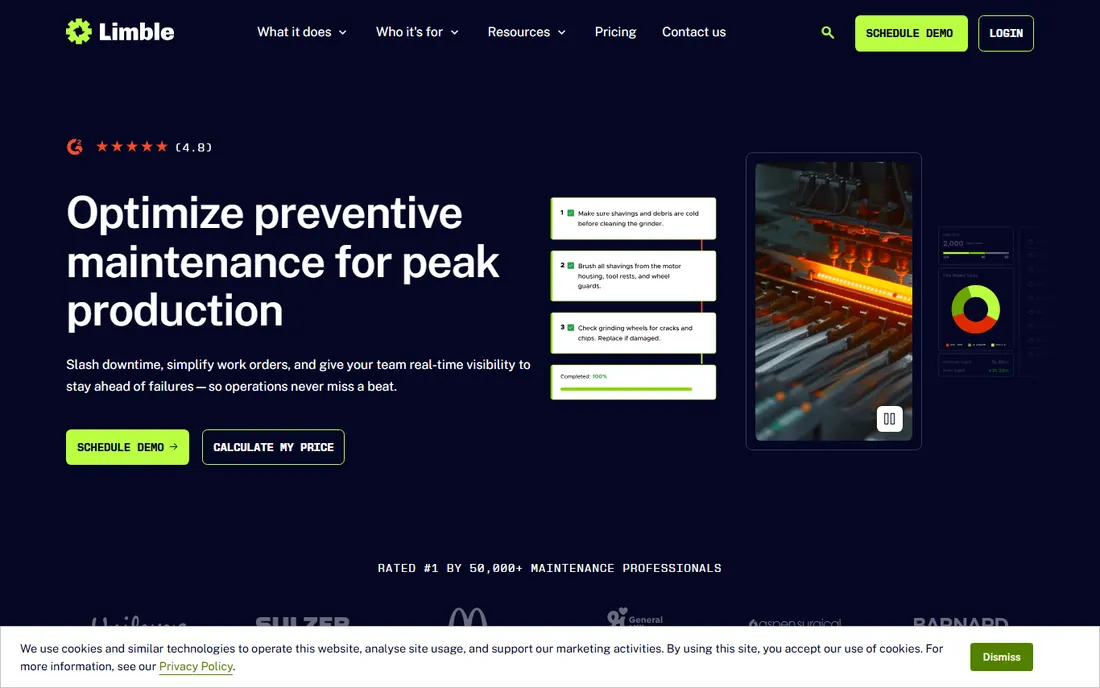
Limble's pitch is simplicity, and its reviews back it up. Technicians can submit work requests with QR codes, PMs schedule automatically on time or meter readings, and downtime tracking (MTBF, MTTR) is built in rather than bolted on. The company claims response times under 60 seconds on its 24/7 support, which matters when a line is down and the software is in the way.
The Standard tier covers single-location teams well, but multi-location reporting, custom roles, and IoT integrations climb to Premium+ and Enterprise, and none of the prices are public. There is no free plan, only demos and trials. Limble is the right call when adoption risk is your biggest fear: if the crew will not use the tool, the fanciest features are worthless, and Limble gets used.
What we like- Extremely easy to learn
- Strong PM scheduling with meter-based triggers
- 24/7 support with fast response times
Watch out for- Pricing is not published
- Multi-location and advanced analytics require the top tier
#5
eMaint
Best for: Multi-site enterprises standardizing maintenance
Visit emaint.com
Starting priceSee website
Free planNo
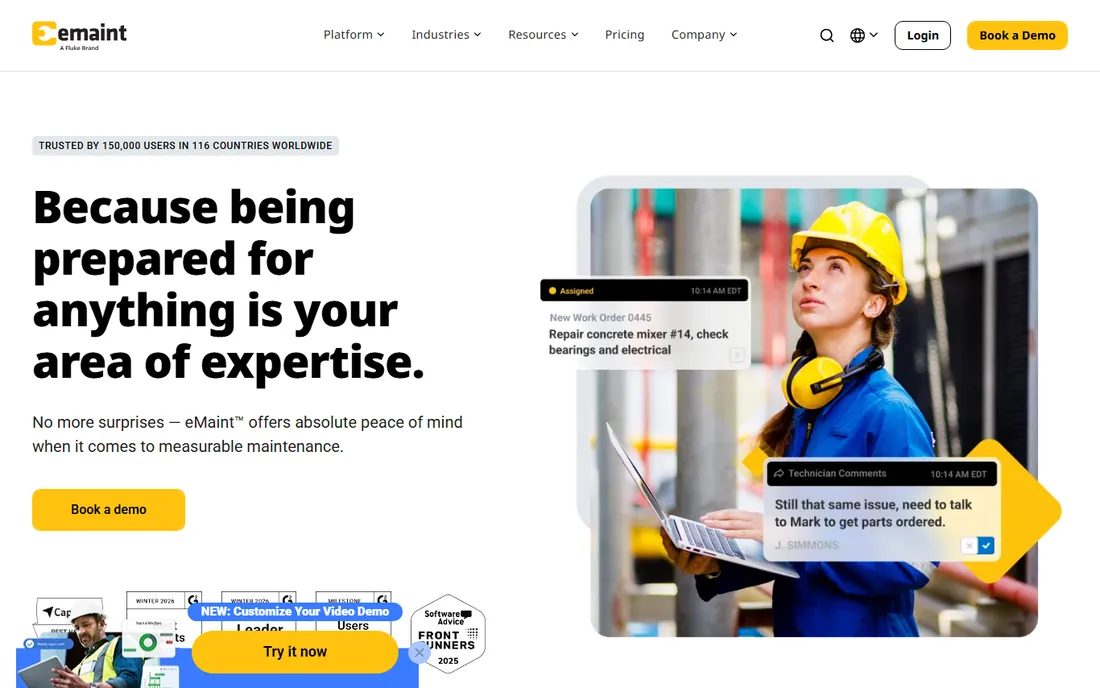
Backed by Fluke, eMaint brings something no startup can: forty years of maintenance expertise and the balance sheet to support decade-long deployments. It claims 150,000 users across 116 countries, and its strength is standardization, rolling one system across dozens of sites with consistent workflows, deep ERP integrations, and enterprise governance. Teams get live in about 90 days with a dedicated implementation team, not a self-serve wizard.
That maturity cuts both ways. Pricing is entirely quote-based, the implementation is a real project, and the interface feels more functional than modern next to MaintainX or UpKeep. eMaint wins evaluations where the buying committee includes IT, compliance, and corporate engineering, and where the question is not "can we try it Friday" but "will it still be supported in 2035."
What we like- Four decades of CMMS experience
- Fluke backing and global resources
- Strong multi-site governance and integrations
Watch out for- Quote-only pricing
- 90-day implementations need real project effort
- Interface shows its age in places
#6
Eptura Asset
Best for: Facilities teams managing buildings and assets together
Visit eptura.com
Starting priceSee website
Free planNo
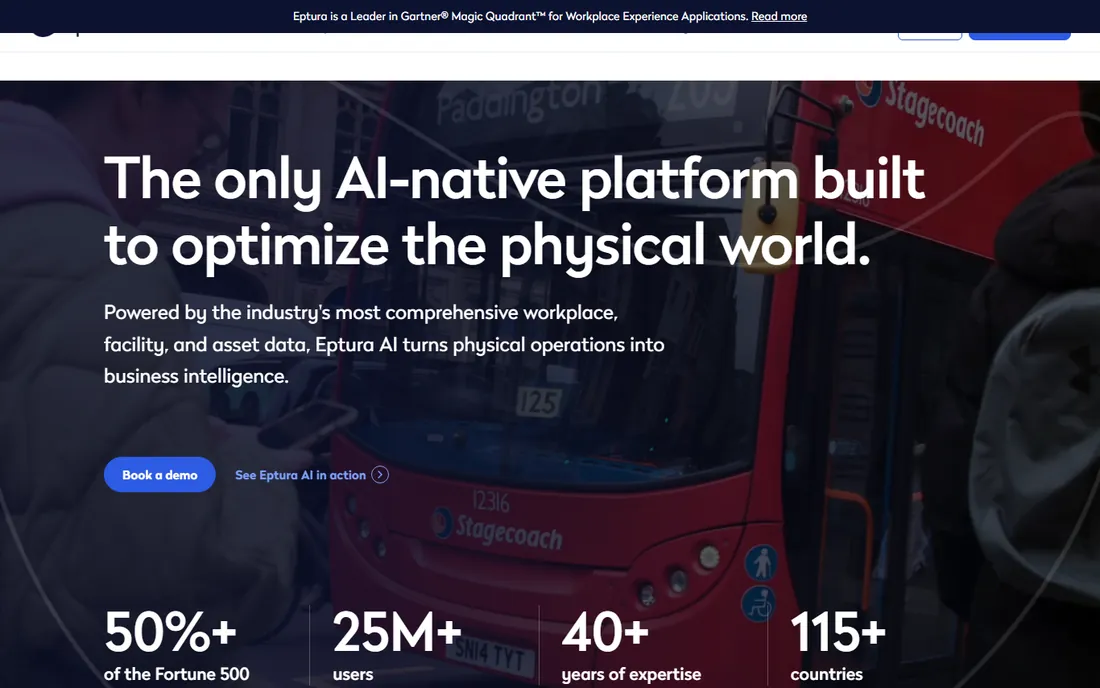
Eptura Asset is what Hippo CMMS grew into, and the rebrand reflects a bigger ambition: one platform for assets, facilities, workplaces, and the AI layer across them. For organizations where maintenance is inseparable from facility operations, think government agencies, universities, and large corporate campuses, that breadth is a feature. The platform is FedRAMP authorized, which opens doors in public sector work that most CMMS vendors cannot enter.
The catch is scope. If you run one plant and just need PMs scheduled, Eptura is more platform than you need, and you will pay enterprise prices for the privilege. Pricing is quote-only and the sales cycle is consultative. But for facility leaders consolidating half a dozen point tools, Eptura Asset's unified model is exactly the consolidation story they are shopping for.
What we like- Combines asset, facility, and workplace management
- FedRAMP authorized options
- Strong government and enterprise footprint
Watch out for- Enterprise sales motion with quote pricing
- Broader than pure maintenance needs
- Can feel heavy for single-site teams
Starting priceSee website
Free planNo
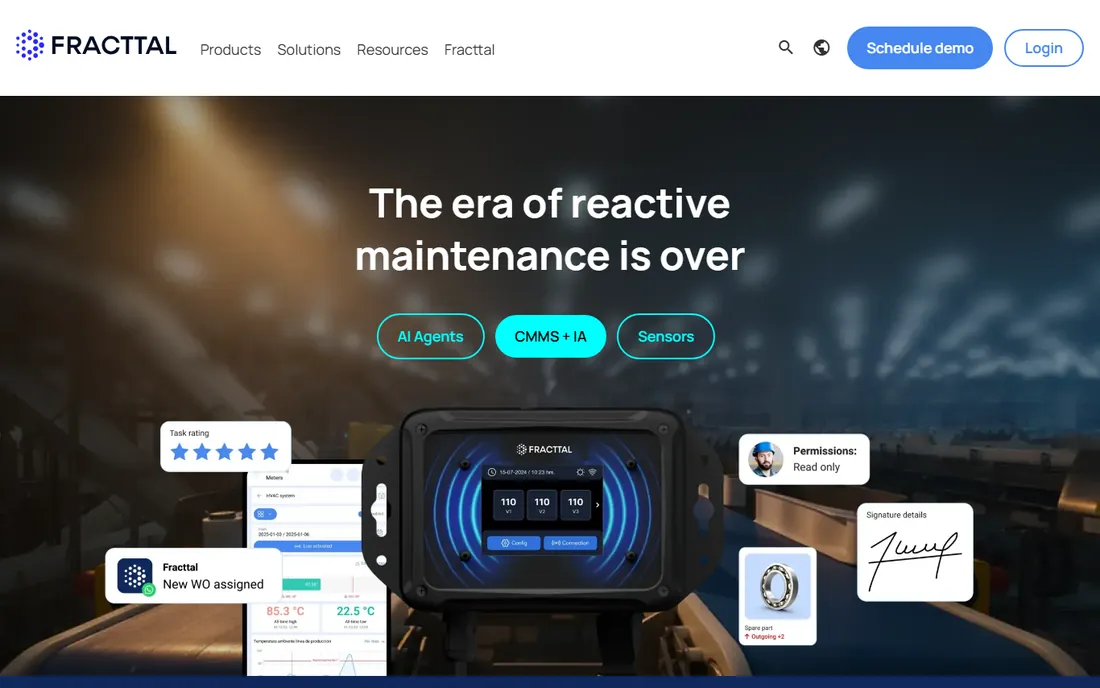
Fracttal proves good CMMS software does not have to come from the US. Born in Chile and now serving 30+ countries with over 12,000 users, it is a fully cloud, mobile-first platform with work orders, preventive maintenance, asset management, and IoT integrations. It is particularly strong for teams operating in Spanish or Portuguese, where most competitors are English-first with translations bolted on.
The honest limitation is geography. US-based teams will find a thinner partner ecosystem and fewer native integrations with American ERP staples, and support hours skew toward Latin American and European time zones. Pricing is quote-based. For multinationals with Latin American plants, or European industrials that want a modern alternative to legacy EAM, Fracttal deserves a demo slot most buyers never give it.
What we like- 100% cloud and mobile-first
- Strong in Spanish and Portuguese speaking markets
- IoT and AI capabilities included
Watch out for- Smaller US presence and support footprint
- Pricing requires a sales conversation
- Fewer native ERP integrations
#8
FMX
Best for: Schools, churches, and multi-location facilities
Visit gofmx.com
Starting priceSee website
Free planNo
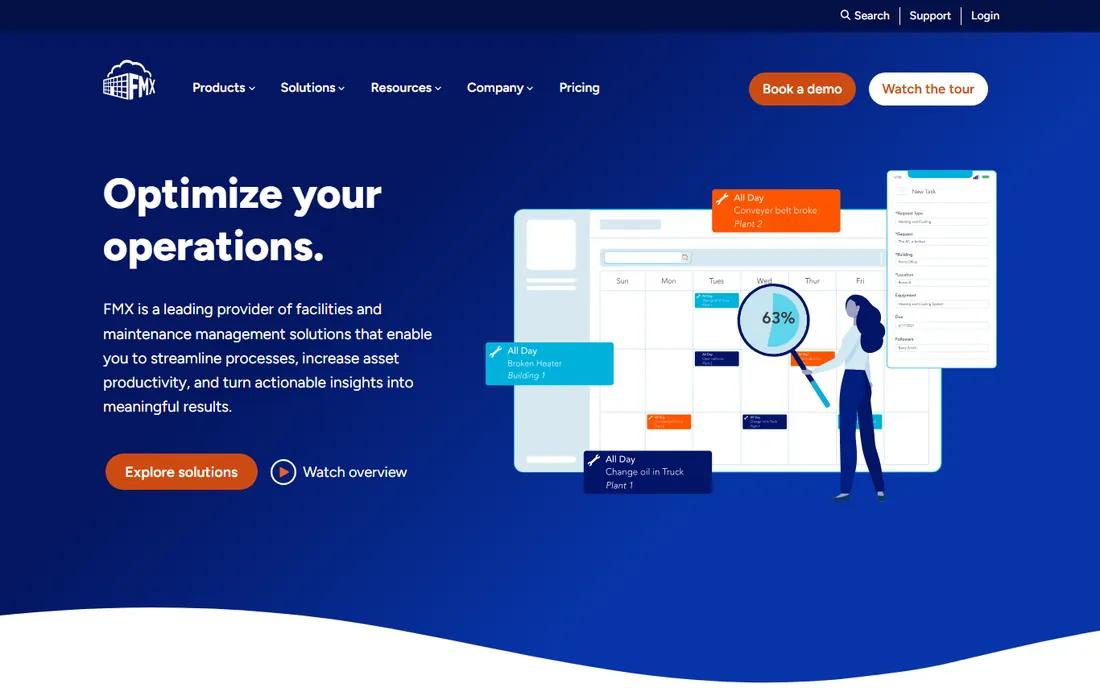
Schools, churches, and restaurant chains swear by FMX, and the reviews explain why: it is facilities software for people who do not think of themselves as maintenance professionals. Work orders, preventive maintenance, room scheduling, and equipment tracking come in an interface that office staff learn in an afternoon. The company claims over 400,000 professionals on the platform with a 4.7 out of 5 rating across hundreds of reviews.
FMX is less convincing in heavy manufacturing, where meter-based PMs, reliability engineering, and deep asset hierarchies matter more. Pricing is quote-based, which is annoying for budget-driven public institutions. But if your "technicians" are custodians, kitchen managers, and volunteers, FMX's usability advantage over industrial CMMS tools is decisive.
What we like- Purpose-built for facilities and education
- Excellent usability ratings
- Fast onboarding for non-technical staff
Watch out for- Quote-based pricing
- Less depth for heavy manufacturing
- Asset management lighter than industrial CMMS tools
#9
ToolSense
Best for: Facility fleets, cleaning machines, and service robots
Visit toolsense.io
Starting priceSee website
Free planNo
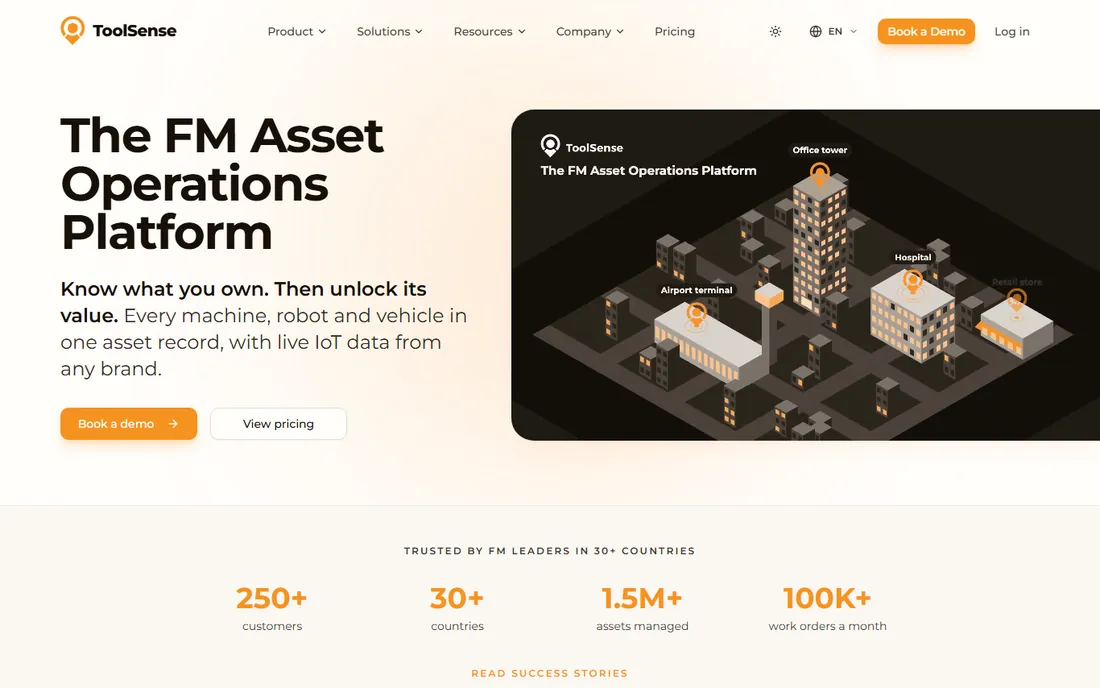
ToolSense is the odd one out, and deliberately so. Instead of competing as another general CMMS, it targets facility management fleets: cleaning machines, service robots, and vans across 30+ manufacturer systems, with 1.5 million assets on the platform. Technicians scan a QR code and log faults with no app or login, which is exactly the right UX for distributed cleaning and FM crews.
That focus is also the limitation. A factory maintenance manager will find the asset model too fleet-shaped and the manufacturing depth too thin. It is a European company, so US buyers should confirm support coverage. Pricing is quoted per deployment. For facility service providers and enterprises running large machine fleets, though, nothing else on this list speaks their language.
What we like- Purpose-built for mixed fleets and robotics
- Connects 30+ manufacturer systems
- QR-based logging with no app needed
Watch out for- Niche focus, not a general manufacturing CMMS
- European vendor with smaller US footprint
- Quote-only pricing
Getting technicians to actually use the software
The best preventive maintenance software is the one your crew opens every day, and that is a people problem before it is a software problem. Start with the mobile experience: if creating a work order takes more than a minute on a phone, technicians will go back to radio calls and paper. Every tool on this list has a mobile app, but UpKeep, MaintainX, and Limble are the ones technicians praise unprompted.
Second, migrate in phases. Pick one site or one asset class, run the new system alongside the old process for a month, and let the early wins (faster work order lookup, automatic PM reminders) sell the change. MaintainX's three-week average implementation and FMX's afternoon learning curve exist because vendors learned that long rollouts kill adoption. Finally, make requesters' lives easier: QR codes on assets and a simple request portal turn "the maintenance system" from a chore into the fastest way to get something fixed.
Matching the tool to your maintenance maturity
Teams new to preventive maintenance should optimize for simplicity and price: MaintainX's free tier or Fiix's free CMMS gets you scheduled PMs without a budget fight, and you can graduate to paid tiers when the data proves value. Single-site operations with a handful of technicians will be happy on MaintainX Essential, UpKeep Essential, or Limble Standard for years.
Multi-site operations face a different decision. That is where eMaint's governance, Eptura Asset's facility breadth, and UpKeep's platform story earn their keep: standardized procedures, consolidated reporting, and integrations with ERP and procurement. Manufacturing plants with reliability engineers should weight meter-based and condition-based triggers (MaintainX Premium, Limble, Fiix) plus IoT connectivity. And if your assets are fleets rather than fixed plant, ToolSense's model fits better than any general CMMS.
How we chose
We defined the category as software whose core job is scheduling and tracking preventive maintenance: PM calendars, work orders, asset records, and parts inventory. We shortlisted vendors from G2, Capterra, and Software Advice CMMS rankings, then verified each product is live today on its own website. One adjustment: Hippo CMMS is being folded into Eptura Asset, so we list the current product and replaced Hippo with eMaint to keep nine distinct tools. Pricing comes from vendor pricing pages where published; where vendors keep prices behind sales, we mark it instead of guessing. Review sentiment from G2, Capterra, and maintenance practitioner communities shaped the strengths and weaknesses.
Frequently asked questions
What is preventive maintenance software?
It is software that schedules and tracks maintenance before equipment fails: recurring inspections, servicing calendars, work orders, asset histories, and parts inventory. Most modern products are CMMS (computerized maintenance management system) platforms with preventive maintenance as the core workflow.
How much does preventive maintenance software cost?
Entry pricing is transparent at the low end: MaintainX Essential costs $20 per user per month billed annually, and UpKeep Essential costs $24 per user per month. MaintainX and Fiix both offer free plans. Mid-market and enterprise tiers are usually quote-based, and per-user prices from $45 to $75 are common once inventory, multi-site, and analytics enter the picture.
Can small teams use it for free?
Yes. MaintainX Basic is free forever with unlimited work orders, and Fiix offers a free CMMS plan. Both are real products, not trials, though advanced features like inventory management and analytics require paid tiers. They are the best way to prove value before asking for budget.
What is the difference between preventive and predictive maintenance?
Preventive maintenance happens on a schedule (every 90 days, every 5,000 hours). Predictive maintenance happens on condition, triggered by sensor data or AI that detects failure patterns. Most tools here handle preventive natively; predictive features like Fiix's asset risk predictor or UpKeep's IoT sensors sit on higher tiers.
How long does implementation take?
It varies widely. MaintainX averages three weeks per site, and simpler tools like FMX can be running in days. Enterprise deployments with eMaint run about 90 days, and multi-site standardizations take longer. The biggest factor is data readiness: clean asset lists and PM schedules compress every timeline.
Do these tools work without internet on the plant floor?
Most offer mobile apps with offline mode for core work order tasks, syncing when connectivity returns. Confirm offline depth during evaluation, since some tools only cache viewing while others support full offline work creation. Plants with dead zones should test this explicitly before signing.
Sources we checked (12)
- https://getmaintainx.com
- https://getmaintainx.com/pricing
- https://upkeep.com
- https://fiixsoftware.com
- https://www.limblecmms.com/
- https://limblecmms.com/pricing/
- https://emaint.com
- https://eptura.com
- https://www.hippocmms.com/
- https://www.fracttal.com/
- https://www.gofmx.com
- https://toolsense.io
Is your product missing or out of date?
We review this list regularly. Vendors can request a listing, send updated pricing or ask about featured placement.

Shihab Mia · Founder, Rankite
Shihab has 5+ years in B2B and SaaS SEO. He writes Rankite's software buying guides from pricing pages, documentation and public user reviews. More about Shihab.