How we make this list: we compare pricing pages, product documentation and public user reviews. Rankite is independent; if a vendor ever pays for a featured spot, that listing is clearly labeled Partner.
Key takeaways
- UpKeep, MaintainX and Limble lead for mobile-first work order management that technicians actually adopt.
- Fiix and eMaint go deeper for industrial and asset-intensive operations with sensor data and complex PM programs.
- Multi-site portfolios that manage outside vendors should compare ServiceChannel-style orchestration against the CMMS picks here; Fracttal and MicroMain cover the mid-market.
- Hippo CMMS and FMX are the approachable options for teams moving off spreadsheets for the first time.
Quick comparison
| Tool | Best for | Starting price | Free plan |
|---|
 UpKeep UpKeep | Small to mid-size maintenance teams that want technicians productive on day one | See website | No |
 MaintainX MaintainX | Frontline and deskless teams that run on procedures and messaging | See website | No |
 Limble Limble | Mid-market facilities teams that want power without a painful setup | See website | No |
 Fiix Fiix | Industrial maintenance teams, especially in Rockwell Automation environments | See website | No |
 eMaint eMaint | Organizations needing a deeply configurable CMMS, including regulated industries | See website | No |
 Hippo CMMS Hippo CMMS | Healthcare, hospitality and education facilities buying their first CMMS | See website | No |
 FMX FMX | Schools, churches, municipalities and small facilities teams | See website | No |
 MicroMain MicroMain | Complex facilities (healthcare, hospitality, campuses) needing deep customization | See website | No |
 Fracttal Fracttal | Tech-forward maintenance teams wanting AI-assisted workflows | See website | No |
Is your product missing or out of date?
We review this list regularly. Vendors can request a listing, send updated pricing or ask about featured placement.
The cost of the maintenance you never scheduled
Consider one number from the grocery industry: the average US supermarket leaks about 25 percent of its refrigerant charge every year, roughly 1,000 pounds, costing around $20,000 per store in replacement gas alone, according to figures cited by Food Logistics and the EPA GreenChill program (via facilio.com). That is one asset class, in one building, leaking money on a schedule nobody planned.
Facility maintenance software, usually called CMMS (computerized maintenance management system), exists to replace that pattern. Work orders get created, assigned and tracked instead of living in a shared inbox. Preventive maintenance runs on a calendar instead of memory. Every asset keeps a repair history, so the third breakdown of the same rooftop unit triggers a replacement decision instead of another repair order. The nine platforms below cover the real CMMS market for facilities teams, from mobile-first tools to enterprise asset management.
#1
UpKeep
Best for: Small to mid-size maintenance teams that want technicians productive on day one
Visit upkeep.com
Starting priceSee website
Free planNo
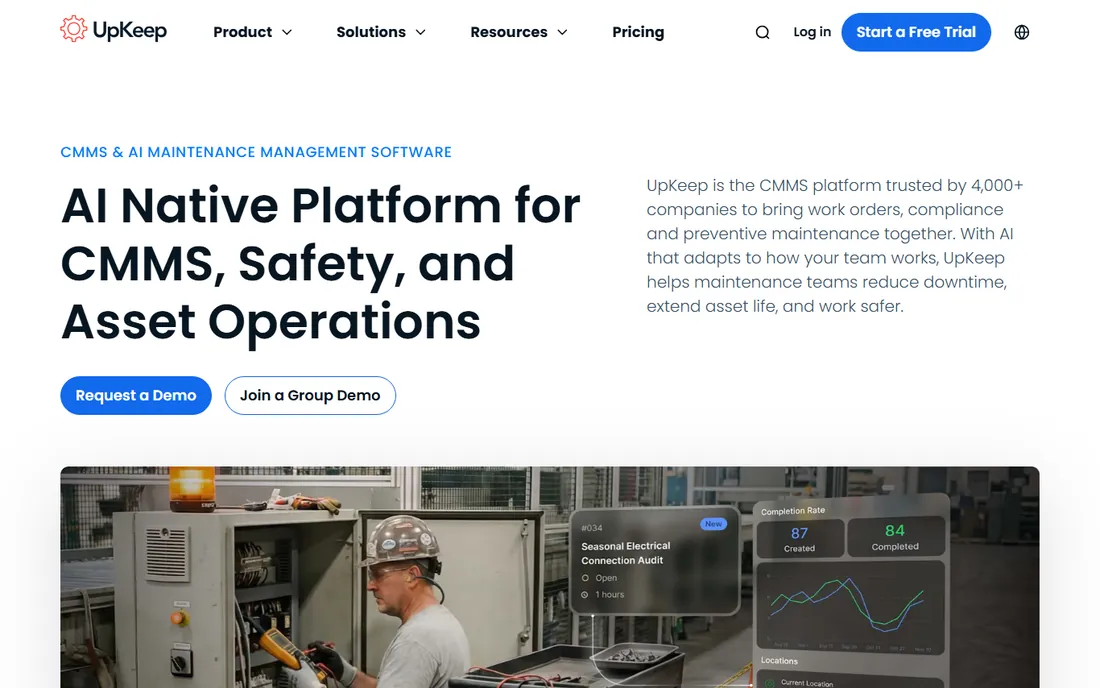
UpKeep wins on adoption, which is the metric that decides CMMS success. The product is built mobile-first: a technician gets the work order, sees the asset's history, logs time and parts, and closes it from the phone. Managers get the dashboard view of open work, overdue PMs and costs. For a facilities team moving off paper or spreadsheets, the learning curve is days, not months.
The trade-off is ceiling. UpKeep covers work orders, preventive maintenance, asset management and inventory well, but reliability engineers running vibration analysis programs and complex failure coding will want Fiix or eMaint. For building maintenance, property portfolios and hospitality, the usability advantage usually matters more than the analytics gap.
What we like- Mobile app designed for technicians, with work orders, asset history and parts lookup in the field
- Fast onboarding compared to enterprise CMMS
- Preventive maintenance scheduling and basic inventory included
Watch out for- Advanced reliability analytics are thinner than industrial platforms
- Very large multi-site portfolios may outgrow the reporting
#2
MaintainX
Best for: Frontline and deskless teams that run on procedures and messaging
Visit maintainx.com
Starting priceSee website
Free planNo
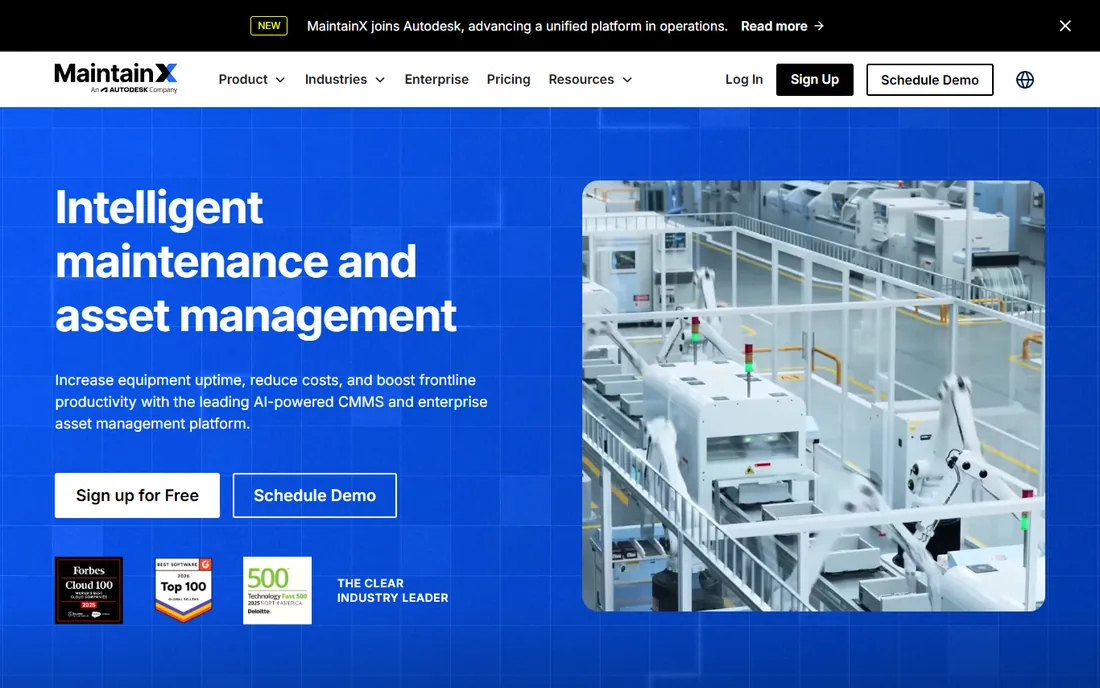
MaintainX started from the observation that frontline work runs on procedures. The product makes digital checklists, inspections and SOPs the core workflow: a technician opens the procedure, works through it, attaches photos and the record is audit-ready. Messaging inside the work order keeps the back-and-forth where it belongs instead of scattered across text messages.
That frontline focus is also the boundary. MaintainX is less of an asset-analytics platform than a work-execution platform. Teams that need deep cost tracking by asset, complex PM optimization or multi-site capital planning should compare Limble or eMaint. Teams whose daily reality is inspections, checklists and reactive work orders tend to adopt MaintainX fast and stick with it.
What we like- Procedure and checklist execution is a first-class feature, not an afterthought
- In-app messaging keeps work conversations tied to the work order
- Quick rollout with strong technician adoption
Watch out for- Asset hierarchy and cost analytics are lighter than Limble or Fiix
- Pricing tiers gate some reporting features
#3
Limble
Best for: Mid-market facilities teams that want power without a painful setup
Visit limblecmms.com
Starting priceSee website
Free planNo
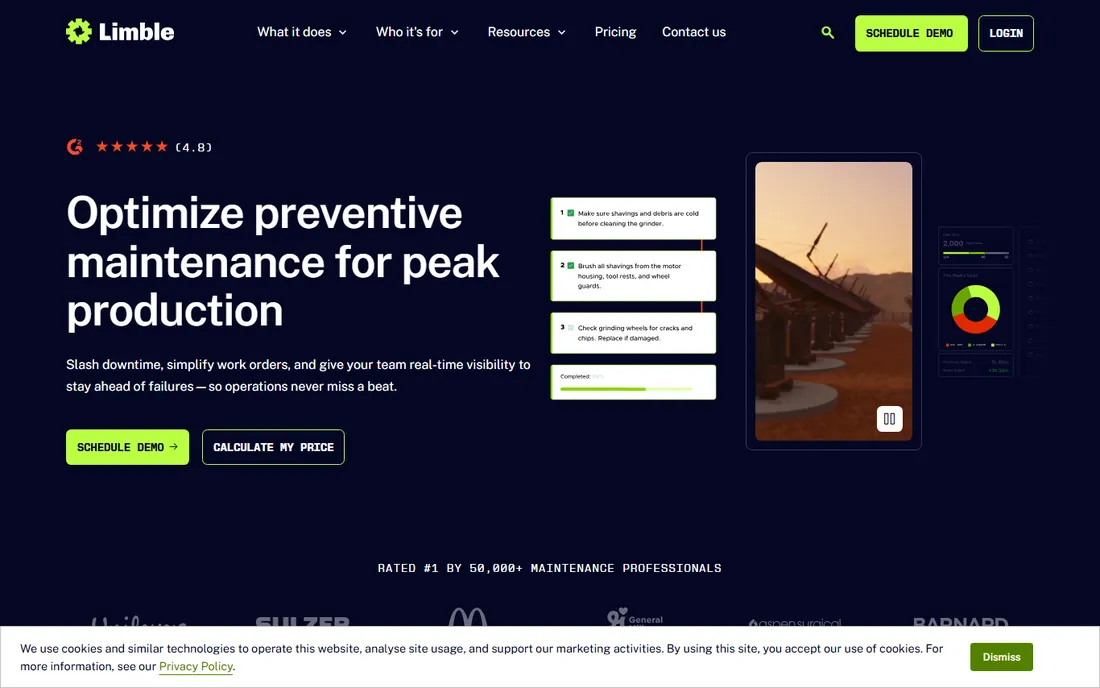
Limble occupies the middle ground that many facilities teams actually need: more capable than the simplest tools, without the enterprise implementation project. Preventive maintenance can trigger on calendar time, meter readings or condition, assets organize into hierarchies that mirror real buildings, and every work order accumulates cost data that feeds replacement decisions.
The onboarding reputation is the practical differentiator. Limble's team helps with data migration and setup, which is where CMMS projects usually stall. The gaps are at the edges: native IoT depth is thinner than the industrial platforms, and the design is utilitarian. For building portfolios, schools, municipalities and mid-size manufacturers, the balance is right.
What we like- Preventive maintenance scheduling with flexible triggers (time, meter, condition)
- Asset hierarchy and cost tracking that stay understandable
- Onboarding support that reviewers consistently praise
Watch out for- IoT and sensor integrations are less developed than Fiix or Tractian-style platforms
- The interface prioritizes function over polish
#4
Fiix
Best for: Industrial maintenance teams, especially in Rockwell Automation environments
Visit fiixsoftware.com
Starting priceSee website
Free planNo
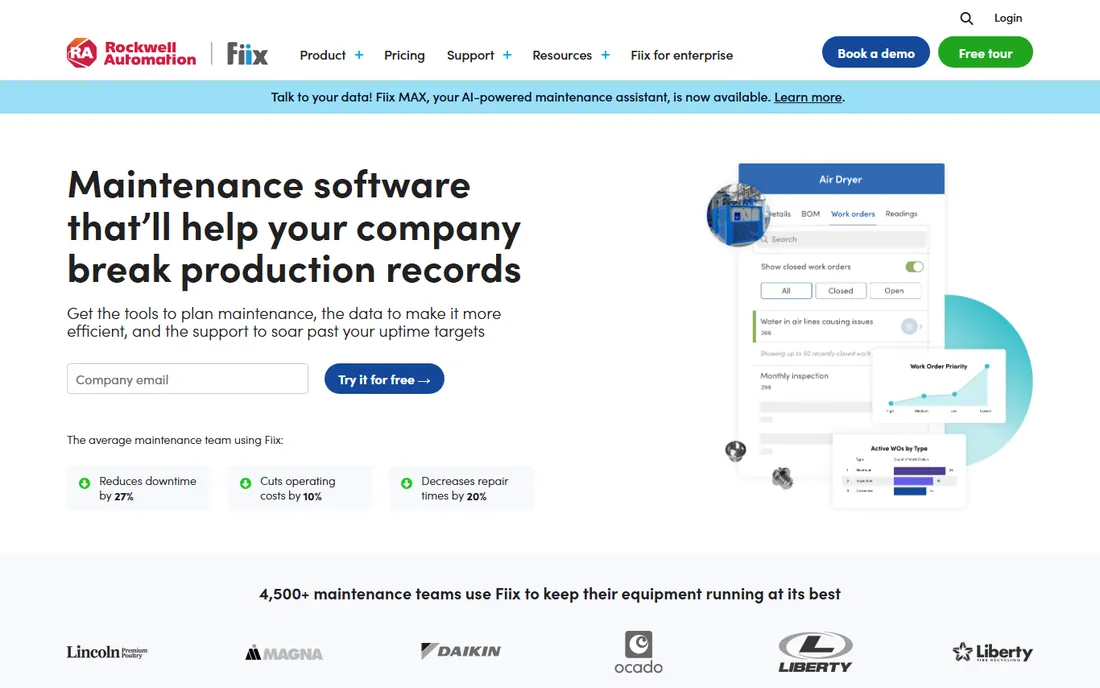
Fiix, now part of Rockwell Automation, is the industrial pick in this lineup. It covers the full maintenance workflow: asset registry, preventive and predictive maintenance scheduling, work orders, parts inventory with reordering, and purchasing. For plants already running Rockwell controls, the integration story with FactoryTalk and industrial data sources is the reason to choose it.
Facilities teams maintaining office buildings should be honest about fit: Fiix's depth is built for machines, not just rooftops and plumbing. The implementation is also a real project, not a signup-and-go. But asset-intensive operations that measure downtime in production losses get reliability tooling here that the mobile-first tools do not attempt.
What we like- Cloud CMMS with genuine depth in asset management, PM optimization and parts inventory
- Native fit for plants standardized on Rockwell/FactoryTalk
- Integrations with sensors and industrial systems
Watch out for- More system than a pure building-maintenance team needs
- Implementation and configuration take real effort
#5
eMaint
Best for: Organizations needing a deeply configurable CMMS, including regulated industries
Visit emaint.com
Starting priceSee website
Free planNo
eMaint, part of Fluke Reliability, sells configurability. Nearly everything (forms, workflows, dashboards, reports) can be shaped to the operation without custom development, which matters for organizations with unusual assets or strict regulatory documentation. The Fluke connection adds vibration, thermal and other condition-monitoring hardware feeding straight into maintenance decisions.
The price of flexibility is effort. Somebody has to make the configuration decisions, and that somebody needs to understand both the operation and the software. Small teams wanting to start this week will be happier with UpKeep or MaintainX. Organizations with complex, regulated or just plain unusual maintenance programs get a system that bends to them instead of the other way around.
What we like- Highly configurable forms, workflows and reports without custom code
- Condition-monitoring integrations through the Fluke ecosystem
- Strong fit for regulated environments with audit requirements
Watch out for- Flexibility means setup decisions take time and expertise
- The interface reflects its configurable nature rather than modern minimalism
#6
Hippo CMMS
Best for: Healthcare, hospitality and education facilities buying their first CMMS
Visit hippocmms.com
Starting priceSee website
Free planNo
Hippo CMMS is built for the facilities manager who has never bought software before. Hospitals, hotels, schools and churches run on it: staff submit work requests through a simple portal, the maintenance team gets work orders on mobile, preventive maintenance runs on schedule and equipment keeps a history. The design assumes the user is a technician or a front-desk employee, not a reliability engineer.
That simplicity is deliberate and it is also the limit. Multi-site portfolio analytics, capital planning and industrial integrations are thin. But for a single facility or a small group moving off paper, Hippo's ease of use is the feature that matters: the best CMMS is the one the staff actually opens. Pricing has historically been accessible, with unlimited-user options that fit shift operations.
What we like- Approachable design aimed at non-technical facilities staff
- Work orders, PM scheduling and equipment tracking cover the essentials
- Unlimited users on some plans, which suits shift-based teams
Watch out for- Advanced analytics and multi-site portfolio tools are limited
- Industrial maintenance depth is not the focus
#7
FMX
Best for: Schools, churches, municipalities and small facilities teams
Visit gofmx.com
Starting priceSee website
Free planNo
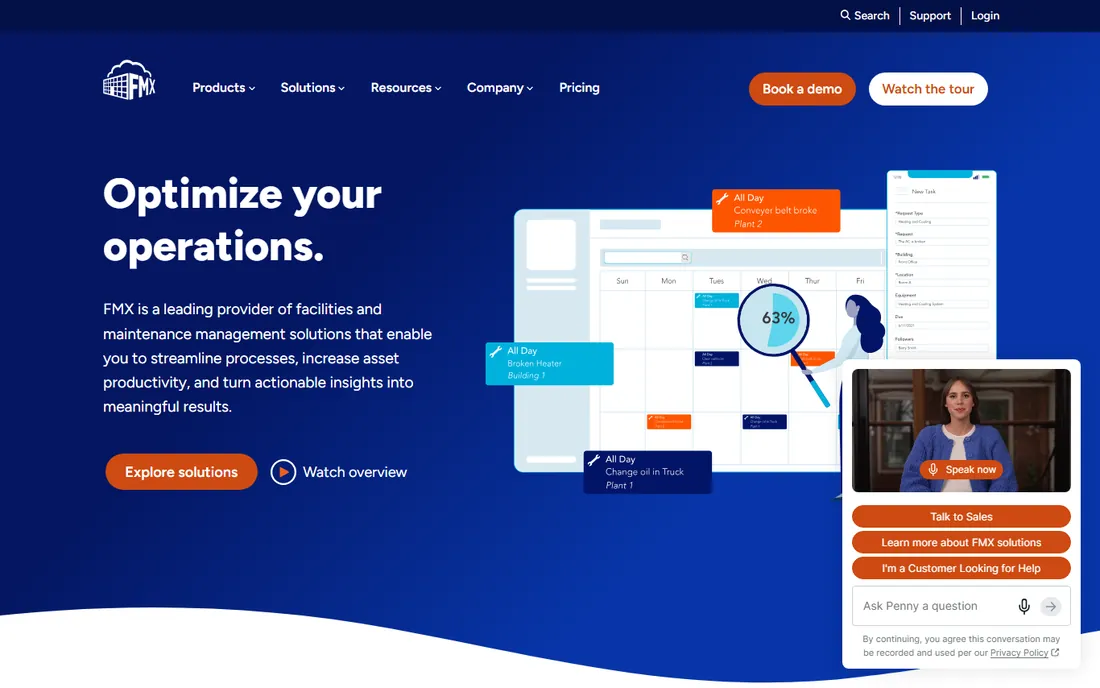
FMX serves the same first-CMMS buyer as Hippo with a slightly different emphasis: schools, districts, municipalities and churches. A teacher submits a maintenance request from the classroom, the facilities team triages it, preventive maintenance keeps the building systems on schedule and the equipment log stays current. The requester experience is the product's strength, because requester adoption decides whether work enters the system at all.
Expectations should stay in range. FMX is not a reliability platform and not a portfolio analytics tool. It is the system that gets a facilities department off email and clipboards with minimal drama. Public-sector buyers should ask about their procurement requirements early; FMX's market focus means it is used to them.
What we like- Simple requester portal that non-technical staff adopt easily
- Covers work orders, PMs, equipment and inventory basics
- Pricing aimed at education and public-sector budgets
Watch out for- Reporting and analytics are basic
- Not built for industrial or large multi-site portfolios
#8
MicroMain
Best for: Complex facilities (healthcare, hospitality, campuses) needing deep customization
Visit micromain.com
Starting priceSee website
Free planNo
MicroMain has served complex facilities for decades, and its sweet spot is operations where maintenance intersects with compliance. Hospitals dealing with Joint Commission documentation, hotel portfolios with brand standards, campuses with mixed building types: these buyers need workflows shaped to their reality, and MicroMain's configurability delivers that.
This is not a quick-start product. Expect a guided implementation with real discovery, and price it accordingly. Teams that just need work orders and preventive maintenance should buy something simpler. But facilities where the maintenance system must also satisfy surveyors, auditors and brand inspectors will find the depth worth the effort.
What we like- Deep customization for complex facility operations and compliance workflows
- Strong in healthcare and hospitality with Joint Commission-friendly documentation
- Covers maintenance plus facility operations broadly
Watch out for- Implementations are consultative and take time
- Overkill for teams that just need work orders and PMs
#9
Fracttal
Best for: Tech-forward maintenance teams wanting AI-assisted workflows
Visit fracttal.com
Starting priceSee website
Free planNo
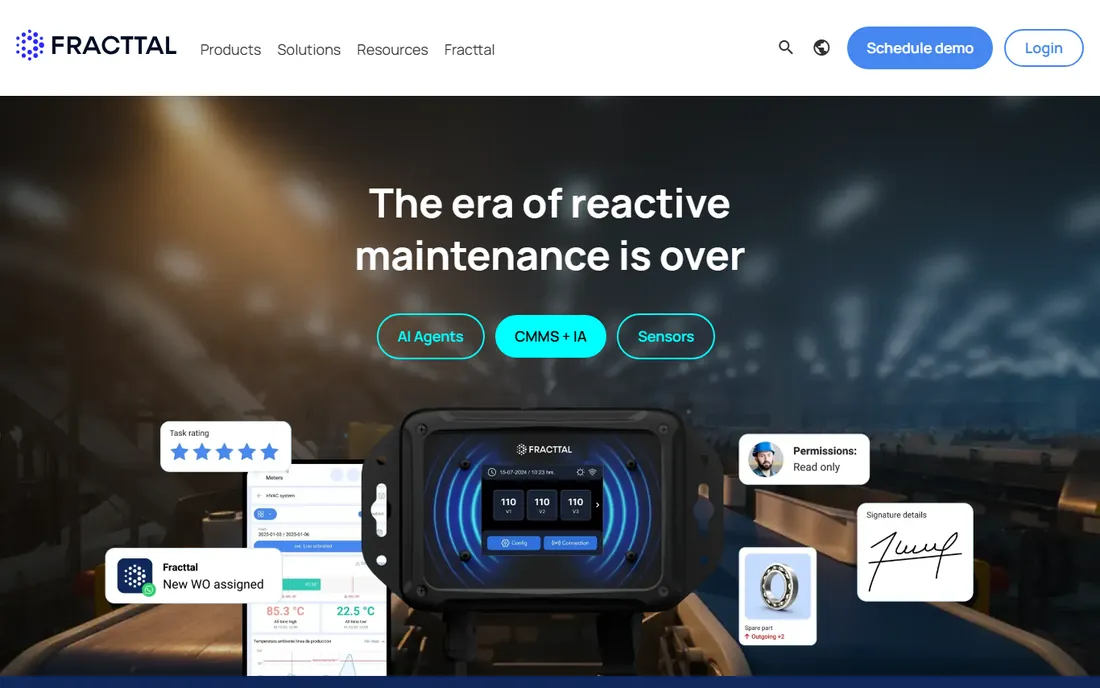
Fracttal represents the newer generation of CMMS: cloud-native, mobile-first and built around data from the start. QR codes on assets pull up history instantly, the mobile app covers the technician workflow, and AI-assisted features help with planning, failure analysis and spare-parts thinking. Its footprint is strongest in Latin America and growing in Europe and North America.
The honest caveat is maturity. The integration ecosystem and third-party marketplace are smaller than Fiix or eMaint, and conservative buyers may want more reference customers in their industry. But for teams that want modern software and are comfortable with a vendor still building out its edges, Fracttal's pace of development is the attraction.
What we like- Modern cloud CMMS with AI-assisted features for planning and analysis
- Strong mobile experience with QR-based asset identification
- Growing presence across the Americas and Europe
Watch out for- Younger platform with a smaller integration ecosystem than the incumbents
- Enterprise procurement teams may want more references
What to check before you sign
Start with the technician experience, because adoption decides everything. Put the mobile app in a technician's hands during the trial and watch them complete a work order: find the asset, log time and parts, attach a photo, close it. If that flow takes more than a couple of minutes to learn, keep shopping. The best feature list in the world is worthless if the crew keeps using text messages.
Next, verify preventive maintenance flexibility. Your program will need calendar-based PMs, meter-based triggers (runtime hours, cycles) and ideally condition-based triggers. Check how PMs generate work orders, how overdue PMs escalate, and whether the schedule survives real-world rescheduling without manual babysitting. Ask the vendor to build your three most common PMs live in the demo.
Then the data questions. How does your existing asset list get in: spreadsheet import, guided migration, or manual entry? What does the parts inventory support: barcodes, reorder points, multi-location stock? How do work requests reach the system: email-to-ticket, portal, QR codes on equipment? And critically, how does your data come out: exports, API access and report builders. CMMS data becomes your maintenance history; make sure it is portable.
Finally, price the whole thing. Most vendors price per user or per technician, with requesters often free or unlimited. Model your actual user count, including part-timers and seasonal staff. Ask about implementation and onboarding fees separately, and about annual increase caps. The subscription quote is never the total first-year cost.
The rollout mistakes that kill CMMS projects
The most common failure is importing garbage asset data. A CMMS with 3,000 assets named "Pump 1" through "Pump 47" and no locations is a database nobody trusts. Budget time to clean the asset register before migration: consistent naming, locations, criticality and whatever history you can salvage. Vendors can help with templates; they cannot fix your naming.
The second failure is skipping the PM program design. Teams go live with work orders working, promise to build the preventive schedules later, and later never comes. Define the PM program before go-live: which assets, which tasks, which frequencies, who owns each. Even twenty PMs live on day one beats two hundred planned for someday.
The third is under-training the requesters. Technicians get trained; the office staff, teachers or nurses submitting requests get a forwarded email. Then requests arrive by phone and text anyway, and the system has half the work. Train requesters, make the request portal embarrassingly easy to find, and put QR codes on equipment linking straight to the request form.
The fourth is buying for the demo instead of the Tuesday. Every vendor demos beautifully. The differentiator is the boring stuff: how fast support answers, how the mobile app behaves on weak wifi, how painful the annual renewal conversation is. Call references and ask about those three things specifically.
How we chose
We started with the searches facilities leaders actually run: facility maintenance software, CMMS software, computerized maintenance management system and building maintenance software. For each candidate we checked the vendor's own site and documentation for facilities-relevant capability (work orders, preventive maintenance, asset management, inventory, mobile access, multi-site support), compared feature depth and integration options, and weighed fit by operation size, from single buildings to multi-site portfolios. Where pricing was not published on the vendor's site we wrote "See website" rather than guessing.
Frequently asked questions
What is facility maintenance software?
Software for managing maintenance work across buildings and equipment, usually called CMMS. It handles work orders, preventive maintenance scheduling, asset tracking and history, parts inventory and reporting. It replaces the spreadsheets, shared inboxes and paper work orders that most facilities teams outgrow.
What is the difference between CMMS and EAM?
CMMS (computerized maintenance management system) focuses on maintenance execution: work orders, PMs and asset history. EAM (enterprise asset management) goes further into asset lifecycle, financials and capital planning for large asset-intensive organizations. Most facilities teams need CMMS; utilities, heavy industry and large enterprises buy EAM.
How much does facility maintenance software cost?
Most vendors price per user per month or per technician, with requesters often free. Small teams typically land in the low hundreds per month; mid-market portfolios run into the thousands monthly once users and modules are counted. Implementation and onboarding are usually separate. Get the per-user model mapped to your actual headcount, including part-timers.
How long does it take to implement a CMMS?
Simple cloud tools can go live in weeks if the asset data is ready. The variable is almost always data: cleaning the asset register, defining the PM program and training staff. Plan on one to three months for a typical facility, longer for multi-site portfolios or complex integrations.
Do technicians need smartphones to use CMMS?
Effectively, yes, for the mobile-first platforms that dominate this category. The value of a modern CMMS is the technician completing work orders, logging parts and viewing asset history in the field. QR codes on equipment speed this up. Desktop-only access works for managers but wastes the field advantage.
Can facility maintenance software track inventory and parts?
Yes, parts and inventory management is a core CMMS module on most platforms here: stock levels, reorder points, barcode support and parts tied to work orders and assets. Multi-location stock and purchasing workflows vary by vendor, so verify those if you run a central storeroom serving multiple sites.
Sources we checked (11)
- https://www.upkeep.com
- https://www.maintainx.com
- https://www.limblecmms.com
- https://www.fiixsoftware.com
- https://www.emaint.com
- https://www.hippocmms.com
- https://www.gofmx.com
- https://www.micromain.com
- https://www.fracttal.com
- https://www.g2.com/categories/cmms
- https://www.capterra.com/cmms-software/
Is your product missing or out of date?
We review this list regularly. Vendors can request a listing, send updated pricing or ask about featured placement.

Shihab Mia · Founder, Rankite
Shihab has spent more than a decade helping SaaS and e-commerce brands grow through search. He writes Rankite's software buying guides from pricing pages, documentation and public user reviews. More about Shihab.