How we make this list: we compare pricing pages, product documentation and public user reviews. Rankite is independent; if a vendor ever pays for a featured spot, that listing is clearly labeled Partner.
Key takeaways
- PosterMyWall is the most poster-focused tool here, with print-ready templates and a Premium plan at $13 per month.
- Canva and Adobe Express both have genuinely useful free plans; either one qualifies as a best free poster maker app for simple needs.
- Photoshop and Illustrator-grade control still wins for large-format prints, but costs $22.99 per month and real skill.
- Piktochart and Visme are the picks when your poster is really an infographic with data in it.
- Prices below come from each vendor's own pricing page, checked in October 2026.
Quick comparison
| Tool | Best for | Starting price | Free plan |
|---|
 Canva Canva | All-round poster design | $0 (Pro is $120/year) | Yes |
 PosterMyWall PosterMyWall | Print-focused poster templates | $0 (Premium is $13/month or $109/year) | Yes (watermarked downloads) |
 Adobe Express Adobe Express | Quick branded posters | $0 (Premium is $9.99/month) | Yes |
 VistaCreate VistaCreate | Template variety on a budget | $0 (Pro is $13/month or $10/month billed annually) | Yes (Starter plan) |
 Snappa Snappa | Simple posters fast | $0 (Pro is $15/month or $10/month billed annually) | Yes (Starter, 3 downloads per month) |
 Visme Visme | Data-heavy posters and infographics | $0 (Starter is $12.25/month billed annually; Pro is $24.75/month billed annually) | Yes (Basic plan) |
 Desygner Desygner | Brand-consistent marketing posters | $0 (Business is $19/user/month) | Yes |
 Adobe Photoshop Adobe Photoshop | Large-format and photo-based posters | $22.99/month (annual plan, billed monthly) | Free trial (7 days) |
 Piktochart Piktochart | Infographic-style posters | $0 (Pro is $10/month billed annually or $15 monthly) | Yes |
Is your product missing or out of date?
We review this list regularly. Vendors can request a listing, send updated pricing or ask about featured placement.
The best poster design software
Here is the uncomfortable truth about poster software: the template library matters more than the feature list. Nobody judges a bake-sale poster on bezier curves. They judge it on whether it looks good in thirty seconds, prints without surprises, and did not cost $300. Every tool below was judged on those terms.
Starting price$0 (Pro is $120/year)
Free planYes
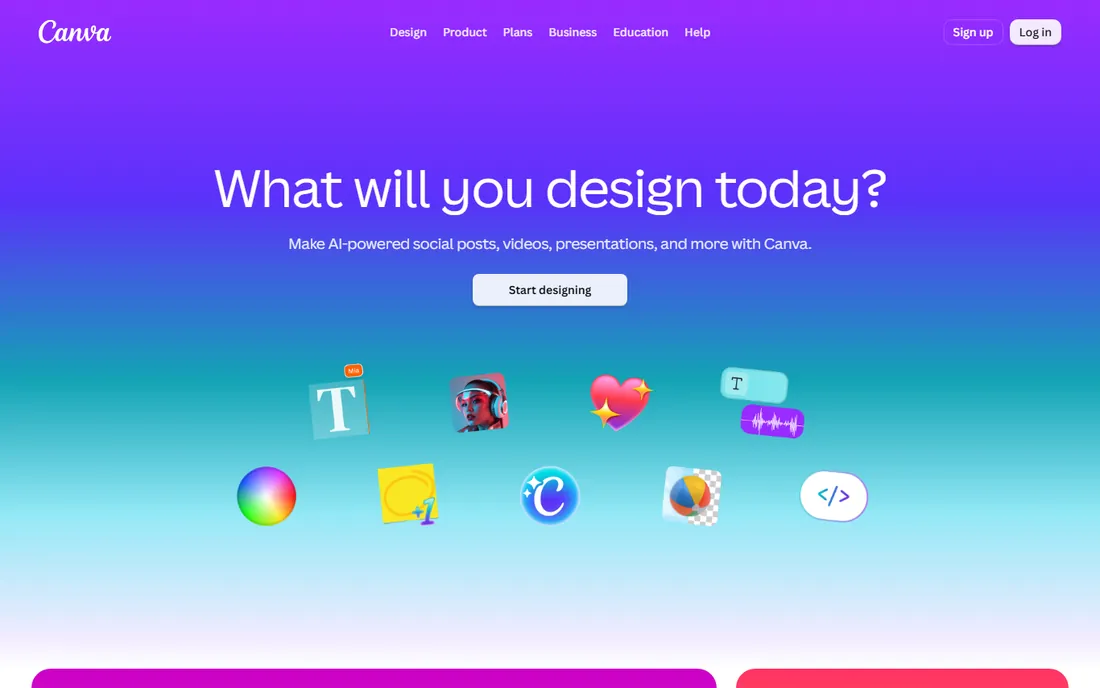
Canva is the default answer for a reason. Its poster templates number in the thousands, cover every size from flyers to billboards, and include proper print presets with bleed and crop marks on paid plans. The free plan is generous enough that many small businesses never pay: you get templates, stock photos, and basic exports at no cost. Pro at $120 per year adds background removal, brand kits, and higher-resolution downloads, with a 30-day trial.
The familiarity problem is real. Because everyone uses Canva, its most popular poster templates are instantly recognizable, which can make a business look generic. And free-plan exports occasionally fall short of what a professional printer wants. For internal posters, event flyers, and social graphics, though, nothing beats the speed. Start here unless you have a specific reason not to.
What we like- Enormous poster template library
- True print-size presets with bleed
- Easy sharing and team editing
Watch out for- Free exports sometimes lack print resolution
- Popular templates look familiar
Starting price$0 (Premium is $13/month or $109/year)
Free planYes (watermarked downloads)
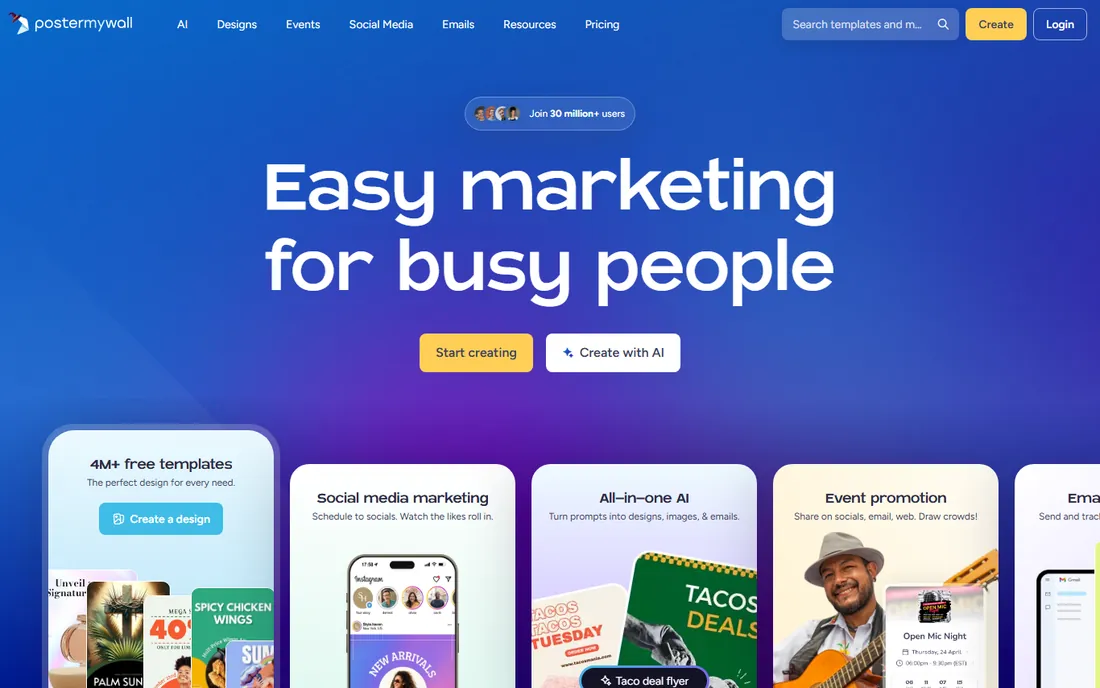
PosterMyWall is one of the few tools built specifically for posters rather than general design. That focus shows in the template library: event posters, real-estate signage, restaurant menus, church bulletins, each sized and laid out for actual printing. Premium costs $13 per month or $109 per year, Premium Plus (with more stock and features) runs $30 per month or $319 per year, and there is a 14-day Premium trial.
The free plan lets you design fully but watermarks downloads, which makes it a try-before-you-buy rather than a free solution. The editor is also less flexible than Canva's if you want to go off-template. But if your need is literally "a good-looking poster for Friday's event," PosterMyWall gets you there faster than any general design tool, and the $109 annual price is easy to justify for a business that prints regularly.
What we like- Purpose-built for posters, flyers, and signage
- Huge print-oriented template library
- Affordable annual plan
Watch out for- Free downloads carry a watermark
- Editor less flexible than Canva
Starting price$0 (Premium is $9.99/month)
Free planYes
Adobe Express is Adobe's answer to Canva, and it is better than its market share suggests. The free plan includes thousands of templates and Adobe Stock photos, which are a cut above typical free stock. Brand kits on the Premium plan ($9.99 per month, with a 30-day trial) lock in your fonts, colors, and logos so every poster looks like it came from the same business. The mobile app is genuinely good for editing on the go.
Where it trails Canva is sheer template volume and community content. You will find fewer niche poster templates, and some advanced features (premium templates, full brand controls) sit behind the paywall. It makes most sense for businesses already in Adobe's orbit or anyone who values stock quality over template quantity. As a free poster maker app, it is one of the strongest options here.
What we like- Strong free plan with Adobe stock assets
- Brand kit keeps posters consistent
- Good mobile app
Watch out for- Template range narrower than Canva
- Best features need Premium
Starting price$0 (Pro is $13/month or $10/month billed annually)
Free planYes (Starter plan)
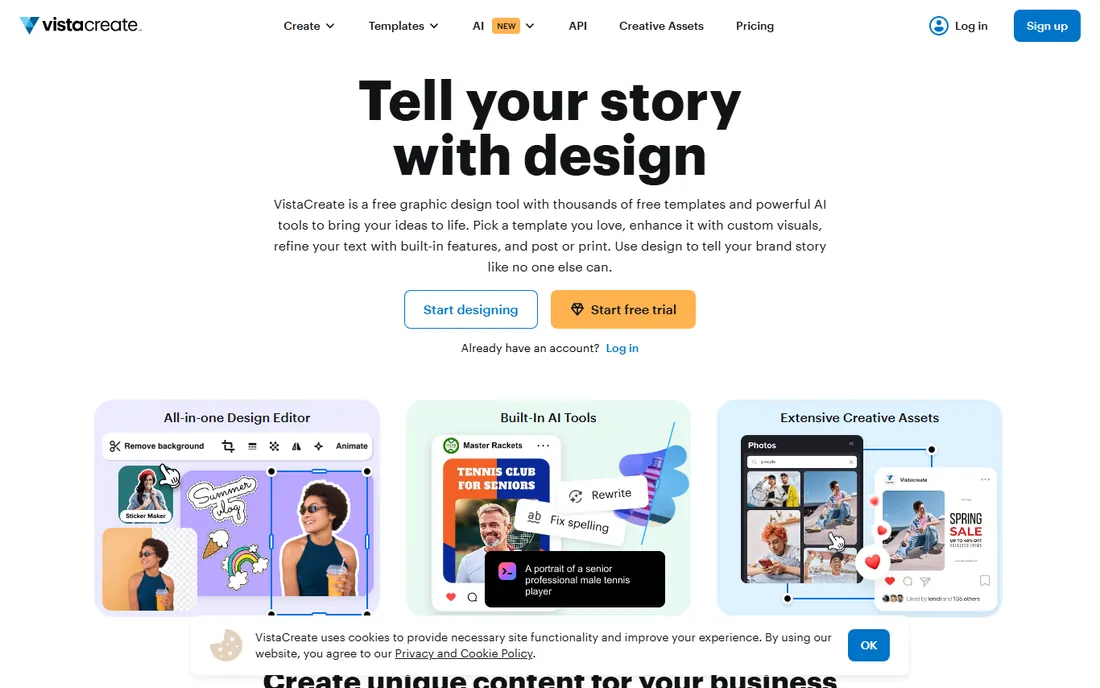
VistaCreate (formerly Crello) is the value play in template design. The library is large, the editor will feel instantly familiar to Canva users, and Pro pricing undercuts Canva: $13 per month, or $10 per month billed annually. The free Starter plan covers casual use, and a 14-day trial lets you test Pro properly.
The honest knock is polish. Some templates feel a generation behind Canva's, and the smaller user community means fewer tutorials and third-party resources. None of that affects the output: a finished poster looks just as good. For a budget-conscious business that wants Canva-style workflow without Canva's price, VistaCreate is the rational choice.
What we like- Large template and stock library
- Pro undercuts Canva on price
- 14-day Pro trial
Watch out for- Brand recognition is lower
- Some templates feel dated
Starting price$0 (Pro is $15/month or $10/month billed annually)
Free planYes (Starter, 3 downloads per month)
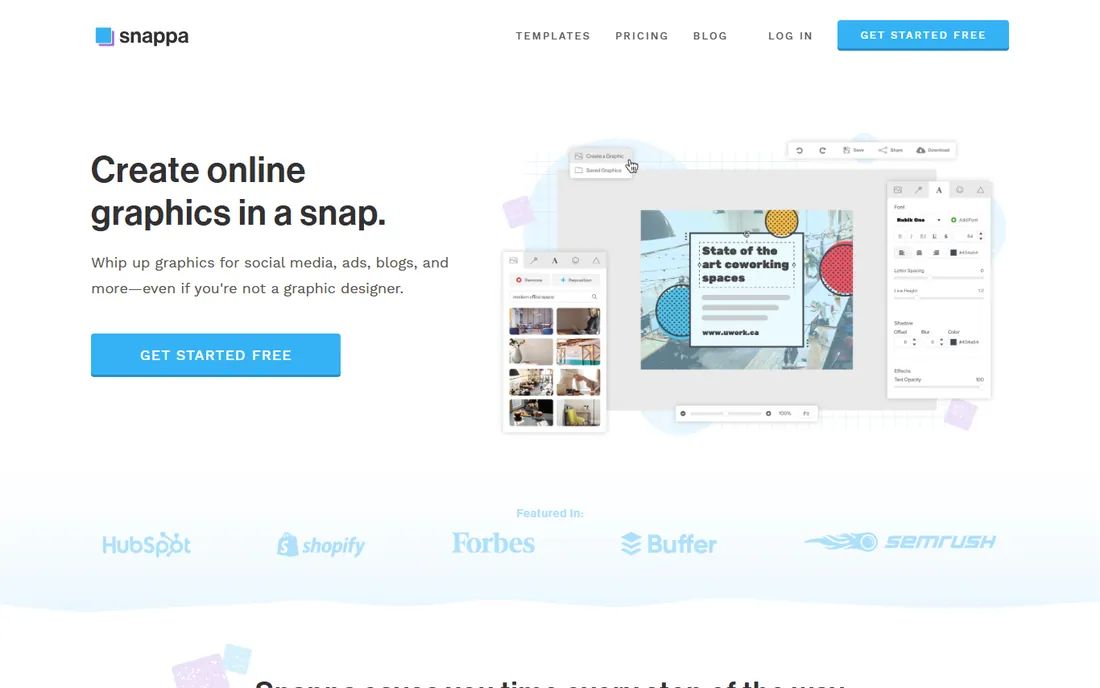
Snappa is for the person who needs a poster in twenty minutes and has never opened design software. The interface is stripped down, sizes are preset, and the workflow is template, text swap, export. The free Starter plan allows 3 downloads per month, which covers occasional needs; Pro at $15 monthly or $10 per month billed annually removes the cap.
It will not satisfy anyone with real design ambitions. The template library is a fraction of Canva's, and advanced typography or layout control is limited. But that restraint is the point: fewer choices, faster finish. If posters are an occasional chore rather than a craft, Snappa respects your time.
What we like- Fastest learning curve here
- Preset sizes for print and social
- Affordable annual Pro
Watch out for- Only 3 free downloads monthly
- Template library smaller than leaders
Starting price$0 (Starter is $12.25/month billed annually; Pro is $24.75/month billed annually)
Free planYes (Basic plan)
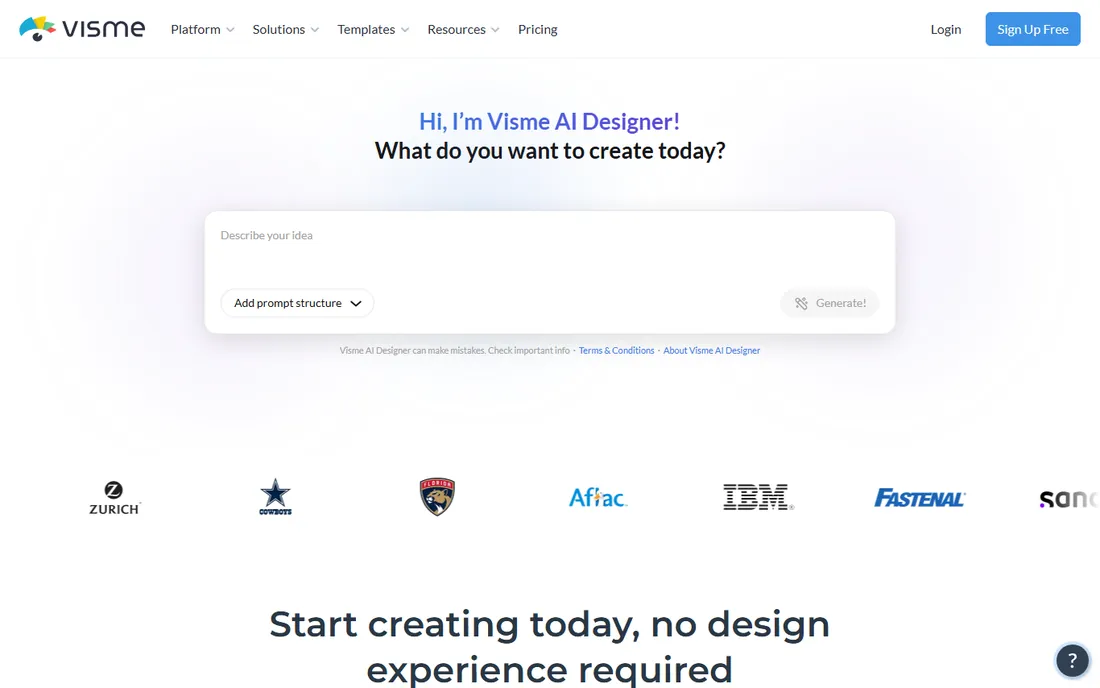
Visme shines when your poster has numbers in it. Annual reports, research posters, conference presentations: its charts, maps, and data widgets are the best in this lineup, and interactive or animated versions work for digital displays. The free Basic plan lets you test the waters; paid plans start at $12.25 per month billed annually for Starter and $24.75 for Pro (monthly billing is $29 and $59 respectively, so annual saves a lot).
For a simple event flyer, Visme is overkill, and the learning curve reflects its broader ambitions. It is also the priciest path here if you pay monthly. Choose it when the poster's job is communicating data, not just announcing something. Pair it with a print shop that handles large formats and you have a research-poster workflow with no desktop software.
What we like- Excellent charts, maps, and data widgets
- Interactive and animated poster options
- Brand kit on paid plans
Watch out for- Overkill for simple posters
- Monthly billing ($29 Starter, $59 Pro) is steep
Starting price$0 (Business is $19/user/month)
Free planYes
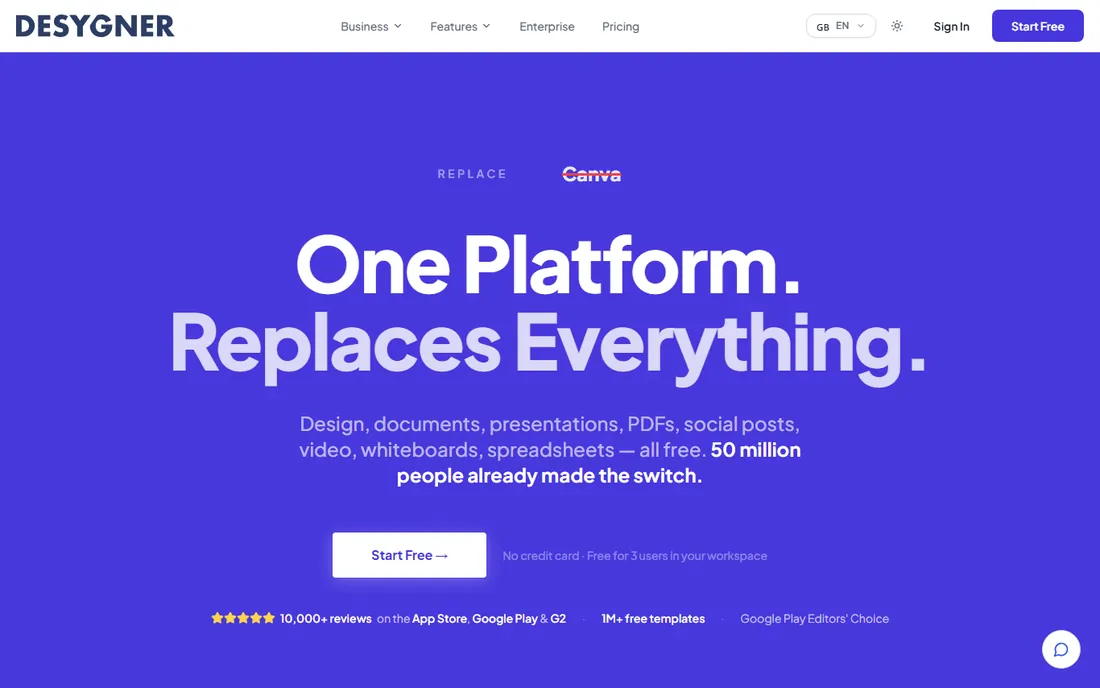
Desygner targets businesses that need every poster on-brand. Its brand management tools lock down fonts, colors, and logos across templates, so a franchise or multi-location business can let local staff customize posters without breaking the brand. The free plan is usable; Business at $19 per user per month adds the full brand controls, and larger teams can look at flat-rate plans like Team 100 at $333 per month.
The per-user pricing is the catch for bigger teams, and the editor takes longer to learn than Canva's. PDF import and editing is a genuinely useful standout for businesses working from printer-supplied files. If brand consistency across many posters and many people is your problem, Desygner is built for exactly that.
What we like- Strong brand management features
- Good template library
- PDF import and editing
Watch out for- Per-user pricing adds up for teams
- Interface less intuitive than Canva
Starting price$22.99/month (annual plan, billed monthly)
Free planFree trial (7 days)
When a poster is really a photograph with ideas, Photoshop is still the tool. Compositing, retouching, and color grading at billboard scale need its engine, and printers accept its files without question. At $22.99 per month on the annual plan with a 7-day trial, it is also the most expensive option here, and the learning curve is measured in months, not minutes.
Be honest about whether you need it. A text-and-graphics event poster gains nothing from Photoshop over Canva. But for photographic posters, movie-style key art, or anything destined for large-format printing where resolution and color control are critical, there is no substitute. Many businesses use Canva for weekly flyers and keep one Photoshop seat for the flagship pieces.
What we like- Unmatched photo editing and compositing
- Precise control at large print sizes
- Industry-standard files
Watch out for- $22.99 per month subscription
- Serious learning curve
- Overkill for text-based posters
Starting price$0 (Pro is $10/month billed annually or $15 monthly)
Free planYes
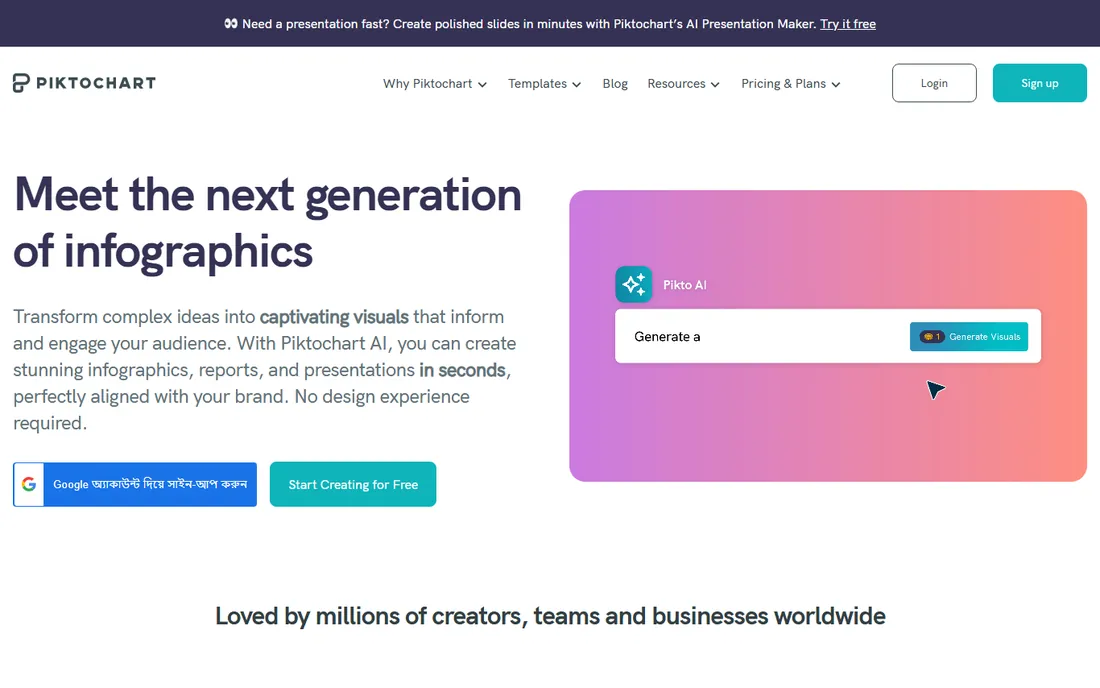
Piktochart owns the infographic-poster niche. If your poster explains something with data, timelines, or processes, its templates produce cleaner results faster than any general tool. Pricing is friendly: Pro is $10 per member per month billed annually ($15 month to month), Business is $17 per member per month billed annually, and the free plan covers basic needs with 2 downloads in PNG format.
The limitation is scope. Piktochart is not the tool for a photographic event poster or a typographic art print; it is for structured visual explanations. Within that lane it is excellent, and the per-member pricing stays reasonable for small teams. Schools, nonprofits, and healthcare communicators get discounted plans too, which fits its education-heavy user base.
What we like- Best-in-class infographic templates
- Charts that look good with minimal effort
- Affordable Pro plan
Watch out for- Narrower use case than general designers
- Free plan limited to 2 downloads and PNG only
Poster sizes, bleed, and resolution: the unglamorous stuff that decides quality
A beautiful on-screen poster can print badly, and the cause is almost always technical, not artistic. Before you design, confirm three things with your printer: the finished size, whether they need bleed (usually 0.125 inches on each side), and the minimum resolution (300 DPI is the standard for anything viewed up close). Every tool above except the simplest lets you set custom dimensions; use them instead of eyeballing it.
Color mode is the second trap. Screens show RGB, printers use CMYK, and bright on-screen colors can print dull. Canva, Photoshop, and Affinity-class tools handle CMYK conversion; simpler tools may not, in which case ask your printer if they accept RGB files (many now do, converting in-house). For large formats like banners, resolution rules relax because viewing distance is greater, but text should stay vector-sharp, which is another reason to confirm export settings before you commit to a tool.
Finally, check the export, not the preview. Download your file exactly as you would send it to the printer, open it at full size, and look at edges, small text, and color. This five-minute check catches the watermark you forgot, the low-res logo, and the RGB-to-CMYK surprise before they cost you a reprint.
How we chose
We shopped like a small business owner who needs posters regularly: for events, promotions, and announcements. We opened each vendor's homepage and pricing page in October 2026 and recorded prices from the vendor, not from review sites. We favored tools with usable free plans or trials, since most poster needs are occasional, and we weighted template quality and print export options over raw editing power. Public reviews on G2, Capterra, and Reddit surfaced recurring complaints about watermarks, export limits, and subscription traps, which shaped the honest weaknesses in each write-up. We excluded discontinued products and anything we could not verify as currently available.
The free poster maker question, answered honestly
The best free poster maker app depends on what "free" has to cover. For fully free with no watermark, Canva's free plan and Adobe Express's free plan are the top picks: both let you design and download posters at zero cost, with enough templates for most needs. VistaCreate's free Starter plan and Snappa's 3-downloads-per-month Starter plan also qualify for light use.
The catch is always the export. Free plans commonly limit resolution, file formats, or monthly downloads, and some watermark your work. If your poster goes to a professional printer, test a free export first: check the resolution at full size and confirm there is no watermark. When free is not enough, the cheapest real upgrades are VistaCreate Pro at $10 per month billed annually and PosterMyWall Premium at $109 per year. Both cost less than a single botched print run.
Frequently asked questions
What is the best free poster maker app?
Canva and Adobe Express have the strongest free plans: no watermark, large template libraries, and usable exports at zero cost. For occasional use, Snappa's free Starter plan (3 downloads per month) also works.
What size should I design a poster at?
Match your printer's spec, but common sizes are 11x17 inches (small poster), 18x24 inches (medium), and 24x36 inches (large). Design at 300 DPI with 0.125-inch bleed on each side for anything viewed up close.
Can I print a Canva poster at a professional print shop?
Yes, with care. Use Canva's print-size presets, export as PDF Print, and check that the resolution and color look right at full size. Pro's higher-quality exports help; confirm file requirements with your printer before ordering.
Is PosterMyWall better than Canva for posters?
For pure poster and flyer work, PosterMyWall's template library is more focused and its annual plan is cheap. For general design beyond posters, Canva is more versatile. Many businesses use both.
Do I need Photoshop to make a good poster?
No, unless the poster is photo-heavy or large-format. Template tools like Canva, PosterMyWall, and Adobe Express produce professional-looking posters with no design training. Photoshop earns its cost only when photo editing or precise large-format control matters.
How much does poster design software cost?
Most needs are covered free. Paid plans run from $10 per month (VistaCreate Pro, billed annually) to $22.99 per month (Photoshop). A typical small business spends $0 to $130 per year.
Sources we checked (11)
- https://www.canva.com/
- https://www.canva.com/pricing/
- https://www.postermywall.com
- https://www.adobe.com/express/
- https://www.vistacreate.com
- https://snappa.com/
- https://visme.co/
- https://desygner.com
- https://photoshop.com/
- https://piktochart.com
- https://piktochart.com/pricing
Is your product missing or out of date?
We review this list regularly. Vendors can request a listing, send updated pricing or ask about featured placement.

Shihab Mia · Founder, Rankite
Shihab has spent more than a decade helping SaaS and e-commerce brands grow through search. He writes Rankite's software buying guides from pricing pages, documentation and public user reviews. More about Shihab.