How we make this list: we compare pricing pages, product documentation and public user reviews. Rankite is independent; if a vendor ever pays for a featured spot, that listing is clearly labeled Partner.
Key takeaways
- Evoto from $80 per year is the best all-around AI retoucher for high-volume portrait photographers.
- Retouch4me plugins at $145 each suit Photoshop users who want one-click skin, eyes and backdrop fixes.
- Luminar Neo and ON1 Photo RAW are the best editor-plus-retouching combos for photographers who want one app.
- Lightroom and Capture One remain the workflow foundations; dedicated retouchers layer on top of them.
Quick comparison
| Tool | Best for | Starting price | Free plan |
|---|
 Evoto Evoto | High-volume AI retouching | $80/year | Free trial |
 Retouch4me Retouch4me | Photoshop plugin retouching | $145 one-time | Free trial |
 Luminar Neo Luminar Neo | AI editing with portrait tools | See website | Free trial |
 PortraitPro PortraitPro | Face sculpting and makeup | See website | Free trial |
 ON1 Photo RAW ON1 Photo RAW | All-in-one editor | See website | Free trial |
 DxO PhotoLab DxO PhotoLab | Image quality purists | See website | Free trial |
 Capture One Capture One | Tethered studio workflow | See website | Free trial |
 Adobe Lightroom Adobe Lightroom | Catalog-based editing | See website | Free trial |
 Aperty Aperty | Dedicated AI portrait editor | See website | Free trial |
Is your product missing or out of date?
We review this list regularly. Vendors can request a listing, send updated pricing or ask about featured placement.
The best portrait retouching software
Starting price$80/year
Free planFree trial
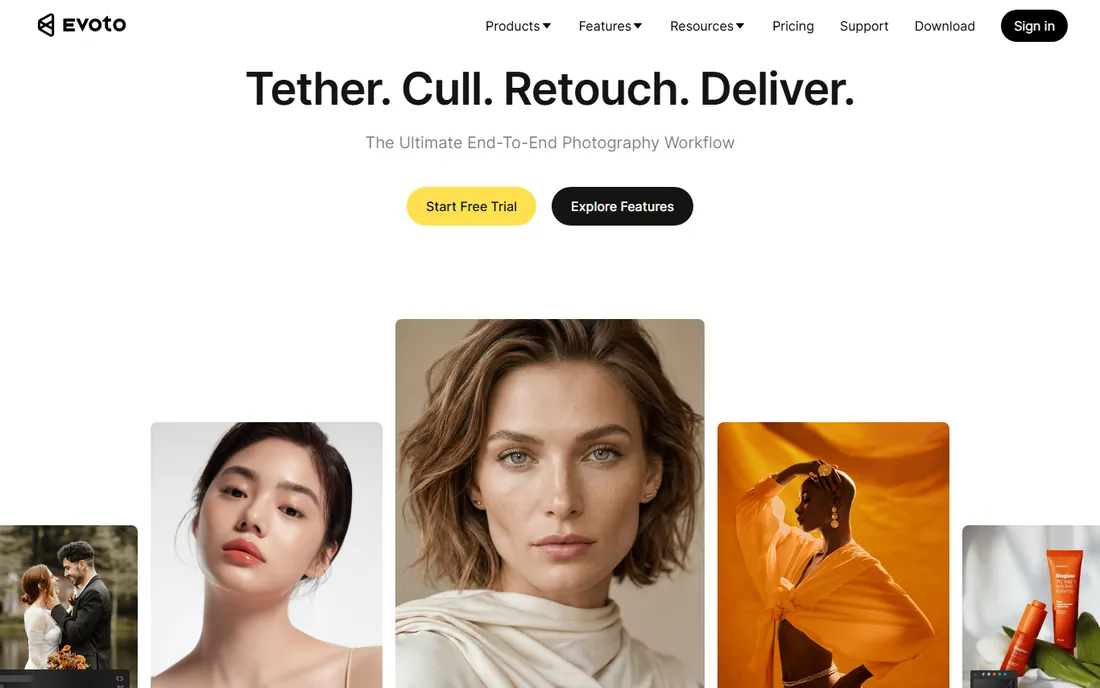
Evoto is the AI retoucher that working portrait photographers recommend most. Skin retouching, blemish removal, face shaping, body sculpting, glare removal and background cleanup run with minimal manual work, and batch processing chews through wedding and school portrait volumes. The two most affordable plans are $80 per year for 800 edit credits and $134 for 1,600 credits.
The per-image model is the trade-off: beyond about 1,600 portraits a year, costs climb past subscription alternatives. For high-volume shooters who want consistent results without hours in Photoshop, Evoto is the current standard.
What we like- Does nearly everything from skin to body sculpting
- Simple per-image pricing
- Fast batch processing
Watch out for- Per-image costs add up past ~1,600 portraits a year
- Cloud processing for some features
Starting price$145 one-time
Free planFree trial
Retouch4me sells individual AI plugins that each do one retouching job well: Heal removes blemishes, Dodge and Burn smooths under-eye bags, Portrait Volumes adds depth, Clean Backdrop fixes studio backgrounds. Most plugins cost $145 one-time, with free demos to try. The Apex product automates full retouching on a per-image basis from $20 per month for 200 retouches.
The a la carte model means buying several plugins adds up, but you only buy what you need. Results lean natural rather than over-processed, which working retouchers appreciate. For Photoshop-based workflows, Retouch4me is the modular choice.
What we like- One-click plugins for skin, eyes, hair and backdrops
- Works in Photoshop or standalone
- Natural results
Watch out for- Each plugin bought separately
- Apex subscription for full automation
Starting priceSee website
Free planFree trial
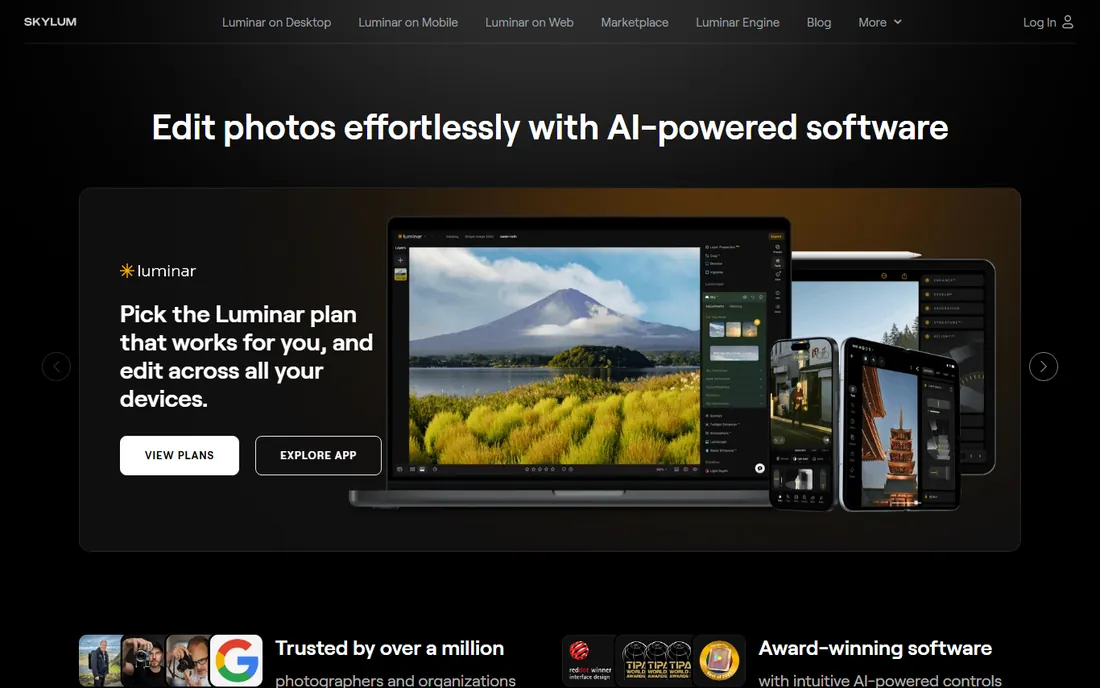
Luminar Neo combines a full photo editor with AI portrait tools: skin enhancement, face lighting, bokeh control and background replacement. Photographers who want editing and retouching in one app without Adobe's subscription complexity find it appealing.
Catalog and tethering features lag Lightroom and Capture One. Pricing is subscription-based; check current plans on the site. For enthusiasts and semi-pros who want AI assistance across the whole edit, Luminar Neo is the friendly option.
What we like- Strong AI portrait tools in a full editor
- Easy to learn
- Regular feature updates
Watch out for- Catalog features trail Lightroom
- Subscription pricing
Starting priceSee website
Free planFree trial
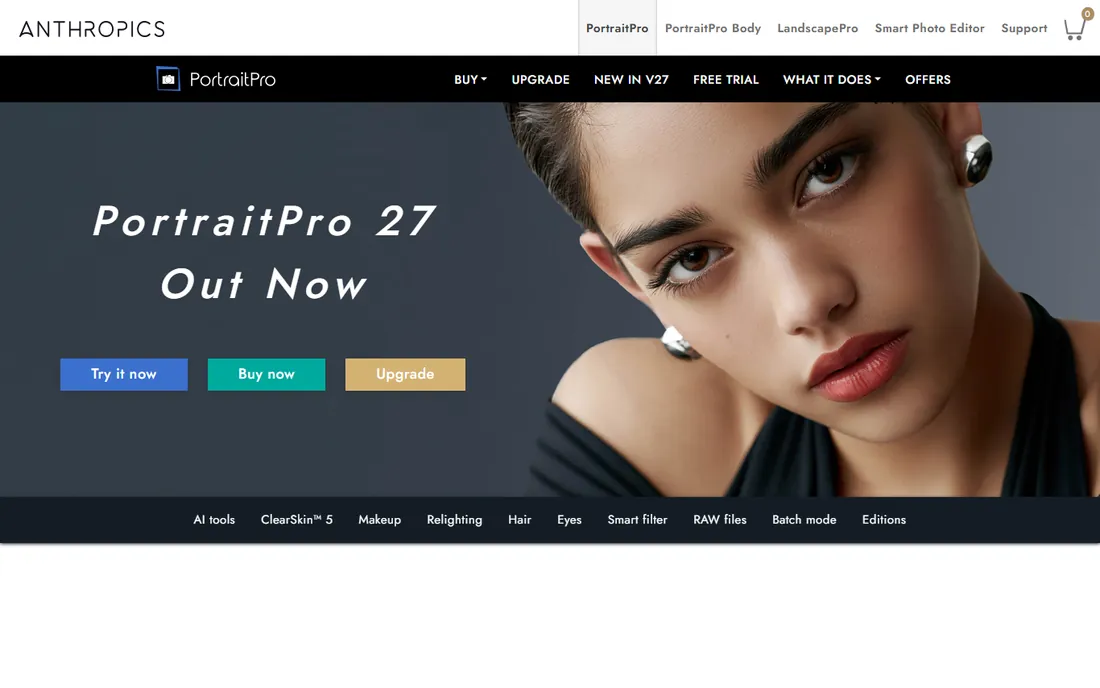
PortraitPro (from Anthropics) specializes in faces: reshape features, smooth skin, apply digital makeup, adjust lighting on the face. The controls are granular enough for beauty work, with batch processing for volume jobs like school photography.
The power is also the risk: aggressive settings produce the plastic look clients hate. Used with restraint, results are professional. For photographers whose work centers on faces and beauty, PortraitPro's dedicated toolset justifies its place.
What we like- Detailed face sculpting controls
- Virtual makeup
- Batch processing
Watch out for- Can look overdone if pushed
- Interface dated in places
Starting priceSee website
Free planFree trial
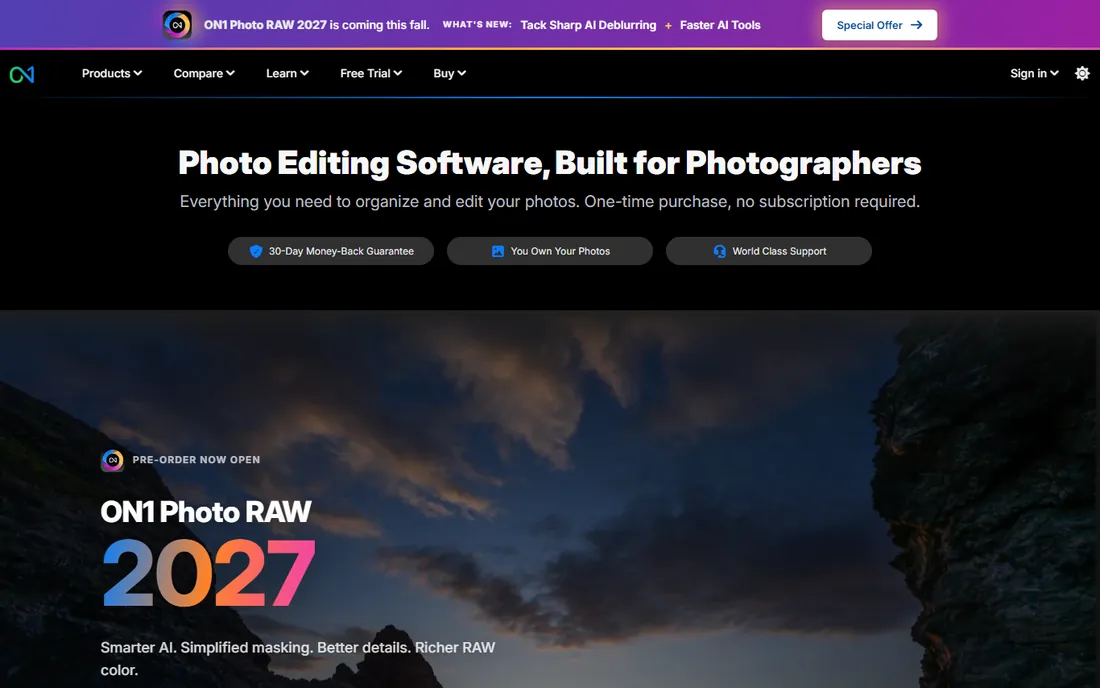
ON1 Photo RAW is a complete Lightroom alternative with AI portrait tools built in: skin retouching, eye enhancement and face-aware adjustments alongside full RAW editing. The perpetual license option appeals to photographers avoiding subscriptions.
The ecosystem is smaller than Adobe's, and dedicated retouchers go deeper on faces. For photographers who want one app for organizing, editing and retouching with the option to own it outright, ON1 is the independent choice.
What we like- Full editor with portrait AI
- Perpetual license option
- No catalog required
Watch out for- Smaller community than Adobe
- Portrait tools less deep than specialists
Starting priceSee website
Free planFree trial
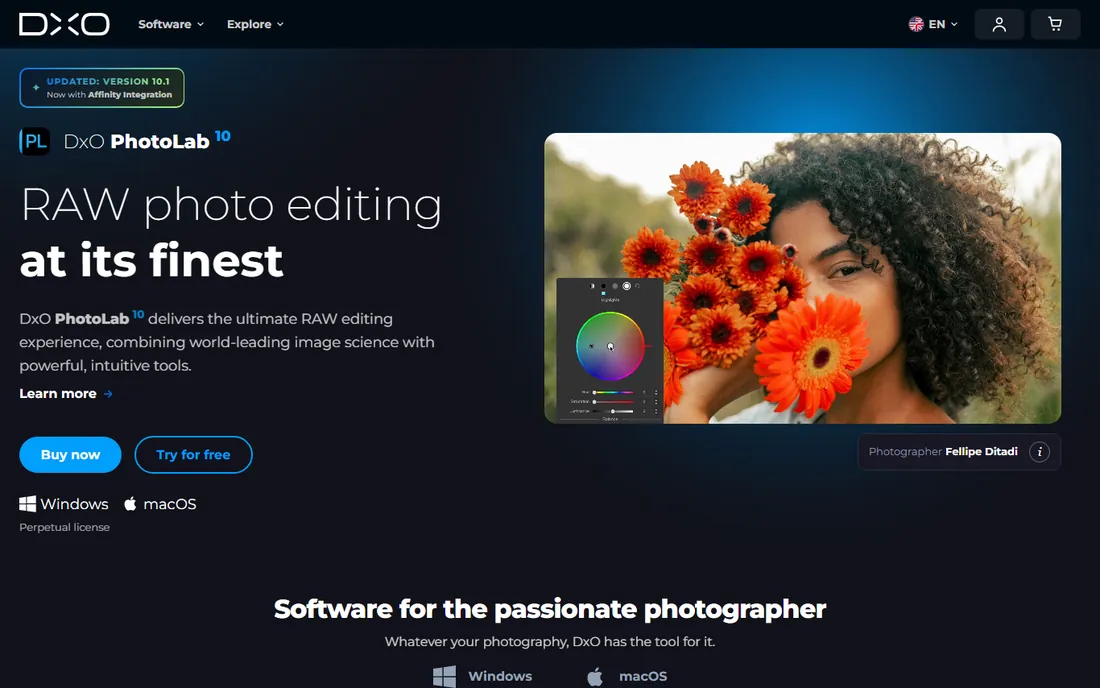
DxO PhotoLab is the image quality champion: lab-tested lens corrections, superb DeepPRIME denoising and film-like color rendering. Portrait photographers who shoot in difficult light get cleaner files to retouch. U Point technology makes selective adjustments intuitive.
Dedicated portrait retouching (skin AI, face sculpting) is basic compared to Evoto or PortraitPro. Most users pair PhotoLab with a retouching specialist. For photographers who prioritize file quality above all, start here and add retouching on top.
What we like- Best-in-class lens corrections and denoising
- Excellent RAW rendering
- U Point local adjustments
Watch out for- Portrait-specific retouching is basic
- Catalog features minimal
Starting priceSee website
Free planFree trial
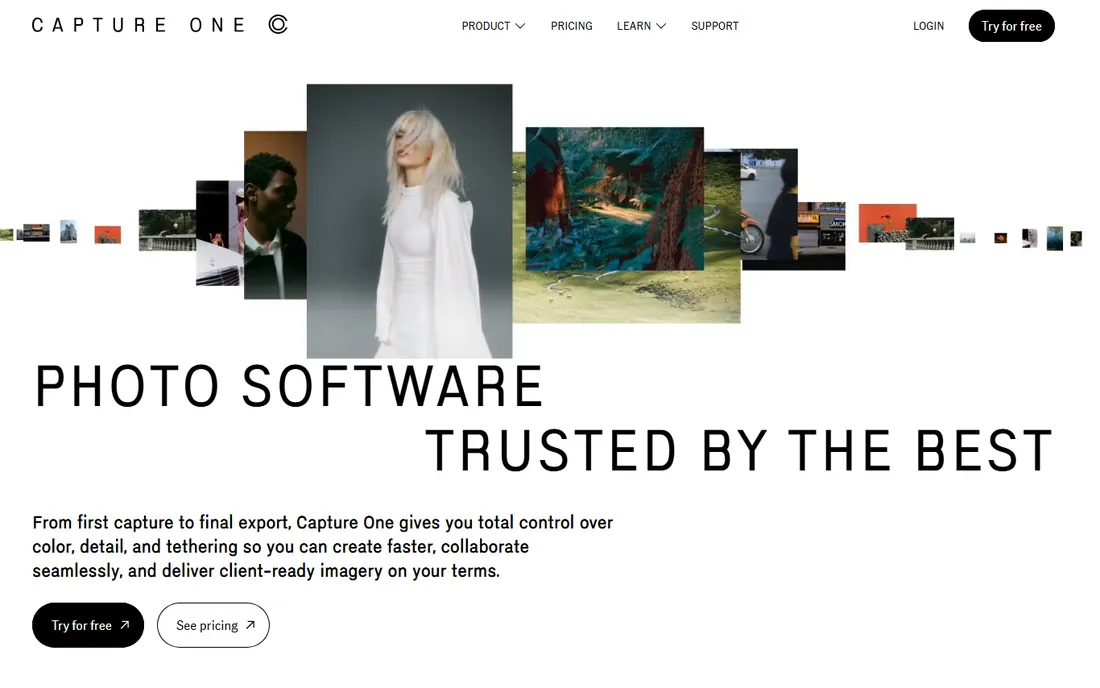
Capture One dominates studio and fashion photography with the best tethered shooting in the business and color tools professionals trust. Skin tone editing is excellent, and layers plus precise masking handle most retouching-adjacent work.
True AI retouching (automated skin work, face shaping) needs external tools. Pricing is subscription-based. For studio portrait photographers, Capture One is the capture and color foundation; add Evoto or Retouch4me for the retouching pass.
What we like- Industry-best tethered shooting
- Superb color editing
- Layer-based adjustments
Watch out for- Subscription pricing
- Learning curve
- Retouching needs plugins
Starting priceSee website
Free planFree trial
Lightroom remains the organizing and editing hub for most portrait photographers. The catalog handles hundreds of thousands of images, cloud sync moves work between desktop and mobile, and AI masking has improved steadily. Presets and profiles number in the millions.
For actual retouching, Lightroom's tools are manual: healing brush, local adjustments, patience. High-volume portrait work needs a dedicated retoucher alongside it. As the workflow center that everything plugs into, Lightroom is still the default.
What we like- Best photo organization
- Cloud sync across devices
- Huge preset ecosystem
Watch out for- AI retouching lags specialists
- Subscription only
Starting priceSee website
Free planFree trial
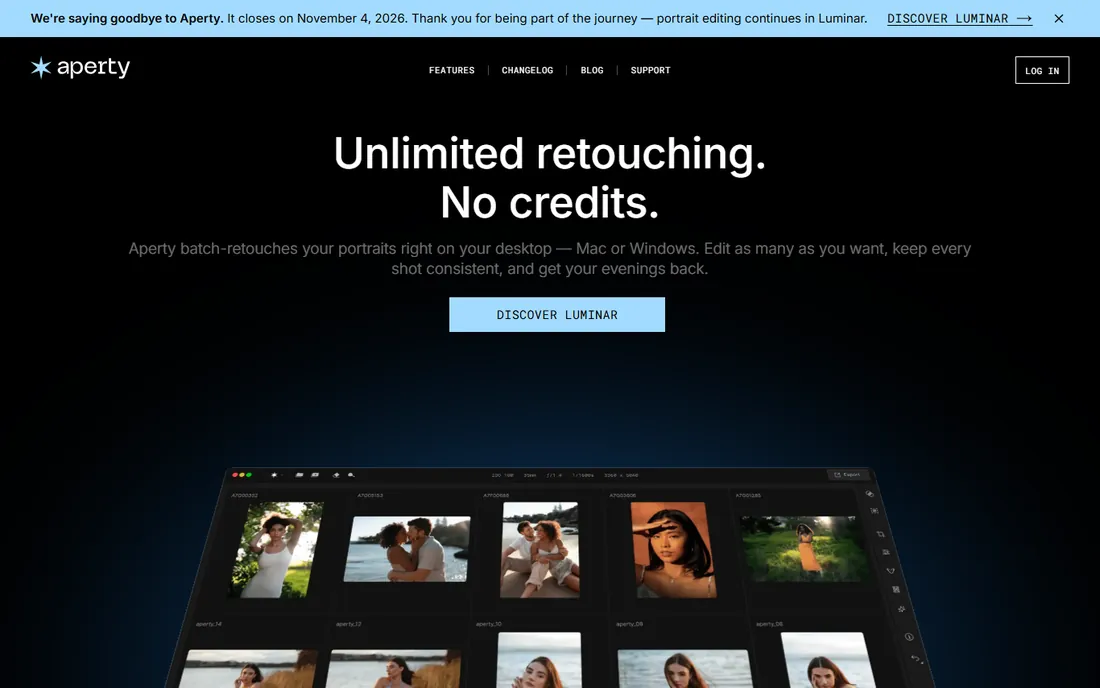
Aperty (from Skylum) is a dedicated AI portrait editor: open a portrait, and skin, light, bokeh and background tools are all tuned for faces. The focused design means less hunting through menus than in general editors.
As a newer single-purpose app, the ecosystem is small and long-term pricing should be confirmed. For photographers who want a fast portrait-specific retouching step between capture and delivery, Aperty's focus is its strength.
What we like- Built only for portraits
- Fast AI retouching
- Clean modern interface
Watch out for- Newer product
- Single-purpose by design
AI vs manual retouching: where each wins
AI retouchers (Evoto, Retouch4me, Aperty, PortraitPro) win on volume: consistent skin work across hundreds of images in minutes. Manual tools (Photoshop, Lightroom, Capture One) win on control: complex composites, artistic dodging and burning, and fixes AI misreads. Most working portrait photographers use both: AI for the batch pass, manual for hero images. Budget accordingly rather than choosing one camp.
The natural look: how to avoid over-retouching
Keep skin texture. The difference between professional and amateur retouching is almost always texture preservation: remove blemishes, keep pores. Dial AI strength back 20% from the default on first use. Check results at 100% zoom and on a phone screen, since clients view on phones. When in doubt, under-retouch; clients notice plastic skin instantly and rarely complain about a natural look.
Batch workflow for high-volume studios
Portrait retouching becomes a different discipline at volume. Retouching ten portraits for a wedding is craft. Retouching 400 senior portraits for a school contract is manufacturing, and the workflow must be engineered accordingly. The math is brutal: at 15 minutes per image, 400 portraits consume 100 hours. At 3 minutes per image, the same job takes 20 hours. The difference is not talent; it is process. High-volume studios build an assembly line: cull first (reject the unusable before touching anything), apply global corrections in batches (exposure, white balance, lens corrections across the whole set), then run AI-assisted retouching with consistent presets, and finally spot-check rather than pixel-inspect every image.
Preset discipline is the foundation. Develop house presets for each job type: senior portraits, corporate headshots, family sessions. The preset defines skin smoothing strength, eye enhancement, teeth whitening limits, and background treatment. Every image in the job gets the same starting point, which guarantees consistency (the client notices inconsistency more than imperfection) and slashes per-image time. Review presets quarterly against current taste; styles drift and presets should drift with them. Document the preset decisions so any retoucher produces the same look. A studio where three retouchers produce three different styles has a branding problem.
The cull ruthlessly, retouch selectively principle saves more time than any software feature. Not every image deserves retouching. For a 400-image school job, perhaps 60 hero images get full retouching and the rest get batch corrections only. Define the tiers before starting: tier one (full retouch), tier two (batch plus spot fixes), tier three (batch only). Communicate tiers to the client in the contract; surprises about which images got full treatment cause disputes. Culling itself should take seconds per image: sharp, well-exposed, good expression, keep; otherwise reject. Indecision is the time sink. Train cullers to decide fast and move on.
AI batch processing has transformed the economics. Modern AI retouching applies consistent skin work, eye enhancement and blemish removal across hundreds of images with minimal per-image intervention. The workflow: run the batch, then review at speed (2 to 3 seconds per image) flagging only the ones needing manual fixes. Typically 5 to 10 percent need attention: unusual skin conditions, glasses glare, tricky flyaways. This review pass is where human judgment matters; the AI handles the routine 90 percent. Studios that adopted this workflow report 3 to 5 times throughput improvements, which either multiplies capacity or (better) restores evenings and weekends.
Quality control at volume needs systems, not heroics. Spot-check a random 10 percent of finished images against the preset standard. Check consistency across the set, not just individual quality: do skin tones match from image to image, is the smoothing uniform, do the eyes have the same treatment. The most common volume failure is drift: the retoucher's standards slide over a long session. Counter it with breaks, with the preset as the objective reference, and with a fresh-eyes review the next morning before delivery. Deliver in organized batches with clear naming. A high-volume client who receives 400 consistently retouched, well-organized images on time will renew forever. One inconsistent delivery will end the relationship.
Frequently asked questions
What is the best AI portrait retouching software?
Evoto is the most recommended all-around AI retoucher for working photographers, with simple per-image pricing from $80 per year. Retouch4me suits Photoshop users who prefer modular plugins.
How much does portrait retouching software cost?
Evoto starts at $80 per year for 800 images. Retouch4me plugins cost $145 each one-time. Full editors like Luminar Neo, ON1 and Lightroom run on subscriptions; check current pricing on each vendor's site.
Can AI retouching replace Photoshop?
For volume portrait work, largely yes. For complex composites, head swaps, advanced dodging and burning and artistic edits, Photoshop remains essential. Most professionals use AI for the batch and Photoshop for hero images.
Is per-image or subscription pricing better?
Per-image (Evoto, Retouch4me Apex) suits variable volume: pay for what you retouch. Subscriptions suit consistent high volume. Calculate your annual image count before choosing; the crossover is usually around 1,500 to 2,000 portraits per year.
Do these work with RAW files?
Most do, though some AI retouchers prefer TIFF or JPEG exports. Check each tool's supported formats: Retouch4me plugins notably do not support RAW directly, so convert first in Lightroom or Capture One.
Will clients notice AI retouching?
Good AI retouching is invisible; bad retouching is obvious. Keep texture, avoid over-smoothing, and review at full size. The tools are capable of natural results when used with restraint.
How we chose
We compared the retouching tools portrait photographers actually use, from AI batch processors to full editors. Pricing comes from vendor pages and recent published reviews. We weighted retouching quality and naturalness, batch workflow speed, pricing model fit for different volumes, and integration with standard photography workflows. No hands-on testing was performed; assessments rest on documentation and public reviews.
Sources we checked (11)
- https://www.evoto.ai/pricing
- https://retouch4.me/
- https://skylum.com/luminar
- https://www.anthropics.com/portraitpro/
- https://www.on1.com/
- https://www.dxo.com/
- https://www.captureone.com/
- https://www.adobe.com/products/photoshop-lightroom.html
- https://aperty.ai/
- https://www.slrlounge.com/best-ai-photo-retouching-options/
- https://petapixel.com/2025/05/22/retouch4me-apex-automatically-retouches-portraits-in-one-click/
Is your product missing or out of date?
We review this list regularly. Vendors can request a listing, send updated pricing or ask about featured placement.

Shihab Mia · Founder, Rankite
Shihab has spent more than a decade helping SaaS and e-commerce brands grow through search. He writes Rankite's software buying guides from pricing pages, documentation and public user reviews. More about Shihab.