How we make this list: we compare pricing pages, product documentation and public user reviews. Rankite is independent; if a vendor ever pays for a featured spot, that listing is clearly labeled Partner.
Key takeaways
- Portfolio software splits into advisor platforms (Addepar, eMoney, Nitrogen, Morningstar) and DIY investor trackers (Sharesight, Kubera, Empower, Snowball, Delta, Getquin).
- Addepar is the institutional standard for advisors and family offices managing complex portfolios.
- DIY investors should choose by asset mix: Sharesight for stocks and dividends, Kubera for full net worth, Delta for crypto.
- Free tiers cover basic tracking; serious investors pay for the analytics, tax reporting and multi-currency features.
Quick comparison
| Tool | Best for | Starting price | Free plan |
|---|
 Addepar Addepar | advisor and institutional portfolios | See website | No |
 Morningstar Morningstar | research-driven portfolio tools | See website | Free trial |
 eMoney Advisor eMoney Advisor | advisor planning and portfolios | See website | No |
 Nitrogen Nitrogen | risk analysis and portfolios | See website | No |
 Empower Empower | personal wealth dashboard | Free | Yes |
 Kubera Kubera | full net worth tracking | See website | Free trial |
 Sharesight Sharesight | investor portfolio tracking | See website | Yes |
 Snowball Analytics Snowball Analytics | dividend portfolio analytics | See website | Yes |
 Delta Delta | crypto and stock tracking | See website | Yes |
 Getquin Getquin | social portfolio tracking | Free | Yes |
Is your product missing or out of date?
We review this list regularly. Vendors can request a listing, send updated pricing or ask about featured placement.
The best portfolio software
Starting priceSee website
Free planNo
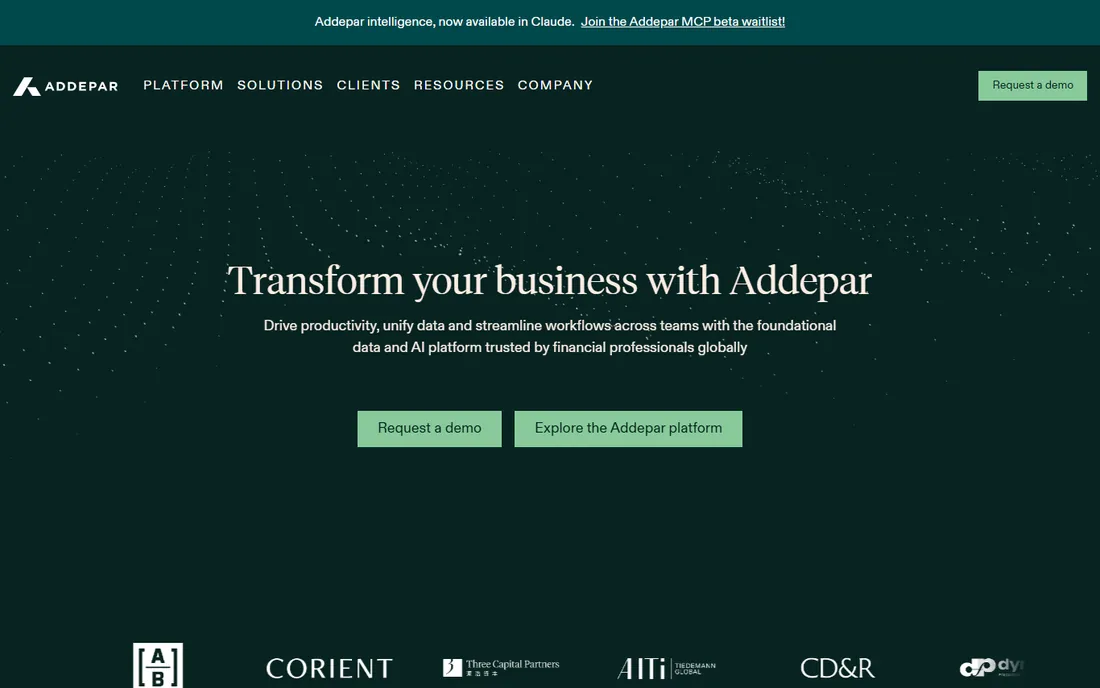
Addepar is the portfolio management platform that RIAs, family offices and institutions use to aggregate, analyze and report on complex portfolios: every account, asset class and alternative investment in one system with institutional-grade reporting. It handles the portfolios that break consumer tools.
The aggregation depth is unmatched. Private equity, real estate, derivatives and structured products sit alongside stocks and bonds with proper accounting. Advisors generate client reports that reflect the true portfolio, not just the brokerage accounts.
The honest reality is the audience. This is advisor and institutional software with enterprise pricing; DIY investors cannot buy it directly. For the advisor managing serious wealth, it is the standard. For individuals, the tools below fit.
What we like- The institutional portfolio standard
- Handles complex assets
- Powerful reporting
Watch out for- Enterprise pricing
- Advisor-focused, not DIY
Starting priceSee website
Free planFree trial
Morningstar pairs its legendary investment research with portfolio management tools: track holdings, analyze them with Portfolio X-ray (which reveals the true asset allocation inside funds), and research every security with independent ratings. Advisors and serious investors use it as the analytical layer.
The research integration is the value. Portfolio decisions backed by Morningstar's fund and stock analysis beat gut feel, and the X-ray shows overlapping holdings and style drift that account statements hide. The data quality is the industry benchmark.
The trade-off is price and density. Premium subscriptions cost real money, and the interface assumes investment literacy. Casual investors may find it overwhelming. For the research-driven investor or advisor, it is the analytical standard.
What we like- Best-in-class fund research
- Portfolio X-ray
- Trusted data
Watch out for- Premium pricing
- Interface dense
Starting priceSee website
Free planNo
eMoney Advisor is the financial planning platform that advisors use to manage client portfolios alongside full financial plans: account aggregation, goal tracking, cash flow modeling and client portals in one system. It connects the portfolio to the plan.
The planning integration is the differentiator. Portfolios are not managed in isolation but against retirement goals, tax strategies and estate plans, with clients viewing everything in a polished portal. Advisors run their practice on it.
The boundary is the audience: this is advisor software, not available to DIY investors. For the advisor choosing a planning-plus-portfolio platform, it competes with the best. Individuals should look at the DIY tools below.
What we like- Planning plus portfolio in one
- Great client portal
- Advisor standard
Watch out for- Advisor-only
- Enterprise pricing
Starting priceSee website
Free planNo
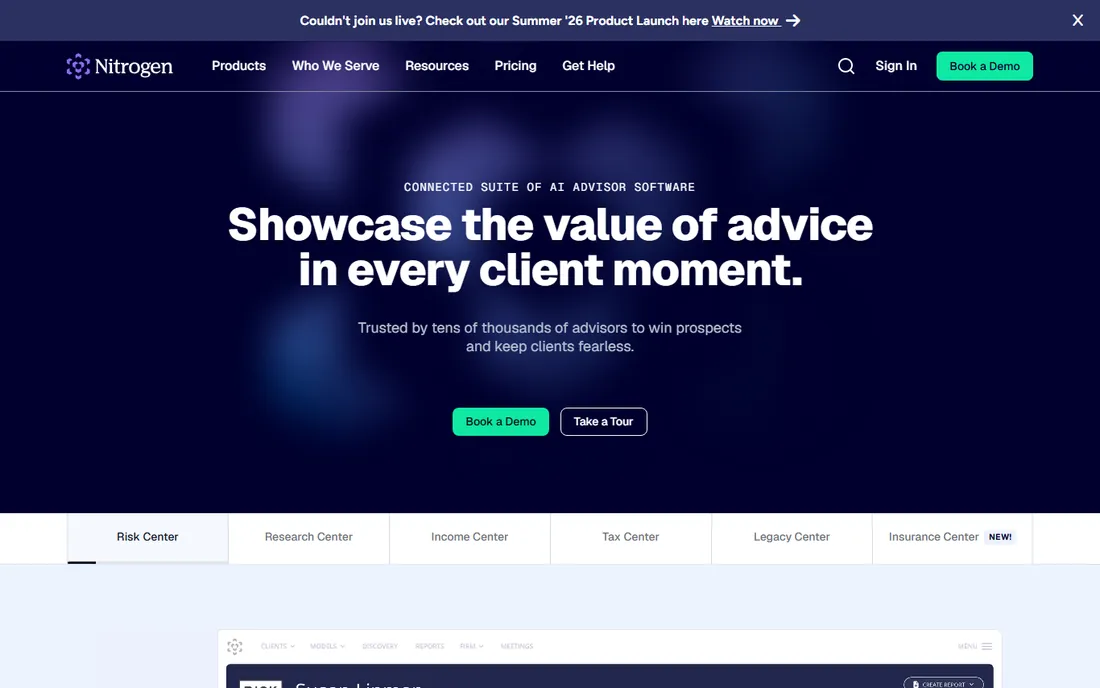
Nitrogen, formerly Riskalyze, is the risk analysis platform advisors use to align portfolios with client risk tolerance: the Risk Number quantifies risk, portfolios are scored against it and clients see the alignment visually. It turned risk into a conversation.
The communication value is the story. Clients understand a Risk Number and a visual portfolio check; they do not understand standard deviation. Advisors use it for prospecting, onboarding and ongoing reviews, with portfolio analytics supporting the risk story.
The honest scope is risk-first. As a full portfolio management system it is thinner than Addepar; as a risk communication tool it is unmatched. Advisor-only, like eMoney. For the advisor who leads with risk, it is essential.
What we like- Risk number methodology
- Great client communication
- Advisor-focused
Watch out for- Advisor-only
- Risk-centric view
Starting priceFree
Free planYes
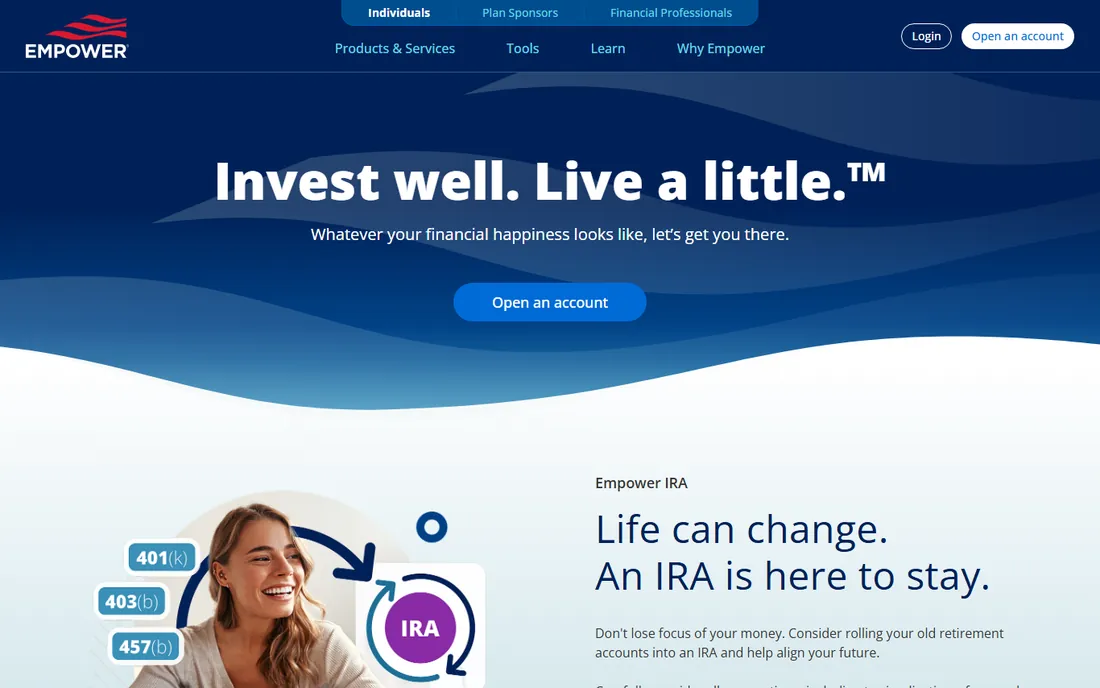
Empower, formerly Personal Capital, offers a free personal wealth dashboard: link bank, brokerage and retirement accounts for a unified net worth view, with a retirement planner and fee analyzer included. Millions track their wealth on it for free.
The free value is remarkable. Account aggregation, net worth tracking, investment checkup and retirement projections cost nothing. The fee analyzer shows what fund expenses cost over time, which alone justifies signing up.
The honest catch is the business model. Empower makes money on its wealth management service, and free users get advisory sales calls. The investment analytics are basic compared with Sharesight or Kubera. For the free wealth dashboard, accept the calls or ignore them.
What we like- Free account aggregation
- Good retirement planner
- No cost
Watch out for- Upsells advisory services
- Investment tools basic
Starting priceSee website
Free planFree trial

Kubera is the net worth tracker for people whose wealth spans asset classes: stocks, crypto, real estate, private investments, bank accounts and even domain names, all valued and tracked in one clean interface. It suits investors with diverse holdings.
The breadth is the differentiator. Where brokerage-centric tools stop, Kubera continues: manual assets, crypto wallets, real estate estimates and custom valuations. The interface is the cleanest in the category, and the privacy stance (no ads, no data selling) appeals to the wealthy.
The trade-off is the subscription with no free tier. It costs money from day one, which filters for serious users. For the investor whose portfolio spans the traditional and the exotic, it is the complete picture.
What we like- Tracks everything including crypto and real estate
- Clean interface
- Privacy-focused
Watch out for- Subscription only
- No free tier beyond trial
Starting priceSee website
Free planYes
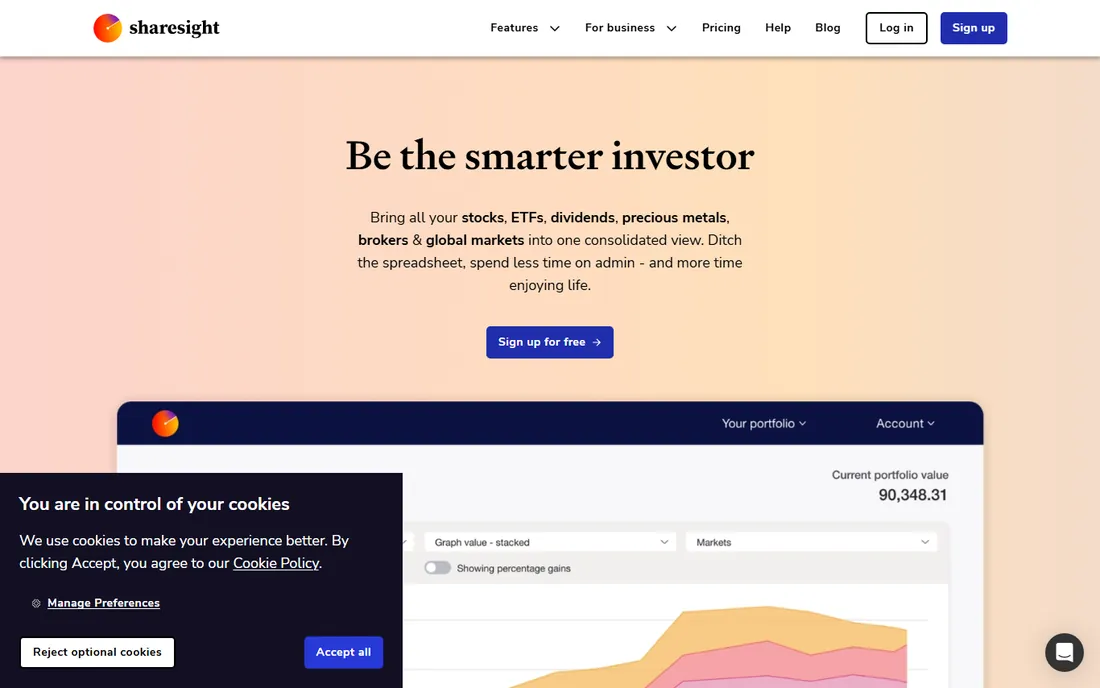
Sharesight is the portfolio tracker for self-directed investors: automatic dividend tracking, true performance calculation (annualized, with corporate actions handled), multi-currency support and tax reporting for multiple countries. It turns brokerage chaos into clear analytics.
The reporting depth is the value. Performance figures that account for contributions and withdrawals, dividend income tracking and tax-ready reports beat every broker's statements. Investors in multiple countries get local tax handling.
The honest limits are the free tier and scope. The free plan covers limited holdings; serious investors subscribe. It tracks investments, not full net worth like Kubera. For the stock and ETF investor who wants real analytics, it is the best tracker here.
What we like- Excellent performance and tax reporting
- Multi-currency
- Dividend tracking
Watch out for- Free plan limited
- Advanced features need paid tiers
Starting priceSee website
Free planYes
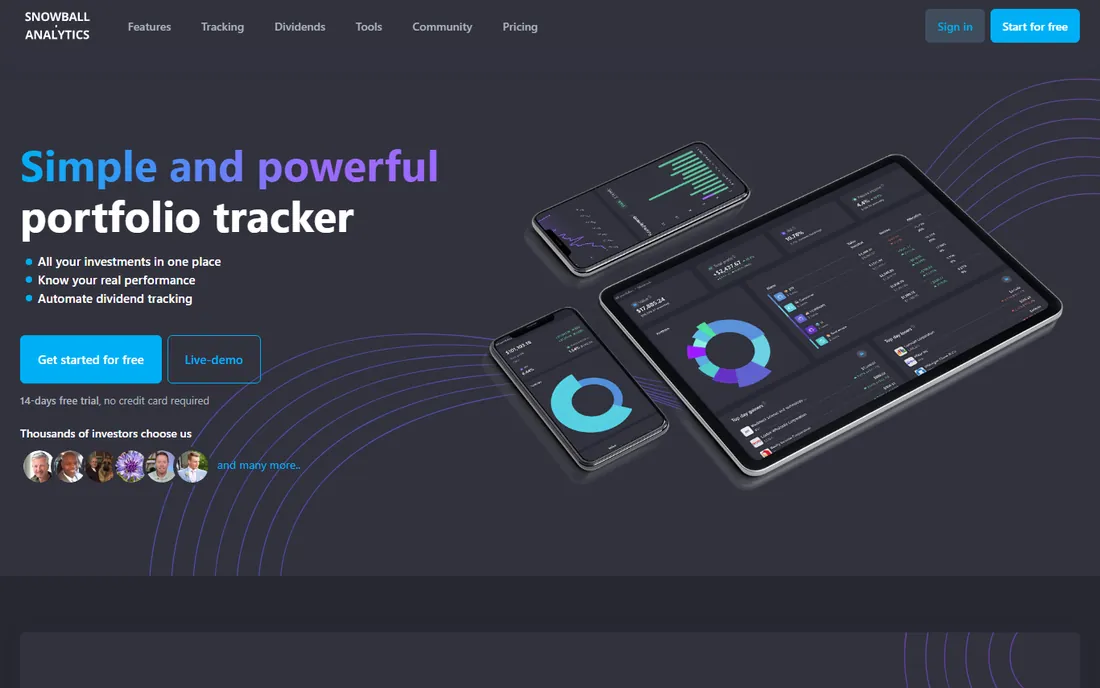
Snowball Analytics serves dividend investors specifically: track dividend income, project future payouts, analyze yield on cost and visualize the income stream your portfolio generates. The dividend focus makes it the specialist choice.
The income lens is the differentiator. Where general trackers show total return, Snowball shows the cash flow: dividend calendars, payout projections and income growth tracking. Dividend growth investors get exactly their metrics.
The trade-off is the niche. Non-dividend investors get less value, and the feature set is narrower than Sharesight's. But for the dividend-focused portfolio, the specialization delivers insights generalists miss.
What we like- Dividend-focused analytics
- Income projections
- Clean design
Watch out for- Dividend niche
- Smaller feature set
Starting priceSee website
Free planYes
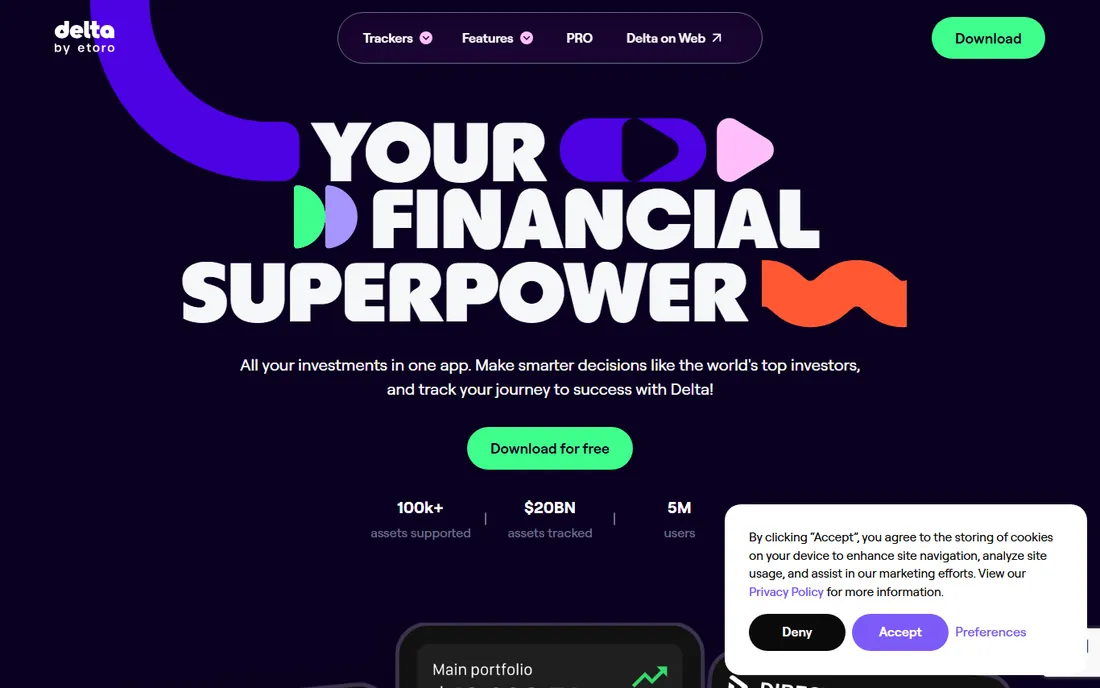
Delta is the mobile-first portfolio tracker for the crypto-and-stocks generation: connect exchanges and wallets, track coins and shares in one app and get a beautiful real-time view of the portfolio. The mobile experience is the best here.
The crypto integration is the core. Exchange APIs, wallet connections and DeFi positions track alongside traditional stocks, which suits investors straddling both worlds. The alerts and watchlists work well.
The honest limits are depth and platform. Advanced analytics need the Pro subscription, and the desktop experience trails the mobile app. Tax reporting is basic. For the mobile investor tracking crypto and stocks together, it is the slick choice.
What we like- Great mobile app
- Crypto plus stocks
- Exchange connections
Watch out for- Advanced features need Pro
- Desktop weaker
Starting priceFree
Free planYes
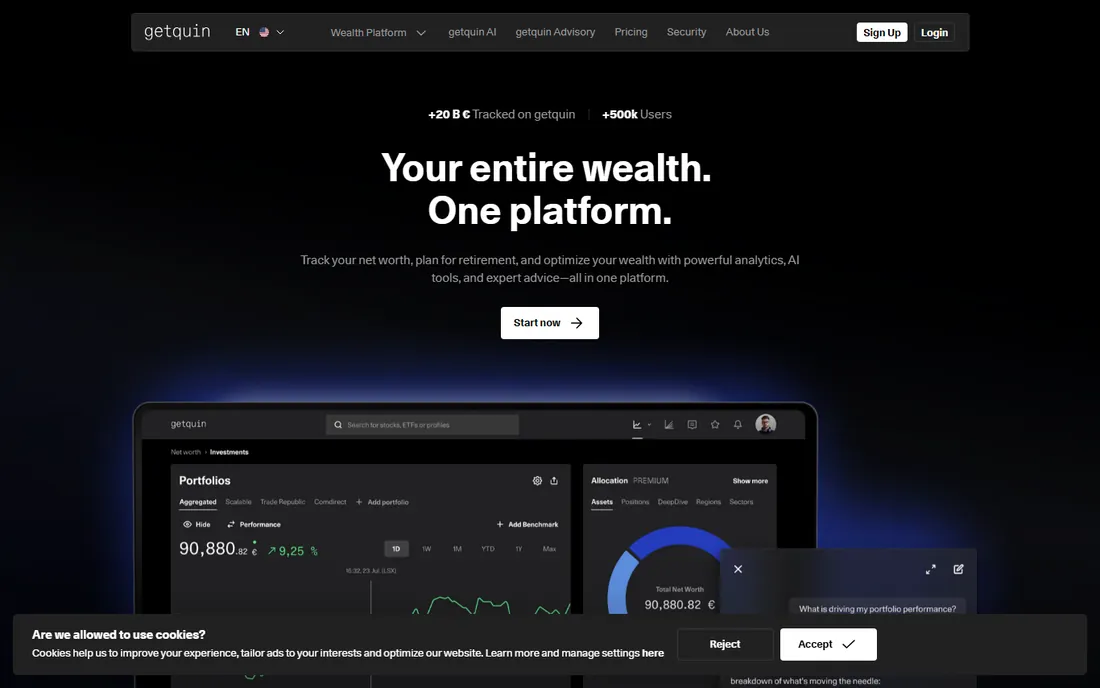
Getquin combines portfolio tracking with a social investing community: track your portfolio free, see aggregated (anonymized) community trends and learn from other investors' allocations. It is particularly popular in Europe.
The social layer is the differentiator. Beyond personal analytics, investors discover ideas from community portfolios and compare performance. The tracking itself covers stocks, ETFs and crypto competently.
The trade-off is maturity and privacy comfort. The platform is newer than Sharesight, and social investing is not for everyone. But free, functional tracking with a community on top is a compelling package for engaged DIY investors.
What we like- Free
- Social investing community
- Portfolio analytics
Watch out for- Social features not for everyone
- Newer platform
These serve different people. Advisor platforms (Addepar, eMoney, Nitrogen) are bought by professionals managing client money, with enterprise pricing and compliance features. DIY trackers (Sharesight, Kubera, Empower, Delta) are bought by individuals managing their own investments, with consumer pricing.
The confusion comes from overlap: both aggregate accounts and report performance. But the advisor tools add client management, compliance and institutional asset support that individuals do not need, at prices individuals should not pay. Know which you are before evaluating.
What to check before you buy
Start with your asset mix: stocks only, dividends, crypto, real estate, private investments. Each tool leads with different assets. Second, decide tracking versus advice; these tools track, they do not manage money (Empower's upsell aside). Third, check your country's tax reporting support.
Fourth, verify broker and bank connections for your specific accounts; coverage varies by region. Fifth, test the mobile app if you check portfolios on the go. Finally, confirm the pricing tier covers your holding count; free plans limit holdings and the paid jump should be worth it.
How we chose
We compared vendor product pages, investor reviews and finance coverage, then confirmed every homepage was live in October 2026. Morningstar's site returned a bot-block response but the domain is live, so we kept the URL as-is. Where we could not verify a vendor-published price we say so. Nothing here reflects hands-on testing; assessments come from documentation, feature lists and public user feedback.
Frequently asked questions
What is the best portfolio tracker for individual investors?
Sharesight for stocks and dividends with tax reporting, Kubera for full net worth across asset classes, Empower for a free dashboard. Choose by asset mix and whether you need tax features.
Is portfolio tracking software worth paying for?
If you hold investments across multiple brokers, yes: consolidated performance, dividend tracking and tax reports save hours and catch errors. The free tiers suffice for simple single-broker portfolios.
Can this software file my taxes?
No, but several (Sharesight especially) generate tax-ready reports for capital gains and dividends in supported countries. You or your accountant still file; the software provides the numbers.
How do these tools connect to my broker?
Through APIs, data feeds or file imports, depending on the broker and region. Coverage varies; verify your specific brokers are supported before subscribing.
Is my financial data safe with these tools?
The reputable vendors use bank-level encryption and read-only connections. Check the security page, enable two-factor authentication and prefer read-only access where offered. Never share trading passwords.
Sources we checked (10)
- https://addepar.com
- https://www.morningstar.com
- https://emoneyadvisor.com
- https://nitrogenwealth.com
- https://www.empower.com
- https://www.kubera.com
- https://www.sharesight.com
- https://snowball-analytics.com
- https://delta.app
- https://www.getquin.com
Is your product missing or out of date?
We review this list regularly. Vendors can request a listing, send updated pricing or ask about featured placement.

Shihab Mia · Founder, Rankite
Shihab has spent more than a decade helping SaaS and e-commerce brands grow through search. He writes Rankite's software buying guides from pricing pages, documentation and public user reviews. More about Shihab.