How we make this list: we compare pricing pages, product documentation and public user reviews. Rankite is independent; if a vendor ever pays for a featured spot, that listing is clearly labeled Partner.
Key takeaways
- Siemens TIA Portal and Rockwell Studio 5000 dominate professional plants, and your hardware choice usually dictates which one you learn.
- CODESYS is the best free professional option, with a $0 development environment that programs controllers from hundreds of manufacturers.
- Beckhoff TwinCAT and ABB Automation Builder both offer free engineering software, keeping costs down for machine builders.
- OpenPLC is the only fully open-source pick, ideal for education, prototyping, and Raspberry Pi or Arduino projects.
- Mitsubishi GX Works3, Omron Sysmac Studio, and Schneider EcoStruxure Control Expert serve their hardware ecosystems well but keep pricing behind sales conversations.
PLC programming software is unusual in that you rarely choose it freely. The controller on the machine usually decides the software, and the software licenses cost real money on top of the hardware. That makes this buying decision different from most software categories: you are choosing an ecosystem, not just a tool.
This guide covers nine platforms, from the industry-standard Siemens and Rockwell environments to free and open-source alternatives. Whether you are specifying software for a plant, learning PLC programming, or prototyping on a budget, you will find your fit here.
Quick comparison
Is your product missing or out of date?
We review this list regularly. Vendors can request a listing, send updated pricing or ask about featured placement.
PLC Programming Software for Every Budget and Brand
Starting priceSee website
Free planFree trial
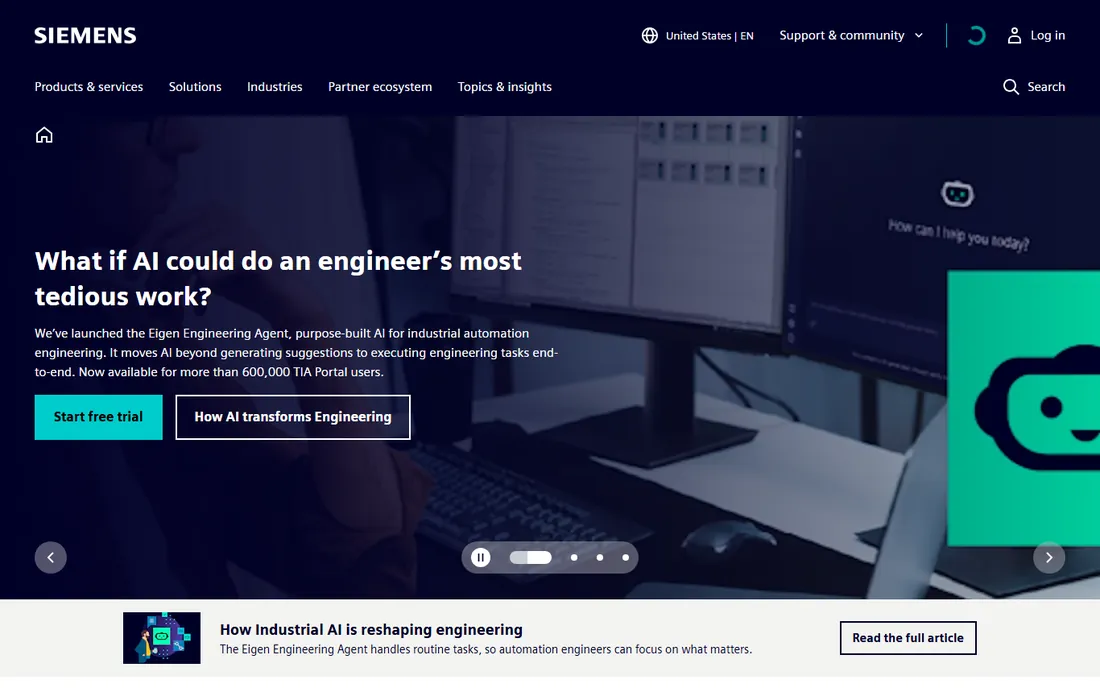
TIA Portal is the Totally Integrated Automation engineering framework for Siemens controllers, and if your plant runs S7-1200 or S7-1500 hardware, this is simply the software you use. STEP 7 Basic covers the S7-1200 range while Professional handles the full controller lineup, and the same environment also configures HMIs, drives, and safety systems. Trial licenses, typically 21 days, let you evaluate before buying.
The honest cost picture is that TIA Portal is a serious capital expense. Siemens sells through perpetual licenses with optional annual support contracts, and the price steps between editions are large. It is also demanding on hardware for big projects. But the integration payoff is real: one project file covering the controller, the HMI, and the network is something competitors still struggle to match.
What we like- Single environment for PLC, HMI, drives, and safety
- Deep diagnostics and simulation with PLCSIM
- Massive global user community
Watch out for- License costs are significant and perpetual pricing is complex
- Heavy system requirements for large projects
Starting priceSee website
Free planNo
Studio 5000 is Rockwell Automation's engineering environment for Allen-Bradley Logix controllers, covering ControlLogix, CompactLogix, and GuardLogix families. It combines Logix Designer programming with configuration, diagnostics, and version management in one framework. Editions scale from Lite through Professional, with subscription and perpetual options.
There is no free tier, which makes evaluation harder than with Siemens' trial. Pricing is quote-based through distributors and runs high, as Rockwell customers expect. The platform lock-in is total: Studio 5000 programs Allen-Bradley hardware and nothing else. If your facility is standardized on Rockwell, none of that matters. If you are choosing fresh, weigh the ecosystem cost honestly against alternatives.
What we like- Unified environment for ControlLogix and CompactLogix
- Strong motion and safety integration
- Dominant in North American plants
Watch out for- No free plan or trial for evaluation
- Licensing is expensive and tied to the Rockwell ecosystem

#3
CODESYS
Best for: Programming hundreds of PLC brands with one tool
Visit codesys.com
Starting priceFree (development environment)
Free planYes
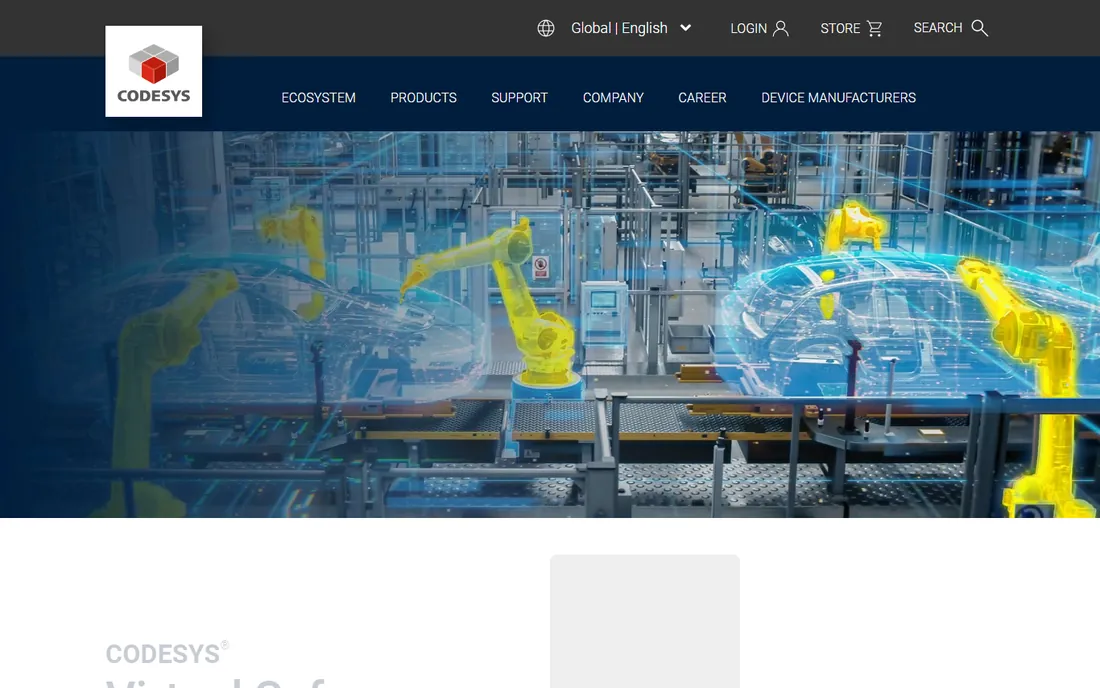
CODESYS is the great escape hatch from vendor lock-in. The CODESYS Development System, the actual programming environment, is free: the vendor's own store lists it at $0.00. It supports all five IEC 61131-3 languages, includes simulation, and programs controllers from hundreds of manufacturers including Wago, Schneider Electric, and Bosch Rexroth. Learn it once, and you can work across brands.
The business model sits in the runtime, not the IDE. Device manufacturers pay runtime royalties, and some advanced features and add-ons cost extra. For learning, prototyping, and multi-brand maintenance work, though, nothing else offers this much capability for free. If your career spans multiple PLC brands, CODESYS is the most transferable skill on this list.
What we like- Development environment is free to download and use
- Supports all five IEC 61131-3 languages
- Runs on controllers from hundreds of vendors
Watch out for- Runtime licensing fees apply per device
- Vendor-specific features may need extra configuration
Starting priceSee website
Free planNo

GX Works3 is Mitsubishi Electric's engineering software for the MELSEC iQ-R and iQ-F controller families. It is known for a gentler learning curve than some competitors, with straightforward project setup and solid support for structured programming alongside ladder logic. Motion control integration is a particular strength for machine builders.
The purchasing experience is old-school: no public pricing, no free tier, distributor quotes only. That makes it hard to evaluate casually or learn independently without employer support. Within the Mitsubishi ecosystem, though, it is a capable and well-regarded tool. Choose it when the hardware decision is already made.
What we like- Purpose-built for MELSEC controllers with intuitive setup
- Strong motion control integration
- Good structured programming support
Watch out for- No free version for learning
- Pricing is only available through distributors

#5
Omron Sysmac Studio
Best for: Integrated machine automation on NJ/NX
Visit omron.com
Starting priceSee website
Free planFree trial
Sysmac Studio takes integration further than most: one environment programs the NJ/NX controllers, configures motion, safety, drives, vision systems, and HMIs. The 3D simulation tool lets you validate sequence and motion together before hardware exists, which catches expensive mistakes early. A 30-day trial is documented for evaluation.
The cost is the catch. Distributor pricing for full licenses runs into the thousands, and everything is tied to Omron's Sysmac hardware platform. For machine builders standardized on Omron, the integration justifies it. For everyone else, the price of admission is steep. Evaluate the trial seriously before committing a project to it.
What we like- One software for logic, motion, safety, vision, and HMI
- 3D simulation for sequence and motion
- IEC 61131-3 compliant
Watch out for- Pricing is distributor-only and runs high
- Limited to Omron's Sysmac platform
Starting priceSee website
Free planNo
EcoStruxure Control Expert, formerly Unity Pro, is Schneider Electric's engineering software for Modicon controllers including the M340, M580, and legacy Quantum lines. It is a mature, capable platform with particular strength in process industries where Schneider has deep roots. Licensing scales from single seats to large team deployments.
There is no free tier, and the license catalog is genuinely confusing, with many part numbers across sizes and user counts. Distributor pricing for larger licenses runs into five figures. Like its peers, it is inseparable from Schneider hardware. Process plants with Modicon installed base will find it indispensable. New projects should compare the total ecosystem cost.
What we like- Mature platform, formerly Unity Pro, with deep Modicon support
- Strong process control heritage
- Flexible licensing from single to team seats
Watch out for- No free plan
- License costs are high and the lineup is complex

#7
ABB Automation Builder
Best for: ABB AC500 PLC engineering on a budget
Visit new.abb.com
Starting priceFree (Basic edition)
Free planYes
ABB Automation Builder stands out among the big-vendor tools for its free Basic edition, downloadable from ABB's site at no cost. It covers AC500 PLCs, safety PLCs, control panels, drives, and motion in one suite, and a free 30-day trial gives access to the Standard and Premium features for evaluation. For machine builders on ABB hardware, the entry cost is effectively zero.
The paid editions exist for larger projects, but public pricing is thin, so expect a sales conversation. The community and third-party training ecosystem is also smaller than the Siemens and Rockwell worlds, which matters when you are stuck at midnight. Still, free professional PLC software from a major vendor is rare, and ABB deserves credit for it.
What we like- Basic edition is free to download
- Single suite for PLCs, safety, drives, and panels
- 30-day trial opens up premium features
Watch out for- Advanced editions are paid with unclear public pricing
- Smaller community than Siemens or Rockwell
Starting priceFree (engineering core)
Free planYes
TwinCAT 3 takes a different architectural path: instead of a proprietary controller, your control logic runs on an industrial PC. Beckhoff's own licensing page states that the TwinCAT 3 Engineering core for PLC programming is free of licensing costs and installable on any number of development computers. Runtime licenses for the target machine are paid, priced by the performance class of the hardware, with renewable 7-day trial licenses for evaluation.
The paradigm shift is the real consideration. PC-based control brings IT-like flexibility, IEC 61131-3 plus C++ and MATLAB options, and excellent EtherCAT integration, but it asks automation engineers to think differently about hardware. For machine builders comfortable with the model, the free engineering software and transparent licensing are compelling.
What we like- TwinCAT Engineering core is free of license cost
- Turns standard PCs into real-time controllers
- Renewable 7-day runtime trial licenses
Watch out for- Runtime licenses cost extra and scale with hardware performance
- PC-based control is a different paradigm to learn
Starting priceFree $0
Free planYes
OpenPLC is the only fully open-source option here, and it fills an important gap. The editor and runtime are free, the project supports all five IEC 61131-3 languages, and it runs on Raspberry Pi, Arduino, ESP32, Windows, and Linux. For students, hobbyists, researchers, and anyone prototyping automation on commodity hardware, it removes the cost barrier entirely.
Be clear-eyed about the limits. OpenPLC is not certified for safety-critical or production industrial use, and support comes from the community. It will not replace TIA Portal in a car plant. But as a learning tool it is unmatched: you can go from zero to a working PLC program on a $35 board in an afternoon. That accessibility matters for the next generation of automation engineers.
What we like- Completely free and open source
- Runs on Raspberry Pi, Arduino, ESP32, and PCs
- Supports all five IEC 61131-3 languages
Watch out for- Not certified for safety-critical industrial use
- Community support only
IEC 61131-3 Languages in Plain English
Every serious PLC tool on this list supports the IEC 61131-3 standard languages, so it is worth knowing what they are. Ladder Diagram looks like electrical relay schematics and remains the most widely used, especially in North America. Function Block Diagram connects visual blocks for process-style logic. Structured Text is a Pascal-like language for complex math and data handling. Sequential Function Chart organizes logic into steps and transitions, ideal for batch processes. Instruction List is the older low-level language, still supported but fading.
You do not need all five. Most working programmers use ladder and structured text for the vast majority of tasks, reaching for the others when the problem fits. When evaluating software, confirm that the languages you actually use are well supported, including online editing and debugging, rather than counting how many languages are listed on a datasheet.
How we chose
We compared vendor documentation, licensing pages, and feature lists for PLC programming environments from major automation vendors and independent platforms. We checked public discussions on Reddit's PLC communities, forums, and review sites, focusing on licensing costs, learning resources, and real-world reliability. We weighted hardware-software integration, language support, pricing transparency, and the availability of free or trial options for learning. We did not test these tools hands-on in industrial settings.
Start with the hardware you have or plan to buy. In nine cases out of ten, the controller brand decides the software, and fighting that costs more than accepting it. If you are standardizing a plant, evaluate the vendor's local distributor support as carefully as the software itself, because you will need them.
If you are choosing freely, for a new machine or a learning path, the decision changes. CODESYS gives you multi-brand freedom with a free IDE. TwinCAT gives you PC-based flexibility with free engineering. OpenPLC gives you zero-cost experimentation. These three are the only options where the software choice genuinely comes first.
Budget for the total ecosystem cost
Software licenses are only part of the spend. Factor in the controller hardware, I/O modules, HMI software, support contracts, and training. A "cheap" software choice paired with expensive hardware is no bargain. Get quotes for the complete package from two vendors before deciding, and include three years of support renewals in the comparison.
Learning resources matter more than features
You will spend more time learning the software than using its advanced features. Check the availability of free tutorials, documentation quality, and community activity before committing. Siemens, Rockwell, and CODESYS all have large communities. Smaller ecosystems mean slower answers when you are stuck, which has a real cost in project delays.
Frequently asked questions
Which PLC programming software is best for beginners?
OpenPLC is the best zero-cost starting point, running on Raspberry Pi or Arduino hardware. CODESYS is the best free professional option, with a full IDE at no cost and skills that transfer across brands. If you are learning for a specific job, learn whatever your employer uses.
Is PLC programming software free?
Some of it. OpenPLC is completely free and open source. CODESYS, ABB Automation Builder Basic, and Beckhoff TwinCAT Engineering are free from their vendors. Siemens offers trial licenses. Rockwell, Mitsubishi, Omron, and Schneider generally require paid licenses with no free tier.
Do I need different software for each PLC brand?
Mostly yes. Siemens, Rockwell, Mitsubishi, Omron, and Schneider each require their own environment for their hardware. CODESYS is the exception, programming controllers from hundreds of manufacturers. TwinCAT is also brand-specific to Beckhoff's PC-based platform.
What programming languages do PLCs use?
The IEC 61131-3 standard defines five: Ladder Diagram, Function Block Diagram, Structured Text, Sequential Function Chart, and Instruction List. All the tools in this guide support the standard, though the depth of support varies by language and vendor.
Can I simulate a PLC program without hardware?
Yes. Most platforms include simulation: Siemens has PLCSIM, Omron offers 3D simulation in Sysmac Studio, CODESYS has built-in simulation, and OpenPLC can run on a PC. Simulation is essential for learning and for testing logic before commissioning.
Sources we checked (9)
- https://www.siemens.com
- https://www.rockwellautomation.com
- https://www.codesys.com
- https://www.mitsubishielectric.com
- https://www.omron.com
- https://www.schneider-electric.com
- https://new.abb.com/plc/automationbuilder
- https://www.beckhoff.com
- https://openplcproject.com
Is your product missing or out of date?
We review this list regularly. Vendors can request a listing, send updated pricing or ask about featured placement.

Shihab Mia · Founder, Rankite
Shihab has spent more than a decade helping SaaS and e-commerce brands grow through search. He writes Rankite's software buying guides from pricing pages, documentation and public user reviews. More about Shihab.
 Siemens TIA Portal
 Rockwell Studio 5000
 Mitsubishi GX Works3
 Schneider Electric EcoStruxure Control Expert
 Beckhoff TwinCAT
 OpenPLC