How we make this list: we compare pricing pages, product documentation and public user reviews. Rankite is independent; if a vendor ever pays for a featured spot, that listing is clearly labeled Partner.
Key takeaways
- GitHub is the default for sharing code: largest community, best discoverability, generous free tier with Actions and Copilot.
- GitLab suits teams wanting an all-in-one DevOps platform; Bitbucket fits Atlassian shops; Codeberg serves open-source purists.
- For sharing runnable demos (not repos), CodePen, Replit and Glitch let people see code execute in the browser.
- SourceForge still hosts legacy open-source projects; choose the platform your intended audience already uses.
Quick comparison
| Tool | Best for | Starting price | Free plan |
|---|
 GitHub GitHub | The default place to share and collaborate on code | Free | Yes |
 GitLab GitLab | Teams wanting code plus the full DevOps lifecycle | Free | Yes |
 Bitbucket Bitbucket | Teams already living in Atlassian tools | Free | Yes |
 CodePen CodePen | Sharing frontend demos and experiments | Free | Yes |
 Replit Replit | Sharing code that runs immediately | Free | Yes |
 SourceForge SourceForge | Legacy open-source project distribution | Free | Yes |
 Codeberg Codeberg | Open-source sharing on community-run infrastructure | Free | Yes |
 Glitch Glitch | Sharing remixable web apps | Free | Yes |
Is your product missing or out of date?
We review this list regularly. Vendors can request a listing, send updated pricing or ask about featured placement.
Sharing code online serves different goals: collaborating on projects (git hosting), demonstrating techniques (runnable snippets), building reputation (public profiles) and distributing software (releases). Eight platforms, each with the sharing job it does best.
#1
GitHub
Best for: The default place to share and collaborate on code
Visit github.com
Starting priceFree
Free planYes
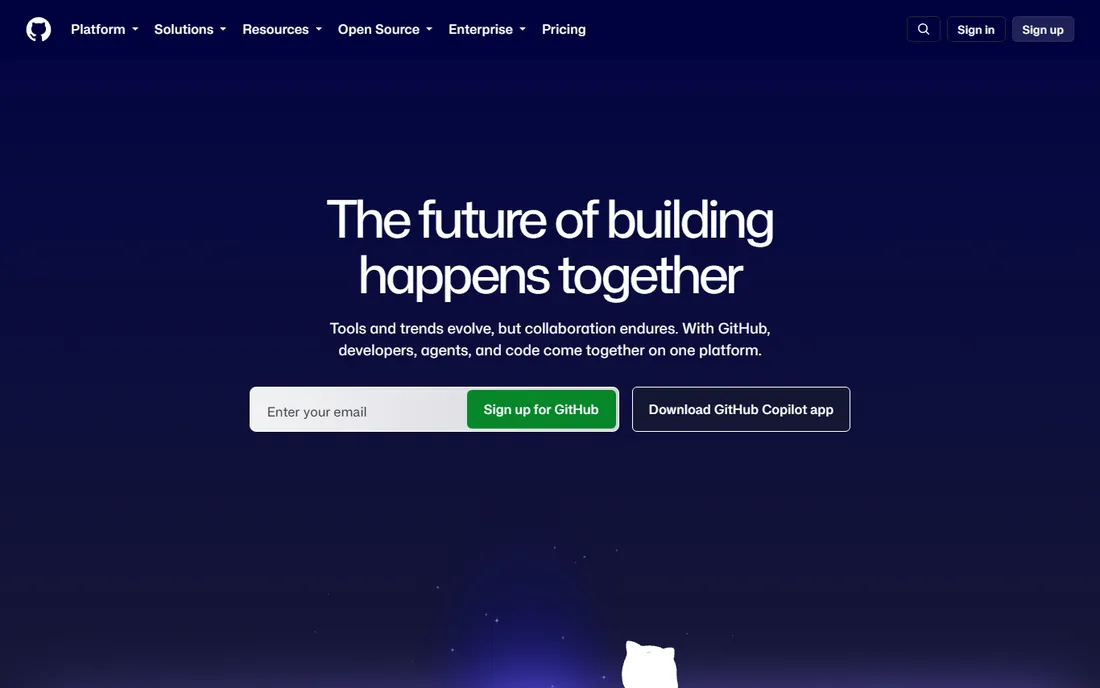
GitHub is where code sharing happens by default: unlimited public repositories free, pull requests and issues as the collaboration language, and a community so large that publishing here maximizes discoverability. The free tier includes CI/CD (Actions), static hosting (Pages) and package hosting, which covers most sharing needs completely.
The honest caveats are ownership and fit. Some open-source purists prefer community-run forges, and GitHub's social features reward popular projects over quiet ones. But for reach, collaboration tooling and hiring visibility, nothing else compares.
What we like- Largest developer community and best project discoverability
- Unlimited public and private repos free
- Actions, Codespaces and Copilot in the ecosystem
Watch out for- Microsoft ownership concerns some
- Free private repos have collaborator nuances for organizations
#2
GitLab
Best for: Teams wanting code plus the full DevOps lifecycle
Visit gitlab.com
Starting priceFree
Free planYes
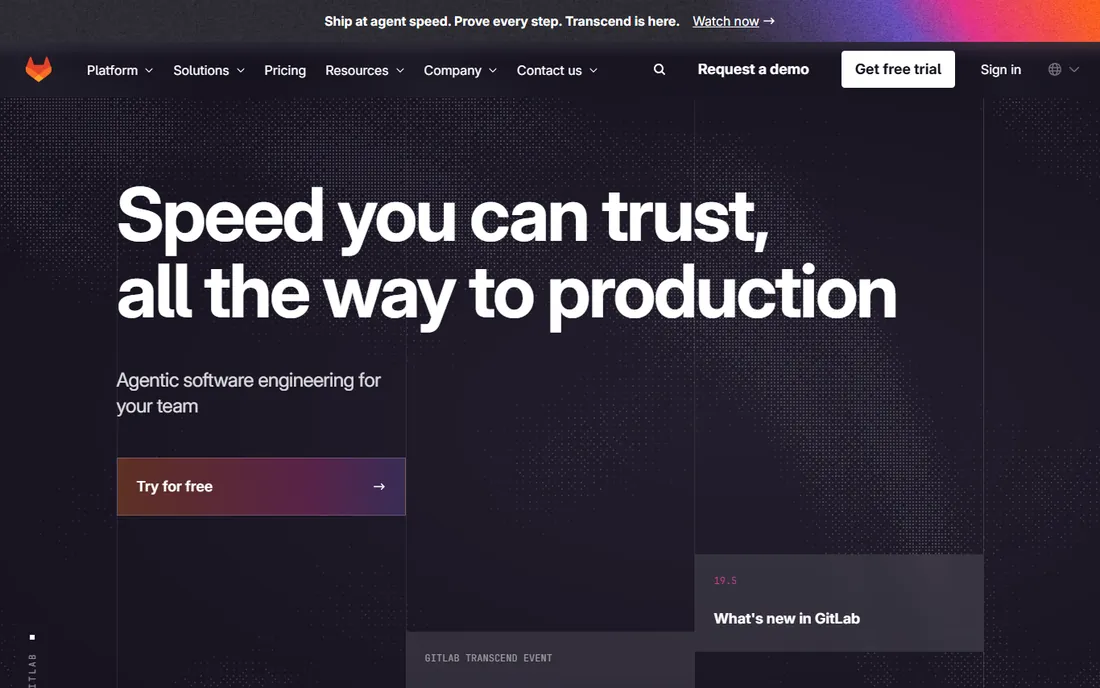
GitLab's pitch is the single application: repositories, CI/CD, container registry, security scanning and deployment in one platform, so sharing code extends naturally into shipping it. The free tier is generous, and the self-hostable edition appeals to organizations wanting control.
The honest trade-off is simplicity. For pure code sharing, GitLab carries more machinery than needed, and its community is smaller than GitHub's for open-source discoverability. But teams standardizing on GitLab for DevOps get sharing as part of a coherent platform.
What we like- Complete DevOps platform (repo, CI/CD, security, deploy) in one
- Generous free tier
- Self-hostable Community Edition
Watch out for- Heavier than GitHub for simple sharing
- Smaller community for discoverability
Starting priceFree
Free planYes
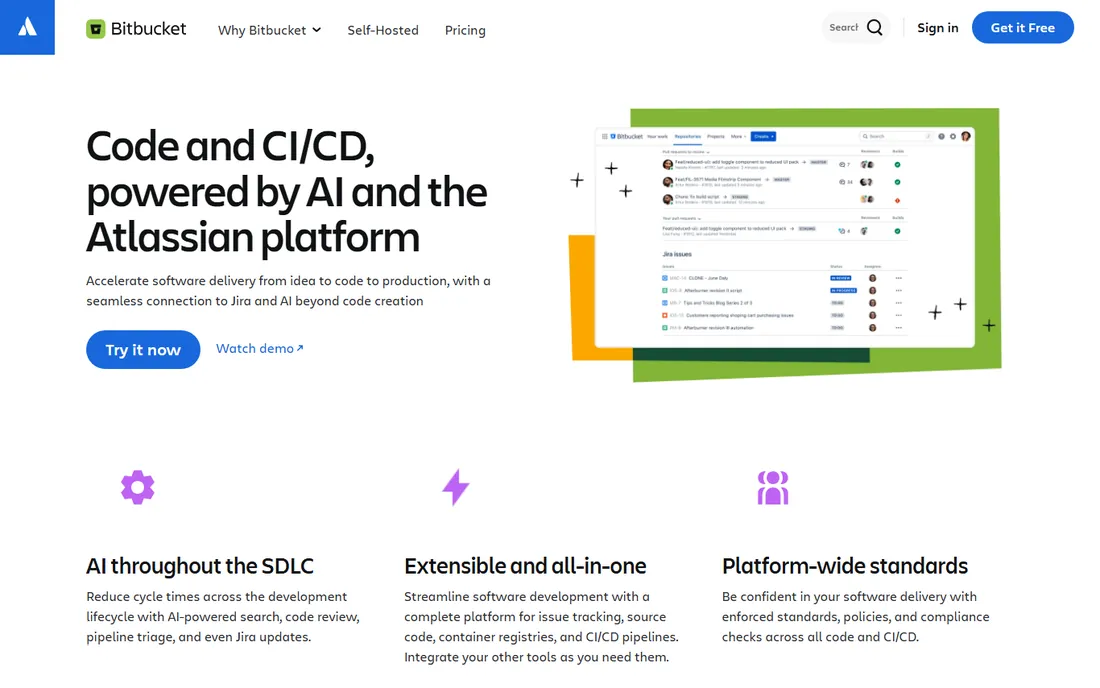
Bitbucket is the Atlassian answer: git hosting woven into Jira issues, Confluence docs and Trello boards, so code, tasks and documentation share context. Small teams get it free with built-in CI/CD pipelines.
The honest boundary is public sharing. Bitbucket's community and discoverability trail GitHub significantly; it is a team collaboration tool first. For Atlassian-centric organizations sharing code internally and with partners, the integration value is real.
What we like- Deep Jira, Trello and Confluence integration
- Free for small teams with Pipelines CI/CD
- Clean pull request workflow
Watch out for- Smaller community
- Less suited to public open-source sharing
Starting priceFree
Free planYes
CodePen is where frontend developers share: write HTML, CSS and JS in the browser, see results instantly, fork others' pens and build a portfolio of interactive demos. For sharing a technique, a component or a creative experiment, its immediacy beats repositories.
The honest scope is the browser. Backend code, full projects and non-web languages live elsewhere. But for frontend sharing specifically (demos in articles, portfolio pieces, teaching examples), CodePen's format is the standard.
What we like- Instant HTML/CSS/JS playground with live preview
- Huge community of frontend experiments
- Perfect for demos, portfolios and teaching
Watch out for- Frontend-only
- Not a general code hosting platform
Starting priceFree
Free planYes
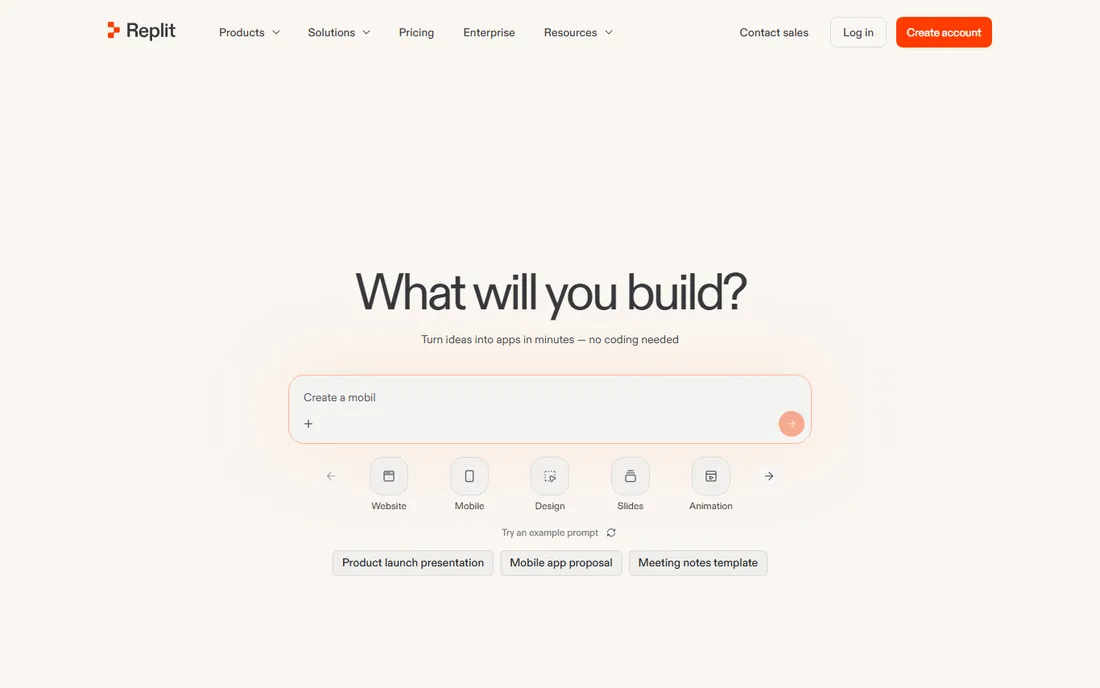
Replit's sharing model is execution: publish a repl and anyone can run, fork and modify the code in their browser, across dozens of languages. Tutorials, coding interviews, prototypes and classroom sharing all benefit from zero-setup runnable code.
The honest ceiling is scale. Resource limits and the browser environment constrain serious projects; production code lives in real repos. But for sharing code meant to be run and learned from, Replit's frictionless execution is unmatched.
What we like- Full online IDE supporting dozens of languages
- Shared repls run in the browser with one click
- Collaboration and AI features built in
Watch out for- Free tier has resource limits
- Serious projects outgrow the browser
Starting priceFree
Free planYes
SourceForge hosted open source before GitHub existed, and many established projects still distribute from it: download mirrors, release management and project pages free. For legacy projects and Windows-oriented open-source distribution, it remains functional.
The honest reality is momentum. New projects overwhelmingly choose GitHub or Codeberg; SourceForge's interface and community feel dated. But for existing projects with history there, and for download-mirror distribution, it continues to serve.
What we like- Long-running open-source hosting with downloads, mirrors and project pages
- Still home to many established projects
- No cost
Watch out for- Dated experience
- Community momentum moved to GitHub long ago
#7
Codeberg
Best for: Open-source sharing on community-run infrastructure
Visit codeberg.org
Starting priceFree
Free planYes
Codeberg is the principled alternative: a nonprofit, community-run code forge (powered by Forgejo) offering free hosting for open-source projects with Pages, CI/CD and package hosting. Developers who prefer their code on democratic infrastructure choose it deliberately.
The honest trade-offs are audience and scope. The community is smaller (less discoverability), and the terms favor open-source projects. But for FOSS sharing with values-aligned hosting, Codeberg is the credible, functional choice.
What we like- Nonprofit, community-run Forgejo hosting
- Free unlimited repos for open-source
- Pages, CI and translation tooling included
Watch out for- Open-source projects primarily
- Smaller community than GitHub
Starting priceFree
Free planYes
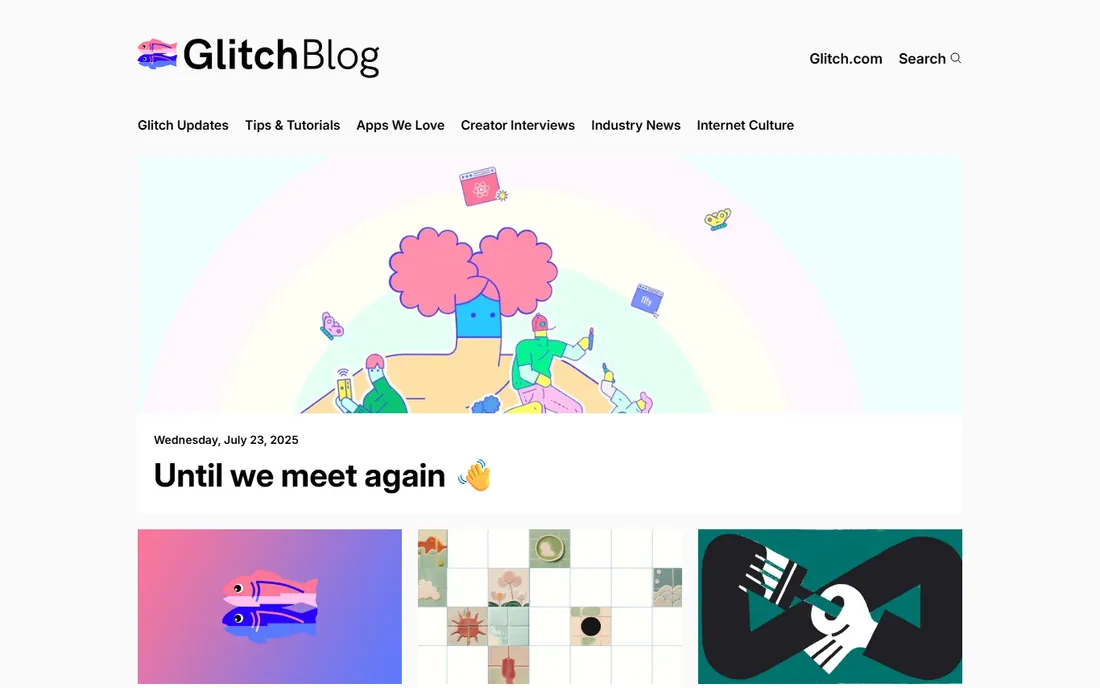
Glitch's sharing philosophy is remixing: publish a web app and anyone can remix it into their own version instantly, in the browser, with hosting included. Creative coders, educators and prototypers share living apps rather than static code.
The honest scale is small. Glitch suits prototypes, bots, demos and learning projects rather than production systems. But for sharing web apps people can immediately adapt, its remix model is the most inviting in this list.
What we like- Instant full-stack web apps in the browser
- One-click remix culture
- Friendly for beginners and creative coding
Watch out for- Smaller ecosystem
- Best for small apps and prototypes
How we chose
We covered the real sharing jobs (repository collaboration, runnable demos, open-source distribution, portfolio building), selecting established platforms with genuine developer adoption in each. We weighed community size, free-tier generosity, collaboration features and honest fit for each sharing goal. Pricing comes from each vendor's own site; all eight are free to start. No hands-on testing was performed.
What to look for before you buy
Match the platform to the audience. Open-source contributors live on GitHub; your team may live on Bitbucket or GitLab; learners click Replit links. Sharing where your audience already is beats the technically superior empty room.
Check the license and terms. Free tiers differ on private repos, collaborators, CI minutes and data ownership; read the terms for anything commercially sensitive.
Consider discoverability versus control. Public forges maximize reach; self-hosted options (GitLab CE, Forgejo) maximize control. Most sharing wants reach; choose accordingly.
Finally, test the contributor experience. Fork your own repo as an outsider, open a pull request, run the demo link. Friction you feel is friction every contributor feels.
Picking the right place for each kind of code
Not all code sharing is the same job, and the tools in this guide split along a few clear lines. Matching the platform to the purpose saves the frustration of using a great tool for the wrong task. The main split is between collaboration platforms (where code lives and evolves) and sharing surfaces (where code is shown).
Full projects belong on GitHub, GitLab or Bitbucket. If the code has a future (a library, a product, an open-source project), it needs version control, issues, pull requests and a history. Sharing a project as a gist or paste is a dead end: nobody can follow its evolution. Default to a repository for anything you might update.
Snippets and examples belong on gists, CodePen or Pastebin-style tools. A 30-line function that answers a Stack Overflow question, a CSS trick worth bookmarking, a config file template: these are single-purpose shares where a repository would be overhead. Gists keep them versioned and forkable; CodePen adds live preview for front-end work.
Live demos and prototypes belong on CodePen, CodeSandbox, StackBlitz or Glitch. When the point is "try it in your browser", the platform should run the code, not just display it. Front-end experiments shine on CodePen; full-stack prototypes need CodeSandbox or StackBlitz. Pick based on what the viewer should be able to do, not just see.
Interview and teaching code has its own needs. Pair-programming interviews want real-time collaboration (CodeSandbox, Replit-style environments); tutorials want readable, annotated snippets with context. For teaching, the explanation around the code matters more than the platform; for interviews, low friction matters most, since setup trouble wastes everyone's time.
Private and client code needs access control first. Public gists and pens are indexed and searchable; never share client code, credentials or proprietary logic on public surfaces. GitHub and GitLab private repositories, or client-specific sharing tools, are the right home. Check the platform's default visibility before pasting: several tools default to public.
Longevity is the final filter. Pastebin-style links rot; gists and repositories persist. If the code should still work in two years (documentation examples, portfolio pieces), put it where it will survive and stay editable. The few extra seconds of setting up a proper share pay off every time someone finds it later. When in doubt, choose the platform the recipient already uses: the best sharing tool is the one the other person will actually open.
Frequently asked questions
What is the best website to share code?
GitHub for general code sharing and collaboration; CodePen for frontend demos; Replit for runnable examples. The best site is the one your intended audience already uses.
Is GitHub free?
Yes for individuals: unlimited public and private repositories with generous Actions minutes, Pages hosting and more. Paid plans add advanced security, more Actions minutes and enterprise features.
GitHub vs GitLab: which should I choose?
GitHub for community, discoverability and ecosystem; GitLab for an all-in-one DevOps platform and self-hosting. Many teams use GitHub for open source and GitLab (self-hosted) internally.
How do I share a code snippet quickly?
CodePen for frontend, Replit for runnable multi-language snippets, GitHub Gist for plain snippets. For Stack Overflow-style questions, a runnable Replit beats a static paste.
Can I host a website from a code platform?
Yes: GitHub Pages, GitLab Pages and Codeberg Pages all host static sites free from repositories. Great for documentation, portfolios and project pages.
What is the most open-source-friendly code platform?
Codeberg (nonprofit, community-run) for values alignment; GitHub for reach despite corporate ownership. Many projects mirror across both.
Sources we checked (8)
- https://github.com
- https://gitlab.com
- https://bitbucket.org
- https://codepen.io
- https://replit.com
- https://sourceforge.net
- https://codeberg.org
- https://glitch.com
Is your product missing or out of date?
We review this list regularly. Vendors can request a listing, send updated pricing or ask about featured placement.

Shihab Mia · Founder, Rankite
Shihab has spent more than a decade helping SaaS and e-commerce brands grow through search. He writes Rankite's software buying guides from pricing pages, documentation and public user reviews. More about Shihab.