How we make this list: we compare pricing pages, product documentation and public user reviews. Rankite is independent; if a vendor ever pays for a featured spot, that listing is clearly labeled Partner.
Key takeaways
- Pipedrive remains the purest pipeline tool: visual, activity-based and loved by small sales teams that live in their deals.
- HubSpot CRM's free tier is the best starting point in sales software, with a natural upgrade path as the team grows.
- Salesforce wins at enterprise scale and customization, but small teams will drown in its complexity and cost.
- Close and Copper serve specific workflows best: high-velocity inside sales for Close, and Google Workspace devotees for Copper.
Quick comparison
| Tool | Best for | Starting price | Free plan |
|---|
 Pipedrive Pipedrive | Small sales teams that live in their pipeline | See website | Free trial |
 HubSpot CRM HubSpot CRM | Teams starting free and scaling up | See website | Free tier |
 Salesforce Salesforce | Enterprises needing deep customization | See website | Free trial |
 Copper Copper | Teams living in Google Workspace | See website | Free trial |
 Close Close | Inside sales teams that call and email all day | See website | Free trial |
 Monday Sales CRM Monday Sales CRM | Teams already running on Monday.com | See website | Free trial |
 Insightly Insightly | Businesses that sell projects, not just products | See website | Free trial |
 Zoho CRM Zoho CRM | Budget-conscious teams wanting customization | See website | Free tier |
 Freshworks CRM Freshworks CRM | SMBs that want simplicity plus AI help | See website | Free tier |
 Streak Streak | Managing pipelines entirely inside Gmail | See website | Free tier |
Is your product missing or out of date?
We review this list regularly. Vendors can request a listing, send updated pricing or ask about featured placement.
The best pipeline management software
Starting priceSee website
Free planFree trial
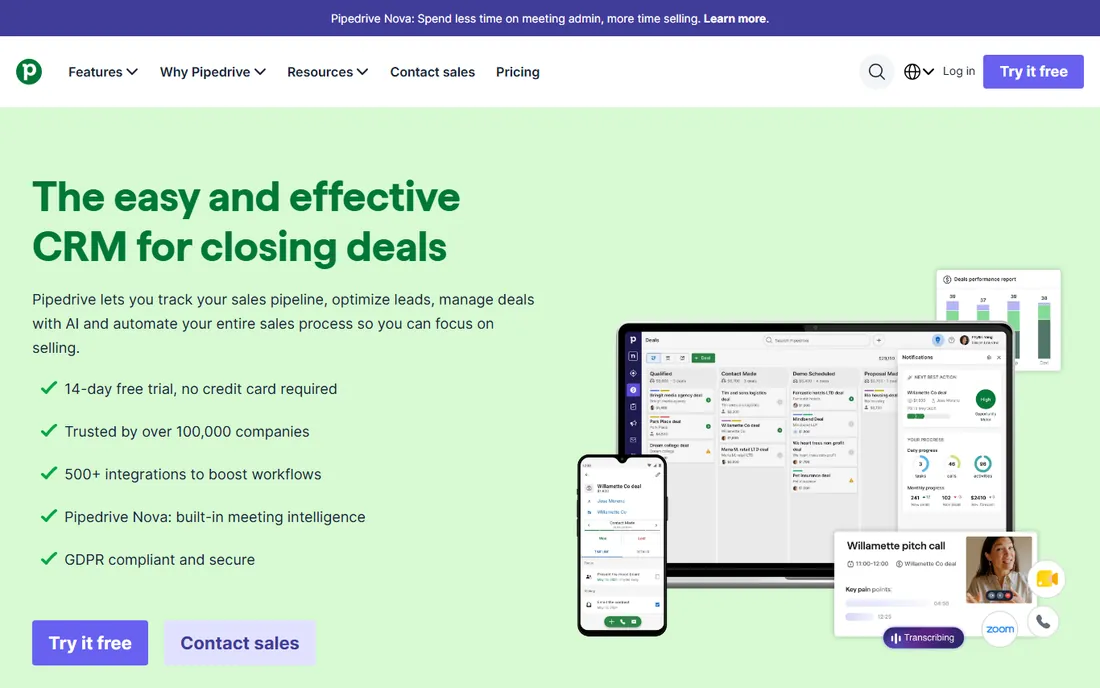
Pipedrive was designed around one idea: the pipeline is the product. Deals sit in visual stages, and the system nags you about the next activity rather than letting opportunities rot. Sales teams adopt it fast because it matches how they already think about selling. Implementation takes days, not months.
It is not a marketing platform or a customer service suite. Reporting beyond the standard dashboards needs workarounds. But for a small team that needs everyone working the same deals with the same discipline, Pipedrive's focus is exactly right.
What we like- Visual pipeline that salespeople actually update
- Activity-based selling keeps deals moving
- Quick to implement
Watch out for- Marketing features are thin
- Reporting depth trails enterprise CRMs
Starting priceSee website
Free planFree tier
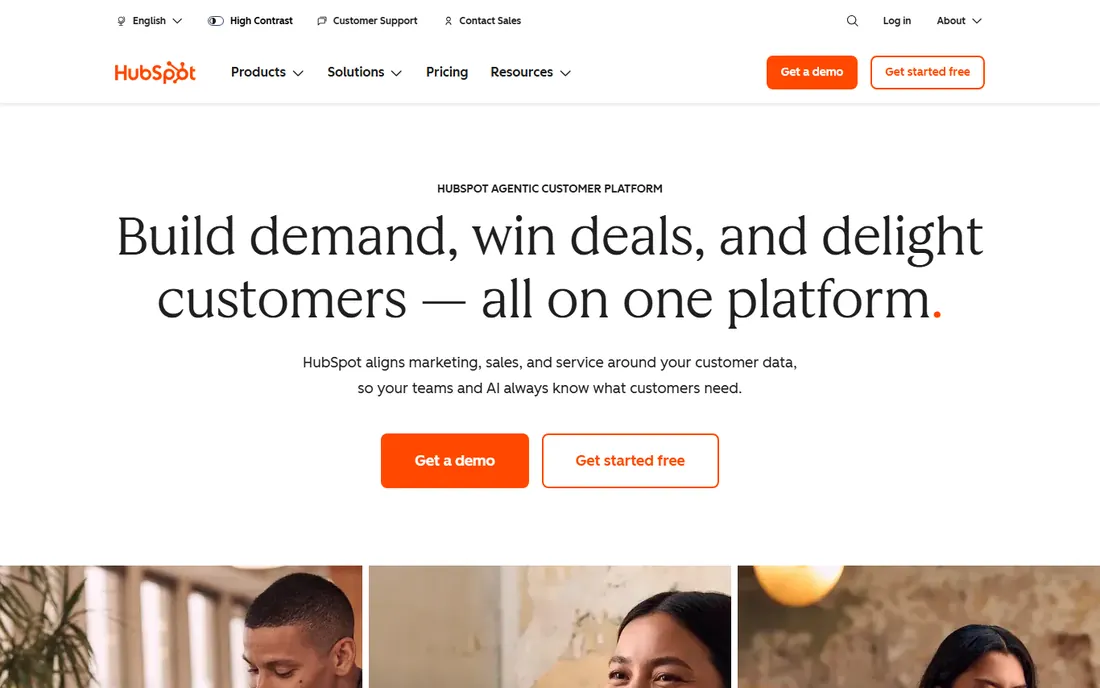
HubSpot's free CRM is the best free lunch in sales software: contact management, deal pipelines, email tracking and live chat at no cost. As you grow, the paid Sales Hub adds sequences, forecasting and automation, and the marketing and service hubs share the same data. The ecosystem of integrations is enormous.
The pricing curve is the catch. Costs climb steeply as you add seats and features, and some capabilities you expect at a tier require the next one up. Start free, grow deliberately, and audit your subscription annually.
What we like- Genuinely useful free CRM
- Smooth upgrade path to marketing and service hubs
- Huge integration ecosystem
Watch out for- Paid tiers get expensive quickly
- Advanced features hide behind higher plans
Starting priceSee website
Free planFree trial
Salesforce is the enterprise standard for a reason: it can model any sales process, integrate with anything, and scale to tens of thousands of users. The AppExchange marketplace extends it into every industry niche. Large sales organizations with dedicated admins get exactly the system they design.
Small teams should stay away. The cost, complexity and admin overhead will eat a 10-person sales team alive. Salesforce makes sense when your process is too complex for anything simpler, not before.
What we like- Unlimited customization and scale
- Massive AppExchange ecosystem
- Industry-standard for large sales orgs
Watch out for- Expensive and complex
- Needs admins or consultants
- Overkill for small teams
Starting priceSee website
Free planFree trial
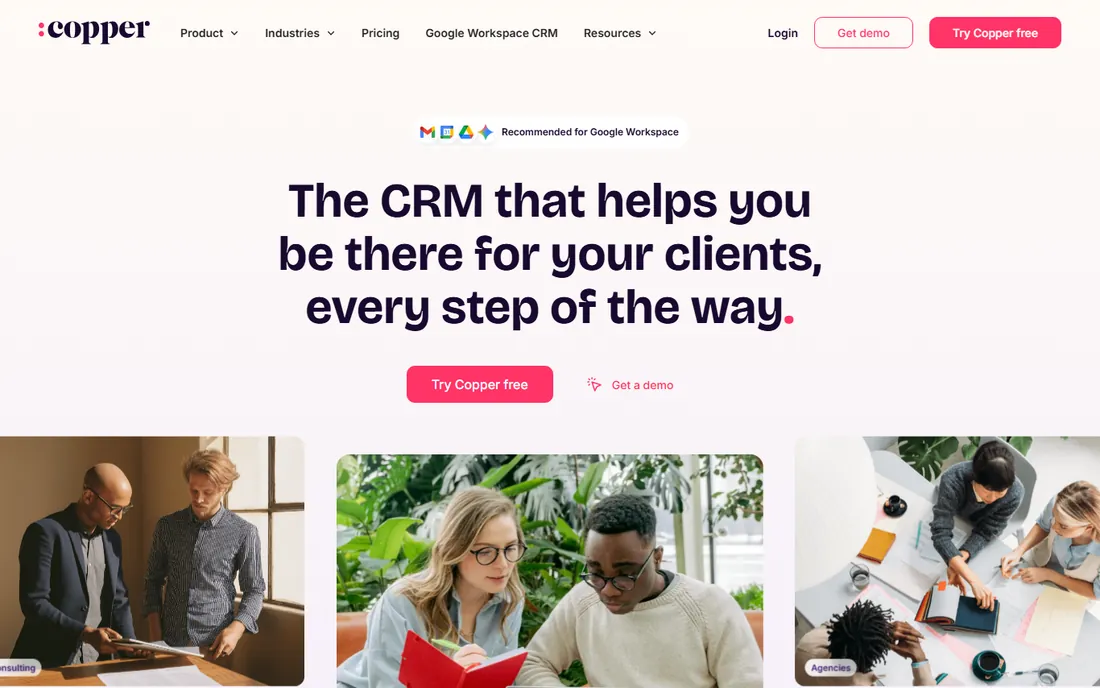
Copper is the CRM for Google Workspace shops. It lives inside Gmail, automatically logs emails and suggests contacts, and syncs with Drive and Calendar naturally. Teams that run on Google adopt it with almost no training because it meets them where they already work.
Microsoft-centric companies get less value, and the feature depth trails Salesforce and HubSpot at the high end. But for a Google-native small or mid-size business, Copper removes the friction that kills CRM adoption.
What we like- Native Gmail and Google Workspace integration
- Automatic data capture from email
- Simple to adopt
Watch out for- Less powerful outside the Google ecosystem
- Pricing is mid-tier
#5
Close
Best for: Inside sales teams that call and email all day
Visit close.com
Starting priceSee website
Free planFree trial
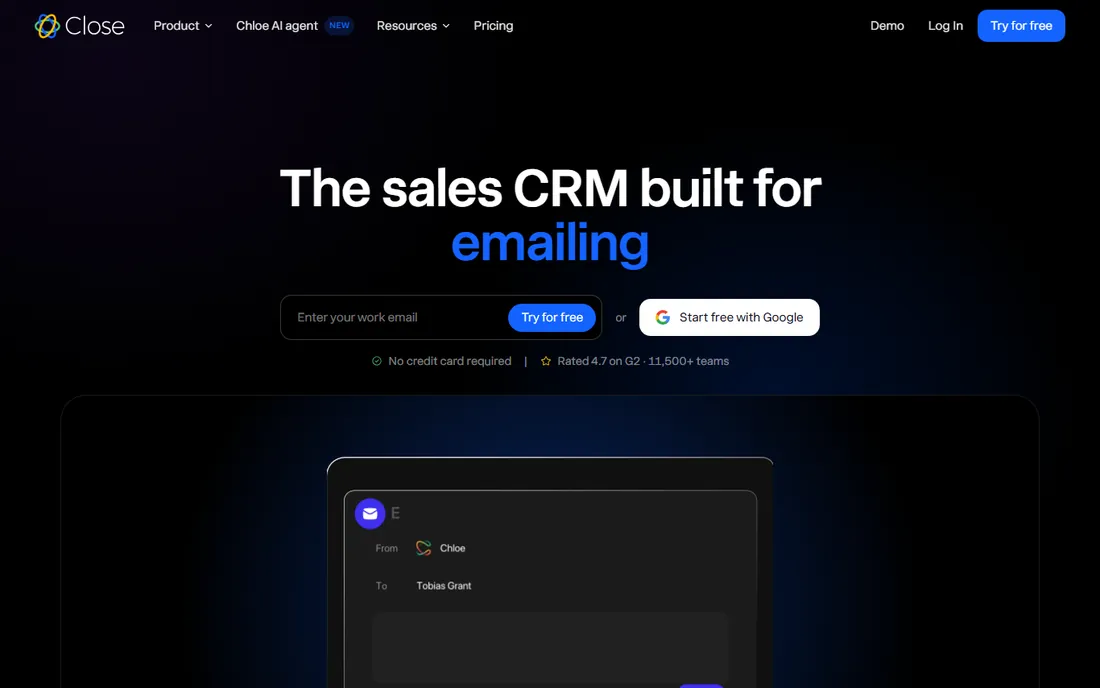
Close is built for one motion: high-velocity inside sales. Calling, SMS, email and video are native, so reps work from one screen instead of juggling a dialer, a CRM and an inbox. The power dialer and predictive workflows suit SDR teams running hundreds of touches a day.
Field sales teams and complex enterprise processes will find it constraining. The integration ecosystem is smaller than the giants'. But for inside sales, the all-in-one communication design is a genuine productivity advantage.
What we like- Built-in calling, SMS and email without integrations
- Power dialer for high volume
- Fast for SDR workflows
Watch out for- Less suited to field sales or complex enterprise processes
- Fewer third-party integrations
#6
Monday Sales CRM
Best for: Teams already running on Monday.com
Visit monday.com
Starting priceSee website
Free planFree trial
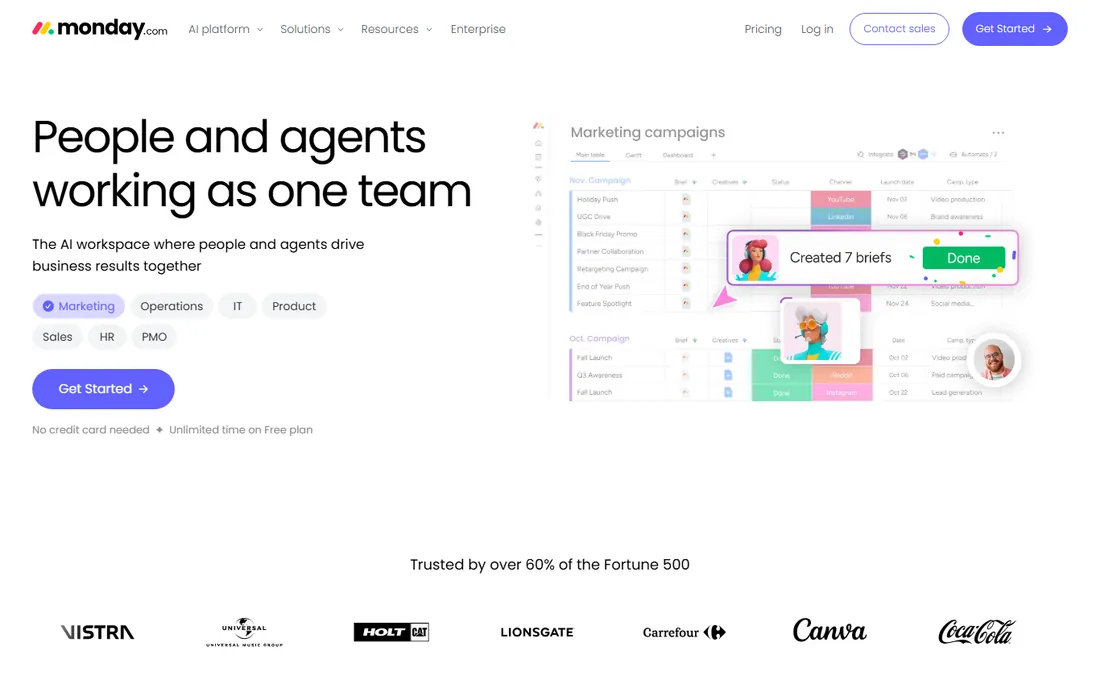
Monday Sales CRM extends the Monday.com work platform into sales: customizable pipeline boards, contact management, email integration and visual automations. Teams already on Monday for projects get a CRM without a new vendor, and the flexibility handles unusual sales processes well.
Dedicated CRM features like advanced forecasting and territory management are thinner than Salesforce or HubSpot. It is a great operational tool that does CRM well enough for many teams, but pure sales organizations may outgrow it.
What we like- Flexible boards adapt to any pipeline
- Automations are visual and easy
- Familiar to Monday users
Watch out for- CRM depth is lighter than dedicated CRMs
- Costs add up with seats and features
Starting priceSee website
Free planFree trial
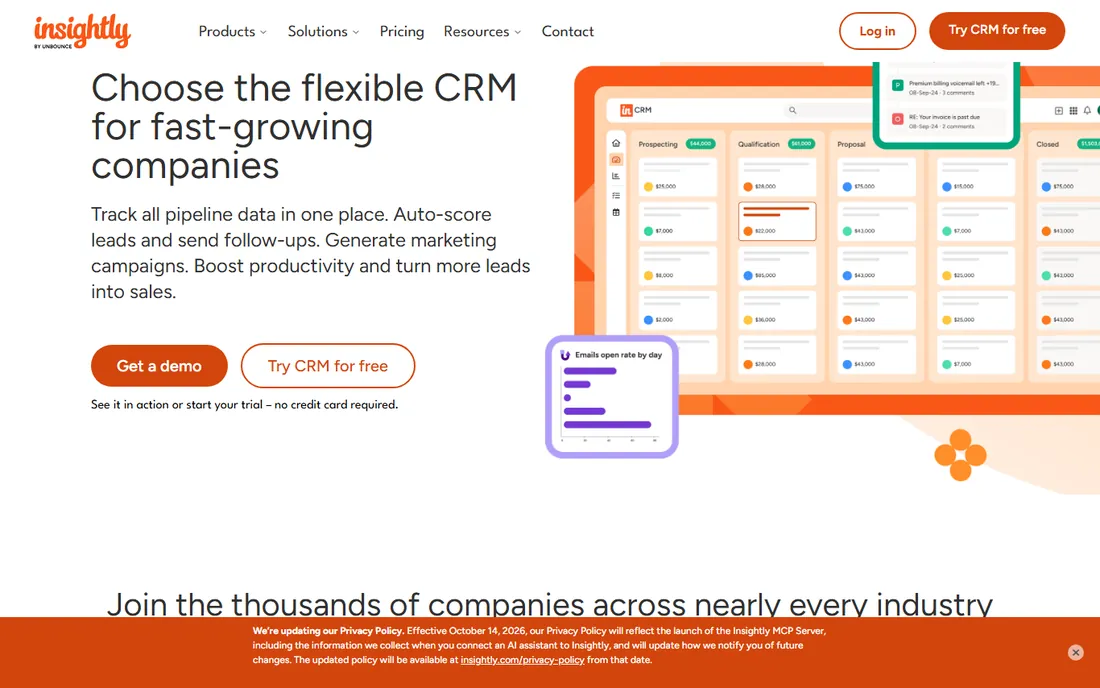
Insightly's differentiator is the project layer: win the deal, then manage its delivery in the same system. Agencies, contractors and professional services firms that sell projects live in this workflow. The relationship linking shows how contacts, organizations and projects connect.
The product feels less modern than newer competitors, and the pace of new features is slower. But for project-based businesses, the CRM-plus-delivery combination eliminates the handoff gap between sales and operations.
What we like- CRM plus project management in one
- Good for agencies and contractors
- Relationship linking is strong
Watch out for- Interface feels dated
- Innovation pace is slower than rivals
#8
Zoho CRM
Best for: Budget-conscious teams wanting customization
Visit zoho.com
Starting priceSee website
Free planFree tier
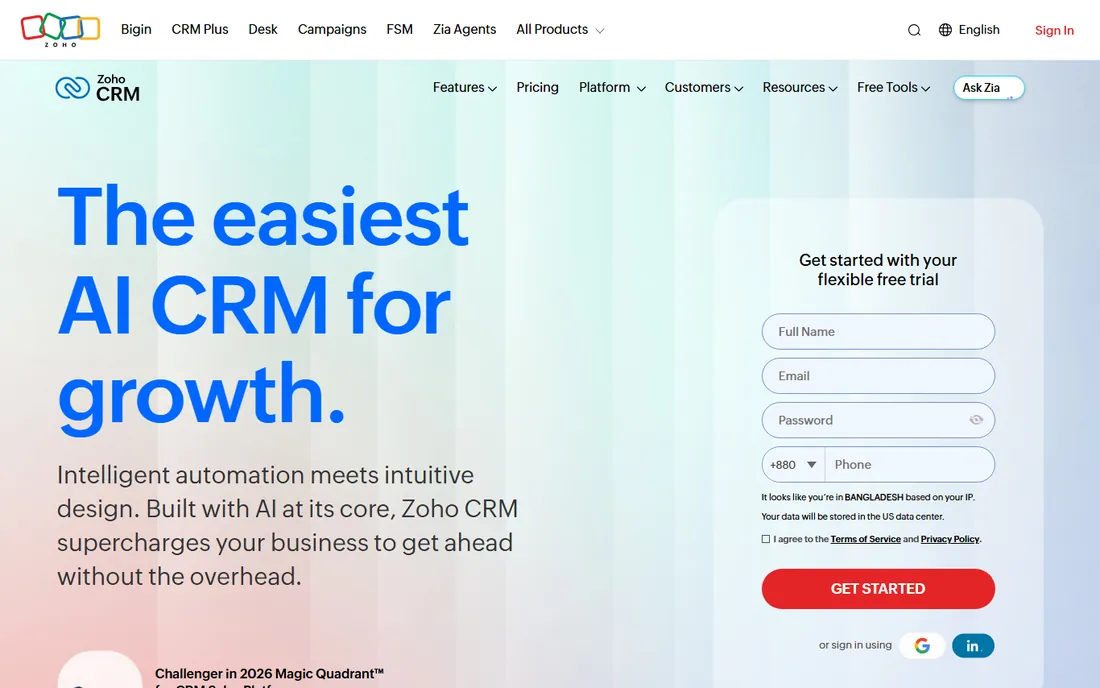
Zoho CRM delivers enterprise-style customization, workflow automation and analytics at small-business prices, with a free tier for tiny teams. Businesses in the Zoho ecosystem get one login across CRM, email, projects and accounting.
The interface tries to do everything and shows it. The US partner ecosystem is smaller than Salesforce's or HubSpot's. But for cost-conscious teams willing to configure, Zoho CRM's capability per dollar is unmatched.
What we like- Very affordable with a free tier
- Deep customization and automation
- Part of the huge Zoho suite
Watch out for- Interface is busy
- US support and ecosystem are smaller
Starting priceSee website
Free planFree tier
Freshworks CRM (formerly Freshsales) targets small and mid-size businesses that want a modern CRM without a consultant. The interface is clean, onboarding is quick, and the built-in AI scores leads and predicts deal outcomes. The free tier covers the basics genuinely.
Heavy customization and complex enterprise processes are not its game. But for SMBs that found Salesforce terrifying and spreadsheets insufficient, Freshworks hits the sweet spot of usable and affordable.
What we like- Clean, easy interface
- AI-powered insights and predictions
- Affordable for small teams
Watch out for- Less customizable than Salesforce or Zoho
- Advanced enterprise features are limited
Starting priceSee website
Free planFree tier
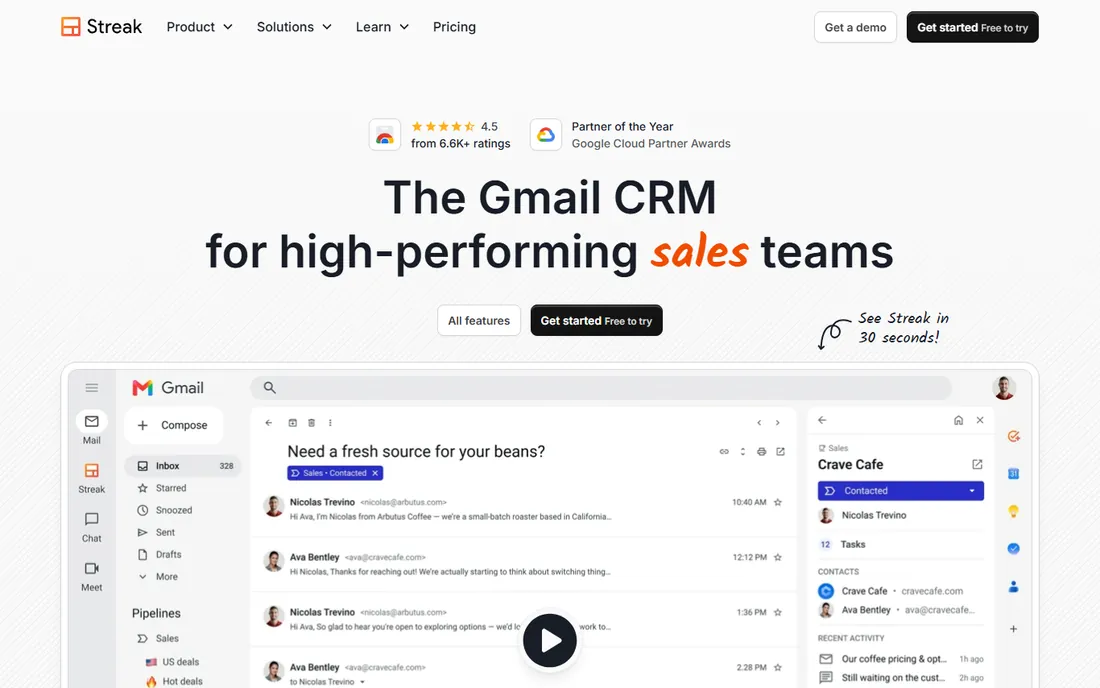
Streak turns Gmail into a CRM: pipelines live in your inbox, emails link to deals, and collaboration happens where the conversations already are. Solo founders, freelancers and tiny teams get pipeline management with zero new software to learn. The free tier handles basic needs.
It is not a real CRM at scale: no advanced automation, limited reporting, Gmail-only. But for individuals and micro-teams whose entire sales process is email, Streak's invisibility is its genius.
What we like- Lives inside Gmail with no new app to learn
- Simple pipeline stages
- Free tier is usable
Watch out for- Limited as a full CRM
- Tied to Gmail
- Reporting is basic
Choosing by team size and sales motion
Pipeline software should match how you actually sell. A five-person team doing outbound calls needs Close's dialer, not Salesforce's customization. A consultancy selling six-figure projects needs Insightly's project handoff, not Pipedrive's activity nudges. Map your sales motion first: inbound versus outbound, transactional versus enterprise, product versus project.
Then be honest about admin capacity. Salesforce and Zoho reward teams with someone to configure them; Pipedrive, Freshworks and Streak reward teams with no one to spare. The best CRM is the one your team actually updates, and adoption beats features every time.
How we chose
We compared platforms on pipeline usability, automation, communication tools, reporting, integrations and pricing transparency. We verified each vendor's homepage and current product positioning, reviewed user feedback on G2, Capterra and sales communities, and weighted real adoption (whether teams actually use the CRM) over feature checklists. We did not run live sales teams on these platforms.
Pipeline hygiene: the habits that make forecasts real
A CRM only forecasts well when the data going in is honest. The weekly pipeline review is where that honesty gets enforced: every open deal gets a next step with a date, a realistic close date and a stage that reflects reality, not hope. Deals without next steps are wishes, and wishes do not close.
Define stage exit criteria clearly. A deal should only enter "Proposal" when a proposal was actually sent, not when someone thinks a proposal might happen soon. Vague stages produce vague forecasts. Write the criteria down, train the team once, and audit monthly until the discipline sticks.
Clean ruthlessly. Stale deals inflate the pipeline and hide real problems. Any deal untouched for 30 days gets a decision: re-engage with a concrete plan, or close it as lost and learn why. Salespeople resist closing deals because it shrinks their number, but a smaller honest pipeline beats a large fictional one for every decision that matters.
Frequently asked questions
What is pipeline management software?
It is typically a CRM focused on tracking deals through sales stages: lead, qualified, proposal, negotiation, closed. It keeps every opportunity visible, reminds reps of next steps, and gives managers forecasting.
Do small teams need a CRM?
Once you have more deals than you can track in your head or a spreadsheet, yes. Even a free tool like HubSpot CRM or Streak beats memory. The cost of a forgotten follow-up dwarfs any subscription.
How much does a CRM cost?
Free tiers cover basics. Paid plans typically run $15 to $100+ per user per month, with Salesforce and HubSpot enterprise tiers going higher. Model total cost including required add-ons, not just the headline seat price.
How long does CRM implementation take?
Simple tools go live in days. Mid-market platforms take a few weeks with data migration and training. Enterprise Salesforce deployments take months. Ask for a realistic timeline, not the sales demo.
Will my team actually use it?
Only if it is easier than their current workaround. Involve reps in the choice, keep required fields minimal, and integrate with their email. A CRM nobody updates is an expensive address book.
Can I switch CRMs later?
Yes, but migration takes work: cleaning data, mapping fields, retraining the team. Export your data regularly so you are never locked in, and treat the first CRM as a learning step, not a life sentence.
Sources we checked (10)
- https://www.pipedrive.com/
- https://www.hubspot.com/
- https://www.salesforce.com/
- https://www.copper.com/
- https://www.close.com/
- https://monday.com/
- https://www.insightly.com/
- https://www.zoho.com/crm/
- https://www.freshworks.com/crm/
- https://www.streak.com/
Is your product missing or out of date?
We review this list regularly. Vendors can request a listing, send updated pricing or ask about featured placement.

Shihab Mia · Founder, Rankite
Shihab has spent more than a decade helping SaaS and e-commerce brands grow through search. He writes Rankite's software buying guides from pricing pages, documentation and public user reviews. More about Shihab.