How we make this list: we compare pricing pages, product documentation and public user reviews. Rankite is independent; if a vendor ever pays for a featured spot, that listing is clearly labeled Partner.
Key takeaways
- Most working photographers run a two-tool pipeline: a fast culling app like Photo Mechanic or Excire Foto up front, and Lightroom or Capture One for editing and cataloging.
- Capture One is the tethered-shooting standard for studios, with the most reliable camera-to-computer shooting in the business and both subscription and perpetual licenses.
- Lightroom remains the safest default for its cloud sync and preset ecosystem, but you will pay Adobe every month for as long as you use it.
- If you want to own your software outright, ON1 Photo RAW, ACDSee Photo Studio, and the free digiKam cover the full ingest-to-export workflow without a subscription.
Quick comparison
Is your product missing or out of date?
We review this list regularly. Vendors can request a listing, send updated pricing or ask about featured placement.
The best photography workflow software, ranked

#1
Adobe Lightroom
Best for: all-round catalog and cloud sync
Visit adobe.com
Starting priceSee website
Free planFree trial
Lightroom is the default workflow tool for a reason. Import, cull, rate, edit, and export all happen in one catalog, and the cloud version keeps your library synced between desktop, phone, and web. The preset ecosystem is unmatched: whatever look you want, someone has packaged it, which speeds up client work enormously. AI masking and denoise have closed the gap with more expensive tools for most editing tasks.
The tradeoff is the business model. Lightroom is subscription only, so your catalog software is rented, not owned. Performance with six-figure image libraries is a long-standing complaint, and the cloud storage tiers add cost if you sync full-resolution originals. If you shoot weddings or portraits and want the path of least resistance, this is still the pick. If you resent subscriptions, keep reading.
What we like- Huge preset and tutorial ecosystem
- Cloud sync across desktop and mobile
- Strong catalog search
Watch out for- Subscription only
- Catalog can slow down with very large libraries
Starting priceSee website
Free planFree trial
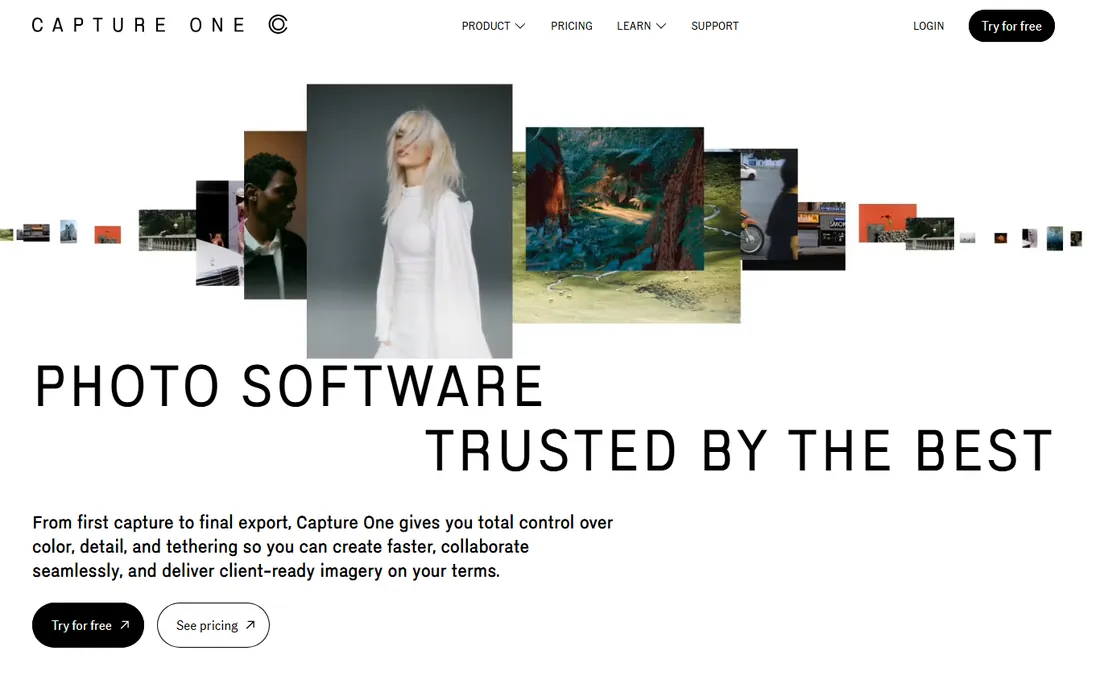
Capture One is the studio standard. Tethered shooting is faster and more reliable here than anywhere else, with live view, next-capture adjustments, and backup as you shoot. Color editing is the other headline: the color balance and skin tone tools give finer control than Lightroom, which is why fashion and commercial photographers swear by it. Cull mode, smart albums, and sessions keep high-volume shoots organized.
Unlike Adobe, Capture One still sells perpetual licenses alongside subscriptions, and long-term subscribers can convert to a perpetual license. The catch is complexity. Sessions vs. catalogs trips up newcomers, and the interface assumes you know what you are doing. It is also priced for professionals. For studio, fashion, and commercial work, nothing beats it. For hobbyists, it is more tool than needed.
What we like- Best tethered capture in the industry
- Excellent color editing
- Perpetual license option
Watch out for- Steeper learning curve
- Session-based workflow confuses Lightroom converts
Starting priceSee website
Free planFree trial
Photo Mechanic does one job, culling, faster than anything else. It renders previews from embedded JPEGs instead of building them, so you can fly through thousands of wedding or sports photos while Lightroom is still importing. Ingest copies cards to multiple destinations, renames, and applies IPTC metadata in one pass. Code replacement lets sports and event photographers caption hundreds of images with a few keystrokes.
It is not an editor, and it does not try to be. The standard pipeline is Photo Mechanic for ingest and selects, then Lightroom, Capture One, or Photoshop for editing. The interface looks dated because the company spends its energy on speed, not pixels. For anyone who shoots volume under deadline, news, sports, weddings, it pays for itself in the first job.
What we like- Fastest ingest and culling available
- Powerful metadata and code replacement
- Plays well with other editors
Watch out for- Not a RAW editor
- Dated interface
Starting priceSee website
Free planFree trial

ACDSee has been doing digital asset management for over 30 years, and it shows. The killer feature is speed: you can browse folders of RAW files instantly without importing them into a catalog first. Photo Studio Ultimate adds layered editing, so many photographers never leave the app. Face detection, AI keywording, and noise reduction are built in, and the DAM tools handle searching across huge archives.
Pricing mixes perpetual licenses and subscriptions, with a 15-day free trial. The honest catches: the Mac version has historically trailed the Windows one, and some AI features run on a credit system that adds cost beyond the license. For Windows photographers who want one app for browsing, organizing, and editing, it is the strongest Lightroom alternative on this list.
What we like- Fast browsing without importing
- Layered editing built in
- Perpetual license available
Watch out for- Windows-focused, Mac version lags
- AI features cost extra credits

#5
ON1 Photo RAW
Best for: subscription-free all-in-one
Visit on1.com
Starting priceSee website
Free planFree trial
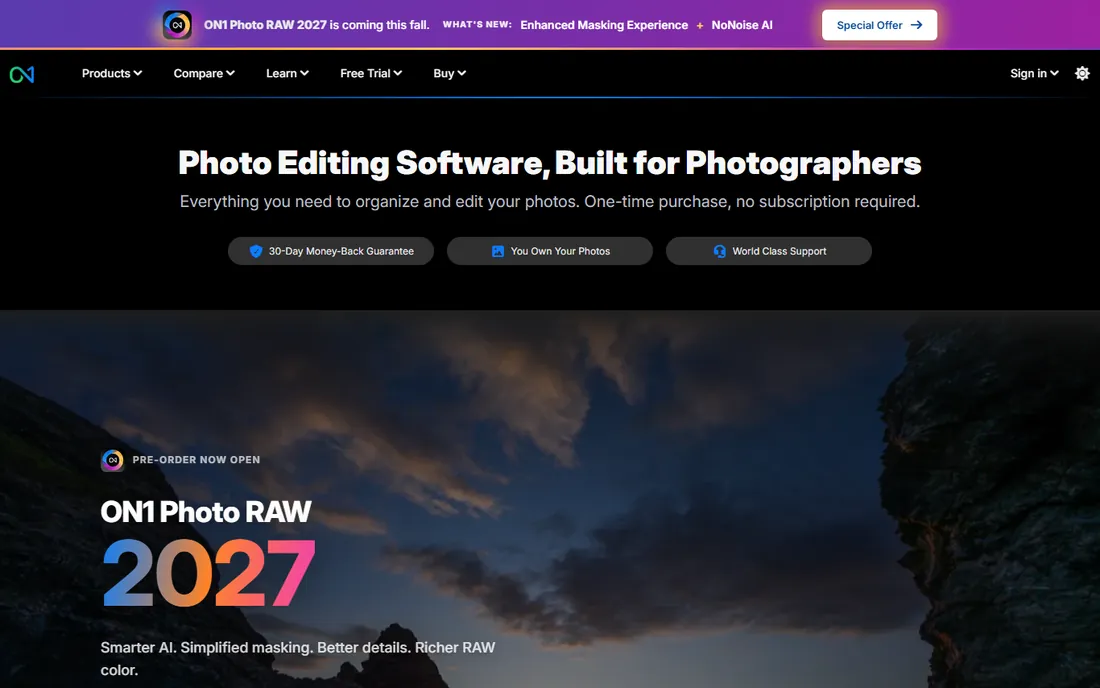
ON1 Photo RAW is the all-in-one for photographers who refuse subscriptions. It browses your existing folders, no forced catalog import, and combines organizing with genuinely capable RAW editing: AI masking, noise reduction, portrait retouching, sky replacement, and effects are all built in rather than sold as plugins. You install it on two computers with one purchase, and there is a 30-day money-back guarantee.
Version 2027 is the current release. Performance is the main complaint: browsing and rendering large RAW files is slower than Lightroom, and the preset and tutorial ecosystem is a fraction of Adobe's. But the price math is compelling. One purchase covers years of use, and upgrades are optional. For enthusiasts and semi-pros who want the full pipeline in one app, this is the value pick.
What we like- One-time purchase, no subscription
- Browse without catalogs
- AI masking and noise reduction included
Watch out for- Slower RAW rendering than Lightroom
- Smaller preset community
Starting priceSee website
Free planFree trial
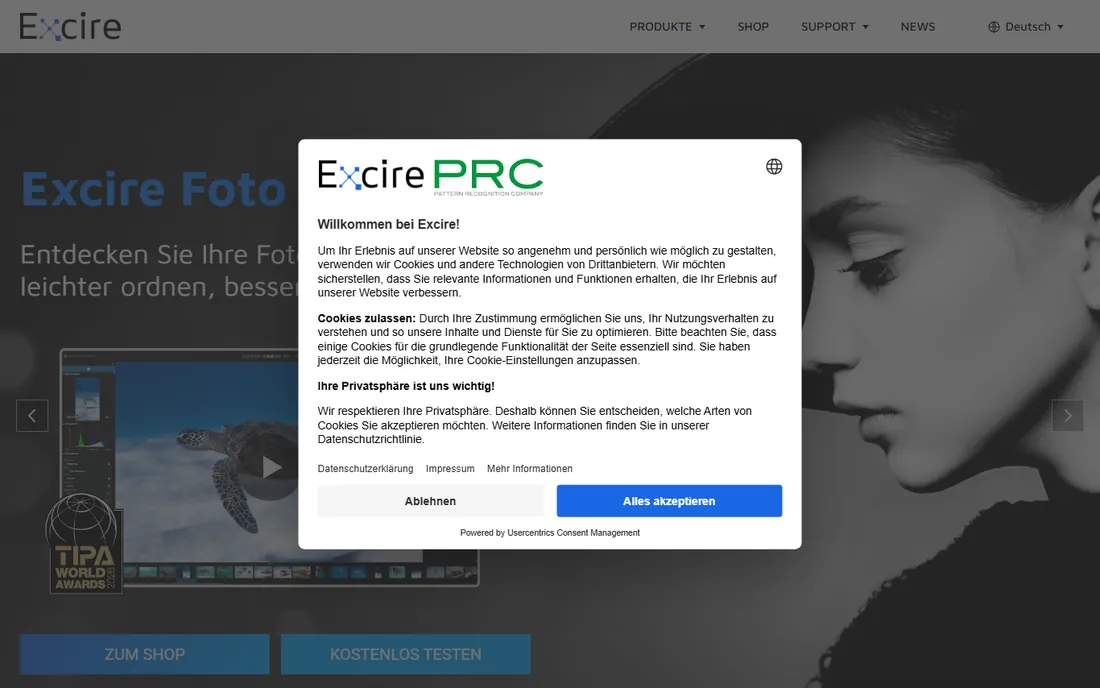
Excire Foto is a photo manager built around AI search. Instead of keywording everything by hand, you search for what is in the photo: "sunset," "bride," "dog," visible text, even the aesthetic quality of the shot. The 2027 version adds a map view, visual timeline, and smarter culling views for picking selects. Everything runs locally on your machine, no cloud, no subscription.
There is also Excire Search, a plugin that brings the same AI search into Lightroom Classic catalogs. The company is German, and while the software is fully translated, English-language support and community are thinner than US competitors. Excire Foto handles organizing and finding; you still need an editor for RAW processing. Paired with any editor on this list, it solves the "I know I shot it but I cannot find it" problem better than anything else.
What we like- AI search by content, faces, and aesthetics
- One-time purchase
- Runs fully offline
Watch out for- German company, English support is thinner
- Companion to an editor, not a replacement
Starting priceSee website
Free planYes
Mylio Photos solves a different workflow problem: your photos are scattered across phones, laptops, and external drives. It unifies them into one searchable library that syncs peer-to-peer between your devices, no cloud upload required, which is a genuine privacy advantage. It respects your existing folder structure, deduplicates, and uses on-device AI for face recognition and search.
The free tier gets you started, with paid Personal and Business plans adding the full feature set. Editing is basic compared to Lightroom or ON1; Mylio is a library manager first. For photographers juggling multiple devices, or families consolidating decades of photos, it is the only tool here built for that job. Pair it with a dedicated editor and you have a complete system.
What we like- Syncs library across devices without cloud
- Keeps your folder structure
- Strong privacy story
Watch out for- Paid tiers needed for full features
- Editing tools are basic
Starting priceFree
Free planYes
Bridge is Adobe's free file browser, and it is better than most people realize. It previews RAW files, batch renames, applies metadata templates, filters by rating and labels, and hands files off to Photoshop or Camera Raw for editing. For photographers who organize by folders rather than catalogs, it is a capable, free hub.
The limitation is architecture: Bridge browses the file system live, so there is no catalog database for instant search across disconnected drives. Large folders load slower than in Photo Mechanic or ACDSee. But the price is zero, and if you already use Photoshop, Bridge plus Camera Raw is a complete free workflow. It is the best starting point before spending money on anything else.
What we like- Completely free
- Batch rename and metadata tools
- Integrates with Photoshop and Camera Raw
Watch out for- No catalog database
- Slower than Photo Mechanic for culling
Starting priceFree
Free planYes
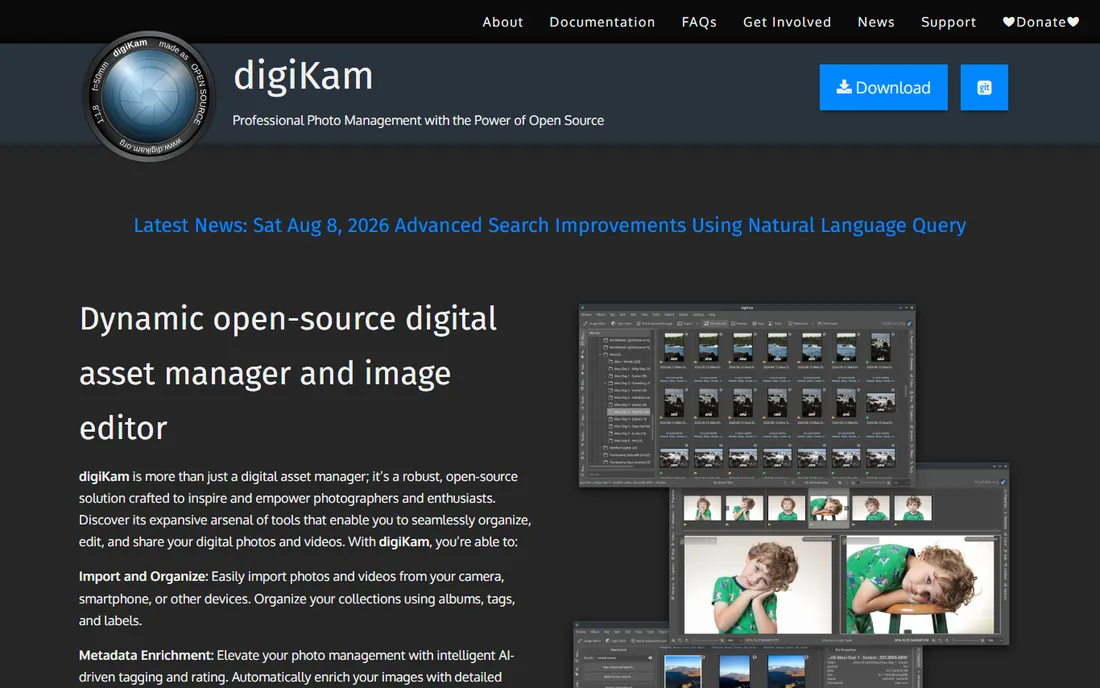
digiKam is the open-source answer to Lightroom's library module. It imports from cameras and phones, organizes with albums, tags, and labels, enriches metadata with AI tagging, and includes face recognition, advanced search, and batch processing. It comfortably handles libraries over 100,000 images, and your data stays in open formats you control.
The editing tools cover color correction, cropping, and retouching but will not replace a dedicated RAW editor. The interface is powerful rather than pretty, and setup asks more of you than commercial apps. For Linux users especially, and for anyone who wants a free, private, no-strings DAM, digiKam is the real deal. Version 9.1.0 is current as of mid-2026.
What we like- Free and open source
- Handles 100,000+ image libraries
- Batch processing and face recognition
Watch out for- Interface feels technical
- RAW editing is basic
How we chose
We picked tools that working photographers actually build workflows around, not just editors with a library tab. That meant covering the three jobs in a photography pipeline: ingest and culling (Photo Mechanic), AI-assisted finding (Excire Foto), and catalog-plus-editing (Lightroom, Capture One, ACDSee, ON1). We added Mylio for the multi-device problem, Bridge as the free Adobe option, and digiKam as the open-source pick. For each product we opened the vendor's homepage and checked current pricing and licensing, scanned documentation and feature lists, and read photographer feedback on Reddit, DPReview forums, and review sites. We did not process real shoots through each app, so speed claims reflect vendor documentation and user consensus, not our own benchmarks.
Decide whether you need a catalog
Catalog apps (Lightroom, Capture One) build a database for instant search but require importing. Browser apps (Photo Mechanic, ON1, ACDSee, Bridge) work on your folders directly. Catalogs win for huge archives; browsers win for speed and simplicity.
Culling speed matters more than editing features
You will spend more hours selecting keepers than tweaking sliders. A tool that renders previews instantly, Photo Mechanic or Excire Foto, saves more time than any editing feature.
Check the license model before you commit
Subscriptions (Lightroom) mean paying forever. Perpetual licenses (ON1, ACDSee, Excire Foto, Photo Mechanic, Capture One's perpetual option) mean paying once. Free tools (Bridge, digiKam, Mylio's free tier) mean paying nothing. Match the model to how long you plan to use it.
Make sure it plays well with your editor
If you edit in Photoshop, Bridge and Photo Mechanic hand off cleanly. Excire Search lives inside Lightroom Classic. Capture One sessions work best when Capture One is also your editor. Test the handoff before committing.
Almost no working photographer uses a single app for everything. The common pattern is a fast front end for ingest, culling, and metadata, Photo Mechanic for deadline shooters, Excire Foto or Mylio for archive-heavy photographers, feeding into an editor-catalog for selects: Lightroom for the ecosystem, Capture One for studio work, ON1 or ACDSee for subscription-free setups. This split exists because culling and editing have opposite performance needs. Culling wants instant previews of thousands of files; editing wants deep control over dozens. One app rarely does both at full speed, so buying the best tool for each job beats buying one compromise.
Frequently asked questions
What is the best photography workflow software for beginners?
Adobe Bridge is the best free starting point: it is free, handles browsing, metadata, and batch renaming, and hands off to Camera Raw for editing. When you outgrow it, ON1 Photo RAW is the friendliest paid step up, with a one-time price and no catalog to learn.
Do I still need Photo Mechanic if I use Lightroom?
If you shoot high volume under deadline, yes. Photo Mechanic ingests and culls thousands of images far faster than Lightroom's import process. If you shoot a few hundred frames per session with no deadline pressure, Lightroom alone is fine.
Which workflow software does not require a subscription?
ON1 Photo RAW, ACDSee Photo Studio, Photo Mechanic, and Excire Foto all offer perpetual licenses. Capture One sells both subscriptions and perpetual licenses. Adobe Bridge and digiKam are completely free.
What is the best workflow software for tethered shooting?
Capture One. Its tethered capture is the industry standard for studio work, with the most reliable camera connections, live view, and next-capture adjustments. Lightroom's tethering works but is widely considered less dependable for client-facing shoots.
Can I organize photos without importing them into a catalog?
Yes. Photo Mechanic, ON1 Photo RAW, ACDSee Photo Studio, Adobe Bridge, and digiKam all browse your existing folders directly. Only Lightroom and Capture One's catalog mode require importing into a database first.
Sources we checked (10)
- https://www.adobe.com/products/photoshop-lightroom.html
- https://www.adobe.com/products/bridge.html
- https://www.captureone.com/
- https://www.captureone.com/en/pricing
- https://camerabits.com/
- https://acdsee.com/
- https://www.on1.com/
- https://excire.com/
- https://mylio.com/
- https://www.digikam.org/
Is your product missing or out of date?
We review this list regularly. Vendors can request a listing, send updated pricing or ask about featured placement.

Shihab Mia · Founder, Rankite
Shihab has spent more than a decade helping SaaS and e-commerce brands grow through search. He writes Rankite's software buying guides from pricing pages, documentation and public user reviews. More about Shihab.
 Capture One
 Photo Mechanic
 ACDSee Photo Studio
 Excire Foto
 Mylio Photos
 Adobe Bridge
 digiKam