How we make this list: we compare pricing pages, product documentation and public user reviews. Rankite is independent; if a vendor ever pays for a featured spot, that listing is clearly labeled Partner.
Key takeaways
- Photo Mechanic remains the fastest manual culler ever built, still the choice of sports photographers and photojournalists.
- Aftershoot and FilterPixel lead AI culling, with Aftershoot processing locally and FilterPixel in the cloud with genre-specific models.
- Narrative Select suits photographers who want AI assistance without giving up the final decision.
- Excire Foto's one-time purchase appeals to photographers tired of subscriptions.
Quick comparison
| Tool | Best for | Starting price | Free plan |
|---|
 Photo Mechanic Photo Mechanic | Fastest manual culling and ingest | $139 one-time | Free trial |
 Aftershoot Aftershoot | AI culling plus editing for weddings | From $10/month | Free trial |
 Narrative Select Narrative Select | AI-assisted culling with full control | From $9.99/month | Free trial |
 FilterPixel FilterPixel | Cloud AI culling for events and sports | From $14.99/month | Free trial |
 Imagen AI Imagen AI | AI culling tied to AI editing | From $7/month | Free trial |
 Excire Foto Excire Foto | One-time purchase AI organizing | $229 one-time | Free trial |
 FastRawViewer FastRawViewer | Technical RAW inspection | See website | Free trial |
 Optyx Optyx | Low-cost AI culling entry point | From $7/month | Free trial |
 OptiCull OptiCull | Mac-native AI culling, local processing | Free | Yes |
 Lightroom Classic Lightroom Classic | Culling inside the Adobe workflow | From $11.99/month | Free trial |
Is your product missing or out of date?
We review this list regularly. Vendors can request a listing, send updated pricing or ask about featured placement.
The best photo culling software
Starting price$139 one-time
Free planFree trial

Some tools earn their reputation over decades. Photo Mechanic is the fastest way to ingest, browse, tag and select photos ever built, which is why sports photographers and photojournalists on deadline still swear by it. It renders previews instantly, applies IPTC metadata in bulk, and gets selects out the door while other software is still importing.
There is no AI here. Photo Mechanic trusts your eye and removes every millisecond of friction around it. The interface is utilitarian, and the metadata workflow takes learning. But for photographers who cull by judgment and need speed above all, the $139 one-time purchase remains the professional standard.
What we like- Unmatched browsing and ingest speed
- Industry standard for sports and news
- One-time purchase
Watch out for- No AI culling
- Interface is utilitarian
- IPTC workflow has a learning curve
Starting priceFrom $10/month
Free planFree trial
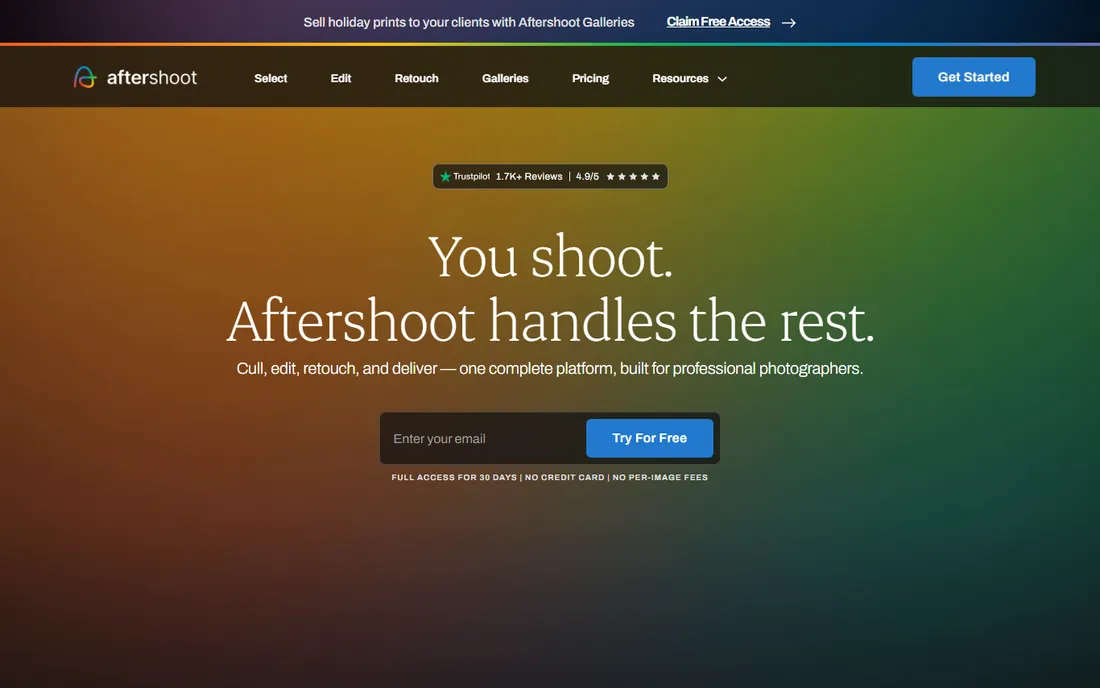
Aftershoot pairs AI culling with AI editing, learning your personal style over time. The culling makes the first pass through thousands of wedding photos, you review and adjust, and the editing applies your learned look. Processing happens locally on your machine, so there is no upload wait and no privacy concern.
Local processing demands a capable computer; older machines will feel it. The AI was trained primarily on wedding imagery, which suits wedding photographers perfectly and others adequately. But for the wedding workflow of cull then edit, Aftershoot's integrated approach at around $10 monthly billed annually is the most complete package.
What we like- AI culling plus AI editing in one
- Processes locally, photos never leave your machine
- Learns your style
Watch out for- Needs a fast computer
- Wedding-trained AI suits some genres better
- Subscription only
Starting priceFrom $9.99/month
Free planFree trial
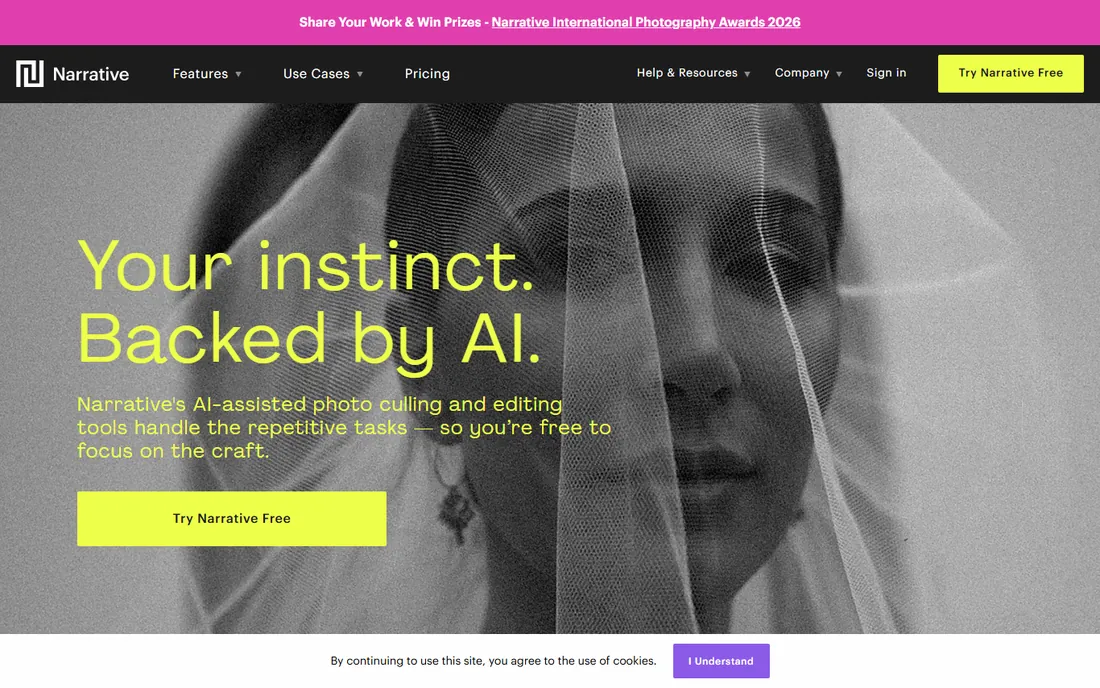
Narrative Select takes the middle path deliberately. Its AI scores focus and detects eyes, groups bursts into scenes, and ranks images, but it never selects for you. Every keeper decision stays with the photographer. For professionals whose reputation rests on selects, that control matters.
The trade-off is speed. Assisted culling takes longer than full automation, and the workflow centers on Lightroom. High-volume sports shooters will want faster tools. But portrait and event photographers who want AI guidance without surrendering judgment find Narrative's philosophy exactly right.
What we like- Scores focus and eyes, groups scenes, never auto-selects
- You keep every decision
- Free tier available
Watch out for- Slower than full-auto tools
- Lightroom-centric workflow
- Less suited to huge volumes
Starting priceFrom $14.99/month
Free planFree trial
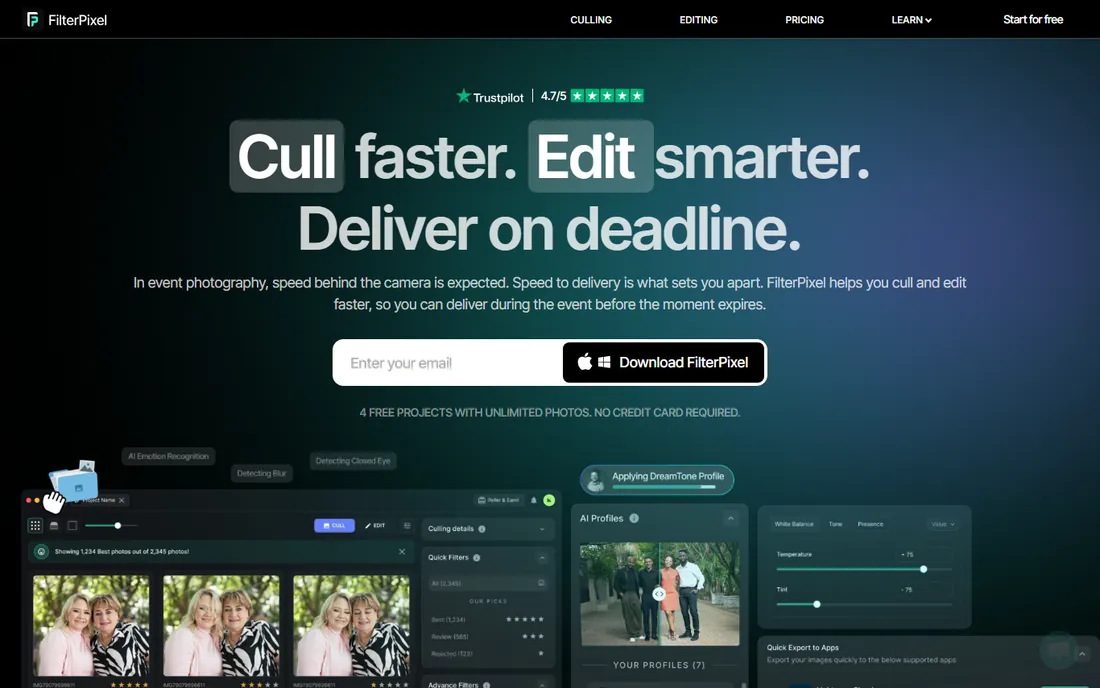
FilterPixel built genre-specific AI: models tuned separately for weddings, sports, conferences and concerts, because a peak-action sports frame deserves different scoring than a wedding portrait. Every pick comes with a score and a reason, so photographers can trust or override with understanding. Cloud processing chews through thousands of images in minutes.
Uploading entire shoots to the cloud takes bandwidth and trust. The sports and event tuning matters less for portrait specialists. But for deadline-driven event and sports photographers, FilterPixel's combination of speed, genre awareness and transparency is the strongest AI culling package.
What we like- Genre-specific AI models
- Score and Reason explains every pick
- Cloud processing is fast
Watch out for- Cloud means uploading everything
- Subscription
- Sports focus less relevant for portraits
Starting priceFrom $7/month
Free planFree trial

Imagen AI is editing-first: its AI profiles learn your editing style and apply it at scale. The culling feature exists to feed that editing pipeline, handing selects straight to your profile. Photographers already using Imagen for edits get culling as a natural extension.
Per-photo pricing, starting around $7 monthly plus per-image fees, grows expensive for high-volume cullers. The culling itself is less sophisticated than dedicated tools. But for the editing-led workflow where culling serves the edit, Imagen's integration removes a handoff.
What we like- Culling hands off directly to your AI editing profile
- Strong editing AI
- Natural for existing users
Watch out for- Pay-per-photo pricing gets expensive at scale
- Culling is secondary to editing
- Cloud-based
Starting price$229 one-time
Free planFree trial
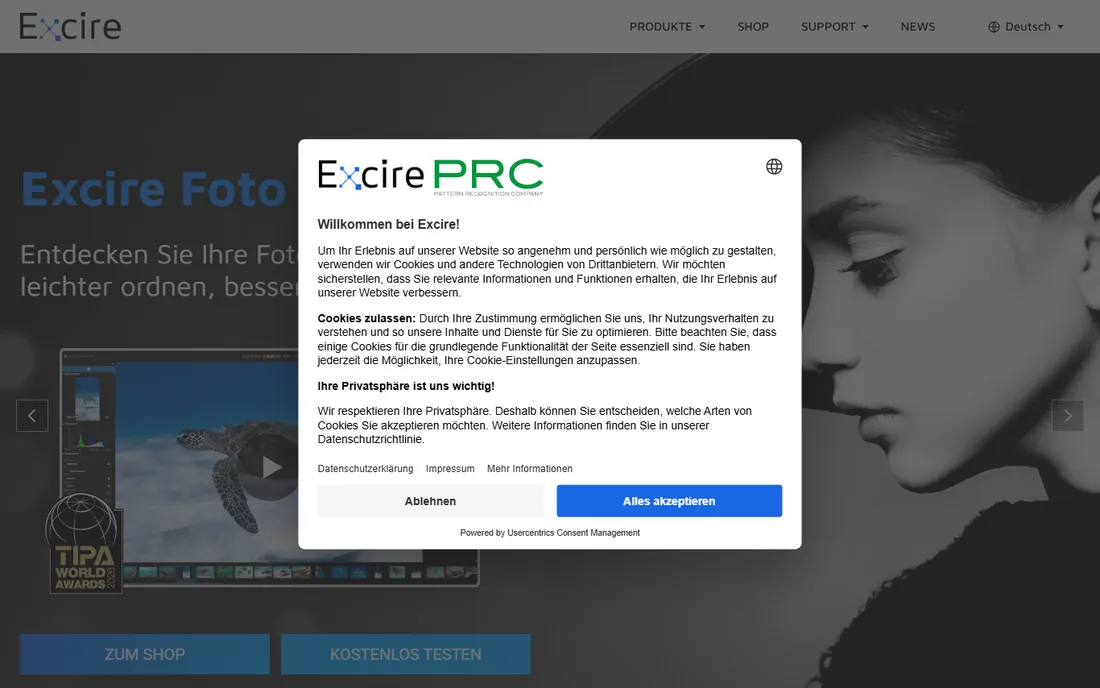
Excire Foto is the anti-subscription choice: $229 once for AI-powered photo organizing and culling that runs locally. Face recognition, aesthetic scoring and duplicate detection help manage shoots and archives without monthly fees. For photographers tired of subscriptions, the math is attractive.
It is more of an organizer than a deadline racing tool; sports shooters need faster options. The upfront price exceeds a year of some subscriptions. But for long-term library management with AI assistance and no recurring cost, Excire Foto stands alone.
What we like- One-time purchase, no subscription
- Local AI analysis
- Strong for managing archives
Watch out for- More organizer than deadline culler
- Price is upfront
- Smaller ecosystem
Starting priceSee website
Free planFree trial
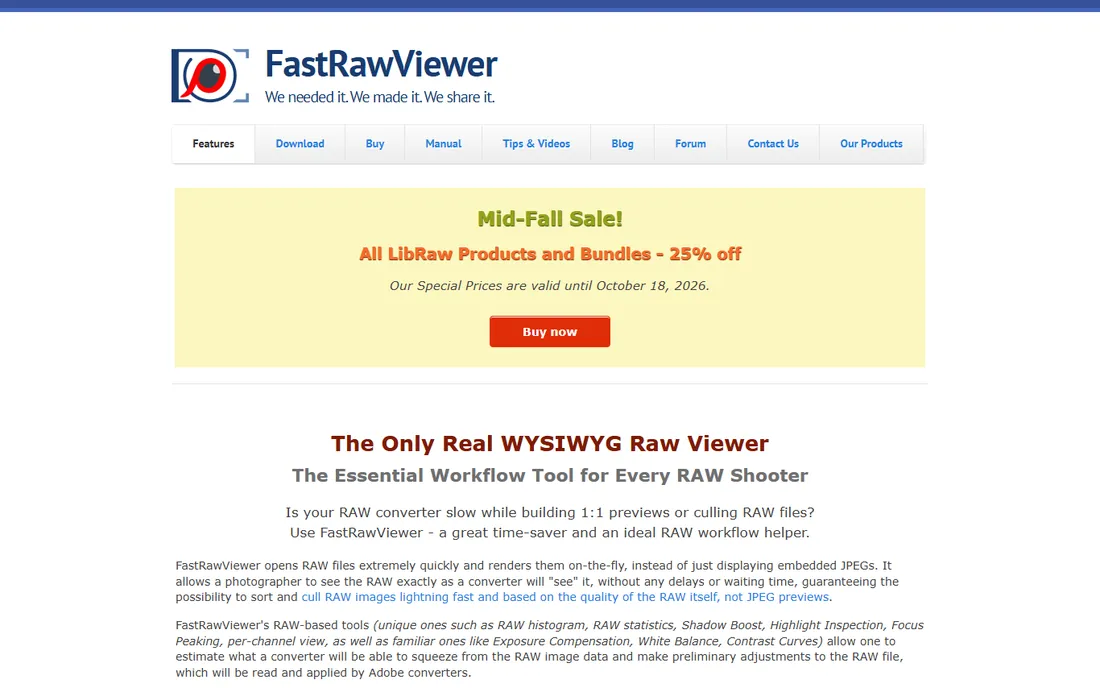
FastRawViewer answers a technical question: what is actually in this RAW file? True RAW histograms, focus peaking and exposure analysis show what the camera captured, not what a JPEG preview suggests. It is blazingly fast and affordable, a favorite of technical photographers.
There is no AI and minimal hand-holding; the interface is spartan and culling features are basic rating and sorting. But as a technical inspection tool before editing, nothing else shows the RAW truth as quickly. Many photographers pair it with an AI culler for the complete workflow.
What we like- True RAW histogram and focus peaking
- Extremely fast
- Affordable
Watch out for- Technical, not AI-assisted
- Interface is spartan
- Culling features are basic
Starting priceFrom $7/month
Free planFree trial
Optyx offers the cheapest entry into AI culling at around $7 monthly. Face and focus detection drive lightweight automatic scoring, enough to test whether AI culling fits your workflow without committing to premium prices. The simplicity suits photographers curious about AI assistance.
The AI is less sophisticated than Aftershoot or FilterPixel, the company is smaller, and workflow integrations are fewer. But as a low-risk experiment in AI culling, Optyx's price makes it the easiest yes. If the concept proves itself, upgrading later is always an option.
What we like- Affordable AI scoring
- Face and focus detection
- Simple to try
Watch out for- Less sophisticated than leaders
- Smaller company
- Fewer workflow integrations
Starting priceFree
Free planYes
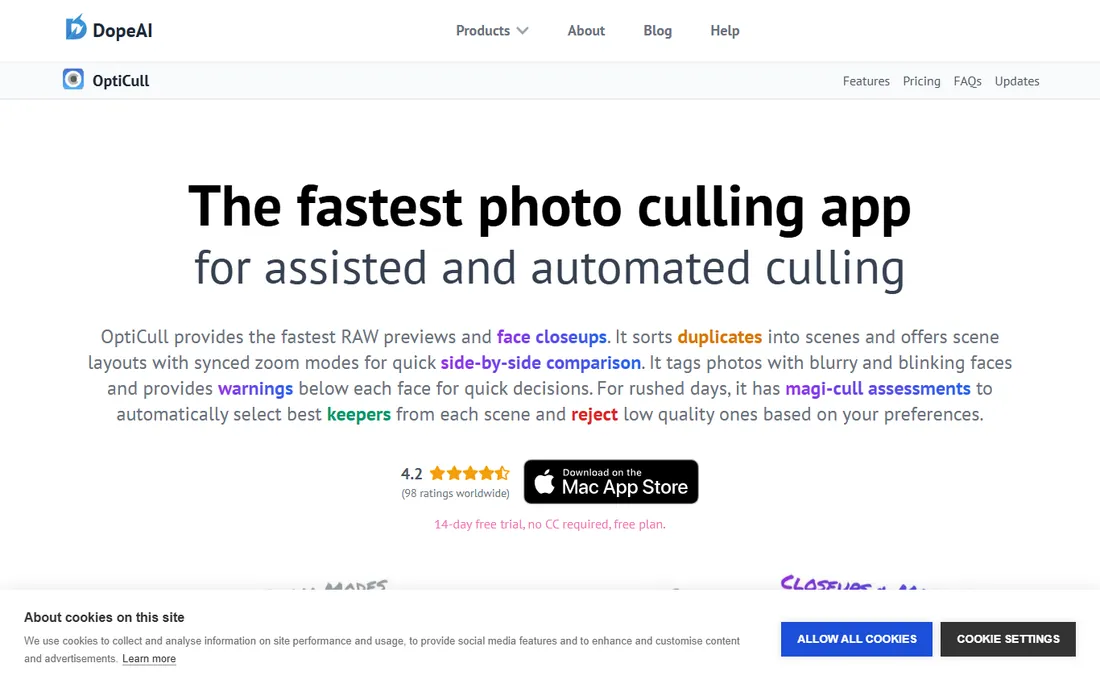
OptiCull is the Mac-native answer: built for Apple Silicon with Core ML processing that never sends photos to the cloud. The free version covers manual culling well, while Pro adds Magi-Cull auto-assessments, face close-ups and scene grouping. Local processing means speed and privacy together.
It is Mac-only, which excludes most of the market. Pro features require the paid upgrade. But Mac photographers get a fast, private, well-designed culler with a genuinely useful free tier, which is a rare combination.
What we like- Free version is genuinely useful
- Local Core ML processing
- Fast RAW previews on Apple Silicon
Watch out for- Mac only
- Pro features need paid upgrade
- Smaller community
#10
Lightroom Classic
Best for: Culling inside the Adobe workflow
Visit adobe.com
Starting priceFrom $11.99/month
Free planFree trial
Lightroom Classic's assisted culling keeps photographers inside the Adobe workflow they already know. Survey mode, compare view and flags handle smaller shoots adequately, and staying in one app removes import/export friction. For photographers already paying for the Photography plan, the marginal cost is zero.
It is slower than dedicated cullers on large shoots, and the AI assistance is basic compared to specialists. High-volume professionals will feel the difference. But for smaller shoots and Adobe-committed workflows, Lightroom's built-in culling is often enough.
What we like- No new app to learn
- Assisted culling features
- Catalog and editing in one
Watch out for- Slower than dedicated cullers
- AI features are basic
- Subscription required
How we chose
We covered AI culling tools, manual speed tools and technical inspectors, drawing on 2026 comparisons with vendor-verified pricing. Each product was verified as currently offered. We weighed culling speed, AI accuracy philosophy, genre fit, privacy model and pricing, favoring tools photographers actually use over feature-list padding. No vendor paid for placement and we claimed no hands-on testing.
AI first pass vs manual control
The category's real divide is philosophical. Full-auto AI tools like FilterPixel and Aftershoot make the first pass, leaving photographers to review. Assisted tools like Narrative Select score and group but never decide. Manual tools like Photo Mechanic trust the eye completely.
The honest test, suggested by working photographers: run any AI culler on a shoot you already culled manually, and compare its top selections to yours. Overlap above 80 percent means the tool fits your eye; below 70 percent means constant fighting. Most professionals land on AI first pass plus human review, which cuts hours while keeping judgment.
What to check before you choose
Match the tool to your genre and volume. Wedding photographers need different AI training than sports shooters; FilterPixel's genre models and Aftershoot's wedding focus reflect that. High-volume shooters should prioritize processing speed; portrait photographers should prioritize face and eye accuracy.
Decide the privacy question. Cloud tools upload everything for fast processing; local tools like Aftershoot, Excire and OptiCull keep files on your machine. Client contracts and personal comfort decide this more than technology. And trial on your own photos: AI culling either matches your eye or it does not, and only your images reveal that.
Frequently asked questions
What is photo culling?
Selecting the keepers from a shoot: identifying the sharp, well-composed, well-timed frames among hundreds or thousands, and rejecting blinks, blurs and duplicates. It is the most time-consuming unglamorous part of professional photography.
Is AI photo culling accurate?
Good AI culling now matches photographer selects on technical quality, focus, eyes and duplicates at high rates. Artistic judgment, moment and emotion remain human territory. Most professionals use AI for the first pass and review the selects, which captures most of the time savings.
How much does photo culling software cost?
AI culling subscriptions run roughly $7 to $15 monthly, with Aftershoot around $10 and FilterPixel around $15. One-time purchases like Photo Mechanic at $139 and Excire Foto at $229 avoid subscriptions. Free tiers exist from Narrative, OptiCull and Smash-style tools.
Should I cull in Lightroom or use dedicated software?
Lightroom suffices for smaller shoots and keeps everything in one app. Dedicated cullers are dramatically faster on large shoots: Photo Mechanic for manual speed, AI tools for automated first passes. High-volume photographers almost universally use dedicated tools.
Does AI culling work for sports photography?
Yes, with genre-aware tools. FilterPixel's sports-tuned models handle peak-action scoring specifically. General wedding-trained AI can miss sports-specific selects. Sports shooters should trial with their own action sequences before committing.
Sources we checked (12)
- https://home.camerabits.com
- https://aftershoot.com
- https://narrative.so
- https://filterpixel.com
- https://imagen-ai.com
- https://excire.com
- https://www.fastrawviewer.com
- https://optyx.ai
- https://dopeai.tech/opticull
- https://www.adobe.com
- https://aftershoot.com/blog/best-culling-software/
- https://filterpixel.com/best-ai-photo-culling-software
Is your product missing or out of date?
We review this list regularly. Vendors can request a listing, send updated pricing or ask about featured placement.

Shihab Mia · Founder, Rankite
Shihab has spent more than a decade helping SaaS and e-commerce brands grow through search. He writes Rankite's software buying guides from pricing pages, documentation and public user reviews. More about Shihab.