How we make this list: we compare pricing pages, product documentation and public user reviews. Rankite is independent; if a vendor ever pays for a featured spot, that listing is clearly labeled Partner.
Key takeaways
- Start free: GIMP (free), Photopea (free) and Fotor (free tier) teach real editing skills at zero cost. Pay only when you know what you are missing.
- Luminar Neo ($129 one-time) is the beginner sweet spot: AI tools (sky replacement, relight) produce impressive results with one click, no subscription.
- Adobe Lightroom is the long-term standard for photo organization plus editing, but the subscription is a commitment beginners should delay.
- The beginner mistake is buying the pro tool first. Learn exposure, cropping and color on a free editor; the paid features will make sense later.
Quick comparison
| Tool | Best for | Starting price | Free plan |
|---|
 GIMP GIMP | Learning real photo editing for free | Free | Yes |
 Photopea Photopea | Photoshop-style editing with no install | See website | Yes |
 Fotor Fotor | One-click improvements and templates | See website | Yes |
 Pixlr Pixlr | Fast browser edits with a generous free tier | From $1.99/mo (billed yearly; Plus $2.49/mo monthly) | Yes |
 Polarr Polarr | Learning manual controls through filters | See website | Yes |
 Luminar Neo Luminar Neo | AI editing that wows beginners instantly | $129 one-time (Desktop perpetual license) | Free trial |
 ON1 Photo RAW ON1 Photo RAW | A complete Lightroom alternative with one-time pricing | $99.99 one-time | Free trial |
 Adobe Lightroom Adobe Lightroom | The long-term standard for photo organization and editing | See website | Free trial |
 Affinity Photo 2 Affinity Photo 2 | Photoshop-class power with no subscription | See website | Free trial |
 DxO PhotoLab DxO PhotoLab | Automatic optical corrections from lab-tested profiles | See website | Free trial |
Is your product missing or out of date?
We review this list regularly. Vendors can request a listing, send updated pricing or ask about featured placement.
The best photography editing software for beginners
Beginners need three things from a photo editor: forgiveness (non-destructive editing), guidance (presets and auto modes), and a price that does not punish experimenting. These ten are ranked for the learning journey, not for professionals. The free options come first because the best beginner editor is the one you actually open every day.
Starting priceFree
Free planYes
GIMP is the free Photoshop, and for a beginner that means something specific: every fundamental skill (layers, masks, selections, curves, cloning) transfers directly to paid tools later. The price is zero, the capability is enormous, and the tutorials number in the thousands.
The interface is the tax: it was designed by engineers, and it shows. Expect a weekend of confusion before it clicks. But the skills are real, the software never expires, and no subscription ever arrives. For the patient beginner, it is the best education money cannot buy.
What we like- Completely free and open source, forever
- Layers, masks, curves and retouching like Photoshop
- Huge tutorial library from decades of use
Watch out for- The interface is unintuitive for beginners
- RAW photo support needs a plugin
- No cloud or mobile companion
Starting priceSee website
Free planYes
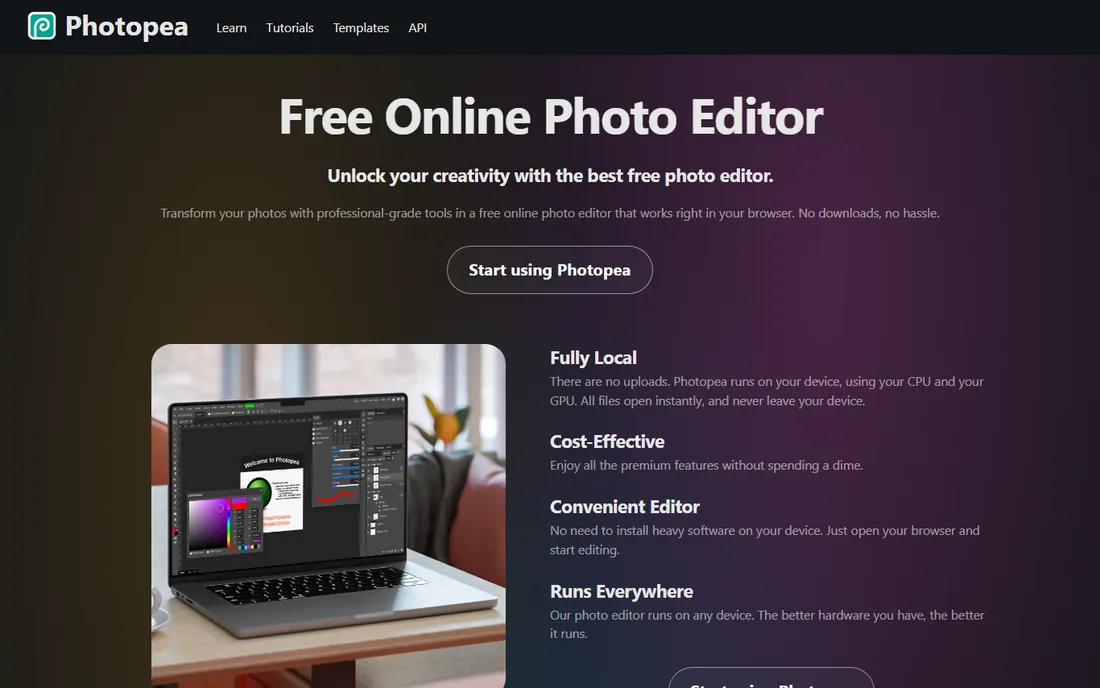
Photopea is astonishing: a Photoshop-class editor in a browser tab, free, that opens PSD files. For beginners, the Photoshop-like interface is the point: learn here and the knowledge ports directly to Adobe's tools. Layers, adjustments, masks and retouching all work as expected.
The free tier shows ads; a premium tier removes them (check photopea.com for current pricing). It needs connectivity and plenty of RAM for big files. As the zero-install, zero-cost starting point, it removes every excuse.
What we like- Runs entirely in the browser
- Opens PSD, RAW, Sketch and GIMP files
- The interface mirrors Photoshop, so skills transfer
Watch out for- Ad-supported free tier
- Needs an internet connection
- Heavy edits can strain browser memory
Starting priceSee website
Free planYes
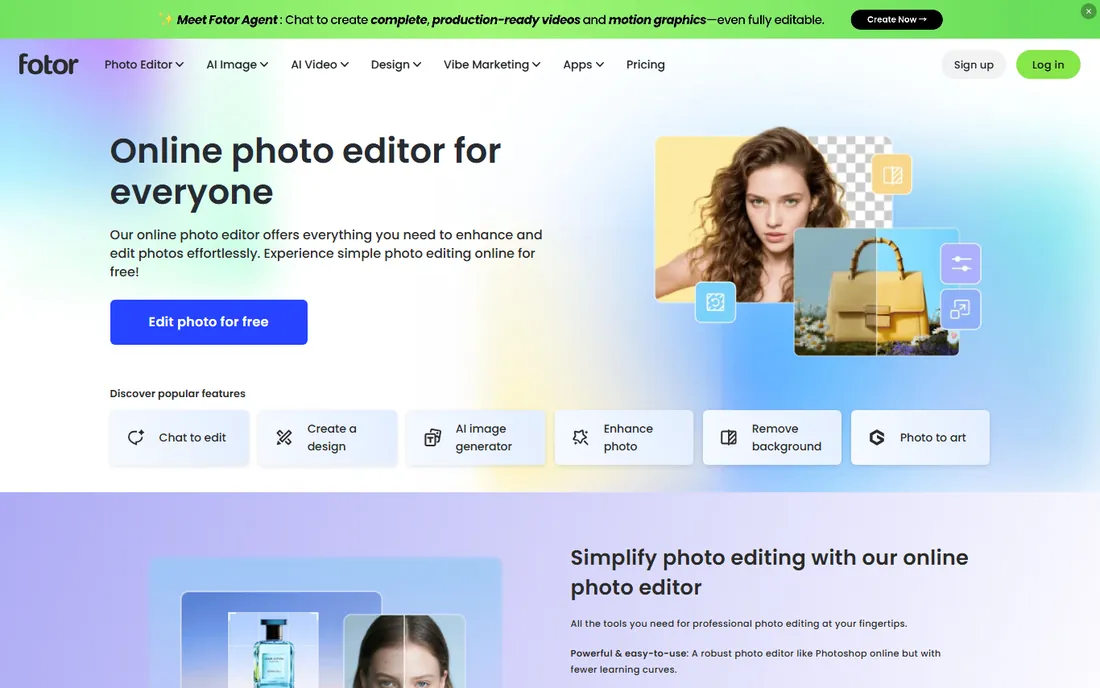
Fotor is the friendly editor: open a photo, tap enhance, and it looks better. The free tier covers basic editing, effects, collages and templates. For the beginner who wants better Instagram photos tonight, not a photography education, it delivers.
Check fotor.com for Pro pricing. The free tier suffices for casual use; pay when you need batch processing, HD exports or the premium effects. It teaches nothing about manual editing, which is both its appeal and its ceiling.
What we like- Genuinely free tier with useful tools
- One-click enhance, beauty retouching and collage makers
- Templates for social posts and cards
Watch out for- The best features and HD exports sit behind Pro
- The interface pushes the subscription
- Pricing requires the site
#4
Pixlr
Best for: Fast browser edits with a generous free tier
Visit pixlr.com
Starting priceFrom $1.99/mo (billed yearly; Plus $2.49/mo monthly)
Free planYes
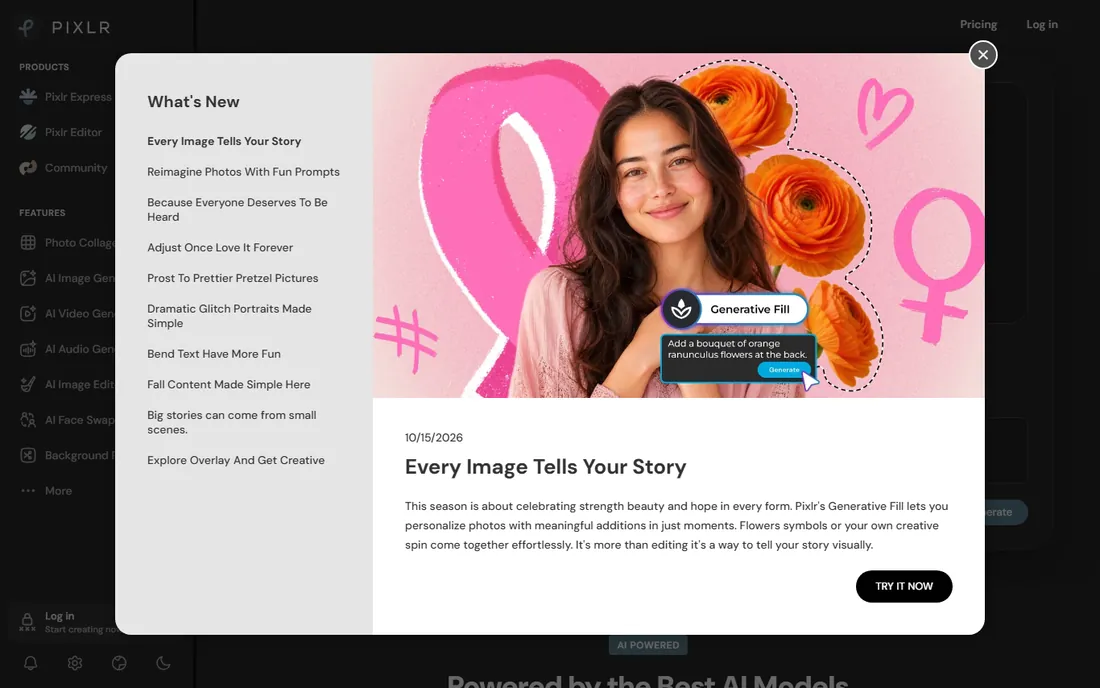
Pixlr splits into focused apps (Pixlr X for quick edits, E for advanced), all in the browser. The free tier is genuinely useful for cropping, filters and touch-ups. Paid tiers start at $1.99 per month billed yearly for Plus, with Premium at $9.99 per month adding AI features.
For the beginner who edits in a browser and wants a clear upgrade path, the transparent pricing helps. It will not replace Lightroom for photo management, but for editing individual photos it is fast and cheap.
What we like- The vendor's own pricing page is readable: Plus from $1.99/month yearly, Premium $9.99/month
- The free tier handles quick edits well
- AI tools included
Watch out for- Ads in the free tier
- The feature spread across Pixlr X, E and other apps confuses newcomers
#5
Polarr
Best for: Learning manual controls through filters
Visit polarr.co
Starting priceSee website
Free planYes
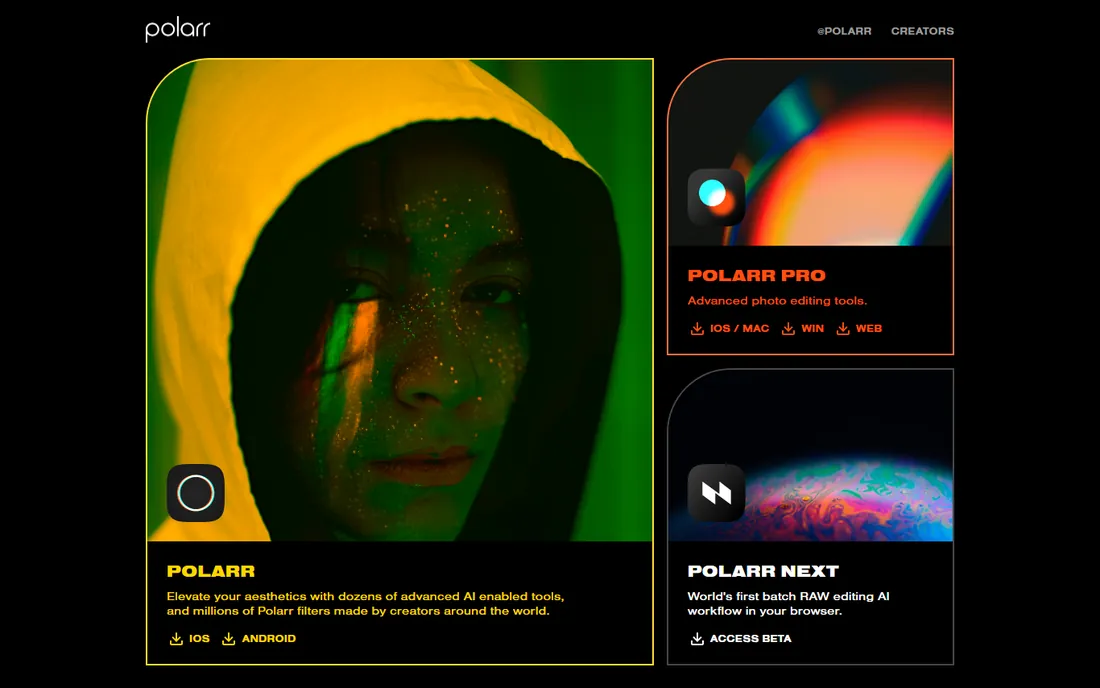
Polarr's filters are editable: apply one, then see exactly which adjustments it made (exposure +0.3, warmth +10) and tweak them. That transparency teaches beginners how editing actually works, unlike black-box filters. The free tier includes the core tools.
Check polarr.co for Pro pricing. It is the thinking beginner's filter app: pretty results now, real understanding later. The manual controls go deeper than most mobile editors.
What we like- Free tier with real manual controls (not just filters)
- The filter system teaches what each adjustment does
- Clean mobile and desktop apps
Watch out for- Pricing requires the site
- Less powerful than desktop editors for heavy retouching
#6
Luminar Neo
Best for: AI editing that wows beginners instantly
Visit skylum.com
Starting price$129 one-time (Desktop perpetual license)
Free planFree trial
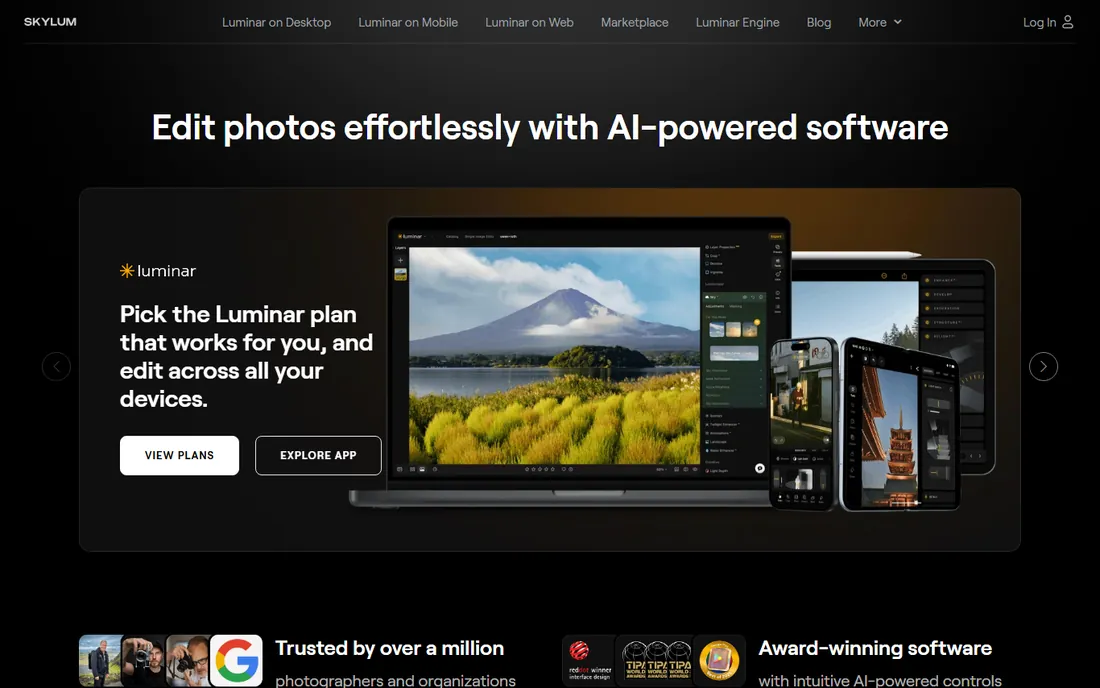
Luminar Neo is the instant-gratification editor: replace a dull sky, relight a portrait, erase power lines, all with AI that does the masking for you. For beginners, the one-click results are motivating in a way that curves and histograms are not. The $129 one-time price (per skylum.com) buys the desktop license forever.
The honest caveat: it makes great photos without teaching great editing. Use it for results, then learn the manual tools elsewhere. As a plugin it also enhances Lightroom and Photoshop, so it grows with you.
What we like- The vendor's own page prices the desktop license at $129 one-time, no subscription
- AI sky replacement, relight and erase tools produce dramatic results in one click
- Works as a plugin for Lightroom and Photoshop
Watch out for- The AI approach teaches little about manual editing
- The catalog features trail Lightroom
#7
ON1 Photo RAW
Best for: A complete Lightroom alternative with one-time pricing
Visit on1.com
Starting price$99.99 one-time
Free planFree trial
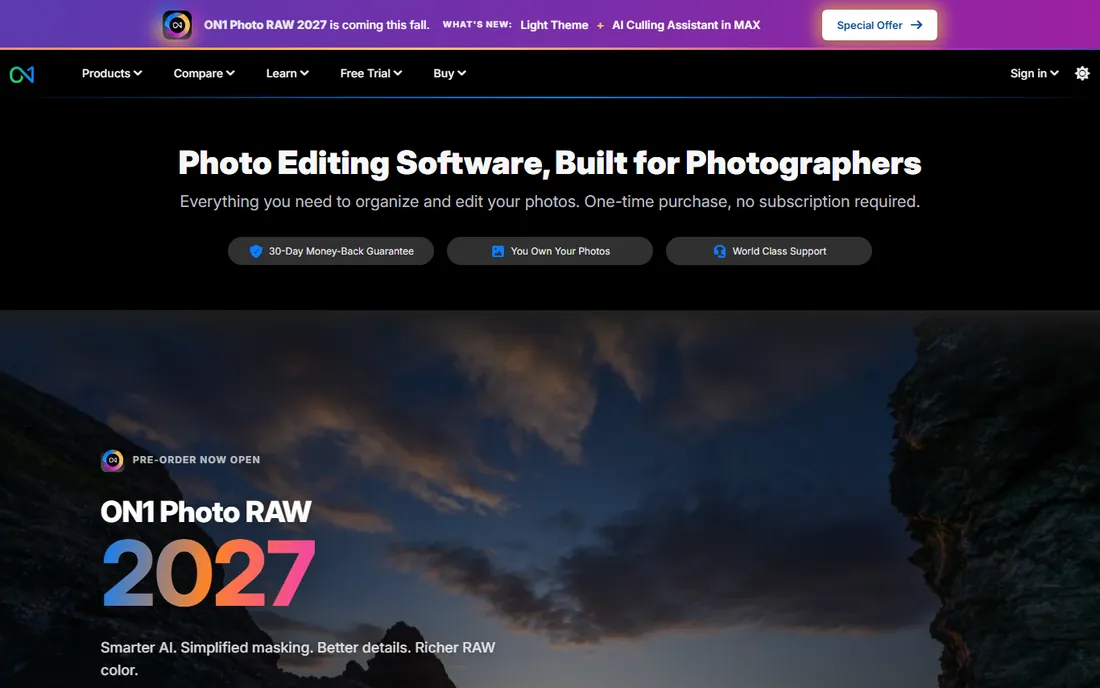
ON1 Photo RAW does what Lightroom does (organize, develop, export RAW photos) for a one-time $99.99 instead of a subscription. The editing tools are deep: layers, masking, effects and portrait tools included. The free trial lets you test the whole workflow.
For beginners, the interface has more buttons than necessary. But as the no-subscription Lightroom alternative, the value is clear. Learn on the trial; buy when the workflow clicks.
What we like- The vendor's store shows $99.99 one-time
- Full RAW workflow: browse, develop, effects, layers
- No subscription
Watch out for- The interface is dense for beginners
- Smaller preset and tutorial ecosystem than Adobe
#8
Adobe Lightroom
Best for: The long-term standard for photo organization and editing
Visit adobe.com
Starting priceSee website
Free planFree trial
Lightroom is where serious photographers end up: import thousands of photos, organize by keyword and rating, develop RAW files with precision, and sync everything to mobile. The ecosystem (presets, tutorials, community) is unmatched.
Check adobe.com for current plan pricing. The advice for beginners: wait. Until you shoot in RAW and manage hundreds of photos, the free tools teach the same fundamentals. Buy Lightroom when your photo library demands organization, not before.
What we like- The industry standard: best-in-class RAW development and photo organization
- Cloud sync across devices
- Endless presets and tutorials
Watch out for- Subscription only
- The catalog system confuses beginners
- Overkill until you shoot in RAW regularly
Starting priceSee website
Free planFree trial
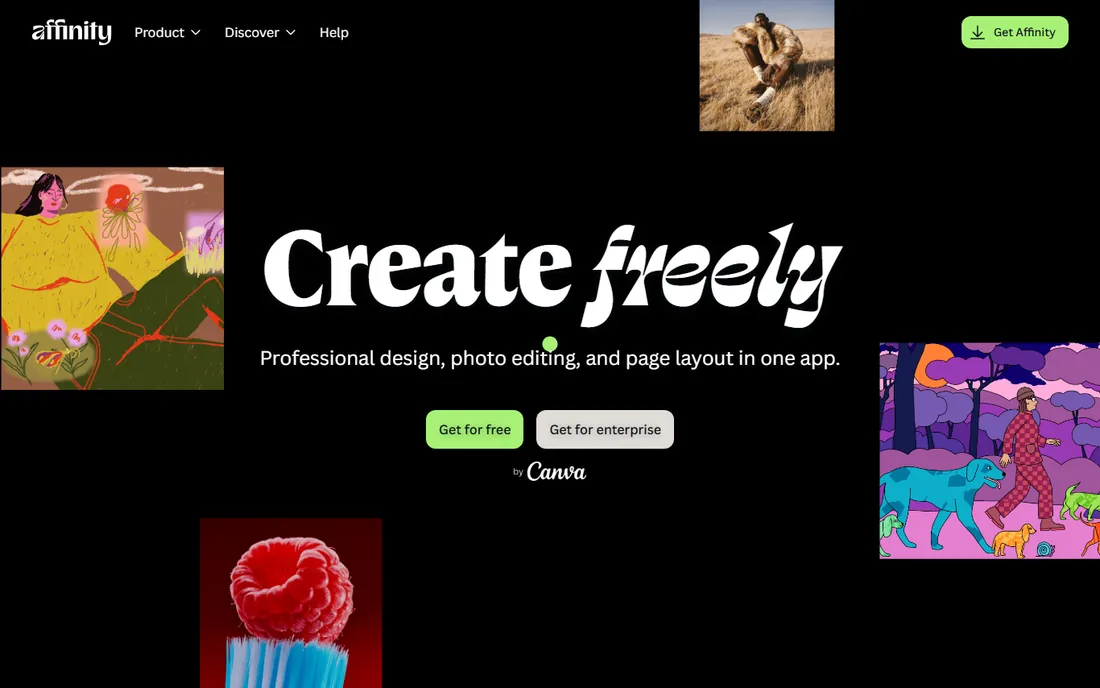
Affinity Photo 2 is the Photoshop alternative for people who refuse subscriptions: full professional image editing for a one-time purchase. Retouching, compositing, HDR and panorama tools all work beautifully. The trial shows everything before you pay.
Check affinity.serif.com for current pricing. For beginners, it is more editor than needed; for the advancing hobbyist who wants Photoshop power without Adobe's subscription, it is the answer.
What we like- Professional raster editing (layers, retouching, compositing) for a one-time price
- Fast and polished
- The free trial is fully featured
Watch out for- Pricing requires the Serif store
- No photo management catalog like Lightroom
- Smaller tutorial library than Adobe
#10
DxO PhotoLab
Best for: Automatic optical corrections from lab-tested profiles
Visit dxo.com
Starting priceSee website
Free planFree trial
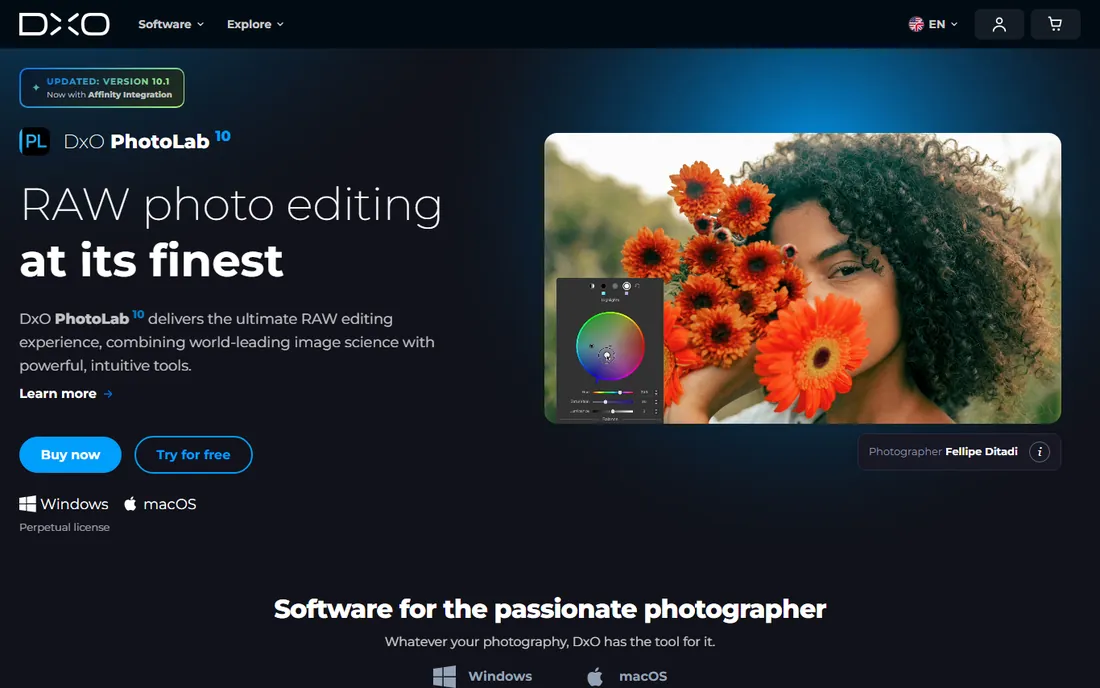
DxO PhotoLab's superpower is science: the company lab-tests camera and lens combinations, then applies precise corrections for distortion, vignetting and sharpness automatically. Photos come out technically excellent with minimal input. The DeepPRIME denoising rescues high-ISO shots remarkably.
Check dxo.com for pricing. For beginners, the automatic corrections mean better photos immediately. Pair it with a creative editor (or its built-in tools) for the artistic side.
What we like- The best automatic lens and camera corrections in the business, from DxO's lab measurements
- Excellent denoising
- One-time purchase options
Watch out for- Pricing requires the DxO store
- The interface prioritizes correction over creativity
- Less hand-holding than beginner tools
The beginner learning path
Month one: pick a free editor (GIMP, Photopea or Fotor) and learn the fundamentals on your own photos: crop, straighten, exposure, white balance, contrast, saturation. These six adjustments fix 90 percent of photos. Do not buy presets; do not watch advanced tutorials. Learn what each slider does by moving it too far.
Month two to three: shoot in RAW if your camera or phone supports it, and learn non-destructive editing (adjustments you can undo later). This is when Lightroom-style tools start making sense. Then decide: the free tools forever (valid), Luminar Neo for AI ease ($129), ON1 for the full workflow ($99.99), or Lightroom when the library grows.
What beginners should not buy
Presets, at first. A preset is someone else's editing decisions applied to your photo; it teaches nothing and usually looks wrong on different lighting. Learn the sliders, then presets become useful shortcuts instead of crutches.
Also skip the pro camera until the editing is solid. Editing skill improves photos more than gear does at the beginner stage. The phone in your pocket plus a free editor beats an expensive camera with no editing knowledge.
Frequently asked questions
What is the easiest photo editing software for beginners?
Fotor and Pixlr: one-click tools, templates and browser access with no learning curve. For learning real skills, Photopea (free, browser) or GIMP (free, desktop) teach transferable fundamentals.
Is GIMP good for beginners?
Yes, with patience. GIMP teaches professional skills (layers, masks, curves) for free, and everything transfers to Photoshop later. The interface is the hurdle: expect a confusing first weekend, then steady progress.
Should a beginner buy Lightroom?
Not yet. Learn exposure, cropping and color on a free editor first. Buy Lightroom when you shoot in RAW regularly and need to organize hundreds of photos. The subscription is worth it then; before that, it is an expensive way to learn sliders.
Luminar Neo vs. Lightroom for beginners?
Luminar Neo ($129 one-time) for instant AI results with no subscription; Lightroom (subscription) for the complete photo organization and development workflow. Beginners who want wow-factor now pick Luminar; those building a serious library pick Lightroom later.
Can I edit RAW photos for free?
Yes. GIMP (with a RAW plugin), Photopea, and the free tiers of several tools handle RAW. DxO PhotoLab and ON1 offer trials. Free RAW editing is fully viable; paid tools add convenience and better noise reduction.
Do I need Photoshop as a beginner?
No. Photoshop is for compositing, graphic design and heavy retouching. Beginners need photo development (exposure, color, cropping), which Lightroom-style tools and the free editors handle better and simpler.
How we chose
We started with the editors beginners actually encounter: the free tools, the browser editors and the paid beginner-friendly options. For each we opened the vendor's own site and recorded pricing exactly as shown. Luminar Neo's $129, ON1's $99.99 and Pixlr's $1.99/month came from the vendors' own pages. Where pricing required JavaScript stores, we wrote "See website." We checked reputations against beginner forums and tutorial communities, and we favored tools with genuinely free tiers over trial-only options.
Sources we checked (10)
- https://www.gimp.org/
- https://www.photopea.com/
- https://www.fotor.com/
- https://pixlr.com/
- https://www.polarr.co/
- https://skylum.com/
- https://www.on1.com/
- https://www.adobe.com/
- https://affinity.serif.com/
- https://www.dxo.com/
Is your product missing or out of date?
We review this list regularly. Vendors can request a listing, send updated pricing or ask about featured placement.

Shihab Mia · Founder, Rankite
Shihab has spent more than a decade helping SaaS and e-commerce brands grow through search. He writes Rankite's software buying guides from pricing pages, documentation and public user reviews. More about Shihab.