How we make this list: we compare pricing pages, product documentation and public user reviews. Rankite is independent; if a vendor ever pays for a featured spot, that listing is clearly labeled Partner.
Key takeaways
- Adobe Lightroom is the best default for anyone who edits batches of photos and needs organization plus correction in one place.
- Adobe Photoshop remains the choice when an image needs pixels rebuilt, not just adjusted, such as complex object removal or compositing.
- Luminar Neo and Topaz Photo suit people who want AI to handle the first pass of retouching with minimal manual work.
- DxO PhotoLab 10 and Capture One justify their cost for photographers who shoot RAW in volume and care about optical correction and color.
- GIMP and Pixlr cost nothing and cover basic cleanup well, which makes them sensible starting points for occasional use.
Quick comparison
| Tool | Best for | Starting price | Free plan |
|---|
 Adobe Lightroom Adobe Lightroom | batch editing and photo organization | $11.99 per month (Lightroom 1TB plan) | Free trial (7 days) |
 Adobe Photoshop Adobe Photoshop | pixel-level retouching and compositing | $22.99 per month (single app, billed annually) | Free trial (7 days) |
 Luminar Neo Luminar Neo | AI-assisted portraits for non-retouchers | See website (subscription and perpetual options, prices rotate with promotions) | Free trial (7 days) |
 DxO PhotoLab 10 DxO PhotoLab 10 | RAW correction with deep optics profiles | $249.99 one-time | Free trial (30 days) |
 Capture One Capture One | studio and tethered shooting workflows | $18 per month (billed annually) | Free trial (7 days) |
 Topaz Photo Topaz Photo | AI denoise, sharpen and upscale repair | $17 per month (billed annually; $199 per year) | No (preview demo only) |
 ON1 Photo RAW ON1 Photo RAW | all-in-one organizer and effects editor | See website (perpetual and subscription options, prices vary with promotions) | Free trial (30 days) |
 Affinity Photo 2 Affinity Photo 2 | Photoshop-like power with no subscription | $69.99 one-time | Free trial (30 days) |
 GIMP GIMP | free open-source retouching | Free | Yes |
 Pixlr Pixlr | quick edits in the browser | $1.99 per month (billed annually; $2.49 month-to-month) | Yes |
Is your product missing or out of date?
We review this list regularly. Vendors can request a listing, send updated pricing or ask about featured placement.
The best photo touch-up software
#1
Adobe Lightroom
Best for: batch editing and photo organization
Visit adobe.com
Starting price$11.99 per month (Lightroom 1TB plan)
Free planFree trial (7 days)
If your photo library is a mess and editing is the bottleneck, Lightroom is the most direct fix. Its catalog keeps every shoot organized, and the develop module applies the same corrections across hundreds of images at once. For real estate agents, wedding photographers, and small business owners who photograph their own products, that batch workflow matters more than any single retouching trick.
The honest catch is that Lightroom edits the whole image, not individual pixels. Complex object removal still belongs in Photoshop. Adobe prices it at $11.99 per month on the Lightroom 1TB plan, which includes cloud storage, and there is a 7-day free trial.
What we like- Fast batch edits across hundreds of photos
- Cloud sync across desktop and mobile
- Strong preset and preset-market ecosystem
Watch out for- No true pixel-level editing
- Subscription only
#2
Adobe Photoshop
Best for: pixel-level retouching and compositing
Visit adobe.com
Starting price$22.99 per month (single app, billed annually)
Free planFree trial (7 days)
Photoshop is where you go when a photo needs surgery rather than a haircut. Skin retouching with frequency separation, removing entire people from backgrounds, swapping skies, rebuilding missing areas with content-aware fill, these are the jobs that justify the subscription. No other program on this list matches its precision once you know your way around layers and masks.
That precision comes with a learning cost. A beginner can spend weeks before the program feels natural, and Adobe's single-app price of $22.99 per month (billed annually) adds up if you only retouch occasionally. The 7-day trial is short, so plan a real project for the trial week. For design teams and anyone whose reputation rests on flawless images, it remains the standard.
What we like- Unmatched depth for retouching and compositing
- Huge tutorial and plugin ecosystem
- Industry-standard file compatibility
Watch out for- Steep learning curve
- Subscription only
#3
Luminar Neo
Best for: AI-assisted portraits for non-retouchers
Visit skylum.com
Starting priceSee website (subscription and perpetual options, prices rotate with promotions)
Free planFree trial (7 days)
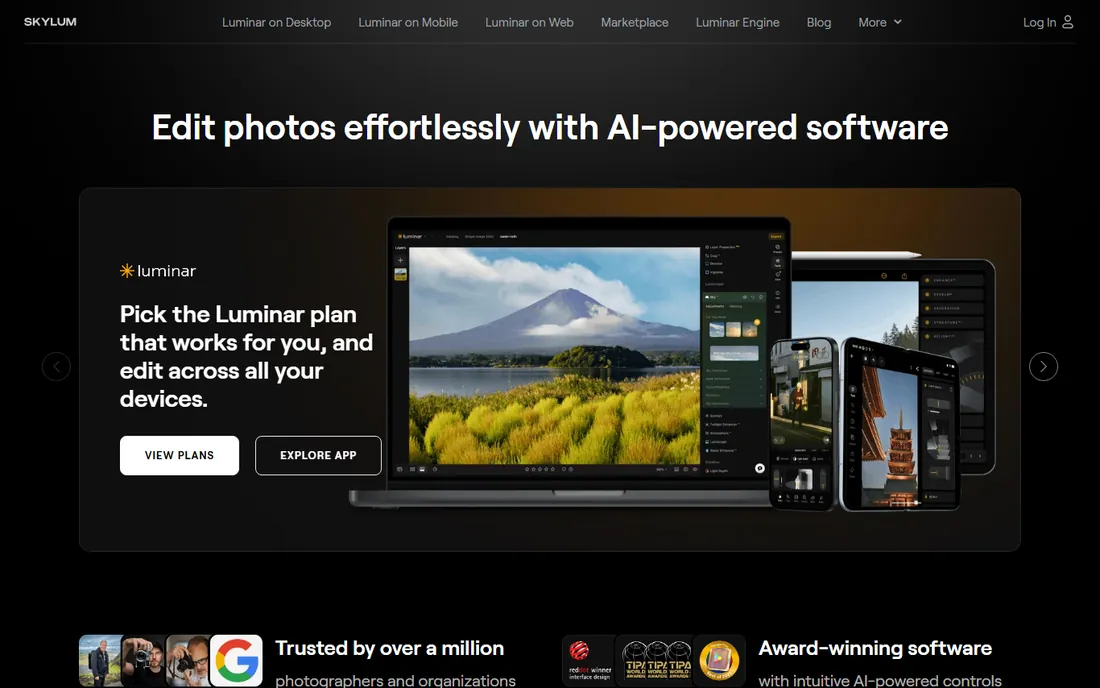
Luminar Neo exists for people who love the look of retouched photos and dislike the process. Its AI tools handle skin smoothing, face lighting, blemish removal and background replacement with sliders instead of manual masking. A portrait that would take twenty minutes of careful Photoshop work can look presentable in two. Skylum also sells it as a plugin, so Lightroom users can add the AI tools without changing their main workflow.
Pricing is the frustrating part. Skylum runs constant promotions with different prices for subscriptions and perpetual licenses, so the number you see today may not be the number next month. Check the current offer and compare the total cost over two years before committing. The 7-day trial is enough to test whether the AI results match your taste, since the look it produces is distinctive and not everyone likes it.
What we like- One-click skin, face and background tools
- Approachable interface for beginners
- Works as a plugin inside Lightroom and Photoshop
Watch out for- Rotating promo pricing is hard to compare
- Catalog features lag behind Lightroom
#4
DxO PhotoLab 10
Best for: RAW correction with deep optics profiles
Visit dxo.com
Starting price$249.99 one-time
Free planFree trial (30 days)
Shooting RAW and skipping proper optical correction leaves quality on the table, and PhotoLab is the tool that bothers to pick it up. DxO maintains laboratory-tested profiles for thousands of camera and lens combinations, correcting distortion, vignetting and sharpness automatically. Its DeepPRIME denoising recovers high-ISO shots that look unusable in other editors. Version 10 is the current release as of 2026.
At $249.99 as a one-time purchase, it appeals to photographers who refuse subscriptions on principle. The trade-off is the library side: browsing and keywording feel basic next to Lightroom, and the preset community is smaller. If your priority is maximum image quality from RAW files and you organize photos in folders anyway, the 30-day trial will tell you everything you need to know.
What we like- Best-in-class lens corrections and denoising
- One-time purchase, no subscription
- 30-day trial is generous
Watch out for- Weaker photo organization than Lightroom
- Smaller preset and tutorial community
Starting price$18 per month (billed annually)
Free planFree trial (7 days)
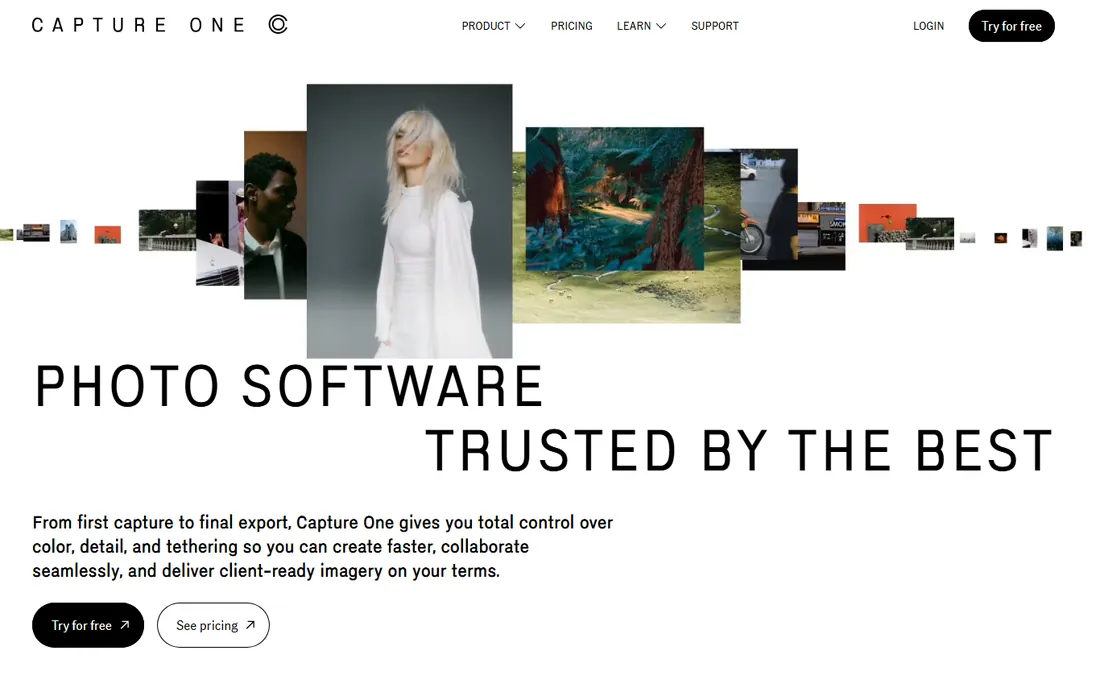
Walk into most commercial studios and the computer next to the camera is running Capture One. Its tethered shooting is faster and more reliable than Lightroom's, which matters when a client is watching images appear on screen during a shoot. The color tools are deeper too, with precise skin tone controls that fashion and portrait photographers rely on.
For everyone else, the case is thinner. At $18 per month billed annually it costs more than Lightroom, and the interface assumes professional workflows. The 7-day trial is barely enough, so go in with a specific test in mind, such as tethering your own camera. Studios and high-volume portrait businesses will feel the difference immediately. Casual shooters will not.
What we like- Excellent color editing and tethered capture
- Strong choice for studio sessions
- Flexible sessions-based organization
Watch out for- Higher price than Lightroom
- Interface takes time to learn
Starting price$17 per month (billed annually; $199 per year)
Free planNo (preview demo only)
Topaz Photo does one job: rescue photos that are noisy, soft, or low resolution. Its AI models for denoising, sharpening and upscaling are the best in this price range, and the difference on a grainy indoor shot or an over-cropped image can be dramatic. Most buyers use it alongside another editor, sending problem images to Topaz before finishing them in Lightroom or Photoshop.
At $17 per month billed annually ($199 per year), it is a subscription for what is essentially a repair utility. There is no free plan, only a preview demo, so you cannot test full exports without paying. It also leans hard on your GPU, and older machines will wait. Buy it for a specific recurring problem, such as salvaging event photos shot in bad light, rather than as your main editor.
What we like- Remarkable recovery of noisy and soft images
- Simple autopilot workflow
- Useful as a complement to any editor
Watch out for- No free plan, only a preview demo
- Processing can be slow on older hardware
#7
ON1 Photo RAW
Best for: all-in-one organizer and effects editor
Visit on1.com
Starting priceSee website (perpetual and subscription options, prices vary with promotions)
Free planFree trial (30 days)
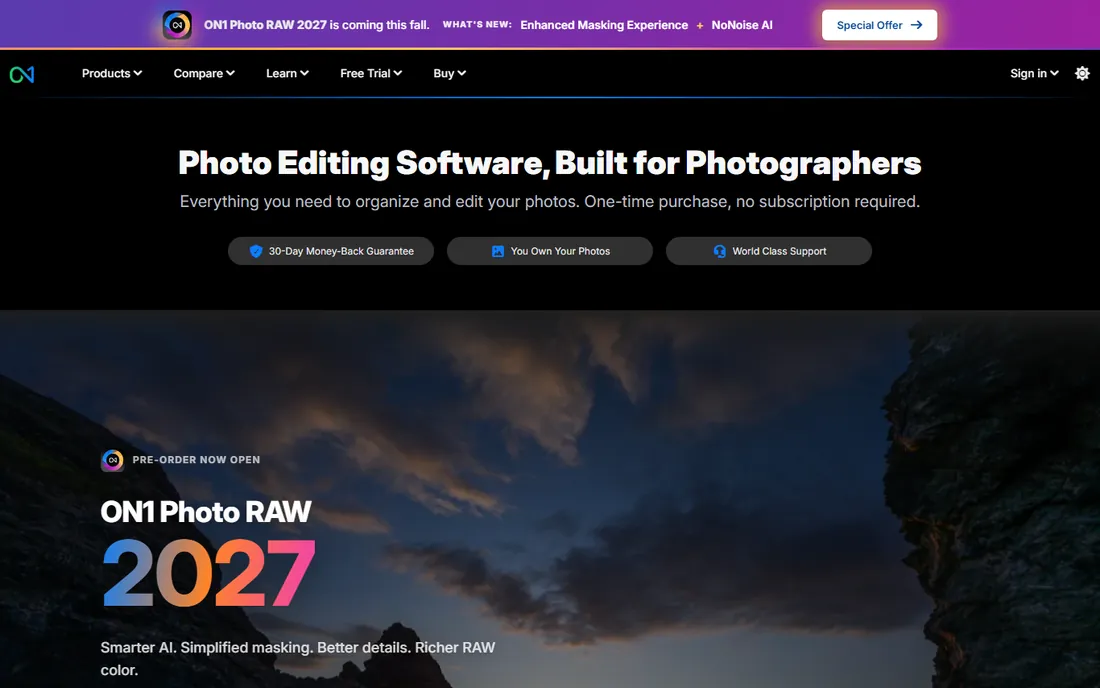
ON1 Photo RAW tries to be the entire photo department in one program. It browses folders without importing, develops RAW files, applies layered effects, and handles resizing and printing, all without a subscription if you choose the perpetual license. For photographers who want Lightroom-style organization plus Photoshop-style layers without paying Adobe every month, it is the most complete alternative.
Like Skylum, ON1 leans on rotating promotions, so pin down the perpetual versus subscription price before you buy. Performance is the other caveat: large catalogs and heavy effect stacks can slow mid-range machines. Load the 30-day trial with a real backlog of shoots and see whether it keeps up.
What we like- Browsing, editing and effects in one program
- Perpetual license option
- Generous 30-day trial
Watch out for- Promo-driven pricing is confusing
- Performance can lag on large catalogs
Starting price$69.99 one-time
Free planFree trial (30 days)
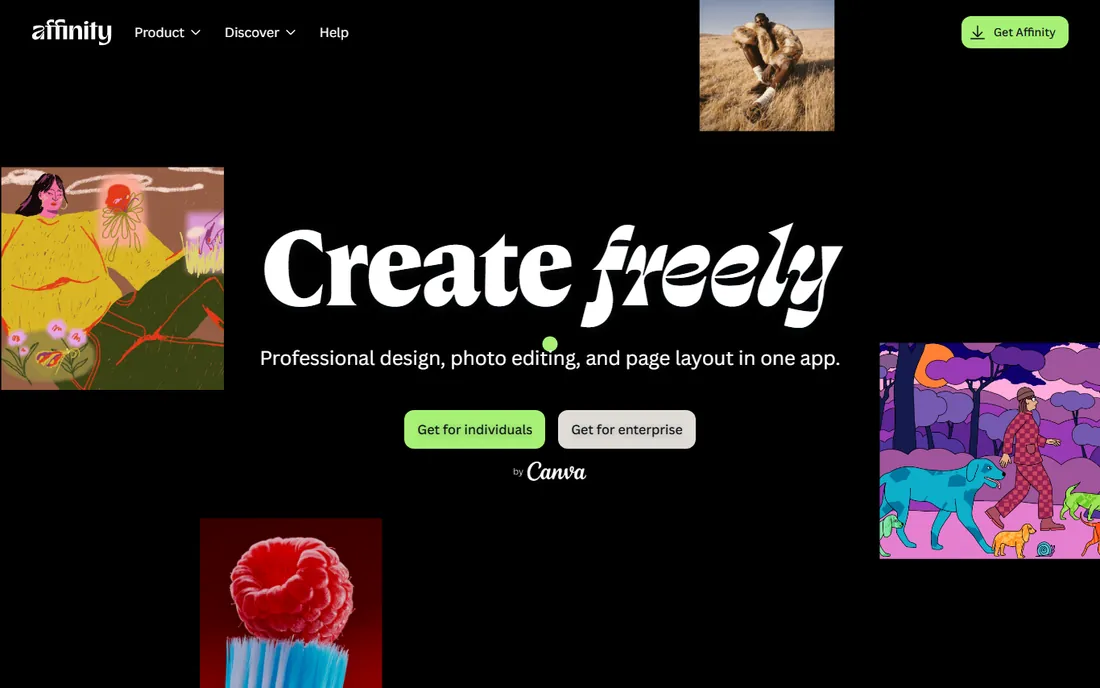
Affinity Photo 2 is the strongest argument against renting your photo editor. For a single payment of $69.99 you get a genuine layer-based editor with frequency separation, live filters, panorama stitching and PSD compatibility. It opens Photoshop files, exports them, and handles most retouching jobs that do not require Adobe's newest AI features.
The ecosystem is the gap. Fewer plugins, fewer tutorials, and a smaller community mean you will solve unusual problems on your own more often. Its RAW development is competent but not class-leading. Still, for freelancers and small studios watching every recurring cost, the math is compelling: one payment versus $22.99 per month forever. The 30-day trial is fully featured, so test it against your hardest current project.
What we like- Deep layer-based editing for a single payment
- Fast performance
- Clean modern interface
Watch out for- Smaller plugin and tutorial ecosystem
- RAW development less refined than DxO or Capture One
Starting priceFree
Free planYes
GIMP is the answer to the question of what Photoshop would look like as a free, open-source project. It handles layers, masks, healing, cloning and color correction with genuine depth, and plugins extend it further. For a small business that needs occasional product photo cleanup and has zero software budget, it is entirely capable.
The interface shows its age and its volunteer origins. Menus are organized by developer logic rather than photographer logic, and learning it takes patience. There is no support line to call when something breaks. But the price is zero, the program is actively maintained, and exported files work everywhere. If your retouching needs are basic and infrequent, start here before spending anything.
What we like- Completely free with no upsell
- Deep editing tools including layers and masks
- Runs on Windows, Mac and Linux
Watch out for- Dated interface
- No official support channel
Starting price$1.99 per month (billed annually; $2.49 month-to-month)
Free planYes
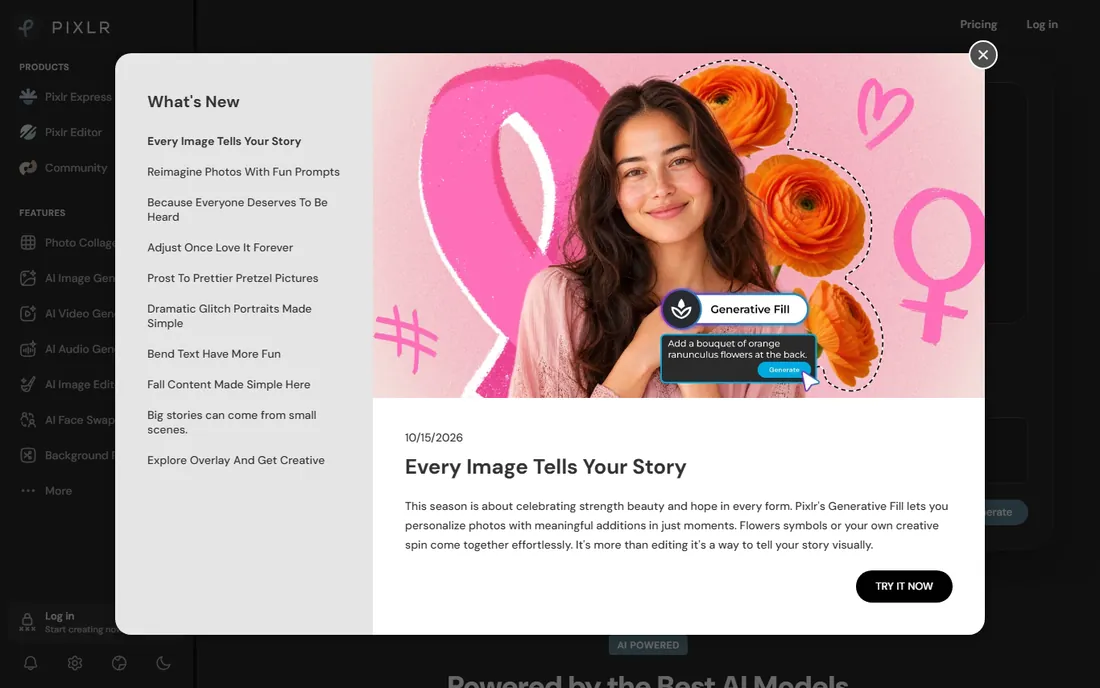
Pixlr lives in your browser and asks for nothing. Open the site, drop in a photo, crop it, adjust the light, remove a blemish, and export. For social media managers and anyone who edits images a few times a month, that zero-friction workflow beats installing a desktop program. The free tier handles the basics, and the paid plan starts at $1.99 per month billed annually.
The limits are real. The free version shows ads and nudges you toward paid features, and precision work like detailed skin retouching is awkward in a browser tab. Large print-resolution files will strain it. Treat Pixlr as the quick-errand tool: fast jobs, small images, no commitment. Anything bigger deserves a desktop editor.
What we like- Runs in any browser with no install
- Free tier covers basic edits
- Very low paid price
Watch out for- Ads and upsells on the free tier
- Not suited to large or precise jobs
How we chose
We checked the vendor's own pricing page for each program in October 2026 and noted where prices were promo-dependent or unverifiable. We read current documentation for the retouching features that matter to buyers: healing and cloning, object removal, skin smoothing, AI masking, RAW processing and batch editing. We then cross-checked public reviews on G2, Capterra and Reddit for recurring complaints about performance, surprise price changes and support quality. Tools scored higher when their pricing was transparent, their trial was long enough to evaluate real work, and their learning curve matched the audience they claim to serve.
What to check before you pay
Start with the pricing model, because it decides your cost over time. A $22.99 monthly subscription passes $275 in the first year and keeps charging. A $249.99 one-time purchase breaks even against that subscription in under a year, but you may pay again for major upgrades. A $69.99 one-time editor is cheaper than two years of any subscription on this list. Do the two-year math before you fall in love with a feature set.
Match the tool to your volume. Editing ten photos a month is a different job from editing five hundred, and batch processing, presets and catalog search matter enormously at scale. If you shoot RAW, confirm the program supports your camera model before buying; new cameras sometimes wait months for profile updates. Trial length matters too. Seven days is enough to test an interface but not a workflow, so favor the 30-day trials when you are comparing serious contenders.
Finally, check the machine you own. AI denoising and upscaling lean heavily on modern GPUs, and several programs on this list will feel slow on a five-year-old laptop. Vendor system requirements pages list the minimums, but reviews tell you what "usable" actually requires.
Free editors have a reputation as toys, and for GIMP and Pixlr that reputation is outdated. GIMP handles layered retouching, masking and color work at a level that covers most small-business needs: cleaning up product shots, removing blemishes from headshots, preparing images for the web. Its weakness is speed of learning, not capability. Pixlr covers the opposite end: fast, simple edits with no learning at all.
The honest boundary is volume and precision. A photographer retouching two hundred wedding portraits will earn back a Lightroom or Capture One subscription in saved hours within a month. A boutique owner fixing one product photo a week will never feel the difference. Start free, and only pay when you can name the specific job the free tool cannot do.
Frequently asked questions
What is the best photo touch up software for beginners?
Luminar Neo is the easiest starting point because its AI tools handle skin, faces and backgrounds with sliders instead of manual masking. Pixlr is the simplest free option for quick browser edits. Both let a beginner produce clean results the same day, while Photoshop and Capture One expect you to invest weeks in learning.
Is Photoshop still worth the subscription for retouching?
It is worth it if you regularly do work other editors cannot, such as complex object removal, compositing, or high-end skin retouching. At $22.99 per month billed annually, occasional users overpay. If you retouch a few photos a month, Affinity Photo 2 at $69.99 once or GIMP for free will cover you.
Can free software handle professional skin retouching?
GIMP can, with effort. It supports the layer and masking techniques that professional retouching relies on, though the workflow is slower and less guided than in Photoshop or Luminar Neo. For client work where turnaround time matters, the paid tools earn their price in speed. For careful work with no deadline, GIMP gets you there.
What is the difference between Lightroom and Photoshop?
Lightroom organizes large photo libraries and applies fast adjustments across many images at once, but it edits the image as a whole. Photoshop edits individual pixels with layers and masks, which allows precise retouching and compositing but no real photo management. Many professionals use both: Lightroom for the bulk of the work, Photoshop for the difficult images.
Do I need AI features to retouch photos well?
No. Every technique that matters, including healing, cloning, dodging and burning, and frequency separation, predates the current AI wave and still works. AI tools in Luminar Neo and Topaz Photo save time on common problems like noise and blemishes, but they are accelerators, not requirements. Good retouching is still about judgment.
Sources we checked (11)
- https://www.adobe.com
- https://skylum.com
- https://dxo.com
- https://www.captureone.com
- https://topazlabs.com
- https://www.on1.com
- https://affinity.serif.com
- https://gimp.org
- https://pixlr.com
- https://www.g2.com
- https://www.capterra.com
Is your product missing or out of date?
We review this list regularly. Vendors can request a listing, send updated pricing or ask about featured placement.

Shihab Mia · Founder, Rankite
Shihab has spent more than a decade helping SaaS and e-commerce brands grow through search. He writes Rankite's software buying guides from pricing pages, documentation and public user reviews. More about Shihab.