How we make this list: we compare pricing pages, product documentation and public user reviews. Rankite is independent; if a vendor ever pays for a featured spot, that listing is clearly labeled Partner.
Key takeaways
- Studio Ninja is the most photographer-focused CRM: fast setup, sensible workflows, fair pricing.
- Sprout Studio is the only option here with real gallery delivery built in alongside the CRM.
- HoneyBook and Dubsado are the polished all-rounders; HoneyBook for ease, Dubsado for deep customization.
- Tave and Pixifi suit established studios with complex workflows and associate photographers.
- 17hats, ShootQ, and Bloom cover the budget and simplicity ends, each with a different trade-off.
Quick comparison
| Tool | Best for | Starting price | Free plan |
|---|
 Studio Ninja Studio Ninja | Photographer-focused CRM | See website | No |
 Sprout Studio Sprout Studio | CRM plus galleries | See website | No |
 HoneyBook HoneyBook | Polished client experience | See website | No |
 Dubsado Dubsado | Deep workflow customization | See website | No |
 Tave Tave | Detailed studio workflows | See website | No |
 Pixifi Pixifi | Multi-photographer studios | See website | No |
 17hats 17hats | Simple affordable automation | See website | No |
 ShootQ ShootQ | Studios with complex pricing | See website | No |
 Bloom Bloom | Modern simple CRM | See website | No |
Is your product missing or out of date?
We review this list regularly. Vendors can request a listing, send updated pricing or ask about featured placement.
The best photo studio management software
Starting priceSee website
Free planNo
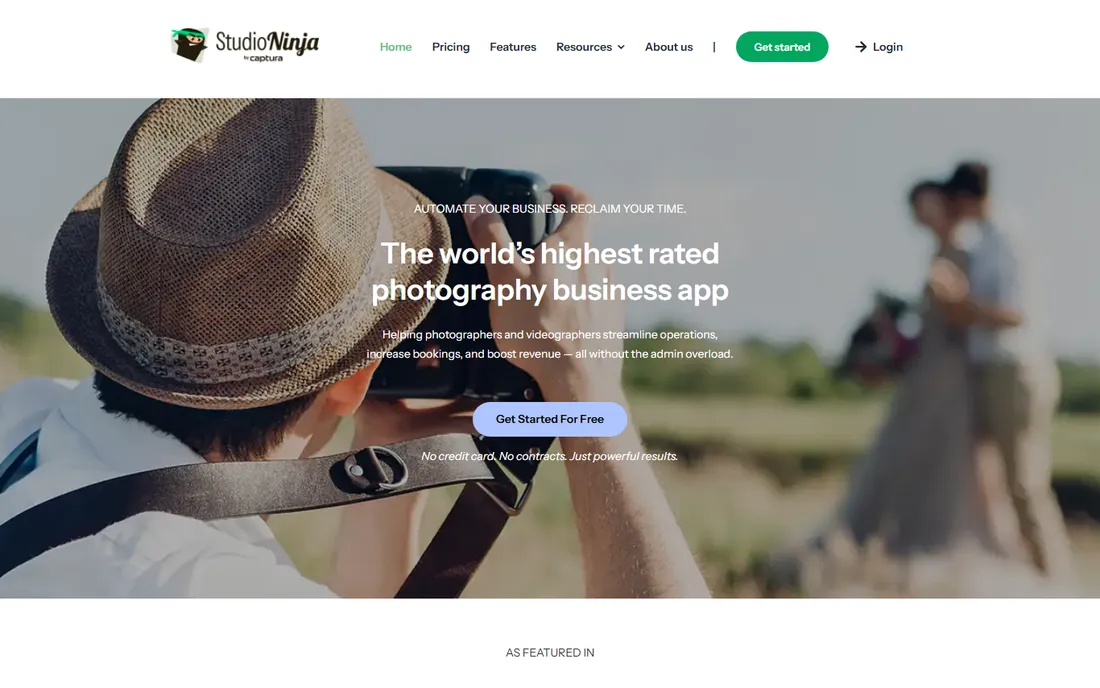
Studio Ninja does one thing and does it well: it runs the business side of a photography studio. Leads, quotes, contracts, invoices, questionnaires, and shoot workflows live in one system designed around how photographers actually work. Setup takes hours, not weeks, and the automation (follow-up emails, payment reminders, review requests) handles the admin that eats evenings.
The trade-offs are integration breadth and galleries. If you need deep connections to unusual tools, or want gallery delivery in the same system, look at Dubsado or Sprout Studio. But for wedding and portrait photographers who want a CRM that speaks their language from day one, Studio Ninja is the most focused option available.
What we like- Built specifically for photographers
- Fast setup
- Sensible automation
Watch out for- Fewer third-party integrations
- No built-in galleries
Starting priceSee website
Free planNo
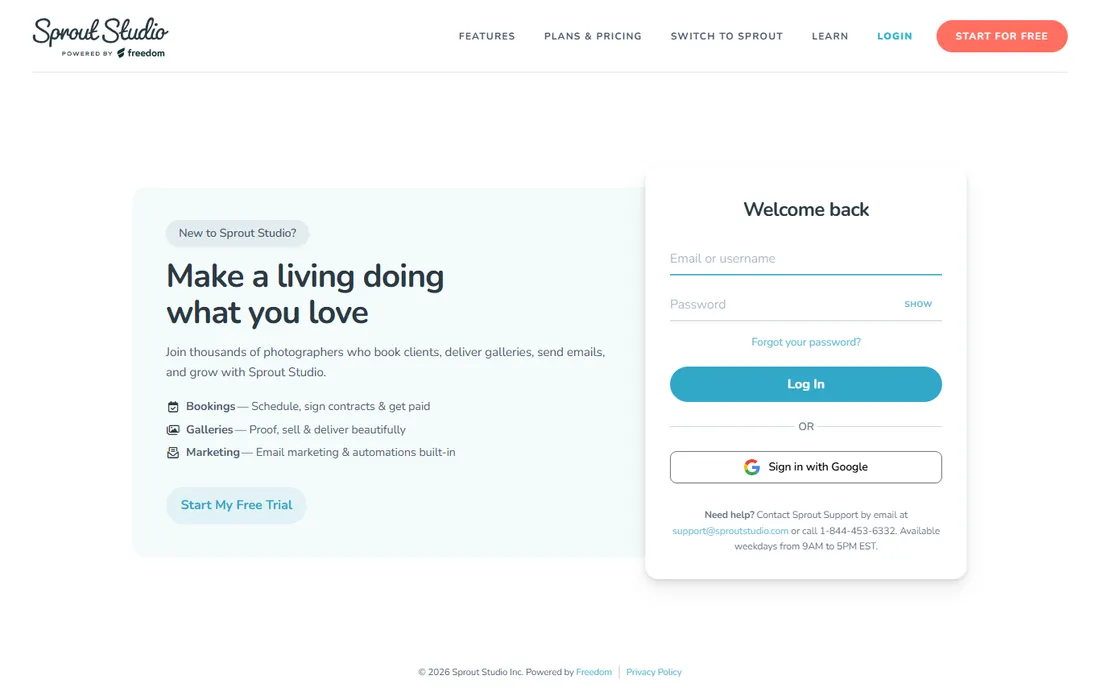
Sprout Studio's standout feature is consolidation. Client management, online galleries with proofing, print fulfillment through lab integration, and email marketing all live in one dashboard. For photographers tired of stitching a CRM to a separate gallery service, having everything under one login (and one bill) is genuinely convenient.
The pricing reflects that breadth: plans scale with storage and active shoots, so high-volume studios pay more. And consolidation cuts both ways; leaving later means exporting years of client records and galleries at once. But the day-to-day simplicity of one system, plus Sprout's well-regarded support, keeps it popular with portrait and wedding photographers.
What we like- CRM and galleries under one login
- Print fulfillment
- Email marketing included
Watch out for- Pricing scales with storage
- Migrating away is a project
Starting priceSee website
Free planNo

HoneyBook wins on presentation. Proposals, contracts, invoices, and questionnaires look polished with minimal effort, and the booking flow (inquiry to signed contract to paid invoice) is the smoothest on this list. Creative freelancers beyond photography use it too, which means the product keeps improving for client experience generally.
Power users will notice the ceiling. Workflow customization does not go as deep as Dubsado, and there are no built-in galleries. But most photographers do not need infinite customization; they need clients to book easily and pay on time. HoneyBook's recent additions (mini-session booking, texting, galleries) keep closing the gaps.
What we like- Beautiful client-facing proposals
- Fast booking flow
- Easy to learn
Watch out for- Less customizable than Dubsado
- No built-in galleries
Starting priceSee website
Free planNo

Dubsado is the power tool. Canned emails, schedulers, questionnaires, contracts, invoices, and workflows can be customized to an extent no competitor matches. High-volume studios build intricate automations: lead comes in, gets the right email sequence, books a consult, receives a tailored proposal, signs, pays, and gets scheduled, all without manual touches.
That power demands investment. Setup is a real project, and the interface shows its age. Photographers who want something working this weekend should pick Studio Ninja or HoneyBook. But for established studios with defined processes they want automated exactly their way, Dubsado repays the setup effort many times over.
What we like- Extremely customizable workflows
- Strong automation
- Brand control
Watch out for- Steep setup
- Interface feels dated
Starting priceSee website
Free planNo
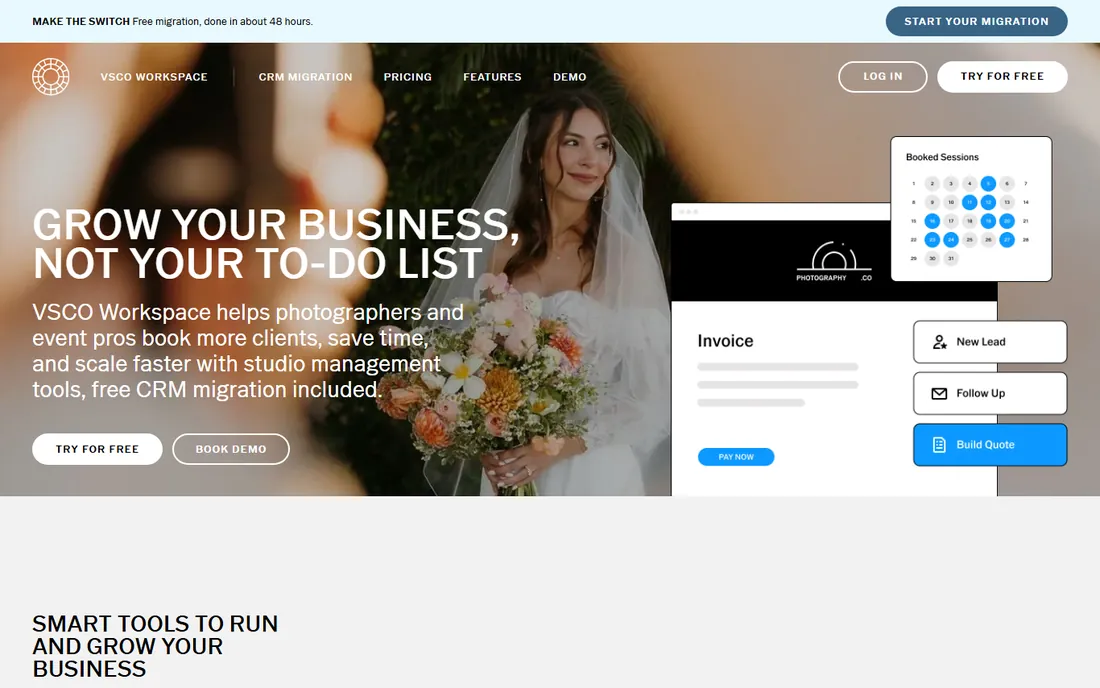
Tave (pronounced "tahv") has served professional photographers for years with deep workflow management. Job types, detailed task lists, staff assignments, and reporting give busy studios fine-grained control over every booking. It handles complexity well: multiple shooters, varied packages, and intricate timelines.
The interface feels like earlier software generations, and new users face a learning curve. Tave suits established studios that know exactly how they work and want software to match, not beginners looking for guidance. If your studio runs on detailed processes, Tave's depth is an asset; if not, it is overhead.
What we like- Granular workflow control
- Good for high-volume studios
- Detailed reporting
Watch out for- Dated interface
- Learning curve
Starting priceSee website
Free planNo
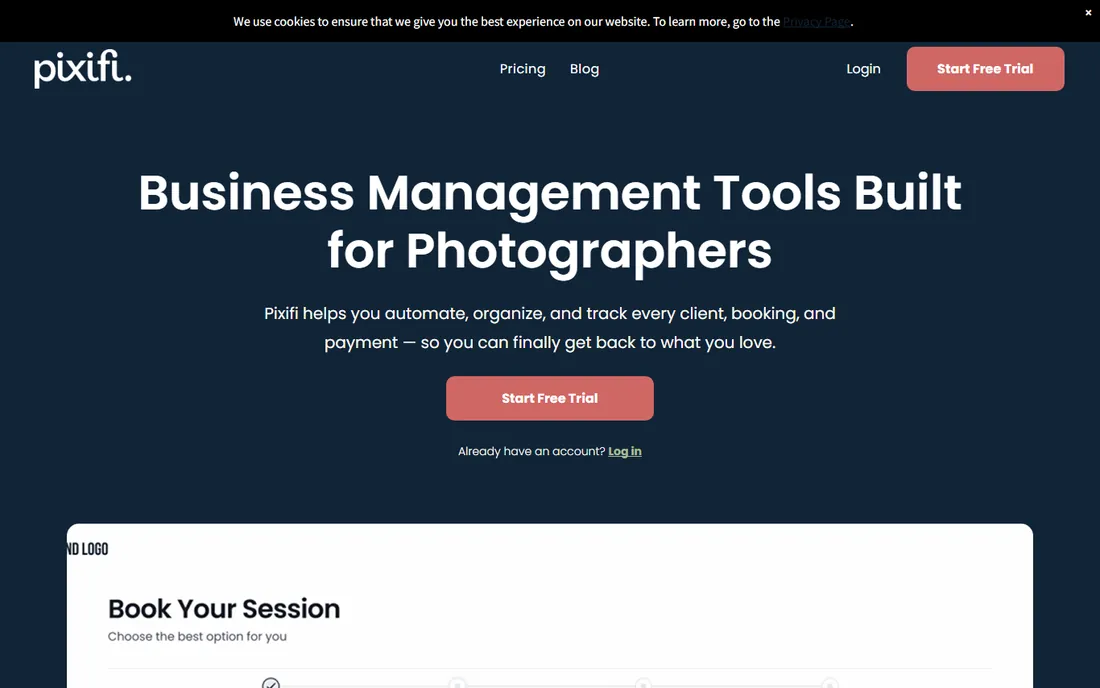
Pixifi targets studios with associate photographers and second shooters. Team scheduling, commission tracking, and staff permissions are first-class features, not afterthoughts. Workflows, contracts, and invoicing cover the standard studio needs, with the team layer on top.
Solo photographers will find Pixifi more than they need; the team features add complexity without benefit. The interface packs a lot in and can feel dense. But for studios where managing people is half the job, Pixifi's team-centric design beats adapting a solo-oriented CRM.
What we like- Built for teams and associates
- Commission tracking
- Strong workflow features
Watch out for- Overkill for solo photographers
- Interface is dense
Starting priceSee website
Free planNo

17hats is the budget-friendly all-rounder for solo creatives. Contacts, projects, invoices, contracts, and basic workflows come at a price well below HoneyBook or Dubsado. The automation handles the essentials: lead capture, follow-ups, and payment reminders without manual effort.
It is not photography-specific, so workflows need more adaptation than Studio Ninja, and advanced features are thinner than the specialists. But for a photographer starting out who needs professional client management without a big monthly bill, 17hats covers the fundamentals at a fair price.
What we like- Affordable
- Covers CRM basics well
- Simple automation
Watch out for- Less photography-specific
- Limited advanced features
Starting priceSee website
Free planNo
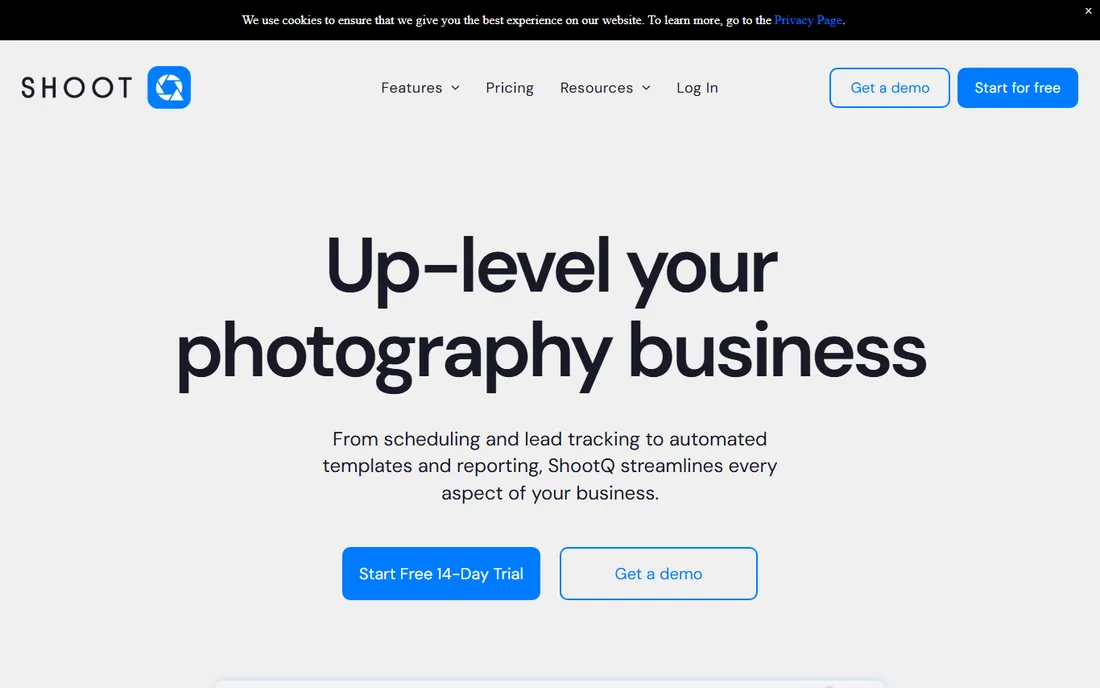
ShootQ has been around long enough to handle the messy realities of studio pricing: packages with options, add-ons, discounts, and varied payment schedules. The workflow automation is solid, and the product is stable and proven in real studios over many years.
The interface has not kept pace with newer competitors, and the company markets less aggressively than HoneyBook or Sprout Studio. But longevity counts in business software: ShootQ is still here because it works. Studios with complicated pricing structures that newer tools handle awkwardly should give it a serious look.
What we like- Handles complex pricing and packages
- Solid workflow automation
- Established product
Watch out for- Interface feels dated
- Less marketing momentum
Starting priceSee website
Free planNo
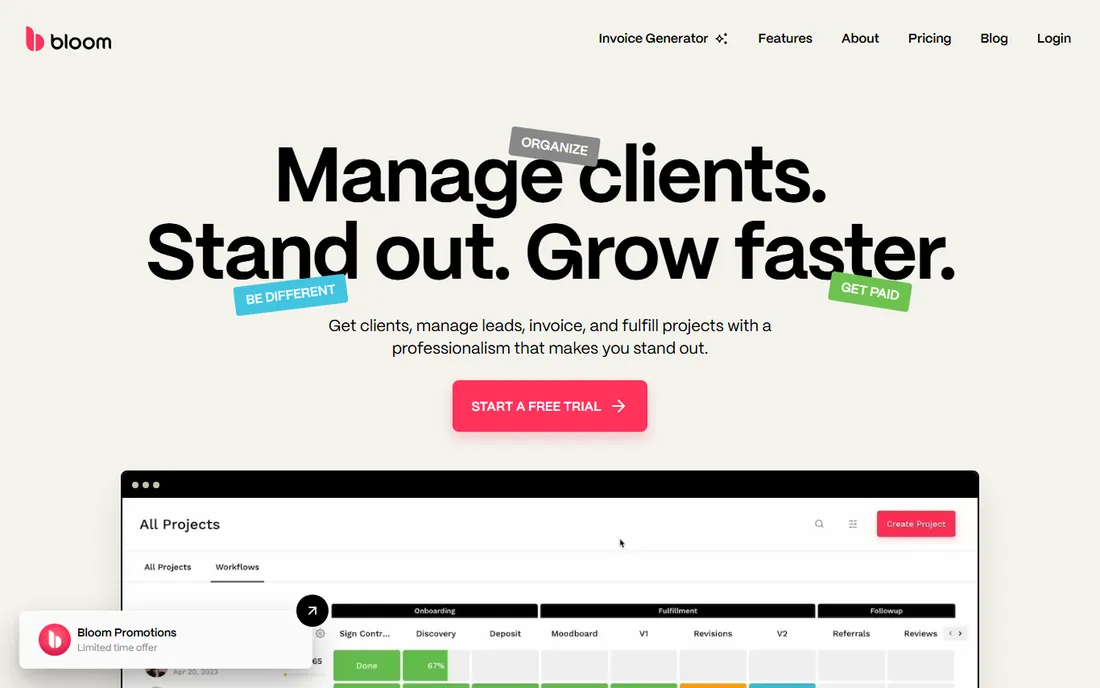
Bloom takes the modern, minimal approach: a clean interface, straightforward client management, contracts, and invoicing without the feature sprawl. New photographers find it approachable, and the value for money is good. It covers the core studio workflow without demanding weeks of setup.
As a younger product, Bloom lacks some advanced automation and customization the veterans offer. High-volume studios with intricate processes will outgrow it. But for photographers who want modern software that stays out of the way, Bloom's simplicity is the point, not a limitation.
What we like- Clean modern interface
- Easy to learn
- Good value
Watch out for- Younger product
- Fewer advanced features
The gallery question: bundled or separate?
One decision shapes this whole purchase: do you want gallery delivery in the same system as your CRM? Sprout Studio bundles both, which simplifies billing and client experience. Everyone else pairs with dedicated gallery services like Pixieset or Pic-Time, which are better at galleries than any CRM will ever be. The bundled route means one login and one bill; the separate route means best-in-class galleries with an integration to maintain. There is no wrong answer, but decide before you buy: switching gallery providers later means migrating client galleries, which is nobody's idea of fun.
What to check before you buy
Match the tool to your booking volume
A photographer doing ten weddings a year needs different software than a studio doing two hundred sessions. High volume justifies Dubsado's or Tave's setup investment; low volume favors Studio Ninja's or HoneyBook's simplicity. Be honest about your numbers, including where you want to be in two years.
Test the client experience yourself
Sign up for trials and go through your own booking flow as a client. Is the proposal easy to sign on a phone? Are payment reminders polite and clear? Your clients will judge your professionalism by these interactions. The prettiest admin dashboard means nothing if clients struggle to pay you.
Automation that fits your process
Every tool here automates, but they automate differently. Map your actual workflow (inquiry to delivery) and check each candidate handles your steps. A tool with brilliant automation for a workflow you do not have is wasted money; missing automation for steps you do daily is a dealbreaker.
Contract and payment specifics
Check e-signature legality in your state, payment processor fees, and whether the platform takes a cut. Most integrate with Stripe or Square; the fees are the processors', not the CRM's. Confirm questionnaire and contract templates can match your legal requirements before migrating real clients.
How we chose
We focused on software built for photography studio management in 2026: client workflows, contracts, invoicing, and scheduling for working photographers. We evaluated vendor documentation, pricing, photographer community reputation, and how well each tool fits different studio sizes. We excluded generic CRMs and pure gallery services that are not studio management tools. No vendor paid for placement, and we did not run studio bookings through each product.
Frequently asked questions
Do photographers really need studio management software?
Once the admin starts eating your shooting time, yes. The tipping point is usually around the moment you lose track of an inquiry, miss a follow-up, or chase a late payment manually. A CRM pays for itself by converting more inquiries and collecting payments faster, not just by organizing things.
What is the difference between HoneyBook and Dubsado?
HoneyBook prioritizes ease and polish: faster setup, beautiful client experience, less customization. Dubsado prioritizes power: deeper workflow customization and automation, steeper setup. Choose HoneyBook for simplicity, Dubsado when your processes are defined and you want them automated exactly your way.
Can these tools handle contracts and e-signatures?
Yes, all of them include contract templates with e-signature capture. The signatures are legally binding under the ESIGN Act for most photography contracts. For unusual legal situations, have your attorney review the template language; the software handles the mechanics, not the legal advice.
Should my CRM include online galleries?
It depends on your priorities. Bundled galleries (Sprout Studio) simplify your stack. Dedicated gallery services usually offer better proofing, print sales, and presentation. Many successful photographers use a CRM plus a separate gallery service. Decide based on how important print sales and gallery presentation are to your revenue.
How much does photo studio management software cost?
Most tools on this list are priced per month, with tiers that scale for teams, storage, and feature depth. Check each vendor's pricing page for current numbers before budgeting. Compared with the cost of one lost booking, the monthly fee is trivial.
Sources we checked (11)
- https://www.studioninja.co
- https://sproutstudio.com
- https://www.honeybook.com
- https://www.dubsado.com
- https://www.tave.com
- https://www.pixifi.com
- https://www.17hats.com
- https://www.shootq.com
- https://bloom.io
- https://agiled.app/blog/best-client-management-software-for-photographers
- https://blog.bloom.io/best-crm-photographers/
Is your product missing or out of date?
We review this list regularly. Vendors can request a listing, send updated pricing or ask about featured placement.

Shihab Mia · Founder, Rankite
Shihab has spent more than a decade helping SaaS and e-commerce brands grow through search. He writes Rankite's software buying guides from pricing pages, documentation and public user reviews. More about Shihab.