How we make this list: we compare pricing pages, product documentation and public user reviews. Rankite is independent; if a vendor ever pays for a featured spot, that listing is clearly labeled Partner.
Key takeaways
- SmartSHOW 3D is the strongest Windows desktop pick for deep animation control without a subscription, at $39.90 one-time.
- Photopia is the natural home for former ProShow users, since it imports old ProShow projects and lets you pause the subscription when you are not using it.
- Animoto and Renderforest are the fastest browser options for marketers, with free plans and paid tiers starting around $8 per month.
- FotoMagico remains the best fit for Mac and iPad photographers who present live, while Movavi suits beginners who want a guided wizard.
- Free plans exist (Animoto, Smilebox, Renderforest, Icecream), but watermark-free HD or 4K export almost always requires paying.
Quick comparison
| Tool | Best for | Starting price | Free plan |
|---|
 SmartSHOW 3D SmartSHOW 3D | Pro-style animated slideshows on Windows | $39.90 one-time (Standard) | Free trial |
 Photopia Photopia | Former ProShow users who want a familiar pro workflow | See website | Free trial |
 FotoMagico FotoMagico | Mac and iPad photographers who present live | See website | Free trial |
 Movavi Slideshow Maker Movavi Slideshow Maker | Beginners who want a guided wizard on Windows or Mac | $19.95 | Free trial (7 days) |
 Animoto Animoto | Marketers who need fast slideshow videos for social | $8/month (billed annually) | Yes |
 Ashampoo Slideshow Studio HD 4 Ashampoo Slideshow Studio HD 4 | Budget Windows users who want 4K output and disc burning | $30 one-time | Free trial (40 days) |
 Smilebox Smilebox | Invitations, greeting cards and occasion slideshows | See website | Yes |
 Icecream Slideshow Maker Icecream Slideshow Maker | Windows users who want the simplest possible slideshow builder | See website | Yes |
 Renderforest Renderforest | Branded slideshow videos for businesses and creators | See website | Yes |
Is your product missing or out of date?
We review this list regularly. Vendors can request a listing, send updated pricing or ask about featured placement.
The best photo slideshow software
Starting price$39.90 one-time (Standard)
Free planFree trial
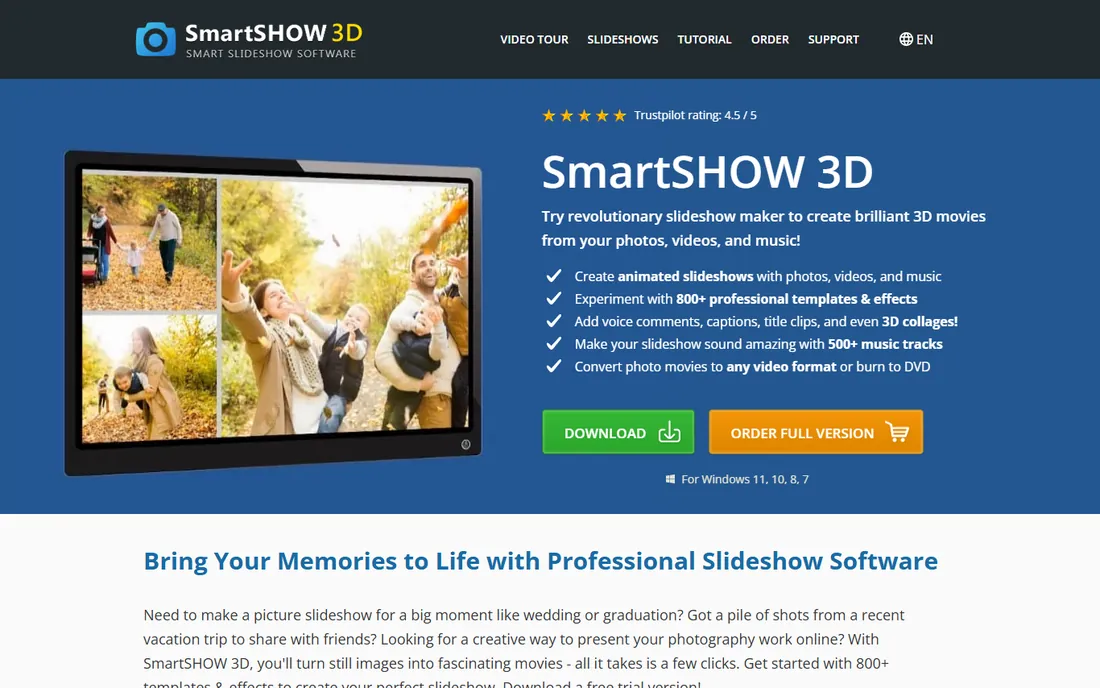
If you want slideshows that look closer to motion graphics than to a photo album with fades, SmartSHOW 3D is the desktop tool that gives you the most control per dollar. You can stack multiple layers on a slide, animate each one in three dimensions, and fine-tune movement with keyframes. The library now holds over 800 templates and effects plus more than 1,000 built-in music tracks, so most projects start from a template rather than a blank timeline.
The 5-minute wizard suits event work: drop in photos and videos, pick a theme and soundtrack, then tweak the assembled video afterward. Export covers 30 plus formats with presets for YouTube, phones and DVD burning.
The catch is the platform and the polish: no Mac version, and an interface that looks a decade old even though version 27 added vertical templates for Stories and Reels. If Windows-only and an old-school UI are acceptable, the one-time price is hard to beat for this depth of animation.
What we like- 800 plus templates and effects
- True 3D animation with keyframes and layers
- One-time license, no subscription
Watch out for- Windows only
- The interface feels dated next to newer editors
#2
Photopia
Best for: Former ProShow users who want a familiar pro workflow
Visit photopia.nl
Starting priceSee website
Free planFree trial
Photopia exists because Photodex shut down ProShow, and some of the original developers built a successor from scratch. That history matters: Photopia opens old ProShow shows and converts their styles, transitions and effects, which no other tool on this list does. If you have a decade of ProShow projects on a hard drive, this is where they go.
The lineup is simple: Creator for drag-and-drop slideshow building with video clips, Google Drive and Dropbox import, and multi-layer slides; Director for full creative control over every aspect of a show. Both include a music library with tens of thousands of premium tracks on the music subscription tier. The standout billing detail is that you can pause your subscription and restart it later, paying only for the months you actually use.
The tradeoff is the subscription model, which longtime ProShow owners tend to dislike, and the Mac version is still missing after years of promises. For Windows-based photographers with ProShow history, there is no closer replacement.
What we like- Imports old ProShow projects, styles and transitions
- Two tiers (Creator and Director) for different skill levels
- Pause the subscription when you are not using it
Watch out for- Subscription only, no lifetime license
- Still Windows only after years of a promised Mac version
#3
FotoMagico
Best for: Mac and iPad photographers who present live
Visit boinx.com
Starting priceSee website
Free planFree trial
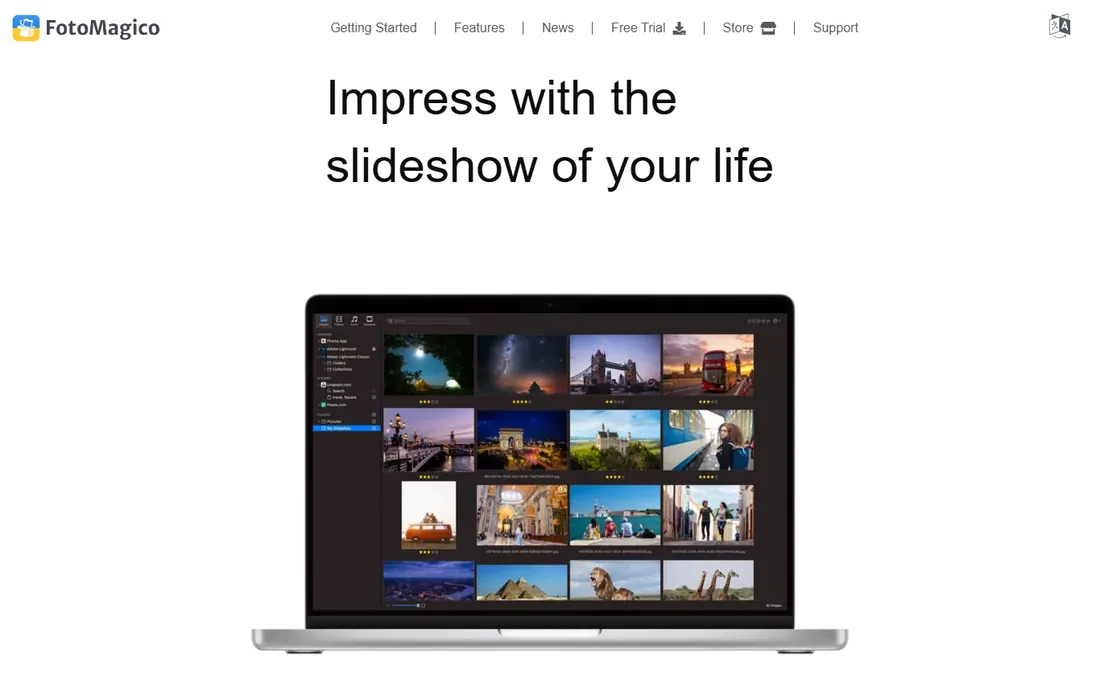
Mac photographers have used FotoMagico for over a decade, and the current version keeps the formula that earned it. You arrange photos, videos and music in a storyboard, then switch to a timeline for frame-accurate control of transitions, effects and animation. The Map Assistant, which draws animated travel routes across maps, is a genuinely useful feature for vacation and documentary slideshows rather than a gimmick.
Two things set it apart. Slideshows play instantly at full resolution, so last-minute changes do not trigger a long render. The built-in teleprompter view and chapter support also make it a real presentation tool for showing work in person or over a projector.
The limits are the platform and the pricing structure. There is no Windows version and likely never will be. Boinx has also moved its snippet add-ons (titles, frames, music, story packs) into a subscription, so the total cost depends on how many extras you want. A free trial lets you test the editing workflow before spending anything.
What we like- Storyboard and timeline modes with precise animation control
- Map Assistant animates travel routes
- Plays instantly at full resolution with no render wait
Watch out for- Mac and iPad only, no Windows version
- Snippet add-ons now sit behind a subscription
#4
Movavi Slideshow Maker
Best for: Beginners who want a guided wizard on Windows or Mac
Visit movavi.com
Starting price$19.95
Free planFree trial (7 days)
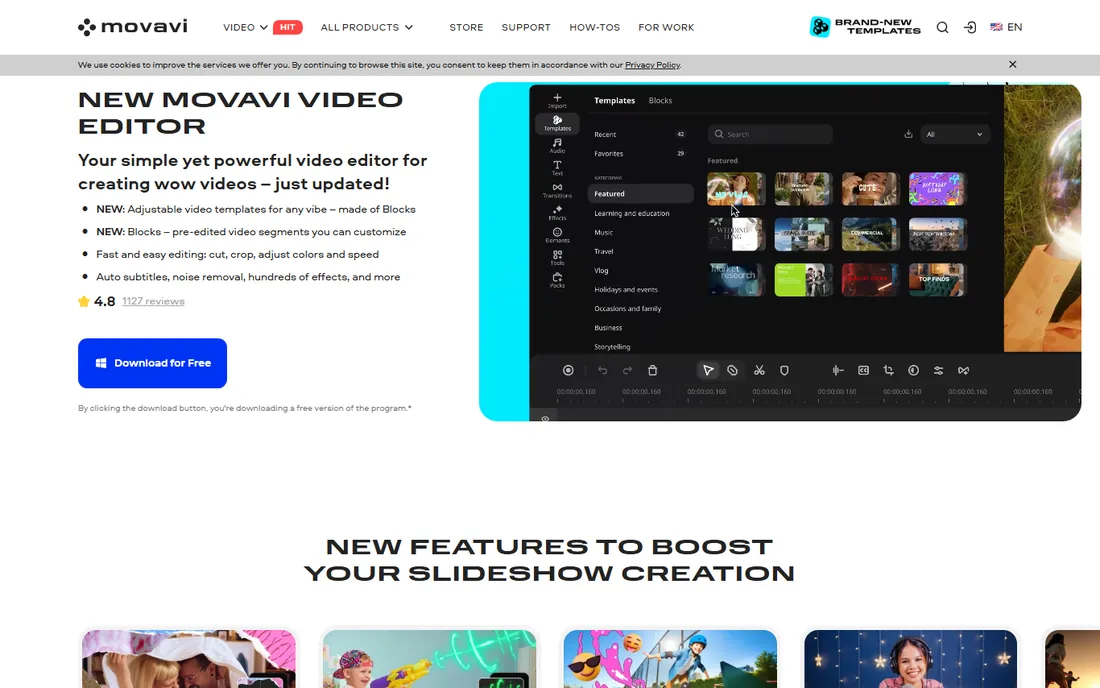
Movavi takes the opposite approach from SmartSHOW 3D. Instead of deep control, it gives you a wizard: pick the mode, add media, choose a template, and you have a slideshow. Manual mode is there when you outgrow the wizard, with cropping, color enhancement, background removal, filters, LUTs and animated titles. The beat-detection feature, which syncs transitions to the soundtrack, does more for perceived quality than most beginners expect.
It runs on both Windows and Mac, and the current version added auto subtitles and noise removal. There is no cap on how many photos, videos or music tracks a project can hold.
Read the trial terms: seven days, watermarked exports, and only half the audio length saved. Enough to judge the workflow, not to deliver client work. The headline price is low, but expect prompts for effects packs and upgrades inside the app.
What we like- Slideshow Wizard builds a video in three steps
- 10,000 plus effects, transitions and titles
- Beat-sync links cuts to the music
Watch out for- Trial exports carry a watermark and cut audio length
- The store pushes upsells and add-on packs
#5
Animoto
Best for: Marketers who need fast slideshow videos for social
Visit animoto.com
Starting price$8/month (billed annually)
Free planYes
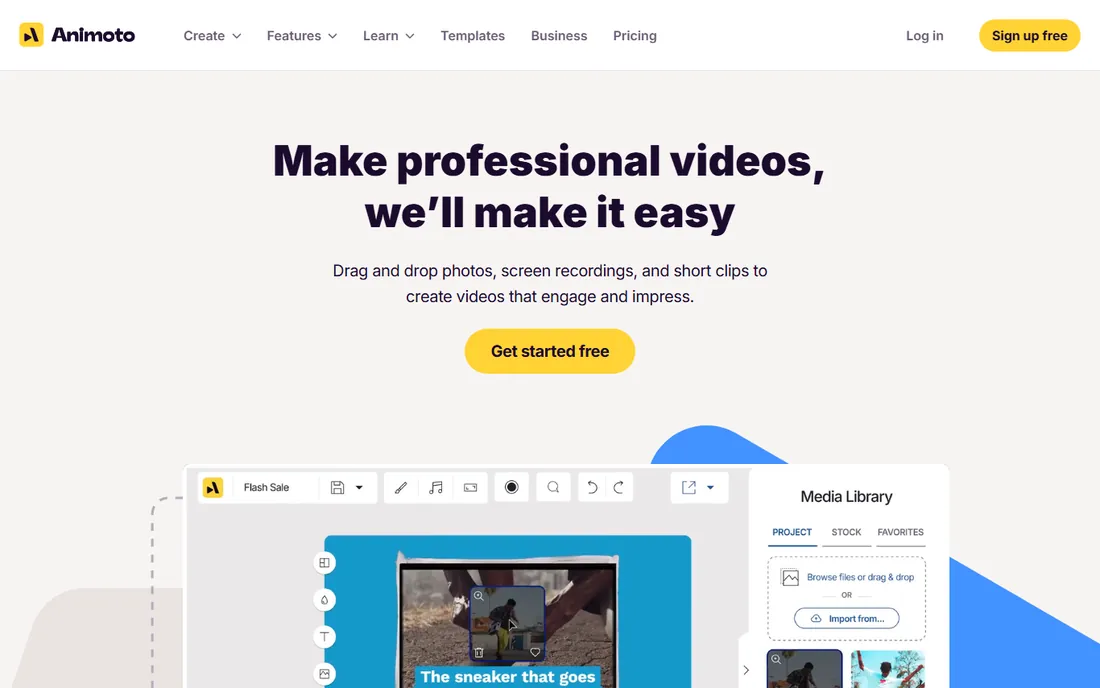
Animoto is the tool you open when a slideshow needs to exist by this afternoon. Everything lives in the browser: pick a template built for product promos, real estate, events or announcements, drop in photos, and the editor paces cuts to the music automatically. The stock libraries matter here. Paid tiers include over a million Getty images and thousands of licensed tracks, which saves a separate stock subscription for small teams.
The free plan gives unlimited videos at 720p with a watermark. Basic removes the watermark and adds 1080p. Professional adds logo and color branding, 4K export and voice-over, which is the tier most businesses land on.
What you give up is control: no keyframe animation, no layered compositing, no timeline surgery. The template structure can feel rigid once you want something custom, but for social posts, ads and event recaps, that rigidity keeps output fast and consistent.
What we like- Hundreds of professional templates for business occasions
- Large licensed stock photo, video and music libraries
- True drag-and-drop with no learning curve
Watch out for- Limited fine-grained editing control
- Free plan exports carry the Animoto watermark
#6
Ashampoo Slideshow Studio HD 4
Best for: Budget Windows users who want 4K output and disc burning
Visit ashampoo.com
Starting price$30 one-time
Free planFree trial (40 days)
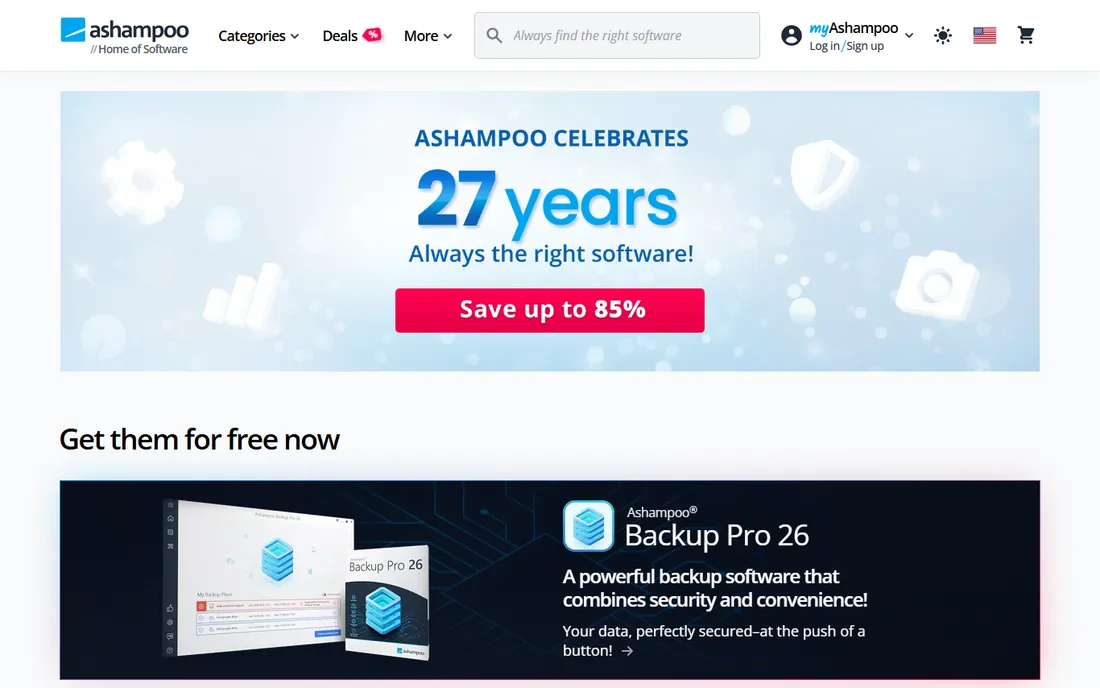
Ashampoo follows its house formula: a one-time price, a wizard that walks you through each step, and output options that cover both modern and legacy needs. The 4K support is real, with device presets for phones, tablets, consoles and TVs, and it is one of the few tools left that still burns slideshow DVDs and Blu-ray discs with interactive menus.
The wizard asks about your photo count and target length, then suggests pacing, which helps beginners avoid the classic 200-photo, 20-minute slideshow. You also get voice narration recording, text overlays, and opening and closing credits.
Two caveats. The visual style of the templates skews old-fashioned, and the license requires an internet connection to activate and re-verifies periodically, which can annoy users on offline machines. Ashampoo also runs frequent sales that cut the price well below list, so check the current offer before paying full price.
What we like- 4K export with MP4 and MKV support
- Burns slideshows to DVD and Blu-ray with menus
- Generous 40-day free trial
Watch out for- Interface and template style feel dated
- The license phones home to verify at intervals
#7
Smilebox
Best for: Invitations, greeting cards and occasion slideshows
Visit smilebox.com
Starting priceSee website
Free planYes
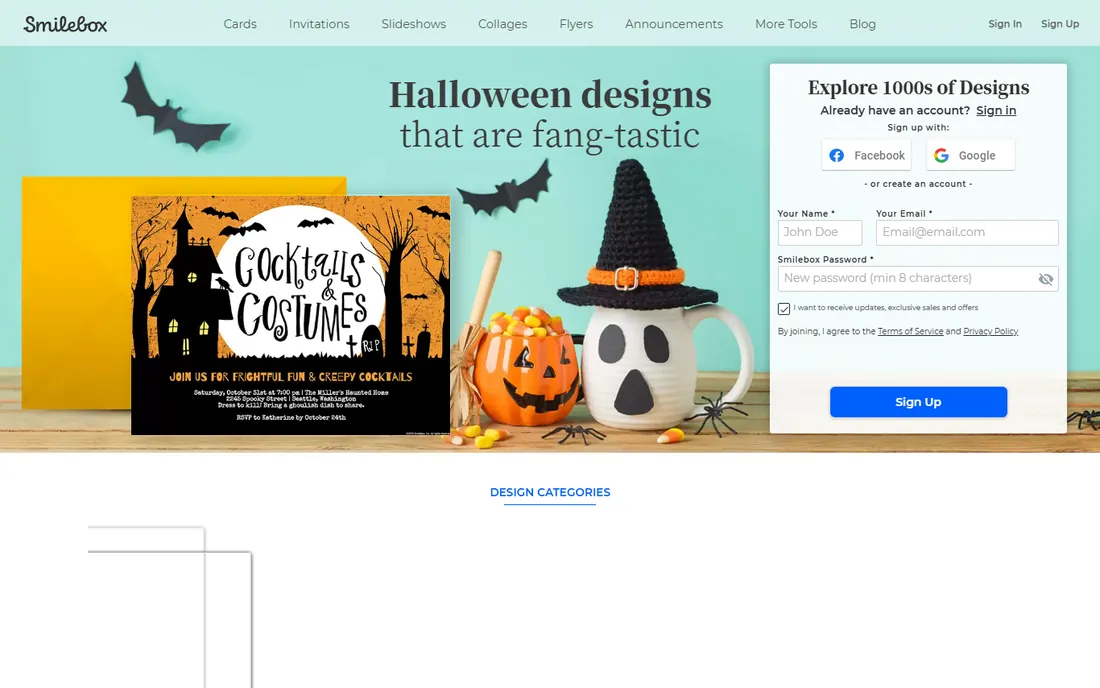
Smilebox is not a video editor. It is a design picker: choose from thousands of templates for birthdays, holidays, memorials, graduations and invitations, add photos and music, then share or download. That focus makes it the easiest tool on this list for non-technical users, and the "video to stills" feature (pulling frames from your clips) is handy for occasion slideshows built from phone footage.
Everything runs in the browser on desktop and mobile; creations download in high resolution or share by email and social media. A logo upload option suits event planners and small studios making client keepsakes.
The catch is the paywall placement. The free account covers simple slideshows, but the most popular templates, ad-free full-screen sharing and music require the Club Smilebox subscription. If your use case is personal occasions a few times a year, weigh the subscription against a one-time desktop license from this list.
What we like- Thousands of occasion-specific designs (birthday, memorial, graduation)
- Runs fully in the browser, nothing to install
- Music, unlimited storage and downloadable output
Watch out for- Free tier is limited and gates the best templates
- Design style leans sentimental rather than modern
#8
Icecream Slideshow Maker
Best for: Windows users who want the simplest possible slideshow builder
Visit icecreamapps.com
Starting priceSee website
Free planYes
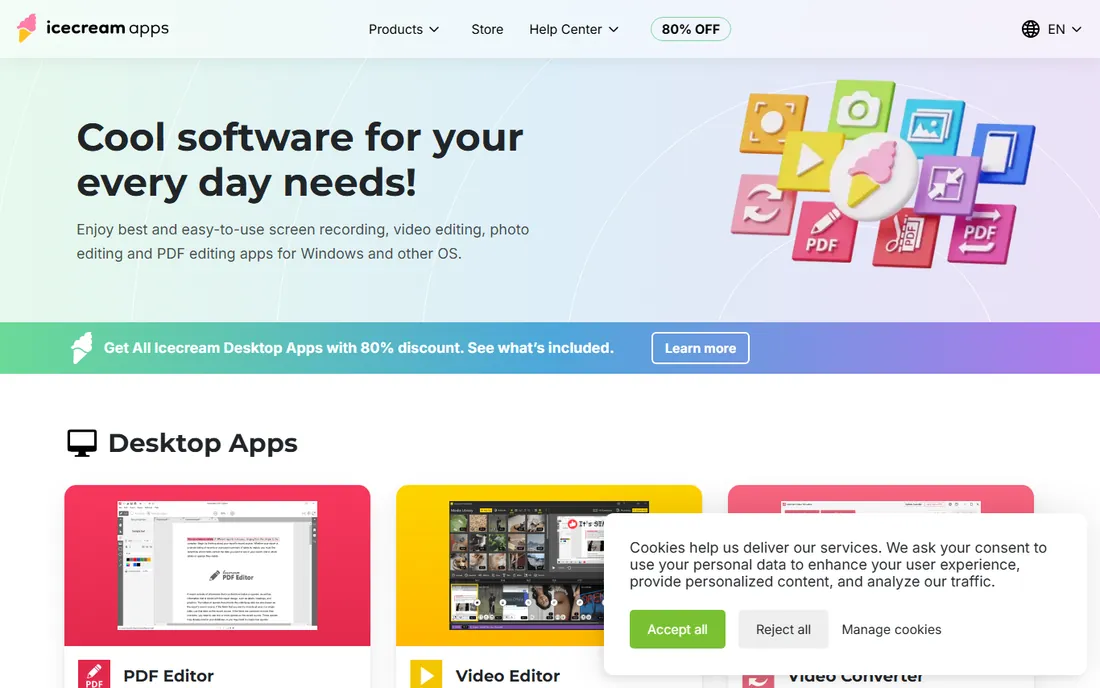
Icecream Apps makes a suite of small, focused Windows utilities, and Slideshow Maker is exactly that: add photos, add music, set timing, export. There is no timeline to learn, no account required, and the installer is light. For someone who needs a clean photo slideshow for a meeting, classroom or family event, the lack of options is a feature.
The free version handles basic slideshows; the paid PRO version removes limits and opens the full feature set.
Expect limits: no 3D animation, keyframes, layered compositing or template library here. Transitions are basic, and there is no Mac version. It earns its place on this list as the minimal, honest option: the tool you recommend to a relative who found everything else overwhelming.
What we like- Extremely simple interface, no learning curve
- Lightweight install
- Free version covers basic slideshows
Watch out for- Thin on transitions and advanced controls
- Windows only
Starting priceSee website
Free planYes

Renderforest sits between a slideshow maker and a full video platform. Its template library (over 1,200 and growing) includes dedicated slideshow categories alongside intros, promos, explainers and logo animations, all customizable with your text, colors, logo and music. Recent updates folded in generative AI for text-to-video and image creation, which is useful when you need b-roll or backgrounds you do not have.
The free plan works for drafts, but exports carry a watermark at limited resolution. Paid plans remove the watermark and add Full HD or 4K, plus commercial usage rights for client work.
Watch the pricing model before committing. Renderforest historically mixes subscriptions with per-export costs depending on the plan, so a business producing dozens of videos a month should map the plan limits against actual volume. For occasional branded slideshows, it is one of the fastest routes from photos to a polished, on-brand video.
What we like- 1,200 plus studio-designed video templates including slideshow categories
- AI video and image generation built in
- Full HD and 4K export on paid plans
Watch out for- Free exports carry a watermark and limited resolution
- Per-export pricing on some plans gets expensive at volume
How we chose
We started with the products people actually search for and buy: long-standing desktop programs (SmartSHOW 3D, Photopia, Ashampoo, Icecream), the Mac-native option (FotoMagico), and the browser tools that dominate slideshow searches (Animoto, Smilebox, Renderforest, Movavi). Each was checked against its vendor's own site in October 2026 to confirm it still exists and still fits the category. Kizoa was dropped because kizoa.com now redirects to invideo after an acquisition; Renderforest took its place.
Pricing comes from vendor pages wherever shown; where a vendor hides pricing, we wrote "See website" instead of guessing. Feature claims were cross-checked against vendor documentation and recent user discussions on Reddit, G2 and Capterra. We did not claim hands-on testing: this ranking reflects documented features, pricing transparency, platform fit and how well each tool serves a specific buyer.
What to check before you buy
Match the tool to the machine first. Four picks are Windows-only (SmartSHOW 3D, Ashampoo, Icecream, and Photopia for now), one is Mac and iPad only (FotoMagico), and the rest run in a browser or on both platforms.
Next, decide how you want to pay. One-time licenses (SmartSHOW 3D at $39.90, Ashampoo at $30) cost less over two or three years than subscriptions, but they can lag on new features. Subscriptions (Animoto from $8 per month billed annually, Photopia with its pausable billing) stay current, which suits businesses producing slideshows every week.
Then check the export line: maximum resolution on your plan, whether the free or trial tier watermarks, and whether you can download the file or only share a link. Watermarked 720p suits a draft, not a client deliverable. If you burn discs, confirm DVD or Blu-ray authoring explicitly; only Ashampoo on this list still does it well.
Finally, think about music. Photopia bundles tens of thousands of premium tracks on its music tier, Animoto and Renderforest include licensed libraries on paid plans, and the desktop tools let you import your own files. If you publish to YouTube or use slideshows in ads, confirm the license covers commercial use before you fall in love with a track.
Free vs paid: where the real line sits
Every tool on this list lets you start free, but the free tier is a trial of the workflow, not a production tool. The line that matters is watermark-free export at the resolution you need. Animoto, Smilebox and Renderforest all watermark free exports. Movavi's trial watermarks and truncates audio. Icecream's free version caps features rather than watermarking.
For personal use, a one-time license usually wins. SmartSHOW 3D and Ashampoo cost less than a year of most subscriptions and never expire. For business use, the math flips: Animoto at $8 per month billed annually pays for itself the first time a template and a stock library save an afternoon. The wrong move is paying monthly for a tool you open twice a year; that is exactly the buyer Photopia's pausable subscription was designed for.
Frequently asked questions
What is the best photo slideshow software for Windows?
SmartSHOW 3D is the strongest all-round Windows pick, with deep animation tools at $39.90 one-time. Ashampoo Slideshow Studio HD 4 is the budget alternative at $30 one-time with 4K export and disc burning, while Icecream Slideshow Maker suits users who want the simplest builder.
Is there a good free photo slideshow maker?
Yes, with limits. Animoto, Smilebox and Renderforest have free plans, but exports carry watermarks or resolution caps. Icecream's free version skips the watermark but has fewer features. Watermark-free HD or 4K output costs money.
What happened to ProShow?
Photodex shut down ProShow in January 2020 and officially recommended Photopia, built by some of the original ProShow developers, as the replacement. Photopia imports old ProShow projects, styles and transitions. ProShow itself no longer receives updates.
Can I make a slideshow on a Mac?
FotoMagico is the dedicated Mac and iPad slideshow tool, with storyboard and timeline editing plus live presentation features. Movavi, Animoto, Smilebox and Renderforest also work on Mac through desktop apps or the browser. SmartSHOW 3D, Ashampoo, Icecream and Photopia are Windows-only.
Do I need to pay for music in my slideshow?
Not necessarily, but check the license. Photopia, Animoto and Renderforest bundle licensed music on paid tiers, the simplest route for commercial or YouTube use. Desktop tools let you import your own audio, in which case you are responsible for having the rights to the track.
Which slideshow software is best for business marketing?
Animoto and Renderforest are built for this: templates aimed at promos and social posts, brand kits with logos and colors, licensed stock media, and commercial usage rights on paid plans. Animoto starts at $8 per month billed annually and is the simpler of the two; Renderforest offers deeper customization and AI generation.
Sources we checked (12)
- https://smartshow-software.com/
- https://photopia.nl/
- https://boinx.com/fotomagico
- https://boinx.com/fotomagico/buy
- https://www.movavi.com/slideshow-maker/
- https://ashampoo.com/
- https://www.ashampoo.com/en-us/slideshow/requirements
- https://animoto.com/
- https://animoto.com/blog/video-tips/best-slideshow-video-makers
- https://smilebox.com/
- https://icecreamapps.com/
- https://renderforest.com/
Is your product missing or out of date?
We review this list regularly. Vendors can request a listing, send updated pricing or ask about featured placement.

Shihab Mia · Founder, Rankite
Shihab has spent more than a decade helping SaaS and e-commerce brands grow through search. He writes Rankite's software buying guides from pricing pages, documentation and public user reviews. More about Shihab.