How we make this list: we compare pricing pages, product documentation and public user reviews. Ratings come from G2, Capterra or Trustpilot, with the date we checked them.
Key takeaways
- Google Photos is the best photo sharing platform for personal archiving, with 15 GB free and strong AI search.
- Flickr suits photographers who want community, groups, and full metadata visibility, with 1,000 free items.
- SmugMug suits professionals who sell prints and run client galleries, with unlimited storage on paid plans.
- 500px suits discovery and licensing, with a curated community and a Pulse discovery score.
- Amazon Photos suits Prime members, with unlimited full-resolution photo storage included with Prime.
- Glass suits visual purists who want an ad-free community, while VSCO suits mobile editing and sharing, and Pixieset suits client proofing.
- Privacy matters: check who can see your photos before you upload, since default settings vary, and shared albums can expose photos to people you did not intend.
Quick comparison
| Tool | Best for | Starting price | Free plan |
|---|
 Google Photos Google Photos | Personal archiving | Free | Yes |
 Flickr Flickr | Community and metadata | See website | Yes |
 SmugMug SmugMug | Business and sales | See website | No |
 500px 500px | Discovery and licensing | $3.99 per month | Yes |
 Amazon Photos Amazon Photos | Prime members | Free | Yes |
 Glass Glass | Ad-free community | $39.99 per year | No |
 VSCO VSCO | Mobile editing and sharing | See website | Yes |
 Pixieset Pixieset | Client proofing | $12 per month | Yes |
Is your product missing or out of date?
We review this list regularly. Vendors can request a listing, send updated pricing or ask about featured placement.
Starting priceFree
Free planYes
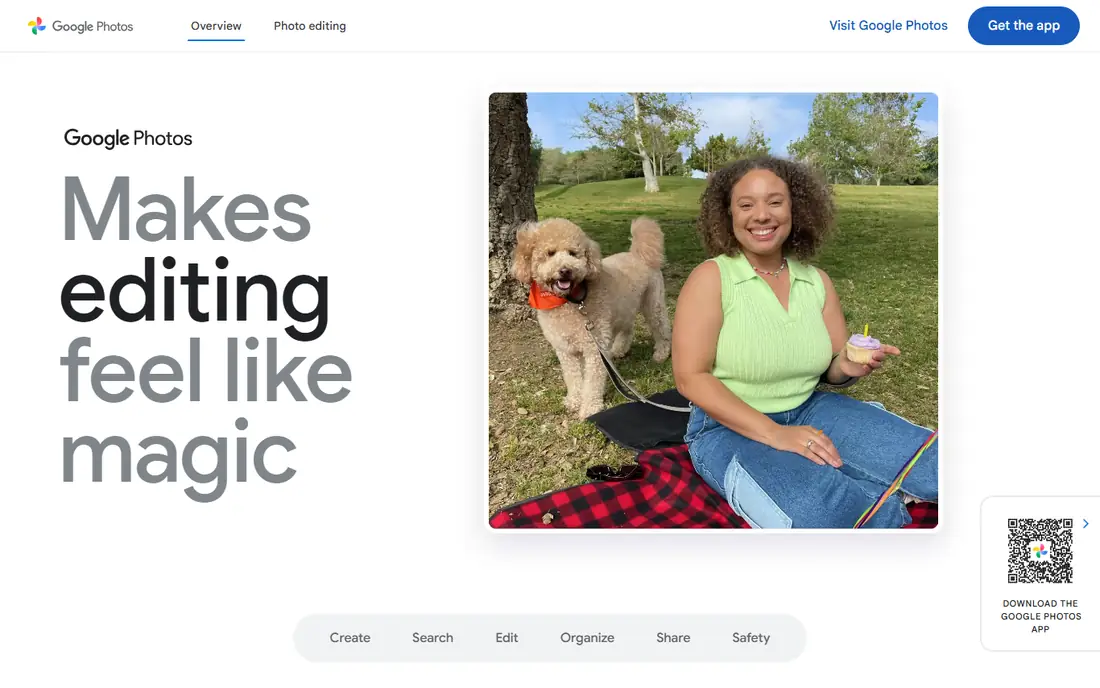
Google Photos is the default archive for most people, with 15 GB of free storage shared across Google services and semantic AI search that finds photos by content, people, and places. Sharing is easy, with albums, links, and partner sharing, and Google One plans from $1.99 per month add storage when the free tier fills.
Full-resolution photos fill the free tier fast, and privacy controls need checking, since shared albums and link sharing can expose photos beyond your intent. For personal archiving and family sharing, Google Photos is clearly the best starting point, since its search and sharing are unmatched for everyday use.
What we like- 15 GB free shared storage
- Semantic AI search
- Easy sharing and albums
Watch out for- Storage shared across Google services
- Full-resolution storage fills fast
- Privacy controls need checking
#2Flickr
Best for: Community and metadata4.1/5 on
G2 (332 reviews, checked Oct 2026)
Visit flickr.com
Starting priceSee website
Free planYes
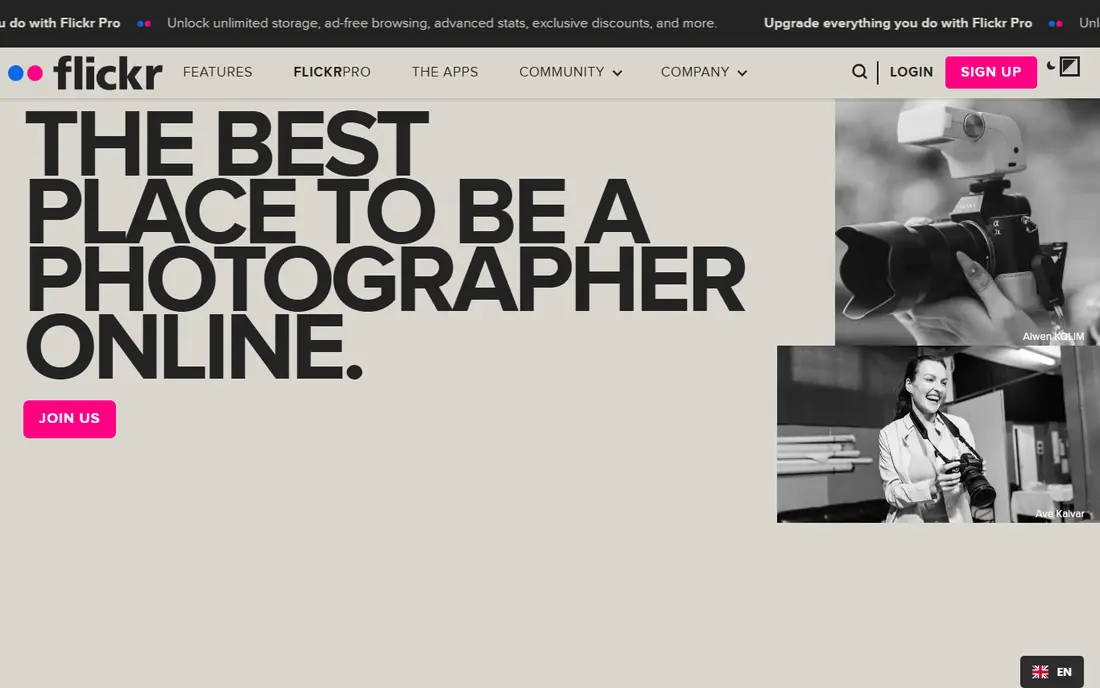
Flickr remains the benchmark for photographer communities, with groups, discussion, and full EXIF metadata visibility that technical photographers value. The free tier covers 1,000 items, while Pro offers unlimited full-resolution storage with no compression. The Creative Commons collection is unmatched for finding reusable images.
Free storage is now more limited than in the past, and Pro prices have risen, so check the current page. For photographers who want community, critique, and an archive, Flickr is clearly a dependable pick, since its groups and metadata remain unmatched.
What we like- Groups and community critique
- Full metadata visibility
- Creative Commons collection
Watch out for- Free tier capped at 1,000 items
- Pro price rose in recent years
- Less trendy than rivals
#3SmugMug
Best for: Business and sales4.2/5 on
G2 (39 reviews, checked Oct 2026)
Visit smugmug.com
Starting priceSee website
Free planNo
SmugMug is a business in a box for photographers who sell prints and digital downloads, with unlimited storage, lab-direct fulfillment, client proofing, password-protected galleries, and custom domains. The e-commerce engine handles pricing, orders, and fulfillment, so photographers can sell without a separate store.
There is no free plan, and published prices vary by source, from $15 to $20 per month, so check the current page. Some reviewers note support issues and rising costs. For professionals who sell work, SmugMug is clearly the top pick, since its print fulfillment and client proofing cover the whole sales workflow.
What we like- Unlimited storage on paid plans
- Lab-direct print fulfillment
- Client proofing and custom domains
Watch out for- No free plan
- Prices vary by plan
- Support complaints noted by some reviewers
Starting price$3.99 per month
Free planYes
500px is built around discovery and licensing, with a curated community, a Pulse discovery score that surfaces strong work, and a licensing marketplace for stock sales. The free tier covers 21 uploads per week, while paid plans from $3.99 per month add unlimited uploads and more features.
Several useful features sit behind paid plans, and contributor earnings run lower than some rivals. The feed rewards polished work, which suits serious photographers but can feel competitive. For exposure and licensing, 500px is clearly the best pick, since its curated community and licensing marketplace reach buyers directly.
What we like- Curated community
- Pulse discovery score
- Licensing marketplace
Watch out for- Several features locked behind paid plans
- Contributor earnings lower than rivals
- Competitive feed
Starting priceFree
Free planYes
Amazon Photos offers unlimited full-resolution photo storage for Prime members, with family sharing for up to five people and easy uploads from phones and computers. Non-Prime users get 5 GB free, with paid plans from $1.99 per month for more storage.
Video storage is limited to 5 GB even for Prime members, and sharing tools are basic compared with Flickr or SmugMug. For Prime members who want a free, unlimited photo backup, Amazon Photos is clearly the best value, since the storage is already included with Prime.
What we like- Unlimited full-resolution photo storage with Prime
- Family sharing
- Easy uploads
Watch out for- Video storage limited to 5 GB
- Best value only with Prime
- Sharing tools basic
Starting price$39.99 per year
Free planNo
Glass is a sanctuary for visual purists, with no ads, no like counts, and P3 color profile support that respects how photographers color their work. Uploads are unlimited at high resolution, and the community focuses on craft rather than engagement metrics.
There is no free plan, and the community is smaller than Flickr or 500px. For photographers who want a calm, ad-free home for their work, Glass is clearly the best pick, since its community values craft over engagement metrics.
What we like- Ad-free and no like counts
- P3 color support
- Unlimited high-resolution uploads
Watch out for- No free plan
- Smaller community than Flickr
- $39.99 per year
Starting priceSee website
Free planYes
VSCO combines mobile photo editing with a clean sharing feed, offering film-like presets and editing tools alongside a community that values images over metrics. The free starter plan covers basic editing and sharing, while paid plans add more presets and tools, with prices varying by store.
Storage and sharing depth are less than Flickr or SmugMug, and there is no client proofing. For mobile photographers who edit and share from a phone, VSCO is clearly a strong pick, since its presets and clean feed suit phone-first workflows very well indeed for everyday shooting and sharing.
What we like- Strong mobile editing presets
- Clean sharing feed
- Free starter plan
Watch out for- Storage and sharing less deep than rivals
- Paid price varies
- No client proofing
Starting price$12 per month
Free planYes
Pixieset offers clean, mobile-friendly client galleries with proofing, favorites, and download controls, which suits wedding and portrait photographers who deliver work to clients. The free tier covers basic galleries, while paid plans from $12 per month add more storage and features.
Commerce is less deep than SmugMug, and storage caps apply on lower plans. For photographers who need beautiful client delivery without a full store, Pixieset is clearly the best pick, since its galleries are built specifically for easy client proofing and fast delivery.
What we like- Clean client galleries
- Proofing and favorites
- Mobile-friendly galleries
Watch out for- Free tier limited
- Commerce less deep than SmugMug
- Storage caps on lower plans
How we chose
We compared storage limits, sharing controls, community quality, commerce tools, and pricing. We also weighed metadata handling, since photographers who rely on EXIF data for organization and licensing need a platform that preserves it rather than stripping it on upload. Platforms that trap your archive scored lower than platforms with easy exports, since your photo archive is too valuable to lock in. We favored platforms with clear privacy controls and noted where prices conflict across sources. We also weighed how each platform handles face recognition and location data, since photos carry sensitive metadata that some platforms use for features and others strip on upload. We did not test any platform hands-on.
Buying guide: what to check before you pick
Start with your goal: archiving, portfolio, sales, or client delivery, and pick one platform per goal rather than forcing one platform to do everything poorly. For archiving, pick Google Photos or Amazon Photos. For portfolio and community, pick Flickr, 500px, or Glass. For sales, pick SmugMug. For client delivery, pick Pixieset or SmugMug. Next, check privacy settings before you upload, since default sharing varies: confirm who can see your photos, whether albums are public or link-only, and whether face recognition is on. Check whether shared links allow downloads, and whether albums show location data, since a shared vacation album can reveal that your home is empty. Check storage limits and export options, since a platform that makes export hard can trap your archive. Finally, back up locally as well, since no single cloud service should hold your only copy of irreplaceable photos. Keep one local copy on an external drive and one cloud copy on a second platform, so a single account lockout, price rise, or service shutdown cannot erase your archive. Test a restore once a year, since a backup you have never restored is only a hope, not a plan.
Frequently asked questions
What is the best free photo sharing platform?
Google Photos offers 15 GB free, Amazon Photos offers 5 GB free for non-Prime users, and Flickr offers 1,000 free items. For unlimited full-resolution storage, Amazon Photos with Prime is the best value.
Is Flickr still worth it in 2026?
Yes, for photographers. Flickr Pro remains one of the cheapest ways to store full-resolution photos with no compression, groups still deliver real critique, and the Creative Commons collection is unmatched.
What is the difference between 500px and Flickr?
500px is curated and competitive, built around discovery and licensing, while Flickr is community-driven and archival, built around groups, discussion, and full-resolution storage. Photographers often use both.
Can I sell my photos on these platforms?
Yes, SmugMug and Pixieset sell prints and downloads, 500px runs a licensing marketplace, and Flickr links to licensing through third parties. Each takes a cut or charges a subscription, so compare fees against your expected volume.
How do I protect my photos from theft online?
Use private or link-only albums for client work, add watermarks to public previews, disable downloads where the platform allows it, and keep full-resolution files off public feeds. No platform prevents screenshots fully.
Sources we checked (0)
Is your product missing or out of date?
We review this list regularly. Vendors can request a listing, send updated pricing or ask about featured placement.

Shihab Mia · Founder, Rankite
Shihab has 5+ years in B2B and SaaS SEO. He writes Rankite's software buying guides from pricing pages, documentation and public user reviews. More about Shihab.