How we make this list: we compare pricing pages, product documentation and public user reviews. Ratings come from G2, Capterra or Trustpilot, with the date we checked them.
Key takeaways
- Google Photos and Amazon Photos work best when backup and search matter more than a closed family circle, and both start with a free storage allowance.
- FamilyAlbum, Tinybeans, 23snaps, BackThen, and Clann are built around invite-only sharing, so grandparents and relatives see only what a parent chooses to share.
- Cluster and PhotoCircle suit wider groups, such as extended family, school groups, or event guests, where many people add photos to one shared place.
- Storage limits decide the real cost: check the free allowance, the video allowance, and the price of the next storage tier before you move a whole library.
Quick comparison
| Tool | Best for | Starting price | Free plan |
|---|
 Google Photos Google Photos | Backup and search across devices | $1.99 per user/month | Yes |
 Amazon Photos Amazon Photos | Prime households with large photo libraries | $1.99 per user/month | Yes |
 FamilyAlbum FamilyAlbum | Private child albums with free prints | $5.99 per user/month | Yes |
 Tinybeans Tinybeans | Daily baby journals for relatives | See website | Yes |
 Cluster Cluster | Simple group albums for large families | See website | Yes |
 PhotoCircle PhotoCircle | Event and group sharing in private circles | See website | Yes |
 23snaps 23snaps | Ad-free child timelines | $5.49 per user/month | Yes |
 BackThen BackThen | Full-resolution baby books and timelines | $6.49 per user/month | Yes |
 Clann Clann | Privacy-first sharing with encryption | $9.99 per user/month | Yes |
Is your product missing or out of date?
We review this list regularly. Vendors can request a listing, send updated pricing or ask about featured placement.
The best photo sharing apps for families
Starting price$1.99 per user/month
Free planYes
Google Photos fits families that already use Gmail, Android phones, or Google Drive, and want one place where photos back up on their own. Shared albums let relatives add photos and comments, and partner sharing can send selected photos to a partner automatically. Search by person, place, or object makes it easy to find a photo from years ago without scrolling through thousands of files.
The honest catch is storage. Every Google account starts with 15 GB shared across Photos, Gmail, and Drive, so a busy family can fill it faster than expected. Paid storage comes through Google One, starting at $1.99 per month for 100 GB. Privacy also needs care: shared albums are only as private as the people invited to them, so review links and album members before posting photos of children.
What we like- Strong search and automatic organization
- Shared albums and partner sharing
- Works on Android, iPhone, and the web
Watch out for- Free storage is shared with Gmail and Drive
- The best fit is a backup tool first and a private family app second
#2
Amazon Photos
Best for: Prime households with large photo libraries
Visit amazon.com
Starting price$1.99 per user/month
Free planYes
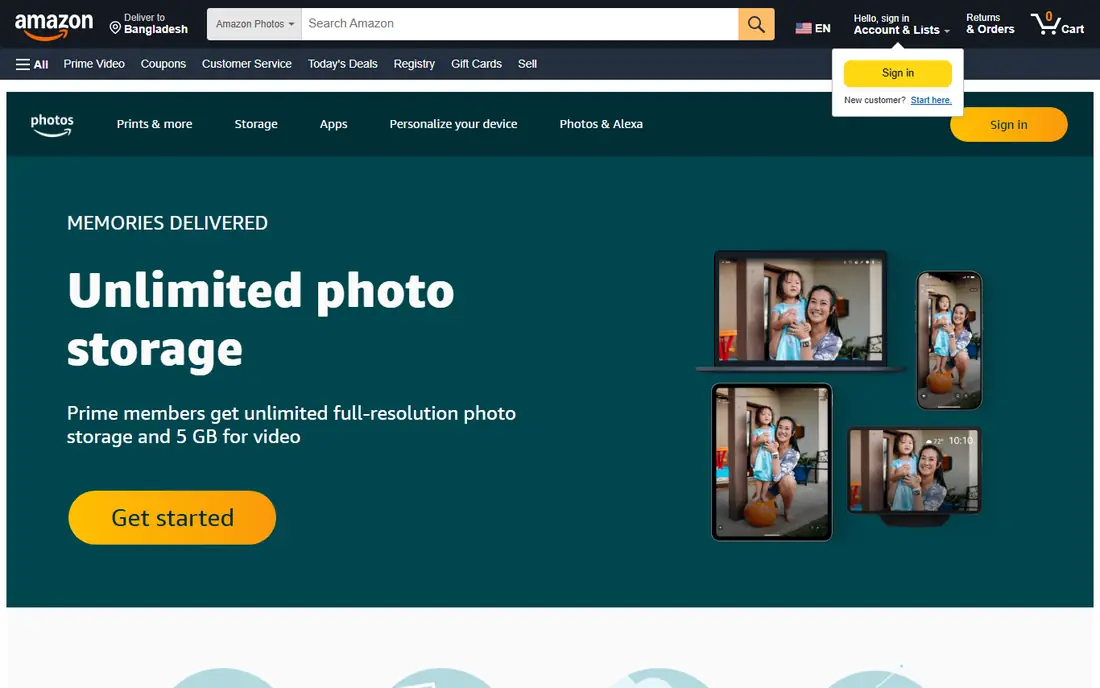
Amazon Photos fits households that already pay for Prime and take a lot of photos. Prime members get unlimited full-resolution photo storage plus 5 GB for video, which removes the storage worry that affects most free plans. Photos can be shared with family, turned into prints and gifts, or shown on an Echo Show or Fire TV at home.
The catch is video. Families that record long clips will hit the 5 GB video allowance, and extra storage plans start at $1.99 per month for 100 GB. People without Prime get 5 GB of combined photo and video storage, which is modest for a family library. It is a strong backup and sharing choice, but it is not a closed, child-focused journal in the way the dedicated family apps below are.
What we like- Unlimited full-resolution photo storage for Prime members
- Simple sharing and print ordering
- Works with Echo Show and Fire TV
Watch out for- Video storage is limited without a paid plan
- The strongest value depends on a Prime membership
Starting price$5.99 per user/month
Free planYes
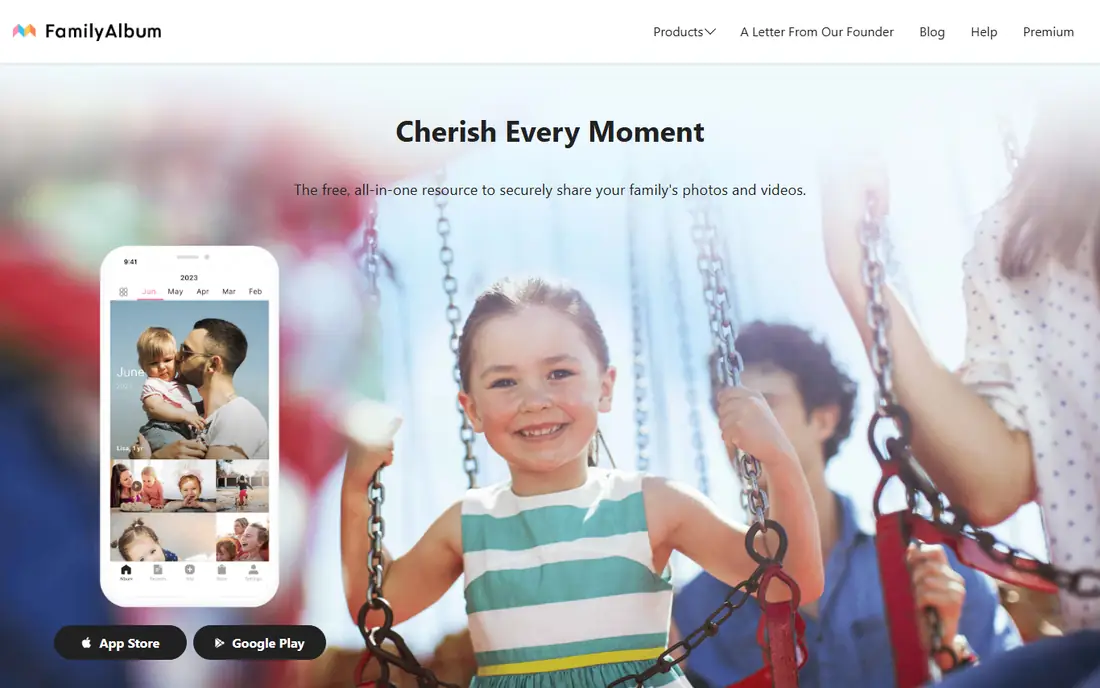
FamilyAlbum fits parents who want a simple, private place to share a child's photos without posting them on social media. Only invited family members can see the album, uploads sort into months on their own, and relatives can react and comment. The monthly free prints are a practical bonus for grandparents who still like paper photos on the fridge or in a frame.
The free plan covers the core sharing well, with Premium Family at $5.99 per month adding extras such as computer uploads and monthly movies. The main limit is scope: this is a child album first, so a family that wants general albums for holidays, reunions, and adult relatives may need a second app. For new parents, though, the mix of free storage, privacy, and prints is hard to beat.
What we like- Free unlimited storage on the free plan
- Albums sort by month automatically
- Monthly free prints for family members
Watch out for- Built mainly around children rather than general family events
- Some features, such as computer uploads, need Premium
Starting priceSee website
Free planYes
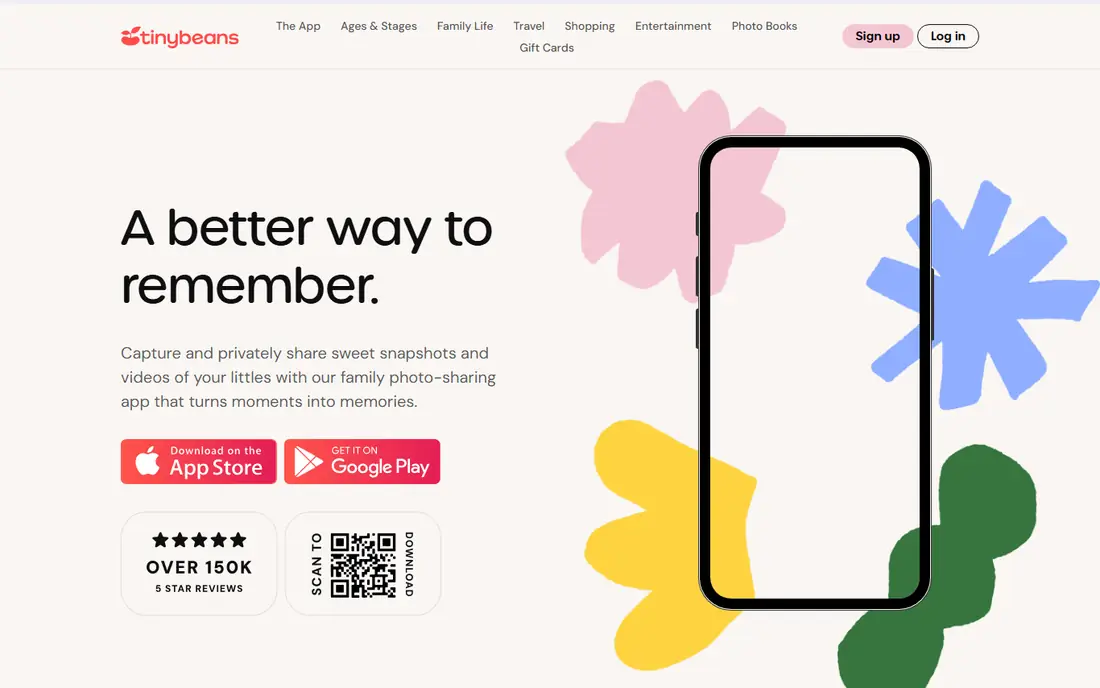
Tinybeans fits parents who want to keep a daily record of a child's early years and share it with a small, trusted circle. The calendar layout is its best feature: pick a date and see what happened that day, which turns the app into a visual diary rather than a plain photo dump. Relatives can follow along by email, which helps grandparents who prefer an inbox to a new app.
The free plan allows a limited number of uploads each month, so heavy photographers will need the paid Tinybeans+ plan. Check the current price and upload limit on the Tinybeans site before committing, since plan details change. Tinybeans is less suited to large extended-family albums, but for a focused baby journal with a clear timeline, it remains a popular pick.
What we like- Calendar view makes it easy to revisit any day
- Email updates suit grandparents who do not use apps much
- Photobooks can be ordered from the journal
Watch out for- Free plan limits monthly uploads
- Pricing and plan details should be checked on the vendor site before signing up
Starting priceSee website
Free planYes
Cluster fits large or spread-out families that want one simple rule: make a group, invite the right people, and let everyone add photos. It works well for reunions, holidays, and school groups, where many people take photos and no single person should hold them all. The interface stays plain on purpose, which helps relatives who struggle with complex apps.
The trade-off is depth. Cluster does not offer the baby timelines, milestone tracking, or growth comparisons found in Tinybeans or BackThen. It is a sharing space, not a journal, so families that want to record height, first words, or school years will need to add those notes by hand. For straightforward group sharing, that simplicity is the point.
What we like- Very easy for relatives of all ages to use
- Unlimited groups for different occasions
- Photo books can be made from albums
Watch out for- Fewer journal and milestone features than child-focused apps
- Paid extras are priced through the app stores
Starting priceSee website
Free planYes
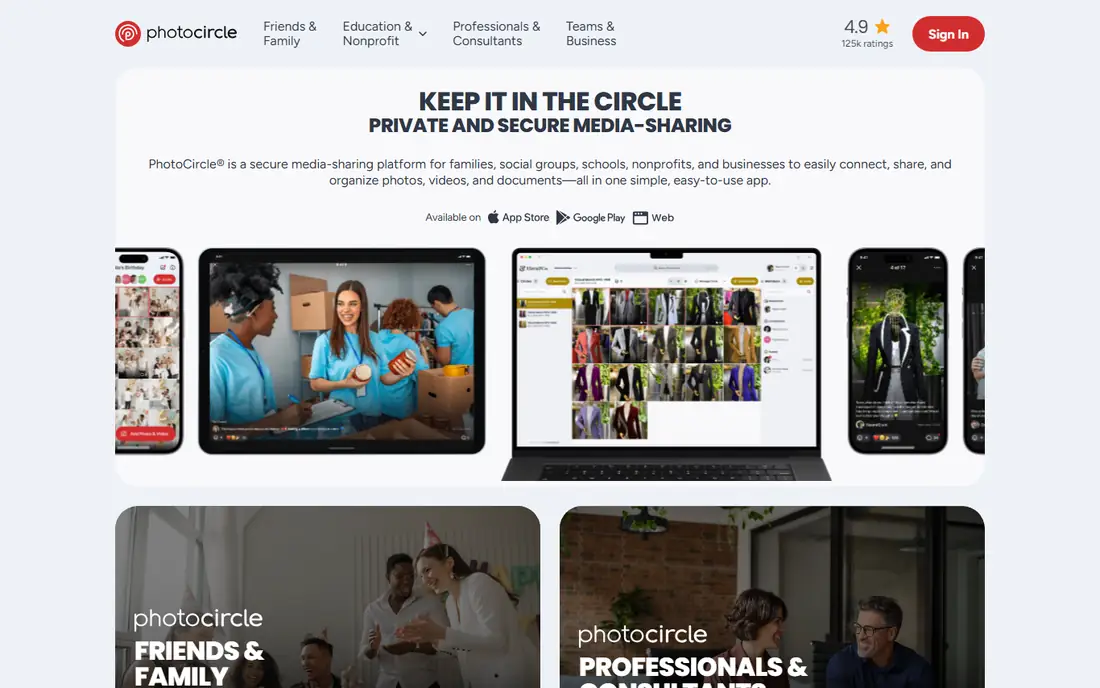
PhotoCircle fits families and groups that share photos around events: weddings, birthdays, vacations, and reunions. Each Circle is a private space, and members join through an invite link or QR code rather than a public search. The free Friends and Family version covers personal sharing, with ads supporting the free tier, and the company states no limit on people, photos, or videos in those circles.
The catch is that the paid story is confusing. PhotoCircle+ is an in-app upgrade for personal users, while the larger Premium plans are priced for organizations, so families should read the Friends and Family page carefully before paying. Video length and desktop access also depend on the tier. For event sharing with a big guest list, it is still a strong free starting point.
What we like- Free for personal friends and family use
- Private circles with invite links and QR codes
- No limit stated on people or photos in free circles
Watch out for- Paid plans are aimed mainly at schools, nonprofits, and businesses
- Desktop access and longer videos sit behind paid tiers
Starting price$5.49 per user/month
Free planYes
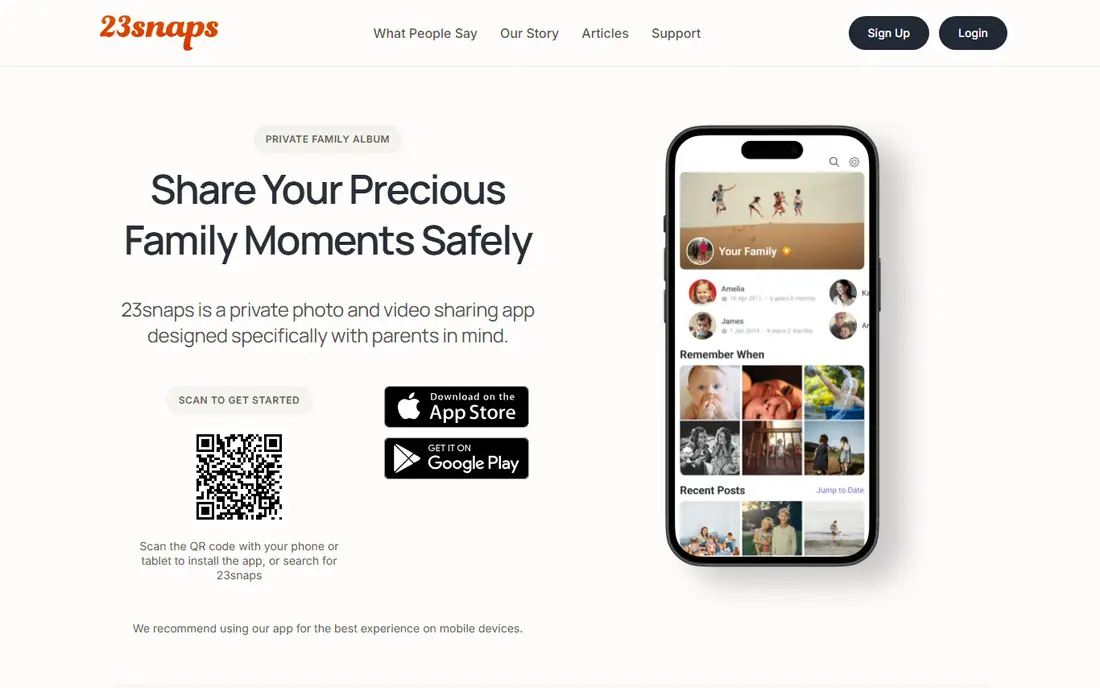
23snaps fits parents who want a quiet, ad-free record of their children, away from public feeds and suggested content. Each child gets a private profile and timeline, and only approved family and friends can see updates. That structure works well when grandparents want regular updates without joining a social network or a busy group chat.
The free plan covers basic sharing, while Premium at $5.49 per month adds unlimited storage for photos and videos, longer videos, and discounts on books and prints. The interface is functional rather than modern, and it lacks the milestone extras of some rivals. For privacy first and a simple child timeline, it does the job without noise.
What we like- Private, ad-free space for child updates
- Each child gets a separate timeline
- Prints and photo books available in the app
Watch out for- Design feels older than newer rivals
- Longer videos and unlimited storage need Premium
Starting price$6.49 per user/month
Free planYes
BackThen fits parents who care about photo quality and want a lasting record, not just a feed. Photos stay at full resolution, videos can run at any length, and each child gets a timeline ordered by date. Timelapse views show how a child's face changes over time, and sibling comparisons place children at the same age side by side, which is a rare and genuinely useful feature.
The free tier gives 1 GB of storage with full features, which is enough to try the app but not to store years of photos. VIP costs $6.49 per month and raises storage to 200 GB, with no ads and no data sharing stated on the vendor site. Families that print books should budget for those separately. If quality and a long-term journal matter most, BackThen earns its place near the top.
What we like- Photos kept at full resolution with no compression
- Each child gets a chronological timeline
- Timelapse and sibling comparison features
Watch out for- Free storage is limited to 1 GB
- Photo books and prints add cost on top of the subscription
Starting price$9.99 per user/month
Free planYes
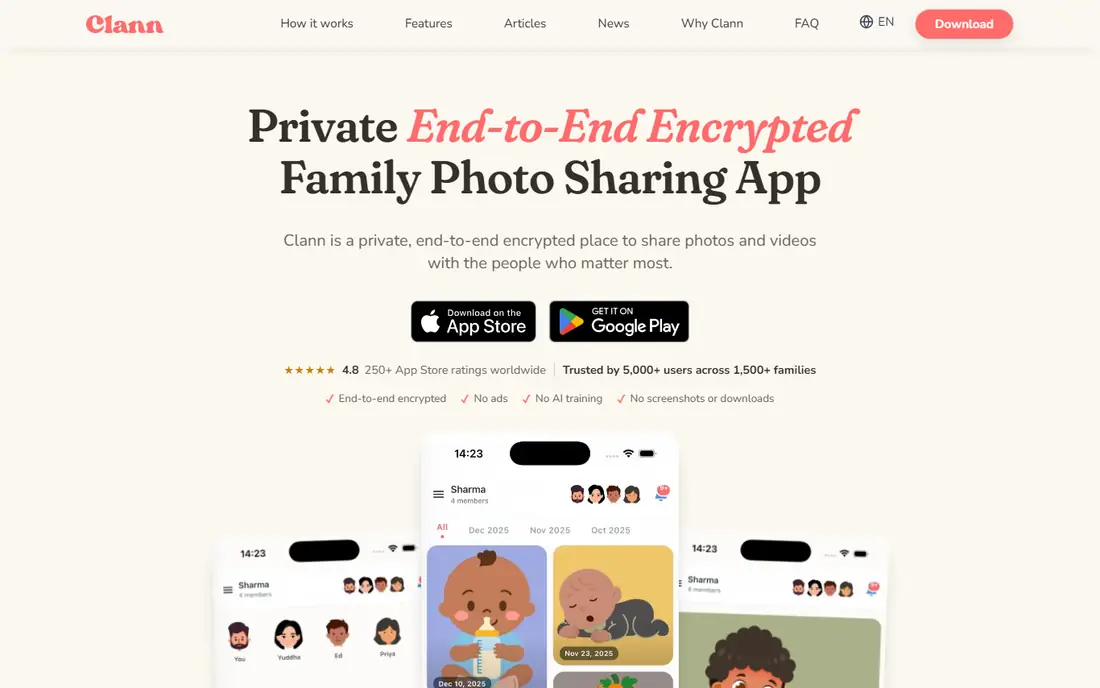
Clann fits families for whom privacy is the deciding factor, not an afterthought. Photos and videos are encrypted before upload for new groups, so only invited family devices can open them. The app also offers controls to block screenshots and downloads, and relatives can view through a browser link if they prefer not to install another app.
The trade-off is size and price. Clann is newer and smaller than Google Photos or FamilyAlbum, so setup may take a short explanation for less technical relatives. Clann Plus costs $9.99 per month, which is more than several rivals, though the free tier covers basic sharing. For families sharing photos of young children and wanting the strongest privacy controls on this list, the extra cost is easy to justify.
What we like- End-to-end encryption for new family groups
- No ads, tracking, or AI training on content
- Screenshot and download controls
- Browser link for relatives without the app
Watch out for- Newer and smaller than the leaders, so fewer relatives will already have it
- Paid plan is pricier than several rivals
How we chose
We compared vendor pricing pages, feature pages, and app store listings, and checked public reviews on G2, Capterra, Reddit, and the app stores for recurring praise and complaints. We favored apps that still exist, accept new family sign-ups, and keep sharing invite-only by default, and we mixed large backup services with smaller family-focused apps so different households can find a fit. Prices reflect the vendor pages and store listings checked for this guide, and any price we could not confirm on a vendor page is shown as See website.
Picking the right app for your household
Start with who will actually look at the photos. If grandparents check email more than apps, pick a service with email updates or a browser link, such as Tinybeans or Clann. If cousins, aunts, and uncles all take photos at the same event, pick a group album service such as Cluster or PhotoCircle, where everyone can upload to one place.
Storage and video
Count photos and video separately. Photo storage can be generous while video storage stays tight, as with Amazon Photos for Prime members and Google Photos on a free account. If you record long clips, confirm the video limit and the price of the next tier before you import a library.
Privacy and children
For photos of children, use invite-only albums, turn off public links, and review who can download or share further. Clann, BackThen, FamilyAlbum, and 23snaps all keep sharing closed by design, which is safer than a public link that can be forwarded. Keep one backup copy outside the sharing app as well, so a closed account or a cancelled plan never becomes the only copy of family memories.
Cost over a year
A free plan is a good trial, but add up twelve months of the paid tier you will actually need, plus prints or books. A $5.99 or $6.49 monthly plan costs roughly $72 to $78 a year, while a $9.99 plan passes $119. If the free tier already covers your uploads, stay on it and revisit only when storage or video limits start to bite.
Frequently asked questions
What is the best photo sharing app for families overall?
There is no single winner for every household. Google Photos suits backup and search, FamilyAlbum suits private child albums with free prints, and Clann suits families that put privacy first. Pick based on who will view the photos, how much video you record, and how much storage you need.
Can grandparents use these apps without a smartphone?
Some can. Tinybeans sends email updates, Clann offers a browser link, and FamilyAlbum lets relatives view through an invite. Check the exact viewing method for your pick before you invite a relative who does not use apps.
Are these apps safe for sharing photos of children?
Invite-only apps are safer than public posts, but no app is fully private once a photo is downloaded or screenshotted. Use closed groups, limit downloads where the app allows it, and avoid public links for photos of children.
Do I need to pay to share family photos?
No. Every app on this list has a free tier, and several cover basic sharing well. Pay only when you need more storage, longer videos, computer uploads, or extras such as photo books.
What happens to my photos if I cancel a paid plan?
It depends on the vendor. Some keep your photos readable but block new uploads, while others close access after a grace period. BackThen, for example, states that content is returned if you leave. Read the cancellation terms before you store years of photos in one place.
Should I keep a backup outside the sharing app?
Yes. Keep a second copy on a hard drive or a separate cloud service. A sharing app is built for viewing and comments, and a separate backup protects against account loss, accidental deletion, or a service closing.
Sources we checked (9)
- https://photos.google.com
- https://www.amazon.com/photos
- https://family-album.com
- https://tinybeans.com
- https://cluster.co
- https://www.photocircleapp.com
- https://23snaps.com
- https://www.backthen.com
- https://getclann.com
Is your product missing or out of date?
We review this list regularly. Vendors can request a listing, send updated pricing or ask about featured placement.

Shihab Mia · Founder, Rankite
Shihab has 5+ years in B2B and SaaS SEO. He writes Rankite's software buying guides from pricing pages, documentation and public user reviews. More about Shihab.