How we make this list: we compare pricing pages, product documentation and public user reviews. Rankite is independent; if a vendor ever pays for a featured spot, that listing is clearly labeled Partner.
Key takeaways
- Adobe Lightroom is still the default photo library for most photographers, but it is subscription-only and your catalog lives or dies with the monthly payment.
- If AI photo tagging is what you actually want, look at Excire Foto, Peakto and Mylio Photos: all three tag faces, objects and scenes automatically so you can search a huge archive in plain words.
- digiKam is the best free photo library software, full stop: open source, no subscription, face recognition and AI auto-tagging included.
- Perpetual licenses still exist. ACDSee Photo Studio, Excire Foto and Photo Mechanic all let you buy once instead of renting forever.
Quick comparison
| Tool | Best for | Starting price | Free plan |
|---|
 Adobe Lightroom Adobe Lightroom | the default all-rounder library and editor | See website | Free trial |
 Mylio Photos Mylio Photos | private multi-device library with AI search | $9.99 per month | Yes |
 ACDSee Photo Studio ACDSee Photo Studio | Windows library plus layered editing, buy once | $8.90 per month | Free trial (15 days) |
 digiKam digiKam | free open-source library and organizer | Free | Yes |
 Photo Mechanic Photo Mechanic | fast culling and metadata for pros | $14.99 per month | Free trial (30 days) |
 Excire Foto Excire Foto | AI photo tagging without a subscription | $249 one-time | Free trial (14 days) |
 Capture One Capture One | studio-grade RAW library and tethering | $18 per month | Free trial |
 Zoner Studio Zoner Studio | affordable all-in-one for Windows | $5.99 per month | Free trial (7 days) |
 Peakto Peakto | Mac hub that unifies scattered libraries | $10 per month | Free trial (7 days) |
Is your product missing or out of date?
We review this list regularly. Vendors can request a listing, send updated pricing or ask about featured placement.
Nine photo organizers compared
#1
Adobe Lightroom
Best for: the default all-rounder library and editor
Visit adobe.com
Starting priceSee website
Free planFree trial
Lightroom is really two products sharing a name. Lightroom Classic is the desktop catalog most professionals use: local storage, tethered capture, deep editing controls. Lightroom (cloud) syncs everything across devices and is simpler to learn. Current plans bundle both together with cloud storage, and a free trial lets you test either.
The reason to pick Lightroom is the combination: nobody else pairs this level of editing with this level of library management in one subscription. The reason to hesitate is the lock-in. Stop paying and the editing stops, and while your files remain yours, the organizational work lives inside Adobe's system. If you already edit in Adobe's world, the library comes along for the ride. If you only need organizing and tagging, the tools below give you more for less.
What we like- Best-in-class RAW editing built into the library
- Cloud sync across desktop and mobile
- Huge preset and plugin ecosystem
Watch out for- Subscription only, no perpetual license
- Catalog features are weaker than dedicated organizers
- Cloud storage costs add up
#2
Mylio Photos
Best for: private multi-device library with AI search
Visit mylio.com
Starting price$9.99 per month
Free planYes
Mylio takes a different stance on privacy: your photos sync directly between your own devices over an encrypted peer-to-peer connection, with no cloud in the middle unless you want it. Point it at your scattered drives, phones and computers and it builds one unified library you can browse from anywhere, even offline. AI SmartTags, face recognition and duplicate cleanup are built in.
The free Mylio Photos tier handles unlimited photos on your devices independently. Mylio Photos+ at $9.99 per month or $99 per year connects everything: sync across unlimited devices, Vault drives for backup, shared albums. For families spread across devices who do not want their memories sitting on someone else's servers, it is the most thought-through option here.
What we like- Syncs every device with no cloud required
- AI face recognition and search run locally
- Free tier for single-device use
Watch out for- Full multi-device sync needs the paid Photos+ plan
- Editing tools are basic
- Interface takes time to learn
#3
ACDSee Photo Studio
Best for: Windows library plus layered editing, buy once
Visit acdsee.com
Starting price$8.90 per month
Free planFree trial (15 days)

ACDSee has been doing photo management for over 30 years, and its pitch is speed: point it at your folders and browse instantly, no catalog import, no waiting. Underneath is serious DAM tooling: ratings, keywords, categories, color labels, AI face detection, AI keywords and layered non-destructive RAW editing for over 750 camera models. The current Ultimate 2027 adds generative AI tools and AI reverse image search.
Pricing gives you a choice Adobe does not. The ACDSee 365 Home plan is $8.90 per month or $89 per year with updates and cloud storage, or you can buy a perpetual license outright (Ultimate 2027 is $179.99). A 15-day free trial needs no credit card. The main limitation is platform: this is a Windows-first product, and Mac users get a thinner experience.
What we like- Fast browsing with no import step
- Strong digital asset management plus real editing
- Perpetual licenses available
Watch out for- Windows only for the full Studio
- AI features trail Adobe
- Interface can overwhelm newcomers
Starting priceFree
Free planYes
digiKam is the open-source answer to Lightroom's library, and it is far more capable than its price suggests. It organizes by albums, tags, labels, dates and geolocation, runs face recognition, auto-tags images with on-device AI, processes RAW files and batch-edits thousands of photos. Version 9.1.0 even added natural-language search, so you can type plain descriptions to find images.
It runs on Windows, macOS and Linux and respects your folder structure instead of forcing its own. The catch is polish: setup asks technical questions about databases, the first import of a big library takes a while, and there is no official cloud sync. If you want a powerful photo library that costs nothing and answers to nobody, this is it.
What we like- Completely free with no paywalled features
- AI auto-tagging and face recognition included
- Handles 100,000+ image libraries
Watch out for- Interface feels technical
- Initial setup and thumbnail building take patience
- No cloud sync of its own
Starting price$14.99 per month
Free planFree trial (30 days)
Photo Mechanic is not really a library in the Lightroom sense. It is the tool professionals open first: ingest cards at full speed, cull thousands of frames without waiting for previews to render, batch-apply captions, keywords and copyright, and export. Photo Mechanic Plus adds cataloging for finding images across drives later. Sports and news photographers swear by it because speed is the whole product.
Pricing is $14.99 per month or $149 per year for Standard, with a $299 perpetual option; Plus is $24.99 per month or $399 perpetual. A 30-day trial needs no payment info. Buy it for the front of your workflow, the brutal first pass through a shoot, and pair it with an editor and a tagging tool for the rest.
What we like- The fastest ingest and culling in the business
- Superb IPTC metadata workflow
- Trusted by news and sports photographers
Watch out for- Not a full editor or AI tagger
- Subscription push after years as perpetual-only
- Catalog features are basic
#6
Excire Foto
Best for: AI photo tagging without a subscription
Visit excire.com
Starting price$249 one-time
Free planFree trial (14 days)
If your problem is specifically finding photos, Excire Foto 2027 is the most focused answer. Its AI analyzes every image and generates keywords automatically: objects, scenes, people, even text visible inside the photo thanks to the new AI text search. You can search in natural language, browse by visual similarity, map shots geographically and cull with AI assistance. All processing happens on your computer.
The price is $249 as a one-time license with a 14-day trial, which stings until you compare it against years of subscriptions. There is no editing to speak of, so most users run it alongside Lightroom Classic or another editor. For photographers drowning in unsorted archives who want AI photo tagging software without renting it forever, this is the pick.
What we like- Best-in-class AI keywording and visual search
- Everything runs locally, no cloud
- One-time license, no subscription
Watch out for- Organizer only, no photo editing
- $249 is steep for a single-purpose tool
- Initial catalog analysis takes time
Starting price$18 per month
Free planFree trial
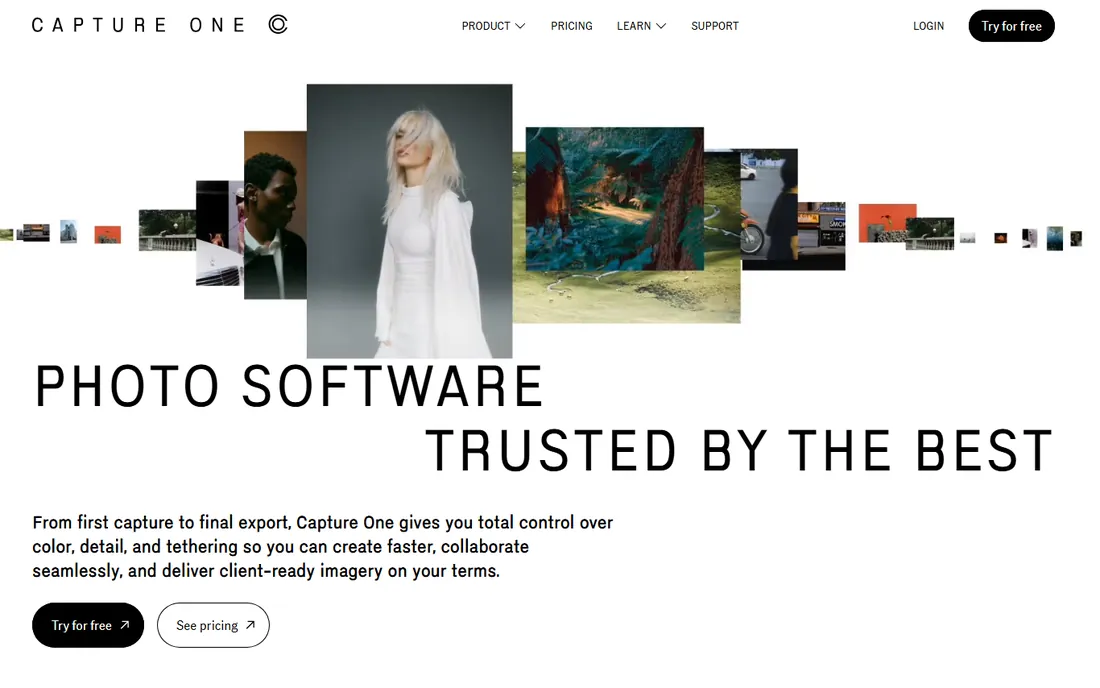
Capture One grew out of Phase One's medium-format world and still sets the bar for RAW processing quality and tethered capture. Studios shoot directly into it on set, with clients watching live. Its library side handles catalogs and sessions, keywords, smart albums and multi-user collaboration in the Studio plan.
Plans start at $18 per month with a free trial. As pure photo library software it is competent rather than exceptional; people choose Capture One for the editing and tethering, and the organization comes along. If your library is a working studio archive rather than a family collection, the quality-first approach earns its price.
What we like- Superb color rendering and RAW quality
- Industry-leading tethered shooting
- Strong sessions and catalog workflows
Watch out for- Pricier than most
- Library tools trail its editing
- Overkill for casual organizers
Starting price$5.99 per month
Free planFree trial (7 days)
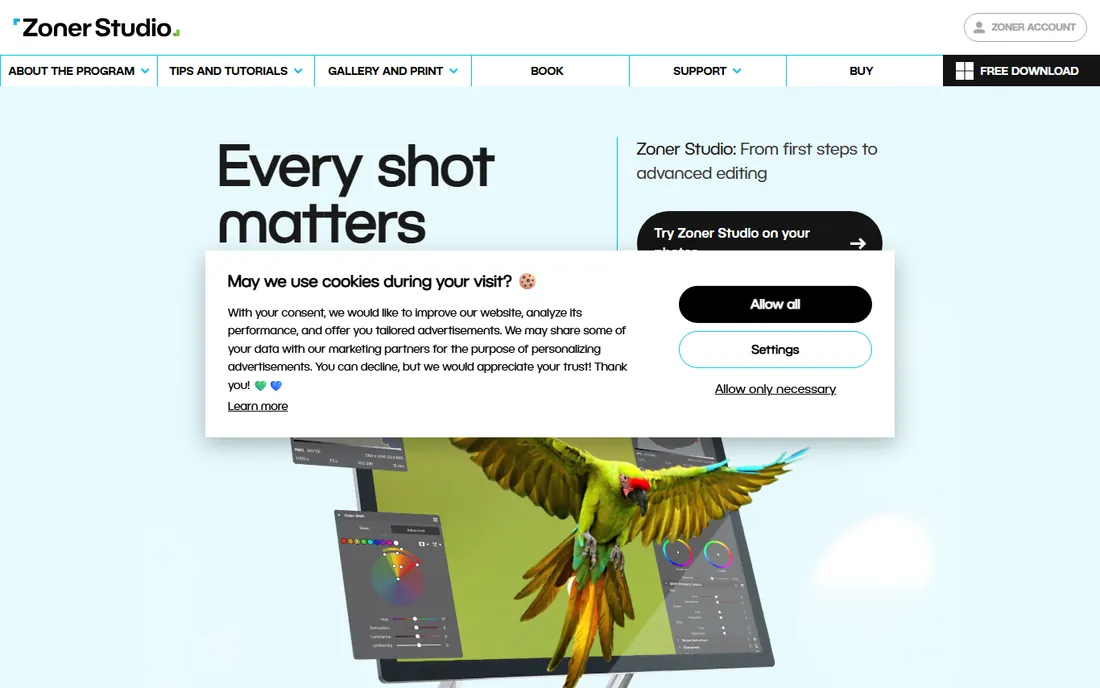
Zoner Studio, previously sold as Zoner Photo Studio X, is the budget all-rounder: photo management, RAW development, layered editing, effects, print layouts and even video editing in a single $5.99 per month or $59 per year subscription, with a 7-day free trial. It won EISA's photo software award for 2025-2026, and its module-based interface is genuinely easy to learn.
The trade-offs are reach and depth. It is Windows only, the community is a fraction of Adobe's, and power users will outgrow its editing before long. But as photo library software for someone who wants organizing plus solid editing at the lowest serious price in this roundup, it is hard to beat.
What we like- Catalog, RAW editing and effects in one cheap package
- Fast and approachable
- Includes cloud storage and video tools
Watch out for- Windows only
- Smaller community and fewer tutorials
- AI features are basic
#9
Peakto
Best for: Mac hub that unifies scattered libraries
Visit cyme.io
Starting price$10 per month
Free planFree trial (7 days)
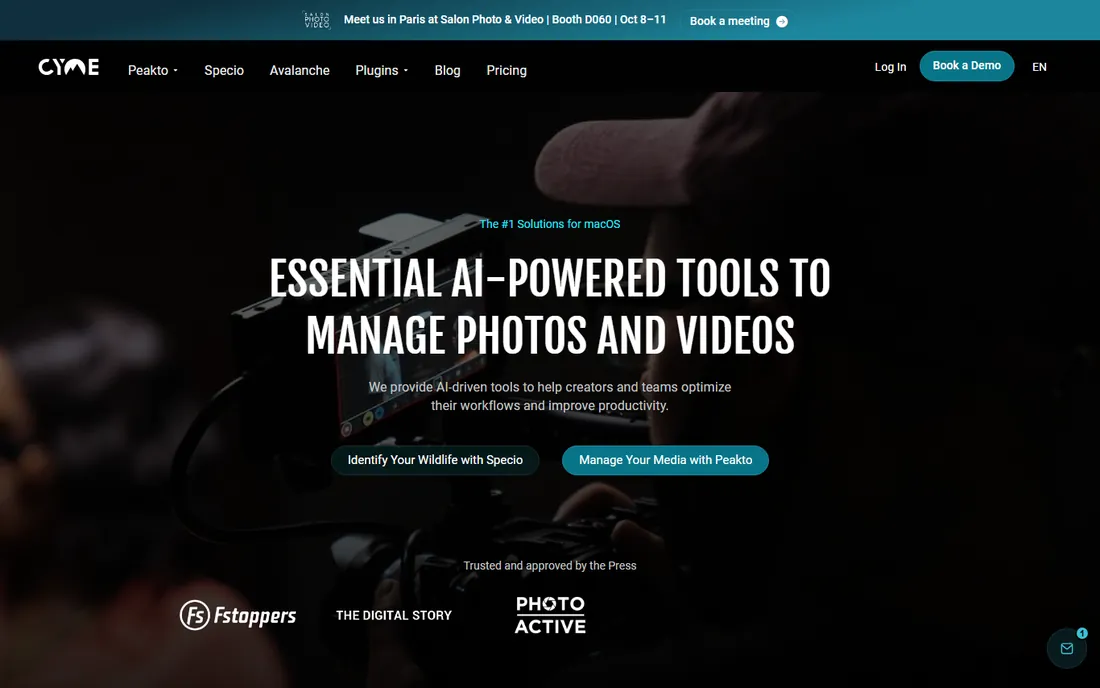
Peakto is a meta-catalog for Mac users whose photos live in several apps at once. Instead of migrating, it connects to your Lightroom Classic catalogs, Apple Photos libraries, Capture One sessions and plain folders, then gives you one searchable interface over all of them, with AI tagging, face recognition, duplicate detection and natural-language search. It never moves your files or touches your existing apps.
The Standard plan starts at $10 per month with a 7-day free trial, and a perpetual license is available; Pro at $25 per user per month adds multi-user web access. If your library is split across apps and the thought of consolidating makes you tired, Peakto lets you skip that step entirely.
What we like- Unifies Lightroom, Apple Photos, Capture One and folders in one view
- Strong AI tagging and search
- Local-first with no forced cloud
Watch out for- MacOS only
- Standard plan starts at $10 per month
- Collaboration features need the pricier Pro tier
Finding the right photo tagging approach
Since photo tagging is half the reason people shop for library software, here is how the AI options compare. Excire Foto does the deepest automatic keywording as a standalone organizer, including text recognition inside images. Peakto brings similar AI search to a unified view across the apps you already use, Mac only. Mylio Photos adds AI SmartTags and face recognition to a privacy-first multi-device library with a free tier. digiKam gives you face recognition and AI auto-tagging free and open source. ACDSee bundles AI keywords and face detection into its Windows DAM. Lightroom's Sensei-powered auto-tagging exists but is the shallowest of the bunch, and it only makes sense if you already pay for Adobe.
How we chose
We compared feature lists, documentation, vendor pricing pages and public reviews on G2, Capterra, photography forums and Reddit, focusing on what matters to someone organizing a real archive: catalog speed with large libraries, the quality of automatic tagging and face recognition, RAW support, platform availability, and whether you buy once or subscribe. We weighted AI photo tagging capability explicitly since it was a requested angle. Prices and plan details come from each vendor's own published pages and announcements. We did not run hands-on tests of the software.
Frequently asked questions
What is the best free photo library software?
digiKam. It is open source and free forever, with face recognition, AI auto-tagging, RAW processing and batch tools that rival paid organizers. Mylio Photos also has a genuinely useful free tier if you want multi-device sync without paying.
Which photo library software has the best AI tagging?
Excire Foto leads for pure automatic keywording, including recognizing text inside photos. Peakto and Mylio Photos are strong alternatives with natural-language search, and digiKam's free AI tagging is surprisingly capable.
Can photo library software replace Lightroom?
For organizing, yes: digiKam, Mylio, ACDSee and Excire all manage large libraries well, some with better tagging than Lightroom. For RAW editing at Lightroom's level, Capture One matches it and ACDSee and Zoner come close. Most switchers keep an editor and swap only the library.
Should I buy photo software outright or subscribe?
If you organize occasionally and hate recurring bills, buy once: Excire Foto ($249), ACDSee perpetual licenses and Photo Mechanic's $299 perpetual option. Subscriptions make sense if you always want the newest AI features and camera support, which is where Lightroom, Capture One and Mylio put their development.
Do I need to import my photos into these programs?
It depends. Lightroom Classic, digiKam, Excire and Mylio build catalogs from your files but leave them where they are. ACDSee can browse folders directly with no import at all. Peakto goes further and unifies your existing app libraries without moving anything.
Is my photo library private with these tools?
digiKam, Excire Foto and Photo Mechanic are fully local. Mylio and Peakto are local-first with optional encrypted sync. Lightroom's cloud plans and Zoner Studio store data on company servers, which is worth knowing before uploading a lifetime of photos.
Sources we checked (15)
- https://www.adobe.com
- https://mylio.com/
- https://mylio.com/home-page-v11-v22-2-launch/
- https://acdsee.com/
- https://www.acdsee.com/en/products/photo-studio-ultimate/
- https://www.digikam.org/
- https://home.camerabits.com/
- https://home.camerabits.com/get-photomechanic/
- https://www.captureone.com/
- https://www.zoner.com/
- https://cyme.io/
- https://www.shutterbug.com/content/excire-foto-2027-takes-ai-powered-photo-management-next-level
- https://petapixel.com/2026/06/25/capture-one-adds-real-time-multi-user-sessions-for-studio-pros/
- https://petapixel.com/2025/09/17/acdsee-photo-studio-ultimate-2026-introduces-privacy-focused-ai-powered-editing/
- https://thehoncho.app/blog/best-photo-organizing-software-for-photographers/
Is your product missing or out of date?
We review this list regularly. Vendors can request a listing, send updated pricing or ask about featured placement.

Shihab Mia · Founder, Rankite
Shihab has spent more than a decade helping SaaS and e-commerce brands grow through search. He writes Rankite's software buying guides from pricing pages, documentation and public user reviews. More about Shihab.