How we make this list: we compare pricing pages, product documentation and public user reviews. Rankite is independent; if a vendor ever pays for a featured spot, that listing is clearly labeled Partner.
Key takeaways
- Adobe Lightroom remains the default real estate editing hub: HDR merge, panorama, perspective correction, and batch presets in one catalog.
- Photomatix Pro is still the HDR specialist for bracketed interiors, with batch processing built for volume.
- Luminar Neo and Topaz Photo AI handle the AI chores: sky replacement, denoising, and sharpening that used to take layers and masks.
- Photographers who refuse subscriptions have real options: DxO PhotoLab, ON1 Photo RAW, ACDSee, Zoner, and Exposure all sell perpetual licenses.
- Capture One earns its place on color accuracy and tethered shooting, though most listing photographers will never need that depth.
Quick comparison
| Tool | Best for | Starting price | Free plan |
|---|
 Adobe Lightroom Adobe Lightroom | all-round listing photo workflow | See website | Free trial |
 Photomatix Pro Photomatix Pro | bracketed HDR interiors | See website | Free trial |
 Luminar Neo Luminar Neo | AI sky replacement and quick edits | See website | See website |
 DxO PhotoLab DxO PhotoLab | optics corrections and denoising | See website | Free trial |
 Capture One Capture One | color accuracy and tethered shooting | See website | Free trial |
 ON1 Photo RAW ON1 Photo RAW | HDR, layers, and effects without a subscription | See website | Free trial |
 Topaz Photo AI Topaz Photo AI | denoise, sharpen, and upscale | See website | Free trial |
 ACDSee Photo Studio ACDSee Photo Studio | organizing plus editing in one app | See website | Free trial |
 Zoner Photo Studio X Zoner Photo Studio X | affordable all-in-one editing on Windows | See website | See website |
 Exposure Exposure | film looks and fast culling | See website | Free trial |
Is your product missing or out of date?
We review this list regularly. Vendors can request a listing, send updated pricing or ask about featured placement.
Ten editors real estate photographers actually use
Blunt opinion first: most real estate photo editing software lists are padded with generic editors that nobody in the business touches. Listing photography has specific demands. Interiors need HDR or exposure blending to hold both the window view and the room. Verticals have to be straight. And you need to push 25 to 40 finished images per property without spending all night. The ten tools below are the ones that actually show up in real estate workflows, with honest notes on where each one falls short.
#1
Adobe Lightroom
Best for: all-round listing photo workflow
Visit adobe.com
Starting priceSee website
Free planFree trial
Lightroom is where most real estate photographers live. Shoot a bracketed set, merge to HDR in two clicks, straighten verticals with the geometry tools, apply a preset across the whole property, and export. The catalog keeps every listing organized, and the mobile app lets you cull on the drive home.
The subscription is the sore point, and power users sometimes find the HDR merge less flexible than Photomatix for tricky interiors. But as the center of a real estate editing stack, nothing else matches the combination of speed, organization, and third-party preset ecosystem.
What we like- HDR merge and panorama built in
- Excellent perspective and lens corrections
- Presets and batch sync for volume work
Watch out for- Subscription only
- HDR merge is good but not as controllable as a dedicated HDR app
Starting priceSee website
Free planFree trial
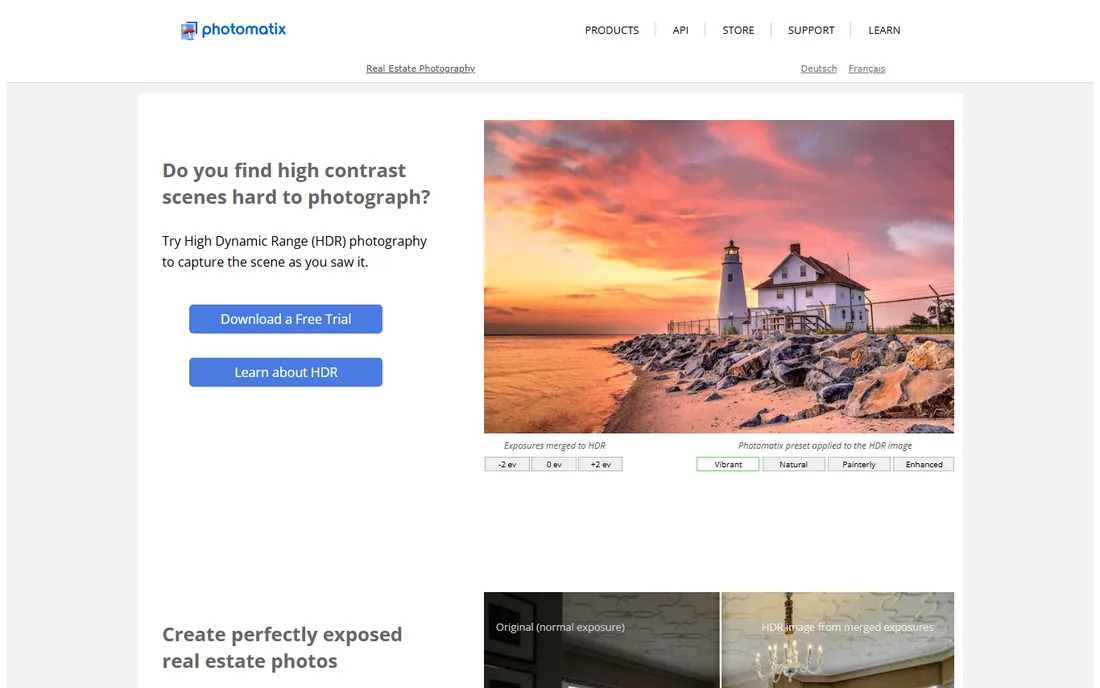
Before Lightroom had HDR merge, there was Photomatix, and many listing photographers never left. It merges bracketed exposures with fine control over ghost removal, alignment, and the natural-to-dramatic spectrum, and its batch mode chews through a whole property while you shoot the next one. HDRsoft even ships options aimed at real estate work.
It looks old and it does one job. You will still need Lightroom or similar for organizing, cropping, and final color. But for the core task of turning brackets into clean, bright interiors, it remains the specialist pick.
What we like- Purpose-built HDR merging with deep control
- Batch processing for whole shoots
- Real estate specific presets and options
Watch out for- Dated interface
- Not a general photo editor
Starting priceSee website
Free planSee website
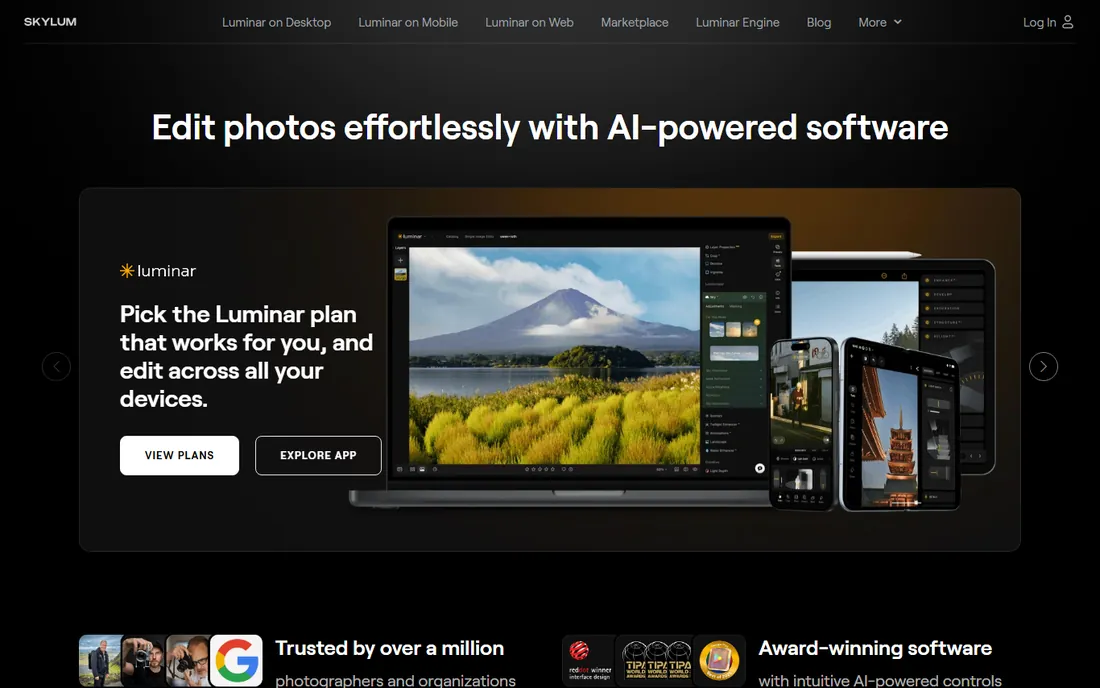
Exteriors shot under grey skies are a listing killer, and Luminar Neo fixes them in seconds with AI sky replacement that relights the scene to match. It also packs AI erase, relight, and enhancement tools that handle the small fixes that eat time in Lightroom. It can run standalone or as a plugin inside Lightroom and Photoshop.
Do not try to run your whole library in it; the organizing side is thin next to Lightroom or ACDSee. Use it as a finishing station: do the bulk work in your main editor, send problem images to Luminar for skies and cleanup, and bring them back.
What we like- One-click sky replacement for dull exteriors
- Works standalone or as a Lightroom and Photoshop plugin
- Perpetual license option
Watch out for- Catalog and asset management are weak
- Performance can lag on large batches
#4
DxO PhotoLab
Best for: optics corrections and denoising
Visit dxo.com
Starting priceSee website
Free planFree trial
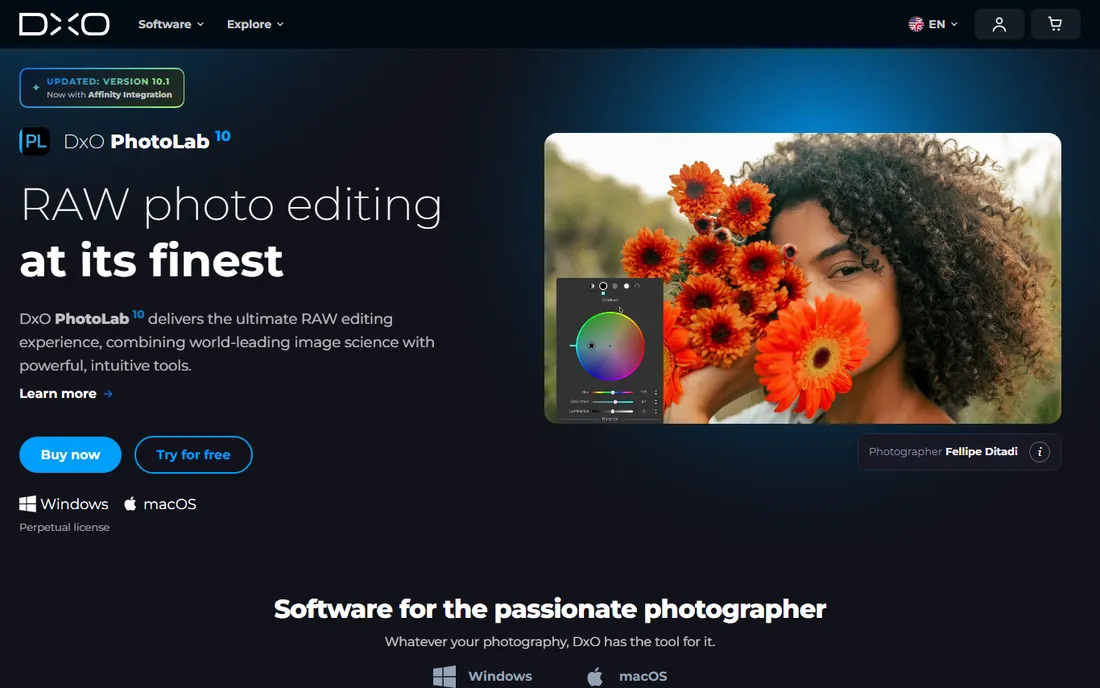
DxO's strength is optical science. Its lens modules are built from lab measurements of specific camera and lens combinations, so distortion, vignetting, and chromatic aberration corrections are unusually accurate. Wide-angle real estate lenses benefit more than most. DeepPRIME denoising also cleans up the high-ISO shots you take in dim interiors without smearing detail.
The trade is workflow breadth. PhotoLab's HDR and panorama tools are rudimentary, and the community is smaller than Adobe's. It suits photographers who want the cleanest possible RAW files and are happy to finish elsewhere.
What we like- Best-in-class lens corrections from lab-measured profiles
- DeepPRIME denoising rescues high-ISO interiors
- No subscription required
Watch out for- HDR merging is basic
- Smaller preset and tutorial ecosystem
Starting priceSee website
Free planFree trial
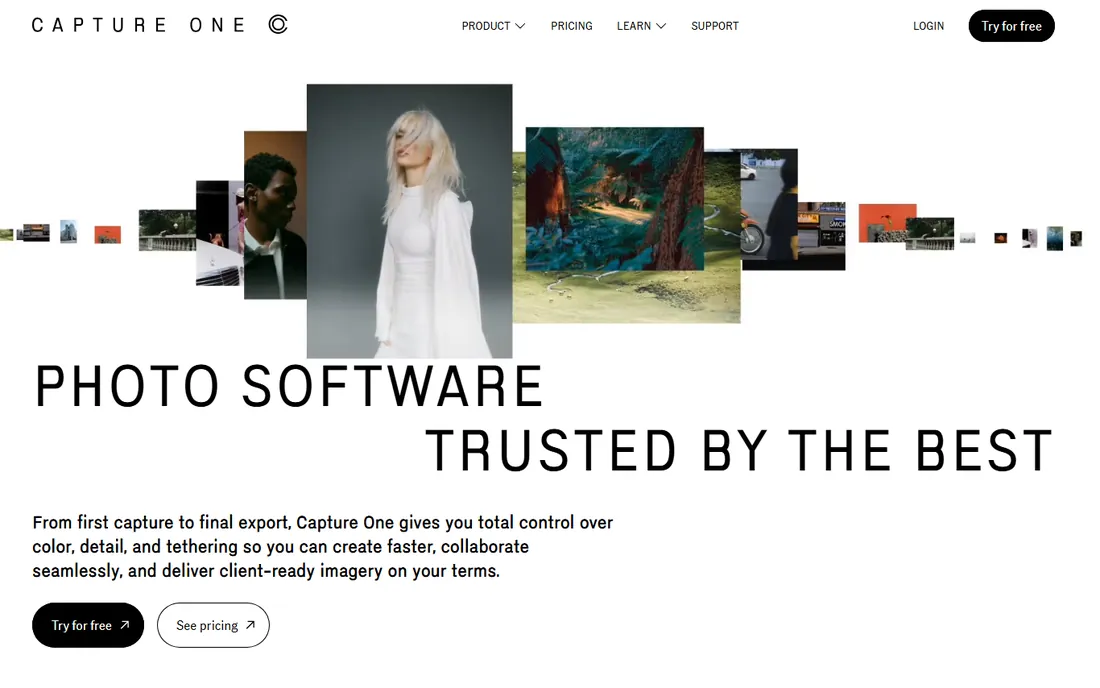
Capture One is the studio photographer's editor, famous for color fidelity and tethered shooting. For real estate, its color tools give you precise control over mixed lighting, and the perpetual license option appeals to subscription skeptics. The RAW processing quality is genuinely top tier.
Most listing photographers will not use half of it. There is no built-in HDR merge worth using, and the learning curve is steeper than Lightroom's. It makes sense if you also shoot architecture or interiors commercially and want one editor for everything.
What we like- Superb color rendering and profiles
- Excellent tethered capture
- Available as subscription or perpetual license
Watch out for- Overkill for most listing work
- HDR and panorama tools are limited
#6
ON1 Photo RAW
Best for: HDR, layers, and effects without a subscription
Visit on1.com
Starting priceSee website
Free planFree trial
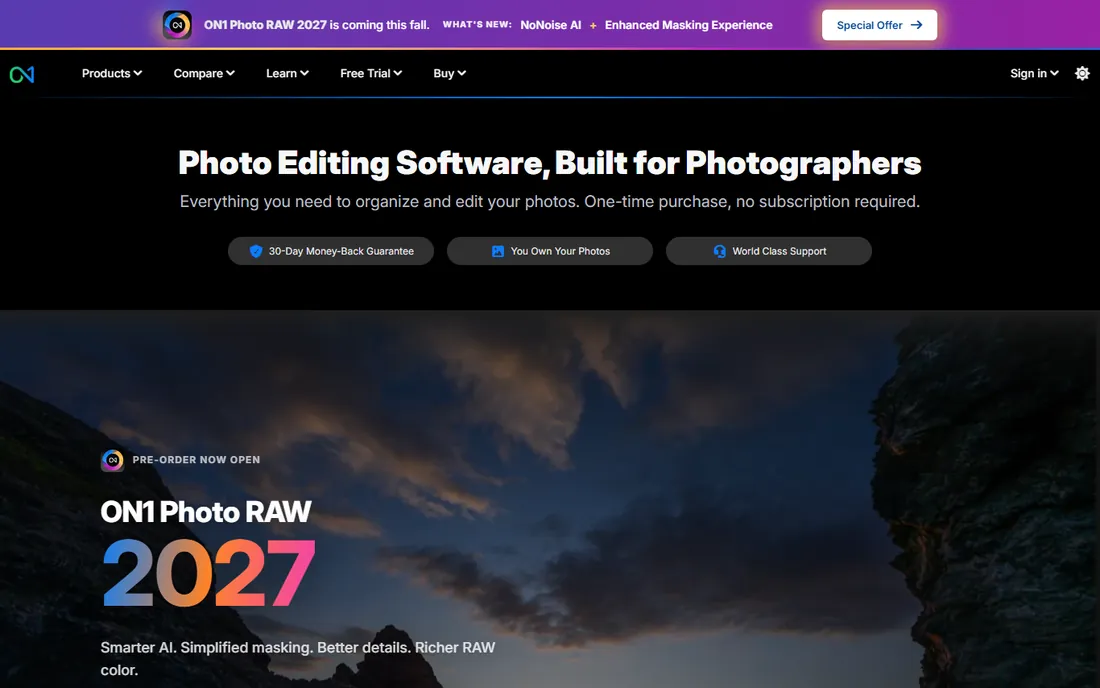
ON1 Photo RAW tries to be the whole studio: browsing, RAW development, HDR merging, panorama stitching, layers, and hundreds of effects, all without a subscription. For real estate, the HDR and panorama modules cover the two most common listing tasks, and the effects library speeds up stylized twilight shots.
The app packs a lot in, and the interface shows it. New users face a learning curve, and heavy AI features want a decent GPU. But as a single purchase that covers the full listing workflow, it is one of the strongest Lightroom alternatives.
What we like- HDR merge, panorama, layers, and effects in one app
- Perpetual license available
- 30-day trial with no credit card
Watch out for- Interface can feel cluttered
- Performance varies by machine
Starting priceSee website
Free planFree trial
Topaz Photo AI is a specialist: it takes an image and makes it cleaner, sharper, and bigger. Dim interiors shot at high ISO come out remarkably clean, slightly soft images get real detail back, and the upscaler can save a shot that needs to print large. It plugs into Lightroom and Photoshop or runs standalone with batch processing.
It does not organize, catalog, or do general editing, so it is an addition to your stack, not the center of it. The typical real estate flow is Lightroom for the bulk work, Topaz for the handful of images that need rescue.
What we like- Excellent AI denoising and sharpening
- Upscaling rescues low-res images
- Works standalone or as a plugin
Watch out for- Not a photo manager or full editor
- Needs a powerful machine for best speed
#8
ACDSee Photo Studio
Best for: organizing plus editing in one app
Visit acdsee.com
Starting priceSee website
Free planFree trial

ACDSee's pitch is speed: browse your folders directly with no catalog import, cull fast, develop RAW files, and do layered edits in the same app. For photographers drowning in property shoots, the digital asset management side is genuinely good, and the company offers both subscriptions and one-time purchases.
HDR merging exists but is not its strength, so bracketed interiors may still need Photomatix or Lightroom. Think of ACDSee as the organizer's choice: best for photographers whose bottleneck is finding and managing images, not creating HDR.
What we like- Fast browsing with no import step
- Solid RAW development and layered editing
- One-time purchase options
Watch out for- HDR tools are basic
- AI features trail the specialists
#9
Zoner Photo Studio X
Best for: affordable all-in-one editing on Windows
Visit zoner.com
Starting priceSee website
Free planSee website
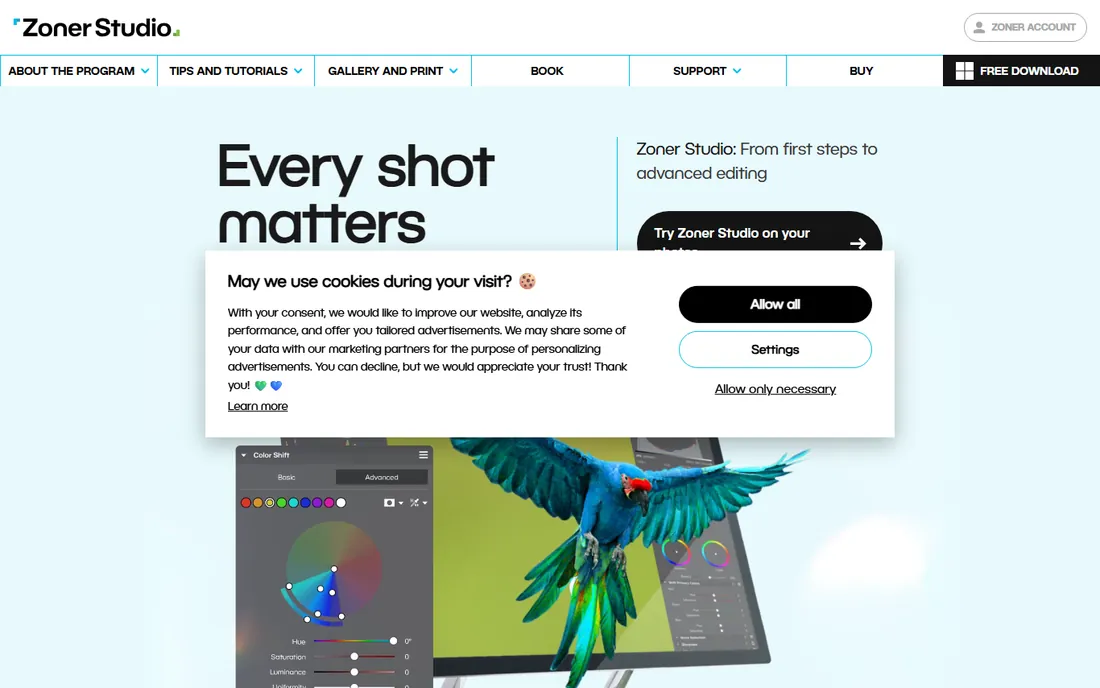
Zoner Photo Studio X is the quiet value pick: catalog management, RAW development, layers, HDR merging, and panorama stitching in a single Windows app at a modest price. It covers the whole listing workflow without plugins or subscriptions to Adobe.
The catch is platform and ecosystem. There is no Mac version, and you will find fewer presets, tutorials, and forum answers than for the big names. Windows-based photographers who want one affordable app for everything should put it on the shortlist.
What we like- Organizer, RAW editor, and layered editor in one
- HDR and panorama included
- Low subscription price
Watch out for- Windows only
- Smaller community and fewer presets
Starting priceSee website
Free planFree trial
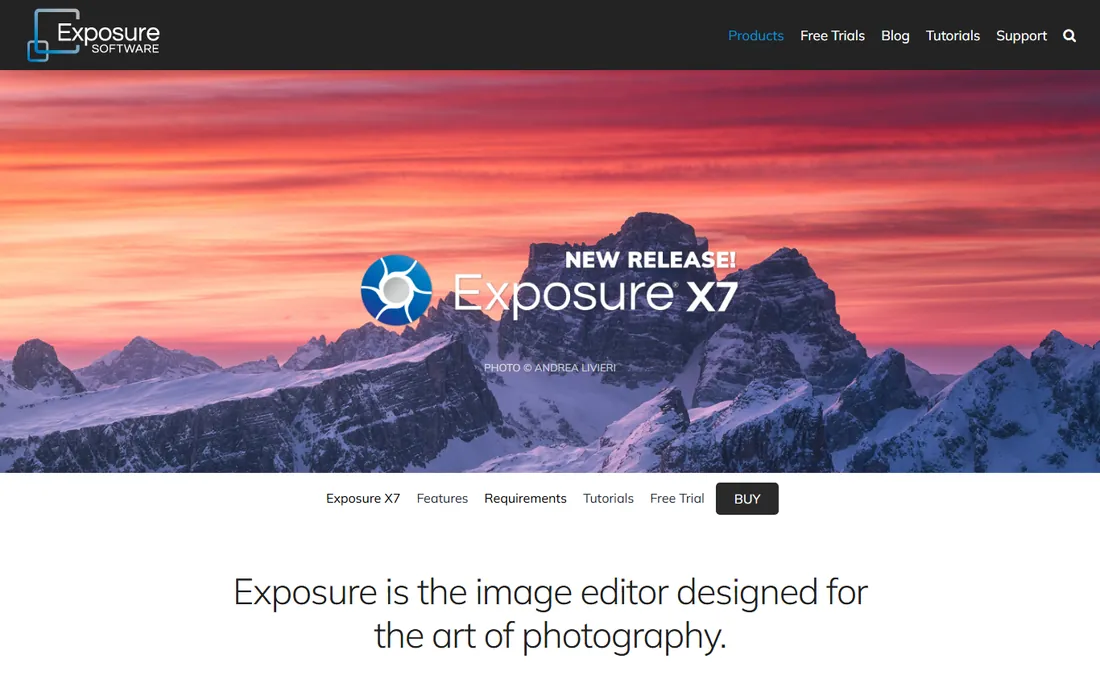
Exposure (from Exposure Software, formerly Alien Skin) is loved for its film emulation presets, which give listing photos a warm, consistent look fast. Because it skips the catalog entirely, you browse and cull at full speed, and it works as a plugin inside Lightroom and Photoshop too.
It is a creative editor, not a technical one: HDR merging and geometry correction are not its strengths. Use it for the look and the speed, and keep a technical editor alongside for brackets and straightening.
What we like- Beautiful film and creative presets
- No catalog, so browsing is instant
- Works standalone or as a plugin
Watch out for- HDR and perspective tools are limited
- Organizer is folder-based only
The HDR question: bracket or single shot
Most listing photographers bracket: three to seven exposures per composition, merged later. Bracketing holds window views and shadow detail that a single frame cannot, and tools like Photomatix, Lightroom, and ON1 exist largely for this. The cost is time, both shooting and merging.
Single-shot editing with AI enhancement is catching up. A well-exposed RAW file pushed through DxO or Topaz, with shadows lifted and highlights recovered, can pass for HDR in many rooms. For fast-turnover rentals or low-budget shoots, single shot plus good presets wins on speed. For luxury listings where the window view sells the property, bracket. Your software choice follows from that decision, not the other way around.
How to pick your real estate editing stack
Start with the hub. Most photographers center on Lightroom for organization and batch speed, then add specialists: Photomatix for HDR, Luminar for skies, Topaz for rescue jobs. If you refuse subscriptions, build around ON1, DxO, ACDSee, or Zoner instead; all four cover the core workflow as a single purchase.
Second, count the seats and machines. Solo shooters can mix and match cheaply. Teams need consistent presets and shared catalogs, which pushes toward Lightroom or Capture One. Third, trial on a real property, not sample files. Merge one bracketed interior, straighten one wide exterior, and batch-export 30 images. The editor that finishes fastest with the least fiddling is your answer.
How we chose
We reviewed vendor homepages, product pages, and documentation, then cross-checked against photographer reviews on G2 and Capterra, real estate photography forums, and YouTube workflow breakdowns from working listing photographers. We included only current, purchasable products and weighted the tasks that matter for property work: HDR merging, perspective correction, batch processing, and price. We did not run hands-on tests, and nobody paid for placement.
Frequently asked questions
What is the best photo editing software for real estate photography?
Adobe Lightroom is the most common answer because it handles HDR merge, perspective correction, batch presets, and organization in one app. Photomatix Pro is the top HDR specialist, and Luminar Neo is the easiest fix for skies. The best real estate photo editing software for you depends on your shooting style, your budget, and how much volume you shoot.
Do real estate photographers use HDR?
Most do. Interiors typically need several bracketed exposures merged to hold both the bright window view and the darker room. Photomatix Pro, Lightroom, and ON1 Photo RAW all merge brackets, with Photomatix offering the most control.
Can I edit real estate photos without a subscription?
Yes. DxO PhotoLab, ON1 Photo RAW, ACDSee Photo Studio, Zoner Photo Studio X, and Exposure all offer perpetual licenses. Topaz Photo AI is also a one-time purchase. You can build a complete listing workflow without any subscription.
How do you straighten verticals in listing photos?
Use the geometry or perspective tools in Lightroom, DxO ViewPoint, or Capture One's keystone correction. Shoot with the camera level when possible; correction costs you pixels at the edges, so getting it right in camera always beats fixing it later.
What is sky replacement and should I use it?
Sky replacement swaps a dull grey sky for a blue one with matching relighting, using AI tools like Luminar Neo's. It is common in listing photography and generally accepted for marketing, but disclose heavily edited images where local rules require it, and never alter the property itself.
How many photos does a listing need?
Most agents expect 25 to 40 finished images for a standard home: exteriors, every main room, and key details. That volume is why batch processing and presets matter more than any single fancy feature.
Sources we checked (10)
- https://www.adobe.com/products/photoshop-lightroom-classic.html
- https://www.hdrsoft.com/
- https://skylum.com/
- https://www.dxo.com
- https://www.captureone.com/
- https://www.on1.com/
- https://www.topazlabs.com/
- https://www.acdsee.com
- https://www.zoner.com
- https://exposure.software
Is your product missing or out of date?
We review this list regularly. Vendors can request a listing, send updated pricing or ask about featured placement.

Shihab Mia · Founder, Rankite
Shihab has spent more than a decade helping SaaS and e-commerce brands grow through search. He writes Rankite's software buying guides from pricing pages, documentation and public user reviews. More about Shihab.