How we make this list: we compare pricing pages, product documentation and public user reviews. Rankite is independent; if a vendor ever pays for a featured spot, that listing is clearly labeled Partner.
Key takeaways
- Snappic (from $29/event) and Touchpix (from $36.66/month) lead for operators running 360 and video booths at scale.
- LumaBooth (from $17/month, formerly dslrBooth) is the value pick for DSLR-based booths across Windows, iPad and Android.
- One-time licenses suit owners who hate subscriptions: Sparkbooth ($149) and Darkroom Booth ($295) never expire.
- Simple Booth (from $24/week) and Booth.Events (see website) are the friendliest options for iPad-based rentals and single events.
Quick comparison
| Tool | Best for | Starting price | Free plan |
|---|
 Snappic Snappic | Operators running multiple booth types and brand activations | From $29/event | No (free trial available) |
 LumaBooth LumaBooth | Budget-friendly DSLR photo booths on Windows, Apple or Android | From $17/month | No (free trial available) |
 Touchpix Touchpix | 360 video booth specialists and multi-platform operators | From $36.66/month | No (free trial available) |
 Simple Booth Simple Booth | iPad-based rentals, venues and one-off events | From $24/week | No (7-day free trial) |
 Booth.Events Booth.Events | Operators who want a modern iPad platform with strong support | See website | No (free trial available) |
 Darkroom Booth Darkroom Booth | Windows-based professional booths with serious printing | $295 one-time | No (trial available) |
 Breeze Software Breeze Software | Brand activations needing total creative control | See website | No |
 Sparkbooth Sparkbooth | DIY booths and owners who refuse subscriptions | $149 one-time | No (30-day free trial) |
Is your product missing or out of date?
We review this list regularly. Vendors can request a listing, send updated pricing or ask about featured placement.
The best photo booth software
Photo booth software splits into two worlds: iPad apps built for speed and simplicity, and PC software built for DSLR quality and printing. The rental operator, the wedding DIYer and the brand activation agency all need different tools. Every platform below is verified live and in active development.
#1
Snappic
Best for: Operators running multiple booth types and brand activations
Visit snappic.com
Starting priceFrom $29/event
Free planNo (free trial available)
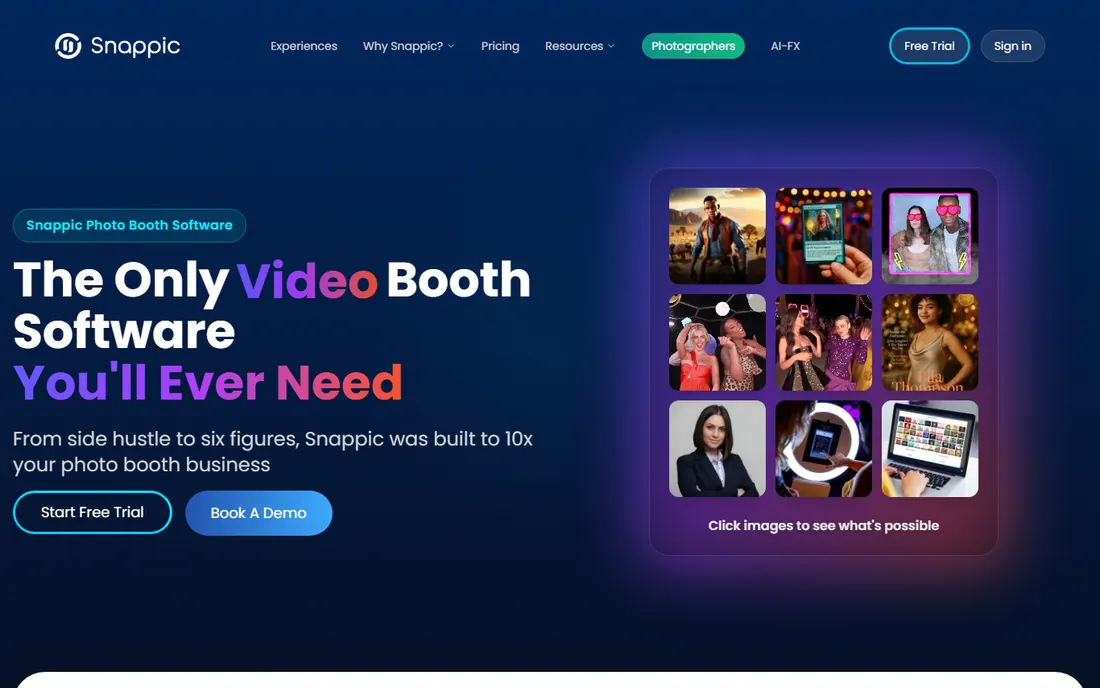
Snappic is built for the operator who runs traditional booths, 360 booths and mirror booths from one account. The headline is flexible pricing: pay $29 per event when you are starting out, move to monthly or enterprise plans as volume grows. Features include AI-powered effects, 360 support, instant social sharing, professional templates, real-time analytics and 24/7 support. The company reports 8,000-plus operators and 100,000-plus events.
The tradeoff is that Snappic wants to be your whole platform, and learning all of it takes effort. But for a rental business that needs one system across booth types, the pay-per-event entry point is the lowest-risk way to start earning before committing to a subscription.
What we like- Pay-per-event pricing from $29 makes single gigs economical
- Supports iPad, 360, mirror, robot and roaming booths from one platform
- AI effects, instant sharing, templates and analytics included
Watch out for- No permanent free tier
- Monthly plans scale up for heavy users
- The breadth of features takes time to master
#2
LumaBooth
Best for: Budget-friendly DSLR photo booths on Windows, Apple or Android
Visit dslrbooth.com
Starting priceFrom $17/month
Free planNo (free trial available)
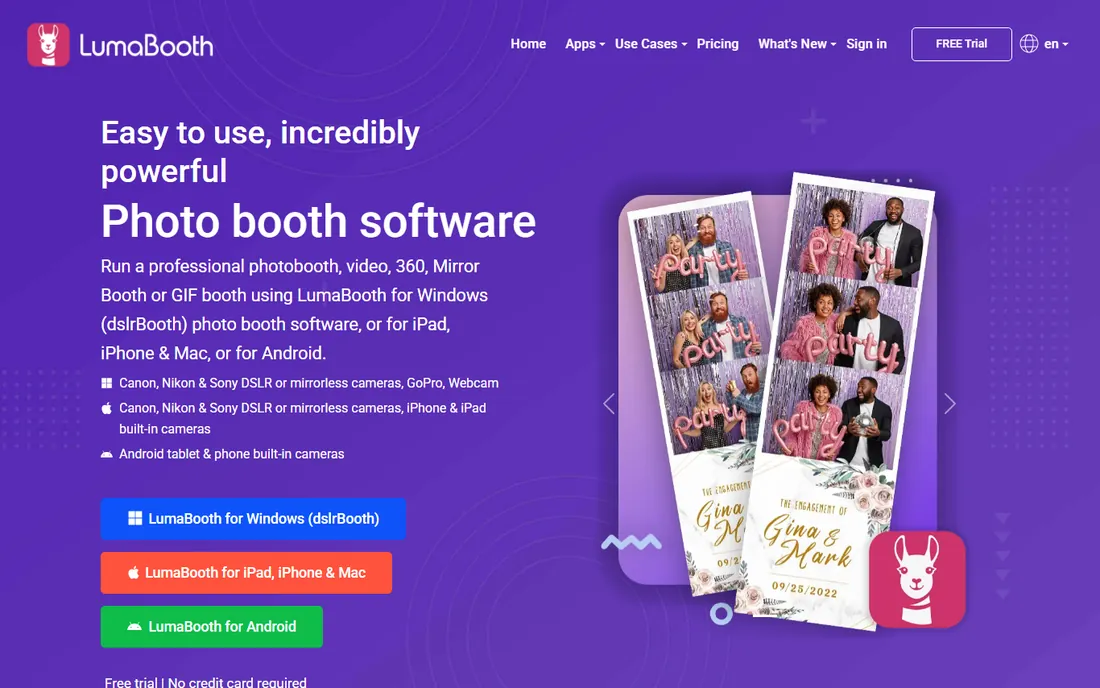
LumaBooth (the current name for dslrBooth, still at dslrbooth.com) is the value champion for DSLR-based booths: from $17/month on Windows or $18/month on Apple and Android, including the first two devices. Capture photos, videos, GIFs, slow-mo, 360s and boomerangs with your DSLR, mirrorless, GoPro, webcam or built-in cameras. Sharing covers email, SMS, QR codes, Instagram, WhatsApp and AirDrop, and printing layouts are built in.
Add-ons like LumaShare ($7.99/month sharing station) and HashPrinter ($25/month hashtag printing) extend it for bigger events. For a photographer starting a booth side business on a budget, nothing else delivers this much for under $20 a month.
What we like- Among the cheapest pro options: Windows from $17/month, Apple and Android from $18/month (billed annually)
- Works with Canon, Nikon and Sony DSLRs plus GoPro and webcams
- Covers photo, 360, mirror, glam and GIF booths
Watch out for- The dslrBooth-to-LumaBooth rebrand can confuse when searching for help
- Companion apps (sharing station, hashtag printing) cost extra
- No free tier beyond the trial
#3
Touchpix
Best for: 360 video booth specialists and multi-platform operators
Visit touchpix.com
Starting priceFrom $36.66/month
Free planNo (free trial available)
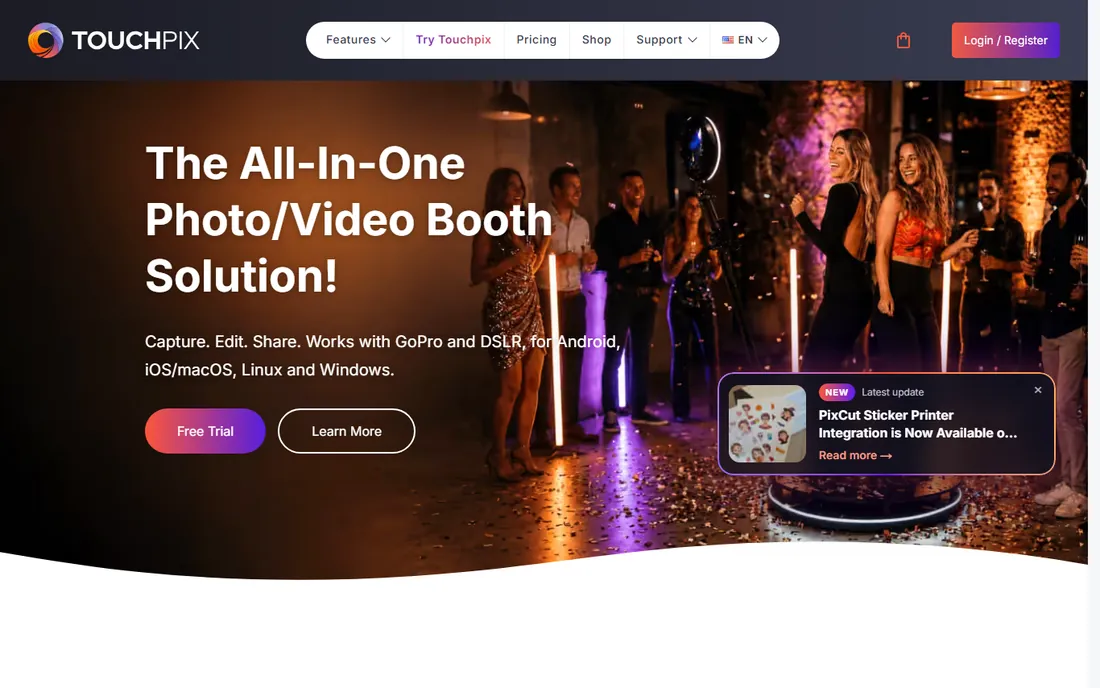
Touchpix made its name on 360 booths and it shows: the app runs on practically everything (iPhone, iPad, Android, Windows, Mac, Linux, Raspberry Pi), connects to GoPro 7 through 13 and Canon, Nikon and Sony DSLRs, and processes effects like background removal offline. Licenses run from PhotoPass ($36.66/month, photos only, 2 active events) through MultiPass ($73.33), MultiPass Pro ($117.33) and Enterprise ($183.33), all with unlimited devices and a 14-day free trial.
For operators whose bread and butter is the 360 spinner, Touchpix is the specialist tool. Photo-only operators can save with PhotoPass; everyone else should budget for MultiPass and up.
What we like- Runs on iOS, Android, macOS, Windows, Linux and even Raspberry Pi
- 60-plus built-in photo and video filters, AI face replacement and offline background removal
- License tiers scale from 2 to 12 active events with unlimited devices
Watch out for- PhotoPass ($36.66/month) excludes video features
- No permanent free tier
- The tier-by-active-events model needs planning for busy weekends
Starting priceFrom $24/week
Free planNo (7-day free trial)
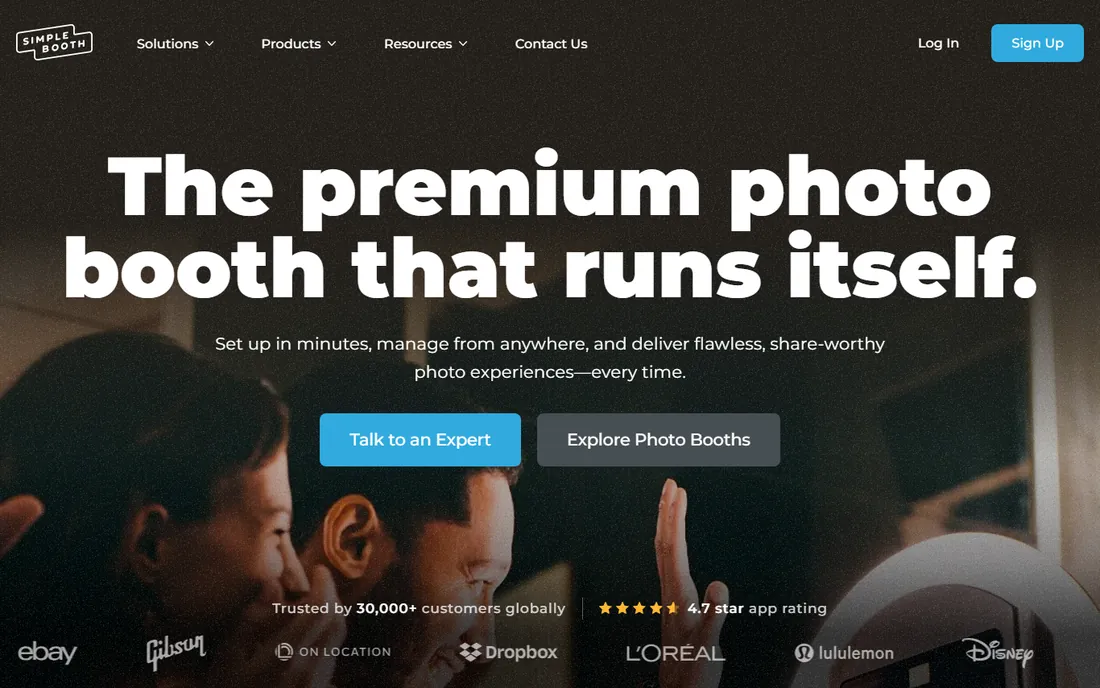
Simple Booth's HALO app is the "photo booth that runs itself": guests walk up to an iPad, tap through a branded experience, and get photos by text, email, AirDrop or QR code. Pricing is built for flexibility: weekly plans from $24/week for single events, monthly from $36, with higher tiers adding custom branding, analytics, lead capture and API access. A 7-day free trial covers every feature.
It is the default recommendation for venues, bars, DJs and rental companies that want reliability over tinkering. The 30,000-plus customer base and 4.7-star app rating back that up. Power users who want deep customization should compare Breeze or Darkroom.
What we like- Weekly plans from $24/week make single events affordable
- The HALO app is famously easy for guests to use unattended
- DSLR support, AI effects, green screen and layout designer on paid tiers
Watch out for- Weekly pricing adds up fast for regular operators (monthly from $36 is better)
- Advanced branding and analytics need higher tiers
- Hardware kits sold separately
#5
Booth.Events
Best for: Operators who want a modern iPad platform with strong support
Visit booth.events
Starting priceSee website
Free planNo (free trial available)
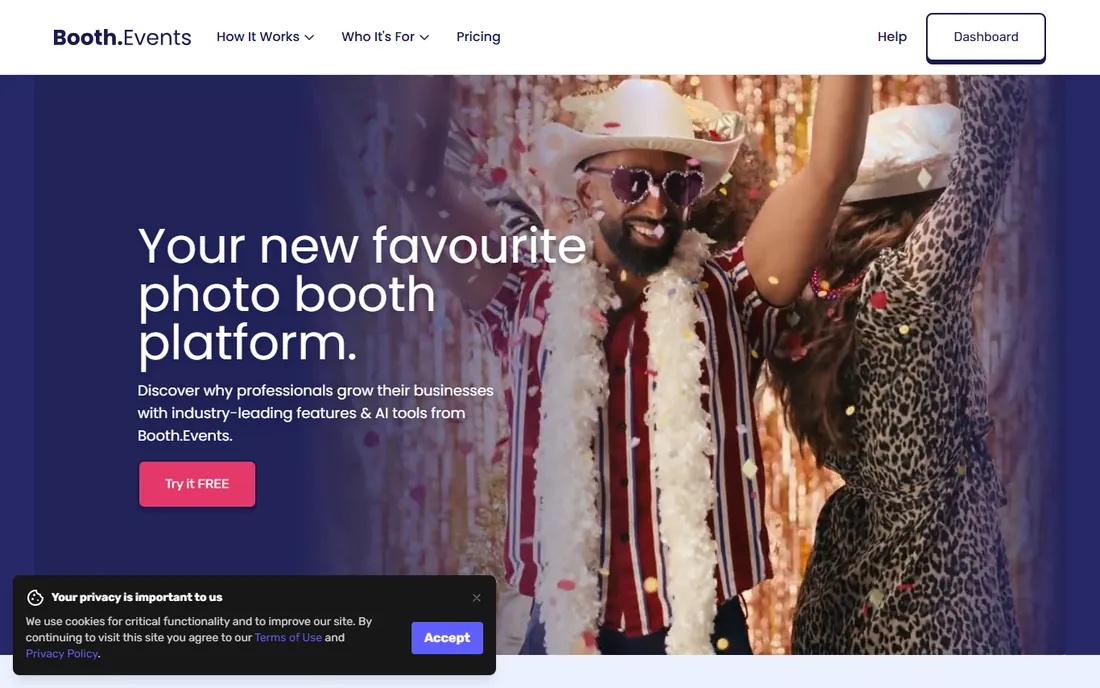
Booth.Events is the modern challenger: an iPad-first platform with live sync across devices, online galleries, cloud storage, AI photo features and hard-wired printing without dongles. Flexible buying (subscriptions, 1-week passes, 4-event credit packs that never expire) suits operators who do not want a permanent subscription. The founder-led support gets exceptional reviews from working operators.
The main caveat is transparency: the pricing page lists plan names and features but renders prices as images that did not display in our check, so confirm current rates before budgeting. For Apple-based operators who value simplicity and support, it is a strong contender.
What we like- Clean, fast iPad app with DSLR connectivity (Canon, Nikon, Sony)
- AI prompts, 360 spinner, GIFs, slow-mo and surveys
- Week passes and per-event credits for non-subscribers
Watch out for- Pricing numbers are not published on the pricing page
- IPad/Apple-centric (no Windows booth app)
- Newer platform with a smaller template library than incumbents
Starting price$295 one-time
Free planNo (trial available)
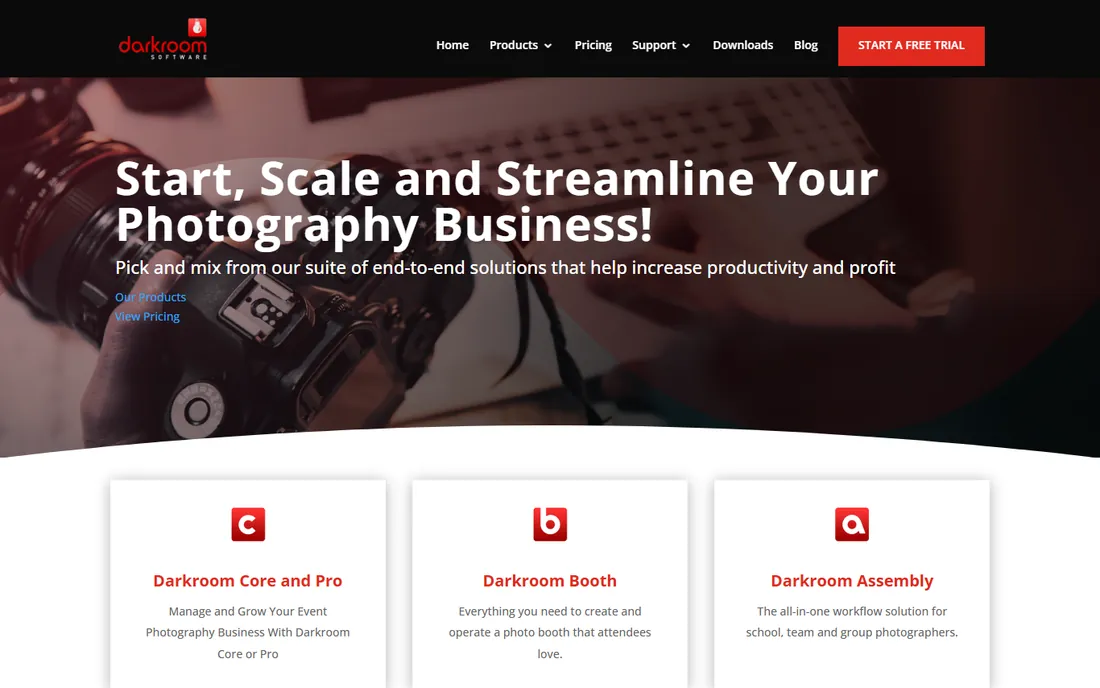
Darkroom Booth is the veteran: over 25 years in business, and the $295 one-time license is still the deal it has always been. Where it wins is printing: built-in drivers for professional printers and mini labs, media rules routing print sizes to specific printers, and plug-and-play event setup. Features cover mirror booth, GIFs, green screen, hashtag printing, print signing and social sharing.
Windows-only and old-school in looks, but rock solid in operation. The iPad companion (Booth for iPad, $29.99/month) covers mobile setups. For high-volume print operations like malls, cruise ships and tourist attractions, Darkroom remains the industry standard.
What we like- One-time $295 license that never expires (plus 1 year of updates)
- Best-in-class printing with built-in drivers for pro printers and mini labs
- Mirror booth, GIFs, green screen, bill acceptors and social integrations
Watch out for- Windows only for the desktop booth software
- The interface reflects 25 years of evolution rather than modern design
- Annual maintenance ($95) needed for continued updates
#7
Breeze Software
Best for: Brand activations needing total creative control
Visit breezesys.com
Starting priceSee website
Free planNo
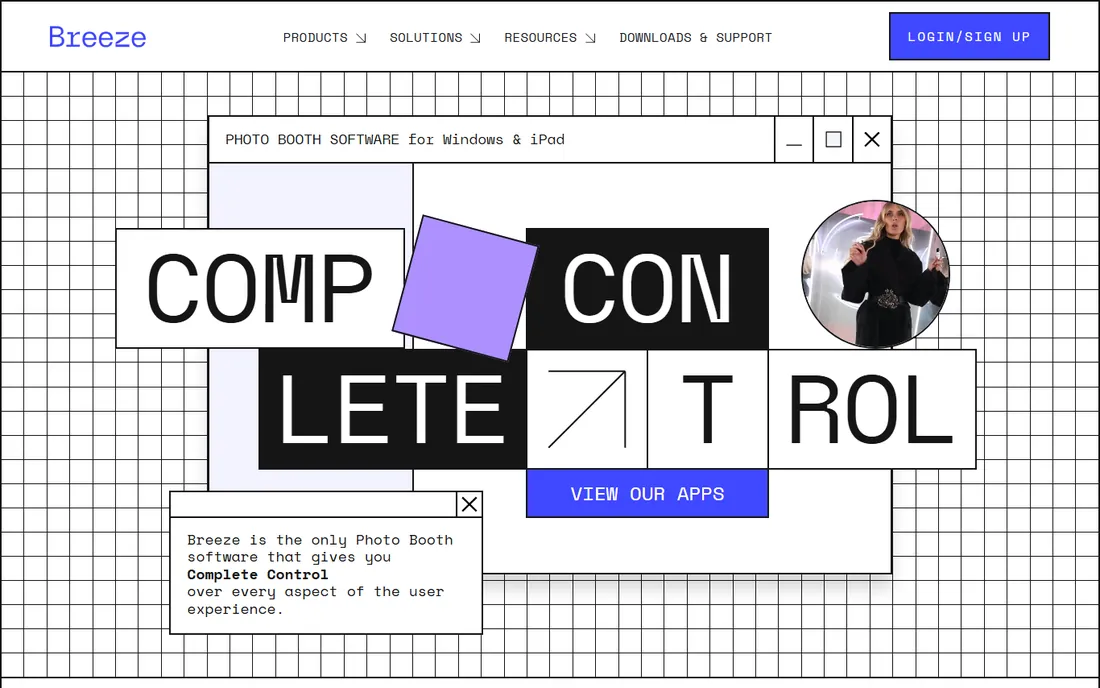
Breeze is the choice when the booth is a brand activation and the brief is specific: complete control over the user experience, from capture to print to share. RemotePro (Windows) and BreezeBooth (iPad/iPhone) handle DSLR, mirrorless and built-in cameras, with live galleries, microsites, QR payments and AI transformations. It runs fully offline and offers full data control for GDPR compliance.
Pricing is not published, which fits its agency clientele but frustrates small operators. If you run standard events, pick something simpler. If a client hands you a 40-page brand guidelines document, Breeze is the tool.
What we like- Unmatched customization: every screen, flow and output controllable
- Windows (RemotePro) and iPad/iPhone (BreezeBooth) products
- Offline operation, GDPR controls and AI image transformation
- In business since 2001
Watch out for- No public pricing (quote-based)
- The power brings a learning curve
- Overkill for simple wedding booths
Starting price$149 one-time
Free planNo (30-day free trial)
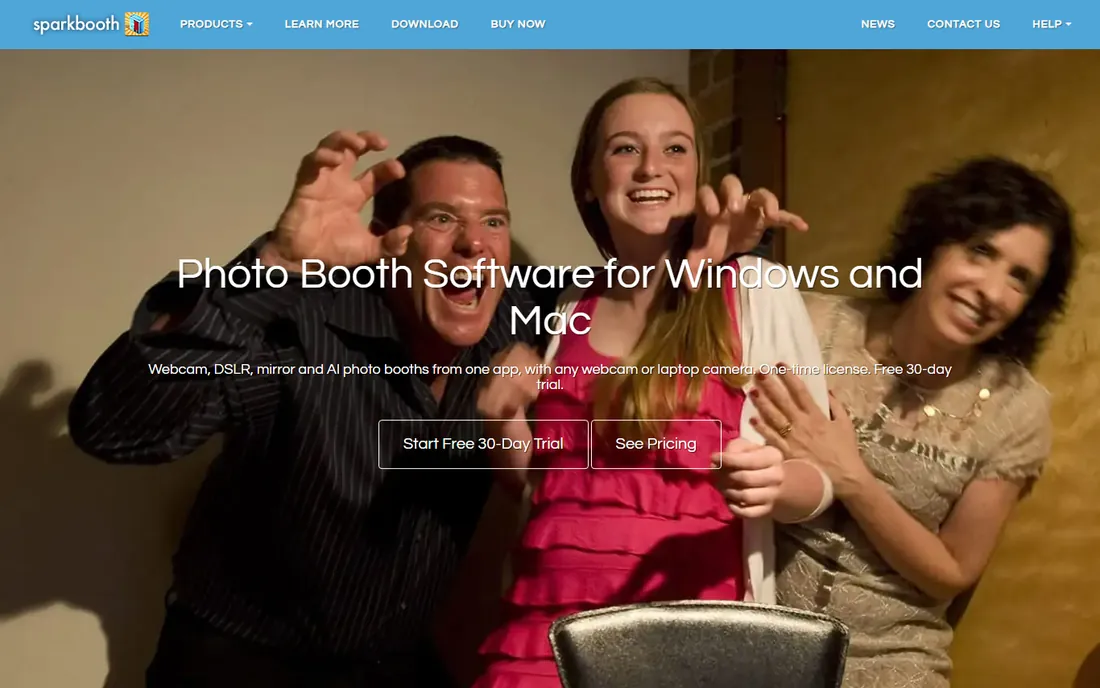
Sparkbooth is the anti-subscription booth software: pay $149 once (or $189 for DSLR control), install on three computers, and run booths forever. It turns any Windows or Mac laptop with a webcam into a photo booth: touch-screen interface, props, backgrounds, printed strips, email/SMS/QR sharing. Modes cover webcam, DSLR, mirror, GIF and AI booths, in eleven languages.
The 30-day free trial is fully functional (watermarked output). For weddings, school dances, birthday parties and side hustles, Sparkbooth is the cheapest path to a real booth. Professionals running weekly events may outgrow its marketing features, but the license never stops working.
What we like- One-time license ($149 Premium, $189 DSLR) covers 3 computers and commercial use, forever
- Runs on Windows and Mac with any webcam or Canon/Nikon/Sony DSLR
- Mirror booth, GIF/boomerang, green screen and AI booth modes included
Watch out for- No iPad or Android app
- The interface is functional rather than beautiful
- Advanced marketing features (lead capture, analytics) are thinner than subscription rivals
Frequently asked questions
How much does photo booth software cost?
From $17/month (LumaBooth) to $149-$295 one-time (Sparkbooth, Darkroom Booth), with pay-per-event options from $29 (Snappic) and weekly plans from $24 (Simple Booth). Most rental operators spend $20-$150/month depending on features and booth count.
Do I need a DSLR for a photo booth?
No. iPad-based platforms (Simple Booth, Booth.Events, Snappic, Touchpix) produce great results with built-in cameras and are easier to run unattended. DSLRs (via LumaBooth, Darkroom Booth, Sparkbooth DSLR) deliver better print quality and low-light performance for professional work.
What is a 360 photo booth?
A spinning camera arm captures guests on a platform from all angles, producing a slow-motion video. Touchpix specializes in 360 software; Snappic, LumaBooth and Booth.Events also support 360 setups.
Can photo booth software print photos?
Yes. All eight platforms support printing: Darkroom Booth and Breeze lead for professional print workflows, while iPad apps print via AirPrint or print servers. Factor printer and media costs into your business plan.
Is there really free photo booth software?
No fully-featured free option exists among pro tools; all offer trials (7 to 30 days). Sparkbooth's $149 one-time license is the cheapest long-term ownership, and LumaBooth's $17/month is the cheapest subscription.
Which photo booth software is best for weddings?
Simple Booth (easiest for guests, weekly plans for one event) or Sparkbooth ($149 one-time for DIY). Rental companies serving weddings tend toward Snappic or LumaBooth for reliability and support.
iPad vs DSLR: choosing your booth hardware
The software decision follows the hardware. iPad booths (Simple Booth, Booth.Events, Snappic, Touchpix) set up in minutes, run unattended, and share instantly; they are ideal for rentals, venues and brand activations. DSLR booths (LumaBooth, Darkroom Booth, Sparkbooth DSLR, Breeze) need a laptop, camera and often a printer, but deliver the image quality professionals charge premium rates for. Many operators run both: iPad booths for volume, DSLR booths for premium packages. Pick the software that matches the booth you will actually operate.
Pricing models explained
Photo booth software pricing comes in four flavors. Subscriptions ($17-$183/month) suit regular operators. Pay-per-event ($29/event Snappic, credit packs from Booth.Events) suits occasional gigs. Weekly plans ($15-$49/week, Simple Booth) suit single events. One-time licenses ($149 Sparkbooth, $295 Darkroom Booth) suit owners who want to buy once and never pay again. Match the model to your calendar: weekly events favor subscriptions or one-time licenses; monthly gigs favor pay-per-event.
How we chose
We started with the photo booth software category as operators search it, then verified each vendor's live homepage and current product names (noting dslrBooth's rename to LumaBooth). We pulled pricing from the vendors' own pricing pages and marked "See website" where prices were not published. We excluded discontinued products and generic camera apps, favoring platforms built specifically for event photo booths with distinct positioning.
Sources we checked (13)
- https://www.snappic.com/
- https://www.dslrbooth.com/
- https://www.dslrbooth.com/pricing
- https://www.touchpix.com/
- https://www.touchpix.com/pricing
- https://www.simplebooth.com/
- https://www.simplebooth.com/plans-and-pricing
- https://www.booth.events/
- https://www.booth.events/pricing
- https://www.darkroomsoftware.com/
- https://www.darkroomsoftware.com/pricing/
- https://www.breezesys.com/
- https://www.sparkbooth.com/
Is your product missing or out of date?
We review this list regularly. Vendors can request a listing, send updated pricing or ask about featured placement.

Shihab Mia · Founder, Rankite
Shihab has spent more than a decade helping SaaS and e-commerce brands grow through search. He writes Rankite's software buying guides from pricing pages, documentation and public user reviews. More about Shihab.