How we make this list: we compare pricing pages, product documentation and public user reviews. Rankite is independent; if a vendor ever pays for a featured spot, that listing is clearly labeled Partner.
Key takeaways
- Quicken ($4.99/month Business and Personal, billed annually) is the only tool here built for both sides: personal budgeting plus real small-business books in one subscription.
- Monarch Money and Copilot Money ($13/month, or $95/year) are the strongest pure personal finance apps; neither does business accounting, so pair them with a ledger.
- YNAB's 34-day free trial is the longest in the category, and its give-every-dollar-a-job method suits freelancers with lumpy income.
- Rocket Money and Empower both offer genuinely free tiers: Rocket Money for subscription tracking and budgets, Empower for net worth and investment tracking.
- The practical stack for most self-employed people is one personal app plus one business ledger: for example, Copilot Money for the household and QuickBooks Online ($38/month) for the business.
The best personal and business finance software
If you are self-employed, your personal and business finances are two views of the same bank balance. Money flows from client payments into the household budget, and back out as estimated taxes. No single tool does both jobs perfectly, which is why this list mixes personal finance apps (budgeting, net worth, subscriptions) with business accounting software (invoicing, expenses, taxes). Pick one from each side and you have the full picture.

#1
Quicken
Best for: Self-employed people who want personal and business finances in one place
Visit quicken.com
Starting price$4.99/month (Business and Personal, billed annually)
Free planNo (subscription only)
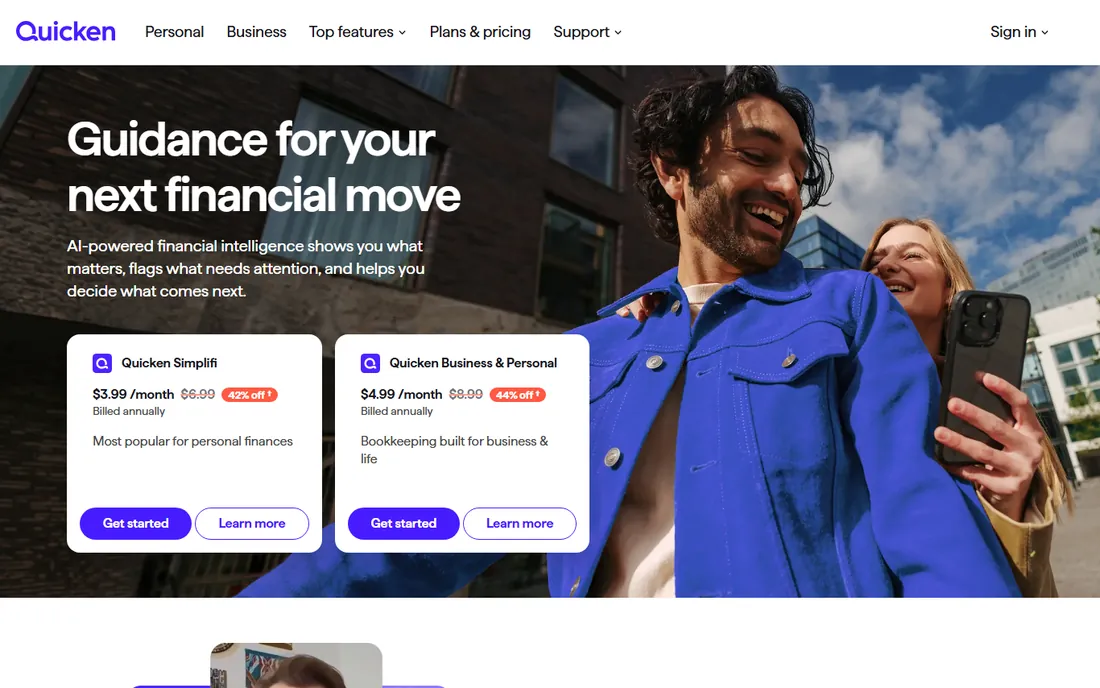
Quicken is the bridge product this keyword is really about. The Business and Personal plan, listed at $4.99 per month billed annually on Quicken's own site, combines household budgeting, bill management and investment tracking with invoicing, profit-and-loss reporting and rental property accounting. If you are a freelancer who wants one subscription covering both the business books and the family budget, nothing else on this list does that.
The trade-off is modernity. Quicken's interface carries decades of history, and the mobile apps feel secondary to the desktop. Newer tools like Monarch and Copilot are more pleasant for daily personal finance. But for depth, especially investments, rental properties and small-business reporting in one system, Quicken remains unmatched.
What we like- The only tool here with real personal budgeting and small-business accounting together
- Rental property and investment tracking included
- 40-year track record with deep feature maturity
Watch out for- Desktop-software heritage shows in a dated interface
- No free tier or trial, you pay from day one
- Mobile experience lags the newer personal finance apps

#2
Monarch Money
Best for: Households that want the best-designed personal finance dashboard
Visit monarchmoney.com
Starting priceSee website
Free planFree trial offered (see website)

Monarch Money is the personal finance app most Mint refugees landed on, and the design is the reason. Budgeting, cash flow, goals, net worth and investments sit in one coherent dashboard, and partners can collaborate on shared finances without paying extra. Recurring subscription detection helps households find the charges they forgot about.
What it does not do is business. There is no invoicing, no business expense tracking and no tax reporting, so self-employed users pair it with QuickBooks, Xero or Wave for the business side. Pricing is not published on the vendor's site, so confirm the current plan before budgeting. For the personal half of the stack, it is the most polished option here.
What we like- Clean, modern interface for budgeting, net worth and investments
- Partner collaboration at no extra cost
- Strong recurring-subscription detection
Watch out for- Pricing is not published on the public site
- No business accounting features at all
- Investment tracking is lighter than Empower or Quicken

#3
YNAB
Best for: Freelancers with irregular income who want strict zero-based budgeting
Visit ynab.com
Starting priceSee website
Free planFree trial (34 days)
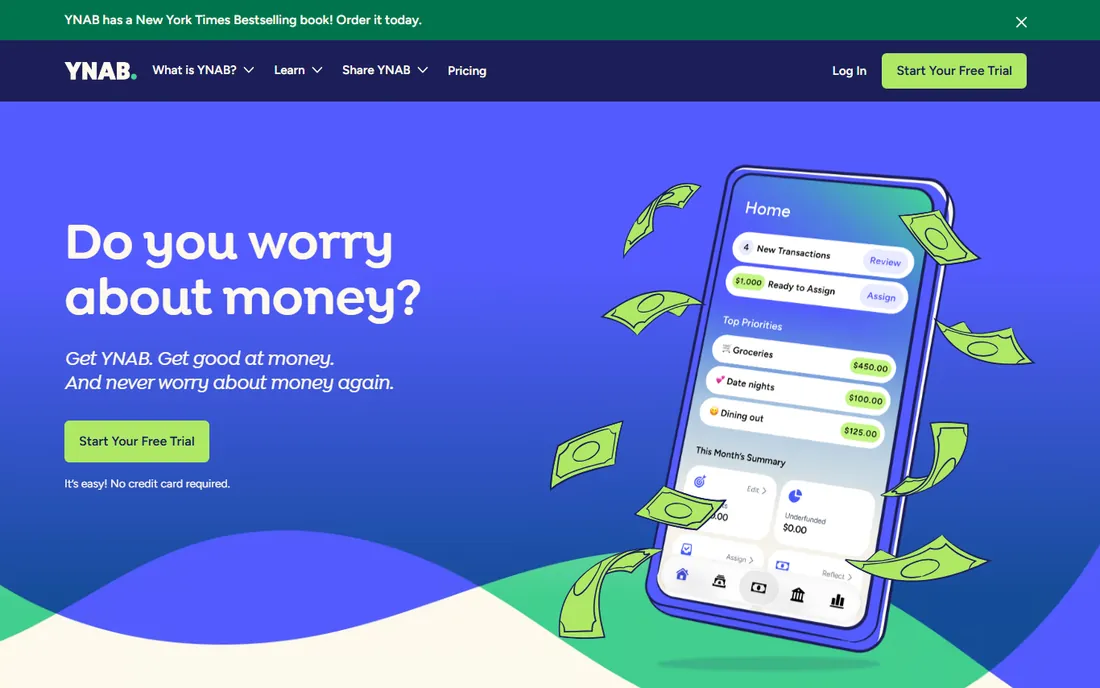
YNAB (You Need A Budget) is less an app than a method with software attached: every dollar gets a job before you spend it. For freelancers whose income arrives in uneven chunks, that discipline is the point. The vendor's own site offers a 34-day free trial, which is generous enough to run a full monthly cycle before paying.
The catch is effort. YNAB works when you engage with it regularly; passive trackers suit people who just want to see where money went. There is no invoicing, no business ledger and no investment analysis, so it covers the personal budgeting half only. If overspending is your problem and you will do the work, YNAB's method has the strongest track record here.
What we like- 34-day free trial, the longest in this category
- The give-every-dollar-a-job method is ideal for lumpy freelance income
- Strong educational content and community
Watch out for- Pricing is not published on the public site
- The method requires active effort, it is not passive tracking
- No business accounting or investment depth

#4
Copilot Money
Best for: Apple-ecosystem users who want beautiful, intelligent personal finance tracking
Visit copilot.money
Starting price$13/month (monthly); $95/year ($7.92/month)
Free planFree trial
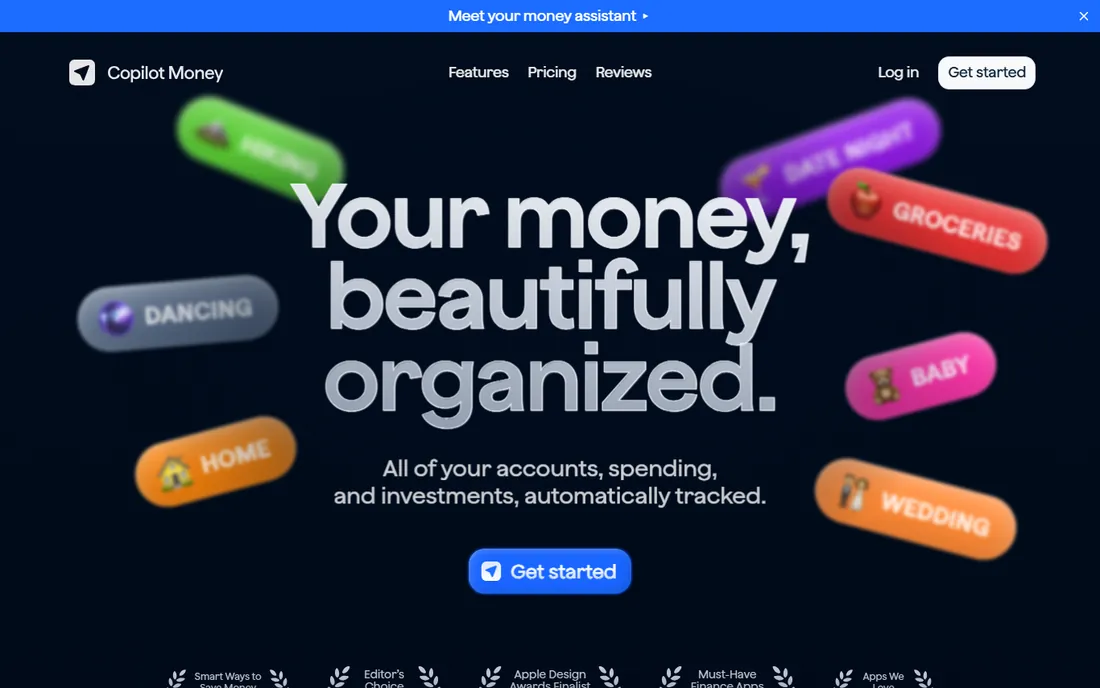
Copilot Money is the design-forward personal finance app, and its pricing transparency is refreshing: $13 per month, or $95 per year (effectively $7.92 per month), published right on the homepage, with a free trial to start. The AI learns your spending patterns and categorizes transactions automatically, and the investment, net worth and subscription tracking cover the full personal picture.
The audience is clearly Apple users; the iPhone, iPad and Mac apps are native and polished, while Android is an afterthought. Like Monarch, it does nothing for the business side. For a freelancer in the Apple ecosystem who wants the household finances beautifully organized, paired with a business ledger, Copilot is the easiest recommendation.
What we like- Pricing published clearly on the vendor's own site
- AI-powered transaction categorization that improves over time
- Excellent native iPhone, iPad and Mac apps
- Privacy-first, no ads
Watch out for- Apple-centric, with Android users getting a lesser experience
- No business accounting features
- Smaller user community than the biggest names

#5
Rocket Money
Best for: People whose main money problem is subscriptions and bill creep
Visit rocketmoney.com
Starting priceSee website
Free planYes (free plan with core features)
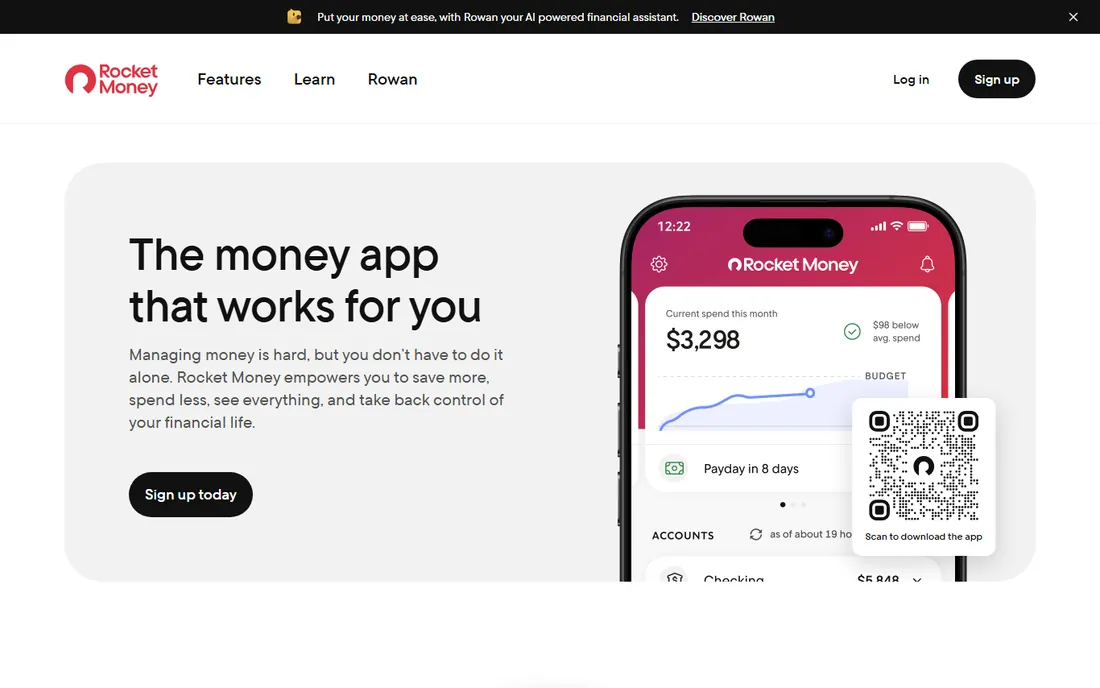
Rocket Money built its name on one job: finding subscriptions you forgot and helping you cancel them. The vendor's site confirms a real free plan covering account linking, balance alerts, subscription management and spend tracking, with Premium adding cancellation assistance, automated savings and net worth tracking. For households leaking money to recurring charges, the free tier alone can pay for itself in found subscriptions.
It is not a full budgeting system in the YNAB sense, and it does nothing for business finances. The Premium price is not published, so check the current offer in the app. As the free personal-finance layer in a two-tool stack, especially for subscription-heavy households, it is the lowest-cost entry here.
What we like- Genuine free plan confirmed on the vendor's own site
- Subscription detection and cancellation assistance are the headline strengths
- Bill negotiation concierge on Premium
- Credit score tracking included
Watch out for- Premium pricing is not published on the public site
- Budgeting tools are simpler than Monarch or YNAB
- Cancellation and negotiation services take a cut or fee

#6
Empower
Best for: People who want free net worth and investment tracking with optional human advice
Visit empower.com
Starting priceSee website
Free planYes (free personal finance tools)
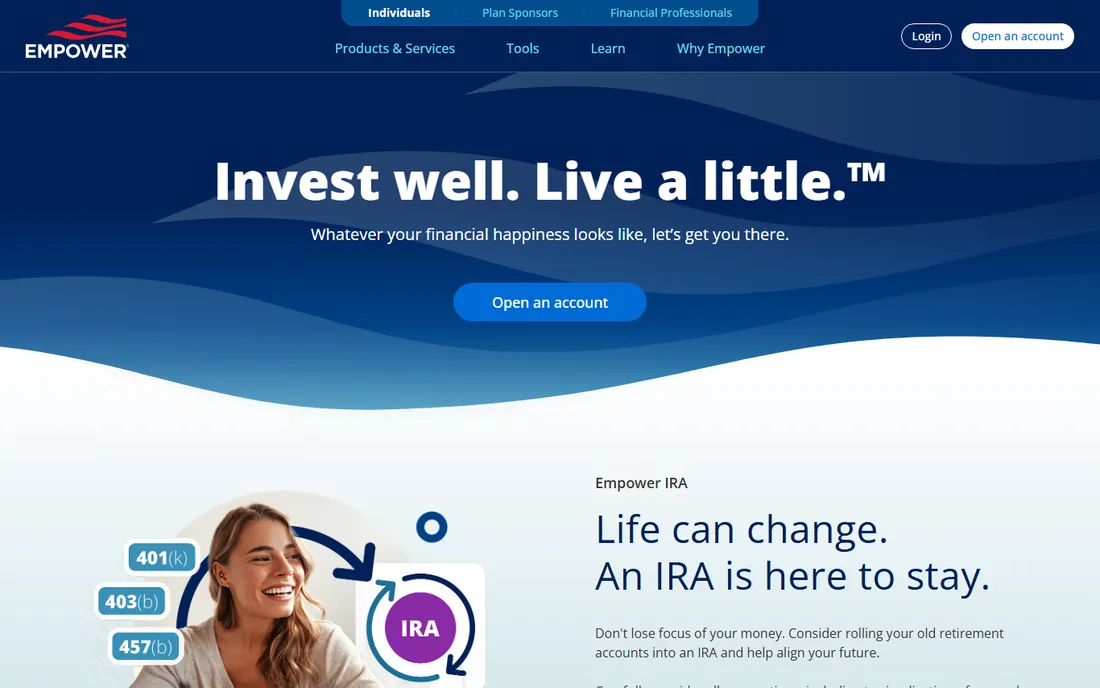
Empower (the former Personal Capital) offers the strongest free investment tracking in this list. Connect your accounts and you get net worth, portfolio allocation, fee analysis and retirement projections at no cost; the vendor's site notes that advisory services are provided for a fee, while the tools themselves are free. For self-employed people building long-term wealth alongside the business, that investment lens matters.
Budgeting is not the strength; Monarch, Copilot and YNAB all do it better. And there is no business side whatsoever. Think of Empower as the free wealth-tracking layer: pair it with a budgeting app for spending control and a ledger for the business, and the three together cover everything.
What we like- Free dashboard for net worth, investments, cash flow and retirement planning
- Investment analysis deeper than any budgeting app here
- Optional paid advisory for larger portfolios
Watch out for- The company is primarily a retirement provider, so the app pushes advisory services
- Budgeting features are basic next to Monarch or YNAB
- No business accounting
#7
QuickBooks Online
Best for: The business half of the stack: invoicing, expenses and taxes for the self-employed
Visit quickbooks.intuit.com
Starting price$38/month (Simple Start)
Free planFree trial (30 days)
QuickBooks Online is the business-side answer for most self-employed people. Simple Start at $38 per month covers invoicing, expense tracking, bank feeds and tax-ready reports; the self-employed workflow of separating business and personal spending works well with its banking rules. Nearly every accountant and tax preparer works with it, which simplifies year-end.
It does nothing for personal budgeting, which is why it sits on this list as half of a pair. Combine it with Monarch, Copilot or YNAB for the household and you have the classic freelancer stack. If your business is simple enough, Wave or FreshBooks below do the same job for less.
What we like- The standard small-business ledger with the biggest app and accountant ecosystem
- Invoicing, expense tracking and tax reports in one place
- Bank feeds automate transaction import
Watch out for- No personal budgeting features
- 2026 pricing pushed Essentials to $85 and Plus to $140 per month
- Overkill if your business finances are very simple
#8
Xero
Best for: Self-employed people who want clean business books with unlimited users
Visit xero.com
Starting price$25/month (Early)
Free planFree trial (30 days)
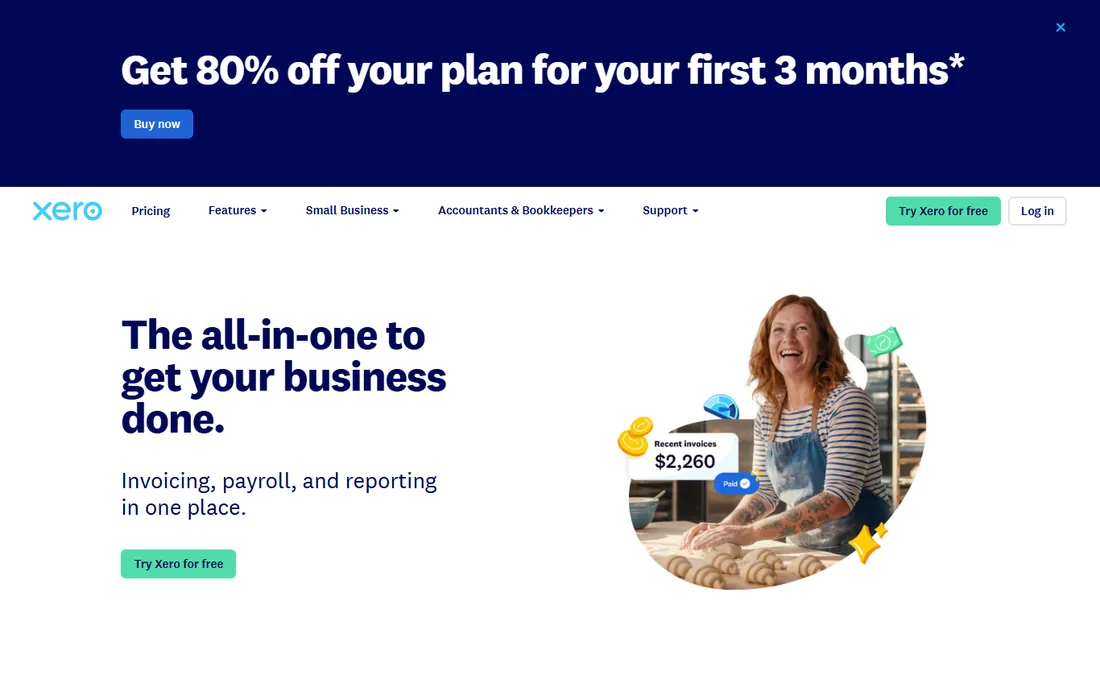
Xero is the business-ledger alternative to QuickBooks for the self-employed. The Early plan at $25 per month undercuts QuickBooks, unlimited users means the accountant and any helpers get free access, and the reconciliation workflow is the smoothest here. For a freelancer whose business books are mostly client payments in and expenses out, it is all the ledger you need.
Like QuickBooks, it covers only the business half. Pair it with a personal finance app for the household budget. Choose Xero over QuickBooks if you prefer the interface and the lower entry price, and do not need the deepest US accountant ecosystem.
What we like- Unlimited users on every plan, so your accountant costs nothing extra
- Excellent bank reconciliation
- $25 Early plan is cheaper than QuickBooks Simple Start
Watch out for- No personal finance features
- Early plan caps invoices and bills
- Smaller US accountant network than QuickBooks

#9
Wave
Best for: New freelancers who need free business bookkeeping from day one
Visit waveapps.com
Starting price$0 (Starter); $19/month (Pro)
Free planYes (Starter plan is free)
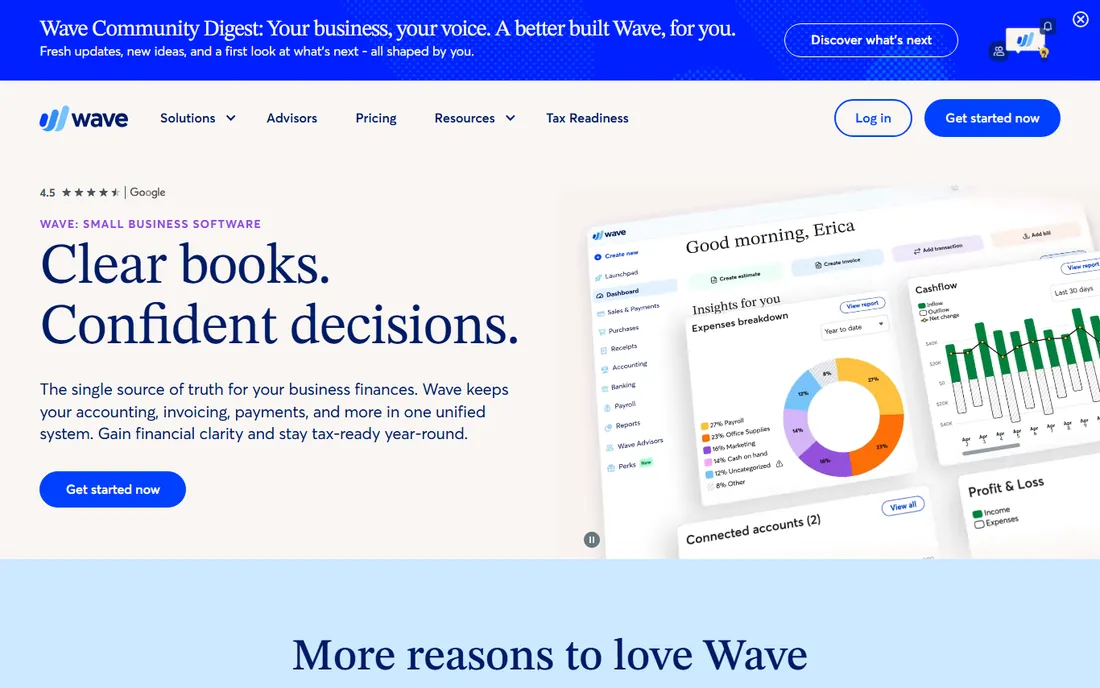
Wave is the free business ledger for the earliest stage of self-employment. The Starter plan costs nothing and covers invoicing, bookkeeping and financial reports; Pro at $19 per month adds automatic bank imports and receipt capture. For a freelancer just starting out, that is a complete business bookkeeping setup for zero dollars.
It does not do personal finance, so the household budget still needs an app. And growing businesses eventually need the invoicing depth or integrations of QuickBooks or Xero. But starting free removes every excuse for messy books, and Wave plus a free personal app like Rocket Money is a capable zero-cost stack.
What we like- Free double-entry accounting, invoicing and reports on the Starter plan
- Pro at $19 per month adds automatic bank imports
- No user limits
Watch out for- No personal budgeting features
- No payroll in the free tier
- You will outgrow it as the business gets complex

#10
FreshBooks
Best for: Freelancers who mainly need excellent invoicing with light expense tracking
Visit freshbooks.com
Starting price$23/month (Lite)
Free planFree trial (30 days)
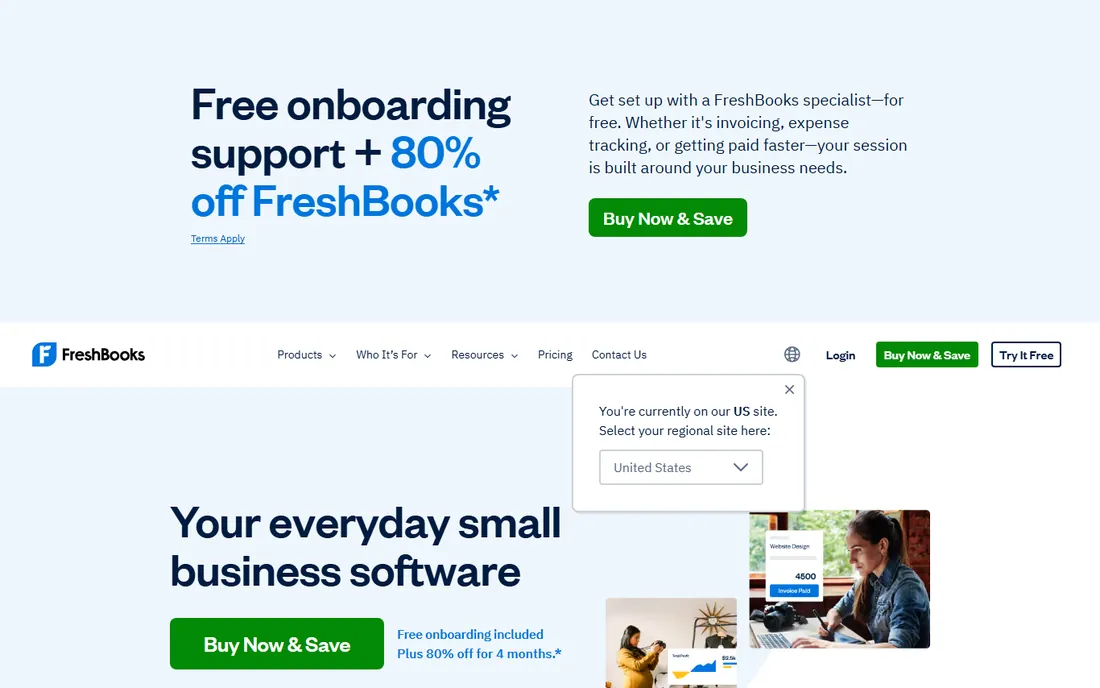
FreshBooks is the freelancer's invoicing tool that grew into light accounting. If your business is mostly sending invoices and tracking expenses, its workflow is the friendliest here: create a professional invoice in minutes, automate reminders, accept online payments and log billable time. The Lite plan at $23 per month fits a solo operator.
It is not a full ledger and not a personal finance app, so it plays one position in the stack. Freelancers who invoice heavily and want the personal budget handled elsewhere will find it the most pleasant business tool on this list, provided the client caps fit.
What we like- The best invoicing experience for freelancers: professional invoices, reminders and online payments
- Lite at $23 per month is affordable
- Time tracking built in for billable hours
Watch out for- No personal finance features
- Lite caps billable clients at 5
- Accounting depth is lighter than QuickBooks or Xero
One app or two: the architecture question
Nobody on this list except Quicken does both jobs, and Quicken's mobile experience shows it. The realistic choice is between one compromise app and two specialized ones. Two apps cost more and mean two logins, but each job gets the best tool: a budgeting app that makes daily spending visible, and a ledger that keeps the business audit-ready.
The deciding factor is how tangled your money is. If business and personal spending run through separate accounts already, two apps are clean and easy. If everything mixes in one account, Quicken's unified view earns its keep, or you commit to strict separation going forward. Either way, decide the architecture before comparing features; the wrong structure with the right apps still produces a mess.
Quick comparison
| Tool | Best for | Starting price | Free plan |
|---|
| Quicken | Self-employed people who want personal and business finances in one place | $4.99/month (Business and Personal, billed annually) | No (subscription only) |
| Monarch Money | Households that want the best-designed personal finance dashboard | See website | Free trial offered (see website) |
| YNAB | Freelancers with irregular income who want strict zero-based budgeting | See website | Free trial (34 days) |
| Copilot Money | Apple-ecosystem users who want beautiful, intelligent personal finance tracking | $13/month (monthly); $95/year ($7.92/month) | Free trial |
| Rocket Money | People whose main money problem is subscriptions and bill creep | See website | Yes (free plan with core features) |
| Empower | People who want free net worth and investment tracking with optional human advice | See website | Yes (free personal finance tools) |
| QuickBooks Online | The business half of the stack: invoicing, expenses and taxes for the self-employed | $38/month (Simple Start) | Free trial (30 days) |
| Xero | Self-employed people who want clean business books with unlimited users | $25/month (Early) | Free trial (30 days) |
| Wave | New freelancers who need free business bookkeeping from day one | $0 (Starter); $19/month (Pro) | Yes (Starter plan is free) |
| FreshBooks | Freelancers who mainly need excellent invoicing with light expense tracking | $23/month (Lite) | Free trial (30 days) |
Is your product missing or out of date?
We review this list regularly. Vendors can request a listing, send updated pricing or ask about featured placement.
How we chose
We interpreted the keyword the way a self-employed buyer would: software for managing personal money and business money, whether in one app or two. For each tool we opened the vendor's homepage, checked the vendor's own pricing page, and evaluated budgeting depth, business accounting features, bank connectivity and price. Where a vendor publishes no prices, the table says "See website." Tools that only do one job were included when they are the best at that job, since most buyers end up with a two-app stack.
What to check before you buy
First, decide the architecture: one app or two. If you choose two, pick the personal app and the business ledger independently against the criteria below; do not let one vendor's bundle talk you into a weak half.
For the personal app, check bank connectivity for your specific institutions, because a beautiful app that cannot sync your bank is useless. Confirm the budgeting method fits your temperament: YNAB demands engagement, Monarch and Copilot reward checking in, Rocket Money mostly watches subscriptions. For the business ledger, confirm invoicing, expense tracking and tax reports meet your needs, and check whether your accountant works with it.
Finally, count the total stack cost. Two subscriptions add up: a $13 Copilot plus a $38 QuickBooks is $51 per month before any payroll or add-ons. Quicken's $4.99 all-in-one looks cheap by comparison, which is exactly the trade to weigh against its dated experience.
Frequently asked questions
What is the best software for managing personal and business finances together?
Quicken's Business and Personal plan ($4.99/month billed annually) is the only option here built for both. Everyone else should plan on two tools: a personal finance app like Monarch Money or Copilot Money for the household, plus a business ledger like QuickBooks Online ($38/month) or Wave (free) for the business.
Can I use the same app for personal budgeting and business accounting?
Only Quicken truly tries, and it shows its age on mobile. The common professional setup is two specialized apps. Keep business and personal spending in separate bank accounts regardless of the software; that separation matters more than which apps you pick.
What is the cheapest way to manage both?
A zero-cost stack is possible: Rocket Money's free plan or Empower's free tools for personal tracking, plus Wave's free Starter plan for business bookkeeping. You get budgeting, subscription tracking, net worth and invoicing without paying anything, upgrading only when the business justifies it.
Is Monarch Money or YNAB better for freelancers?
YNAB suits freelancers with irregular income who will actively budget every dollar; its 34-day trial is the longest here. Monarch suits people who want a clear dashboard of spending, net worth and investments with less daily effort. Neither handles business accounting, so pair either with a ledger.
Do I need accounting software if I am self-employed?
Yes, from the first client payment. Even a free tool like Wave keeps business income and expenses separate, which your tax preparer will thank you for. Mixing business and personal spending in one account is the most common and most expensive mistake new freelancers make.
How much should personal finance software cost?
Personal finance apps run from free (Rocket Money, Empower) to about $13 per month (Copilot Money). Business ledgers run from free (Wave) to $38 per month (QuickBooks Online). A complete two-app stack typically costs $0 to $55 per month depending on the combination.
Sources we checked (10)
- https://quicken.com/
- https://www.monarchmoney.com/
- https://ynab.com/
- https://copilot.money/
- https://www.rocketmoney.com/
- https://www.empower.com/
- https://quickbooks.intuit.com/pricing
- https://www.xero.com/us/pricing-plans/
- https://www.waveapps.com/pricing
- https://www.freshbooks.com/pricing
Is your product missing or out of date?
We review this list regularly. Vendors can request a listing, send updated pricing or ask about featured placement.

Shihab Mia · Founder, Rankite
Shihab has spent more than a decade helping SaaS and e-commerce brands grow through search. He writes Rankite's software buying guides from pricing pages, documentation and public user reviews. More about Shihab.