How we make this list: we compare pricing pages, product documentation and public user reviews. Rankite is independent; if a vendor ever pays for a featured spot, that listing is clearly labeled Partner.
Key takeaways
- Adobe Acrobat remains the accuracy benchmark for PDF to Excel conversion, though pricing is only available from Adobe directly.
- Nitro PDF Pro and Able2Extract both put AI-driven table extraction front and center this year.
- Tabula is completely free and open source, though it only works on text-based PDFs, not scans.
- Smallpdf and Soda PDF offer genuinely useful free tiers for occasional conversions in the browser.
- Cogniview PDF2XL is the specialist pick when your entire workflow is PDFs into Excel, with OCR for scanned documents.
Quick comparison
Is your product missing or out of date?
We review this list regularly. Vendors can request a listing, send updated pricing or ask about featured placement.
The best PDF to Excel converter software
Starting priceSee website
Free planNo
Adobe invented the PDF format, and its Acrobat converter still sets the bar for accuracy. Export a PDF as an Excel workbook and the tables usually arrive with formatting intact, including data pulled from scanned pages through OCR. The newer Acrobat Studio tier adds PDF Spaces, an AI-powered workspace where you can chat with documents, generate summaries, and remix files into presentations.
The honest catch is cost and commitment. Adobe discontinued perpetual licenses, so you subscribe, and the feature set goes far beyond conversion into editing, signing, and collaboration. If your whole team lives in Acrobat already, the converter is excellent. If you only need PDFs into Excel, the cheaper specialists below deliver the core job for less.
What we like- The original PDF developer, with top-tier conversion fidelity
- Scanned documents become searchable and editable through OCR
- Works on desktop, web, and mobile
Watch out for- Subscription-only pricing
- Overkill if you convert the occasional file
Starting priceSee website
Free planNo
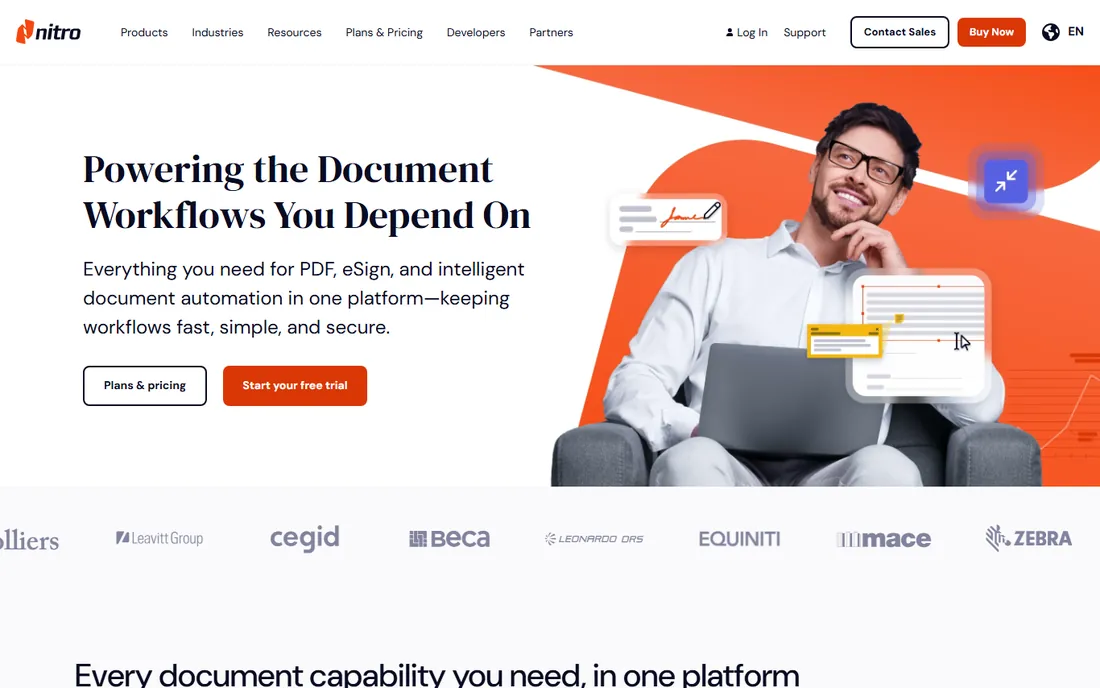
Nitro has repositioned itself this year around AI document tools, and Smart Table Extract is directly relevant to this guide. It automatically extracts tabular data from any PDF and delivers a clean, organized Excel file, working around the merged cells and misaligned columns that break lesser converters. Standard conversion covers Word, Excel, and PowerPoint with layout preservation, plus high-accuracy OCR.
Nitro is trusted by a large share of the Fortune 500 and positions itself as the cheaper enterprise alternative to Adobe. The honest catch is recent history: in 2025 the company moved to deactivate older perpetual licenses, pushing users to subscriptions. If you prefer perpetual software, look closely at the current licensing terms before buying.
What we like- Smart Table Extract uses AI to produce clean Excel files from tricky tables
- Batch OCR across scanned documents
- Generally cheaper than Adobe for teams
Watch out for- Occasional licensing controversies around older perpetual licenses
- Conversion interface has a learning curve
Starting price$129.99 perpetual
Free planFree trial
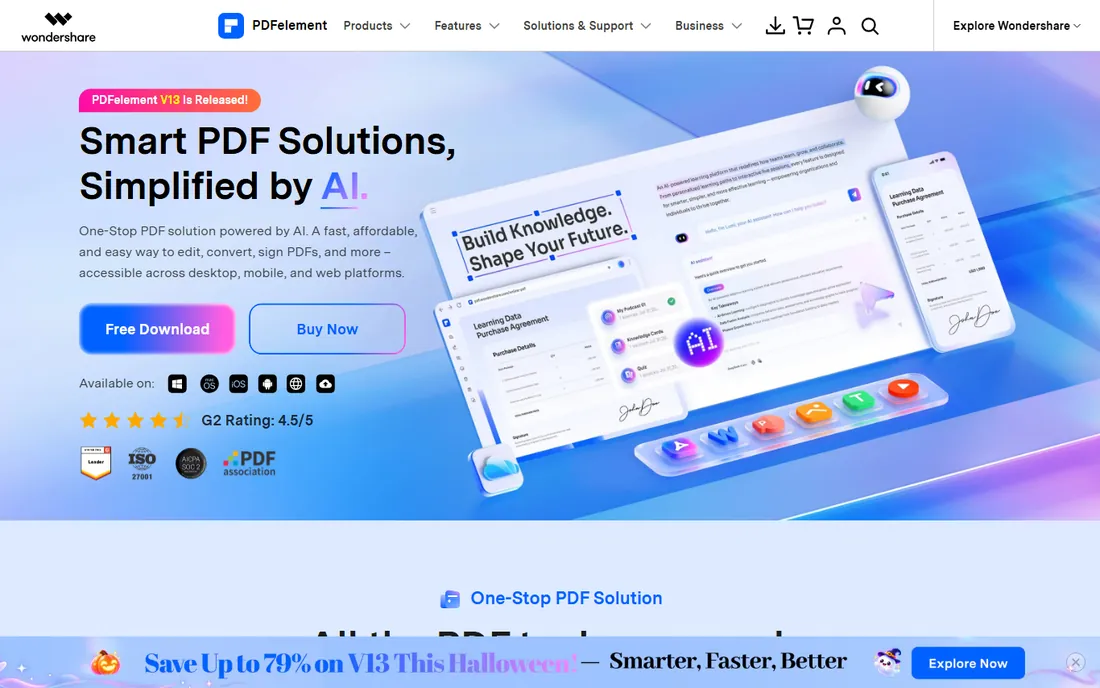
PDFelement is the budget answer to Acrobat. It converts PDFs to Excel, Word, and images in high quality, with batch conversion, OCR across 26 languages, and a full editor underneath. The personal perpetual plan is currently listed at $129.99, roughly half of what Adobe charges per year for a subscription, which makes it attractive for teams that dislike recurring fees.
The AI features are genuinely useful: summarize contracts, translate documents, and build an AI knowledge base across files. The honest catch is heavy-document performance. Users working with very large or complex files report occasional slowdowns and crashes, and support reviews are mixed. For everyday conversion workloads it is more than capable.
What we like- Perpetual license option from $129.99
- Batch conversion and OCR in 26 languages
- Cross-platform on Windows, Mac, iOS, Android, and web
Watch out for- Some users report stability issues with very large files
- Support responsiveness gets mixed reviews
Starting priceSee website
Free planYes
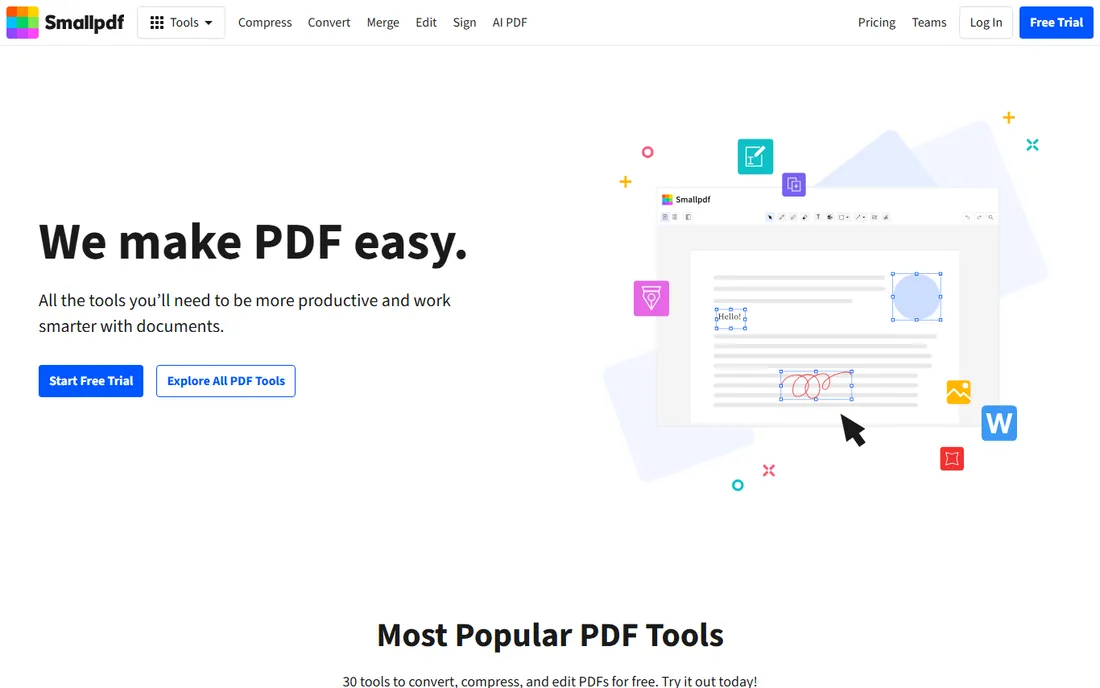
Smallpdf is the tool you reach for when someone sends you a PDF at 4:50 PM and the spreadsheet is due at five. The browser-based converter handles PDF to Excel without an install, and the free tier covers 30 tools including compress, merge, edit, and sign. Files are encrypted in transit and the company holds ISO 27001 certification.
A 7-day free trial gives unlimited access to everything. The honest catch is the free tier's daily limits, which run out fast if you convert more than a file or two a day. Pricing for the paid plan requires clicking through to the pricing page. For occasional use it is the simplest option on this list; for daily volume, get a desktop tool.
What we like- Free tools for occasional conversions with no install
- 30 PDF tools in one browser platform
- ISO 27001 certified with TLS encryption
Watch out for- Free usage is limited to a couple of actions per day
- Paid plan pricing is not shown on the homepage
Starting priceSee website
Free planYes
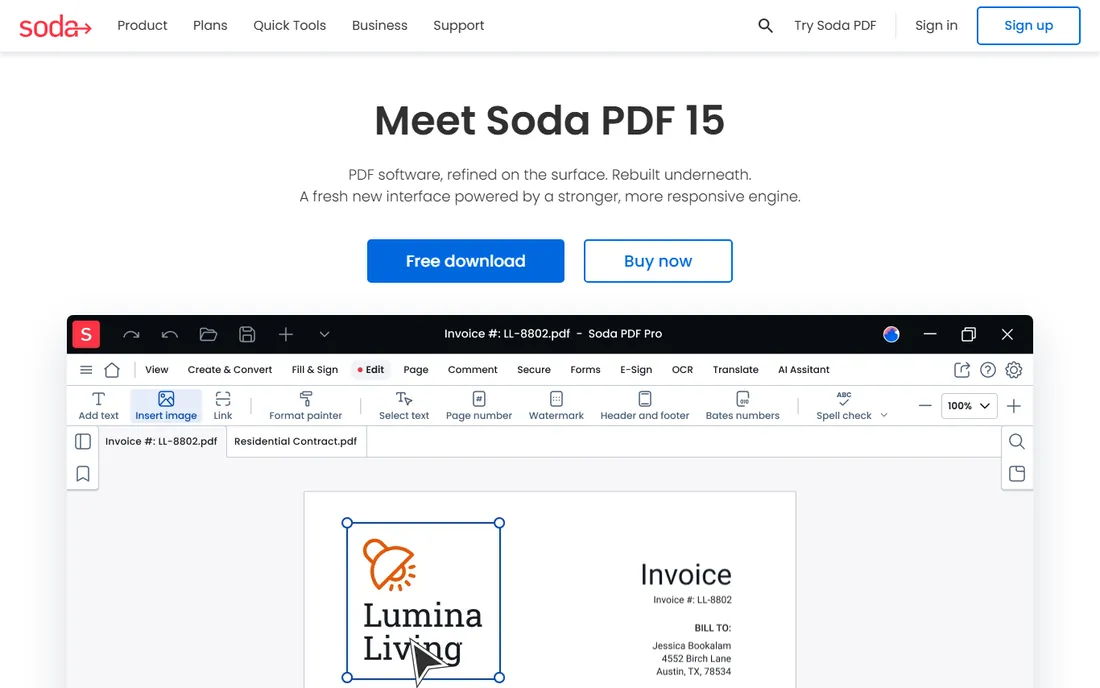
Soda PDF, from Avanquest, offers something few rivals do: a full desktop application plus a cloud platform under one brand. Soda PDF 15 refreshed the interface and engine this year, and the online version now includes an AI assistant and PDF translation that preserves layout. Free quick tools cover merge, compress, edit, convert, and split directly in the browser.
Batch conversion and OCR are available for higher-volume work, and there are volume licensing options for businesses. The honest catch is that on genuinely tricky tables, Adobe and the dedicated converters below still produce cleaner Excel output. Soda PDF is the convenience pick for teams that want one vendor for desktop and browser.
What we like- Both desktop and online versions from one vendor
- Free quick tools online with daily limits
- AI assistant and translate features added this year
Watch out for- Conversion accuracy trails Adobe on complex layouts
- The feature range across editions can be confusing
Starting priceSee website
Free planYes
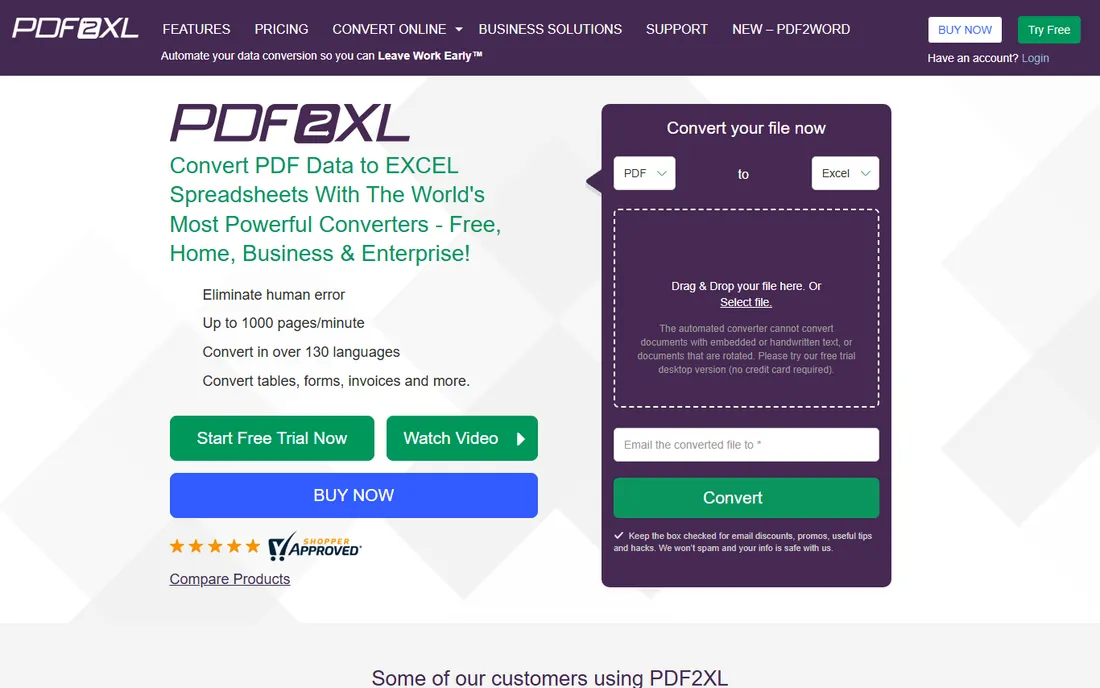
Cogniview's PDF2XL is the specialist of this list. Where everyone else converts among other jobs, PDF2XL exists to turn PDFs into Excel: smart layouts that create rows from text or lines, table recognition with append and split controls, suggested templates, and column transposition. OCR handles scanned documents in multiple languages, and batch plus command line processing automates recurring jobs like invoices and bank statements.
A free plan is available alongside home and business tiers. The honest catch is scope: this is not a PDF editor, and the interface feels utilitarian next to Smallpdf or Soda PDF. But if your workflow is the same report landing every week and needing to become a spreadsheet, the specialist beats the generalist every time.
What we like- Purpose-built for PDF to Excel with smart layouts and table recognition
- OCR for scanned documents in multiple languages
- Command line and server deployment for automation
Watch out for- Not a general PDF editor
- Windows-centric with a dated interface
Starting priceFree
Free planYes
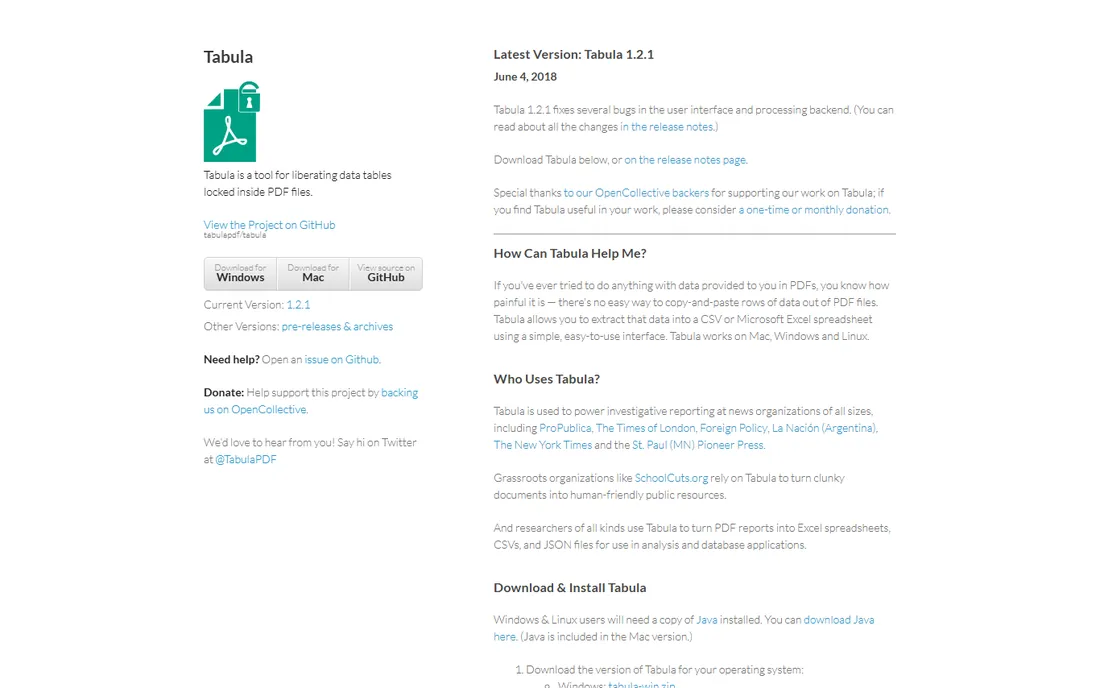
Tabula is the outlier: free, open-source software built by journalists for liberating data tables trapped in PDFs. Upload a PDF, drag a box around the table, preview the extraction, and export to CSV or Excel. It powers investigative reporting at news organizations including ProPublica and The New York Times, and it runs on Mac, Windows, and Linux.
The honest catch is technical and practical. Tabula only works on text-based PDFs, so scanned documents are out, and the Java-based interface is functional rather than friendly. There is no batch processing or OCR. But for extracting a table from a government report or a financial filing, it costs nothing and does exactly what it says.
What we like- Completely free and open source, always
- Draw a box around any table and export to CSV or Excel
- Used by major newsrooms for data journalism
Watch out for- Only works on text-based PDFs, not scanned documents
- The interface is bare-bones and Java-based
How we chose
We compared tools that reviewers and users actually name for PDF to Excel conversion, checking each vendor's own site, pricing pages, and documentation in October 2026. We weighed conversion accuracy reports from TechRadar and similar outlets, public reviews on G2, Capterra, and Trustpilot, and the real capabilities of free options. We never claim hands-on testing. No tool was included without a verifiable live homepage.
What to look for before you convert
Test with your actual documents
Converter accuracy depends enormously on your specific files: merged cells, nested tables, and scanned pages break converters in different ways. Use the free trials to convert three of your real PDFs, the ugliest ones you have, and check the output cell by cell. A converter that nails a clean invoice may fail on your bank statement.
Decide scanned versus native first
Text-based PDFs and scanned images are different problems. Native PDFs extract directly; scans need OCR first. If most of your files are scans, prioritize OCR quality and language support, and consider a tool like PDFelement or PDF2XL with strong OCR. Tabula is excellent but cannot help with scans at all.
Count how often you convert
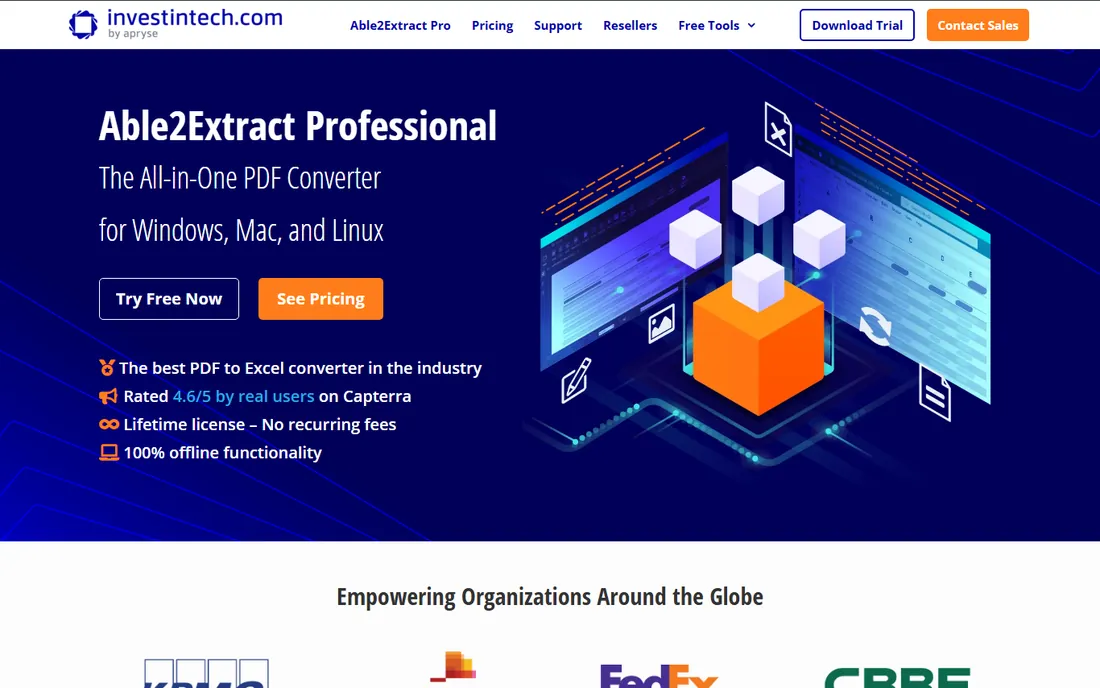
Occasional converters should stay in the browser with Smallpdf or Soda PDF's free tools. Weekly batch jobs justify a desktop specialist like Able2Extract or PDF2XL with automation. Daily team-wide conversion belongs in an editor suite like Acrobat, Nitro, or PDFelement where conversion is one feature among many.
This year's feature race is not about better PDF editing; it is about getting data out of PDFs. Nitro's Smart Table Extract, Adobe's PDF Spaces, and the AI assistants appearing in Soda PDF and PDFelement all point the same way: vendors know their users spend hours moving numbers from PDFs into spreadsheets, and they are racing to automate that specific pain.
For buyers, this is good news with a caveat. AI extraction is genuinely better at messy tables than rule-based conversion. But AI also guesses, and a guessed number in a financial spreadsheet is worse than an obviously broken one. Keep a human review step in the loop until you have verified a tool against your own documents.
Frequently asked questions
What is the best PDF to Excel converter overall?
Adobe Acrobat remains the accuracy benchmark for most document types, with Nitro PDF Pro close behind and cheaper for teams. For conversion-only work at lower cost, Able2Extract and Cogniview PDF2XL are strong specialists. For free, Tabula handles text-based PDFs well.
Is there a free PDF to Excel converter?
Yes. Tabula is free and open source forever, though it only handles text-based PDFs. Smallpdf and Soda PDF offer free online conversion with daily limits, and Cogniview PDF2XL has a free plan. PDFelement, Nitro, and Able2Extract offer free trials.
Can these tools convert scanned PDFs to Excel?
Most paid tools can, using OCR: Adobe Acrobat, Nitro PDF Pro, PDFelement, Able2Extract, and PDF2XL all include it. Tabula cannot, since it only works on text-based PDFs. OCR accuracy varies with scan quality, so test with your own files.
Why does my converted Excel file need cleanup?
PDFs store text by position on a page, not in rows and columns, so converters must reconstruct the table structure. Merged cells, multi-line entries, and decorative layouts confuse the reconstruction. AI-based table extraction is improving this, but complex financial statements still need a human check.
Should I buy a converter or a full PDF editor?
If conversion is an occasional task, use a free online tool or a dedicated converter. If your team also edits, signs, and collaborates on PDFs daily, a full editor suite like Acrobat, Nitro, or PDFelement bundles conversion with everything else at a better total price.
What is the difference between PDFelement and Adobe Acrobat pricing?
Adobe Acrobat is subscription-only, while PDFelement offers a perpetual license currently listed at $129.99 for the personal plan. Over two to three years, the perpetual license typically costs less, though Adobe includes cloud services and continuous feature updates that the perpetual plan does not.
Sources we checked (8)
- https://www.adobe.com/acrobat.html
- https://gonitro.com/
- https://pdf.wondershare.com/
- https://smallpdf.com/
- https://sodapdf.com/
- https://www.investintech.com/
- https://cogniview.com/
- https://tabula.technology/
Is your product missing or out of date?
We review this list regularly. Vendors can request a listing, send updated pricing or ask about featured placement.

Shihab Mia · Founder, Rankite
Shihab has spent more than a decade helping SaaS and e-commerce brands grow through search. He writes Rankite's software buying guides from pricing pages, documentation and public user reviews. More about Shihab.
 Adobe Acrobat
 Nitro PDF Pro
 Wondershare PDFelement
 Smallpdf
 Soda PDF
 Able2Extract
 Cogniview PDF2XL
 Tabula