How we make this list: we compare pricing pages, product documentation and public user reviews. Rankite is independent; if a vendor ever pays for a featured spot, that listing is clearly labeled Partner.
Key takeaways
- For personal use, TeamViewer, AnyDesk and RustDesk all have free tiers. Do not pay for a subscription to help family members with their PCs.
- Small businesses get the best value from RemotePC and Zoho Assist, which undercut the big names on price while covering the core features.
- MSPs and IT departments should shortlist ConnectWise ScreenConnect and Splashtop for multi-tech licensing, unattended access and integrations.
- If data control matters, RustDesk lets you self-host the connection servers. No other tool on this list gives you that option at zero cost.
- Security features (2FA, encryption, session logging) should be non-negotiable. Every tool here has them; verify they are turned on.
Quick comparison
| Tool | Best for | Starting price | Free plan |
|---|
 TeamViewer TeamViewer | Enterprise IT and support teams | See website | Yes |
 AnyDesk AnyDesk | Fast, lightweight connections | See website | Yes |
 RemotePC RemotePC | Budget-conscious small teams | See website | Free trial |
 Splashtop Splashtop | High-performance remote access | See website | Free trial |
 Zoho Assist Zoho Assist | Free tier for small teams | $10 per technician/month (billed annually) | Yes |
 ConnectWise ScreenConnect ConnectWise ScreenConnect | MSPs and help desks | See website | Free trial |
 RealVNC RealVNC | VNC-standard environments | See website | Yes |
 RustDesk RustDesk | Self-hosted open source | Free | Yes |
Is your product missing or out of date?
We review this list regularly. Vendors can request a listing, send updated pricing or ask about featured placement.
Most remote desktop tools do the same basic job: show you a distant screen and let you click on it. The differences that matter are price, connection quality, how many devices and technicians the license covers, and whether the vendor's idea of "free" matches yours. Here is how the eight serious options stack up in 2026.
Starting priceSee website
Free planYes
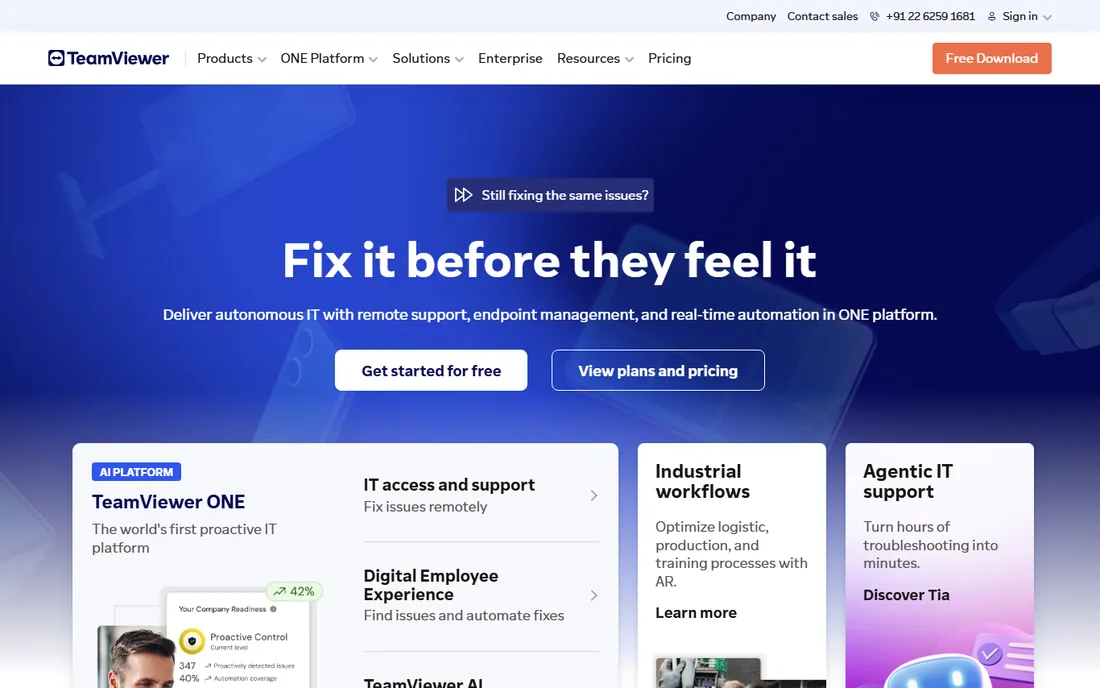
TeamViewer is the name everyone knows, and for large IT operations it earns that position. The paid plans cover unattended access, multi-user sessions, session recording, SSO, audit logs and integrations with ServiceNow, Salesforce and Microsoft Teams. If you need SOC 2, HIPAA or GDPR compliance documentation, TeamViewer has the paperwork ready.
The pricing is the pain point. Commercial plans cost several times what budget competitors charge, and the free personal tier will interrupt sessions it suspects are commercial. For a one-person IT shop, that math rarely works. For a 50-tech support organization, the integrations and compliance story can justify it. Check the current pricing page; the tiers changed names recently.
What we like- Free for personal use
- Broad platform support including mobile and IoT
- Enterprise integrations and compliance certifications
Watch out for- Expensive commercial licenses
- Free tier aggressively flags suspected commercial use
Starting priceSee website
Free planYes
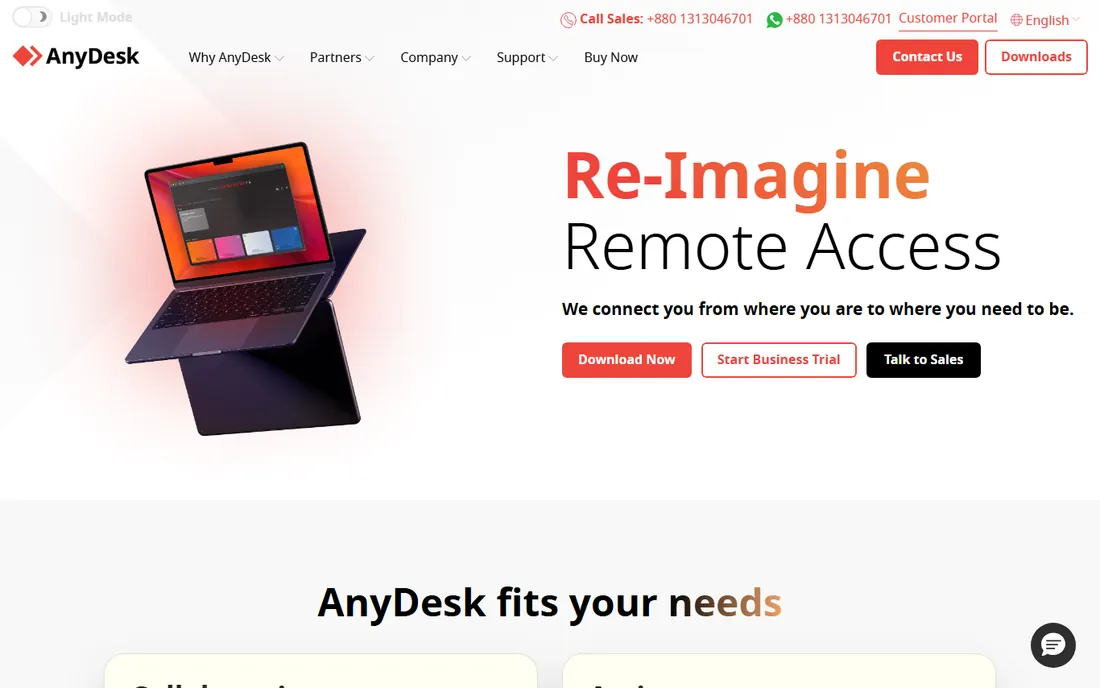
AnyDesk built its reputation on speed. The client is a few megabytes, connections establish in seconds, and its proprietary codec keeps frame rates usable on poor connections where heavier tools stutter. For technicians who jump between machines all day, that responsiveness adds up.
Like TeamViewer, AnyDesk is free for personal use and paid for commercial use, with per-seat licensing that scales with your team size. It lacks some of TeamViewer's enterprise extras (the ITSM integration list is shorter), but for pure remote control quality it is the tool many technicians prefer. Try the free version on your worst connection before deciding.
What we like- Tiny download with fast setup
- Strong performance on slow connections
- Free for personal use
Watch out for- Commercial licenses still pricey
- Fewer enterprise integrations than TeamViewer
Starting priceSee website
Free planFree trial
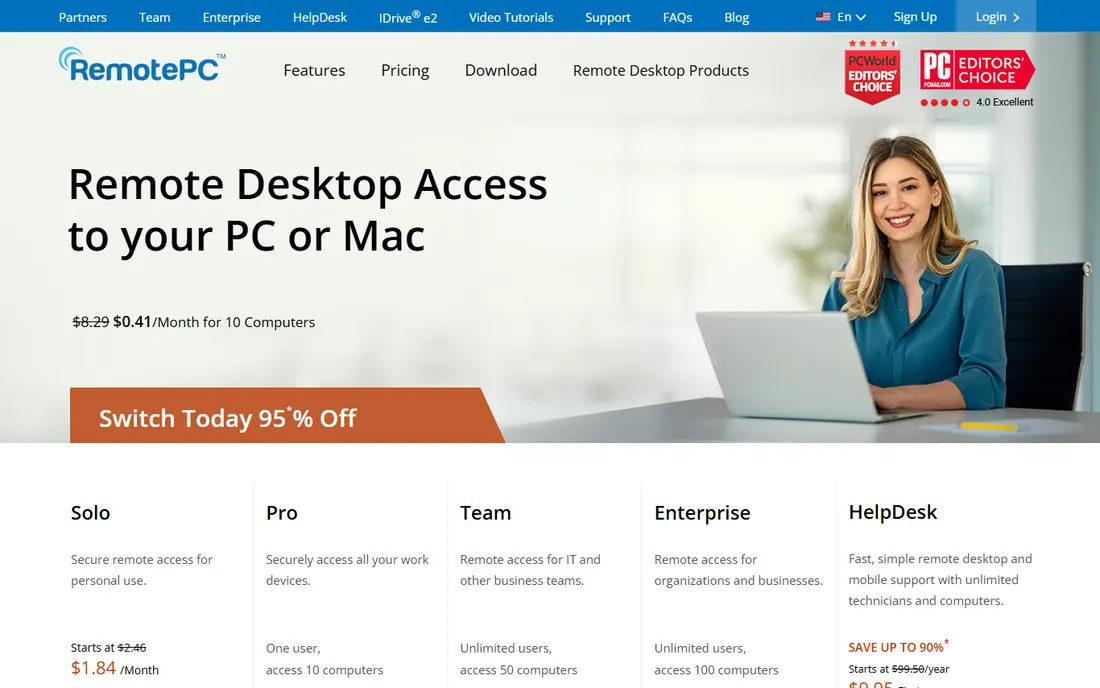
RemotePC is the value pick that keeps showing up in small-business shortlists. The plans start at a few dollars per month and cover multiple computers, which undercuts TeamViewer and AnyDesk by an order of magnitude. You get always-on remote access, file transfer, remote printing, multi-monitor support and a 7-day free trial with no credit card required.
It is made by the same company behind IDrive backup, and it shows in the no-nonsense product design. You will not find AR-assisted support or deep ITSM integrations here. But if your need is "reach my office PCs and my clients' machines reliably," RemotePC covers it at a price that makes the decision easy.
What we like- Very low prices with generous device allowances
- Always-on access and file transfer included
- Simple plans
Watch out for- Smaller feature set than the leaders
- Interface is functional rather than polished
Starting priceSee website
Free planFree trial
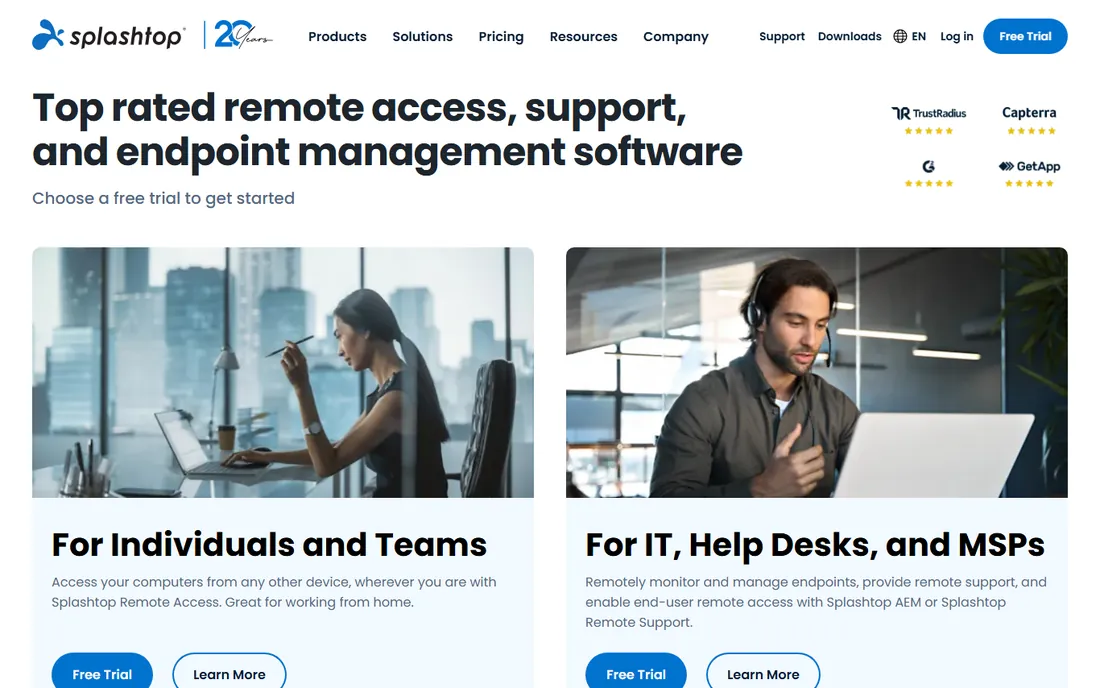
Splashtop splits its offering into Business Access (for reaching your own machines) and Remote Support/SOS (for supporting others), which lets you buy only what you need. Performance is its calling card: 4K streaming at high frame rates makes it popular with video editors, CAD users and anyone who needs a remote machine to feel local.
Pricing sits between the budget tools and TeamViewer, and the 7-day free trial needs no credit card. The main complaint is the product naming; make sure you are pricing the right edition. For creative teams and schools where visual fidelity matters, Splashtop is usually the best-performing option per dollar.
What we like- Excellent streaming performance for creative and CAD work
- Separate products for access and support
- Competitive pricing
Watch out for- Product lineup can confuse buyers
- No permanent free tier
Starting price$10 per technician/month (billed annually)
Free planYes
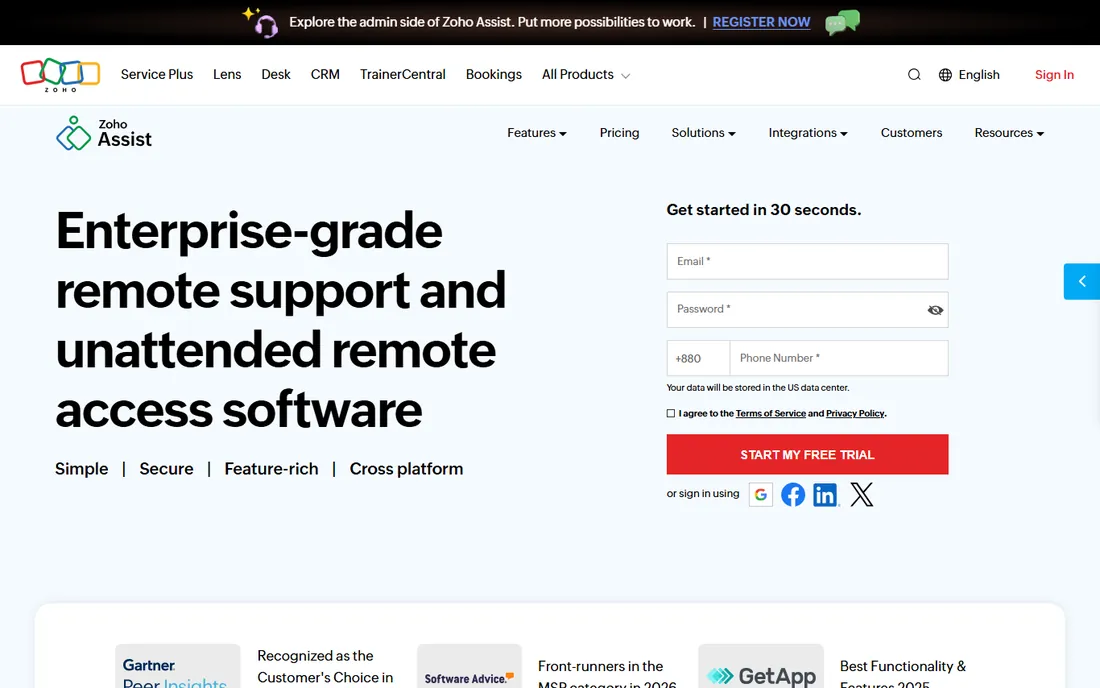
Zoho Assist deserves attention for its free plan alone: one technician and a handful of unattended computers with no time limits on sessions. For a freelancer or a tiny IT team, that is enough to run a real support operation at zero cost. Paid remote support plans start at $10 per technician per month billed annually, which is the lowest entry price among the commercial tools here.
The trade-off is depth. Session recording, remote printing and some diagnostic tools sit in the higher tiers, and the integration catalog is thinner than TeamViewer's. If you already use Zoho Desk or other Zoho apps, the native integration makes Assist an easy pick. Check the pricing page for the current free-plan limits.
What we like- Genuinely useful free plan
- Paid plans start low
- Integrates with the Zoho ecosystem
Watch out for- Advanced features gated behind higher tiers
- Smaller third-party integration list
Starting priceSee website
Free planFree trial
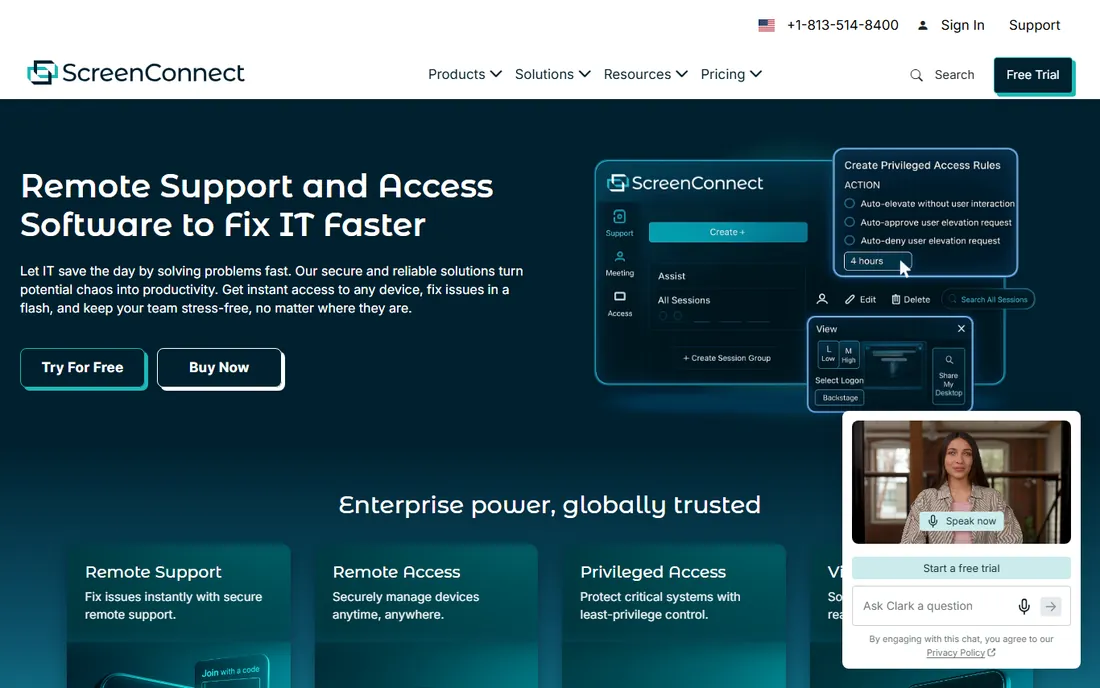
ScreenConnect (formerly ConnectWise Control) is the technician's tool. It handles unattended access, remote support sessions, command-line access, file transfer and session auditing across Windows, Mac, Linux and mobile, with per-technician licensing that suits MSPs. The self-hosted option lets larger shops run the server on their own infrastructure.
This is not a tool for helping your parents. The interface assumes IT knowledge, and the pricing reflects a professional audience. But for MSPs already in the ConnectWise ecosystem (Automate, PSA), the integration story is compelling. If you support hundreds of endpoints, put it on the shortlist and run the free trial against your actual ticket volume.
What we like- Built for multi-technician support teams
- Self-hosted option
- Deep ConnectWise ecosystem integration
Watch out for- Aimed squarely at professionals
- Overkill and overpriced for personal use
Starting priceSee website
Free planYes
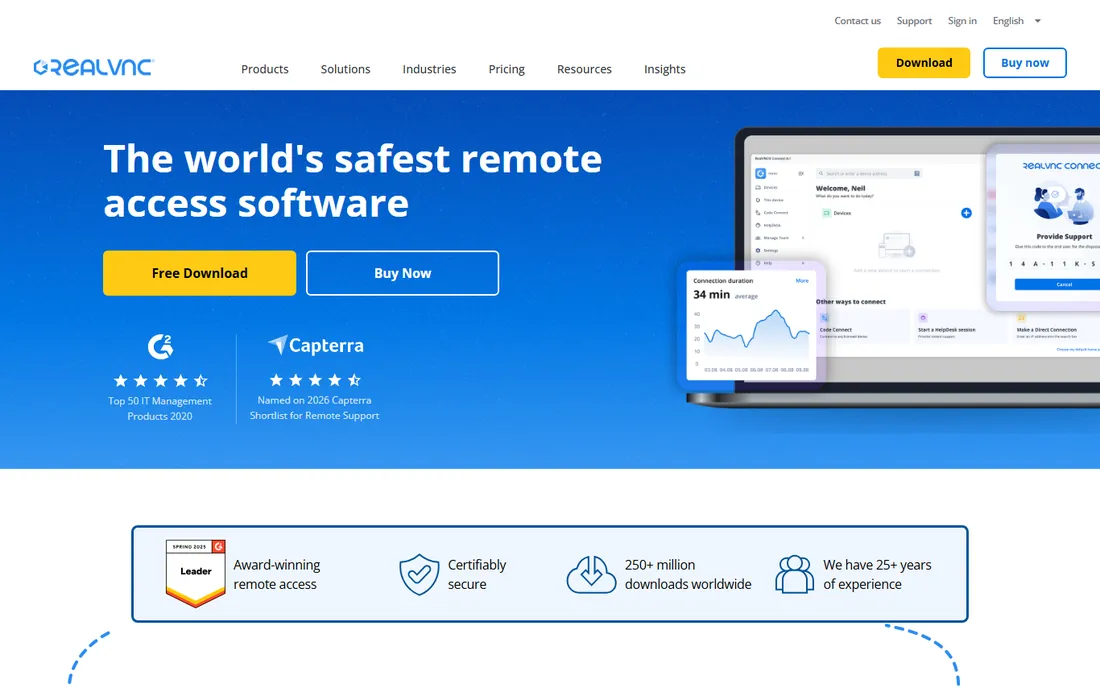
RealVNC is the company behind the VNC protocol that started it all. VNC Connect offers cloud-brokered connections with end-to-end encryption, plus direct connections for those who prefer the classic approach. It is lightweight, cross-platform and dependable, with a free tier for personal use.
It feels old-school next to TeamViewer or Splashtop: fewer bells, less hand-holding, no AR features. But in environments standardized on VNC (labs, embedded systems, mixed-OS shops), RealVNC is the supported, maintained choice rather than a random open-source viewer. If your infrastructure already speaks VNC, start here.
What we like- Open VNC standard with wide compatibility
- Lightweight and reliable
- Free tier for personal use
Watch out for- Fewer convenience features than modern competitors
- Cloud service required for easy NAT traversal
Starting priceFree
Free planYes
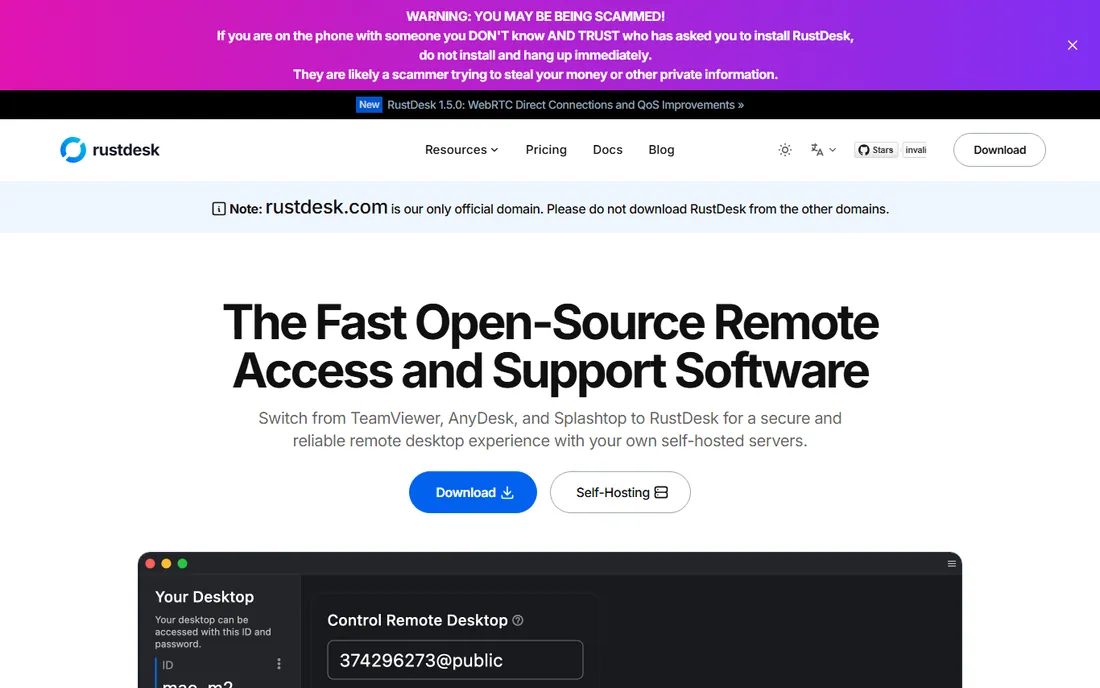
RustDesk is the open-source answer to TeamViewer. The client is free, the code is public, and you can run your own rendezvous and relay servers so no third party ever sees your connection metadata. For privacy-conscious teams, regulated environments and anyone tired of subscription pricing, that is a powerful combination.
The catch is operational: self-hosting means you maintain the servers, and the commercial Pro server (for advanced management features) is a separate paid product. Community support is good but not a SLA. If you have the technical chops, RustDesk delivers commercial-grade remote control at the cost of a small VPS.
What we like- Fully open source client
- Self-host your own servers for full data control
- Free with no feature paywall on the client
Watch out for- Self-hosting requires technical setup
- Smaller support ecosystem than commercial vendors
How to pick without overpaying
Count your technicians and your endpoints before you look at prices. Most tools license per technician (who connects) or per endpoint (what gets connected to), and the cheapest option flips depending on your ratio. A five-tech team supporting 500 machines wants per-tech pricing; a one-person shop with three PCs wants per-device or a free tier.
Test on your worst network, not your best. Remote desktop quality collapses on hotel Wi-Fi and rural broadband, and that is exactly where you will use it. Run the free trial from a bad connection and see which tool stays usable.
Check the security defaults. Two-factor authentication, encryption and session logging should be on by default, not buried in settings. If a vendor charges extra for SSO or audit logs, factor that into the real price.
Mistakes buyers keep making
The classic mistake is buying TeamViewer for a two-person company because it is the famous one. Fame is not a feature. A $30-per-year tool that covers your actual needs beats a $600-per-year tool whose extra features you never open.
The second mistake is ignoring the free tier limits. "Free for personal use" does not cover your side business, and vendors do enforce it. If you earn money with the tool, buy a license; the interruption warnings are not bluffs.
The third is forgetting mobile. If you will ever support a phone or tablet, or connect from one, verify the mobile apps exist and work before you commit. Some tools treat mobile as a second-class citizen.
How we chose
We compared the remote desktop market using vendor pricing pages, published feature lists, and user reviews on G2, Capterra and Reddit. We included tools with active development, cross-platform support and a clear pricing model, covering free personal options, budget business tools and MSP-grade platforms. We did not perform hands-on testing; our notes reflect documented features and reported user experience.
Frequently asked questions
What is the best free remote control software?
For personal use, TeamViewer, AnyDesk and RustDesk all offer free tiers. RustDesk is fully open source and lets you self-host. For small teams, Zoho Assist's free plan covers one technician with unattended access.
Is TeamViewer still free?
Yes, TeamViewer remains free for non-commercial personal use. Commercial use requires a paid subscription, and the software may flag and interrupt sessions it believes are commercial.
What is the cheapest remote desktop software for business?
RemotePC and Zoho Assist are the cheapest commercial options, with paid plans starting around $10 per month or less. Both cover the core features small businesses need.
Can I self-host remote desktop software?
Yes. RustDesk lets you self-host the connection servers, and ConnectWise ScreenConnect offers a self-hosted deployment option. Self-hosting gives you full control over your data but requires you to maintain the servers.
Do I need fast internet for remote desktop?
Not necessarily. Tools like AnyDesk and RustDesk are designed to work on slow connections, though performance varies. Test any tool on your actual network conditions during the free trial.
Which remote tool is best for MSPs?
ConnectWise ScreenConnect and Splashtop are built for multi-technician support operations, with per-tech licensing, unattended access, session auditing and integrations. TeamViewer also serves this market at a higher price point.
Sources we checked (8)
- https://www.zoho.com/assist/pricing.html?src=zblog-header
- https://www.teamviewer.com
- https://anydesk.com/en
- https://www.remotepc.com/
- https://www.splashtop.com
- https://screenconnect.connectwise.com/
- https://www.realvnc.com/en/
- https://rustdesk.com
Is your product missing or out of date?
We review this list regularly. Vendors can request a listing, send updated pricing or ask about featured placement.

Shihab Mia · Founder, Rankite
Shihab has spent more than a decade helping SaaS and e-commerce brands grow through search. He writes Rankite's software buying guides from pricing pages, documentation and public user reviews. More about Shihab.