How we make this list: we compare pricing pages, product documentation and public user reviews. Rankite is independent; if a vendor ever pays for a featured spot, that listing is clearly labeled Partner.
Key takeaways
- Homebase pairs free scheduling (up to 10 employees) with a $49/month payroll add-on, the cheapest native schedule-plus-payroll combo for tiny teams.
- Per-location pricing (Homebase, 7shifts) beats per-user pricing (Deputy, When I Work) once your team passes about 15 people.
- Gusto and Rippling come at this from the payroll side: strong pay runs and tax filing, with time tracking and scheduling added on.
- 7shifts and Square win for restaurants because their schedules talk to POS data and tips.
Quick comparison
| Tool | Best for | Starting price | Free plan |
|---|
 Homebase Homebase | Hourly teams up to 10 staff, then growing locations | $0 (Basic); $30/month per location (Essentials); payroll add-on $49/month + $6/employee | Yes (Basic, free up to 10 employees, 1 location) |
 Deputy Deputy | Multi-location teams that need demand forecasting | $5/user/month (Lite); Deputy Payroll by Paycor $49/month + $8/user | Free trial (31 days) |
 When I Work When I Work | Small shift teams that want the cheapest credible scheduling | $2.50/user/month (Essentials) | Free trial (14 days) |
 Square Square | Restaurants, cafes and shops already on Square POS | Shifts Free $0 (up to 5 team members); Shifts Plus $4.50/team member/month; Payroll $35/month + $6/person | Yes (Shifts Free tier, no trial needed) |
 QuickBooks QuickBooks | Businesses whose books already live in QuickBooks | Payroll Core $50/month + $6.50/employee; Payroll Premium $88/month + $10/employee (QuickBooks Time bundled) | Free trial (30 days) |
 Gusto Gusto | US small businesses that want payroll handled first | $49/month + $6/employee (Simple); time tracking needs Plus at $80/month + $12/employee | No |
 Rippling Rippling | Growing companies that want HR, scheduling and payroll on one record | Payroll from $35/month + $12/user/month; Time and Attendance is a separate module | No |
 Connecteam Connecteam | Deskless teams that need scheduling, time clock and chat in one app | $29/month for first 30 users (Operations Basic, billed annually) | Yes (free up to 10 users; 14-day free trial of paid plans) |
 7shifts 7shifts | Restaurants that need scheduling built around restaurant life | Free (Comp plan); paid plans from $19.99/location/month | Yes (Comp plan, plus 14-day trial of The Works) |
Is your product missing or out of date?
We review this list regularly. Vendors can request a listing, send updated pricing or ask about featured placement.
The best payroll and scheduling software
A restaurant owner I once advised was paying for three different tools: one to build the weekly rota, one to clock people in, and one to run payroll. Each worked fine alone. The problem was the seams between them: hours copied by hand from the time clock into payroll, shift swaps nobody told payroll about, and tips that arrived at tax time as a guessing exercise. The software below closes those seams by combining the schedule, the time clock and payroll in one place, or by making the handoff between them automatic.
Starting price$0 (Basic); $30/month per location (Essentials); payroll add-on $49/month + $6/employee
Free planYes (Basic, free up to 10 employees, 1 location)
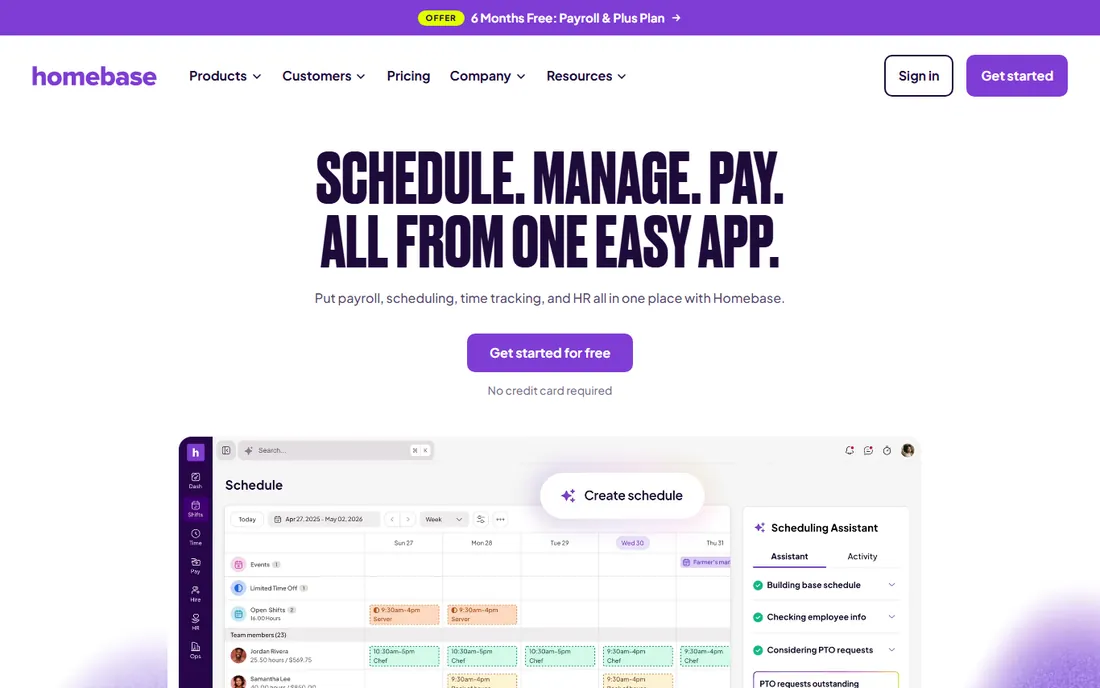
Homebase is the only tool on this list that gives you real scheduling and time tracking for free, with no credit card and no trial clock ticking. The Basic plan covers up to 10 employees at one location: schedule building, a mobile time clock, team messaging and POS connections. Essentials at $30 per month per location adds GPS-verified clock-ins, late alerts and better scheduling tools, with unlimited team members.
The payroll add-on is what earns its place here. For a flat $49 per month plus $6 per employee paid, Homebase turns approved timesheets into unlimited pay runs with automated tax filings across states. The cost math is friendly to hourly businesses: a 12-person cafe on Essentials plus payroll pays about $30 + $49 + $72 = $151 per month, with no per-user subscription tax on the scheduling side. Annual billing cuts plan prices by 20 percent.
What we like- Generous free scheduling tier for tiny teams
- Per-location pricing keeps costs flat as you hire
- Native payroll add-on with multi-state tax filing
Watch out for- Timesheet history and GPS tracking are limited on Basic
- Payroll is a separate add-on, not included in any plan
#2
Deputy
Best for: Multi-location teams that need demand forecasting
Visit deputy.com
Starting price$5/user/month (Lite); Deputy Payroll by Paycor $49/month + $8/user
Free planFree trial (31 days)
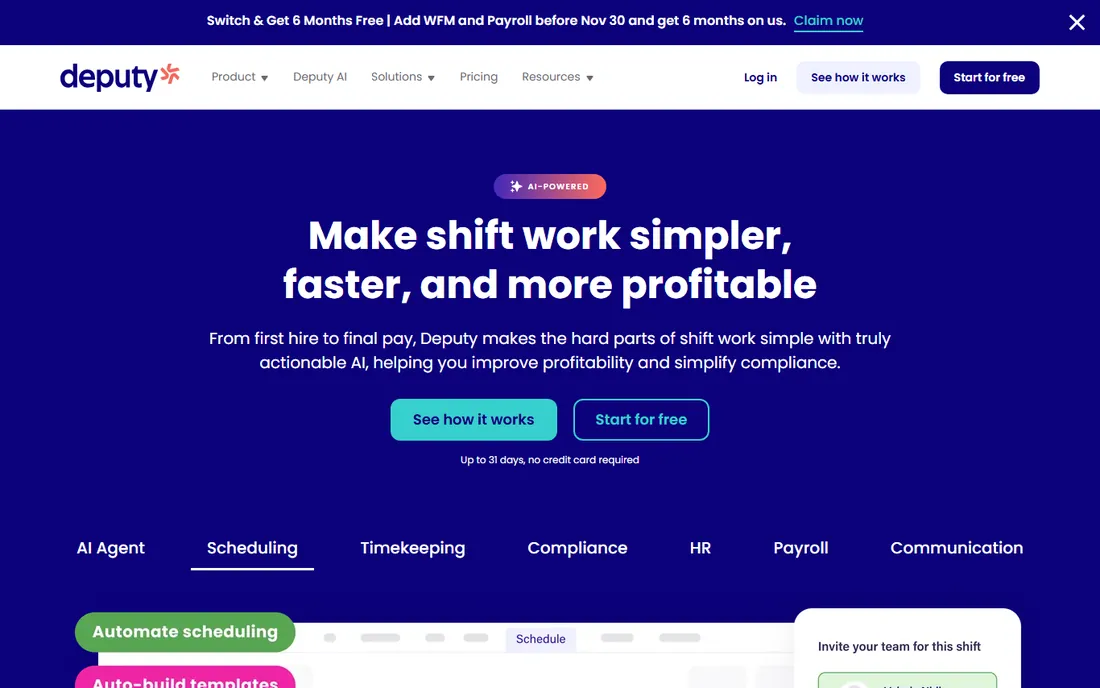
Deputy takes scheduling seriously enough to build forecasts around it. Core at $6.50 per user per month adds auto-scheduling, demand forecasting, labor optimization and wage budgets on top of Lite's scheduling and time clocking. A manager can see forecast sales against scheduled wages before publishing the week, which is the difference between reacting to labor costs and controlling them.
Payroll arrives through Deputy Payroll, enabled by Paycor, at $49 per month plus $8 per user. Approved timesheets, pay rates and leave flow into Paycor with one click. It is only sold on annual Core and Pro plans in the US, so seasonal businesses paying monthly are left with the payroll integrations instead. All users count toward billing, including managers, and a $30 monthly minimum applies to small accounts.
What we like- Strong auto-scheduling with demand forecasting and wage budgets
- Native payroll add-on in the US via Paycor
- Biometric time clocking stops buddy punching
Watch out for- Per-user pricing climbs fast on big rosters
- Payroll add-on is only available on annual Core and Pro plans in the US
#3
When I Work
Best for: Small shift teams that want the cheapest credible scheduling
Visit wheniwork.com
Starting price$2.50/user/month (Essentials)
Free planFree trial (14 days)
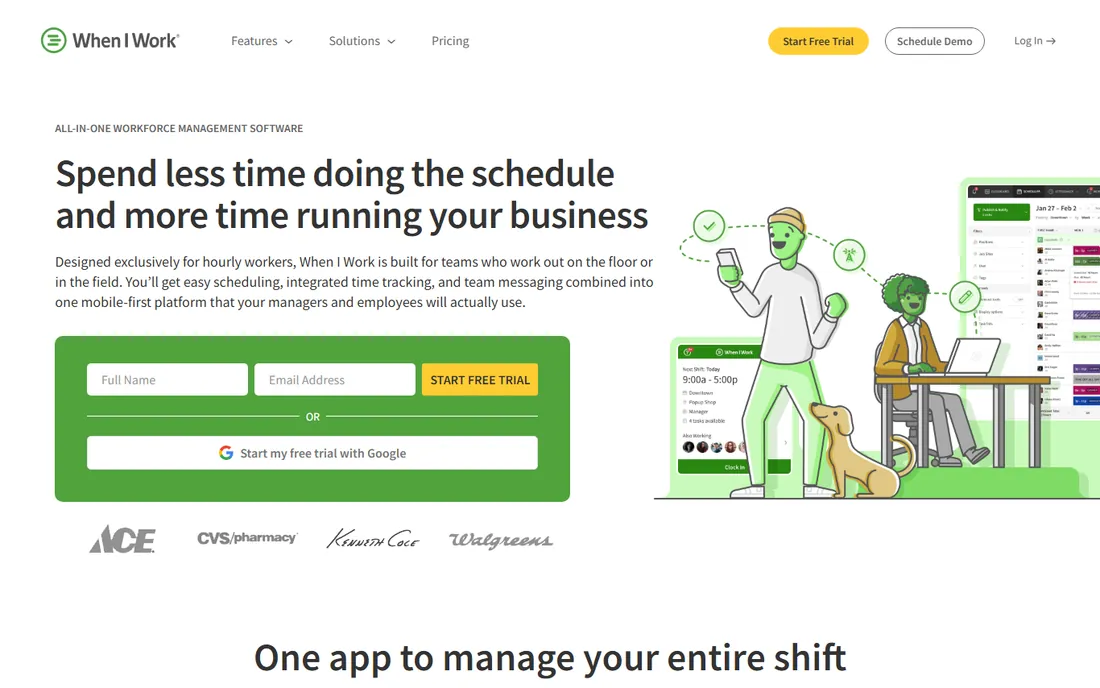
When I Work keeps the pitch simple: $2.50 per user per month for Essentials, with unlimited users, auto scheduling, time tracking and team messaging included. Pro at $5 adds advanced scheduling rules, labor sharing and custom reporting, while Premium at $8 brings API access and SSO. Every plan includes time and attendance, and there are no premium upsells for basic tools.
There is no When I Work payroll product. The payroll story is a long integrations list: Gusto, QuickBooks, ADP Workforce Now, Square and several others, with the company naming Rippling its preferred payroll partner. Timesheets export into whichever system you run, so the combination works, but it is a partnership, not a product. A 20-person team on Essentials pays $50 per month before paying their payroll vendor anything.
What we like- Lowest per-user starting price in the category
- Unlimited users and auto scheduling on the entry plan
- Direct integrations with Gusto, QuickBooks, ADP and Square
Watch out for- No native payroll, everything is an integration
- No geofencing or biometric clock-in options on the lower tiers
Starting priceShifts Free $0 (up to 5 team members); Shifts Plus $4.50/team member/month; Payroll $35/month + $6/person
Free planYes (Shifts Free tier, no trial needed)
Square sells the register, the schedule and payroll as one unit. Shifts Free gives basic scheduling and time tracking for up to five team members at no cost, and Shifts Plus at $4.50 per team member per month adds open shifts, shift swapping, time-off management, geofenced clock-ins and labor-versus-sales reports. Plus carries a 30-day free trial.
The payroll side is Square Payroll at $35 per month plus $6 per person paid, with timecards, tips and overtime flowing straight from the register. Contractors can be paid for $6 per person with no base fee. A 12-person restaurant on Shifts Plus and full payroll pays $54 + $35 + $72 = $161 per month. If you are not on Square POS, the native sync is the only reason to choose this over the specialists, and it disappears the moment you leave the ecosystem.
What we like- Hours, tips and commissions flow from Square POS into payroll automatically
- Free scheduling tier for teams of five or fewer
- No contracts, upgrade or cancel anytime
Watch out for- Scheduling value collapses outside the Square ecosystem
- Full-service payroll is still a separate $35 base plus $6 per person
Starting pricePayroll Core $50/month + $6.50/employee; Payroll Premium $88/month + $10/employee (QuickBooks Time bundled)
Free planFree trial (30 days)
QuickBooks earns a spot because of what happens after payroll runs. QuickBooks Time (formerly TSheets) handles the scheduling and time clocking, and Premium and Elite bundle it in, while Core buyers pay extra to add it. With payroll on Premium at $88 per month plus $10 per employee, time data feeds directly into the same ledger your accountant opens.
The combination makes sense for one kind of buyer: the one already paying for QuickBooks Online. Payroll taxes are calculated, filed and paid, Elite adds tax penalty protection up to $25,000 per year, and 1099 e-filing is unlimited on all plans. Outside the Intuit world it is expensive, and the stacked subscriptions are the honest catch. A 10-person business on Premium pays $188 per month before the accounting subscription.
What we like- Payroll entries sync straight into the accounting ledger
- QuickBooks Time bundles into Premium and Elite plans
- Full-service tax filing with penalty protection on Elite
Watch out for- Time is a separate purchase on Core, the most common plan
- You stack a QuickBooks Online subscription on top of payroll fees
#6
Gusto
Best for: US small businesses that want payroll handled first
Visit gusto.com
Starting price$49/month + $6/employee (Simple); time tracking needs Plus at $80/month + $12/employee
Free planNo
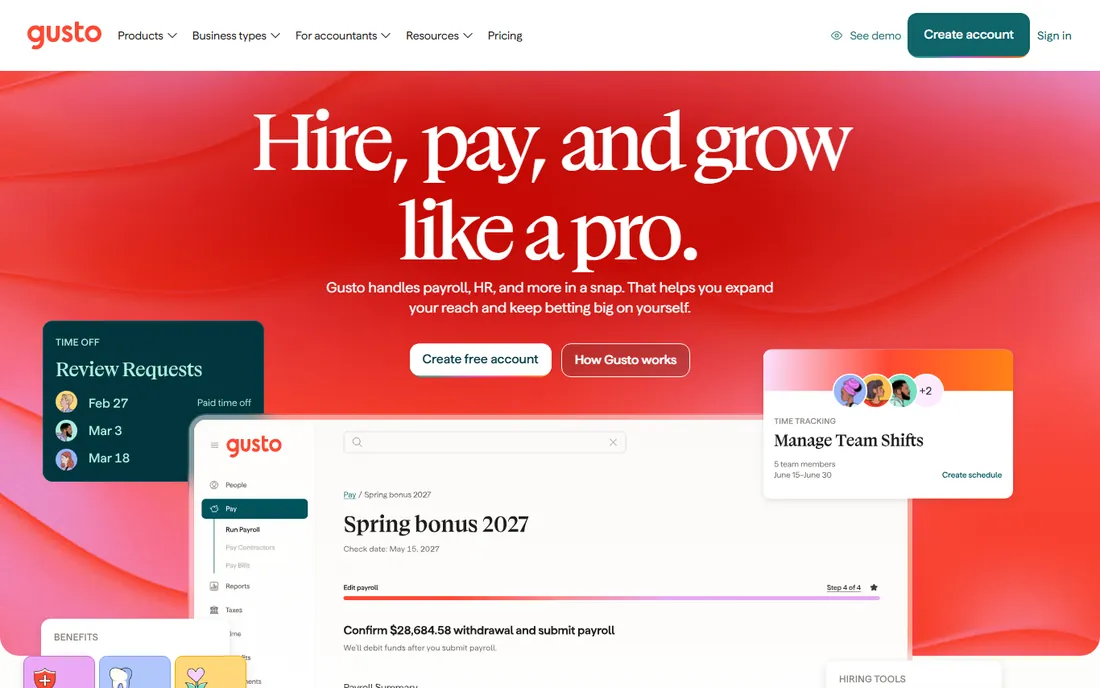
Gusto approaches the category from the payroll end, and it shows. Simple at $49 per month plus $6 per employee runs unlimited payrolls with federal, state and local tax filing and W-2 and 1099 generation included. A 10-person team pays $109 per month with no setup fee and no contract, which is why it is the default small-business pick in pure payroll comparisons.
For scheduling, Gusto pairs with Homebase, Deputy or When I Work rather than building its own. Its own time tracking lives on Plus at $80 per month plus $12 per employee, which also brings multi-state payroll and next-day direct deposit. If payroll is the main purchase and scheduling is a satellite tool, this split is fine. If you want one vendor for both, the others on this list do it more directly.
What we like- Transparent published pricing with no contracts
- Unlimited payroll runs with full-service tax filing on every plan
- Deep integration with Homebase and other scheduling tools
Watch out for- Native time tracking sits on the pricier Plus plan
- Simple has four-day direct deposit and no multi-state support
#7
Rippling
Best for: Growing companies that want HR, scheduling and payroll on one record
Visit rippling.com
Starting pricePayroll from $35/month + $12/user/month; Time and Attendance is a separate module
Free planNo
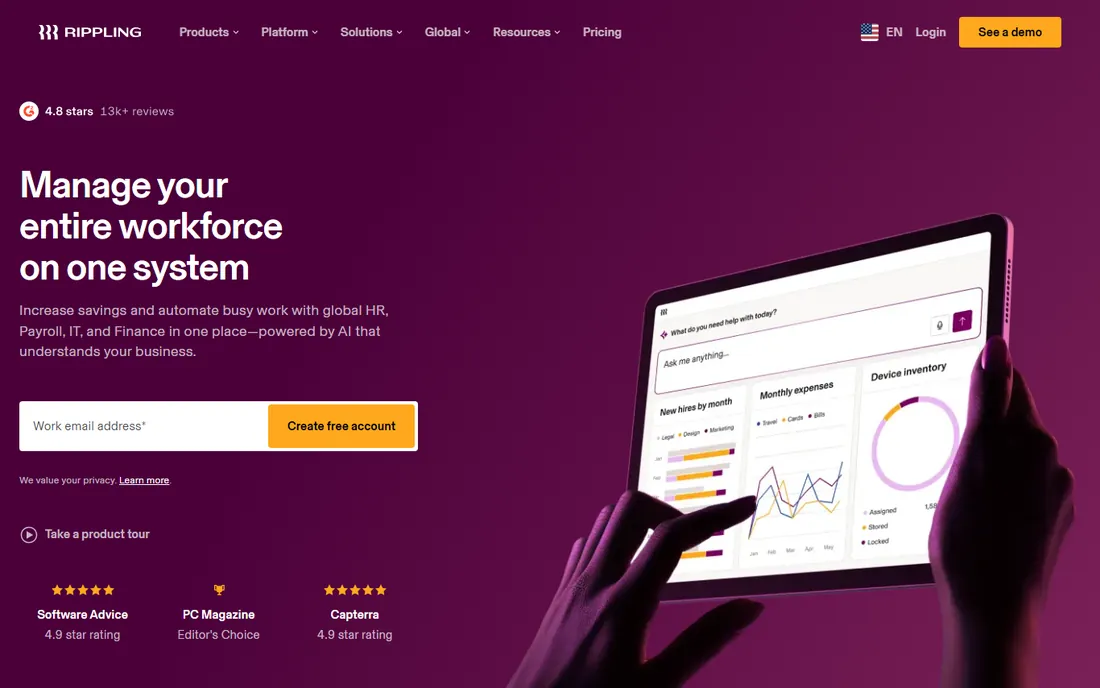
Rippling is an everything platform that happens to do payroll well. The core idea is a single employee record: a raise or a role change updates payroll, benefits and time tracking at once, because every module reads the same data. Payroll starts at $35 per month plus $12 per user per Rippling's own FAQ, with automatic tax filing and unlimited runs, and the Time and Attendance module adds shift scheduling and time clocking.
The honest catch is arithmetic. The platform fee ($8 per user per month plus a $40 base) sits underneath everything, and modules add on. A 10-person setup runs roughly $155 per month before time tracking enters the picture, which is where scheduling-and-payroll specialists look cheap by comparison. This earns its keep when the HR and IT consolidation matters to you. For scheduling plus pay runs alone, it is the expensive option.
What we like- One employee record drives payroll, HR, IT and time, so changes apply everywhere at once
- Automatic tax filing with unlimited pay runs
- Strong compliance coverage for growing teams
Watch out for- Modular pricing stacks on top of the $8 per user platform fee plus a $40 base
- Most quotes require a sales conversation
#8
Connecteam
Best for: Deskless teams that need scheduling, time clock and chat in one app
Visit connecteam.com
Starting price$29/month for first 30 users (Operations Basic, billed annually)
Free planYes (free up to 10 users; 14-day free trial of paid plans)
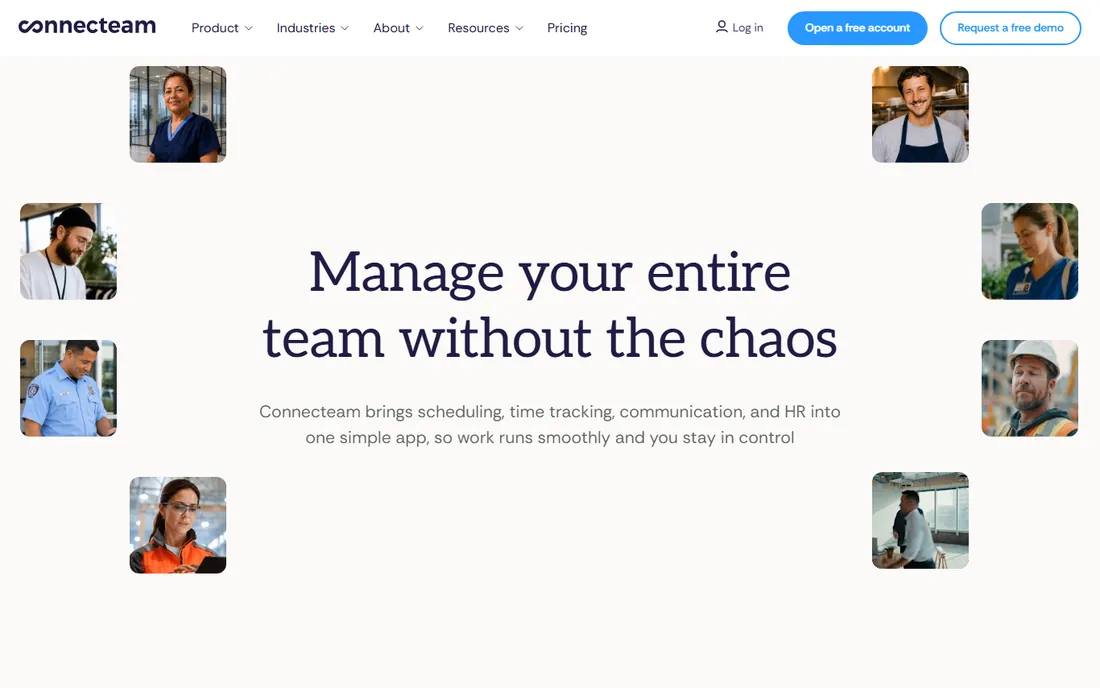
Connecteam is the only name here that gives a team of 10 everything free: the Operations hub (time clock, job scheduling, forms, tasks) plus communications and HR tools, no time limit. Paid plans start at $29 per month for the first 30 users on annual billing ($35 month to month), with a 14-day trial and no credit card required.
The honest gap is payroll itself. Connecteam tracks time and exports clean timesheets with a payroll integration, but it does not run payroll: you still need Gusto, QuickBooks or another provider to cut the checks. It is built for deskless workforces that live on phones, with GPS clock-ins, shift claiming and in-shift tasks, and it shows. If scheduling discipline matters more than paying from the same dashboard, this is the strongest free starting point on the list.
What we like- Truly free for teams of 10 or fewer with real feature depth
- Scheduling, GPS time clock, forms and team chat in one mobile app
- Payroll integration built into paid plans
Watch out for- No native payroll processing, a separate vendor is required
- Hubs are priced separately, so costs multiply if you need all three
#9
7shifts
Best for: Restaurants that need scheduling built around restaurant life
Visit 7shifts.com
Starting priceFree (Comp plan); paid plans from $19.99/location/month
Free planYes (Comp plan, plus 14-day trial of The Works)
7shifts is the restaurant scheduler, down to the plan names. The Comp plan is free, and paid plans start at $19.99 per location per month, billed per location rather than per user, so a growing restaurant staff does not grow the subscription. Tip management, sales forecasting and fair-workweek style compliance tools are built for restaurant workflows rather than bolted on.
The recent move is native payroll: 7shifts Payroll runs pay inside the same platform, backed by a limited-time offer of three months free. Before that, the payroll story was integrations with the usual suspects. For a restaurant that already schedules in 7shifts, the native payroll removes the last export-and-import step of the week.
What we like- Purpose-built for restaurants with tip management and sales forecasting
- Per-location pricing with unlimited staff on paid plans
- Native 7shifts Payroll now available
Watch out for- Restaurant focus makes it awkward for offices or field services
- Plan details on the site require a signup to inspect fully
How we chose
We started with the search categories buyers use: payroll and scheduling software, shift scheduling software with payroll, restaurant scheduling software and time clock payroll software. For each candidate we opened the vendor's own pricing page, checked plan details against public reviews on G2 and Capterra and practitioner discussion on Reddit, and compared how the scheduling and payroll sides connect: native product, add-on, or third-party integration. Where a price could not be verified on the vendor's page we wrote "See website" rather than guessing, and we favored tools with published, checkable pricing.
What to pay attention to before you buy
The first thing to settle is the billing model, because it decides your cost at scale. Per-location tools like Homebase and 7shifts charge a flat fee whether you have 12 staff or 30. Per-user tools like Deputy and When I Work charge for every seat, including managers. Cross the math at about 15 employees: that is where flat pricing starts to win clearly.
Next, ask how hours reach payroll. Native scheduling-plus-payroll (Homebase, 7shifts, Square, Rippling) means approved timesheets become pay runs with no exports. Payroll with an integration (When I Work, Connecteam) means timesheets sync to a separate vendor you pay separately. Both work, but the integration route adds a second subscription and a second support line.
Third, check tips and overtime handling if your team is hourly. Tip pooling, shift differentials and overtime rules are where cheap tools break. Homebase and Square handle tips natively because they sit on POS data. Finally, confirm multi-state support before you sign: several of these price or gate payroll by state, and a business with staff in three states pays meaningfully more than the headline price.
Three mistakes shift businesses make with this software
The first mistake is buying scheduling without checking the trial's honesty. Free plans and trials are real here (Homebase, Connecteam, 7shifts, Square Shifts Free), but trial tiers often show premium features that vanish on the paid tier you actually pick. Run the trial with the exact plan you intend to buy.
The second is ignoring the manager seats in per-user pricing. Deputy, When I Work and Rippling count managers and admins as users. A 15-person roster with three managers is billed at 18 seats. Per-location tools do not have this surprise.
The third is choosing payroll for the base fee alone. The per-employee fee, multi-state charges and year-end form fees are where the totals diverge. Work out your cost at your actual headcount and state count, not at the headline numbers.
Frequently asked questions
Should I buy payroll and scheduling from one vendor or two?
One vendor means timesheets flow into pay runs with no exports and one support line. Two vendors (a scheduler plus a separate payroll provider) often gives you the best of each, and the integrations are mature. If your team is small and your payroll is simple, one vendor is less work. If you have strong opinions about your payroll provider, keep them and add a scheduler with a clean integration.
How much does payroll and scheduling software cost for a small team?
For 10 hourly employees, expect roughly $0 to $160 per month for scheduling plus $49 to $188 per month for payroll, depending on the vendor. Homebase is the floor: free scheduling and $49 plus $6 per employee for payroll. Rippling and QuickBooks sit at the top once platform fees and subscriptions stack.
Which tool is best for restaurants specifically?
7shifts and Square, for different reasons. 7shifts is built around restaurant workflows: tip management, sales forecasting and shift swaps. Square wins when the restaurant already runs Square POS, because hours and tips sync into payroll automatically. Homebase is the budget restaurant pick.
Do these tools handle tipped employees and tip pooling?
The restaurant-focused ones do it natively: 7shifts, Square (from POS data) and Homebase (with its Tip Manager add-on). Generic payroll-first tools handle tips as line items, which works but needs more setup. If tips are a big part of pay, prefer a tool that treats them as first-class data.
Can I start on a free plan and upgrade later?
Yes, and this category is generous. Homebase is free up to 10 employees, Connecteam free up to 10 users, 7shifts has a free Comp plan and Square Shifts Free covers five team members. All paid plans on this list are month-to-month, so upgrading or leaving costs nothing extra.
What happens to my schedule data if I switch tools?
Schedules and timesheets export from all nine of these tools. The friction is rebuilding templates, rules and integrations in the new system, not the data itself. Timesheet history depth varies: Homebase keeps 90 days on Basic and four-plus years on paid plans, so check retention before you need it.
Sources we checked (14)
- https://www.joinhomebase.com/pricing
- https://www.joinhomebase.com/compare/homebase-vs-wheniwork
- https://www.deputy.com/pricing
- https://wheniwork.com/pricing
- https://squareup.com/us/en/staff/shifts/pricing
- https://squareup.com/us/en/payroll/pricing
- https://quickbooks.intuit.com/payroll/pricing/
- https://gusto.com/product/pricing
- https://www.rippling.com/pricing
- https://connecteam.com/pricing/
- https://www.7shifts.com/pricing/
- https://www.trustradius.com/compare-products/7shifts-vs-calendly
- https://www.g2.com/categories/employee-scheduling
- https://www.capterra.com/employee-scheduling-software/
Is your product missing or out of date?
We review this list regularly. Vendors can request a listing, send updated pricing or ask about featured placement.

Shihab Mia · Founder, Rankite
Shihab has spent more than a decade helping SaaS and e-commerce brands grow through search. He writes Rankite's software buying guides from pricing pages, documentation and public user reviews. More about Shihab.