How we make this list: we compare pricing pages, product documentation and public user reviews. Rankite is independent; if a vendor ever pays for a featured spot, that listing is clearly labeled Partner.
Key takeaways
- PTGui is the professional standard for panorama stitching, with a free watermarked trial and paid standard and Pro licenses.
- Hugin is the best free panorama stitching software: open source, cross-platform and still actively developed.
- PanoramaStudio (from $59/€59) is the strongest affordable paid alternative with virtual tour export built in.
- Adobe Lightroom includes solid panorama merging if you already subscribe, but it is not a dedicated stitcher.
- PTAssembler is a shareware classic for Windows tinkerers who want manual control; WidsMob Panorama is a simple one-click option for casual users.
Quick comparison
| Tool | Best for | Starting price | Free plan |
|---|
 PTGui PTGui | Professional photographers and anyone stitching large or difficult panoramas | See website (standard and Pro licenses) | Free trial, fully functional with watermarked output and no time limit |
 Hugin Hugin | Anyone who wants professional-grade stitching for free | Free ($0, open source) | Yes, completely free |
 Pano2VR Pano2VR | Creating interactive 360-degree virtual tours, not just flat panoramas | See website (version 8, with subscription option) | See website (trial available) |
 Adobe Lightroom Adobe Lightroom | Photographers already paying for Adobe who need occasional panoramas | See website (Creative Cloud subscription) | See website |
 PTAssembler PTAssembler | Windows tinkerers who want total manual control over the stitch | See website (shareware) | 30-day unrestricted trial |
 PanoramaStudio PanoramaStudio | Photographers wanting an affordable, modern stitcher with tour export | From $59/€59 (see website for current pricing) | Free trial available |
 WidsMob Panorama WidsMob Panorama | Casual users who want panoramas in a few clicks | See website | See website (trial available) |
Is your product missing or out of date?
We review this list regularly. Vendors can request a listing, send updated pricing or ask about featured placement.
The best panorama stitching software
#1
PTGui
Best for: Professional photographers and anyone stitching large or difficult panoramas
Visit ptgui.com
Starting priceSee website (standard and Pro licenses)
Free planFree trial, fully functional with watermarked output and no time limit
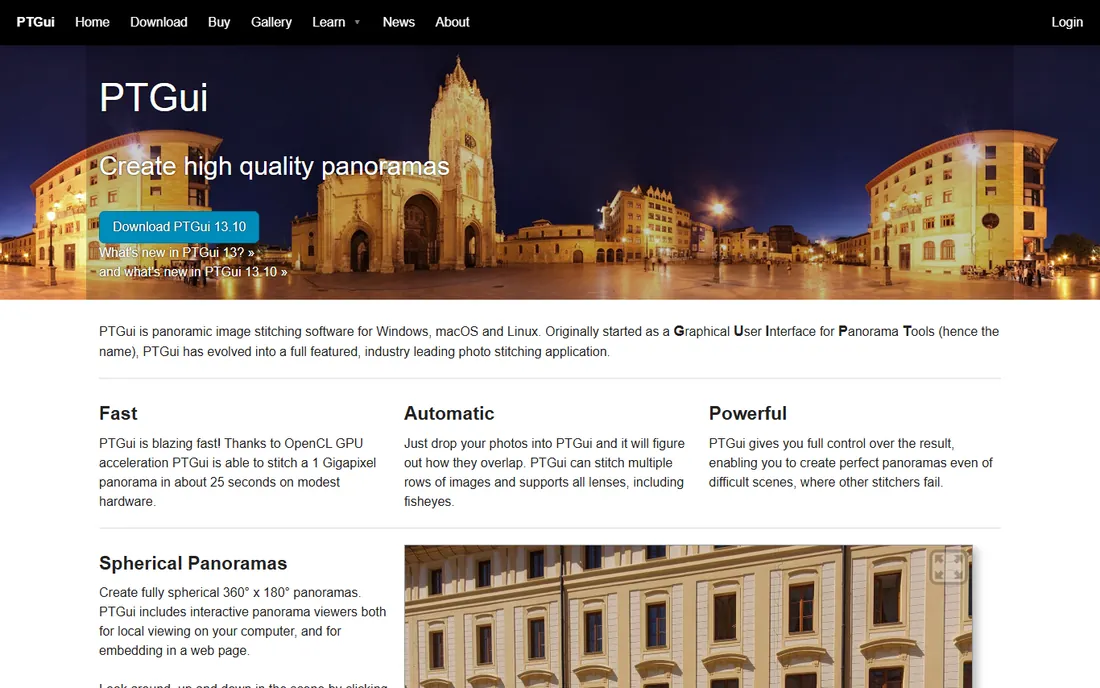
PTGui started as a graphical interface for Panorama Tools and grew into the professional standard for photo stitching. Drop in your photos and it figures out the overlaps automatically, handling multiple rows, fisheye lenses and bracketed HDR sets. When a difficult scene defeats automation, the manual control points, masking and viewpoint correction give you the tools to fix it. The trial is unusually generous: fully functional with no time limit, just a watermark on output.
The product comes in standard and Pro versions, with Pro adding HDR stitching, tethered shooting support and batch processing. Check the buy page for current license prices. If panoramas are part of your professional work, this is the tool to beat.
What we like- The industry reference for quality stitching
- GPU-accelerated, stitching gigapixel panoramas in seconds
- Full manual control when automation fails
- Pro adds HDR, viewpoint correction and batch building
Watch out for- Prices not listed on the homepage
- Interface prioritizes power over friendliness
- Overkill for casual single-row panoramas
Starting priceFree ($0, open source)
Free planYes, completely free
Hugin is the open-source panorama toolchain built on Panorama Tools, and it is far more capable than its modest interface suggests. It handles control point detection, geometric optimization, exposure correction, Enblend seam blending and enfuse exposure fusion, producing results that rival paid software in skilled hands. It is also more than a stitcher: HDR workflows, mosaic assembly and architectural projection correction all live here.
The cost is usability. Expect to learn concepts like control points, lens parameters and projections. But the price is zero, the development continues (2025.0.1 is current), and the community mailing list answers questions. For photographers on a budget or Linux users, Hugin is the obvious choice.
What we like- Free and open source with no restrictions
- Powerful alignment, exposure fusion and HDR workflows
- Cross-platform (Windows, macOS, Linux)
- Still actively developed, with 2025 releases
Watch out for- Interface is technical and dated
- The learning curve is real
- Documentation assumes photography knowledge
- Slower than GPU-accelerated rivals
#3
Pano2VR
Best for: Creating interactive 360-degree virtual tours, not just flat panoramas
Visit ggnome.com
Starting priceSee website (version 8, with subscription option)
Free planSee website (trial available)
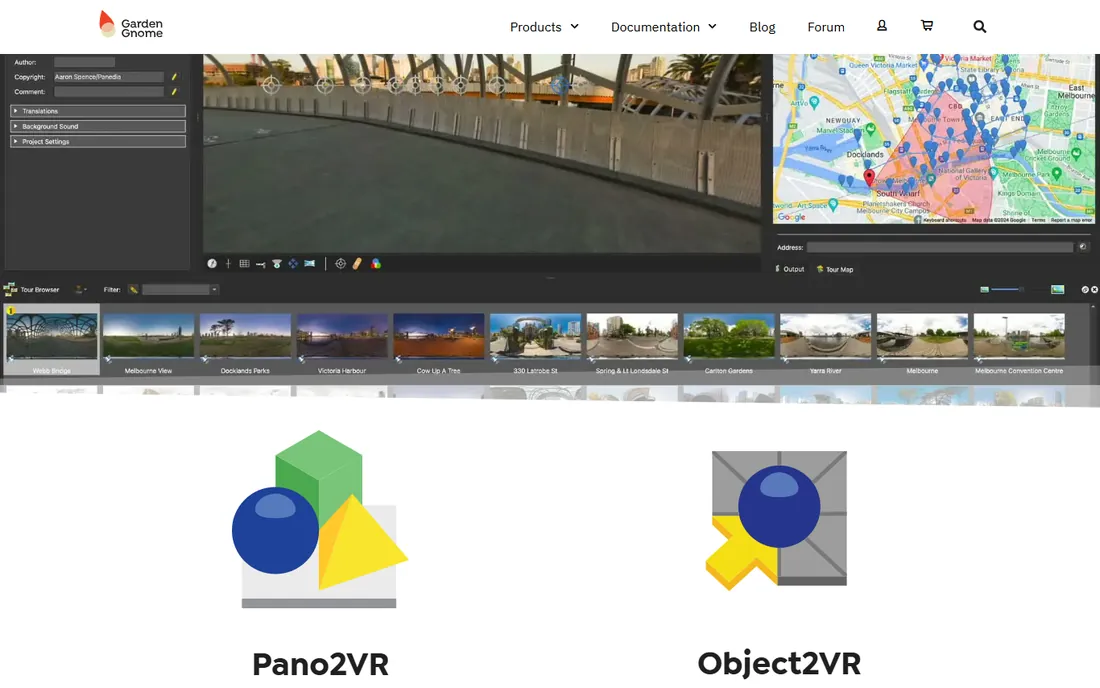
Pano2VR by Garden Gnome Software answers a different question: what happens after the stitch. It converts panoramic images into interactive 360-degree tours with hotspots, info popups, maps and skin customization, aimed at real estate, tourism, education and facility showcases. Version 8 added 3D model support, Gaussian splats and an optional subscription model alongside traditional licensing.
Pair it with a stitcher (PTGui, Hugin or PanoramaStudio) for capture and assembly, then build the tour in Pano2VR. Check the Garden Gnome store for current pricing. If your deliverable is a virtual walkthrough rather than a printable panorama, start here.
What we like- Purpose-built for interactive tours with hotspots, maps and floor plans
- Responsive output for desktop and mobile
- Version 8 adds 3D model and Gaussian splat support
- Strong fit for real estate and tourism
Watch out for- A tour builder first, a stitcher second
- Pricing not shown on the homepage
- More expensive than pure stitchers for simple jobs
#4
Adobe Lightroom
Best for: Photographers already paying for Adobe who need occasional panoramas
Visit adobe.com
Starting priceSee website (Creative Cloud subscription)
Free planSee website
Lightroom's Photo Merge panorama is genuinely good for straightforward work: select overlapping raw frames, merge, and get a DNG panorama with HDR blending and boundary warp to fix wavy edges. For outdoor and travel photographers already in the Adobe ecosystem, it handles the common cases without extra software.
It is not a replacement for PTGui or Hugin on hard jobs: multi-row mosaics, fisheye projections and manual control point editing are outside its scope. Pricing follows Adobe's subscription plans; check Adobe's site for current rates, which changed in 2026. Buy Lightroom for photo editing; treat its stitching as a capable bonus.
What we like- Panorama merge built into a tool you may already own
- HDR pano merge combines exposure blending and stitching
- Raw workflow end to end
- Boundary warp fills awkward edges
Watch out for- Subscription-only
- Far less control than dedicated stitchers
- Struggles with complex multi-row or fisheye sets
- Not a tour builder
#5
PTAssembler
Best for: Windows tinkerers who want total manual control over the stitch
Visit tawbaware.com
Starting priceSee website (shareware)
Free plan30-day unrestricted trial
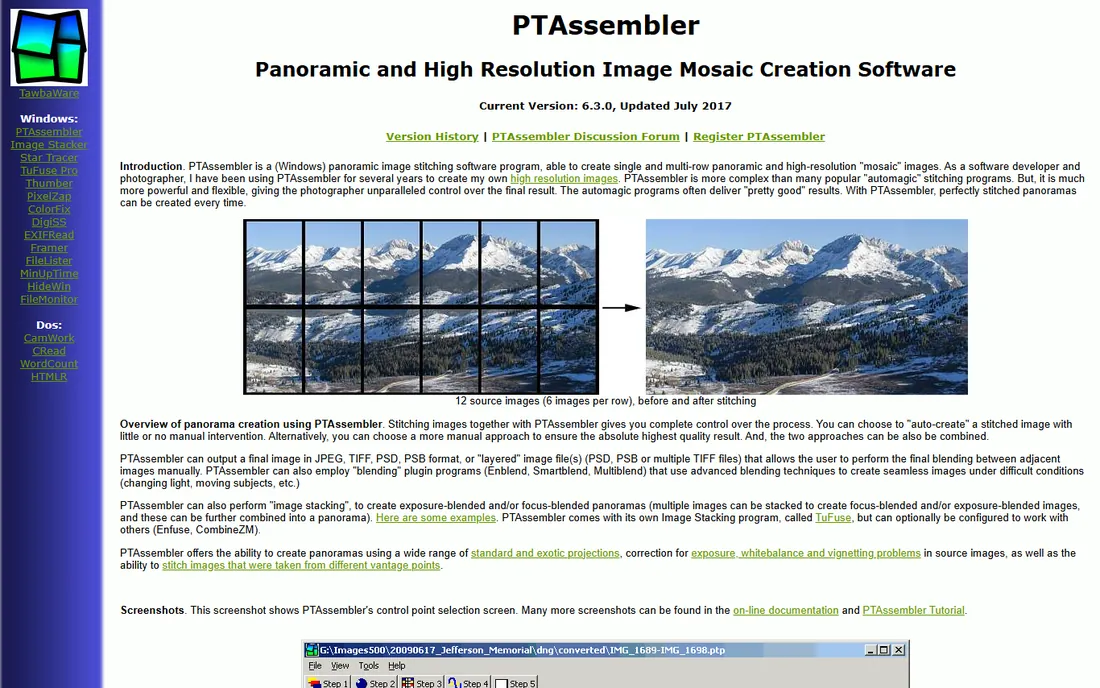
PTAssembler is a shareware Windows program by photographer-developer Max Lyons, built for people who find automatic stitchers too limiting. It exposes the full Panorama Tools pipeline: linked and unlinked lens parameters, manual control point editing, layered PSD output for hand blending, and image stacking for exposure or focus blends inside panoramas.
The 30-day trial is unrestricted, and registration is inexpensive shareware. Be aware the program is essentially frozen in time (version 6.3.0, 2017) and needs the Visual Basic 6 runtime. It still works on modern Windows, but this is a tool for enthusiasts who enjoy the craft of stitching, not for anyone wanting one-click results.
What we like- Unusually deep manual control over every stitching parameter
- Supports exposure and focus stacking within panoramas
- Batch processing
- Inexpensive shareware license
Watch out for- Windows only
- Interface and website are dated (last major update 2017)
- Requires old Visual Basic 6 runtime files
- The learning curve is steep
#6
PanoramaStudio
Best for: Photographers wanting an affordable, modern stitcher with tour export
Visit tshsoft.com
Starting priceFrom $59/€59 (see website for current pricing)
Free planFree trial available
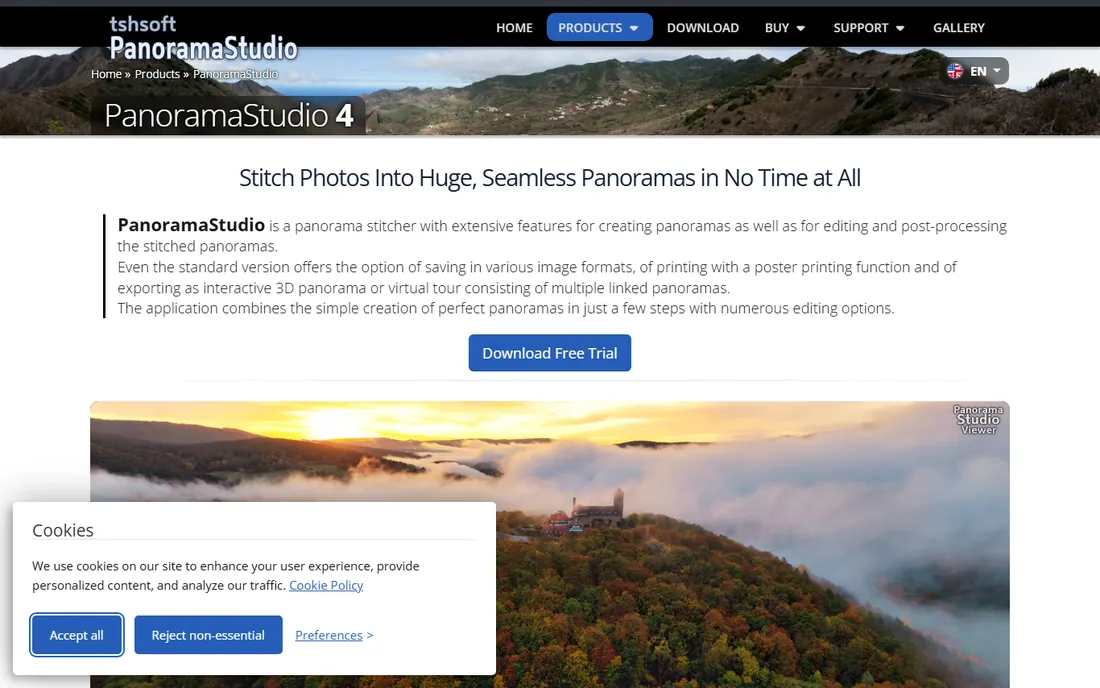
PanoramaStudio by Tobias Hüllmandel hits a sweet spot: easier than Hugin, cheaper than PTGui, and more complete than phone apps. Automatic stitching covers arbitrary image arrangements with exposure and vignetting correction, while control point editing and masking handle problem scenes. The standard version already exports interactive 3D panoramas and multi-panorama virtual tours, and RAW import covers an enormous camera database including drones.
Pricing starts from $59 or €59 for the standard version, with a Pro edition adding projections and HDR features. Version 4.2 brought faster alignment and better memory handling for huge projects. For most enthusiast photographers, this is the best value on the list.
What we like- Strong automatic stitching with manual correction tools
- Exports interactive HTML5 panoramas and virtual tours
- Handles RAW from 1,270-plus camera formats
- Actively developed (version 4.2 current)
Watch out for- Less well known than PTGui, so fewer third-party tutorials
- Pro features cost extra
- Windows and macOS only
#7
WidsMob Panorama
Best for: Casual users who want panoramas in a few clicks
Visit widsmob.com
Starting priceSee website
Free planSee website (trial available)
WidsMob Panorama is the simple option: pick a stitch mode, add photos, and get a panorama with automatic alignment, exposure leveling and cropping. Manual align-point tweaking and blend adjustment exist for imperfect stitches, and saturation, contrast and temperature controls add basic finishing. It handles JPEG and RAW from major camera brands and exports TIFF, JPEG and JPEG-2000.
Check the WidsMob site for current pricing and trial terms. This is the right pick for travelers and casual photographers who want better results than a phone without learning a technical tool. Professionals should look at PTGui or PanoramaStudio instead.
What we like- Genuinely simple: auto-stitch with horizontal, vertical, tile and 360 modes
- Manual align-point adjustment when needed
- RAW and HDR support
- Basic effect adjustments built in
Watch out for- Pricing not shown on the product page
- Aimed at casual use, not professional pipelines
- Smaller community and fewer advanced features than PTGui or Hugin
How to choose panorama stitching software
Start with the output you need. A printable wide panorama needs a stitcher (PTGui, Hugin, PanoramaStudio, WidsMob). An interactive virtual tour needs a tour builder (Pano2VR) on top of a stitcher. A quick social-media pano might not need software at all: modern phones do a decent job for casual use.
Next, be honest about the difficulty of your shots. Single-row scenic shots with generous overlap stitch fine in almost anything, including Lightroom. Multi-row mosaics, fisheye shots, bracketed HDR sets and scenes with moving subjects separate the professional tools from the simple ones: PTGui and Hugin earn their keep here.
Then consider skill and budget together. Hugin is free but demands learning; PanoramaStudio is affordable and friendlier; PTGui is the professional investment. Run the trials: PTGui's watermarked trial has no time limit, and the others offer trial periods. Stitch the same difficult set in two tools and compare the results before you pay.
Stitching vs. in-camera panoramas: when software still wins
Phone panorama modes and in-camera sweep panoramas are convenient, and for quick shares they are fine. But they capture at reduced resolution, bake in exposure decisions, and fail gracelessly on anything tricky: moving subjects ghost, horizons wave, and vertical coverage is limited.
Dedicated stitching software starts from full-resolution frames, so a 20-photo panorama can exceed 100 megapixels and print meters wide. You keep raw flexibility: exposure blending across frames, manual control over projections (rectilinear for architecture, stereographic for little planets), and the ability to restitch years later as software improves.
The trade-off is effort: shooting with overlap in mind, importing, stitching and finishing takes real time. For portfolio work, real estate, gigapixel art and virtual tours, the quality gap justifies it. For a sunset snapshot to send friends, the phone wins. Use each where it belongs.
Frequently asked questions
What is the best panorama stitching software overall?
PTGui is the professional reference for stitching quality and control. Hugin matches much of its capability for free if you can handle the learning curve. PanoramaStudio is the best-value paid option for most photographers.
Is there free panorama stitching software?
Yes. Hugin is free, open source and very capable. PTGui offers a free trial with no time limit (watermarked output). Lightroom and Photoshop include panorama merging if you already subscribe to Adobe.
Can Lightroom stitch panoramas?
Yes, Lightroom's Photo Merge combines overlapping photos into panoramas, including HDR panos from bracketed exposures. It handles straightforward scenic stitches well but lacks the manual control of dedicated tools like PTGui or Hugin for difficult scenes.
What is the difference between PTGui and Hugin?
Both are powerful Panorama Tools-based stitchers. PTGui is commercial software with GPU acceleration, a friendlier workflow and professional support. Hugin is free and open source with comparable core capability but a more technical interface and slower performance. Image quality in skilled hands is close.
Do I need special equipment to shoot panoramas for stitching?
Not necessarily. Overlapping handheld shots work for many scenes. A tripod helps, and a panoramic head that rotates around the lens's nodal point prevents parallax errors in close-range scenes. For most outdoor scenes, careful handheld technique plus 30 percent overlap is enough.
What software do I need for virtual tours?
A stitcher plus a tour builder. Stitch the panoramas in PTGui, Hugin or PanoramaStudio, then assemble the interactive tour with hotspots and navigation in Pano2VR. PanoramaStudio also exports basic virtual tours directly.
How we chose
We started with the categories buyers search: panorama stitching software, photo stitching software and 360 panorama software. For each candidate we opened the vendor's own site and pricing page, checked feature lists and documentation, and compared notes from public reviews on G2 and Capterra and practitioner discussion on Reddit. Microsoft's Image Composite Editor was retired in 2021 and is no longer available, so WidsMob Panorama takes its place. Where a price could not be verified on the vendor's page we wrote "See website" rather than guessing.
Sources we checked (9)
- https://ptgui.com/
- https://hugin.sourceforge.io/
- https://ggnome.com/
- https://www.adobe.com/products/photoshop-lightroom.html
- http://www.tawbaware.com/ptasmblr.htm
- https://www.tshsoft.com/en/panostudio_index
- https://www.widsmob.com/panorama
- https://www.g2.com/categories/photo-editing
- https://www.capterra.com/photo-editing-software/
Is your product missing or out of date?
We review this list regularly. Vendors can request a listing, send updated pricing or ask about featured placement.

Shihab Mia · Founder, Rankite
Shihab has spent more than a decade helping SaaS and e-commerce brands grow through search. He writes Rankite's software buying guides from pricing pages, documentation and public user reviews. More about Shihab.