How we make this list: we compare pricing pages, product documentation and public user reviews. Rankite is independent; if a vendor ever pays for a featured spot, that listing is clearly labeled Partner.
Key takeaways
- HR teams that want a dedicated org chart tool should shortlist Organimi (Basic $13/month), Pingboard (Team $49/month for 5 users) and Functionly (Starter $72/month for 3 seats).
- ChartHop (Basic $2/employee/month) is the pick when the org chart is just the start and you also want headcount planning, compensation and people analytics.
- Diagram-first tools like Lucidchart (Individual $9/month), Microsoft Visio (Plan 1 $5/user/month) and Miro (Starter $8/user/month) are cheaper but someone has to keep the chart current by hand.
- The biggest buying question is data sync: dedicated tools update the chart from your HRIS automatically, diagram tools do not.
- SmartDraw publishes no verifiable starting price, so budget it by quote and compare it against Lucidchart on features, not list price.
Quick comparison
| Tool | Best for | Starting price | Free plan |
|---|
 Organimi Organimi | HR teams wanting a purpose-built org chart | $13/month (Basic, billed annually) | Free trial |
 Pingboard Pingboard | People ops teams wanting directory plus chart | $49/month (Team, billed annually; 5 users included) | Yes (1 user, 1 chart) |
 ChartHop ChartHop | Mid-market HR analytics and org planning | $2/employee/month (Basic) | Free trial |
 Lucidchart Lucidchart | Teams that diagram everything, not just orgs | $9/month (Individual; Team $10/user/month) | Yes (3 editable documents) |
 Functionly Functionly | Startups doing org design and scenario planning | $72/month (Starter, 3 seats) | Free trial |
 Creately Creately | Budget teams wanting visual collaboration | $8/user/month (Team) | Yes |
 Microsoft Visio Microsoft Visio | Companies already deep in Microsoft 365 | $5/user/month (Visio Plan 1) | Yes (basic diagramming included in Microsoft 365 commercial plans) |
 Miro Miro | Collaborative teams that whiteboard org design | $8/user/month (Starter, billed annually) | Yes (3 editable boards) |
 SmartDraw SmartDraw | Teams wanting automated, desktop-style diagramming | See website | Free trial |
Is your product missing or out of date?
We review this list regularly. Vendors can request a listing, send updated pricing or ask about featured placement.
The best org chart software
Every company has an org chart. Most of them are wrong. The chart lives in a slide deck from two reorganizations ago, half the names are people who left, and HR rebuilds it from scratch before every board meeting. Good org chart software ends that cycle by keeping one living chart that updates itself from your HR system. The nine tools below split into two camps: dedicated org chart platforms that sync with your people data, and general diagram tools that draw anything but update nothing on their own. Buy from the first camp if accuracy matters. Buy from the second if you only need a pretty picture for a presentation.
Starting price$13/month (Basic, billed annually)
Free planFree trial
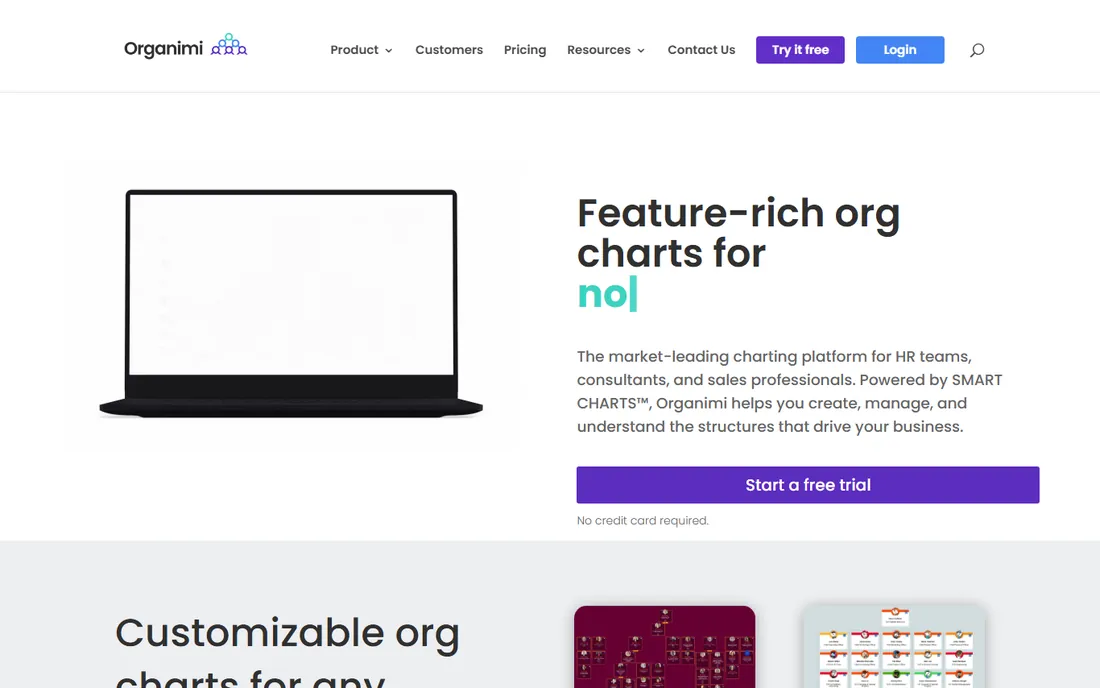
Organimi is the specialist: it does org charts and nothing else, which is exactly why HR teams pick it over general diagram tools. Basic at $13 a month billed annually covers three admins, CSV and Excel import, unlimited traditional charts and email support. Premium at $25 a month adds unlimited admins, single sign-on, matrix and governance charts, reporting and analytics, and the Organimi Connect integrations (AD, Google, Salesforce and sFTP) that keep the chart synced with your systems. Enterprise is quote-based and adds API access.
The value proposition is simple: for the price of a few coffees a month, you get a living chart that does not rot. The caveats are also simple. This is a charting tool, not a people platform: it will not plan compensation, run scenarios or model headcount. Reviewers praise the drag-and-drop editor and the share-by-link publishing, and complain that customization gets restrictive for complex enterprise structures. If the chart is the job, Organimi is the cheapest honest way to do it well.
What we like- Affordable purpose-built charting with CSV import and HRIS integrations
- Unlimited charts on Basic
- Photo boards and shareable links built in
Watch out for- Third-party listings disagree on current pricing, so confirm on the vendor page
- Reporting and analytics are thin compared with ChartHop
Starting price$49/month (Team, billed annually; 5 users included)
Free planYes (1 user, 1 chart)
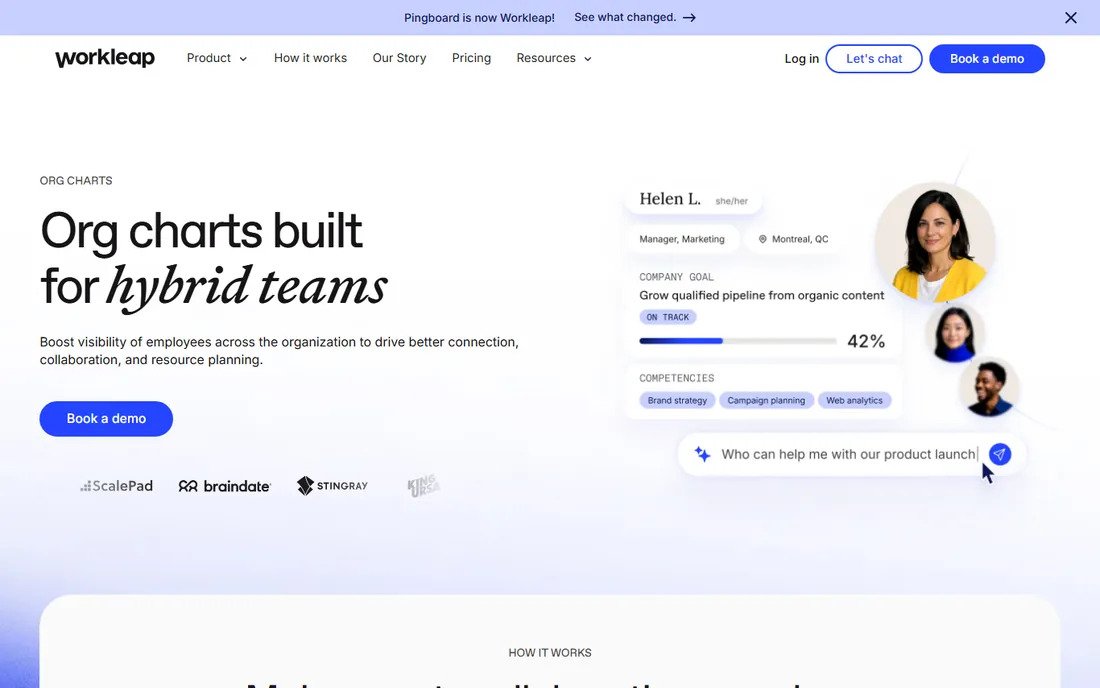
Pingboard, now part of Workleap, answers a different question than Organimi: not "what does the chart look like" but "who works here." The org chart is woven into an employee directory with rich profiles, photos, skills, and contact details, so employees use it daily to find people, not just once a year to read a reorg. Team at $49 a month billed annually (5 users, more at $5/user/month) covers planning charts, collaborative planning and custom fields. Company at $99 a month adds the full directory, mobile apps, new-hire orientation and an API.
The differentiator is the sync: connect your HRIS or payroll and the chart updates itself when people join, move or leave, which is the feature that keeps a chart accurate. Peer recognition, a who-is-out calendar and a who-is-who quiz game nudge daily use, which keeps the data fresh. For companies between 50 and 500 people that want one people-directory the whole company actually opens, Pingboard is the natural fit. Smaller teams may find $49 a month for a chart feels steep before the directory habits form.
What we like- Org chart doubles as an employee directory with profiles, photos and contact info
- Syncs with ADP, BambooHR, Gusto and Google Workspace
- Mobile apps
Watch out for- The jump from the free tier to $49 a month is steep for tiny teams
- Advanced planning features need the Company tier
Starting price$2/employee/month (Basic)
Free planFree trial
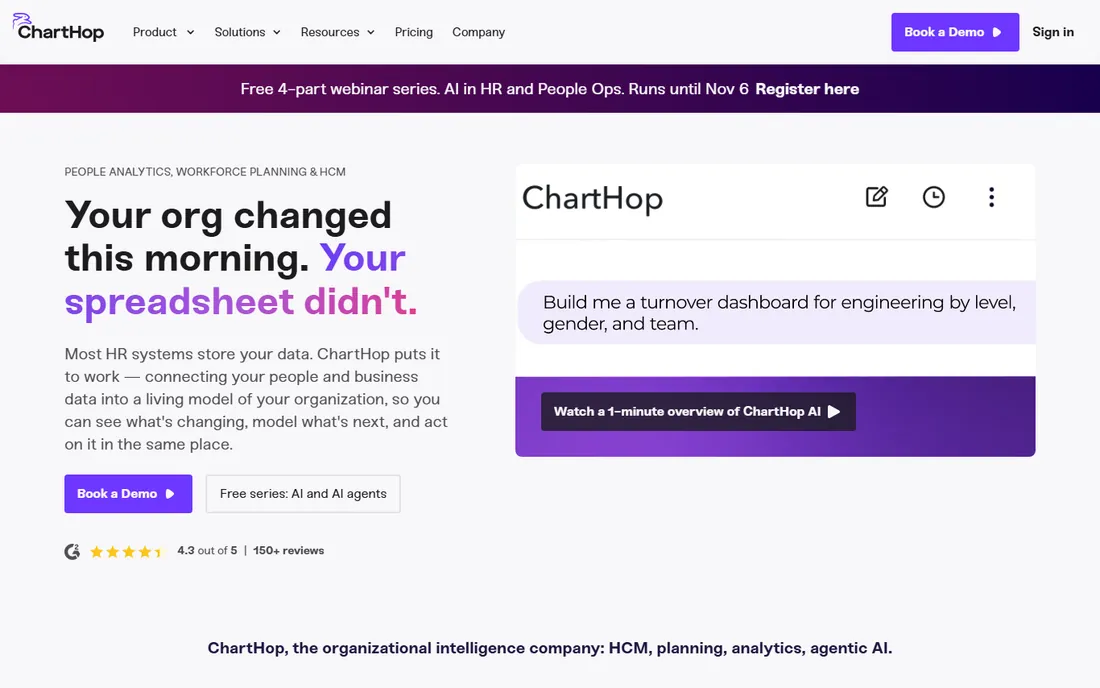
ChartHop starts where the chart ends. Basic at $2 per employee per month with no minimum is the entry point: the org chart with live people data. The full platform is modular: Core starts around $5 per employee per month with a $9,000 annual minimum, and each additional module (compensation, performance, engagement) runs about $3 to $8 per employee per month. That puts a 200-person company at roughly $12,000 to $20,000 a year before implementation fees.
What you get for that money is the org chart as a planning surface: model a reorg, see the cost and headcount impact, run compensation cycles and succession planning, all against the same live people data. The visualization of past, present and future org states is genuinely distinctive. The honest question is whether you need it. A company that wants a current, accurate chart and nothing more should buy Organimi or Pingboard and save five figures. ChartHop is for HR teams that are consolidating their stack and want the chart to be the front end of workforce planning.
What we like- Org chart on top of real people analytics, compensation and headcount planning
- Modular pricing means you buy only what you use
- Visualizes past, present and future states
Watch out for- Full platform requires a $9,000/year minimum on the core plan
- Implementation fees on top
- Overkill if you only need a chart
Starting price$9/month (Individual; Team $10/user/month)
Free planYes (3 editable documents)
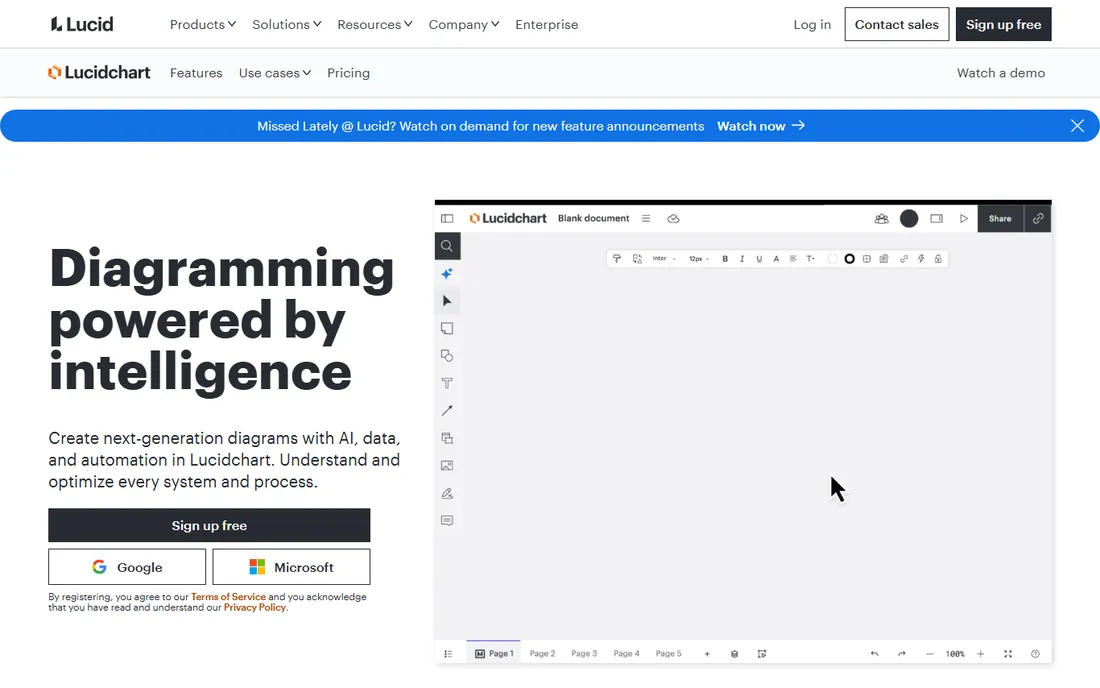
Lucidchart is the best diagramming tool that happens to make org charts. Individual at $9 a month billed annually gives one person unlimited documents with Visio import and export. Team at $10 per user per month adds collaboration, revision history and integrations, with a 3-seat minimum that makes the real entry price $30 a month. Enterprise is quote-based with SSO and advanced security.
For org charts specifically, the templates are good, the data linking lets you pull in spreadsheet data, and the output looks professional. The fundamental limit is maintenance: nobody's HRIS updates a Lucidchart diagram, so the chart is only as current as the last person who edited it. That makes it the right answer for consultants, for one-off reorg presentations, and for teams already paying for Lucidchart for process mapping and architecture diagrams. It is the wrong answer for HR teams whose core complaint is that the chart is always out of date.
What we like- Excellent general diagramming with real-time collaboration
- Org chart templates and data linking
- Integrates with Microsoft 365, Jira and Slack
Watch out for- Team plan requires a 3-user minimum ($30/month floor)
- The chart does not sync with your HRIS, so someone maintains it
- No true org-chart directory features
Starting price$72/month (Starter, 3 seats)
Free planFree trial
Functionly sits between the charting specialists and the analytics platforms: it is an org design tool. Starter at $72 a month for 3 seats (monthly billing; $24 per seat per month annually) covers org charts with unlimited people and positions, CSV and Slack import, collaboration, share and embed, accountability mapping and basic HRIS integrations. Advanced at $147 a month for 3 seats adds scenario comparison, forecast charts, cost and headcount forecasting, and advanced integrations. Enterprise is custom for 10-plus seats.
The scenario tooling is the point: design three versions of a restructure, compare the cost and headcount impact, and present the winner. Accountability mapping (who owns what, not just who reports to whom) is a genuinely useful lens for startups where roles blur. The price is the argument against it: $72 a month minimum makes it one of the priciest ways to keep a simple chart, and companies that just need the current structure should look at Organimi first. Buy Functionly when you are actively redesigning the org, not when you are documenting it.
What we like- Built for org design with scenario comparison, forecasting and accountability mapping
- Unlimited people on every plan
- Clean modern interface
Watch out for- $72 a month minimum for 3 seats is expensive for a simple chart
- Advanced scenario features need the $147/month Advanced tier
Starting price$8/user/month (Team)
Free planYes
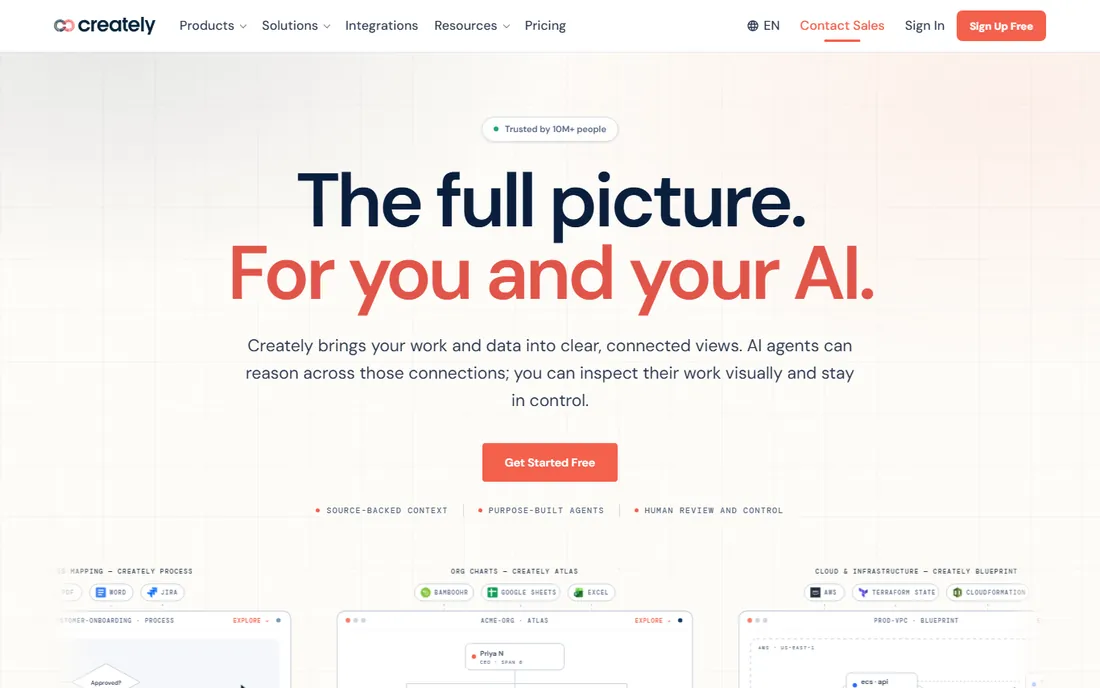
Creately is the budget generalist: Personal at $8 a month for a single user, Team at $8 per user per month, with a free plan for trying it out. It supports over 70 diagram types including org charts, mind maps, flowcharts and wireframes, with 9,000-plus templates and AI-powered diagram generation that builds the first draft from a prompt. Nonprofits and educational institutions get discounts.
It belongs on this list because small teams do make their org charts here, and at $8 a user it is cheaper than Lucidchart's Team floor. The trade-offs are the usual generalist ones: the org chart is a template, not a living system, so it needs manual upkeep and has no employee directory, no HRIS sync and no workforce features. For a 20-person startup that wants one visual tool for everything, Creately is honest value. For HR teams whose chart keeps going stale, it is not the fix.
What we like- Affordable with a real free plan
- 70-plus diagram types with org chart templates
- AI-assisted diagram generation
Watch out for- Org charting is one template among many, not a specialty
- No HRIS sync
- Less polished than Lucidchart or Miro
Starting price$5/user/month (Visio Plan 1)
Free planYes (basic diagramming included in Microsoft 365 commercial plans)
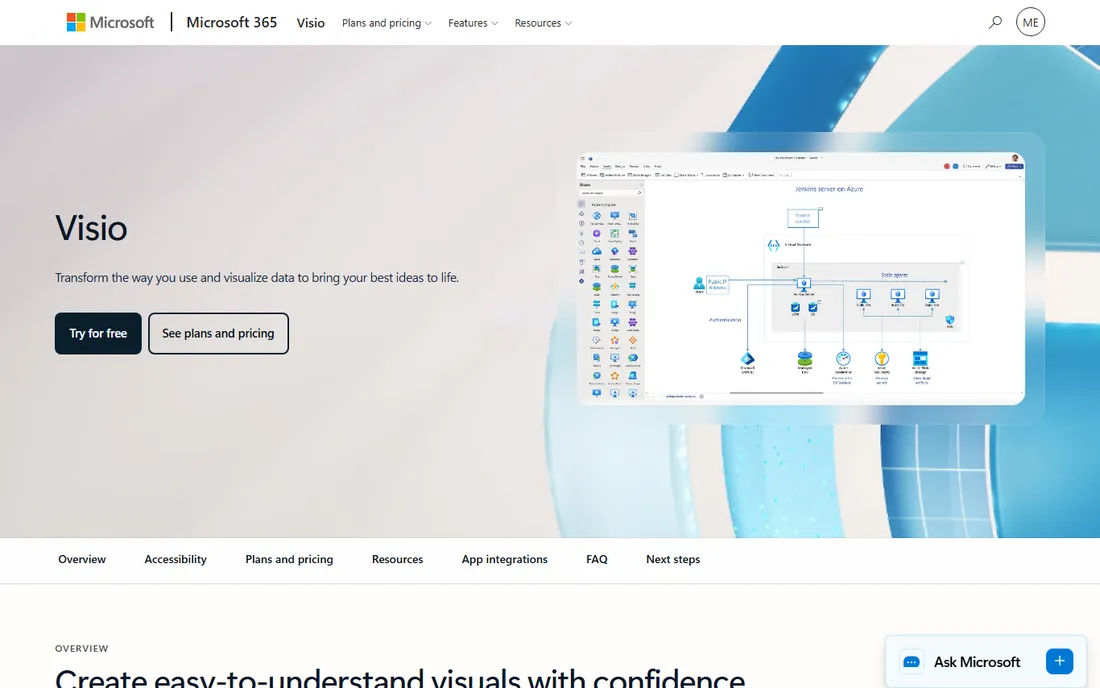
Visio is the incumbent, and for Microsoft-centric companies it is often already half-paid-for: basic diagramming is included in Microsoft 365 commercial plans, and Visio Plan 1 at $5 per user per month adds thousands of shapes, professional templates and web-based org chart creation. Plan 2 at $15 a month adds the desktop app, advanced diagram types and data linking. One-time licenses (Standard 2024 at $309.99, Professional at $579.99) still exist for holdouts.
The org chart templates are fine and the output is professional. The experience is what it is: functional, dated, and less collaborative than the cloud-native alternatives. Visio's real argument is procurement, not product: if your IT already licenses Microsoft, Visio Plan 1 at $5 a user is the path of least resistance, and plenty of HR teams just need a chart that opens in Teams. Just watch the tier trap: most people assigned Plan 2 at $15 never open the desktop app, and that is $120 a year per user for nothing.
What we like- Cheapest credible diagramming for Microsoft shops
- Plan 1 at $5 a month covers web-based org charts
- Integrates with the Microsoft ecosystem
Watch out for- Web-only at Plan 1
- Desktop needs Plan 2 at $15 a month
- Feels dated next to Lucidchart and Miro
- No org-chart-specific features
#8
Miro
Best for: Collaborative teams that whiteboard org design
Visit miro.com
Starting price$8/user/month (Starter, billed annually)
Free planYes (3 editable boards)
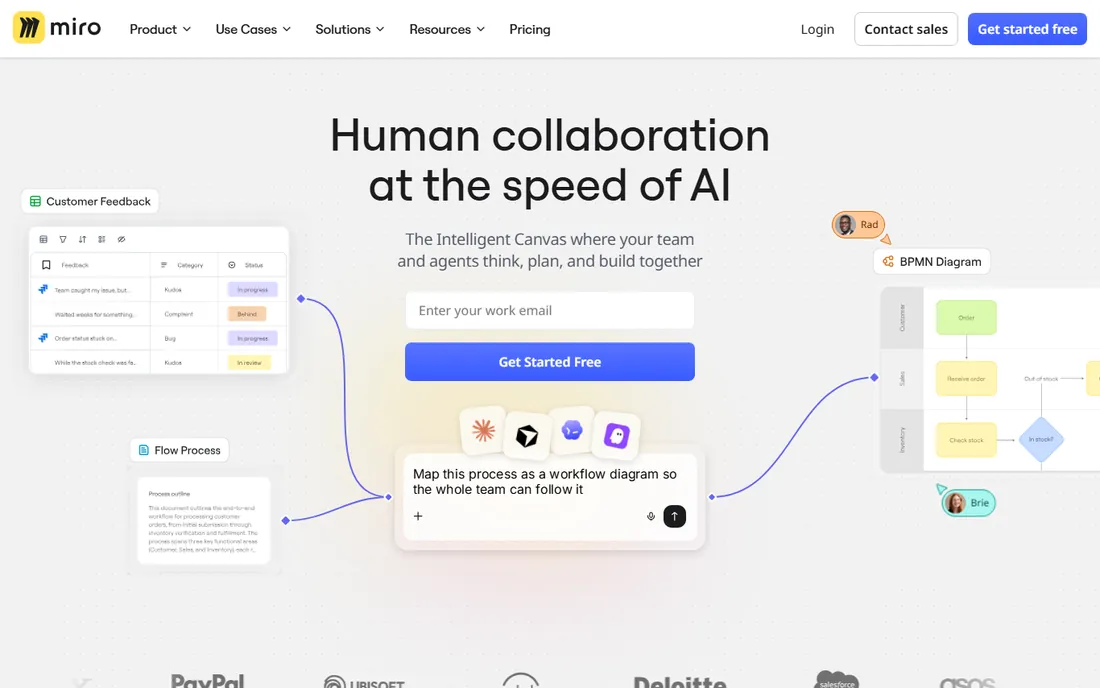
Miro is where org charts get designed in workshops, even if they end up living somewhere else. Starter at $8 per user per month billed annually ($10 monthly) gives unlimited boards, and the free plan's 3 editable boards are enough to run a reorg session. The org chart templates are good, and the infinite canvas with real-time cursors, voting and timers makes Miro the best tool on this list for the meeting where the new structure gets debated.
Nobody should confuse that with org chart software in the HR sense. Miro has no employee directory, no HRIS sync, no permissions model for sensitive people data, and no scenario forecasting. The chart is a drawing that goes stale like any drawing. The honest use case is hybrid: run the reorg workshop in Miro, then maintain the official chart in Organimi or Pingboard. If your team already pays for Miro, check the template library before buying a second tool, but do not expect it to keep itself current.
What we like- Best-in-class real-time collaboration for workshops and reorg planning sessions
- Huge template library including org charts
- Generous free plan
Watch out for- A whiteboard, not an org chart system: no directory, no HRIS sync, no versioned people data
- SSO requires the $20/user/month Business tier
Starting priceSee website
Free planFree trial
SmartDraw's pitch is automation: you feed it data and it builds the diagram, with intelligent formatting that handles layout so you do not drag boxes around. The org chart templates are solid, and it runs on Windows, Mac and the web, which matters in regulated environments that still want desktop software. There is a free trial but no free plan.
The pricing is the problem, and it is a disclosure problem rather than a price problem. Third-party listings quote figures anywhere from $6.95 to $29.95 a month, and G2's vendor-provided figure ($7.95/month Individual) disagrees with other vendor-provided listings. SmartDraw does not make a clear starting price easy to verify, so budget it by quote and compare it head-to-head with Lucidchart on the features you will actually use. The automation is real, but so is the dated feel, and for org charts specifically the dedicated tools will keep the chart current in ways no diagram tool can.
What we like- Strong automation: intelligent formatting that builds diagrams from data with minimal manual layout
- Desktop plus web deployment
- Good org chart templates
Watch out for- No verifiable published starting price (third-party figures range from $6.95 to $29.95/month)
- Interface feels older than Lucidchart
- No free plan
How we chose
We started from the two jobs an org chart tool does: drawing the chart and keeping it accurate. We read each vendor's pricing page and plan documentation, public reviews on G2, Capterra and TrustRadius, and practitioner discussions about what keeps charts current in real companies. We favored tools with a live product and verifiable pricing, and we included the major diagram generalists (Lucidchart, Visio, Miro, SmartDraw, Creately) because that is where most companies actually draw their charts, while being honest about what those tools cannot do. Every price above was current in October 2026; SmartDraw's could not be verified on its own pricing page, so we wrote "See website" rather than repeat conflicting third-party figures.
Most buyers overbuy here, so run this sequence. Step one: is your problem that the chart is out of date? If yes, you need HRIS sync or CSV discipline, which means Organimi, Pingboard, ChartHop or Functionly. A diagram tool will reproduce the same stale chart in prettier boxes. Step two: who uses the chart? If it is the whole company finding people, Pingboard's directory wins. If it is HR and leadership planning the structure, Organimi or Functionly. If it is finance and HR modeling headcount cost, ChartHop. Step three: how often does the org change? Monthly changes justify sync; annual changes do not, and a diagram tool plus a calendar reminder is the honest cheap answer. Step four: count the seats, not the employees. Most dedicated tools charge for admins, not for every employee on the chart, which is why Organimi at $13 a month covers a 500-person company. Step five: trial the export. Print the chart, share the link, embed it in the intranet. If those three actions are awkward, the tool fails the only test that matters.
The HRIS sync question, answered plainly
The single feature that separates the two camps is whether the chart updates itself. Organimi Connect, Pingboard's HRIS and payroll sync, ChartHop's live people data and Functionly's integrations all pull employee data automatically: a new hire appears, a departure disappears, a transfer moves on the chart without anyone redrawing anything. Diagram tools cannot do this. Lucidchart's data linking gets partway there with spreadsheets, but a spreadsheet is still a manual step.
Sync is not free, and not just in money. It needs clean HR data, which many companies do not have. Premium tiers gate the good connectors: Organimi's Connect lives on Premium at $25 a month, Pingboard's advanced syncing needs the Company tier. And sync raises a privacy question diagram tools never face: the chart now shows live people data, so check the permissions model before you publish it to the whole company. Functionly's access controls and ChartHop's role-based views exist for exactly this reason. If your HR data is messy, buy the cheap chart first, fix the data, then turn on the sync.
Frequently asked questions
What is the best org chart software for small businesses?
Organimi at $13 a month (Basic, billed annually) is the best value for small HR teams that want a dedicated, always-current chart. If you also want an employee directory the whole company uses, Pingboard's Team plan at $49 a month for 5 users is the step up. For a free start, Lucidchart, Creately and Miro all have free plans.
How much does org chart software cost?
Dedicated tools run $13 to $72 a month at the entry level (Organimi $13, Pingboard $49 for 5 users, Functionly $72 for 3 seats), and the price usually covers admins rather than every employee charted. Diagram generalists run $5 to $10 per user per month (Visio Plan 1 $5, Miro Starter $8, Lucidchart Team $10). People platforms like ChartHop start at $2 per employee per month but the full platform needs a $9,000 annual minimum.
Is there free org chart software?
Yes, with limits. Lucidchart's free plan covers 3 documents, Miro's covers 3 boards, Creately has a free tier, and basic Visio diagramming is included in Microsoft 365 commercial plans. Pingboard has a limited free tier (1 user, 1 chart). Free plans work for one-off charts; keeping a company chart current needs a paid plan with sync.
What is the difference between org chart software and diagramming tools?
Org chart software (Organimi, Pingboard, ChartHop, Functionly) is built around people data: it syncs with your HRIS, maintains employee profiles, and keeps the chart current automatically. Diagramming tools (Lucidchart, Visio, Miro, SmartDraw, Creately) draw boxes and lines for anything, including org charts, but the chart is a static drawing that someone must update by hand.
Which org chart tool integrates with HRIS systems?
Organimi Connect (Premium) syncs via sFTP, Active Directory, Google and Salesforce. Pingboard syncs with ADP, BambooHR, Gusto, Justworks, Namely, TriNet and others. ChartHop unifies HR data as its core function. Functionly integrates with BambooHR, Rippling, Gusto, HiBob and 20-plus other HR and payroll tools. Check your specific HRIS on the vendor's integrations page before buying.
Should I use Lucidchart or a dedicated org chart tool?
Use Lucidchart if you already pay for it, need org charts occasionally, or want one diagramming tool for everything. Switch to a dedicated tool (Organimi, Pingboard) when the recurring complaint is that the chart is out of date, because only the dedicated tools sync with your people data and keep themselves current.
Sources we checked (23)
- https://www.organimi.com/pricing-packages/
- https://www.saasworthy.com/product/organimi
- https://www.g2.com/products/organimi/pricing
- https://www.capterra.com/p/165892/Organimi/pricing/
- https://www.saasworthy.com/product/pingboard
- https://www.getapp.co.uk/software/101703/pingboard
- https://www.spotsaas.com/product/pingboard
- https://elearningindustry.com/charthop-pricing-plans-and-costs-everything-you-need-to-know
- https://www.g2.com/products/charthop/pricing
- https://www.vendr.com/marketplace/charthop
- https://procurementvms.com/vendors/lucidchart-pricing-guide.html
- https://www.softwareadvice.com/diagram/lucidchart-profile/vs/visio/
- https://www.capterra.com/p/208681/Functionly/
- https://www.g2.com/products/functionly/pricing
- http://functionly.com/pricing
- https://www.trustradius.com/compare-products/creately-vs-evernote
- http://creately.com/alternatives/microsoft-whiteboard-alternatives/
- https://metrixdata360.com/office-365/microsoft-visio-license-optimization/
- https://www.trustradius.com/compare-products/revit-vs-visio
- https://www.getpricepulse.com/companies/miro-pricing.html
- https://www.cloudeagle.ai/blogs/miro-pricing-guide
- https://www.g2.com/products/smartdraw/pricing
- https://www.softwareworld.co/org-chart-software/
Is your product missing or out of date?
We review this list regularly. Vendors can request a listing, send updated pricing or ask about featured placement.

Shihab Mia · Founder, Rankite
Shihab has spent more than a decade helping SaaS and e-commerce brands grow through search. He writes Rankite's software buying guides from pricing pages, documentation and public user reviews. More about Shihab.