How we make this list: we compare pricing pages, product documentation and public user reviews. Rankite is independent; if a vendor ever pays for a featured spot, that listing is clearly labeled Partner.
Key takeaways
- Bacula and Bareos are the heavyweights for enterprise backup jobs with tape libraries, catalogs, and complex retention rules.
- Restic and BorgBackup are the modern picks for encrypted, deduplicated backups to any storage, and both are easy to automate.
- Duplicati and UrBackup suit smaller shops and mixed Windows and Linux networks that want a graphical interface.
- Open source does not mean zero cost: budget for the hardware, storage, and staff time to run restores that actually work.
- Test a full restore before you trust any tool on this list. A backup you cannot restore is just wasted disk space.
Quick comparison
| Tool | Best for | Starting price | Free plan |
|---|
 Bacula Bacula | Enterprise backup infrastructure | Free (open source) | Yes |
 Bareos Bareos | Bacula-style backup with modern tooling | Free (open source) | Yes |
 Restic Restic | Fast encrypted backups anywhere | Free (open source) | Yes |
 BorgBackup BorgBackup | Deduplicated local and remote backups | Free (open source) | Yes |
 Duplicati Duplicati | Easy GUI backups for small teams | Free (open source) | Yes |
 UrBackup UrBackup | Image and file backup for mixed networks | Free (open source) | Yes |
 Amanda Amanda | Long-running network backup standard | Free (open source) | Yes |
 Clonezilla Clonezilla | Bare-metal cloning and mass deployment | Free (open source) | Yes |
 Relax-and-Recover Relax-and-Recover | Bare-metal disaster recovery for Linux | Free (open source) | Yes |
Is your product missing or out of date?
We review this list regularly. Vendors can request a listing, send updated pricing or ask about featured placement.
The best open source backup software
Starting priceFree (open source)
Free planYes
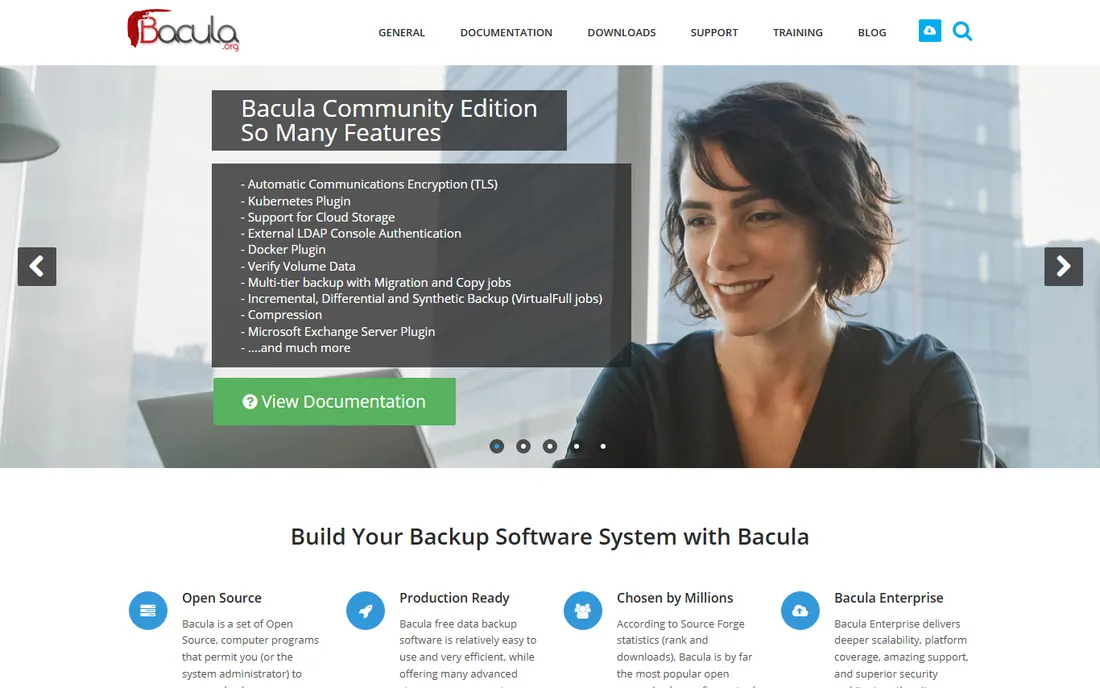
Bacula has been backing up serious infrastructure since the early 2000s, and it remains the reference point for open source enterprise backup. The architecture splits into director, storage daemon, file daemon, and catalog, which sounds like a lot until you need to back up hundreds of machines to disk and tape with different retention rules per department. Few tools match its scheduling and volume management.
That power comes with real complexity. Expect to spend days on configuration, and the standard management console will not win design awards. Bacula Systems also sells a commercial enterprise edition with support and extra features, which is worth knowing: the open source core is fully usable, but paid support exists if your team needs a throat to choke. Choose Bacula when backup is a job title, not a side task.
What we like- Proven at very large scale
- Tape library support
- Granular retention policies
Watch out for- Complex setup
- Dated management console
Starting priceFree (open source)
Free planYes
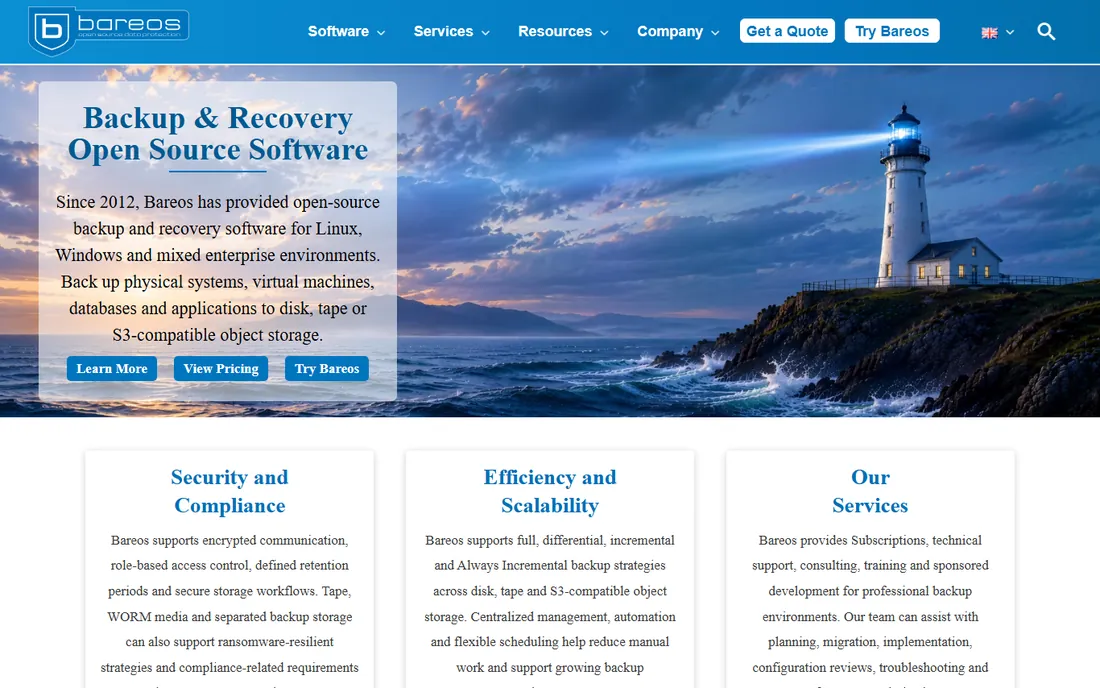
Bareos forked from Bacula in 2010 and has carved its own path since. If you know Bacula's concepts, Bareos feels familiar, but the project has invested in a cleaner web UI, better Windows client support, and steady feature work. It handles the same enterprise scenarios: network backups, tape, deduplication-friendly storage, and detailed job control.
For a team choosing between the two Bacula-family options today, Bareos is often the easier recommendation. Development is active, documentation is solid, and the community is responsive. The learning curve is still steep compared with modern single-binary tools, so small shops should look at Restic or Duplicati first. Bareos also offers commercial subscriptions with support if you want the open source core plus a support contract.
What we like- Familiar Bacula-derived architecture
- Active development
- Decent web interface
Watch out for- Still complex for beginners
- Plugin ecosystem is smaller
Starting priceFree (open source)
Free planYes
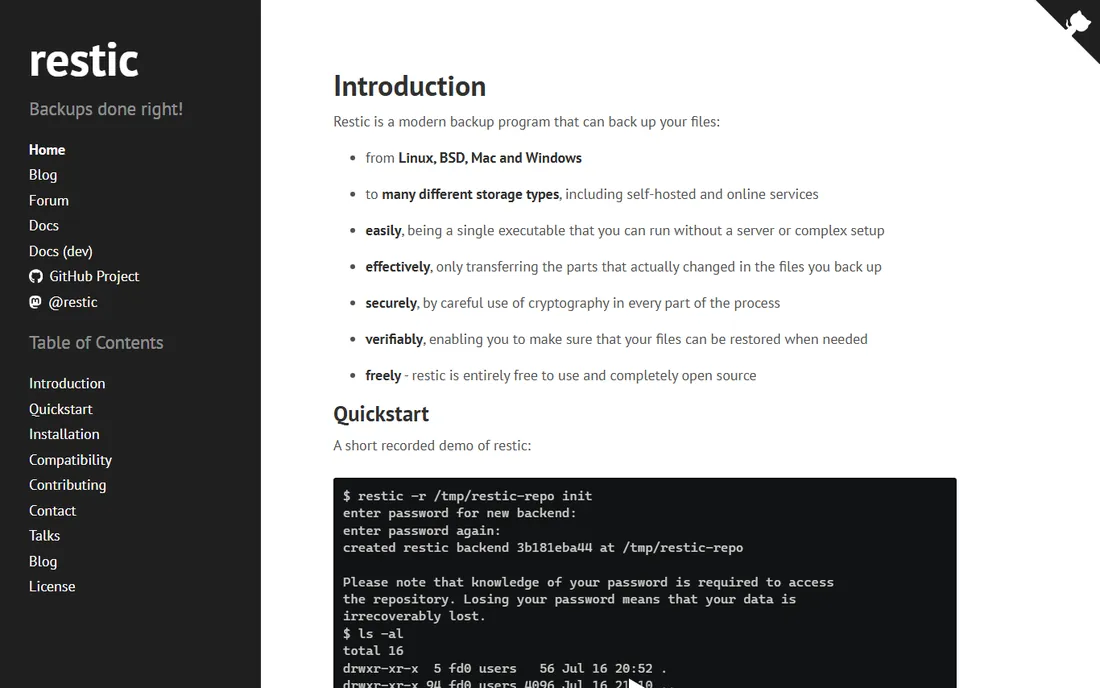
Restic is what modern backup tooling looks like: one static binary, no server to install, encryption on by default, and repositories that can live on S3, Backblaze B2, SFTP, or a local disk. Deduplication keeps storage costs down, snapshots make versioning simple, and the command line is pleasant enough that writing backup scripts feels painless.
The honest catch is that Restic is a tool, not a platform. There is no built-in scheduler, no central dashboard, and no email reporting out of the box. You bring cron, systemd timers, or a wrapper like autorestic or Resticprofile. For a sysadmin comfortable with that, Restic is close to ideal. For a team that wants to click through a GUI and see green checkmarks, Duplicati or UrBackup will feel friendlier.
What we like- Single binary, easy to deploy
- Strong encryption
- Backs up to S3, SFTP, and local disk
Watch out for- No built-in scheduler
- Restore of huge repositories can be slow
Starting priceFree (open source)
Free planYes
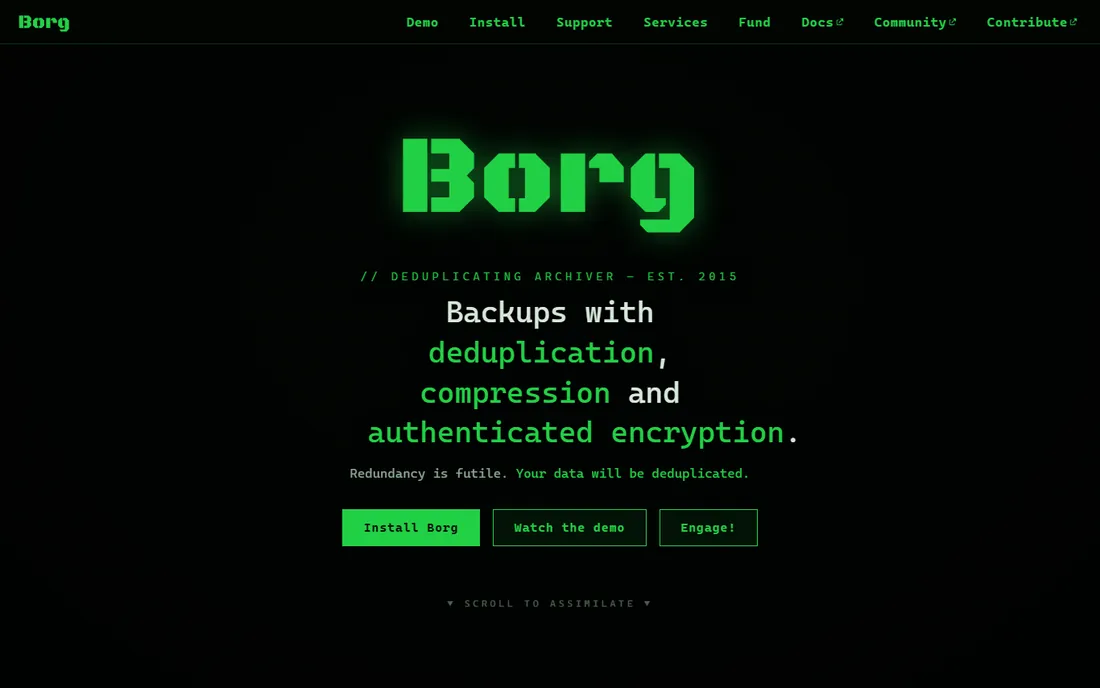
BorgBackup (usually just called Borg) is the deduplication specialist. Its chunking algorithm means daily backups of large datasets store only what changed, and archives mount as filesystems so you can browse and pull single files without a full restore. Repositories work over SSH, which makes off-site backups to a cheap VPS straightforward.
Borg runs on Linux and macOS, with Windows support effectively absent, so mixed shops need a second tool for Windows endpoints. There is no official GUI, though third-party front ends like Vorta (macOS and Linux) fill the gap. If your infrastructure is Unix-like and you value storage efficiency above all, Borg is hard to beat. Pair it with a monitoring script so silent backup failures do not go unnoticed.
What we like- Excellent deduplication
- Fast incremental backups
- Mountable archives
Watch out for- Linux and macOS focus
- No native GUI
Starting priceFree (open source)
Free planYes
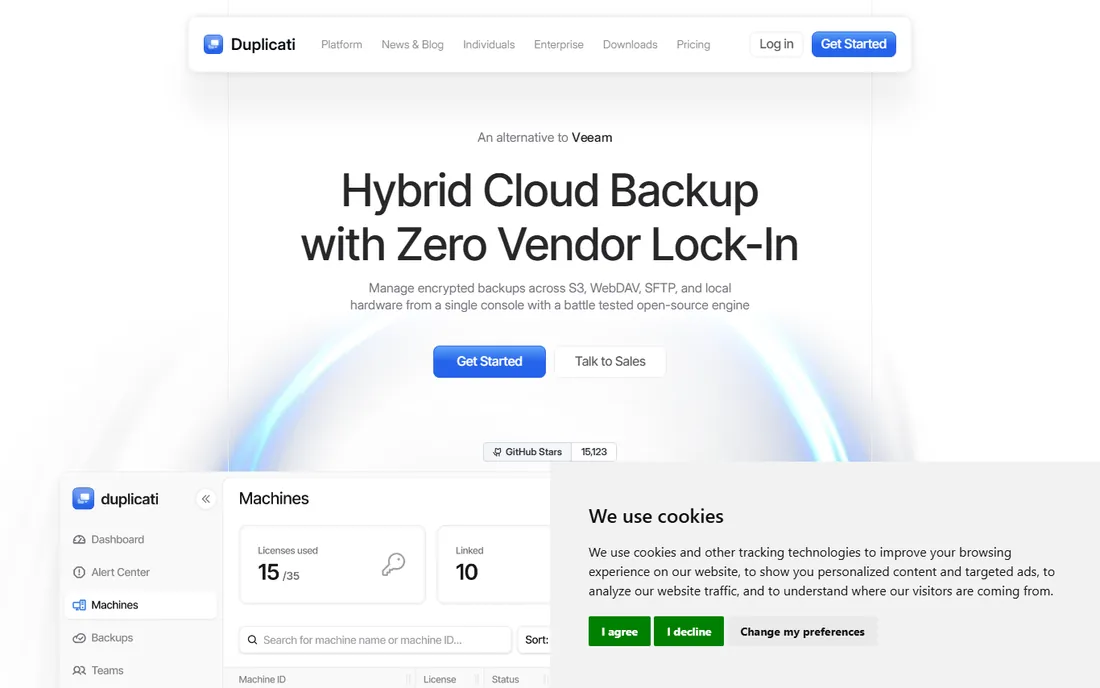
Duplicati is the open source backup tool you can hand to someone who has never touched a terminal. The web-based GUI walks through backup sets, schedules, encryption, and destinations that include S3, Google Drive, OneDrive, SFTP, and plain local folders. AES-256 encryption and incremental backups are standard, and it runs on Windows, macOS, and Linux.
Performance is the caveat. Duplicati's local database can bog down with very large backup sets, and the project's development pace has been uneven over the years. For workstations, small servers, and home labs, it is one of the most approachable options available. For terabyte-scale server farms, look at Restic or Bacula instead.
What we like- Friendly web interface
- Many storage backends
- AES encryption
Watch out for- Can be slow on very large datasets
- Project pace has varied
Starting priceFree (open source)
Free planYes
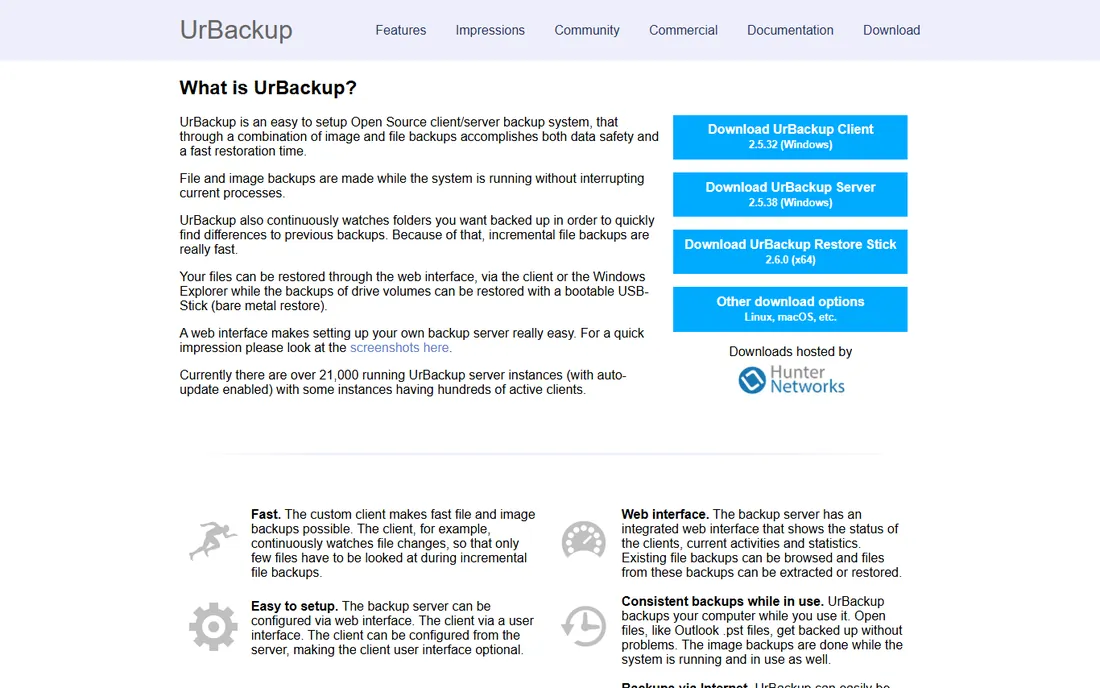
UrBackup does something most tools on this list do not: it backs up both files and full system images across a network, with a web interface to manage clients. Install the server, deploy lightweight clients to Windows and Linux machines, and you get continuous incremental file backups plus periodic image snapshots. Restores can go to bare metal via a bootable restore medium.
It is genuinely impressive for the price of zero, and small IT departments running mixed networks get a lot of mileage from it. Setup needs more care than Duplicati, and some advanced scenarios send you digging through forums. Commercial support and extra features are available from the vendor if you want them. For offices with twenty to a few hundred endpoints, UrBackup deserves a serious look.
What we like- Does both file and full image backups
- Fast
- Web-based management
Watch out for- Server setup takes care
- Documentation can be thin
Starting priceFree (open source)
Free planYes
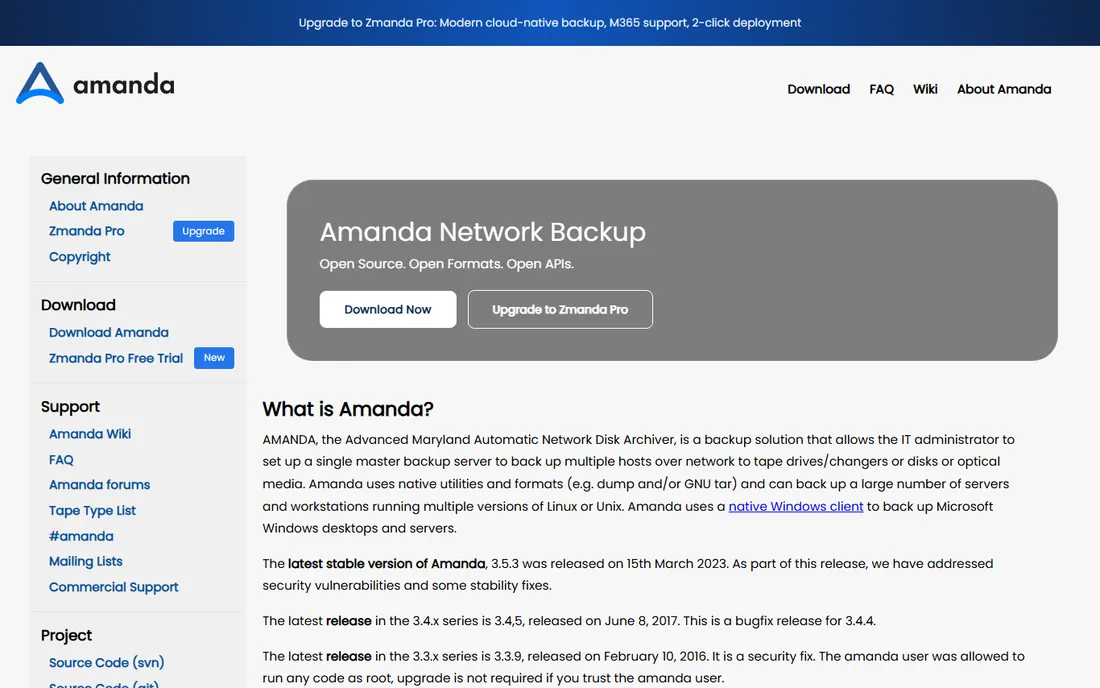
Amanda (Advanced Maryland Automatic Network Disk Archiver) has been doing network backups since the early 1990s, and it is still maintained. It was designed for a world of tape drives and disk staging, and it remains a solid choice for exactly that: backing up many Unix and Linux hosts to tape or disk with a smart scheduler that balances load across backup windows.
The configuration style will feel archaic if you grew up on YAML and web UIs. The community is smaller than in Amanda's heyday, though commercial backing continues through Zmanda. Choose Amanda when you have tape infrastructure and Unix expertise in-house. For fresh greenfield deployments, most teams will find Bacula or Bareos better documented and Restic simpler to operate.
What we like- Decades of production use
- Tape-friendly
- Flexible scheduler
Watch out for- Configuration is old-school
- Community is quieter than it was
Starting priceFree (open source)
Free planYes
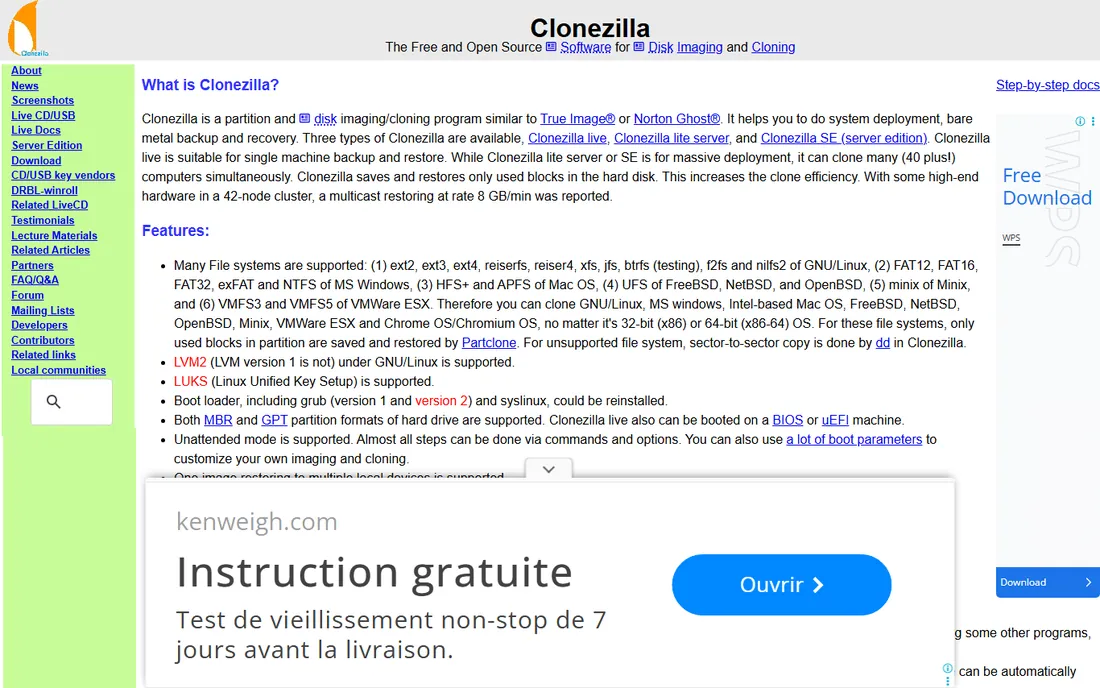
Clonezilla is not a backup scheduler; it is a disk cloning tool, and it is the best free one. Boot from USB, image a disk or partition to a file, and restore it later to the same or different hardware. Clonezilla SE (Server Edition) multicasts images to dozens or hundreds of machines simultaneously, which is why schools, labs, and IT departments keep it in the toolkit.
The interface is text-based and unforgiving of inattention, so it is a tool for technicians, not end users. It also does not do versioned incremental backups on a schedule. Use Clonezilla for golden images, lab deployments, and one-off full-disk captures. Pair it with a file-level backup tool for everything else.
What we like- Completely free
- Clones disks fast
- Server Edition images many machines at once
Watch out for- Text-based interface
- Not a scheduled backup solution
Starting priceFree (open source)
Free planYes
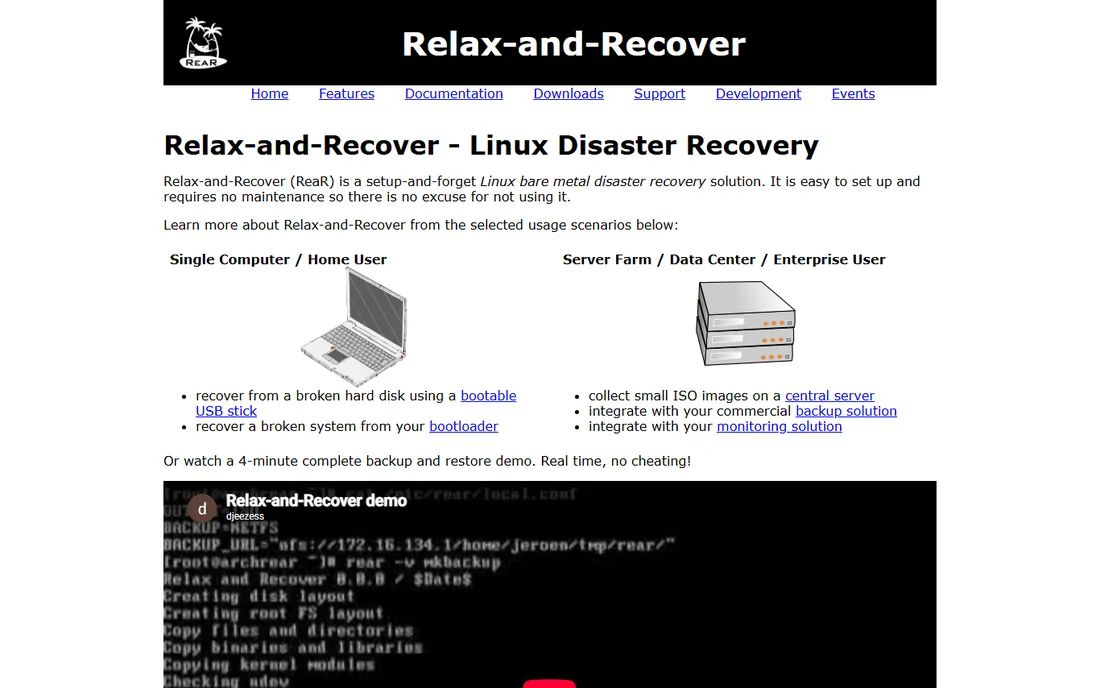
Relax-and-Recover (ReaR) answers a specific question: if this Linux server dies completely, how fast can I rebuild it? It generates a bootable recovery image containing the system layout, and works alongside your existing backup software (Bacula, Borg, rsync, and others) to restore data onto fresh hardware. It handles partition layouts, bootloaders, and network config so you are not rebuilding from memory at 2 a.m.
It is Linux-only and command-line driven, and like all disaster recovery tooling, it only works if you test it. Build the recovery media, boot it in a test VM, and run a trial restore before you need it for real. As part of a layered strategy (file backups plus ReaR for bare metal), it closes the gap that file-level tools leave open.
What we like- Creates bootable recovery images
- Integrates with existing backup tools
- Lightweight
Watch out for- Linux only
- Recovery media needs regular testing
How to pick the right one for your setup
Match the tool to the job, not the hype
File-level backup, full image backup, and bare-metal disaster recovery are different jobs. Restic and Borg excel at versioned file backups. UrBackup and Clonezilla handle images. ReaR covers bare-metal Linux recovery. Bacula and Bareos do enterprise scheduling across all of it. Start from what you need to restore, then pick the tool.
Count the real cost
Open source licenses are free, but the total bill is not. You still pay for storage, off-site bandwidth, and the staff hours to configure, monitor, and periodically test restores. A "free" tool that nobody monitors is more expensive than a paid one that pages you when a backup fails. Budget a few hours a month for checking logs and running test restores.
Plan the 3-2-1 rule from day one
Keep three copies of important data, on two different media, with one off-site. Almost every tool here supports an off-site target: Restic and Duplicati to cloud storage, Bacula to tape vaults, Borg over SSH to a remote server. Pick the off-site destination before you pick the tool, and make sure the two fit together.
Encryption is not optional
Backups contain everything an attacker wants. Restic, Borg, and Duplicati encrypt by default or with one checkbox; enterprise tools support it too. Store encryption keys separately from the backups, and document where they are. An encrypted backup whose key died with the old server is the same as no backup.
How we chose
We evaluated tools against real-world backup requirements: reliability of restores, encryption, deduplication, scheduling, platform support, and the health of the project (recent releases, documentation, community activity). We drew on vendor documentation, release histories, and long-running community reputation rather than marketing claims. We excluded abandoned projects and tools that are backup features inside larger suites rather than standalone backup software. No vendor paid for placement, and we did not run lab restores for this guide.
The hidden costs of "free" backup software
The license costs nothing, but four things still cost money. First, storage: deduplication helps, but retention policies decide the real bill, so model a year of retention before committing. Second, off-site bandwidth and cloud storage fees, which are easy to underestimate. Third, staff time for setup, monitoring, and the quarterly test restore you should be doing. Fourth, support: community forums are free and sometimes slow, while commercial support contracts from vendors like Bacula Systems or Bareos cost real money but buy you response times. None of this is an argument against open source. It is an argument for budgeting honestly.
Frequently asked questions
Is open source backup software safe for business use?
Yes, with the usual caveats. Tools like Bacula, Bareos, Restic, and BorgBackup are used in production by companies of all sizes. Safety comes from your process, not the license: encrypted backups, off-site copies, monitored jobs, and tested restores. An unmonitored commercial tool is riskier than a well-run open source one.
What is the difference between Restic and BorgBackup?
Both do encrypted, deduplicated backups from the command line. Restic supports more storage backends natively (S3, B2, Azure, SFTP) and runs on Windows too. BorgBackup has slightly more efficient deduplication and lets you mount archives as filesystems, but it is Linux and macOS only. Pick Restic for cloud backends and mixed OS environments, Borg for Unix-only setups where storage efficiency matters most.
Can I back up Windows machines with these tools?
Yes. Duplicati, UrBackup, and Restic all run on Windows. Bacula and Bareos have Windows clients. BorgBackup and Relax-and-Recover are the exceptions: Borg is Unix-only and ReaR is Linux-only. For mixed networks, UrBackup is often the simplest single answer.
How often should I test my restores?
At least quarterly for critical systems, and after any major change to the backup setup. A test restore means actually recovering files or a full system to a separate location and verifying the data, not just checking that the backup job reported success. Automate the check where you can, but do a manual full restore test on a schedule.
Do I still need off-site backups if I use RAID or a NAS?
Yes. RAID protects against disk failure, not against fire, theft, ransomware, or accidental deletion. The 3-2-1 rule exists because local redundancy and backups solve different problems. Every tool on this list supports an off-site target; use one.
Sources we checked (9)
- https://www.bacula.org
- https://www.bareos.com
- https://restic.net
- https://www.borgbackup.org
- https://duplicati.com
- https://www.urbackup.org
- https://www.amanda.org
- https://clonezilla.org
- https://relax-and-recover.org
Is your product missing or out of date?
We review this list regularly. Vendors can request a listing, send updated pricing or ask about featured placement.

Shihab Mia · Founder, Rankite
Shihab has spent more than a decade helping SaaS and e-commerce brands grow through search. He writes Rankite's software buying guides from pricing pages, documentation and public user reviews. More about Shihab.