How we make this list: we compare pricing pages, product documentation and public user reviews. Rankite is independent; if a vendor ever pays for a featured spot, that listing is clearly labeled Partner.
Key takeaways
- The cheapest credible options for a 10-person team: When I Work Essentials ($25/month), Connecteam Basic ($29/month flat for up to 30 users) and Clockify Basic ($39.90/month).
- If invoicing is the point of tracking time, shortlist Harvest and Toggl Track Starter ($9/user/month): both were built around billable work rather than surveillance.
- Already on QuickBooks Online? QuickBooks Time Premium ($20/month + $10/user/month) removes a whole integration, but the base fee makes it pricey under 5 users.
- Need proof of work, screenshots or activity levels for remote staff? Hubstaff Starter ($4.99/user/month) and Time Doctor are the monitoring-first picks, while Toggl explicitly refuses screenshot surveillance.
- Harvest and Time Doctor do not show plan prices in a way our review could capture, so both are listed as "See website" this round.
Quick comparison
| Tool | Best for | Starting price | Free plan |
|---|
 Clockify Clockify | Budget teams that want the cheapest real time tracker | $3.99/seat/month (Basic, billed annually) | Yes (free forever, up to 5 users) |
 Toggl Track Toggl Track | Teams that want tracking their people will actually do | $9/user/month (Starter, billed annually) | Yes (free forever, limited users) |
 Harvest Harvest | Service firms that turn tracked hours into client invoices | See website (per-seat plans) | Yes (1 seat, 2 projects) |
 QuickBooks Time QuickBooks Time | Businesses already running QuickBooks Online | $20/month + $10/user/month (Premium plan) | Free trial (no credit card required) |
 Hubstaff Hubstaff | Remote teams that need activity proof alongside hours | $4.99/user/month (Starter, billed annually) | Free trial (14 days) |
 Time Doctor Time Doctor | Managers who want per-person productivity analytics | See website (per-user plans) | Free trial (14 days, full Premium features) |
 Connecteam Connecteam | Deskless teams that need a time clock plus scheduling and messaging | $29/month flat for the first 30 users (Basic, billed annually) | Yes (free Small Business plan) |
 When I Work When I Work | Hourly shift teams where scheduling comes first | $2.50/user/month (Essentials) | Free trial (14 days, no credit card) |
 Deputy Deputy | Shift businesses with compliance rules and complex rosters | $5/user/month (Lite) | Free trial |
Is your product missing or out of date?
We review this list regularly. Vendors can request a listing, send updated pricing or ask about featured placement.
The best online timesheet software
Timesheets die for one reason: the tool is harder to use than the spreadsheet it replaced. Every product below captures hours online and runs in a browser, but they split into two camps fast. Trackers like Clockify, Toggl and Harvest serve knowledge workers who log project time for clients. Workforce tools like Connecteam, When I Work and Deputy serve hourly staff who clock in and out of shifts. Picking across the camps is the most common mistake buyers make.
#1
Clockify
Best for: Budget teams that want the cheapest real time tracker
Visit clockify.me
Starting price$3.99/seat/month (Basic, billed annually)
Free planYes (free forever, up to 5 users)
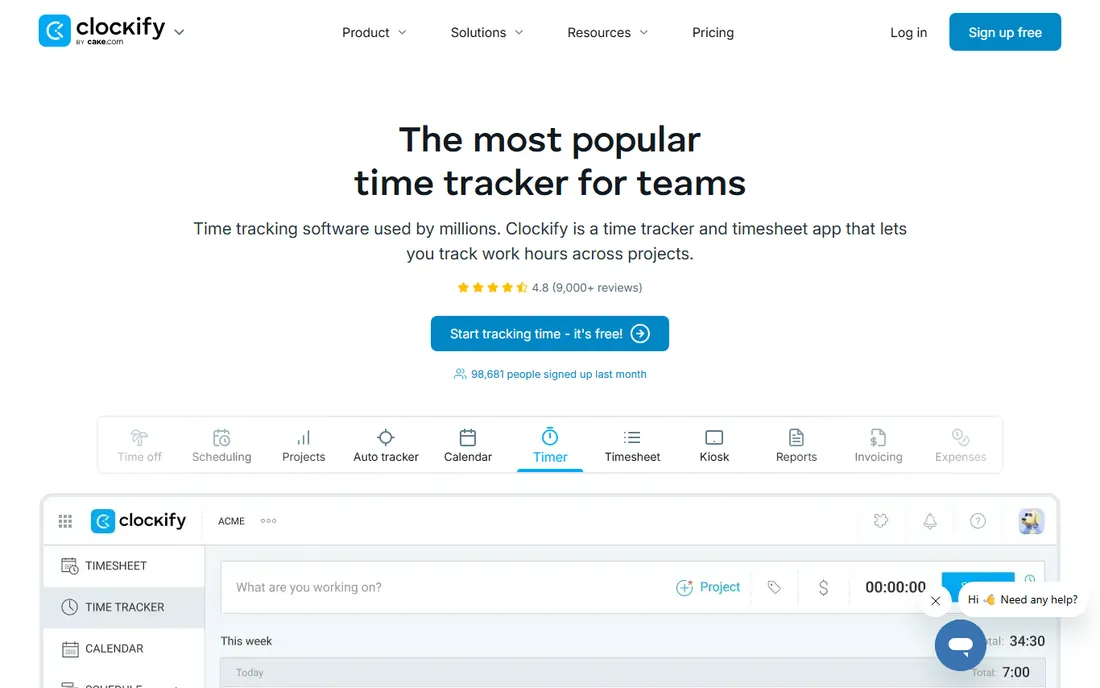
Clockify wins on price and loses on nothing that matters to small teams. The free tier is genuinely usable: unlimited time tracking, unlimited projects, a kiosk mode for shared clock-in devices, and basic reports, for up to 5 users. Paid plans stay cheap in absolute terms: Basic at $3.99 per seat per month annually adds admin controls, time audits, locked entries and billable rates, and a 10-person team pays $39.90 a month.
The step worth knowing about is Standard at $5.49 per seat, which is where Clockify becomes a real timesheet product: invoicing, timesheet approvals, time-off tracking and manager roles all live there. Pro at $7.99 adds scheduling, expenses and GPS. If you only need hours logged honestly and cheaply, Basic is enough. If approvals and invoices matter, price Standard, not Basic.
What we like- Free plan covers unlimited tracking, projects and reports for up to 5 users
- Basic is the cheapest paid entry on this list
- Kiosk clock-in, billable rates and time audits included from Basic
Watch out for- Invoicing and timesheet approvals wait for Standard ($5.49/seat/month)
- Reporting depth lags specialist billing tools
#2
Toggl Track
Best for: Teams that want tracking their people will actually do
Visit toggl.com
Starting price$9/user/month (Starter, billed annually)
Free planYes (free forever, limited users)
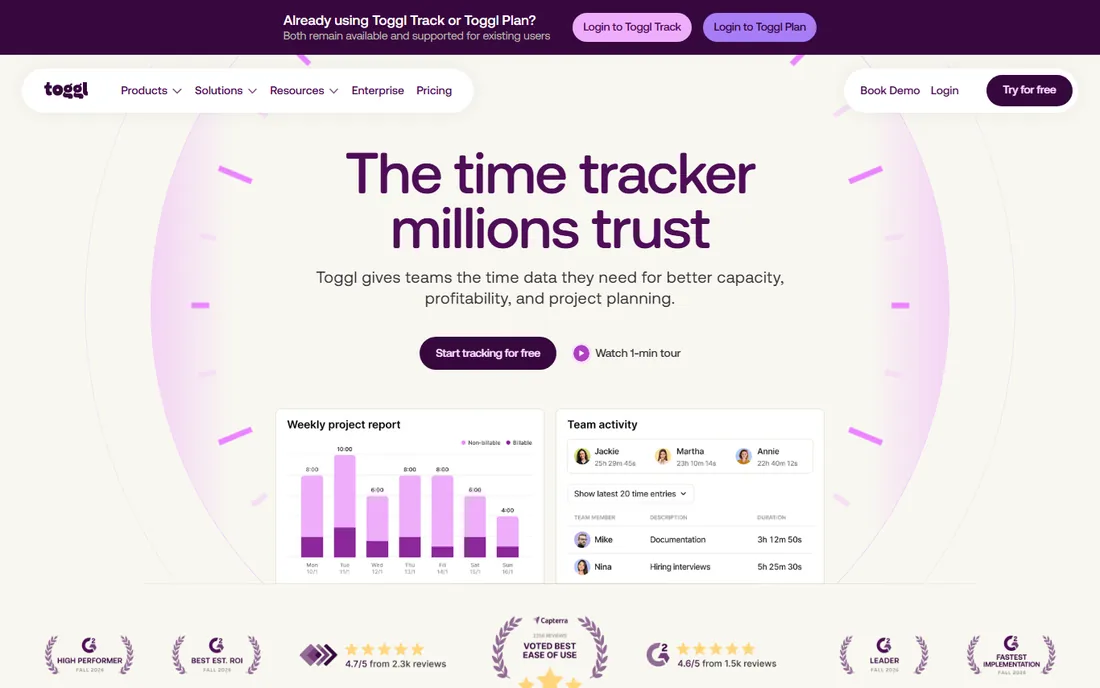
If your team resists time tracking, start here. Toggl's one-click timer, browser extension and calendar integrations are the reason adoption rates are its selling point, and the company publicly refuses screenshot and keystroke monitoring, which removes the biggest trust objection remote teams raise. The free plan covers timers, manual entry, tasks and personal reports for a small team.
Starter at $9 per user per month annually is the plan most billable teams land on: billable rates, time estimates with alerts, timeline views and team reports. Premium at $16 per user per month annually adds labor costs, profitability reports, fixed-fee projects and timesheet approvals. The honest math: a 10-person team pays $90 a month on Starter, more than double Clockify Basic, and still needs a separate invoicing tool. You pay for the timer people will actually start.
What we like- The fastest, lowest-friction timer in the category
- Explicit anti-surveillance stance, no screenshots ever
- Starter adds billable rates and project estimates
Watch out for- No invoicing at any tier, billing needs a separate tool
- Premium at $16/user/month is steep for approvals and profitability reports
Starting priceSee website (per-seat plans)
Free planYes (1 seat, 2 projects)
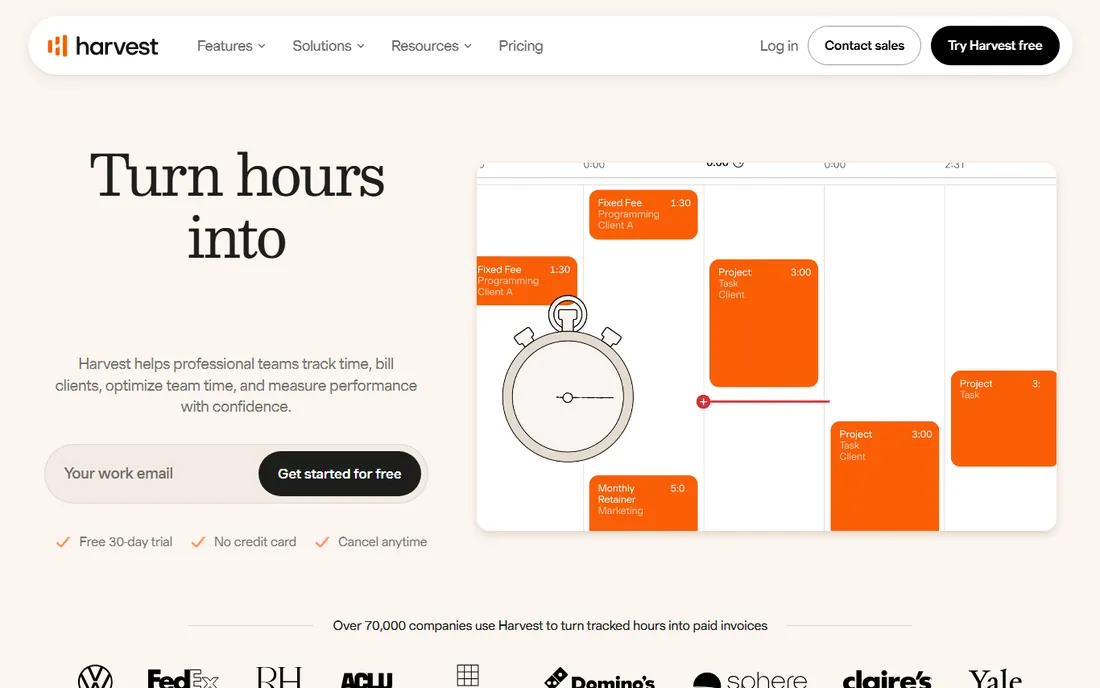
Harvest has been doing one thing since 2006: converting tracked hours into money. The workflow is the product. Log time against clients, projects and tasks, review the entries, generate an invoice inside Harvest and let the client pay through Stripe or PayPal. Expenses with receipt photos ride along on every plan, and project budget alerts warn you before fixed-fee work goes over.
The commercial shape is simple and unforgiving. The free plan fits a solo freelancer with two projects, nothing more. Paid plans are per seat, and a 15-person agency pays 15 seats whether everyone tracks or not. Harvest's pricing page did not expose plan prices in a readable form during this review, so confirm the current per-seat figure on getharvest.com before budgeting. If invoicing is the reason you track time, Harvest usually beats a tracker plus a separate invoicing tool.
What we like- The smoothest time-to-invoice workflow in the category, with Stripe and PayPal collection
- Expense tracking with receipt photos on every plan
- Budget alerts keep fixed-fee projects honest
Watch out for- Free plan is a solo trial in disguise (1 seat, 2 projects)
- Per-seat pricing gets expensive past 10 to 15 people
Starting price$20/month + $10/user/month (Premium plan)
Free planFree trial (no credit card required)
Already paying for QuickBooks Online? Then QuickBooks Time (the product formerly known as TSheets) removes an entire integration category. Tracked hours flow into QuickBooks payroll and invoices natively, and staff clock in through the QuickBooks Workforce mobile app with GPS, geofencing on Elite, and a photo-capturing time kiosk for shared devices. Scheduling is included on every plan, which many competitors charge extra for.
The price is the catch and it is two layers deep. Premium is $20 a month plus $10 per user per month, so a 10-person crew pays $120 a month for time tracking alone, before the QuickBooks Online subscription itself. Elite at $40 plus $12 per user adds mileage tracking, geofencing, timesheet signatures and project estimates versus actuals. Intuit runs a 50 percent off promo for the first three months, so never pay the first price you see. If you are not on QuickBooks, there is cheaper time tracking elsewhere on this list.
What we like- Native sync into QuickBooks payroll and invoicing with no integration to maintain
- Scheduling included on every plan at no extra cost
- GPS tracking, time kiosk and photo attachments standard
Watch out for- Requires a QuickBooks Online subscription on top, which starts around $38/month
- The $20 base fee makes it the priciest pick for teams under 5
#5
Hubstaff
Best for: Remote teams that need activity proof alongside hours
Visit hubstaff.com
Starting price$4.99/user/month (Starter, billed annually)
Free planFree trial (14 days)
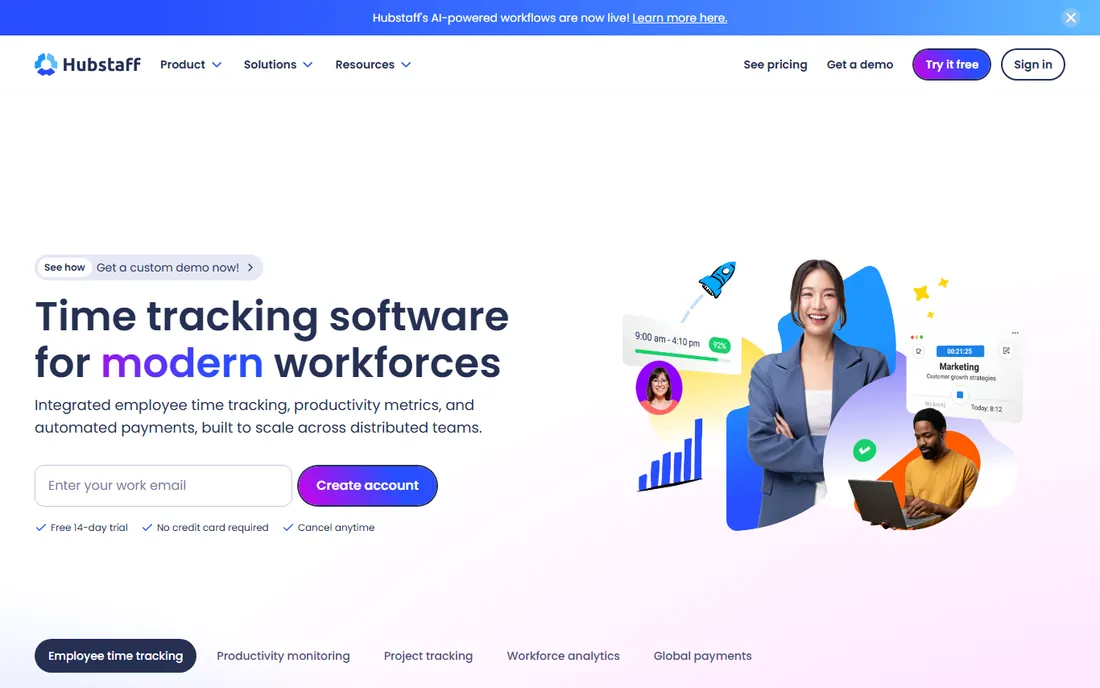
Hubstaff is the tracker for managers who need proof of work, not just a timesheet. Starter at $4.99 per user per month annually includes the timer, automated timesheets, activity levels based on keyboard and mouse, configurable screenshots and app and URL tracking, plus client invoicing. Grow at $7.50 adds project budgets, expenses and idle-time detection. Team at $10 adds timesheet approvals, scheduling, attendance, payroll automation and unlimited integrations.
Watch the seat math on tiny teams: every paid plan carries a 2-seat minimum, so a solo freelancer pays $9.98 a month on annual Starter, not $4.99. Add-ons like GPS Locations ($3.33/seat) and Insights analytics ($2.50/seat) stack on top if you need them. For distributed teams and agencies billing clients for remote hours, the activity data justifies the price. For a co-located team that trusts its people, it is more monitoring than you need.
What we like- Screenshots, activity levels and app tracking from the cheapest plan
- Automated payroll and client invoicing built in
- 2-seat minimum keeps it accessible to tiny teams
Watch out for- No permanent free plan
- The monitoring feature set can feel heavy for teams that just want hours
Starting priceSee website (per-user plans)
Free planFree trial (14 days, full Premium features)
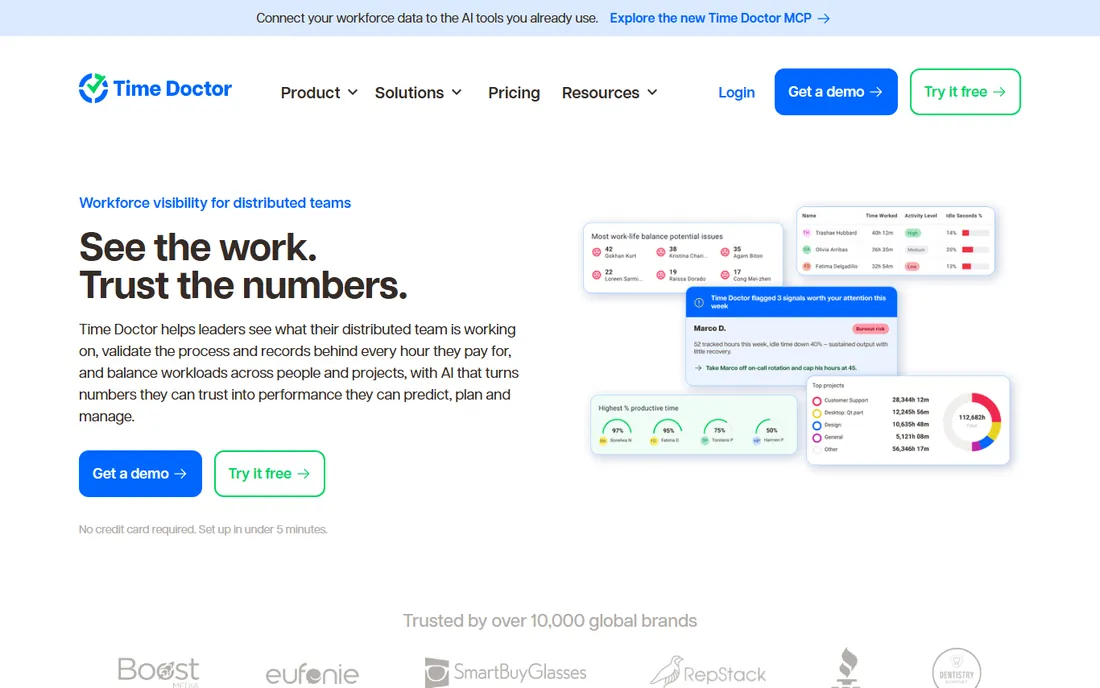
Time Doctor sits at the strict end of this list. It is a time tracker with a workforce-analytics engine attached: screenshots and activity monitoring on Basic, then web and app usage reports, productivity ratings, attendance, payroll and 60-plus integrations on Standard, and video screen recording, AI benchmarks and unusual-activity detection on Premium. The 14-day trial runs on full Premium features with no credit card, which is the honest way to evaluate it.
This is the right tool when the business question is "what is each person actually producing," and the wrong tool when the question is just "how many hours." Expect a culture conversation before rollout: the feature set that makes managers happy is exactly what makes employees nervous. Third-party reviews consistently report entry pricing around $6.67 to $8 per user per month, but the vendor's own pricing page did not render plan prices during this review, so verify on timedoctor.com before you budget.
What we like- The deepest productivity reporting in this price band: web and app usage, work-life balance metrics, unusual-activity detection
- Payroll, attendance and leave tracking from Standard
- 60-plus integrations
Watch out for- No permanent free plan
- Plan prices were not readable on the vendor site during this review
- The monitoring depth is overkill for simple timesheets
#7
Connecteam
Best for: Deskless teams that need a time clock plus scheduling and messaging
Visit connecteam.com
Starting price$29/month flat for the first 30 users (Basic, billed annually)
Free planYes (free Small Business plan)
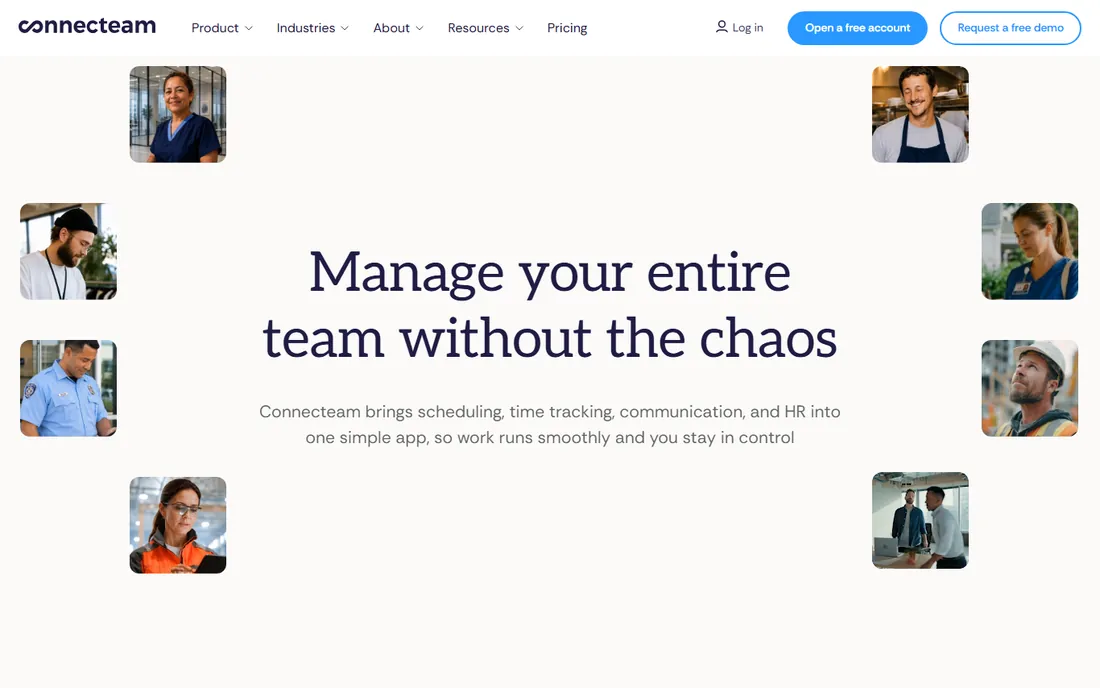
Connecteam is not really a time tracker first. It is a deskless-workforce app, built for retail, hospitality, construction and field services, that happens to track time well. The Operations Hub bundles a GPS time clock, job scheduling, digital forms and checklists, and payroll integrations. Add the Communications Hub and you get team chat, updates and a knowledge base in the same app your crew already opens for shifts.
The pricing model is the story. Basic is $29 a month flat for the first 30 users on annual billing ($35 monthly), then under a dollar per extra user. A 20-person crew pays $29 a month total. Compare that with $100-plus on any per-seat tool and the value is obvious. The catch is the hub structure: each hub (Operations, Communications, HR) is priced separately, so a team using all three pays three times. Start with Operations alone and add hubs only when the team actually uses them.
What we like- Flat pricing, not per seat: $29/month covers up to 30 users, which undercuts every per-seat tool past 6 people
- GPS time clock, scheduling, forms and team chat in one app
- 14-day trial with no credit card
Watch out for- Pricing is per hub, so adding Communications or HR hubs multiplies the bill
- Advanced GPS features like geofencing need higher tiers
Starting price$2.50/user/month (Essentials)
Free planFree trial (14 days, no credit card)
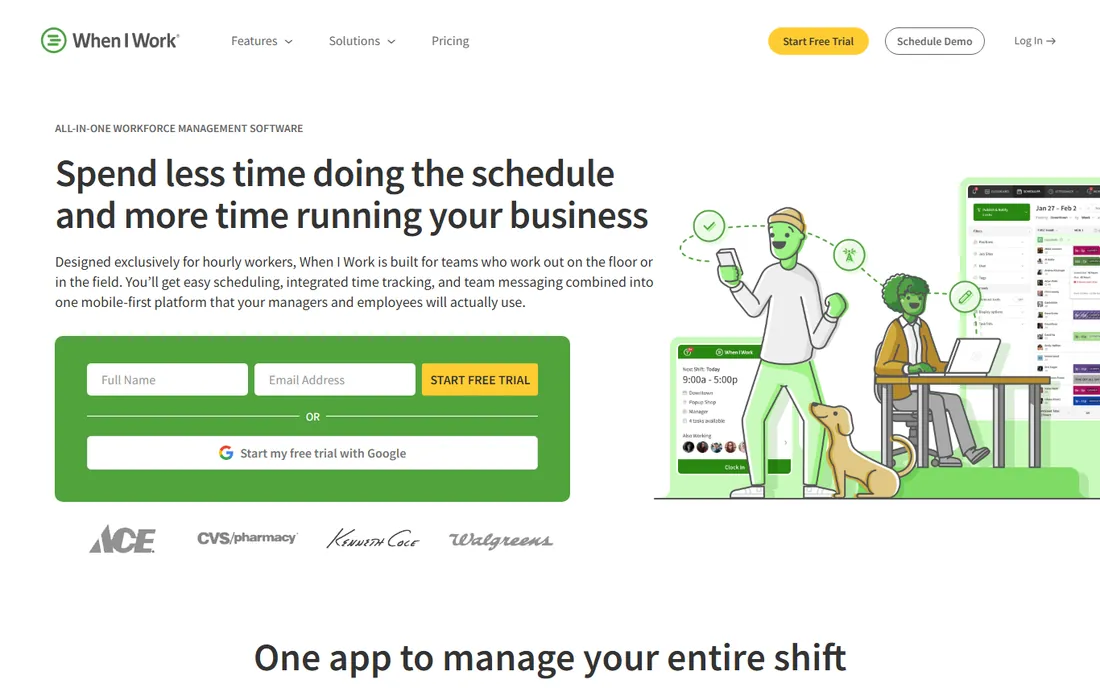
Hourly shift workers need scheduling first and timesheets second, and When I Work is built in that order. Essentials at $2.50 per user per month covers shift templates, multi-week and multi-location scheduling, auto-scheduling, open shifts with swapping, time and attendance tracking and in-app team messaging. Pro at $5 adds scheduling rules, labor sharing and custom reporting. Premium at $8 adds API access and SSO.
The 10-person math is the cheapest per-seat figure in this roundup: $25 a month. There are no contracts, and the 14-day trial needs no credit card. The honest boundary: this is a shift-workforce tool. If your team bills hours to client projects, you want Harvest or Toggl, not this. If you run a restaurant, store, clinic or warehouse, the schedule-first design is exactly right.
What we like- The cheapest per-user entry on this list
- Scheduling, time and attendance and team messaging bundled in every plan
- Shift swapping and open shifts staff can claim themselves
Watch out for- Built for shift work, a poor fit for project-based knowledge teams
- Timesheet approvals and advanced reporting sit on higher tiers
#9
Deputy
Best for: Shift businesses with compliance rules and complex rosters
Visit deputy.com
Starting price$5/user/month (Lite)
Free planFree trial
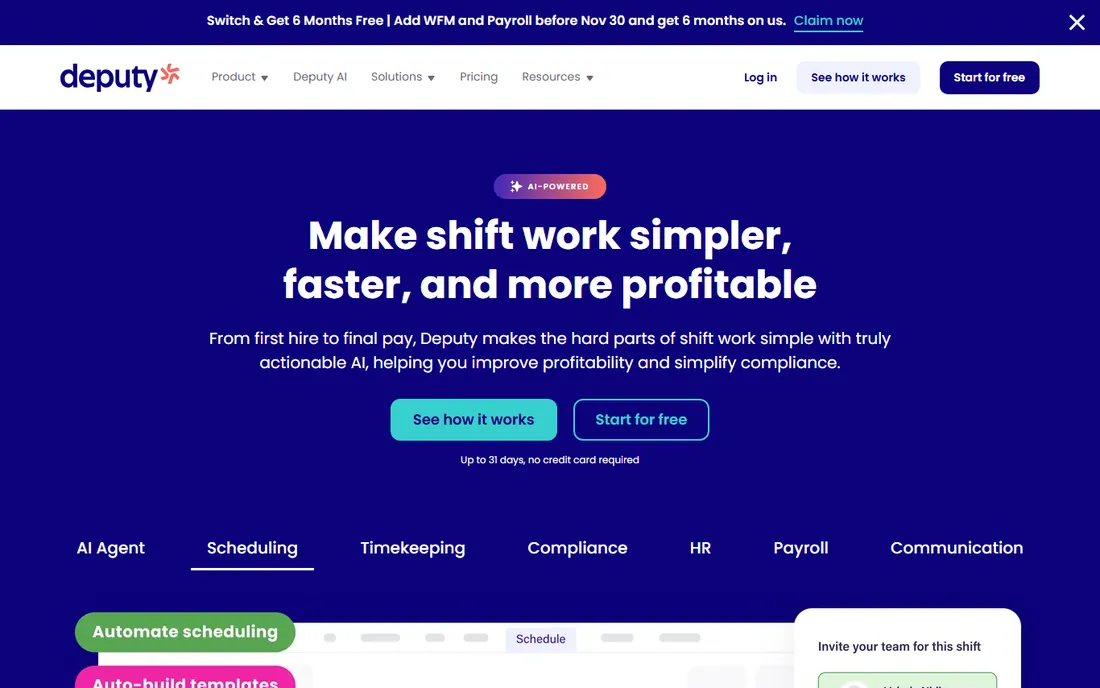
Deputy is built for shift-based businesses where the roster itself is the hard problem: retail, hospitality, healthcare, security. Lite at $5 per user per month covers basic scheduling, timesheets, time clocking, labor-law compliance and leave management. Core at $6.50 adds auto-scheduling, demand forecasting, timesheet auto-approval and biometric clocking. Pro at $9 adds custom access levels, SSO and pay centers for multi-entity businesses.
Two pricing details bite small buyers. First, the $30 monthly minimum spend means a 3-person shop pays $30, not $15. Second, every user counts, including admins and managers. Payroll is a separate add-on ($8/user/month plus a $49 base fee via Paycor), so Deputy is scheduling plus time tracking, not an all-in-one. For a 20-person operation with real compliance needs, Core at $130 a month is fair value. For a 4-person cafe, When I Work is cheaper.
What we like- Strong labor-law compliance and demand-based scheduling from the start
- Facial-recognition kiosk kills buddy punching
- Timesheet Auto Approval on Core reduces payroll admin
Watch out for- $30/month minimum spend applies even to tiny teams
- Payroll and HR are paid add-ons, not bundled
- All users including managers count as billable seats
The per-seat math that decides your bill
Timesheet pricing looks simple until you multiply. Here is what 10 employees actually costs per month on the entry plan of each tool, annual billing where published: When I Work Essentials $25, Connecteam Basic $29 flat, Clockify Basic $39.90, Deputy Lite $50 (above the $30 minimum), Hubstaff Starter $49.90, Toggl Track Starter $90, QuickBooks Time Premium $120 (plus the QuickBooks Online subscription), and Harvest and Time Doctor priced on their own sites.
Three traps hide in that table. First, base fees: QuickBooks Time's $20 monthly base makes it the most expensive pick for a 5-person team even though its per-user rate looks moderate. Second, seat minimums: Hubstaff bills a 2-seat minimum and Deputy enforces a $30 monthly floor, so solo users pay more than the per-seat price suggests. Third, flat versus per-seat: Connecteam's $29 flat for 30 users beats every per-seat tool past about 6 people, but only if you stay on the Operations hub alone. Model your headcount at 12 months, not the headline price.
How to pick the right online timesheet software
Start with who is being tracked
Knowledge workers logging project hours need timers, billable rates and reports: Clockify, Toggl Track and Harvest. Hourly staff clocking shifts need scheduling, GPS and kiosks: Connecteam, When I Work and Deputy. Remote staff needing accountability proof need activity monitoring: Hubstaff and Time Doctor. Buying across these lines is how teams end up paying for features nobody opens.
Approvals, payroll and invoicing decide the tier
The cheapest plan rarely includes the workflow you actually need. Timesheet approvals live on mid tiers at Clockify (Standard), Toggl (Premium), Hubstaff (Team) and Harvest's paid plans. Payroll automation is a Hubstaff Team feature, a Deputy paid add-on and native at QuickBooks Time. Invoicing from tracked time is Harvest's home turf and a Clockify Standard feature, while Toggl has none at all. List your three must-have workflows before comparing prices, then price the tier that includes them.
Free plan traps to check before you commit
Free plans in this category are marketing tools with sharp edges. Harvest's free plan is 1 seat and 2 projects: a trial, not a plan. Clockify caps free at 5 users. Hubstaff and Time Doctor have no free plan at all, only 14-day trials. Toggl's free plan is free forever but limited to a small team. Run your real roster size through the free tier for two weeks, and assume you will pay within a quarter.
How we chose
We started with the categories buyers search: online timesheet software, time tracking software, employee timesheet app and time clock software. For each candidate we opened the vendor's own pricing page, checked plan details against public reviews on G2 and Capterra and practitioner discussion on Reddit, and compared features, approval workflows, payroll integration and company-size fit. Where a price could not be verified on the vendor's page we wrote "See website" rather than guessing. We never claim hands-on testing: this is document research, priced from vendor pages.
Frequently asked questions
What is the cheapest online timesheet software for a small team?
For a 10-person team, When I Work Essentials costs $25/month and Connecteam Basic costs $29/month flat for up to 30 users, the two lowest entry prices in this roundup. Clockify Basic at $39.90/month is the cheapest tracker-style option. All three have free or trial tiers to start on.
Do I need timesheet approvals?
If hours feed payroll or client invoices, yes. Unapproved timesheets are the top source of payroll errors in small businesses. Approvals are a mid-tier feature at most vendors: Clockify Standard, Toggl Premium, Hubstaff Team. If you run payroll from timesheets, price the tier with approvals, not the entry tier.
Can timesheet software run payroll?
Some can. Hubstaff Team includes payroll automation, QuickBooks Time syncs natively with QuickBooks Payroll, and Deputy offers payroll as a paid add-on. Most pure trackers (Clockify, Toggl, Harvest) export to payroll instead of running it. If you want one system, shortlist the workforce tools, not the trackers.
Is there really free timesheet software?
Yes, with limits. Clockify is free for up to 5 users with unlimited tracking, Toggl Track has a free-forever plan for small teams, and Connecteam offers a free Small Business plan. Harvest's free tier is 1 seat and 2 projects. Hubstaff and Time Doctor offer 14-day trials but no permanent free plan.
How do GPS time clocks work for field crews?
The employee clocks in from a phone app that stamps the GPS location; managers see clock-in spots on a map, and some tools (QuickBooks Time Elite, Connecteam Advanced) add geofences that remind staff to clock in or out at job sites. Location is recorded only while on the clock at the tools on this list.
Should I worry about employee pushback on tracking?
It depends on the feature set. Simple timers and timesheets rarely cause friction. Screenshot monitoring, activity levels and app tracking (Hubstaff, Time Doctor) need a clear conversation first: explain what is tracked, why, and who sees it. Toggl's public no-surveillance stance exists precisely because this objection kills adoption.
Sources we checked (9)
- https://clockify.me/pricing
- https://toggl.com/track/pricing/
- https://getharvest.com/pricing
- https://hubstaff.com/hubstaff-pricing-guide
- https://www.timedoctor.com/pricing
- https://quickbooks.intuit.com/time-tracking/pricing/
- https://connecteam.com/pricing/
- https://wheniwork.com/pricing
- https://deputy.com/pricing
Is your product missing or out of date?
We review this list regularly. Vendors can request a listing, send updated pricing or ask about featured placement.

Shihab Mia · Founder, Rankite
Shihab has spent more than a decade helping SaaS and e-commerce brands grow through search. He writes Rankite's software buying guides from pricing pages, documentation and public user reviews. More about Shihab.