How we make this list: we compare pricing pages, product documentation and public user reviews. Rankite is independent; if a vendor ever pays for a featured spot, that listing is clearly labeled Partner.
Key takeaways
- FreshBooks at $23 a month is the best invoicing-first pick for freelancers and service businesses, with time tracking and payments built in.
- QuickBooks Online at $38 a month is the US accounting default your accountant already knows, while Xero at $27 a month offers unlimited users on every plan.
- Wave, Zoho Invoice, Invoice Ninja and Square Invoices all offer genuinely free invoicing, with paid add-ons for payments and payroll.
- Bonsai bundles invoicing with contracts and proposals for freelancers who want the whole client workflow in one tool.
- The real cost decision is free invoicing plus payment fees versus a paid plan with real accounting depth.
Quick comparison
| Tool | Best for | Starting price | Free plan |
|---|
 FreshBooks FreshBooks | freelancers and service businesses that invoice for their time | $23/month (Lite) | Free trial (30 days) |
 QuickBooks Online QuickBooks Online | US small businesses that want the accounting standard | $38/month (Simple Start) | Free trial (30 days) |
 Xero Xero | teams that want unlimited users without per-seat fees | $27/month (Early) | Free trial (30 days) |
 Wave Wave | freelancers who want invoicing free forever | Free (paid add-ons) | Yes |
 Zoho Invoice Zoho Invoice | small businesses already running on Zoho | Free plan | Yes |
 Invoice Ninja Invoice Ninja | businesses that want open-source invoicing they control | Free tier | Yes |
 Square Invoices Square Invoices | businesses that sell in person and invoice on the side | Free tier | Yes |
 Bonsai Bonsai | freelancers who want contracts, proposals and invoicing together | See website | Free trial |
Is your product missing or out of date?
We review this list regularly. Vendors can request a listing, send updated pricing or ask about featured placement.
The best online invoicing software
Invoicing software buyers split into two camps. The first needs invoicing as part of real accounting: send invoices, track expenses, reconcile bank accounts, run reports and hand clean books to an accountant at tax time. The second just needs to bill clients and get paid: professional invoices, online payment links, reminders and not much else.
The first buyer should compare FreshBooks, QuickBooks Online and Xero, which pair invoicing with genuine accounting depth. The second gets better value from Wave, Zoho Invoice, Invoice Ninja or Square Invoices, all of which invoice for free and charge only for payment processing or extras. Bonsai sits between the camps, wrapping invoicing into a freelancer workflow with contracts and proposals.
The price spread runs from free to $38 a month at entry, but the decision that matters is whether you need accounting or just invoices.
#1
FreshBooks
Best for: freelancers and service businesses that invoice for their time
Visit freshbooks.com
Starting price$23/month (Lite)
Free planFree trial (30 days)
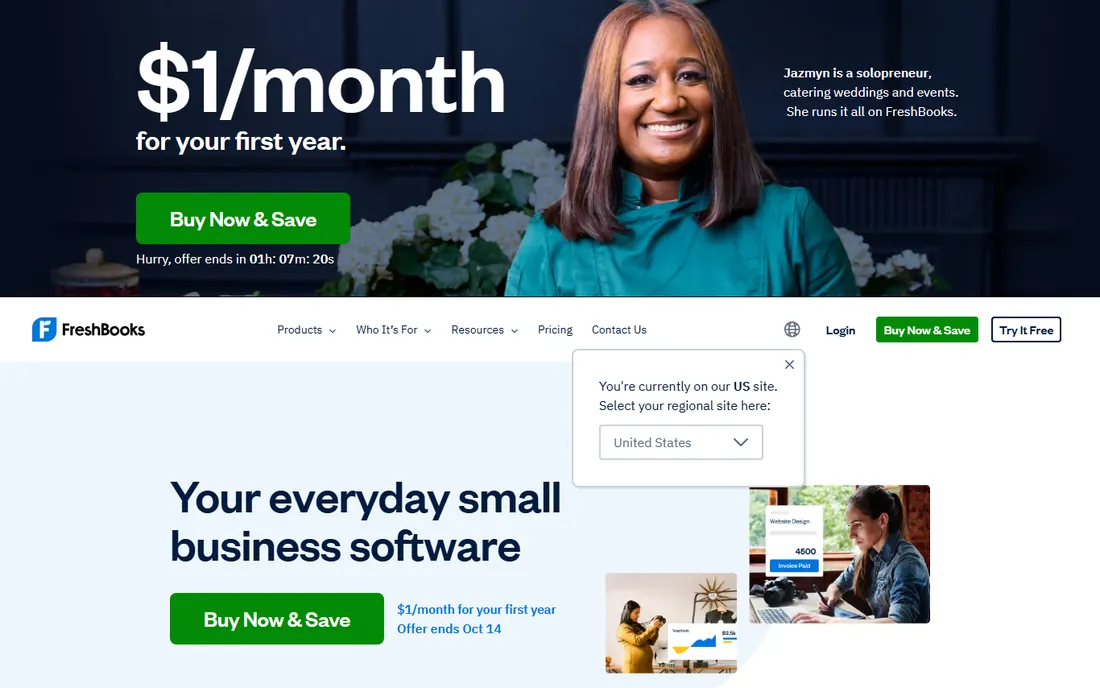
FreshBooks is the default recommendation for freelancers for good reason: invoicing, time tracking, expense capture, estimates and payment reminders are polished and genuinely easy. Lite at $23 a month covers 5 billable clients, Plus at $43 covers 50 with real double-entry accounting reports, and Premium at $70 removes the client cap. Payments run through Stripe with cards, ACH, Apple Pay and Google Pay.
The billable-client cap is the trap: six clients forces you off Lite, and a three-person team on Plus pays $65 rather than $43. Budget from the list price, not the 90%-off introductory promo. For solo service businesses that live on invoices, it remains the most pleasant tool to use daily.
What we like- Best-in-class invoicing with time tracking and late-payment reminders
- Built-in card, ACH and digital-wallet payments
- 30-day free trial with no card
Watch out for- Lite caps at 5 billable clients
- Every plan is single-user with $11 per extra team member
Starting price$38/month (Simple Start)
Free planFree trial (30 days)
QuickBooks Online is the US default for a reason: your accountant works in it, your bank connects to it, and hundreds of apps integrate with it. Simple Start at $38 a month covers one user with invoicing and expense tracking, Essentials at $85 adds three users and bill management, and Plus at $140 brings five users, inventory and project tracking.
The user caps are the real pricing story: a four-person team needs Plus at $140 where Xero charges $55 with unlimited users. Intuit also raises prices regularly. But if your accountant, bookkeeper and industry apps all assume QuickBooks, the ecosystem value is hard to argue with.
What we like- The system most US accountants and apps already assume
- Scales from solo to 25 users
- Deep integrations and payroll options
Watch out for- Per-plan user caps make multi-user teams expensive
- Pricing has risen steadily, now $38 to $340 a month
#3
Xero
Best for: teams that want unlimited users without per-seat fees
Visit xero.com
Starting price$27/month (Early)
Free planFree trial (30 days)
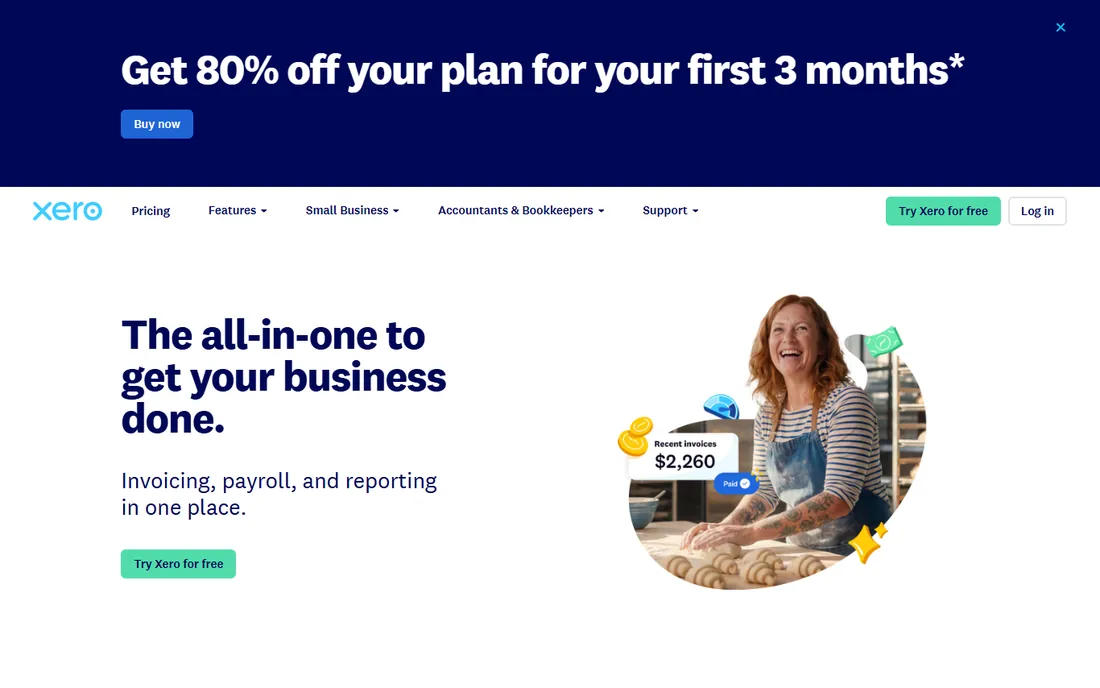
Xero's pitch is arithmetic: unlimited users on every plan, so a five-person team pays $59 a month for Growing with unlimited invoices instead of $140 for QuickBooks Plus. Early at $27 a month suits very small volumes, Growing at $59 is the real starting point, and Established at $97 adds multi-currency, expense claims and project tracking.
Early's 20-invoice cap pushes most businesses to Growing within a quarter, so budget $59 not $27. And while Xero is strong globally, fewer US accountants specialize in it. For teams where several people need access, the flat pricing usually wins the math.
What we like- Unlimited users on every plan
- Clean bank reconciliation and reporting
- Strong multi-currency on the top tier
Watch out for- Early caps at 20 invoices and 5 bills a month
- Smaller US accountant network than QuickBooks
Starting priceFree (paid add-ons)
Free planYes
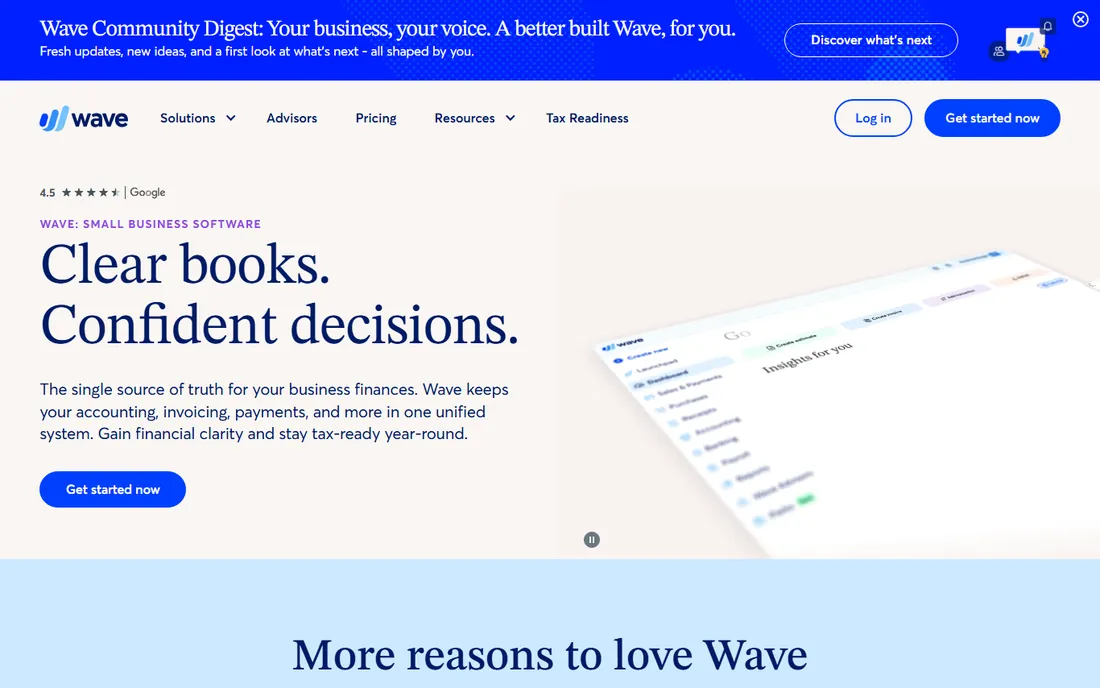
Wave gives away what others charge $20-plus a month for: unlimited invoicing, accounting, receipt scanning and reports, free forever. It makes money on payment processing and optional payroll, which is exactly the model a freelancer wants: invoice free, pay only when clients pay by card.
The trade-offs are real: no time tracking, no project profitability, and support that prioritizes paying customers. It is also US and Canada focused. But for a freelancer or side business that needs professional invoices at zero fixed cost, Wave is the honest answer.
What we like- Genuinely free invoicing, accounting and receipts
- Simple enough for non-accountants
- Payments and payroll available as add-ons
Watch out for- No time tracking or project tools
- Customer support is limited on the free tier
#5
Zoho Invoice
Best for: small businesses already running on Zoho
Visit zoho.com
Starting priceFree plan
Free planYes
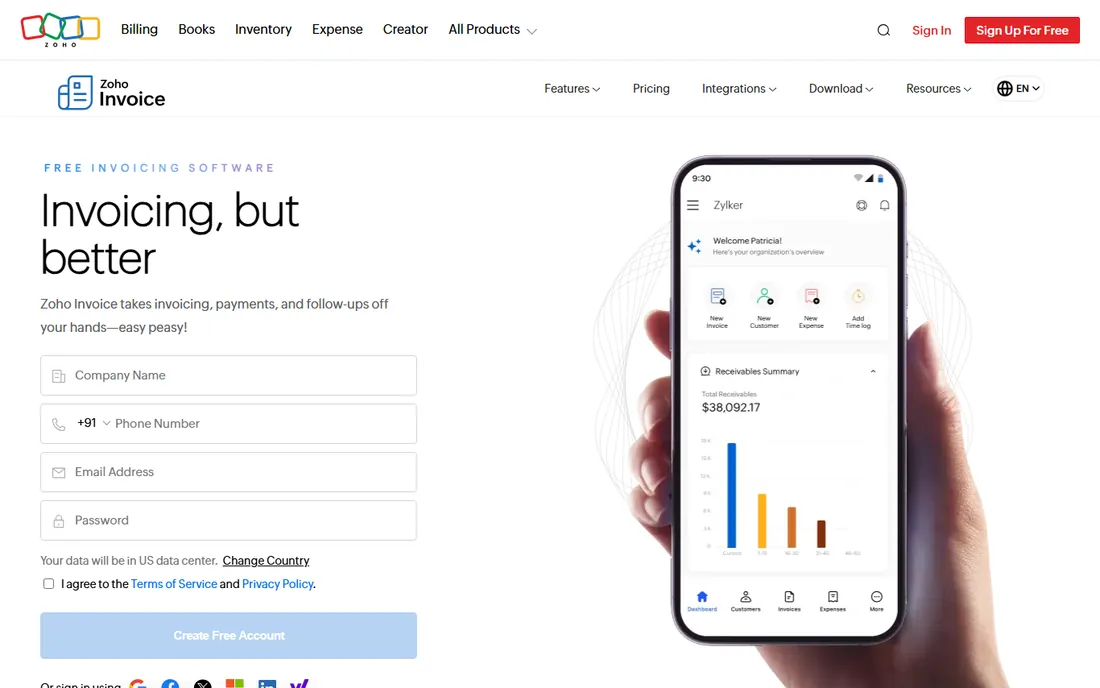
Zoho Invoice is completely free for small businesses within its usage limits, with professional templates, a client portal, multi-currency support and automated reminders. Where it shines is inside the Zoho ecosystem: invoices flow into Zoho Books, CRM and inventory without integrations or Zapier.
Standalone users hit the free plan's annual invoice ceiling sooner than they expect, and paid tiers are modest but real. If you already run Zoho CRM or Books, this is the obvious invoicing layer; as a standalone pick it is still one of the best free options.
What we like- Free plan covers real invoicing needs
- Deep integration with Zoho CRM, Books and inventory
- Multi-currency and client portal included
Watch out for- Free plan has annual invoice limits
- Best value requires buying into the Zoho ecosystem
Starting priceFree tier
Free planYes
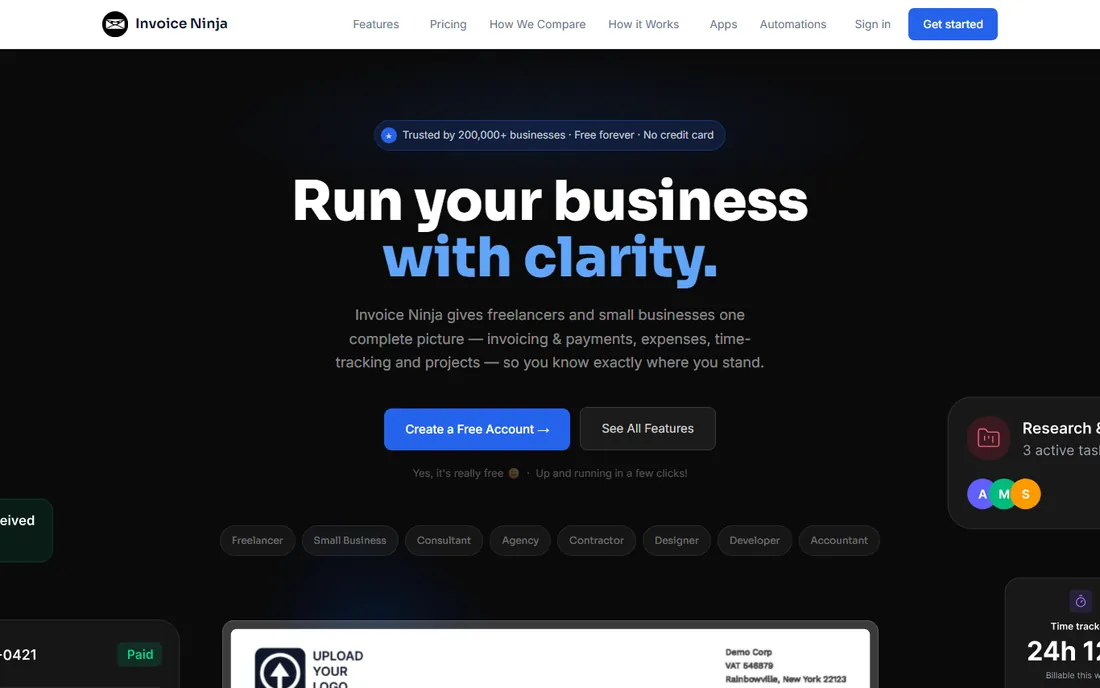
Invoice Ninja is the open-source option: a free hosted tier for small users and a self-hosted version for businesses that want their financial data on their own servers. It covers invoices, quotes, projects, time tracking and expenses, with dozens of payment gateway integrations.
The interface will not win design awards next to FreshBooks, and white-labeling, advanced reports and extra users sit on the paid plan. But for developers, agencies and privacy-conscious businesses, owning the software outright is a feature no SaaS tool can match.
What we like- Free tier with no hard invoice caps for small users
- Self-hosted open-source option for full control
- Quotes, projects and time tracking included
Watch out for- Interface is functional rather than polished
- Advanced features and white-labeling need the paid plan
#7
Square Invoices
Best for: businesses that sell in person and invoice on the side
Visit squareup.com
Starting priceFree tier
Free planYes
Square Invoices is free and lives inside the Square ecosystem, which makes it the natural pick for businesses that already take Square payments in person: contractors, repair shops, salons and market vendors. Send an invoice, the client pays online, and everything lands in the same dashboard as your point-of-sale revenue.
It is not an accounting tool: expense tracking and reporting are thin, and growing businesses eventually pair it with real accounting software. But when invoicing is the side job and payments are the main event, Square's free tier is hard to beat.
What we like- Free invoicing tied to the Square payments ecosystem
- Clients pay by card, ACH or digital wallet
- In-person and online sales in one dashboard
Watch out for- Invoicing depth is basic next to dedicated tools
- Accounting features are minimal
#8
Bonsai
Best for: freelancers who want contracts, proposals and invoicing together
Visit hellobonsai.com
Starting priceSee website
Free planFree trial
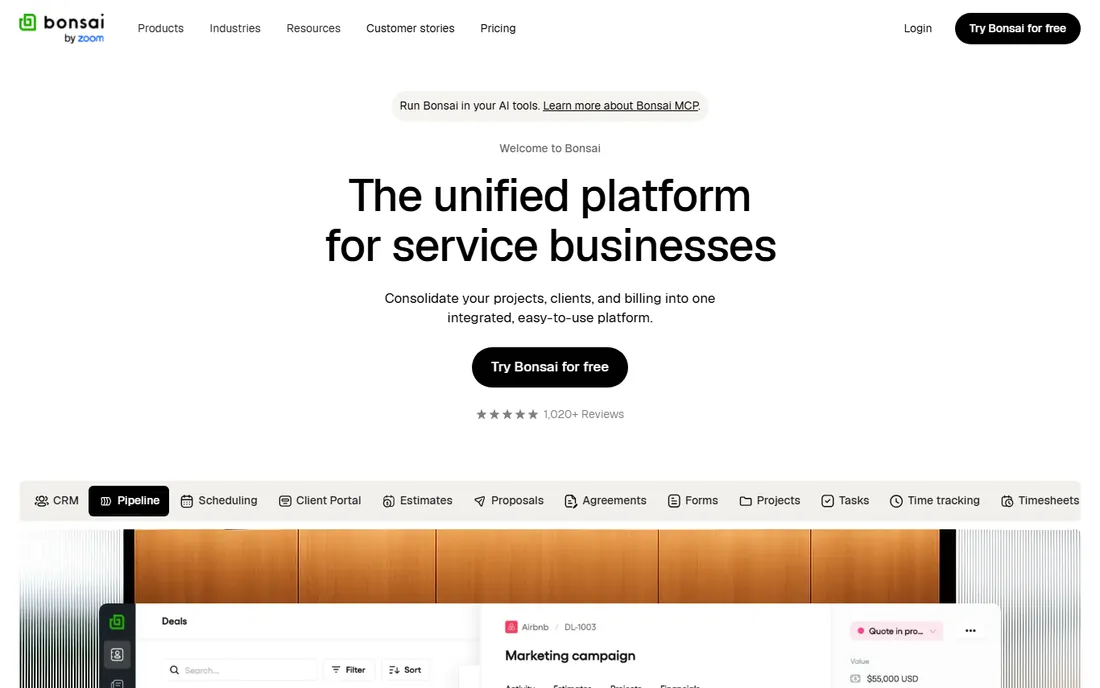
Bonsai wraps invoicing into the full freelancer client workflow: send a proposal, sign a contract, track time, invoice and get paid without leaving the platform. It is the only tool here that treats the client relationship, not just the bill, as the product.
Pricing requires checking the current plans on their site, and the breadth is wasted on businesses that just need invoices. But for freelancers juggling proposals, contracts and payments across a dozen clients, the unified workflow saves real administrative time.
What we like- Contracts, proposals, time tracking and invoicing in one workflow
- Client portals and automated reminders
- Built for freelancer client management
Watch out for- Pricing is not published on the entry tier
- Overkill if you only need invoices
How we assembled this ranking
We pulled pricing from vendor pricing pages and independent pricing audits updated through September and October 2026, including FreshBooks' published plan prices and the documented Xero and QuickBooks list prices. We required real online invoicing: professional invoice templates, online payment acceptance and payment reminders. Accounting depth separated the tiers: full accounting tools versus invoice-only tools. Review sentiment from G2, Capterra and user communities informed the fit notes. No hands-on testing is claimed; this ranking rests on published plans, documented features and aggregated buyer reviews.
What to check before you sign up
Decide whether you need accounting or just invoices. If you need bank reconciliation, financial reports and accountant-ready books, compare FreshBooks, QuickBooks Online and Xero on user counts and invoice volume. If you just need to bill and get paid, start with the free tier of Wave, Zoho Invoice, Invoice Ninja or Square Invoices and upgrade only when volume demands it.
Check the payment processing math: free invoicing tools earn on card fees, typically around 2.9% plus 30 cents, which dwarfs the subscription cost at real revenue volumes. Confirm invoice and client limits on entry plans, since caps force upgrades faster than features do. Count the users who need access before comparing prices, because per-seat fees change the ranking completely. Finally, ask your accountant which system they prefer; their hourly rate for unfamiliar software costs more than any subscription.
The pricing models explained
Free invoicing is real: Wave, Zoho Invoice, Invoice Ninja and Square Invoices all invoice for free and earn on payment processing or paid add-ons. Paid invoicing-first tools run $23 to $43 a month: FreshBooks Lite and Plus. Full accounting platforms run $27 to $140 at the tiers most small businesses use: Xero Growing at $59, QuickBooks Plus at $140. Watch the add-ons: extra users, payroll, advanced payments and processing fees sit outside every subscription and scale with your business.
Frequently asked questions
What is the best software for invoicing small businesses?
FreshBooks at $23 a month is the best paid pick for service businesses that invoice for their time. Wave and Zoho Invoice are the best free options for businesses that just need professional invoices. QuickBooks Online at $38 a month suits businesses that need full accounting behind the invoices.
Is there really free invoicing software?
Yes. Wave, Zoho Invoice, Invoice Ninja and Square Invoices all offer genuinely free invoicing tiers with professional templates and online payments. They earn money on payment processing fees and optional add-ons like payroll. Free plans have limits on volume or features, so check the caps against your needs.
How much does online invoicing software cost?
Free tools cost nothing for the software itself, with payment processing around 2.9% plus 30 cents per card transaction. Paid invoicing tools run $23 to $43 a month. Full accounting platforms with invoicing run $27 to $140 a month at typical small-business tiers. Add extra users, payroll and processing fees on top.
What is the difference between invoicing software and accounting software?
Invoicing software sends bills and collects payments. Accounting software does that plus bank reconciliation, expense tracking, financial reports and tax-ready books. FreshBooks, QuickBooks and Xero are accounting tools with strong invoicing; Wave, Zoho Invoice and Square Invoices are primarily invoicing tools.
Can clients pay invoices online?
Yes, online payment acceptance is standard across this list: cards, ACH bank transfers and digital wallets, with payment links on every invoice. Processing fees apply, typically 2.9% plus 30 cents for cards and around 1% for ACH. Automated reminders chase unpaid invoices without manual follow-up.
Sources we checked (7)
- https://findstack.com/products/freshbooks/reviews?page=7
- https://smartkeys.org/freshbooks-review/
- https://www.appventory.com/blog/how-much-does-freshbooks-cost-2026-plans-pricing-hidden-costs-full-breakdown
- https://assetblaze.com/en/blog/quickbooks-online-vs-xero-inventory
- https://baremetrics.com/blog/quickbooks-online-vs-xero?hs_amp=true
- https://theconvergencehub.com/xero-vs-quickbooks
- https://www.flozic.ai/blog/xero-vs-quickbooks
Is your product missing or out of date?
We review this list regularly. Vendors can request a listing, send updated pricing or ask about featured placement.

Shihab Mia · Founder, Rankite
Shihab has spent more than a decade helping SaaS and e-commerce brands grow through search. He writes Rankite's software buying guides from pricing pages, documentation and public user reviews. More about Shihab.