How we make this list: we compare pricing pages, product documentation and public user reviews. Rankite is independent; if a vendor ever pays for a featured spot, that listing is clearly labeled Partner.

Key takeaways
- Paperless Post is the strongest pick for weddings and formal events, with designer templates and a credit system that lets you pay per invite instead of subscribing.
- Evite and Punchbowl cover casual parties best: both are free to start, both track RSVPs, and Punchbowl adds licensed character designs that kids actually care about.
- Greenvelope sits in the middle with a flat per-mailing price starting at $19, animated envelope openings, and zero ads for your guests.
- RSVPify is the one to pick when your event looks more like a corporate function, with check-in tools, ticketing, and integrations that party-focused tools do not offer.
Quick comparison
| Tool | Best for | Starting price | Free plan |
|---|
 Paperless Post Paperless Post | weddings and formal events | See website | Yes |
 Evite Evite | casual parties on a budget | Free (Pro $249.99/year) | Yes |
 Greenvelope Greenvelope | ad-free digital invitations | $19 per mailing | No |
 Punchbowl Punchbowl | family parties with character designs | $2.99/month (billed yearly) | Free trial |
 RSVPify RSVPify | corporate and nonprofit events | $39/month | Yes |
 Greetings Island Greetings Island | free DIY invites and cards | Free (Premium membership) | Yes |
 Postable Postable | mailed paper cards | See website | Yes |
 Canva Canva | designing your own invitation art | Free (Pro $144/year) | Yes |
Is your product missing or out of date?
We review this list regularly. Vendors can request a listing, send updated pricing or ask about featured placement.
Starting priceSee website
Free planYes
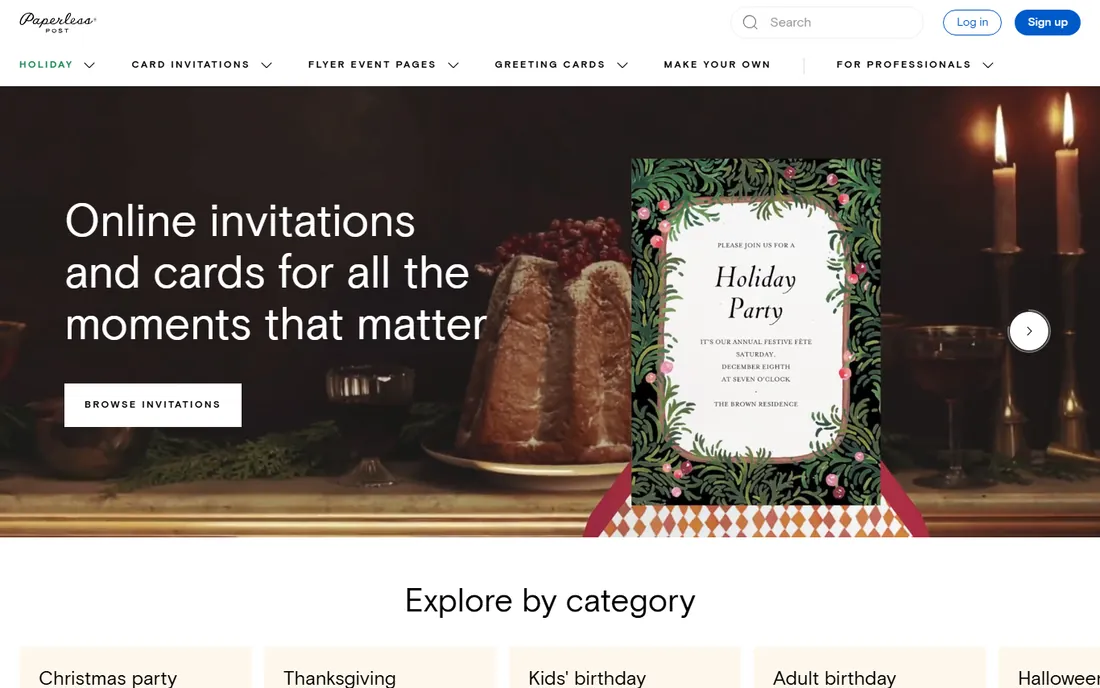
Paperless Post is the closest digital invitations get to real stationery. The template library runs into the thousands, with collections from well-known designers, and the customization tools let you adjust fonts, colors, liners, and backdrops without touching design software. Event management is baked in: you can add co-hosts, ask guests custom questions (meal choices, addresses, dietary needs), schedule sends, and track RSVPs in real time.
The pricing model is Coins, a credit currency you buy in bundles and spend per invitation. Many templates are free to send, while premium designs cost a few Coins each, which works out well if you only host one or two big events a year. The honest catch is that Coins pricing can feel opaque until you have bought a bundle, and there is no unlimited monthly plan for serial hosts. Guests get an ad-free experience either way, which matters when the invite is for a wedding rather than a backyard barbecue.
What we like- Large designer template library
- Pay-per-invite Coins model
- Ad-free guest experience
Watch out for- Premium designs cost Coins on top of free tier
- No subscription option for heavy senders
Starting priceFree (Pro $249.99/year)
Free planYes
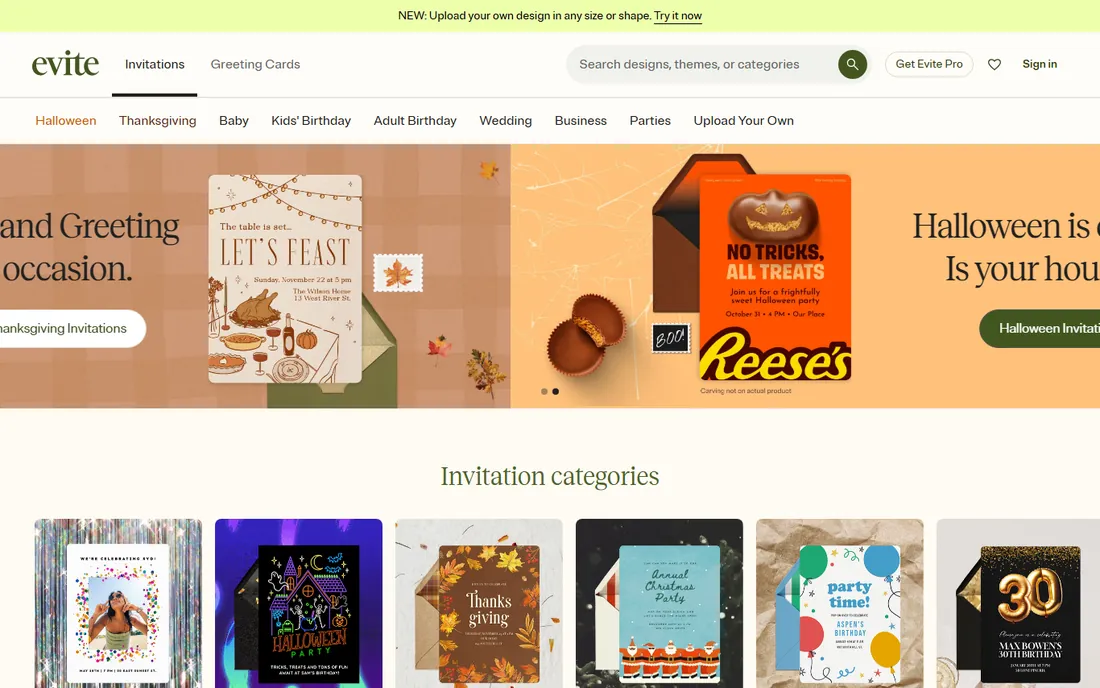
Evite is the default answer for a reason: it has been doing this longer than almost anyone, and the free tier covers the whole workflow from design to RSVP tracking. You pick a template, customize the text, send by email, text, or link, and the platform handles reminders and plus-one management. Event Pages are a lighter-weight option for casual get-togethers, and SignUp Sheets handle potluck coordination without a separate tool.
Evite Pro costs $249.99 per year and gives you unlimited premium invitations and greeting cards. For most people, the free designs are enough, but the free tier shows ads to guests, which is the main tradeoff. If you host frequently and the ads bother you, Pro pays for itself after a handful of events. Upload-your-own-design is available on both tiers, and there is a Canva app that pushes designs straight into Evite.
What we like- Genuinely free core invitations
- Built-in RSVP tracking and reminders
- Event pages and signup sheets included
Watch out for- Ads on the free tier
- Premium designs push you toward the yearly Pro plan
Starting price$19 per mailing
Free planNo
Greenvelope charges one flat amount per mailing based on guest count, starting at $19, with no subscription, coins, or credits to manage. Every mailing arrives with an animated envelope opening, which gives digital invites some of the ceremony of paper ones, and there is no advertising anywhere your guests look. RSVP tracking includes plus-ones, meal selections, seating charts, and survey questions, plus guest list import from spreadsheets.
The company leans into sustainability, partnering with reforestation nonprofits, which is a genuine differentiator if that matters to you. The catch is arithmetic: at $19 and up per mailing, three or four events a year costs more than an annual plan elsewhere, though annual memberships exist for frequent senders. You can design everything with a free account and only pay when you send, so there is no risk in trying it. Text message sending is capped monthly to protect deliverability, so large guest lists go by email.
What we like- Flat per-mailing price, no subscription
- Animated envelope opening
- No ads for hosts or guests
Watch out for- Per-mailing cost adds up for frequent hosts
- SMS has monthly sending limits
Starting price$2.99/month (billed yearly)
Free planFree trial
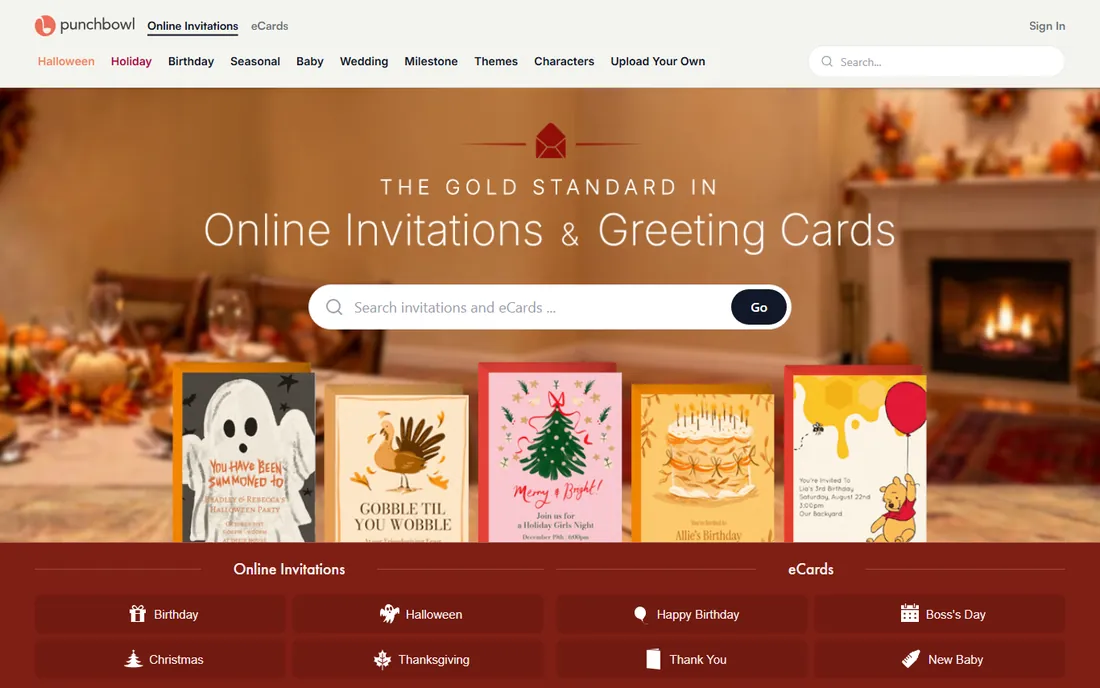
Punchbowl's edge is the character library: Mickey Mouse, Bluey, PAW Patrol, Barbie, Sonic, and more, all officially licensed. If you are planning a kids birthday, that alone can decide it. Beyond the designs, the feature set is solid: RSVP tracking with reminders, co-hosts, potluck lists, guest polls, eCards, and delivery by email or text.
Pricing is membership-based. Plus starts at $2.99 per month billed yearly ($5.99 month to month) for up to 50 guests per event, Premium runs $4.99 per month billed yearly for 100 guests, and Platinum at $5.99 per month billed yearly removes ads and allows 500 guests. New customers get a 7-day free trial. The honest catch: there is no ongoing free plan, so casual one-off hosts end up paying or moving on, and the guest caps mean a big family reunion may need the Business tier.
What we like- Licensed Disney and kids characters
- Potluck lists and guest polls built in
- Low entry price
Watch out for- No permanent free tier after the trial
- Guest caps per event on cheaper plans
Starting price$39/month
Free planYes
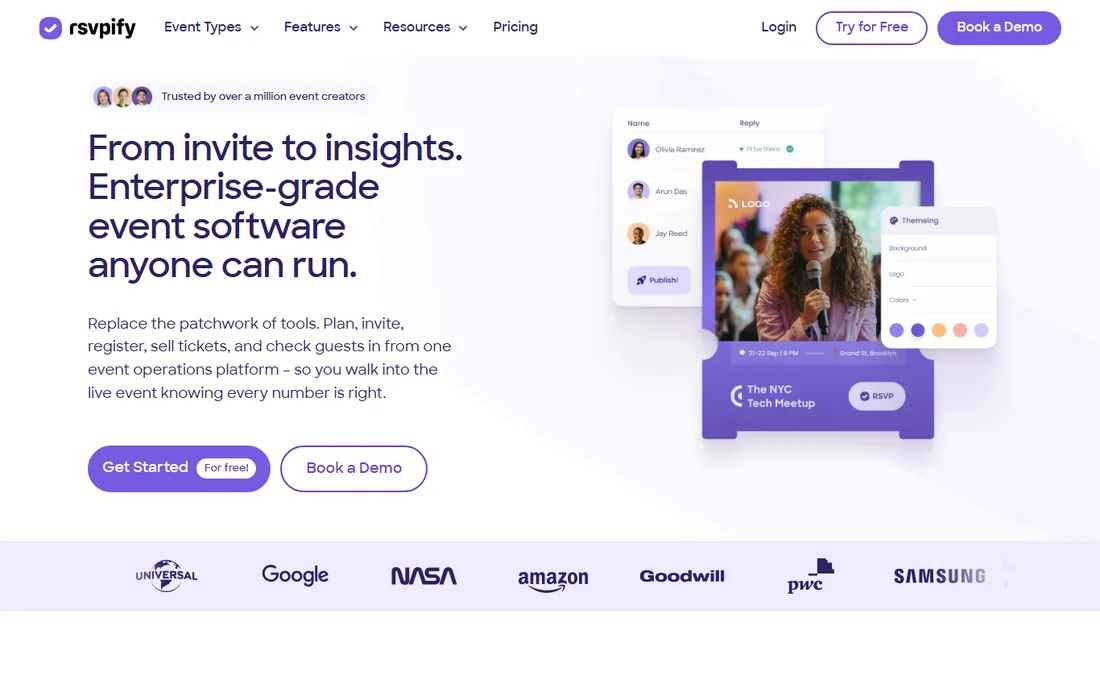
RSVPify is event management software that happens to do invitations, rather than the other way around. The free plan covers basic RSVP for smaller events (up to 100 guests), and paid plans add ticketed registration, QR code check-in, seating charts, multi-tier ticket types, donations, and integrations with Salesforce, HubSpot, Stripe, and Zapier. Email campaigns, reminders, and follow-ups can all be scheduled up front.
The Starter plan is $39 per month ($288 per year), Plus is $125 per month, and Professional is $409 per month, with registration limits scaling at each tier. That pricing makes sense for organizations running events year-round but is steep for a single gala. If your "invitation" list runs into the hundreds and you need door staff scanning QR codes, nothing else on this list competes. If you are inviting thirty people to dinner, it is the wrong tool.
What we like- Full event registration with check-in and ticketing
- Salesforce and HubSpot integrations
- Strong email automation
Watch out for- Overkill for simple parties
- Paid plans priced per month even for one-off events
Starting priceFree (Premium membership)
Free planYes
Greetings Island is the rare platform that is genuinely free to use without creating an account. Thousands of templates cover invitations and greeting cards for every occasion, and you can download high-resolution files, print at home, share on social media, or order professional prints with free shipping. The built-in RSVP system supports deadlines, guest limits, reminder messages, and one-click responses for guests.
A Premium membership adds exclusive designs, removes watermarks, and adds advanced editing tools. The site also offers AI-assisted design ("Magic invite") and photo-to-illustration tools for kids party themes. The tradeoff for the generous free tier is a smaller designer-name cachet than Paperless Post and a template catalog that skews casual. For school parties, family events, and quick cards, it is hard to beat at the price.
What we like- Free with no sign-up required
- Download, print, or share anywhere
- Built-in RSVP pages
Watch out for- Premium designs locked behind membership
- Print ordering only in supported regions
Starting priceSee website
Free planYes
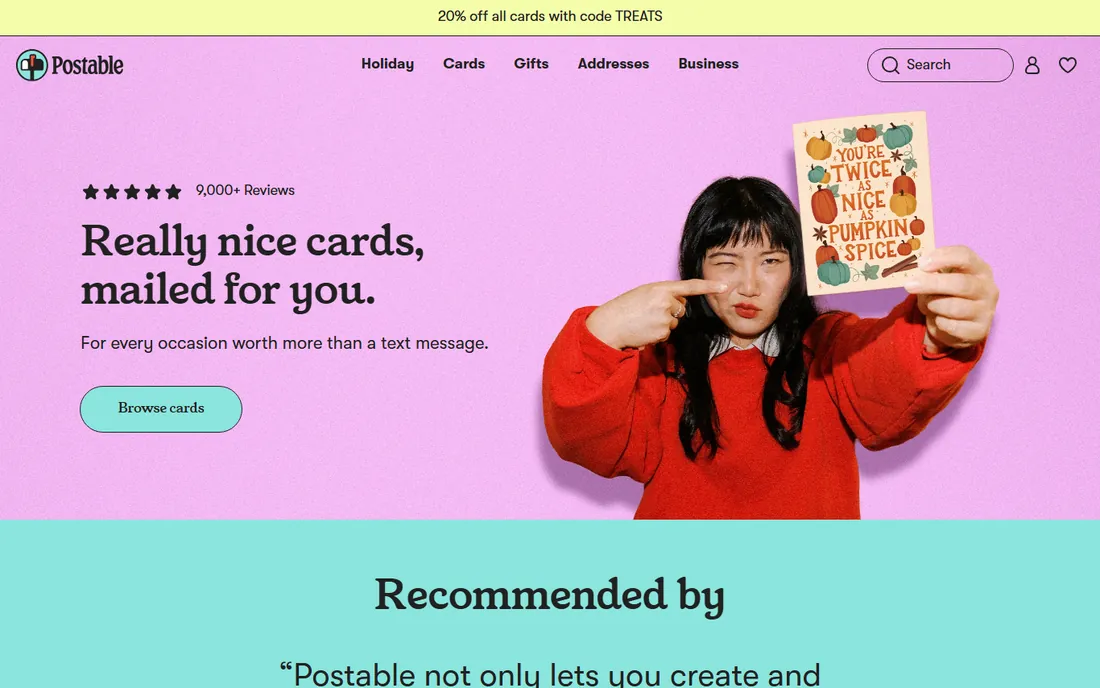
Postable is the odd one out here: it sends real paper cards through the mail. You pick a design, type your message, and Postable prints, addresses, stamps, and mails every card for you, with tracking so you can see where each card is. Pricing is all-inclusive per card with no hidden upcharges, and tiered discounts kick in for bulk orders.
The free address book is a sleeper feature: you get a personal link to collect friends' mailing addresses, which then lives in your account for every future mailing. The obvious limitation is speed. Cards mail the day after you order and take 2 to 6 days via USPS, so this is a plan-ahead tool, not a last-minute one. For holiday cards, thank-you notes, and invitations where paper still carries weight, it removes the entire addressing and stamping chore.
What we like- Prints, addresses, stamps, and mails cards for you
- Free address book and address collection
- Bulk discounts
Watch out for- Not a digital invitation platform
- Delivery takes about a week
Starting priceFree (Pro $144/year)
Free planYes
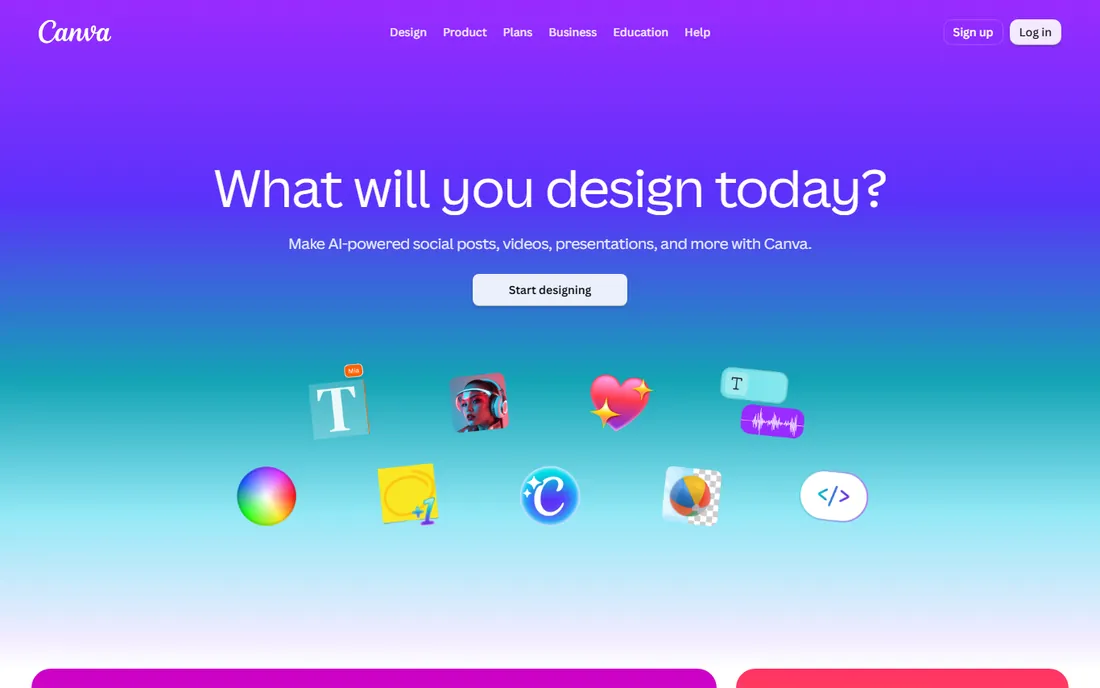
Canva is not an invitation platform in the RSVP sense, but it belongs on this list because so many people design their invitations here first. The free plan includes thousands of invitation templates, drag-and-drop editing, and sharing by link or download. Canva Pro at $144 per year adds premium templates and stock, background remover, and brand kits, plus Canva Print for ordering physical copies.
What you do not get is guest management: no RSVP tracking, no reminders, no seating charts. The common workflow is to design in Canva and send through Evite, Paperless Post, or Punchbowl (Evite even has a Canva app for direct upload). If you want full creative control over the artwork and are comfortable handling RSVPs separately, usually by text or a simple form, Canva's free tier is all you need.
What we like- Huge template and stock library
- Easy for non-designers
- Print ordering built in
Watch out for- No RSVP tracking or guest management
- Premium elements cost extra on free plan
How we chose
We started with the platforms people actually name when asked where they send invitations: Evite, Paperless Post, Punchbowl, and Greenvelope. We added RSVPify for the corporate and nonprofit end of the market, Greetings Island for the free DIY crowd, Postable for physical cards, and Canva because it is where a large share of invitation artwork gets designed. For each one we checked the vendor's own homepage and pricing page, scanned feature lists for RSVP and guest management tools, and read public reviews on G2, Capterra, and Trustpilot for recurring complaints. We did not test-send invitations ourselves, so our judgments rest on documented features, pricing, and patterns in user feedback.
Match the tool to the formality of the event
Weddings, galas, and milestone birthdays deserve the polish of Paperless Post or Greenvelope. Kids parties and casual dinners are fine on Evite or Punchbowl, and nobody will judge the platform when the party itself is the point.
Count your guests before you count the cost
Per-mailing pricing (Greenvelope) wins for one big event; subscriptions (Punchbowl, Evite Pro) win for frequent hosts; per-month event software (RSVPify) only makes sense if events are your job. Write down how many events you host per year before comparing prices.
Decide how you feel about ads
Free tiers on Evite and Punchbowl show ads to guests. Paperless Post, Greenvelope, and paid tiers everywhere else do not. For a wedding, pay the few dollars. For a soccer team pizza party, nobody cares.
Check the RSVP features you will actually use
Plus-one management, meal choices, deadlines, and reminders are the features that save real time. If you need seating charts or check-in scanning, you need RSVPify or Greenvelope, not a template site.
Free vs paid invitations: when the free plan is enough
For most casual events, the free plan is enough. Evite's free invitations handle design, sending, RSVP tracking, and reminders without charging you anything, and Greetings Island goes further by letting you download print-ready files for free. The moment to pay is when the event's formality exceeds what ads and watermarks allow (weddings, corporate events), when you host often enough that a subscription beats per-event pricing, or when you need features like seating charts, ticketing, or check-in. A good rule: if the invitations cost more than 5 percent of the event budget, step down a tier.
Frequently asked questions
What is the best online invitation platform for weddings?
Paperless Post and Greenvelope lead for weddings. Paperless Post offers the deepest designer template library and a pay-per-invite Coins model, while Greenvelope gives you animated envelope openings, seating charts, and a flat per-mailing price with no ads. Both let guests RSVP without creating an account.
Can I send invitations for free?
Yes. Evite, Greetings Island, and Canva all offer free tiers that cover designing and sending digital invitations, and RSVPify has a free plan for smaller events. Free plans usually include ads or watermarks and lock the fanciest templates behind a paid tier.
Which platform is best for kids birthday invitations?
Punchbowl, because of its officially licensed character designs (Disney, Bluey, PAW Patrol, and others), plus built-in RSVP tracking and potluck lists. Greetings Island is the best free alternative, with AI-assisted design tools and no sign-up required.
Do guests need an account to RSVP?
On most platforms, no. Evite, Paperless Post, Greenvelope, Punchbowl, Greetings Island, and RSVPify all let guests respond from a link without signing up or downloading an app. This is worth confirming before you commit, since account requirements kill response rates.
What is the cheapest way to send digital invitations?
Greetings Island and Evite's free tiers cost nothing for standard digital invitations. If you need premium designs without a subscription, Paperless Post's Coins model lets you pay a few dollars per invitation, and Greenvelope's flat $19 per mailing can be cheaper than a yearly plan for a single event.
Sources we checked (11)
- https://evite.com/
- https://www.paperlesspost.com
- https://www.punchbowl.com
- https://www.punchbowl.com/membership
- https://greenvelope.com/
- https://greetingsisland.com/
- https://postable.com/
- https://rsvpify.com/
- https://rsvpify.com/pricing/
- https://canva.com/
- https://www.canva.com/pricing/
Is your product missing or out of date?
We review this list regularly. Vendors can request a listing, send updated pricing or ask about featured placement.

Shihab Mia · Founder, Rankite
Shihab has spent more than a decade helping SaaS and e-commerce brands grow through search. He writes Rankite's software buying guides from pricing pages, documentation and public user reviews. More about Shihab.